Designs made by our community
Staff-picked ads, product scenes, and brand assets made in Hiding Elephant. See what production-ready creative looks like, then start your own.
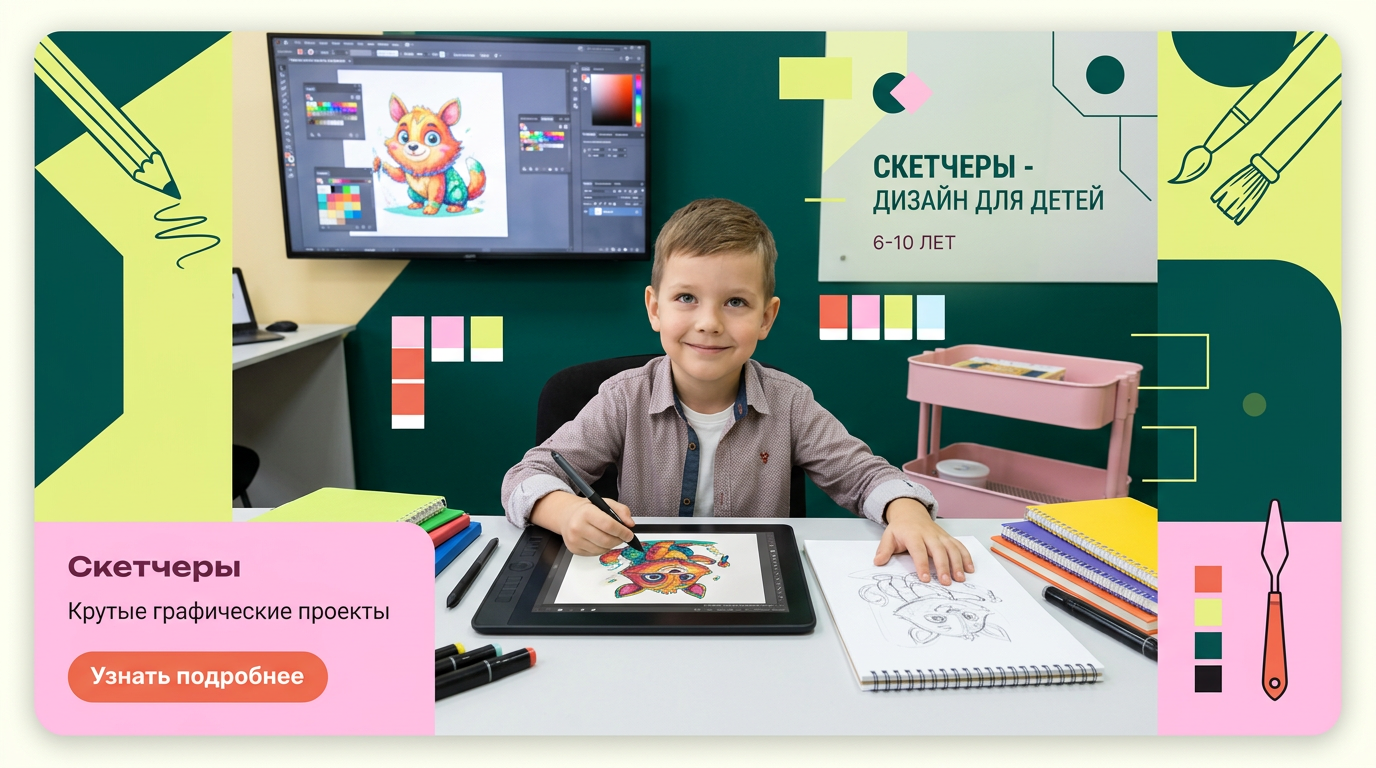
на фото 1 фирменные цвета. на фото 2 - карточка, для которой нужно сделать картинку. Что должна отражать картинка: направление обучения под названием "Скетчеры". Главный акцент на ребенка, фотореалим. Обучение дизайну для детей 6-10 лет Картинка должна быть с ребенком в центре (фото или генерация фотореализм), фон и элементы вокруг - любые. Цвета фирменнные. Элементы должны быть связаны с названием и передавать суть направления
by @Elephant_5574126
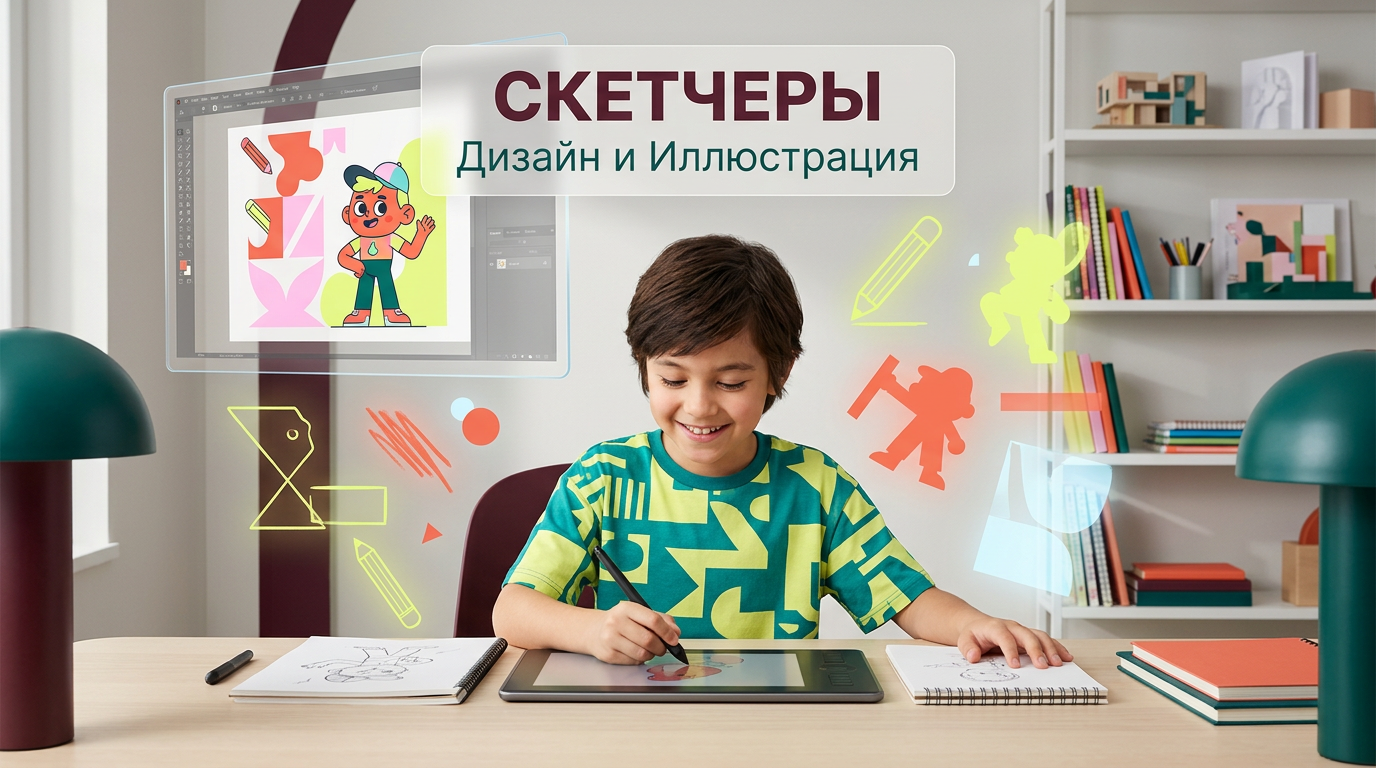
на фото 1 фирменные цвета. на фото 2 - карточка, для которой нужно сделать картинку. Что должна отражать картинка: направление обучения под названием "Скетчеры". Главный акцент на ребенка, фотореалим. Обучение дизайну для детей 6-10 лет Картинка должна быть с ребенком в центре (фото или генерация фотореализм), фон и элементы вокруг - любые. Цвета фирменнные. Элементы должны быть связаны с названием и передавать суть направления
by @Elephant_5574126

на фото 1 фирменные цвета. на фото 2 - карточка, для которой нужно сделать картинку. Что должна отражать картинка: направление обучения под названием "Скетчеры". Главный акцент на ребенка, фотореалим. Обучение дизайну для детей 6-10 лет Картинка должна быть с ребенком в центре (фото или генерация фотореализм), фон и элементы вокруг - любые. Цвета фирменнные. Элементы должны быть связаны с названием и передавать суть направления
by @Elephant_5574126
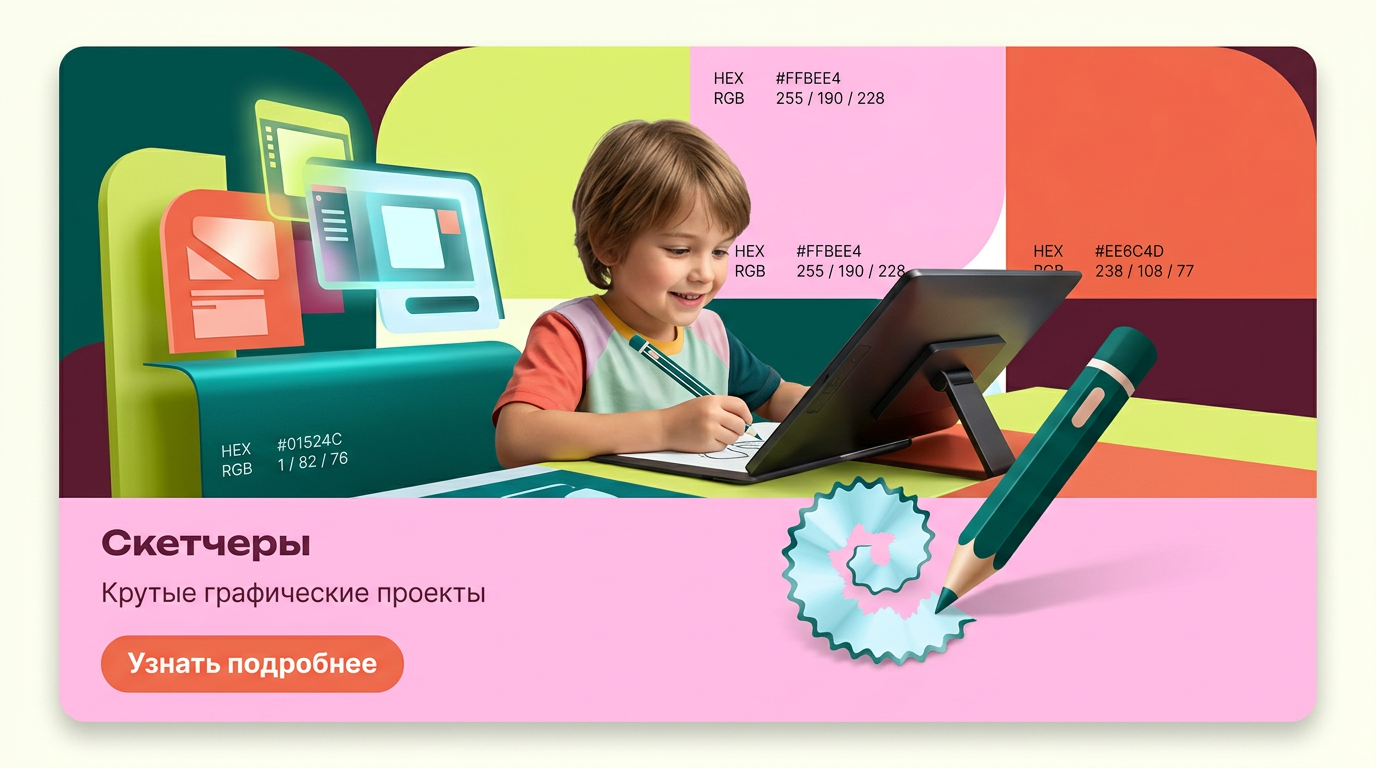
на фото 1 фирменные цвета. на фото 2 - карточка, для которой нужно сделать картинку. Что должна отражать картинка: направление обучения под названием "Скетчеры". Главный акцент на ребенка, фотореалим. Обучение дизайну для детей 6-10 лет Картинка должна быть с ребенком в центре (фото или генерация фотореализм), фон и элементы вокруг - любые. Цвета фирменнные. Элементы должны быть связаны с названием и передавать суть направления
by @Elephant_5574126
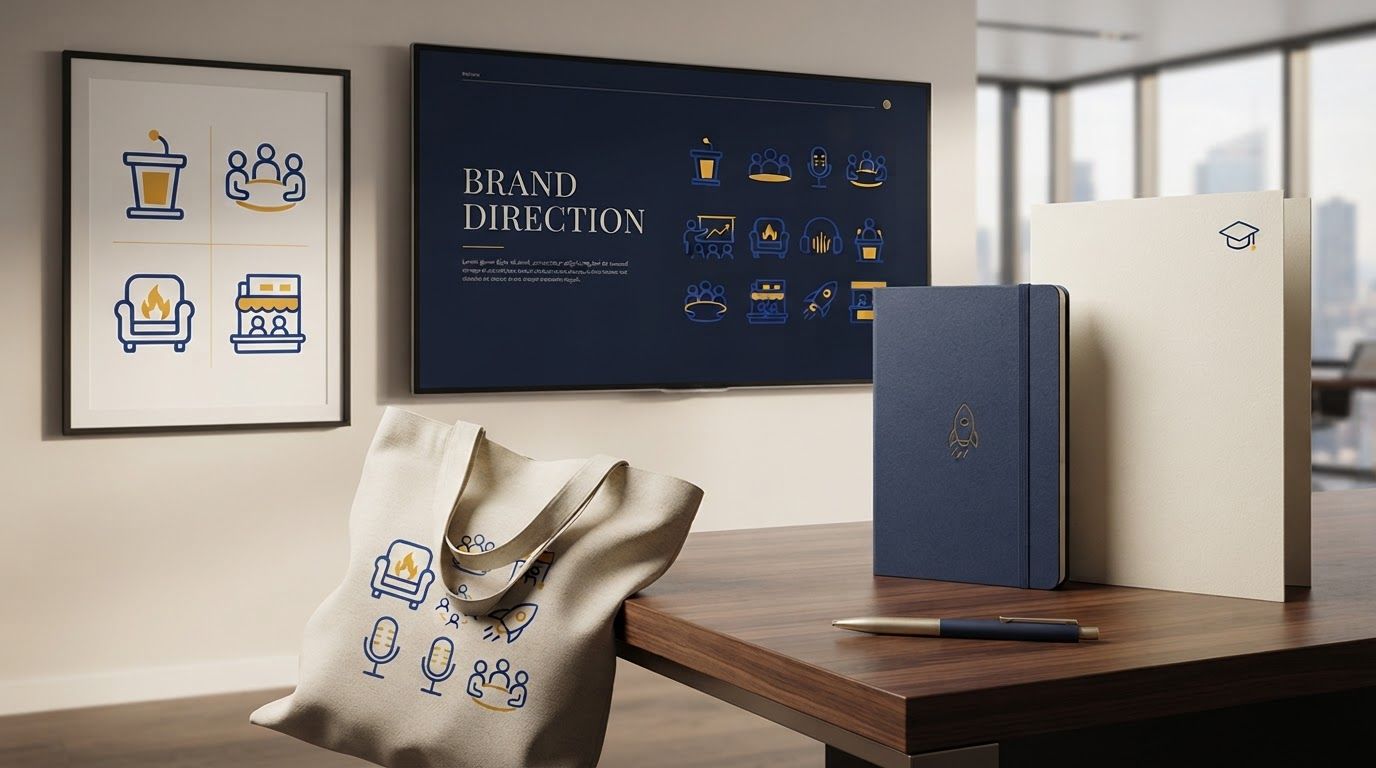

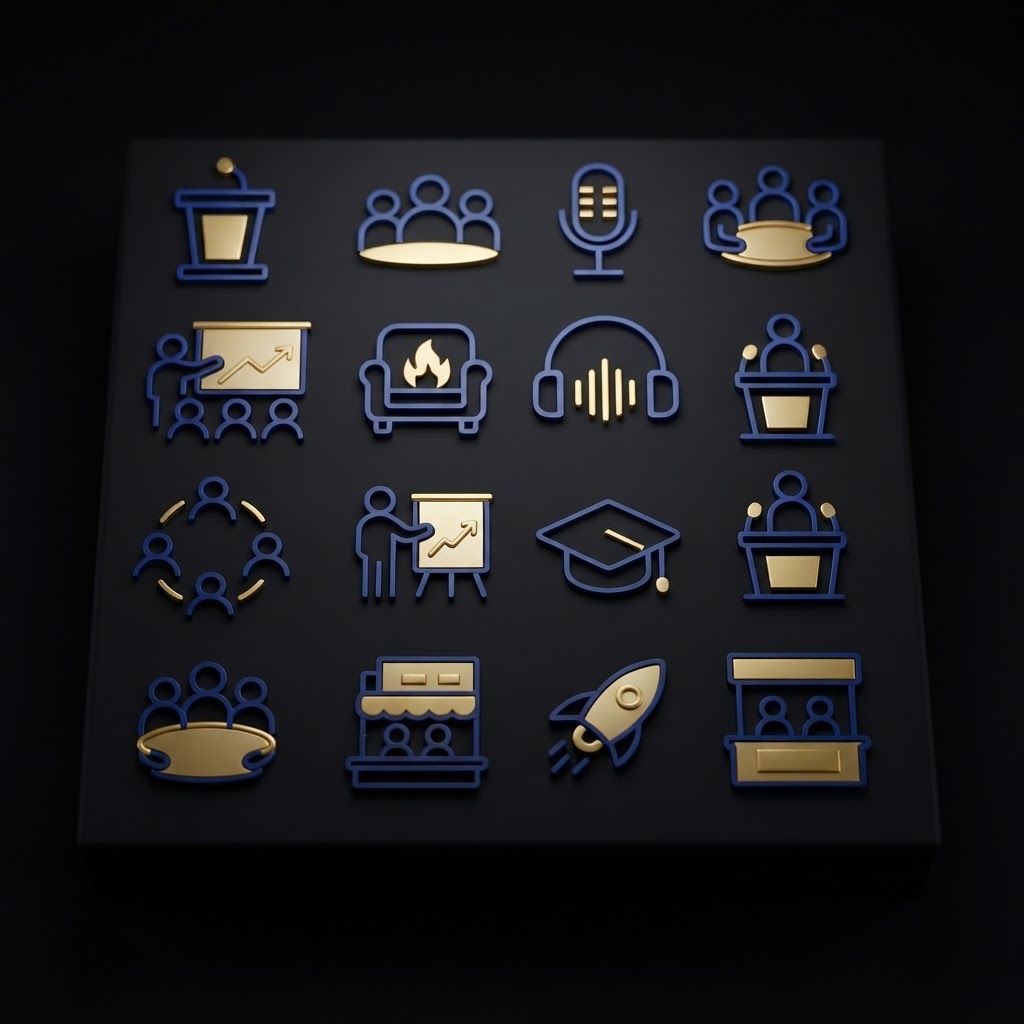
Premium logo presentation mockup concept for Generate a cohesive set of blue, white, and yellow outline icons representing business, presentation, and event themes on a black background.. Logo or brand mark displayed on a clean neutral surface with subtle depth, refined shadow, precise alignment, elegant design-studio presentation, no extra readable text. Feature the product (Business and Event Icon Set) from the attached product reference image as the central subject — preserve its shape, color, logos, and details with full fidelity. An array of sixteen minimal outline icons in royal blue, white, and golden yellow featuring themes like microphones, podiums, people, graduation caps, and rockets, set against a solid black background. An array of sixteen minimal outline icons in royal blue, white, and golden yellow featuring themes like microphones, podiums, people, graduation caps, and rockets, set against a solid black background.
by @Elephant_3171586





A minimalist medical emblem logo for a surgeon. A clean vector side profile of a masked doctor in a surgical cap. The curves of the face profile, the mask contour, and the shoulder loop seamlessly intertwine to reveal the hidden monogram initials "ST" in a highly creative, clever layout. Colors: gradient of dark teal and rich slate blue, isolated on a crisp solid white background. Modern, clinical, premium healthcare icon, flat design, no messy shading.
by @Elephant_8753738

A minimalist medical emblem logo for a surgeon. A clean vector side profile of a masked doctor in a surgical cap. The curves of the face profile, the mask contour, and the shoulder loop seamlessly intertwine to reveal the hidden monogram initials "ST" in a highly creative, clever layout. Colors: gradient of dark teal and rich slate blue, isolated on a crisp solid white background. Modern, clinical, premium healthcare icon, flat design, no messy shading.
by @Elephant_8753738

A minimalist medical emblem logo for a surgeon. A clean vector side profile of a masked doctor in a surgical cap. The curves of the face profile, the mask contour, and the shoulder loop seamlessly intertwine to reveal the hidden monogram initials "ST" in a highly creative, clever layout. Colors: gradient of dark teal and rich slate blue, isolated on a crisp solid white background. Modern, clinical, premium healthcare icon, flat design, no messy shading.
by @Elephant_8753738

A minimalist medical emblem logo for a surgeon. A clean vector side profile of a masked doctor in a surgical cap. The curves of the face profile, the mask contour, and the shoulder loop seamlessly intertwine to reveal the hidden monogram initials "ST" in a highly creative, clever layout. Colors: gradient of dark teal and rich slate blue, isolated on a crisp solid white background. Modern, clinical, premium healthcare icon, flat design, no messy shading.
by @Elephant_8753738

A minimalist medical emblem logo for a surgeon. A clean vector side profile of a masked doctor in a surgical cap. The curves of the face profile, the mask contour, and the shoulder loop seamlessly intertwine to reveal the hidden monogram initials "ST" in a highly creative, clever layout. Colors: gradient of dark teal and rich slate blue, isolated on a crisp solid white background. Modern, clinical, premium healthcare icon, flat design, no messy shading.
by @Elephant_8753738

A minimalist medical emblem logo for a surgeon. A clean vector side profile of a masked doctor in a surgical cap. The curves of the face profile, the mask contour, and the shoulder loop seamlessly intertwine to reveal the hidden monogram initials "ST" in a highly creative, clever layout. Colors: gradient of dark teal and rich slate blue, isolated on a crisp solid white background. Modern, clinical, premium healthcare icon, flat design, no messy shading.
by @Elephant_8753738




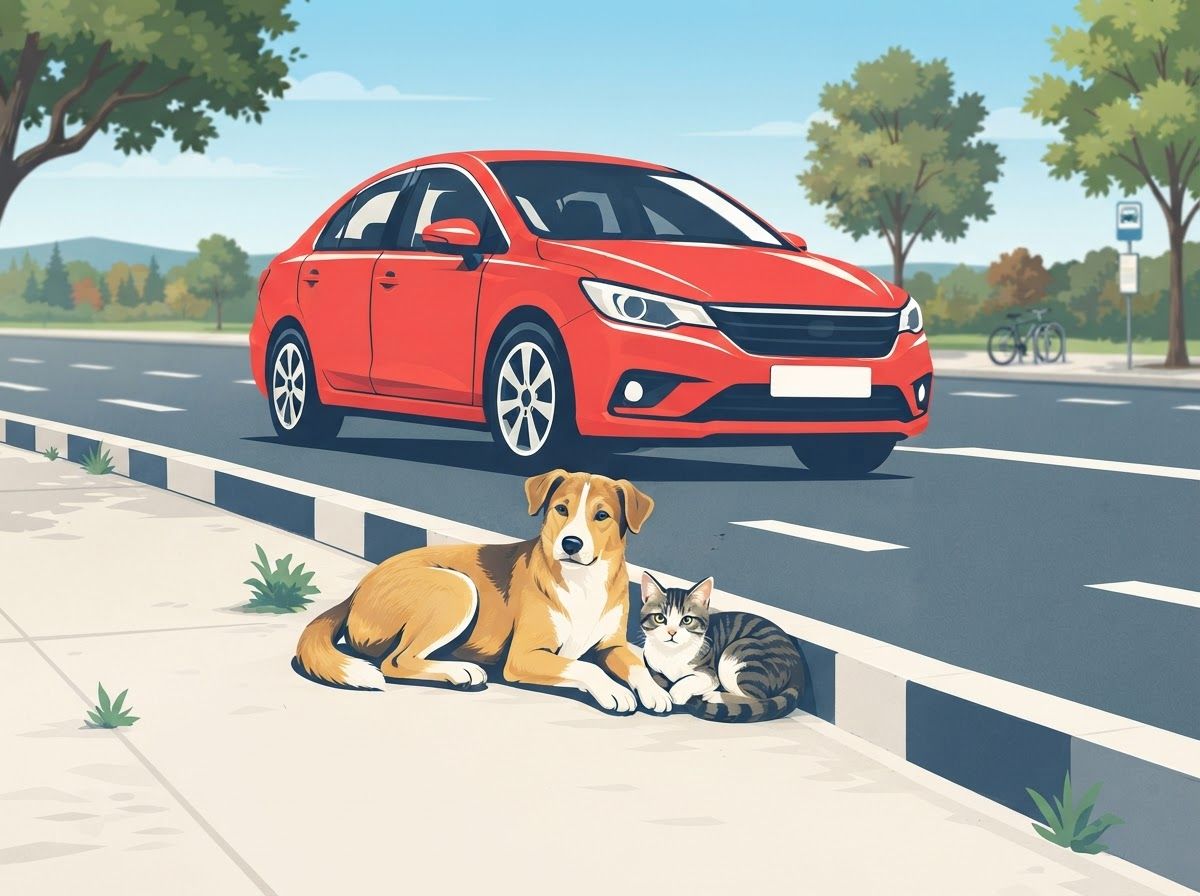
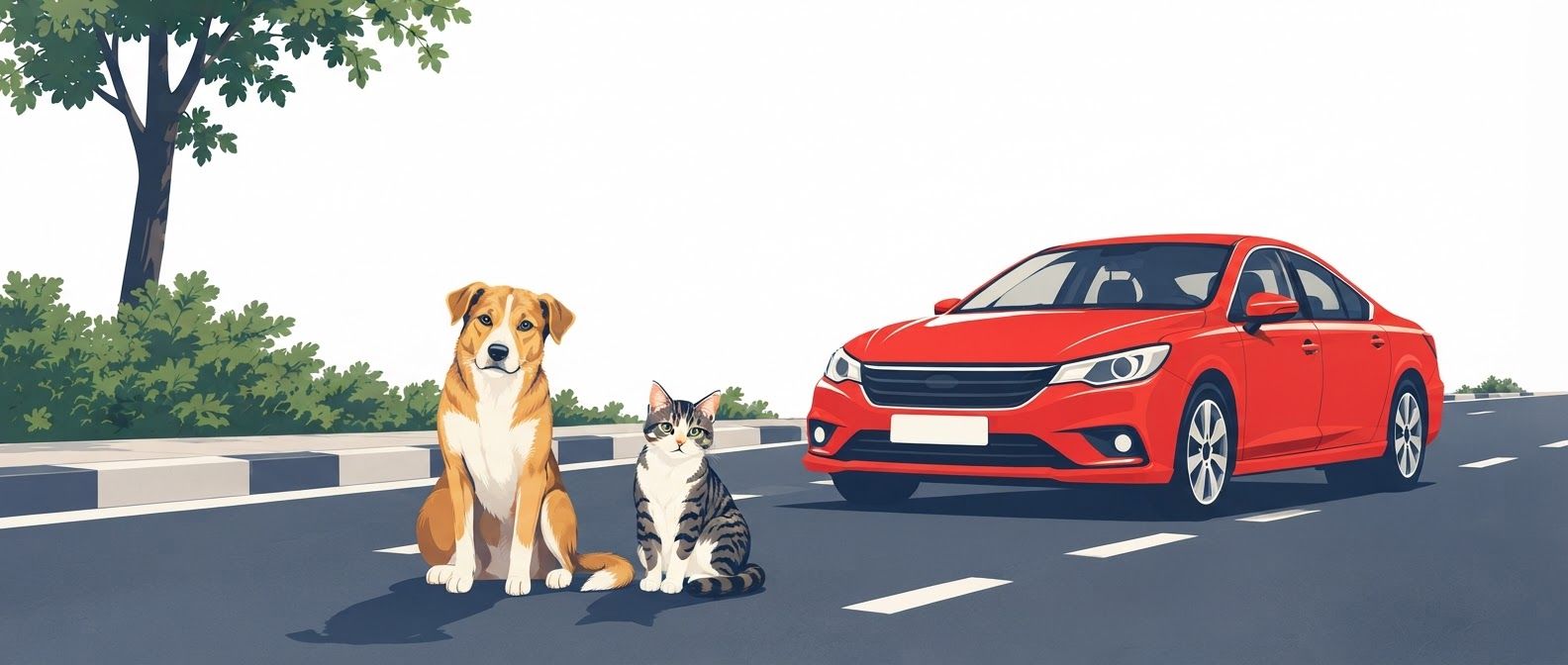
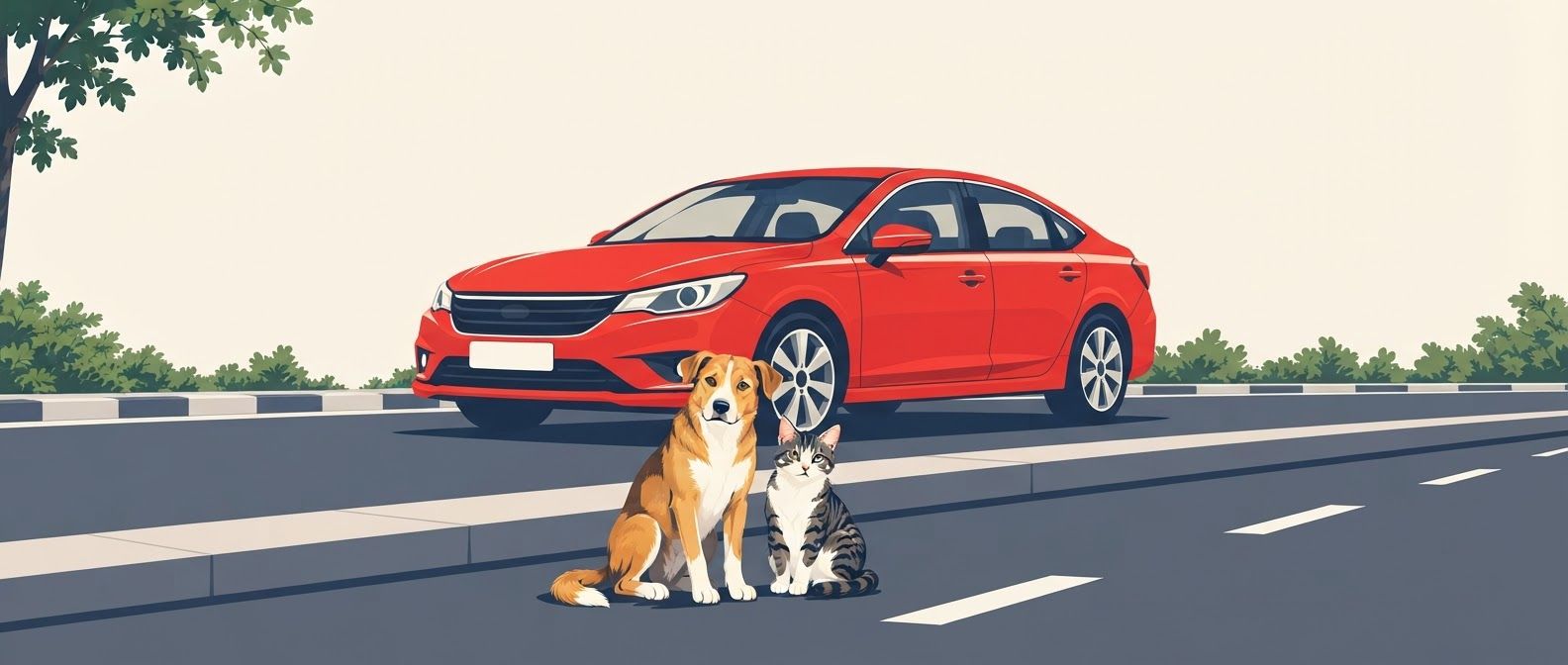
create another, have the dog and cat sitting on the street 1. Main composition and visual hierarchy Design a portrait-oriented poster with a balanced, carefully structured composition and an immediate visual focal point. - Primary subject: the car. Illustrate a clearly recognizable modern passenger car occupying the central or upper-middle portion of the composition. Show the vehicle in a readable three-quarter front-side view, with distinct wheels, windows, headlights, bumper, windshield, and body panels. Keep the proportions believable while simplifying the details into bold vector shapes. - Secondary subjects: the dog and cat. Place a dog and a cat resting peacefully beside the same street, clearly separated from the car's wheels and path. Both animals must be fully visible, identifiable at first glance, and large enough to remain readable when the poster is viewed from a distance. - Street environment. Depict the road using a few strong geometric elements, such as a broad roadway, curb, pavement, and simplified lane markings. The road must be unmistakable without requiring a detailed cityscape. - Visual relationship. Establish a clear spatial relationship between the car, roadway, curb, and animals. The car should appear to be travelling along the street or slowing down near the animals, while the dog and cat occupy a safe resting area beside the road. Their placement should communicate that drivers must remain alert and give animals space. - Negative space. Preserve generous uncluttered space, particularly in the upper section and around the main illustration, so campaign organizers can add a protest slogan, event information, or supporting text later in a design application. 2. Character design: dog and cat Illustrate the animals using expressive yet simplified vector forms. Dog: A friendly, medium-sized street dog with recognizable canine proportions, upright or relaxed ears, a clear muzzle, four distinguishable legs, and a naturally curved tail. Show the dog lying comfortably on the pavement beside the curb, with its body resting on the ground and its head slightly raised. Its posture should communicate calmness, vulnerability, and the right to occupy public space safely. Cat: A recognizable domestic street cat resting beside the dog. Give it pointed ears, a rounded body, a distinct tail, and clearly defined paws. Show the cat sitting in a relaxed position or curled up comfortably near the curb. Ensure its silhouette remains visually distinct from the dog's silhouette. The dog and cat should have a gentle, peaceful presence rather than exaggerated cartoon expressions. Avoid anthropomorphic poses, clothing, human facial expressions, or overly cute mascot styling. Their visual appeal should come from clean silhouettes, thoughtful proportions, and simple, expressive shapes. 3. Car design and road safety storytelling The car must be immediately recognizable as a road vehicle, not a generic abstract shape. - Use a conventional passenger-car silhouette with accurate wheel placement and a clearly defined front and rear. - Ensure both wheels are visible where the chosen perspective permits, with circular tires and simple hub details. - Keep the vehicle's perspective consistent with the road and surrounding objects. - Position the vehicle so it does not obscure the animals or overlap their silhouettes. - Show a clear margin between the car's wheels and the resting animals. - Use a grounded perspective, with the road, curb, and pavement aligned logically. - If appropriate, incorporate a simple road-edge marking or curb boundary to reinforce the separation between the vehicle lane and the animals' resting area. The intended narrative should be immediately understood: vehicles share streets with animals, and responsible driving helps keep them safe. Convey urgency through graphic contrast and purposeful composition, not through depictions of accidents, injured animals, or graphic violence. 4. Color palette Use a limited, high-contrast palette suitable for a protest poster that needs to attract attention in public spaces. Use warm ivory or pale cream as the main background, charcoal for strong outlines and road details, and protest red or safety yellow for selected high-impact areas. Muted green may be used sparingly for small environmental accents. Maintain clear contrast between the car, animals, pavement, and background. Give the dog and cat distinct coat colors so their silhouettes do not merge with the roadway. Avoid using too many colors or gradients, and ensure that the artwork remains effective when reproduced using inexpensive poster printing. 5. Graphic language and finish - Strictly flat, two-dimensional vector artwork. - Solid color fills with clean, precise edges. - Bold, simplified geometric construction. - Consistent line weight and deliberate silhouette design. - Strong figure-ground separation. - Minimal environmental details. - Contemporary editorial illustration with the visual impact of a protest graphic. - Carefully controlled asymmetry to create movement without making the layout feel unstable. - Crisp, polished shapes that resemble professionally produced vector artwork. - High legibility at both close range and from across a street. - Print-friendly colors and clean outer contours. The artwork should feel serious enough for a public protest, compassionate toward street animals, and visually powerful without becoming aggressive or overly decorative. 6. Poster layout and print specifications - Format: Portrait poster, preferably 2:3 aspect ratio, adaptable to A3 or A2 printing. - Composition: One unified illustration with a clear central focal point. - Visual hierarchy: Car first, dog and cat second, simplified street environment third. - Margins: Keep all essential illustrated elements within a comfortable print-safe area. - Text: Absolutely no text, letters, numbers, captions, slogans, signage, watermarks, or logos. - Background: Simple, uncluttered, and integrated with the vector scene. - Output quality: High-resolution, sharp-edged artwork suitable for large-format printing and subsequent graphic design editing. 7. Negative prompt Photorealism, hyperrealistic rendering, 3D models, CGI, glossy surfaces, painterly brushwork, watercolor, oil painting, pencil sketches, photographic textures, complex gradients, excessive shadows, dramatic cinematic lighting, overly detailed buildings, crowded traffic, multiple distracting vehicles, distorted car proportions, incorrect wheel placement, floating objects, inconsistent perspective, anatomically confusing animals, extra legs, missing paws, fused animal silhouettes, obscured dog, obscured cat, animals positioned directly under wheels, animals blocking the car's wheels, injured animals, blood, accident scenes, aggressive animals, anthropomorphic characters, excessive decorative elements, busy patterns, complicated backgrounds, illegible details, text, typography, letters, numbers, logos, watermarks, borders that crowd the artwork. Final creative direction: The finished poster should resemble a bold, professionally art-directed animal welfare protest graphic. At first glance, viewers should recognize a car on a street and a dog and cat resting safely beside it. The illustration should be emotionally engaging, compositionally balanced, visually direct, and completely free of text, leaving the campaign message open for later customization.
by @Elephant_3756952
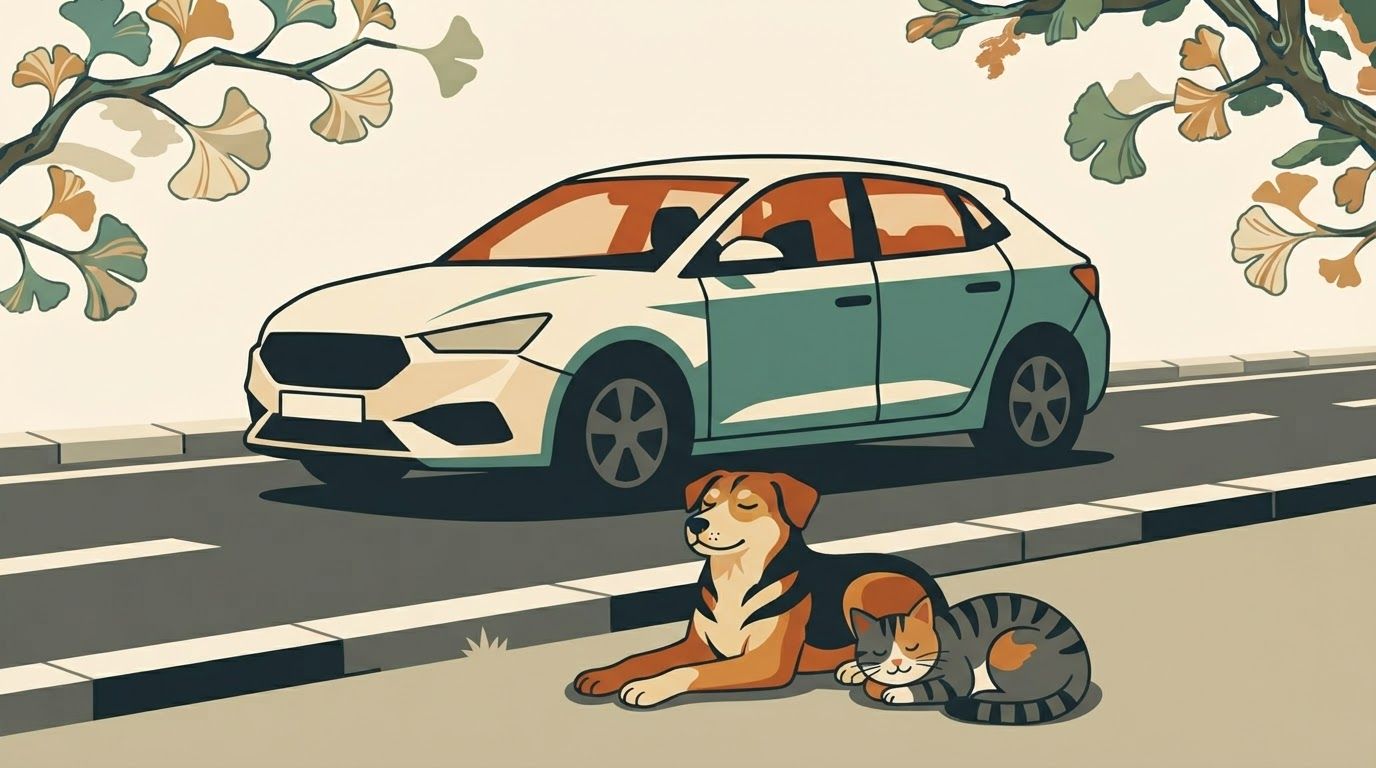
1. Main composition and visual hierarchy Design a portrait-oriented poster with a balanced, carefully structured composition and an immediate visual focal point. - Primary subject: the car. Illustrate a clearly recognizable modern passenger car occupying the central or upper-middle portion of the composition. Show the vehicle in a readable three-quarter front-side view, with distinct wheels, windows, headlights, bumper, windshield, and body panels. Keep the proportions believable while simplifying the details into bold vector shapes. - Secondary subjects: the dog and cat. Place a dog and a cat resting peacefully beside the same street, clearly separated from the car's wheels and path. Both animals must be fully visible, identifiable at first glance, and large enough to remain readable when the poster is viewed from a distance. - Street environment. Depict the road using a few strong geometric elements, such as a broad roadway, curb, pavement, and simplified lane markings. The road must be unmistakable without requiring a detailed cityscape. - Visual relationship. Establish a clear spatial relationship between the car, roadway, curb, and animals. The car should appear to be travelling along the street or slowing down near the animals, while the dog and cat occupy a safe resting area beside the road. Their placement should communicate that drivers must remain alert and give animals space. - Negative space. Preserve generous uncluttered space, particularly in the upper section and around the main illustration, so campaign organizers can add a protest slogan, event information, or supporting text later in a design application. 2. Character design: dog and cat Illustrate the animals using expressive yet simplified vector forms. Dog: A friendly, medium-sized street dog with recognizable canine proportions, upright or relaxed ears, a clear muzzle, four distinguishable legs, and a naturally curved tail. Show the dog lying comfortably on the pavement beside the curb, with its body resting on the ground and its head slightly raised. Its posture should communicate calmness, vulnerability, and the right to occupy public space safely. Cat: A recognizable domestic street cat resting beside the dog. Give it pointed ears, a rounded body, a distinct tail, and clearly defined paws. Show the cat sitting in a relaxed position or curled up comfortably near the curb. Ensure its silhouette remains visually distinct from the dog's silhouette. The dog and cat should have a gentle, peaceful presence rather than exaggerated cartoon expressions. Avoid anthropomorphic poses, clothing, human facial expressions, or overly cute mascot styling. Their visual appeal should come from clean silhouettes, thoughtful proportions, and simple, expressive shapes. 3. Car design and road safety storytelling The car must be immediately recognizable as a road vehicle, not a generic abstract shape. - Use a conventional passenger-car silhouette with accurate wheel placement and a clearly defined front and rear. - Ensure both wheels are visible where the chosen perspective permits, with circular tires and simple hub details. - Keep the vehicle's perspective consistent with the road and surrounding objects. - Position the vehicle so it does not obscure the animals or overlap their silhouettes. - Show a clear margin between the car's wheels and the resting animals. - Use a grounded perspective, with the road, curb, and pavement aligned logically. - If appropriate, incorporate a simple road-edge marking or curb boundary to reinforce the separation between the vehicle lane and the animals' resting area. The intended narrative should be immediately understood: vehicles share streets with animals, and responsible driving helps keep them safe. Convey urgency through graphic contrast and purposeful composition, not through depictions of accidents, injured animals, or graphic violence. 4. Color palette Use a limited, high-contrast palette suitable for a protest poster that needs to attract attention in public spaces. Use warm ivory or pale cream as the main background, charcoal for strong outlines and road details, and protest red or safety yellow for selected high-impact areas. Muted green may be used sparingly for small environmental accents. Maintain clear contrast between the car, animals, pavement, and background. Give the dog and cat distinct coat colors so their silhouettes do not merge with the roadway. Avoid using too many colors or gradients, and ensure that the artwork remains effective when reproduced using inexpensive poster printing. 5. Graphic language and finish - Strictly flat, two-dimensional vector artwork. - Solid color fills with clean, precise edges. - Bold, simplified geometric construction. - Consistent line weight and deliberate silhouette design. - Strong figure-ground separation. - Minimal environmental details. - Contemporary editorial illustration with the visual impact of a protest graphic. - Carefully controlled asymmetry to create movement without making the layout feel unstable. - Crisp, polished shapes that resemble professionally produced vector artwork. - High legibility at both close range and from across a street. - Print-friendly colors and clean outer contours. The artwork should feel serious enough for a public protest, compassionate toward street animals, and visually powerful without becoming aggressive or overly decorative. 6. Poster layout and print specifications - Format: Portrait poster, preferably 2:3 aspect ratio, adaptable to A3 or A2 printing. - Composition: One unified illustration with a clear central focal point. - Visual hierarchy: Car first, dog and cat second, simplified street environment third. - Margins: Keep all essential illustrated elements within a comfortable print-safe area. - Text: Absolutely no text, letters, numbers, captions, slogans, signage, watermarks, or logos. - Background: Simple, uncluttered, and integrated with the vector scene. - Output quality: High-resolution, sharp-edged artwork suitable for large-format printing and subsequent graphic design editing. 7. Negative prompt Photorealism, hyperrealistic rendering, 3D models, CGI, glossy surfaces, painterly brushwork, watercolor, oil painting, pencil sketches, photographic textures, complex gradients, excessive shadows, dramatic cinematic lighting, overly detailed buildings, crowded traffic, multiple distracting vehicles, distorted car proportions, incorrect wheel placement, floating objects, inconsistent perspective, anatomically confusing animals, extra legs, missing paws, fused animal silhouettes, obscured dog, obscured cat, animals positioned directly under wheels, animals blocking the car's wheels, injured animals, blood, accident scenes, aggressive animals, anthropomorphic characters, excessive decorative elements, busy patterns, complicated backgrounds, illegible details, text, typography, letters, numbers, logos, watermarks, borders that crowd the artwork. Final creative direction: The finished poster should resemble a bold, professionally art-directed animal welfare protest graphic. At first glance, viewers should recognize a car on a street and a dog and cat resting safely beside it. The illustration should be emotionally engaging, compositionally balanced, visually direct, and completely free of text, leaving the campaign message open for later customization.
by @Elephant_3756952
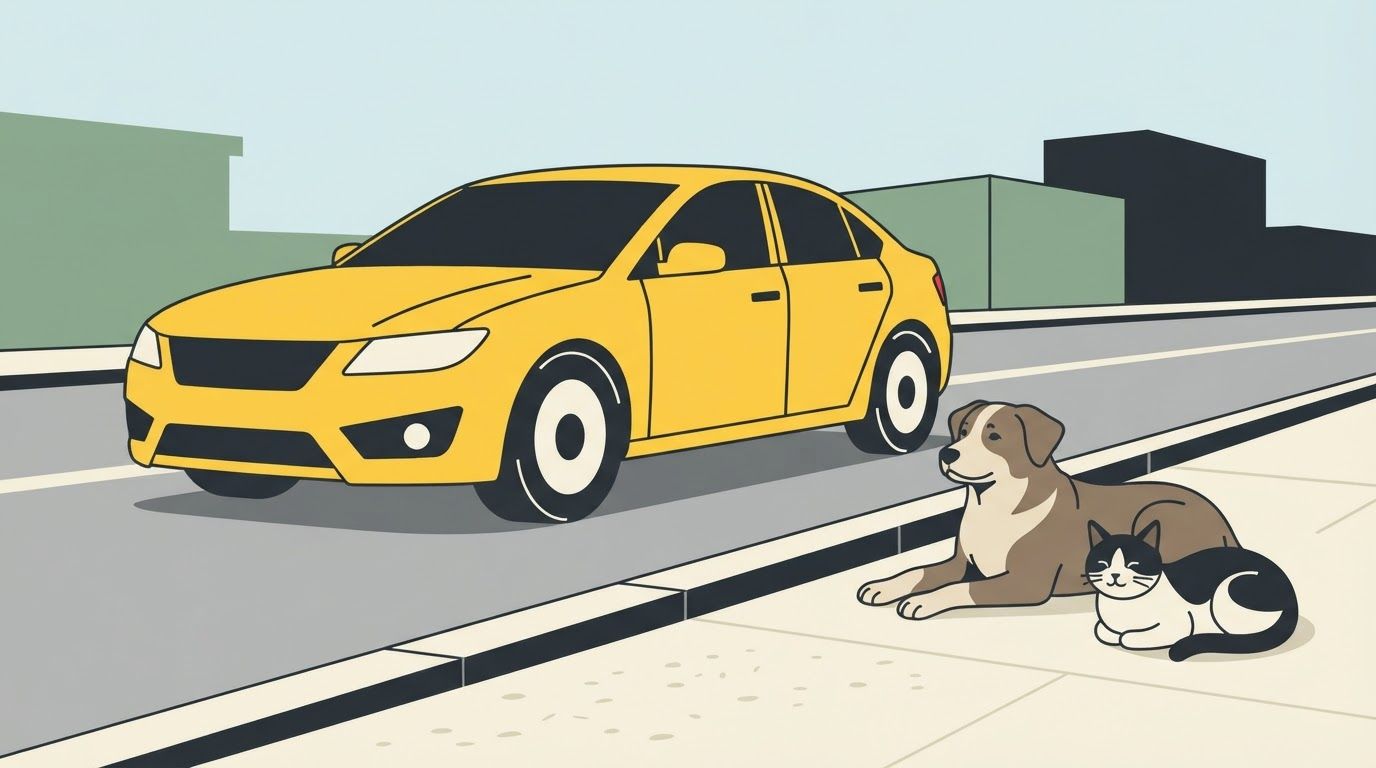
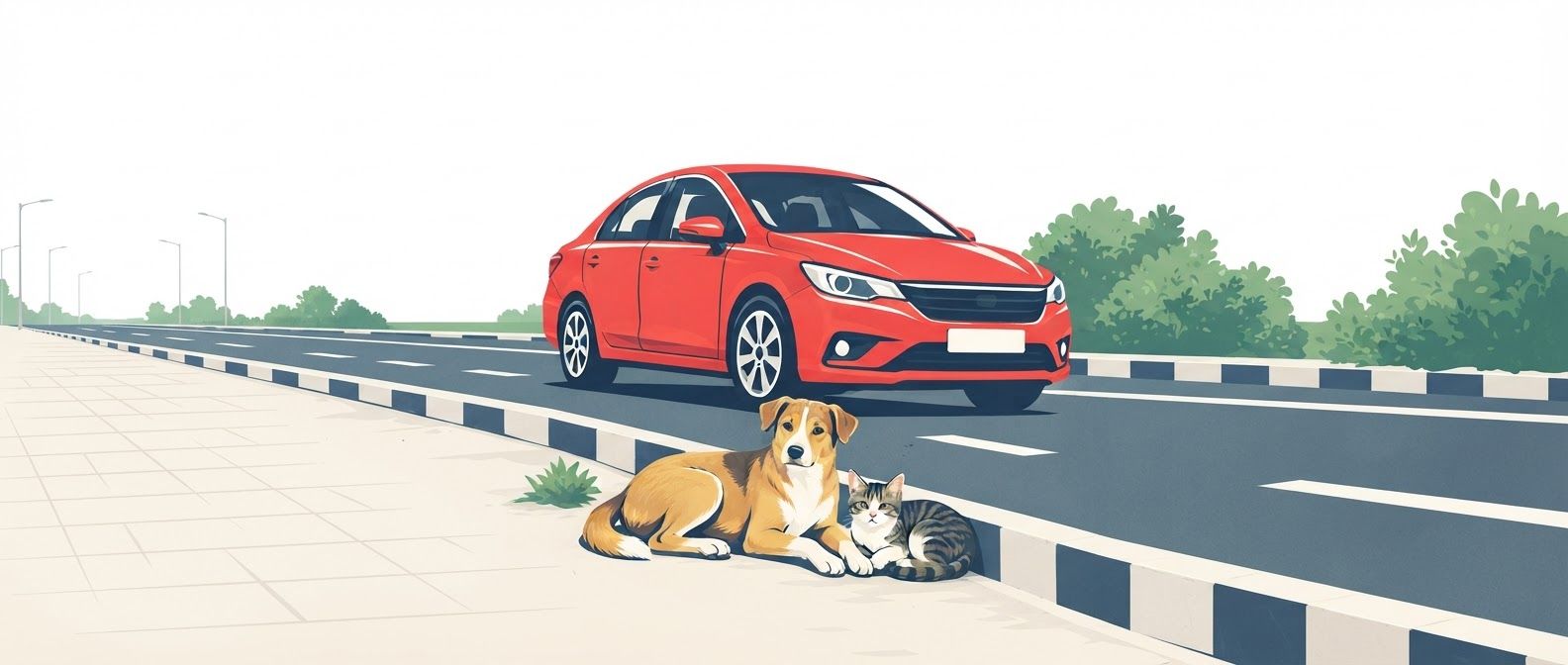
1. Main composition and visual hierarchy Design a portrait-oriented poster with a balanced, carefully structured composition and an immediate visual focal point. - Primary subject: the car. Illustrate a clearly recognizable modern passenger car occupying the central or upper-middle portion of the composition. Show the vehicle in a readable three-quarter front-side view, with distinct wheels, windows, headlights, bumper, windshield, and body panels. Keep the proportions believable while simplifying the details into bold vector shapes. - Secondary subjects: the dog and cat. Place a dog and a cat resting peacefully beside the same street, clearly separated from the car's wheels and path. Both animals must be fully visible, identifiable at first glance, and large enough to remain readable when the poster is viewed from a distance. - Street environment. Depict the road using a few strong geometric elements, such as a broad roadway, curb, pavement, and simplified lane markings. The road must be unmistakable without requiring a detailed cityscape. - Visual relationship. Establish a clear spatial relationship between the car, roadway, curb, and animals. The car should appear to be travelling along the street or slowing down near the animals, while the dog and cat occupy a safe resting area beside the road. Their placement should communicate that drivers must remain alert and give animals space. - Negative space. Preserve generous uncluttered space, particularly in the upper section and around the main illustration, so campaign organizers can add a protest slogan, event information, or supporting text later in a design application. 2. Character design: dog and cat Illustrate the animals using expressive yet simplified vector forms. Dog: A friendly, medium-sized street dog with recognizable canine proportions, upright or relaxed ears, a clear muzzle, four distinguishable legs, and a naturally curved tail. Show the dog lying comfortably on the pavement beside the curb, with its body resting on the ground and its head slightly raised. Its posture should communicate calmness, vulnerability, and the right to occupy public space safely. Cat: A recognizable domestic street cat resting beside the dog. Give it pointed ears, a rounded body, a distinct tail, and clearly defined paws. Show the cat sitting in a relaxed position or curled up comfortably near the curb. Ensure its silhouette remains visually distinct from the dog's silhouette. The dog and cat should have a gentle, peaceful presence rather than exaggerated cartoon expressions. Avoid anthropomorphic poses, clothing, human facial expressions, or overly cute mascot styling. Their visual appeal should come from clean silhouettes, thoughtful proportions, and simple, expressive shapes. 3. Car design and road safety storytelling The car must be immediately recognizable as a road vehicle, not a generic abstract shape. - Use a conventional passenger-car silhouette with accurate wheel placement and a clearly defined front and rear. - Ensure both wheels are visible where the chosen perspective permits, with circular tires and simple hub details. - Keep the vehicle's perspective consistent with the road and surrounding objects. - Position the vehicle so it does not obscure the animals or overlap their silhouettes. - Show a clear margin between the car's wheels and the resting animals. - Use a grounded perspective, with the road, curb, and pavement aligned logically. - If appropriate, incorporate a simple road-edge marking or curb boundary to reinforce the separation between the vehicle lane and the animals' resting area. The intended narrative should be immediately understood: vehicles share streets with animals, and responsible driving helps keep them safe. Convey urgency through graphic contrast and purposeful composition, not through depictions of accidents, injured animals, or graphic violence. 4. Color palette Use a limited, high-contrast palette suitable for a protest poster that needs to attract attention in public spaces. Use warm ivory or pale cream as the main background, charcoal for strong outlines and road details, and protest red or safety yellow for selected high-impact areas. Muted green may be used sparingly for small environmental accents. Maintain clear contrast between the car, animals, pavement, and background. Give the dog and cat distinct coat colors so their silhouettes do not merge with the roadway. Avoid using too many colors or gradients, and ensure that the artwork remains effective when reproduced using inexpensive poster printing. 5. Graphic language and finish - Strictly flat, two-dimensional vector artwork. - Solid color fills with clean, precise edges. - Bold, simplified geometric construction. - Consistent line weight and deliberate silhouette design. - Strong figure-ground separation. - Minimal environmental details. - Contemporary editorial illustration with the visual impact of a protest graphic. - Carefully controlled asymmetry to create movement without making the layout feel unstable. - Crisp, polished shapes that resemble professionally produced vector artwork. - High legibility at both close range and from across a street. - Print-friendly colors and clean outer contours. The artwork should feel serious enough for a public protest, compassionate toward street animals, and visually powerful without becoming aggressive or overly decorative. 6. Poster layout and print specifications - Format: Portrait poster, preferably 2:3 aspect ratio, adaptable to A3 or A2 printing. - Composition: One unified illustration with a clear central focal point. - Visual hierarchy: Car first, dog and cat second, simplified street environment third. - Margins: Keep all essential illustrated elements within a comfortable print-safe area. - Text: Absolutely no text, letters, numbers, captions, slogans, signage, watermarks, or logos. - Background: Simple, uncluttered, and integrated with the vector scene. - Output quality: High-resolution, sharp-edged artwork suitable for large-format printing and subsequent graphic design editing. 7. Negative prompt Photorealism, hyperrealistic rendering, 3D models, CGI, glossy surfaces, painterly brushwork, watercolor, oil painting, pencil sketches, photographic textures, complex gradients, excessive shadows, dramatic cinematic lighting, overly detailed buildings, crowded traffic, multiple distracting vehicles, distorted car proportions, incorrect wheel placement, floating objects, inconsistent perspective, anatomically confusing animals, extra legs, missing paws, fused animal silhouettes, obscured dog, obscured cat, animals positioned directly under wheels, animals blocking the car's wheels, injured animals, blood, accident scenes, aggressive animals, anthropomorphic characters, excessive decorative elements, busy patterns, complicated backgrounds, illegible details, text, typography, letters, numbers, logos, watermarks, borders that crowd the artwork. Final creative direction: The finished poster should resemble a bold, professionally art-directed animal welfare protest graphic. At first glance, viewers should recognize a car on a street and a dog and cat resting safely beside it. The illustration should be emotionally engaging, compositionally balanced, visually direct, and completely free of text, leaving the campaign message open for later customization. This is a wide 16:9 image for video. Design the layout for that shape. Fill the whole frame edge to edge and scale the subject large. Do not leave empty margin.
by @Elephant_3756952
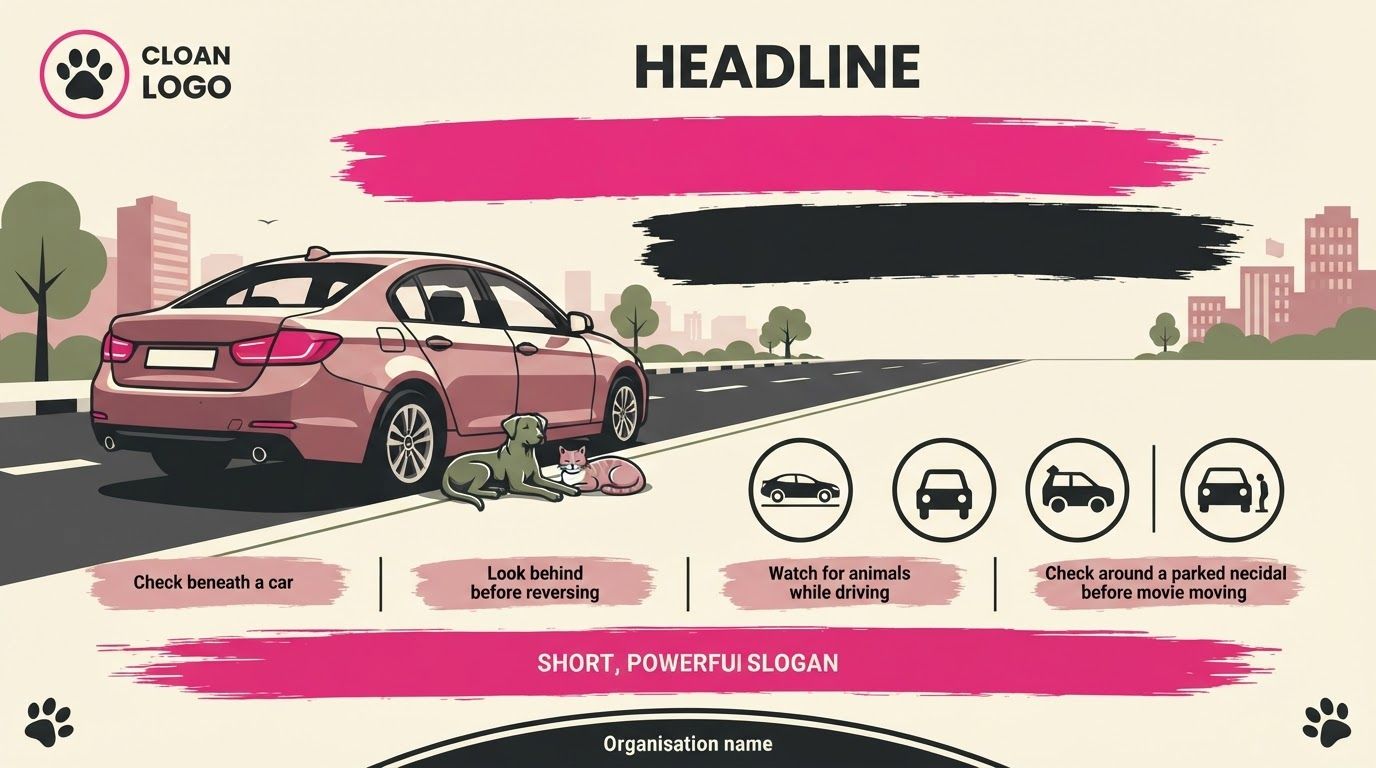
Create a professionally art-directed, vertical A3 awareness and protest poster template for Pampered Paws Bangladesh, promoting street safety for stray animals and preventing injuries caused by vehicles. The design should feel bold, socially conscious, modern, and visually striking, combining clean flat-vector illustration, strong geometric shapes, and a limited palette of cream, charcoal black, hot magenta pink, dusty rose, and muted olive green. Main illustration and composition: Create a clear, believable street scene as the central visual. Show a realistically proportioned parked passenger car from a low, rear three-quarter angle, positioned prominently on the left side of the composition. The car must have anatomically and mechanically accurate wheels, tires, body panels, rear lights, and road contact. It should be parked naturally on an urban street, with the curb, pavement, road markings, trees, and simplified Dhaka-inspired city buildings establishing the setting. Beside the rear wheel, show a stray dog and a domestic street cat resting peacefully together on the pavement, partially within the shadow of the parked vehicle. Both animals should have anatomically accurate proportions and natural resting poses. Their silhouettes must remain distinct and immediately recognizable. The animals should appear vulnerable yet calm, communicating the importance of checking beneath and around vehicles before starting or moving them. Important style direction: Render the entire scene as sophisticated, two-dimensional flat-vector artwork. Use solid color blocks, clean outlines, controlled shapes, minimal layered shadows, and carefully simplified details. Avoid photorealism, 3D rendering, glossy gradients, cartoon characters, exaggerated facial expressions, childish illustrations, or overly decorative details. The car and animals should be stylized but believable, resembling professional editorial illustration for a contemporary animal welfare campaign. Poster layout and blank text areas: - Top section: Reserve a clean, generous area for the Pampered Paws Bangladesh logo and a bold headline. Include a simple paw-print emblem within a circular magenta outline. Place two wide, irregular brushstroke shapes beneath it, one magenta and one charcoal black, leaving both completely blank for later typography. - Central section: Make the car, dog, and cat the dominant visual focal point. Position them toward the left and lower-middle area, while allowing sufficient negative space around the main illustration. Use a simplified street perspective and restrained background details to maintain visual clarity. - Safety information section: Create a neat horizontal row of four evenly spaced circular icon panels near the bottom. Use minimal black vector symbols representing checking beneath a car, looking behind before reversing, watching for animals while driving, and checking around a parked vehicle before moving. Separate the panels with thin vertical lines. Add blank pink brushstroke label bars beneath each icon, with clear space for short text to be inserted later. - Bottom campaign statement: Reserve a prominent wide magenta brushstroke banner for a short, powerful slogan. Keep it completely empty. Place small paw-print graphics in the surrounding corners, balanced and restrained. - Footer: Add a clean charcoal-black curved footer band with a small central blank area reserved for the organisation name, campaign details, or protest information. Colour and graphic language: Use warm ivory or pale cream as the primary background. Contrast it with deep charcoal black, vivid fuchsia-magenta, soft dusty pink, and small touches of muted olive green. Use hand-painted brushstroke edges selectively to add urgency and grassroots protest energy, balanced by crisp vector geometry and precise alignment. Keep the graphic elements cohesive, high contrast, and readable from a distance. Technical requirements: - Vertical A3 poster composition, 297 × 420 mm proportions. - Print-ready appearance with clear visual hierarchy and generous negative space. - Flat vector aesthetic with clean, sharp edges and consistent line weights. - Accurate car construction, natural animal anatomy, and believable street perspective. - Strong contrast between the illustration, blank headline areas, and safety icon panels. - No text, no letters, no numbers, no pseudo-writing, no watermarks, and no pre-filled typography. - All text panels, label bars, and footer spaces must remain completely empty, allowing the final campaign copy to be typeset separately. - Avoid clutter, excessive paw prints, decorative hearts, unnecessary symbols, and overly complex backgrounds. Overall creative direction: A bold, compassionate, contemporary animal road-safety campaign poster that communicates one immediate message through its imagery: a parked car can conceal a life. The result should look like a professionally designed public-awareness campaign for the streets of Dhaka, combining the visual impact of a protest graphic with the clarity and polish of an editorial vector poster. This is a wide 16:9 image for video. Design the layout for that shape. Fill the whole frame edge to edge and scale the subject large. Do not leave empty margin.
by @Elephant_3756952
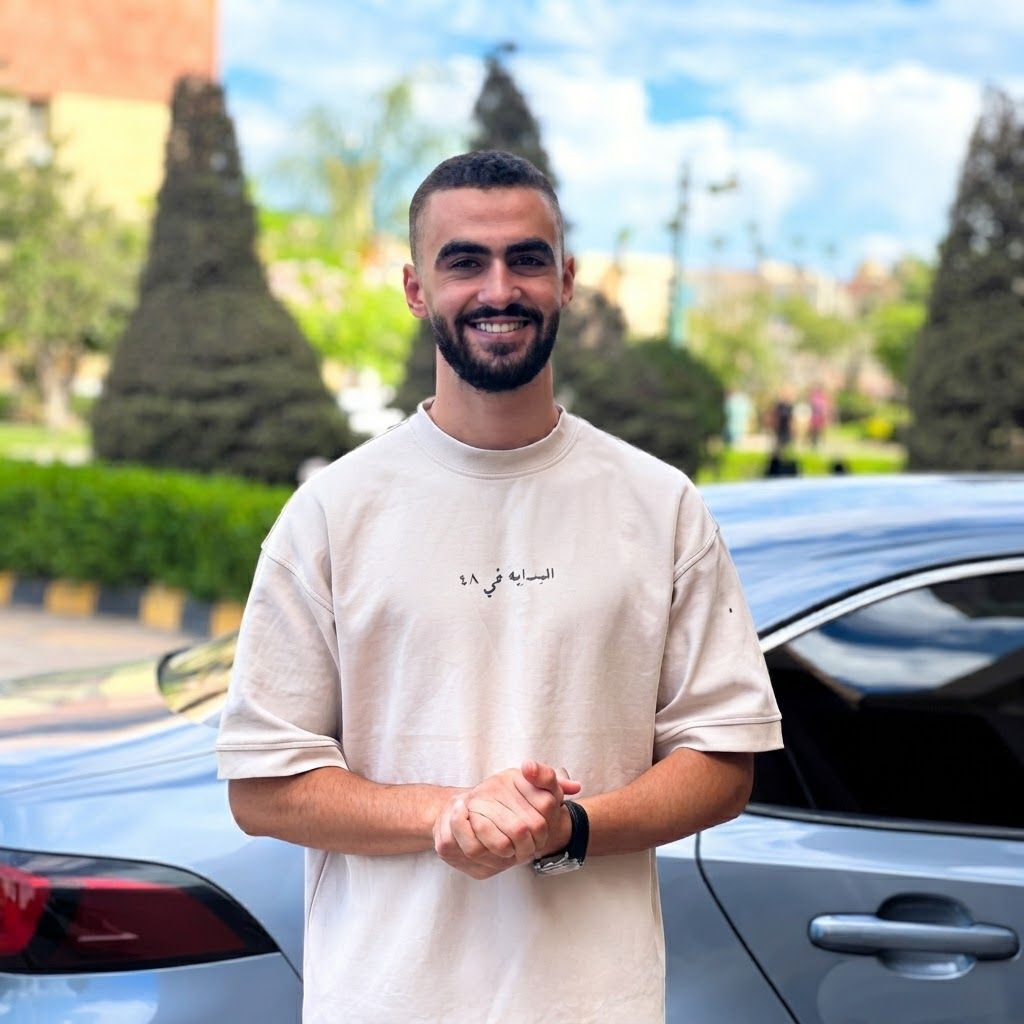
Change this image to 1:1 aspect ratio. Analyze what type of content this is and handle the transformation appropriately: - If it's a product photo: keep the product exactly the same, only extend or crop the background - If it has text, logos, or graphic elements: preserve all text and graphics exactly as they are - If it's a portrait or photo of people: keep the subject intact, extend or crop the surrounding environment - If it's a landscape or scenery: seamlessly extend or crop the natural environment - If it's artwork or illustration: maintain the artistic style consistently Apply the most appropriate transformation based on what you see in the image.
by @Elephant_3169742
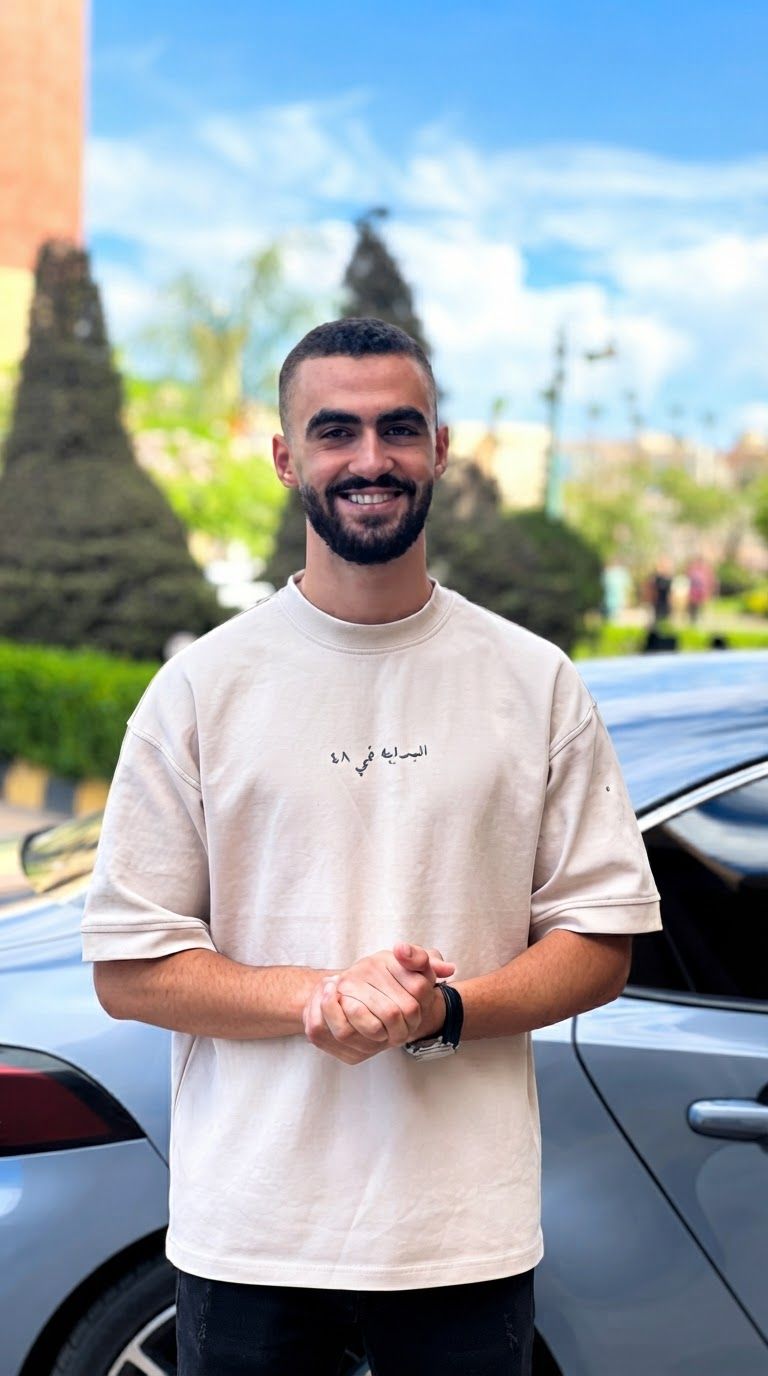
Change this image to 9:16 aspect ratio. Analyze what type of content this is and handle the transformation appropriately: - If it's a product photo: keep the product exactly the same, only extend or crop the background - If it has text, logos, or graphic elements: preserve all text and graphics exactly as they are - If it's a portrait or photo of people: keep the subject intact, extend or crop the surrounding environment - If it's a landscape or scenery: seamlessly extend or crop the natural environment - If it's artwork or illustration: maintain the artistic style consistently Apply the most appropriate transformation based on what you see in the image.
by @Elephant_3169742
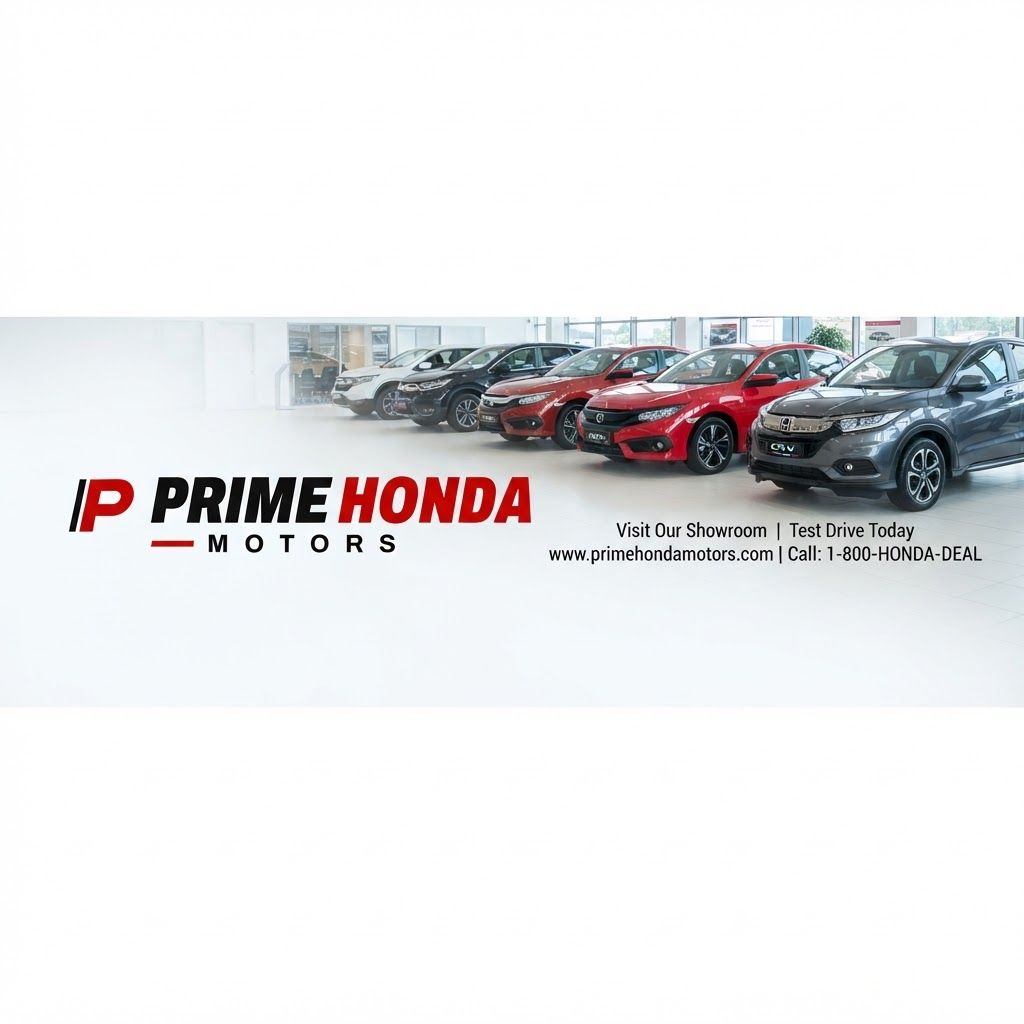
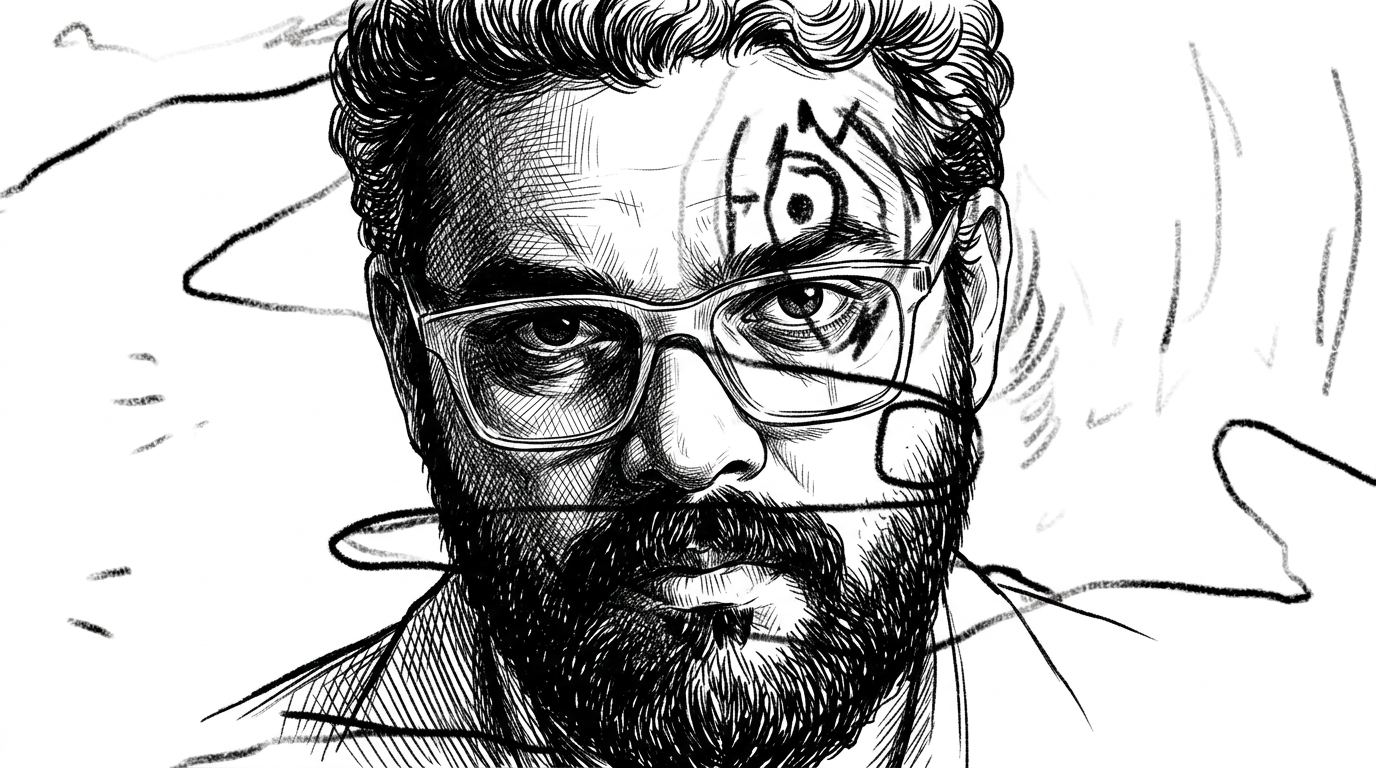
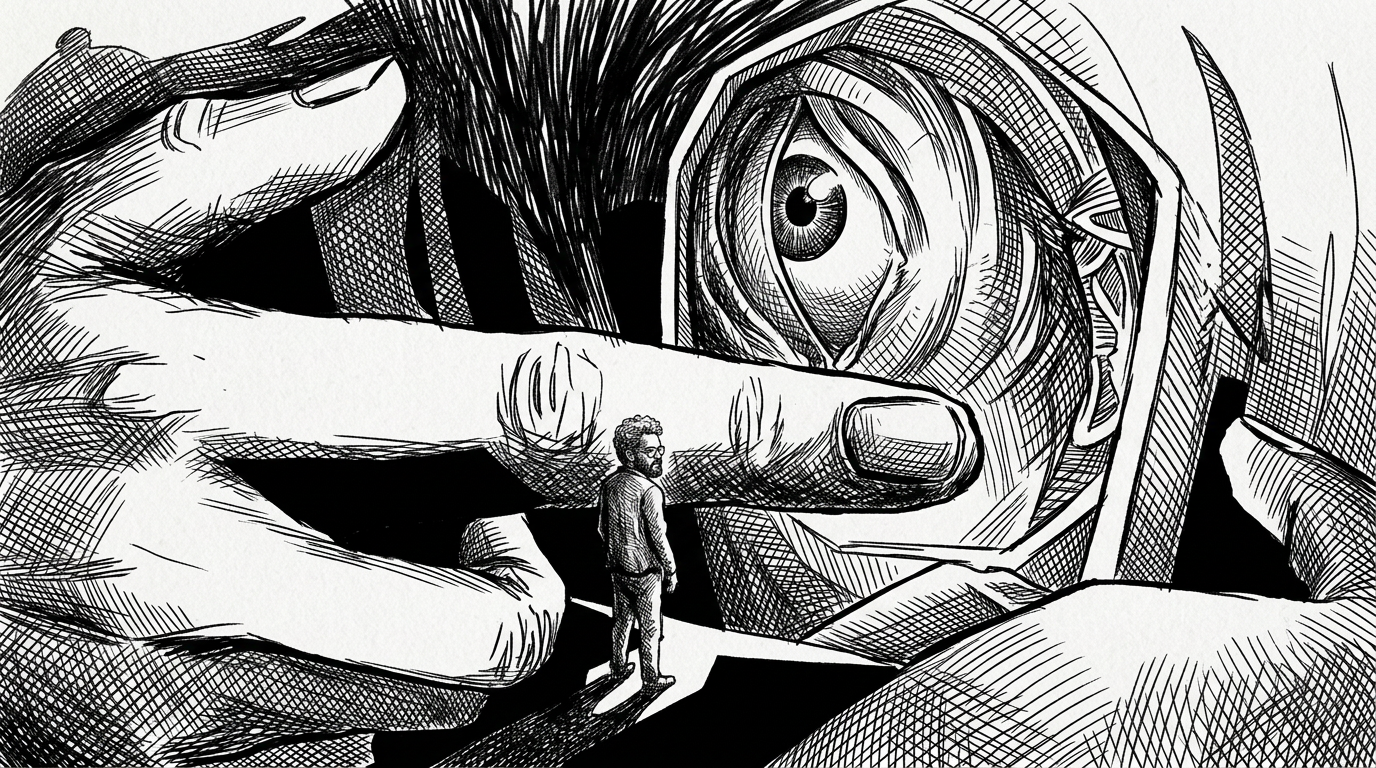
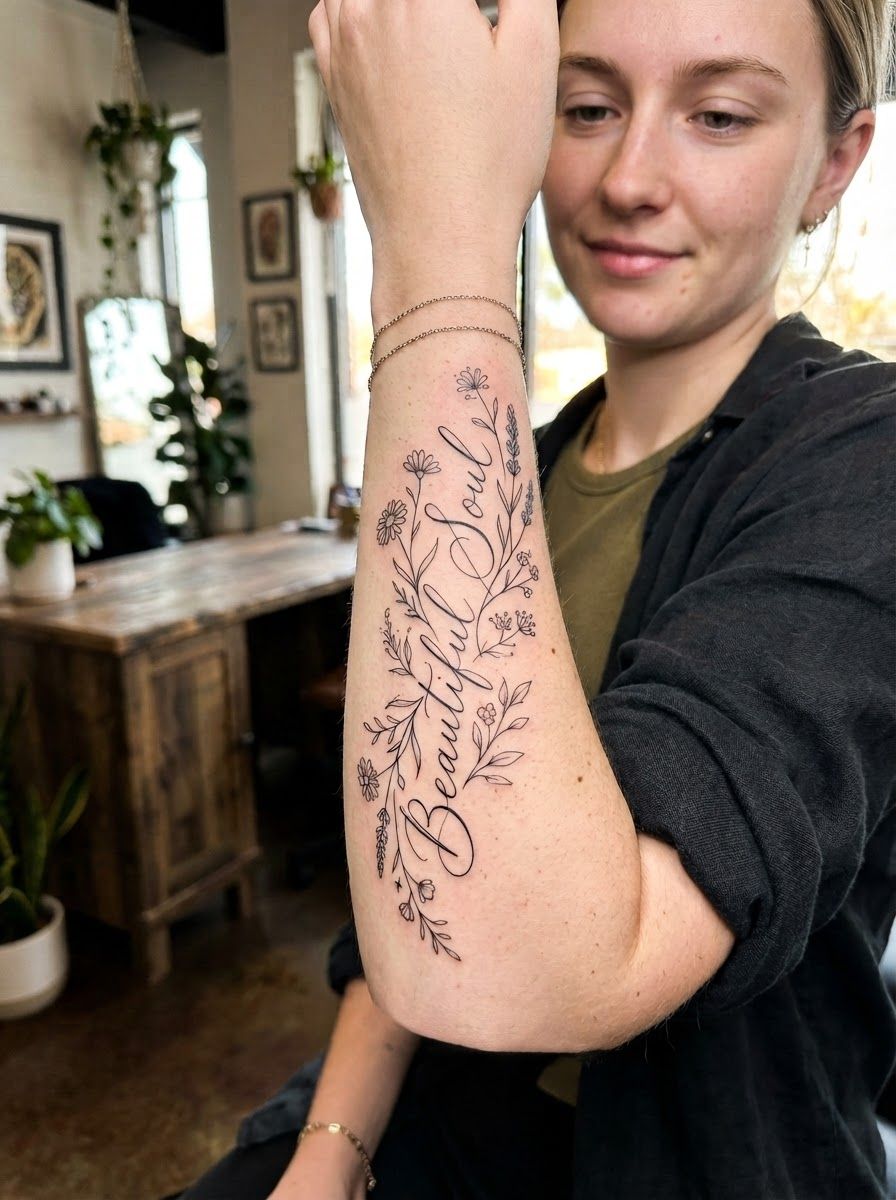
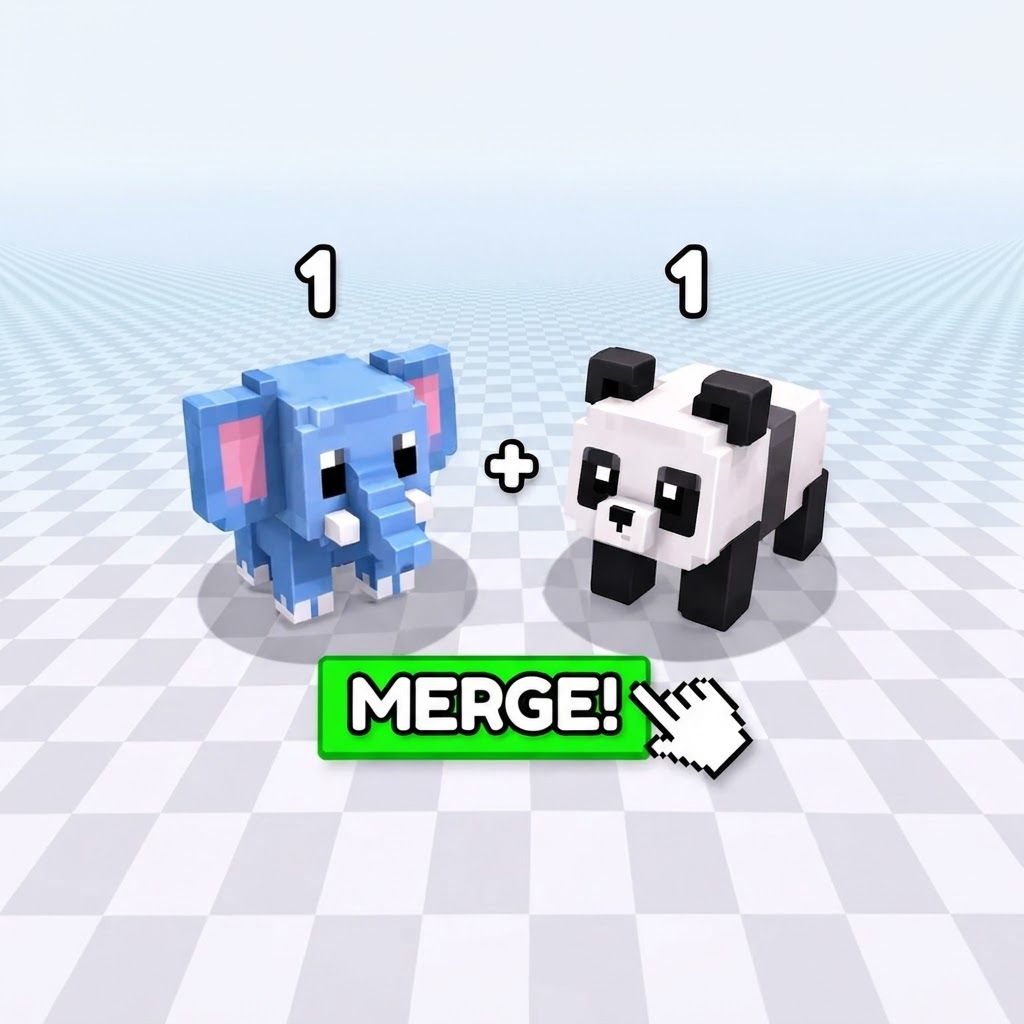
Change this image to 1:1 aspect ratio. Analyze what type of content this is and handle the transformation appropriately: - If it's a product photo: keep the product exactly the same, only extend or crop the background - If it has text, logos, or graphic elements: preserve all text and graphics exactly as they are - If it's a portrait or photo of people: keep the subject intact, extend or crop the surrounding environment - If it's a landscape or scenery: seamlessly extend or crop the natural environment - If it's artwork or illustration: maintain the artistic style consistently Apply the most appropriate transformation based on what you see in the image.
by @Elephant_6917912
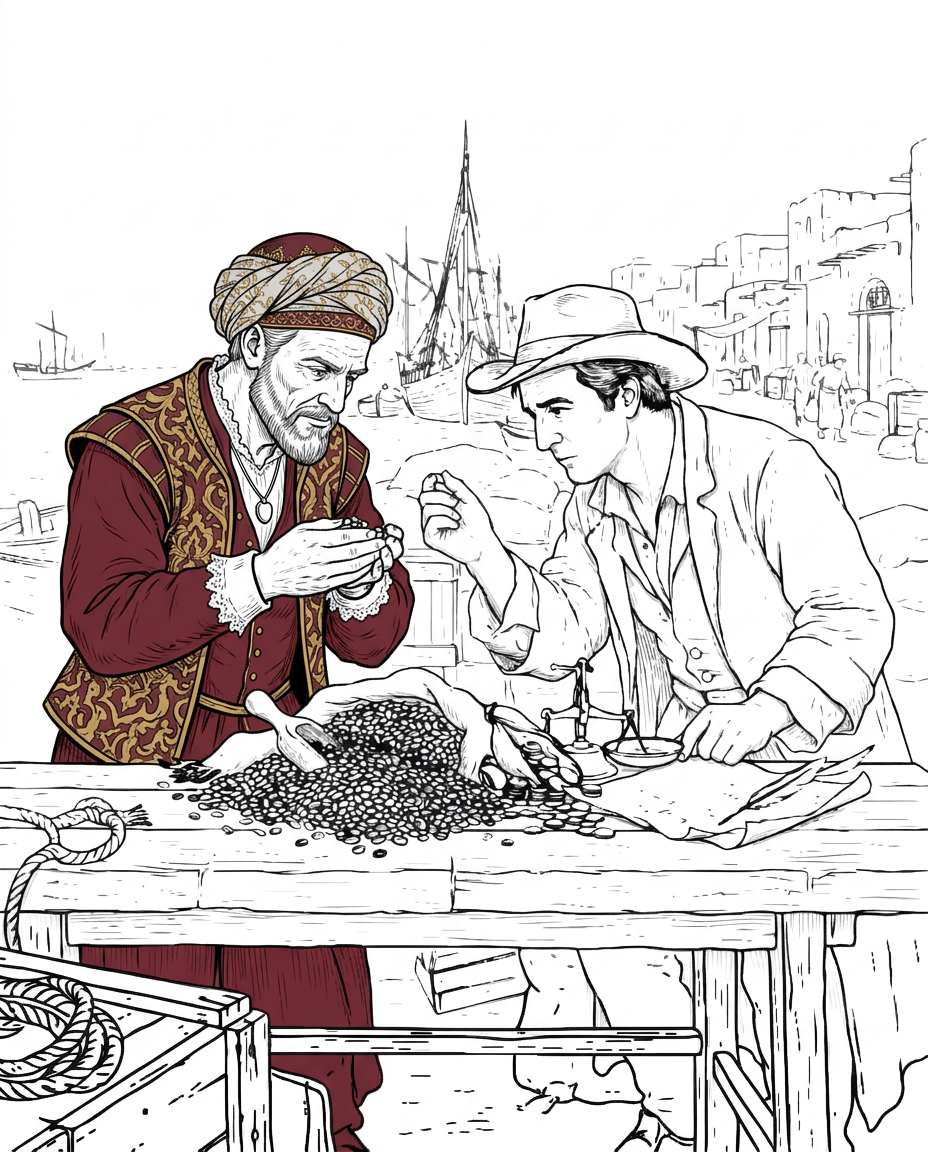
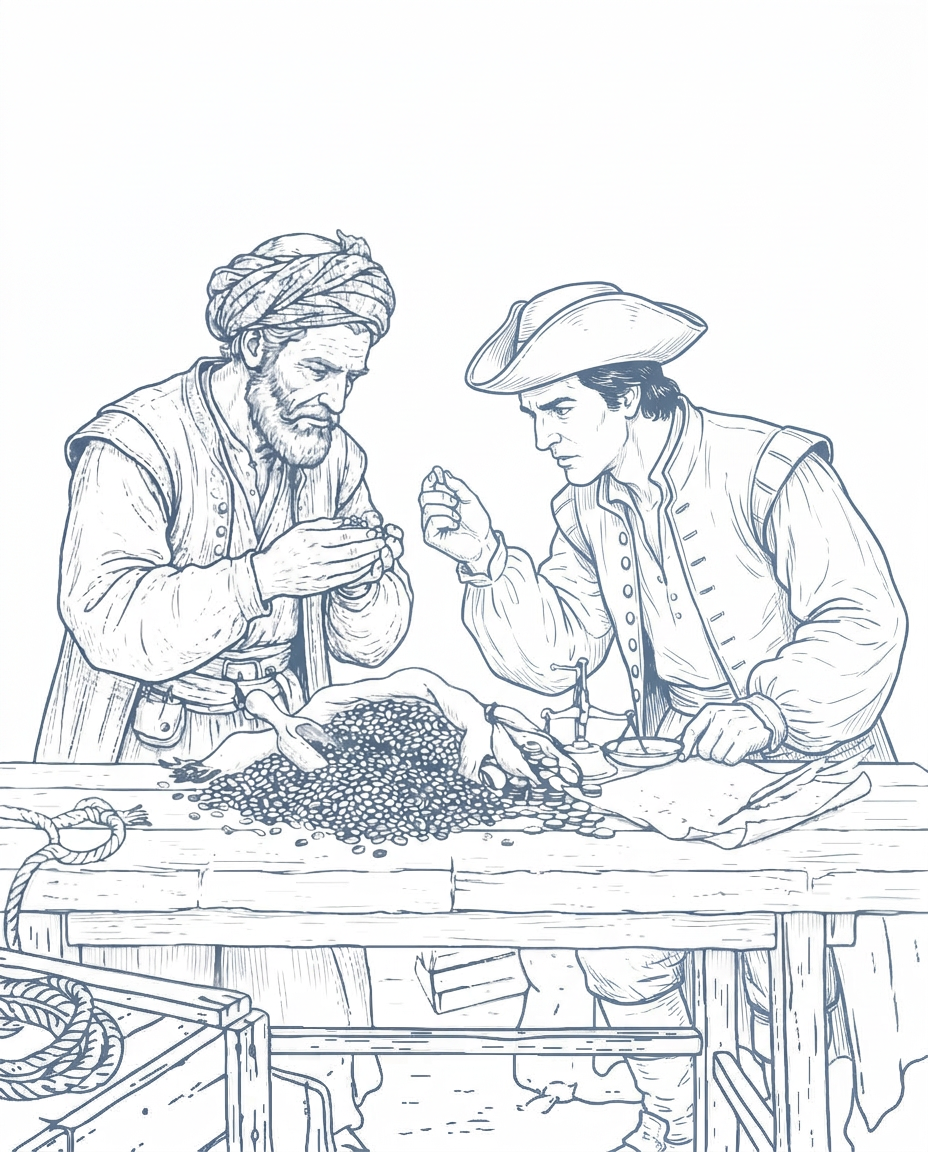
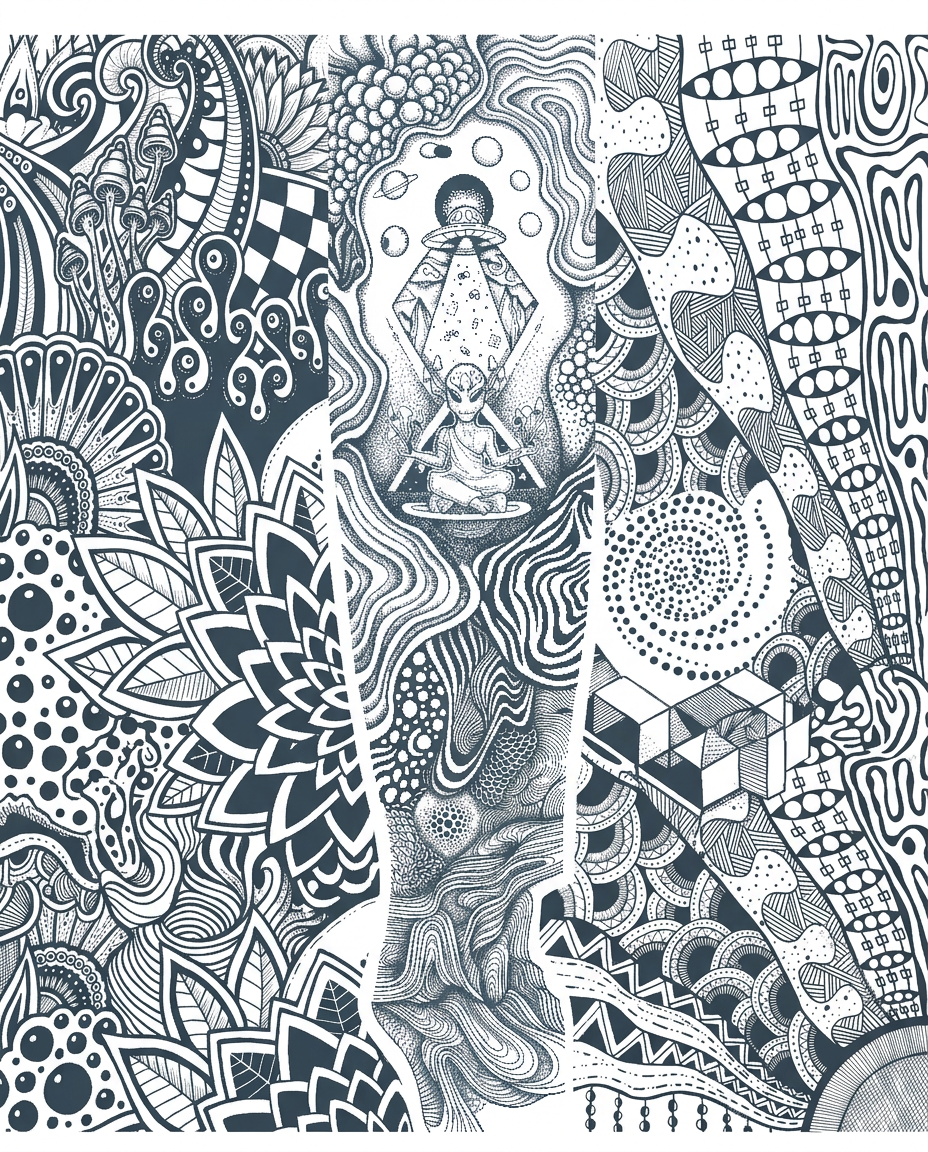
You can make the lines go into the original tattoo. Can use shading to make the original tattoo standout bit more and the organic lines fall onto the background. Olso for me it missing a bit to much form these Image. For the rest i do say your in the right direction. But i know i ask for a lot of organic lines, but the different patterns can be broken up woth geometric paterns or straight lines or other paterns beside organic lines or even leave space inbetween, like the geometric tattoo i have on my other arm. Because i want this tattoo on my other arm to be kinda flipt of the other arm. Where i would say 80% is geometric and 20% is organic i want this flipt Olso i want have really feel dept and 3e effect into the lines. Where is possible. The tattoo should be "psychedelic" aswel with it is a bit more i want more busy if you get what i mean The line all feel bit to the same at the moment. Jusy different level if thickness. only illustration on solid white background
by @Elephant_1649093
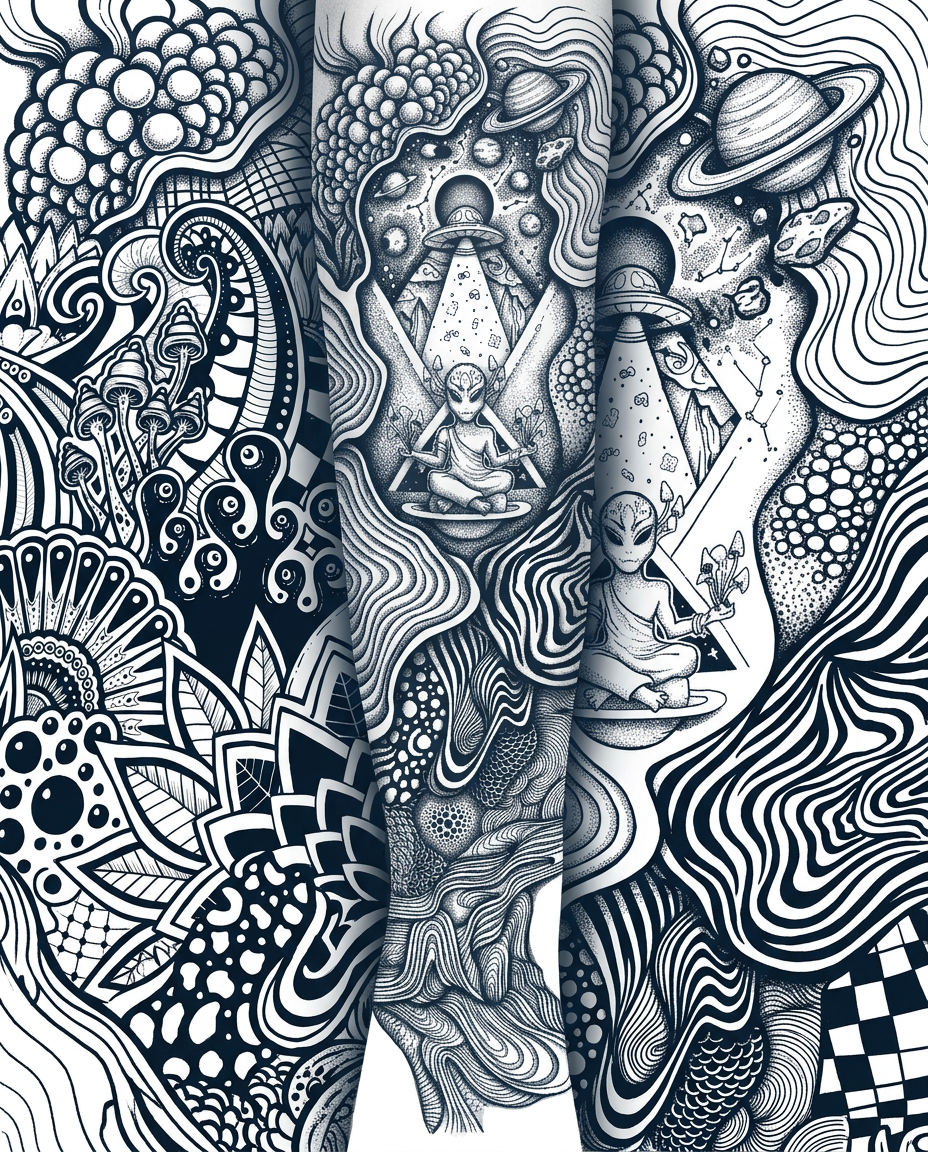
You can make the lines go into the original tattoo. Can use shading to make the original tattoo standout bit more and the organic lines fall onto the background. Olso for me it missing a bit to much form these Image. For the rest i do say your in the right direction. But i know i ask for a lot of organic lines, but the different patterns can be broken up woth geometric paterns or straight lines or other paterns beside organic lines or even leave space inbetween, like the geometric tattoo i have on my other arm. Because i want this tattoo on my other arm to be kinda flipt of the other arm. Where i would say 80% is geometric and 20% is organic i want this flipt Olso i want have really feel dept and 3e effect into the lines. Where is possible. The tattoo should be "psychedelic" aswel with it is a bit more i want more busy if you get what i mean The line all feel bit to the same at the moment. Jusy different level if thickness.
by @Elephant_1649093
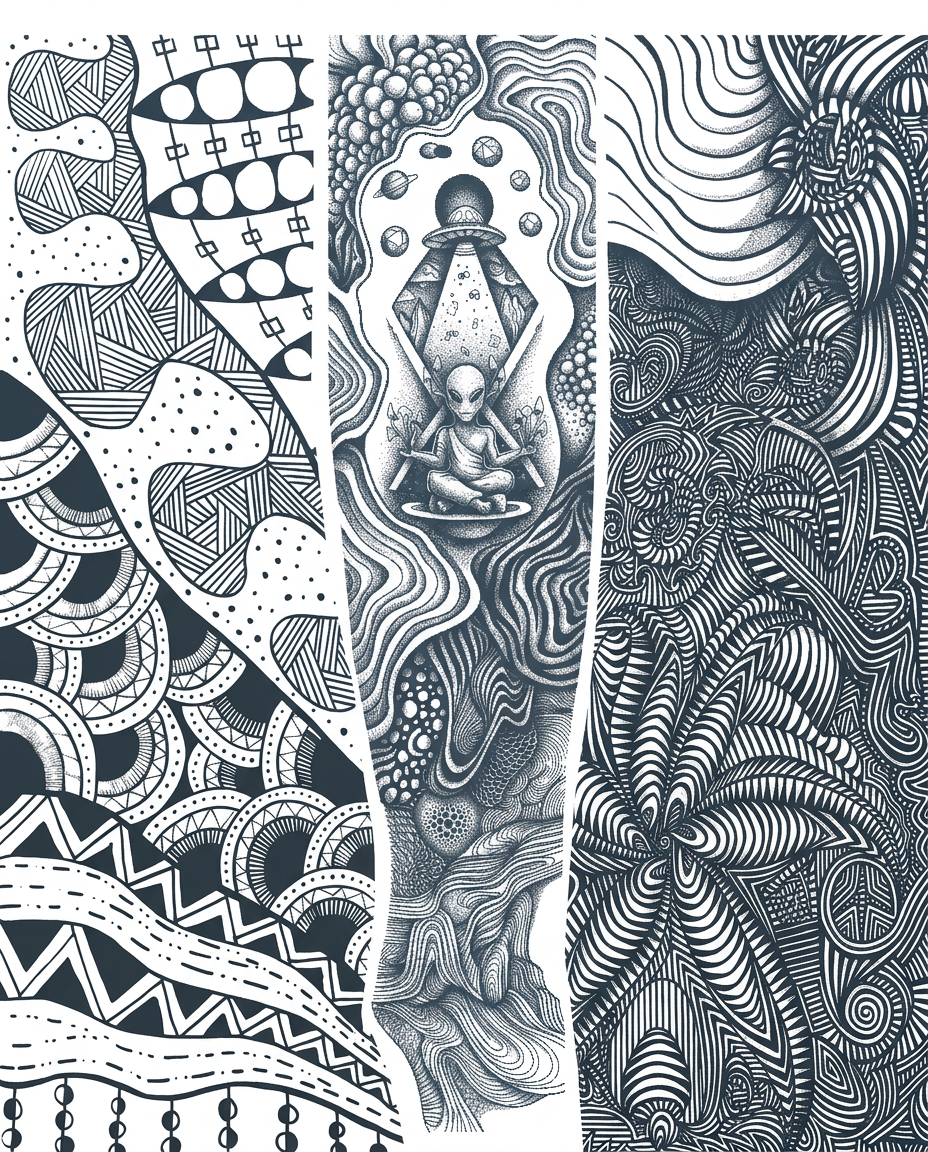
i want you to make corrections to the firstimage with reference to the second image which is thereference for the additions , follow this brief for correction details to change the illustrations added . You can make the lines go into the original tattoo. Can use shading to make the original tattoo standout bit more and the organic lines fall onto the background. Olso for me it missing a bit to much form these Image. For the rest i do say your in the right direction. But i know i ask for a lot of organic lines, but the different patterns can be broken up woth geometric paterns or straight lines or other paterns beside organic lines or even leave space inbetween, like the geometric tattoo i have on my other arm. Because i want this tattoo on my other arm to be kinda flipt of the other arm. Where i would say 80% is geometric and 20% is organic i want this flipt Olso i want have really feel dept and 3e effect into the lines. Where is possible. The tattoo should be "psychedelic" aswel with it is a bit more i want more busy if you get what i mean The line all feel bit to the same at the moment. Jusy different level if thickness.
by @Elephant_1649093



What's next?Explore more features



Go from browse to build




