Product
Use Cases
How it Works
Pricing
Login
Community showcase

Designs made by our community

Staff-picked ads, product scenes, and brand assets made in Hiding Elephant. See what production-ready creative looks like, then start your own.
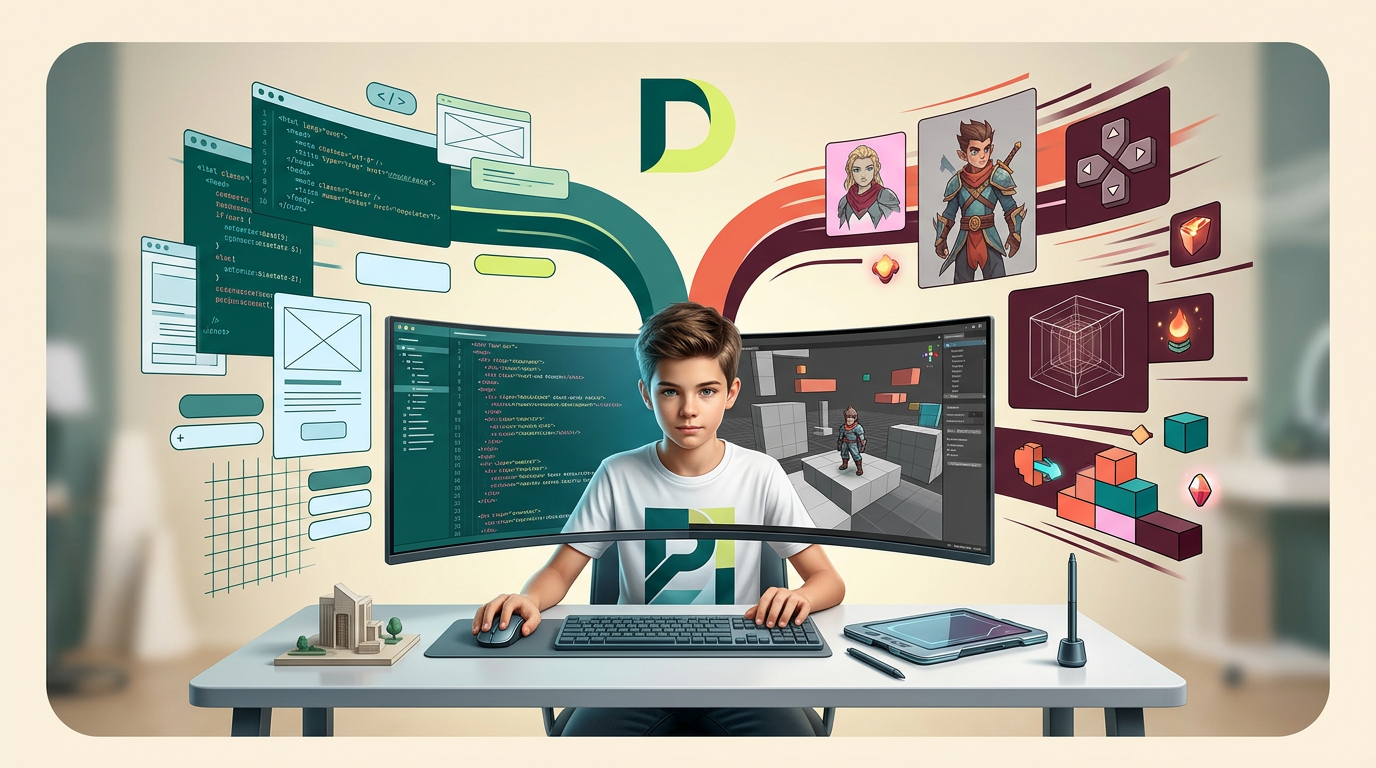
AI Design for на этом фоне создай 3д фигурки на тему Python Web: создаём сайты на Flask. Фон менять нельзя.  Фигурки должны быть достаточно большими. Используй цвета EE6C4D 01524B D5F4FF FAFFDB

сделай модельки динамичными. Не делай никаких надписей. Все фигурки в стиле 3д рендера

ПО центру должна быть основная моделька. ПО бокам фигурки для придания динамики.

на этом фоне создай 3д фигурки на тему Python Web: создаём сайты на Flask. Фон менять нельзя. Фигурки должны быть достаточно большими. Используй цвета EE6C4D 01524B D5F4FF FAFFDB сделай модельки динамичными. Не делай никаких надписей. Все фигурки в стиле 3д рендера ПО центру должна быть основная моделька. ПО бокам фигурки для придания динамики.

by @Elephant_5574126

AI Design for на этом фоне создай 3д фигурки на тему Python Web: создаём сайты на Flask. Фон менять нельзя.  Фигурки должны быть достаточно большими. Используй цвета EE6C4D 01524B D5F4FF FAFFDB

сделай модельки динамичными. Не делай никаких надписей. Все фигурки в стиле 3д рендера

ПО центру должна быть основная моделька. ПО бокам фигурки для придания динамики.

на этом фоне создай 3д фигурки на тему Python Web: создаём сайты на Flask. Фон менять нельзя. Фигурки должны быть достаточно большими. Используй цвета EE6C4D 01524B D5F4FF FAFFDB сделай модельки динамичными. Не делай никаких надписей. Все фигурки в стиле 3д рендера ПО центру должна быть основная моделька. ПО бокам фигурки для придания динамики.

by @Elephant_5574126

AI Design for на этом фоне создай 3д фигурки на тему Python Web: создаём сайты на Flask. Фон менять нельзя.  Фигурки должны быть достаточно большими. Используй цвета EE6C4D 01524B D5F4FF FAFFDB

сделай модельки динамичными. Не делай никаких надписей. Все фигурки в стиле 3д рендера

ПО центру должна быть основная моделька. ПО бокам фигурки для придания динамики.

на этом фоне создай 3д фигурки на тему Python Web: создаём сайты на Flask. Фон менять нельзя. Фигурки должны быть достаточно большими. Используй цвета EE6C4D 01524B D5F4FF FAFFDB сделай модельки динамичными. Не делай никаких надписей. Все фигурки в стиле 3д рендера ПО центру должна быть основная моделька. ПО бокам фигурки для придания динамики.

by @Elephant_5574126

AI Design for добавь чуть больше цвета FAFFDB

добавь чуть больше цвета FAFFDB

by @Elephant_5574126

AI Design for добавь чуть больше бежевого FAFFDB

добавь чуть больше бежевого FAFFDB

by @Elephant_5574126

AI Design for розовый цвет на фоне поменяй на E2F07E. цвет чуть более пасленьный. Сам паттерн фона (волны) чуть поменяй

Фон должен быть только в цветах FAFFDB и E2F07E

розовый цвет на фоне поменяй на E2F07E. цвет чуть более пасленьный. Сам паттерн фона (волны) чуть поменяй Фон должен быть только в цветах FAFFDB и E2F07E

by @Elephant_5574126

AI Design for розовый цвет на фоне поменяй на E2F07E. цвет чуть более пасленьный. Сам паттерн фона (волны) чуть поменяй

розовый цвет на фоне поменяй на E2F07E. цвет чуть более пасленьный. Сам паттерн фона (волны) чуть поменяй

by @Elephant_5574126

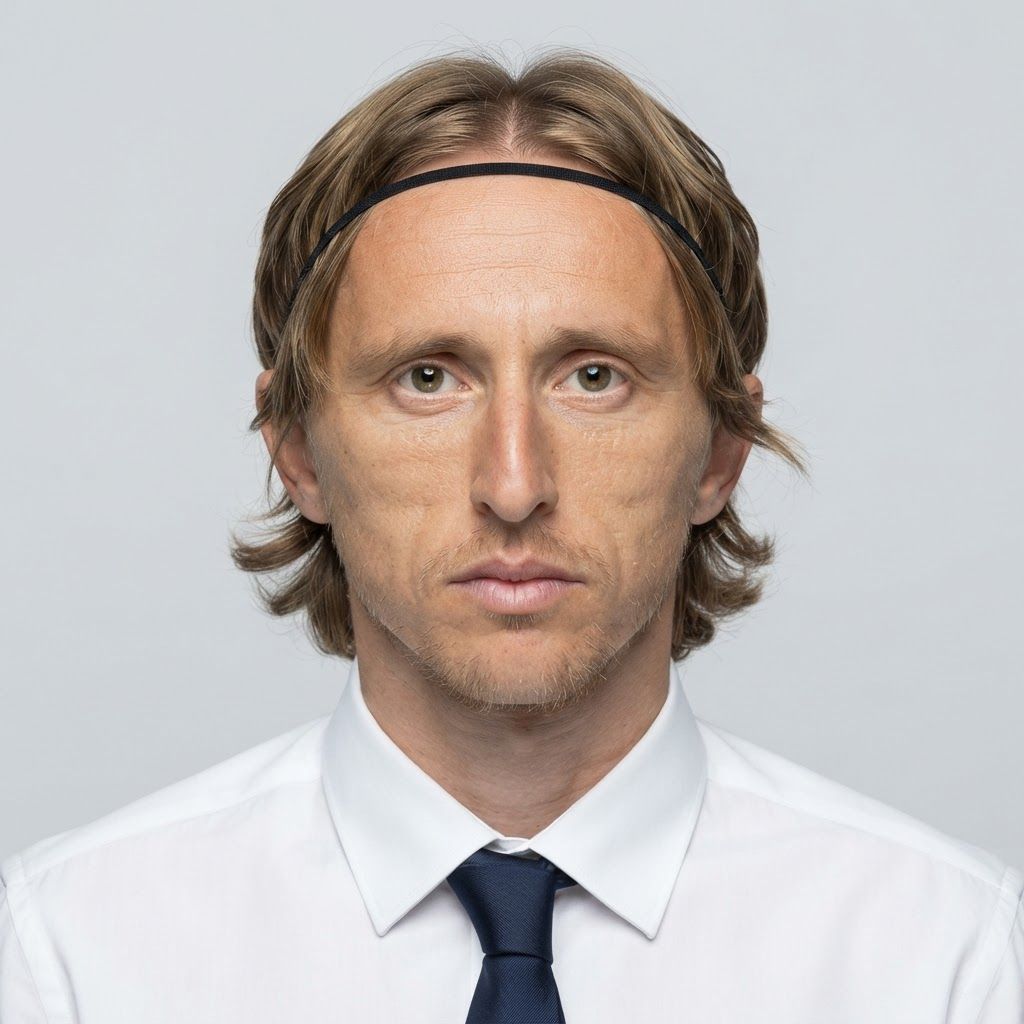
AI Design for Create a premium cinematic close-up portrait of a young Indian male student transitioning into a business professional, age 20–24. He should have a youthful, fresh, well-groomed face, light-to-medium warm Indian skin tone, clear and healthy-looking complexion, sharp expressive eyes, neatly styled dark hair, and clean professional grooming. Keep the facial features soft and young, avoiding an older executive appearance.

Frame him from the chest up with direct eye contact and a subtle confident smile. Dress him in a smart tailored blazer over a clean shirt or minimal crew-neck top, giving the impression of an ambitious commerce, finance, or management student preparing for a professional career.

Use soft cinematic key lighting on the face, gentle fill light for a bright and even complexion, and subtle rim lighting around the hair and shoulders. Keep the background as a premium modern office, business school, or corporate-learning environment with shallow depth of field and soft warm bokeh.

Shot on an 85mm portrait lens, eye-level angle, realistic facial proportions, natural skin texture, crisp eyes, realistic hair strands, clean jawline, polished grooming, premium commercial color grading, photorealistic corporate-education advertising photography, sophisticated, aspirational, ultra-detailed, 8K.

Important: young Indian male, 20–24 years old, student-like face, fresh appearance, clean-shaven or very light stubble, naturally bright skin, no mature executive look, no heavy beard, no plastic skin, no over-retouching, no exaggerated smile.

This is a square 1:1 image for posts. Fill the whole frame edge to edge and scale the subject large. Do not leave empty margin.
Create a premium cinematic close-up portrait of a young Indian male student transitioning into a business professional, age 20–24. He should have a youthful, fresh, well-groomed face, light-to-medium warm Indian skin tone, clear and healthy-looking complexion, sharp expressive eyes, neatly styled dark hair, and clean professional grooming. Keep the facial features soft and young, avoiding an older executive appearance. Frame him from the chest up with direct eye contact and a subtle confident smile. Dress him in a smart tailored blazer over a clean shirt or minimal crew-neck top, giving the impression of an ambitious commerce, finance, or management student preparing for a professional career. Use soft cinematic key lighting on the face, gentle fill light for a bright and even complexion, and subtle rim lighting around the hair and shoulders. Keep the background as a premium modern office, business school, or corporate-learning environment with shallow depth of field and soft warm bokeh. Shot on an 85mm portrait lens, eye-level angle, realistic facial proportions, natural skin texture, crisp eyes, realistic hair strands, clean jawline, polished grooming, premium commercial color grading, photorealistic corporate-education advertising photography, sophisticated, aspirational, ultra-detailed, 8K. Important: young Indian male, 20–24 years old, student-like face, fresh appearance, clean-shaven or very light stubble, naturally bright skin, no mature executive look, no heavy beard, no plastic skin, no over-retouching, no exaggerated smile. This is a square 1:1 image for posts. Fill the whole frame edge to edge and scale the subject large. Do not leave empty margin.
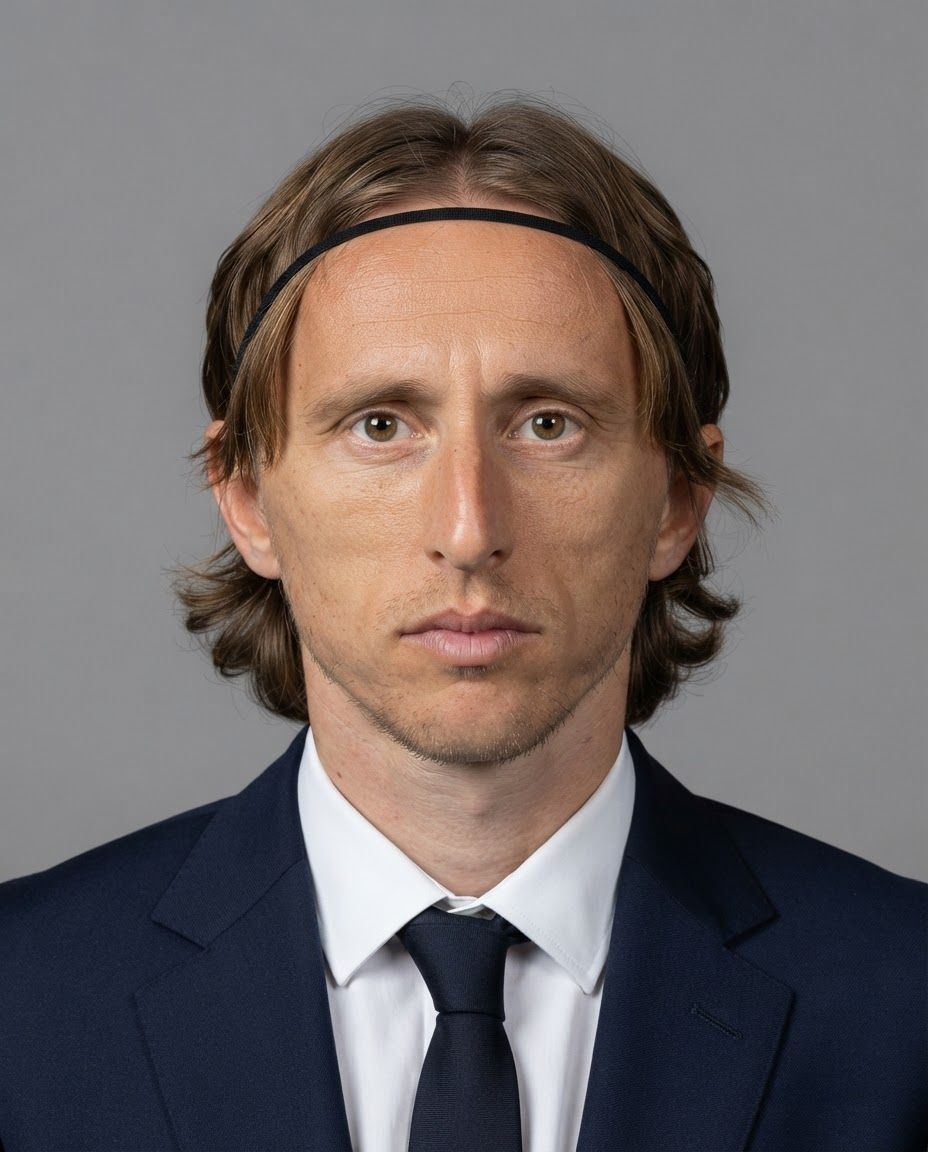
by @Elephant_6831697

AI Design for Create a premium cinematic close-up portrait of a young Indian student transitioning into a business professional, age 20–24. The subject should have a youthful, fresh, well-groomed face, smooth and healthy-looking light-to-medium warm Indian skin tone, natural brightness, subtle even complexion, soft facial features, clear skin, sharp expressive eyes, neatly shaped eyebrows, and well-styled dark hair. The face should look genuinely young and approachable rather than mature or corporate-heavy.

Frame from the chest up with direct eye contact and a subtle, confident natural smile. Dress the subject in a smart modern blazer over a simple clean top, giving the appearance of an ambitious commerce or finance student preparing for a professional career. Keep accessories minimal and sophisticated.

Use soft flattering cinematic key lighting across the face, gentle fill light to maintain a bright and clean complexion, and subtle rim lighting around the hair and shoulders. Avoid harsh shadows on the face. Use a premium modern college, corporate-learning space, or elegant office background with shallow depth of field and soft warm bokeh.

Shot on an 85mm portrait lens, eye-level camera angle, realistic facial proportions, natural skin texture, polished grooming, crisp eyes, subtle professional makeup, realistic hair strands, premium commercial color grading, clean composition, photorealistic corporate-education advertising photography, ultra-detailed, sophisticated, aspirational, 8K.

Important: youthful Indian student appearance, approximately 20–24 years old, fresh and energetic expression, well-groomed appearance, bright evenly lit face, soft natural complexion, no mature facial appearance, no heavy makeup, no excessive skin smoothing, no artificial plastic skin, no older corporate executive look.

This is a square 1:1 image for posts. Fill the whole frame edge to edge and scale the subject large. Do not leave empty margin.

Create a premium cinematic close-up portrait of a young Indian student transitioning into a business professional, age 20–24. The subject should have a youthful, fresh, well-groomed face, smooth and healthy-looking light-to-medium warm Indian skin tone, natural brightness, subtle even complexion, soft facial features, clear skin, sharp expressive eyes, neatly shaped eyebrows, and well-styled dark hair. The face should look genuinely young and approachable rather than mature or corporate-heavy. Frame from the chest up with direct eye contact and a subtle, confident natural smile. Dress the subject in a smart modern blazer over a simple clean top, giving the appearance of an ambitious commerce or finance student preparing for a professional career. Keep accessories minimal and sophisticated. Use soft flattering cinematic key lighting across the face, gentle fill light to maintain a bright and clean complexion, and subtle rim lighting around the hair and shoulders. Avoid harsh shadows on the face. Use a premium modern college, corporate-learning space, or elegant office background with shallow depth of field and soft warm bokeh. Shot on an 85mm portrait lens, eye-level camera angle, realistic facial proportions, natural skin texture, polished grooming, crisp eyes, subtle professional makeup, realistic hair strands, premium commercial color grading, clean composition, photorealistic corporate-education advertising photography, ultra-detailed, sophisticated, aspirational, 8K. Important: youthful Indian student appearance, approximately 20–24 years old, fresh and energetic expression, well-groomed appearance, bright evenly lit face, soft natural complexion, no mature facial appearance, no heavy makeup, no excessive skin smoothing, no artificial plastic skin, no older corporate executive look. This is a square 1:1 image for posts. Fill the whole frame edge to edge and scale the subject large. Do not leave empty margin.

by @Elephant_6831697

AI Design for на этом фоне создай 3д фигурки на тему Vibe Coding: AI & Python. Фон менять нельзя.  Фигурки должны быть достаточно большими. Используй цвета EE6C4D 01524B D5F4FF FAFFDB 5D2334

сделай модельки динамичными. Не делай никаких надписей. Все фигурки в стиле 3д рендера

ПО центру должна быть основная моделька. ПО бокам фигурки для придания динамики.

по центру поставь логотип AI

на этом фоне создай 3д фигурки на тему Vibe Coding: AI & Python. Фон менять нельзя. Фигурки должны быть достаточно большими. Используй цвета EE6C4D 01524B D5F4FF FAFFDB 5D2334 сделай модельки динамичными. Не делай никаких надписей. Все фигурки в стиле 3д рендера ПО центру должна быть основная моделька. ПО бокам фигурки для придания динамики. по центру поставь логотип AI

by @Elephant_5574126

AI Design for на этом фоне создай 3д фигурки на тему Vibe Coding: AI & Python. Фон менять нельзя.  Фигурки должны быть достаточно большими. Используй цвета EE6C4D 01524B D5F4FF FAFFDB 5D2334

сделай модельки динамичными. Не делай никаких надписей. Все фигурки в стиле 3д рендера

ПО центру должна быть основная моделька. ПО бокам фигурки для придания динамики.

по центру поставь логотип AI

на этом фоне создай 3д фигурки на тему Vibe Coding: AI & Python. Фон менять нельзя. Фигурки должны быть достаточно большими. Используй цвета EE6C4D 01524B D5F4FF FAFFDB 5D2334 сделай модельки динамичными. Не делай никаких надписей. Все фигурки в стиле 3д рендера ПО центру должна быть основная моделька. ПО бокам фигурки для придания динамики. по центру поставь логотип AI

by @Elephant_5574126

AI Design for на этом фоне создай 3д фигурки на тему Vibe Coding: AI & Python. Фон менять нельзя.  Фигурки должны быть достаточно большими. Используй цвета EE6C4D 01524B D5F4FF FAFFDB 5D2334

сделай модельки динамичными. Не делай никаких надписей. Все фигурки в стиле 3д рендера

ПО центру должна быть основная моделька. ПО бокам фигурки для придания динамики.

по центру поставь логотип AI

на этом фоне создай 3д фигурки на тему Vibe Coding: AI & Python. Фон менять нельзя. Фигурки должны быть достаточно большими. Используй цвета EE6C4D 01524B D5F4FF FAFFDB 5D2334 сделай модельки динамичными. Не делай никаких надписей. Все фигурки в стиле 3д рендера ПО центру должна быть основная моделька. ПО бокам фигурки для придания динамики. по центру поставь логотип AI

by @Elephant_5574126

AI Design for на этом фоне создай 3д фигурки на тему Vibe Coding: AI & Python. Фон менять нельзя.  Фигурки должны быть достаточно большими. Используй цвета EE6C4D 01524B D5F4FF FAFFDB 5D2334

сделай модельки динамичными. Не делай никаких надписей. Все фигурки в стиле 3д рендера

ПО центру должна быть основная моделька. ПО бокам фигурки для придания динамики.

по центру поставь логотип AI, питон где-нибудь сбоку

на этом фоне создай 3д фигурки на тему Vibe Coding: AI & Python. Фон менять нельзя. Фигурки должны быть достаточно большими. Используй цвета EE6C4D 01524B D5F4FF FAFFDB 5D2334 сделай модельки динамичными. Не делай никаких надписей. Все фигурки в стиле 3д рендера ПО центру должна быть основная моделька. ПО бокам фигурки для придания динамики. по центру поставь логотип AI, питон где-нибудь сбоку

by @Elephant_5574126

AI Design for Create a premium cinematic close-up portrait of a young Indian business professional, age 24–30, looking confident, intelligent, and approachable. Frame from the chest up with strong eye contact toward the camera. Use realistic Indian facial features, natural brown skin tone, detailed skin texture, sharp eyes, neatly styled dark hair, and subtle professional grooming. Dress the subject in a modern business outfit such as a tailored blazer with a clean shirt, minimal accessories, and no visible branding. Use soft cinematic key lighting on the face with subtle rim light for separation, a dark elegant office or studio background with shallow depth of field and soft bokeh. Shot on an 85mm portrait lens, high-end corporate advertising photography, realistic proportions, premium color grading, crisp facial detail, natural expression, clean composition, sophisticated, photorealistic, ultra-detailed, 8K.

This is a square 1:1 image for posts. Fill the whole frame edge to edge and scale the subject large. Do not leave empty margin.

Create a premium cinematic close-up portrait of a young Indian business professional, age 24–30, looking confident, intelligent, and approachable. Frame from the chest up with strong eye contact toward the camera. Use realistic Indian facial features, natural brown skin tone, detailed skin texture, sharp eyes, neatly styled dark hair, and subtle professional grooming. Dress the subject in a modern business outfit such as a tailored blazer with a clean shirt, minimal accessories, and no visible branding. Use soft cinematic key lighting on the face with subtle rim light for separation, a dark elegant office or studio background with shallow depth of field and soft bokeh. Shot on an 85mm portrait lens, high-end corporate advertising photography, realistic proportions, premium color grading, crisp facial detail, natural expression, clean composition, sophisticated, photorealistic, ultra-detailed, 8K. This is a square 1:1 image for posts. Fill the whole frame edge to edge and scale the subject large. Do not leave empty margin.

by @Elephant_6831697

AI Design for на этом фоне создай 3д фигурки на тему Vibe Coding: AI & Python. Фон менять нельзя.  Фигурки должны быть достаточно большими. Используй цвета EE6C4D 01524B D5F4FF FAFFDB 5D2334

сделай модельки динамичными. Не делай никаких надписей. Все фигурки в стиле 3д рендера

ПО центру должна быть основная моделька. ПО бокам фигурки для придания динамики.

по центру поставь логотип AI, питон где-нибудь сбоку

на этом фоне создай 3д фигурки на тему Vibe Coding: AI & Python. Фон менять нельзя. Фигурки должны быть достаточно большими. Используй цвета EE6C4D 01524B D5F4FF FAFFDB 5D2334 сделай модельки динамичными. Не делай никаких надписей. Все фигурки в стиле 3д рендера ПО центру должна быть основная моделька. ПО бокам фигурки для придания динамики. по центру поставь логотип AI, питон где-нибудь сбоку

by @Elephant_5574126

AI Design for Create a premium cinematic product advertisement featuring a stylish young Indian model, age 23–28, confidently holding a sleek modern water bottle at chest level. The bottle must be the hero of the frame, clearly visible, front-facing, sharp, and professionally lit. Use realistic Indian facial features, natural skin texture, well-groomed hair, smart-casual premium clothing, and a calm, confident expression. Set the scene in a dark luxury studio with soft atmospheric haze, dramatic rim lighting, subtle reflections, and a diffused key light highlighting both the face and bottle. Use an 85mm lens, shallow depth of field, cinematic bokeh, rich contrast, and premium commercial color grading. Keep the background minimal with clean negative space for headline and CTA. Ensure realistic hands, fingers, bottle proportions, condensation details, and natural reflections. Photorealistic, high-end advertising photography, luxury campaign aesthetic, ultra-detailed, 8K, sophisticated, clean, modern, cinematic.

This is a square 1:1 image for posts. Fill the whole frame edge to edge and scale the subject large. Do not leave empty margin.

Create a premium cinematic product advertisement featuring a stylish young Indian model, age 23–28, confidently holding a sleek modern water bottle at chest level. The bottle must be the hero of the frame, clearly visible, front-facing, sharp, and professionally lit. Use realistic Indian facial features, natural skin texture, well-groomed hair, smart-casual premium clothing, and a calm, confident expression. Set the scene in a dark luxury studio with soft atmospheric haze, dramatic rim lighting, subtle reflections, and a diffused key light highlighting both the face and bottle. Use an 85mm lens, shallow depth of field, cinematic bokeh, rich contrast, and premium commercial color grading. Keep the background minimal with clean negative space for headline and CTA. Ensure realistic hands, fingers, bottle proportions, condensation details, and natural reflections. Photorealistic, high-end advertising photography, luxury campaign aesthetic, ultra-detailed, 8K, sophisticated, clean, modern, cinematic. This is a square 1:1 image for posts. Fill the whole frame edge to edge and scale the subject large. Do not leave empty margin.

by @Elephant_6831697

AI Design for на этом фоне создай 3д фигурки на тему Vibe Coding: AI & Python. Фон менять нельзя.  Фигурки должны быть достаточно большими. Используй цвета EE6C4D 01524B D5F4FF FAFFDB 5D2334

сделай модельки динамичными. Не делай никаких надписей. Все фигурки в стиле 3д рендера

ПО центру должна быть основная моделька. ПО бокам фигурки для придания динамики.

на этом фоне создай 3д фигурки на тему Vibe Coding: AI & Python. Фон менять нельзя. Фигурки должны быть достаточно большими. Используй цвета EE6C4D 01524B D5F4FF FAFFDB 5D2334 сделай модельки динамичными. Не делай никаких надписей. Все фигурки в стиле 3д рендера ПО центру должна быть основная моделька. ПО бокам фигурки для придания динамики.

by @Elephant_5574126

AI Design for на этом фоне создай 3д фигурки на тему Vibe Coding: AI & Python. Фон менять нельзя.  Фигурки должны быть достаточно большими. Используй цвета EE6C4D 01524B D5F4FF FAFFDB 5D2334

сделай модельки динамичными. Не делай никаких надписей. Все фигурки в стиле 3д рендера

ПО центру должна быть основная моделька. ПО бокам фигурки для придания динамики.

на этом фоне создай 3д фигурки на тему Vibe Coding: AI & Python. Фон менять нельзя. Фигурки должны быть достаточно большими. Используй цвета EE6C4D 01524B D5F4FF FAFFDB 5D2334 сделай модельки динамичными. Не делай никаких надписей. Все фигурки в стиле 3д рендера ПО центру должна быть основная моделька. ПО бокам фигурки для придания динамики.

by @Elephant_5574126

AI Design for на этом фоне создай 3д фигурки на тему Backend-мастер: Python. Фон менять нельзя.  Фигурки должны быть достаточно большими. Используй цвета EE6C4D 01524B D5F4FF FAFFDB 5D2334

сделай модельки динамичными. Не делай никаких надписей. Все фигурки в стиле 3д рендера

ПО центру должна быть основная моделька. ПО бокам фигурки для придания динамики.

По центру поставь 3д логотип питона

на этом фоне создай 3д фигурки на тему Backend-мастер: Python. Фон менять нельзя. Фигурки должны быть достаточно большими. Используй цвета EE6C4D 01524B D5F4FF FAFFDB 5D2334 сделай модельки динамичными. Не делай никаких надписей. Все фигурки в стиле 3д рендера ПО центру должна быть основная моделька. ПО бокам фигурки для придания динамики. По центру поставь 3д логотип питона

by @Elephant_5574126

AI Design for на этом фоне создай 3д фигурки на тему Backend-мастер: Python. Фон менять нельзя.  Фигурки должны быть достаточно большими. Используй цвета EE6C4D 01524B D5F4FF FAFFDB 5D2334

сделай модельки динамичными. Не делай никаких надписей. Все фигурки в стиле 3д рендера

ПО центру должна быть основная моделька. ПО бокам фигурки для придания динамики.

По центру поставь 3д логотип питона

на этом фоне создай 3д фигурки на тему Backend-мастер: Python. Фон менять нельзя. Фигурки должны быть достаточно большими. Используй цвета EE6C4D 01524B D5F4FF FAFFDB 5D2334 сделай модельки динамичными. Не делай никаких надписей. Все фигурки в стиле 3д рендера ПО центру должна быть основная моделька. ПО бокам фигурки для придания динамики. По центру поставь 3д логотип питона

by @Elephant_5574126

AI Design for на этом фоне создай 3д фигурки на тему Backend-мастер: Python. Фон менять нельзя.  Фигурки должны быть достаточно большими. Используй цвета EE6C4D 01524B D5F4FF FAFFDB 5D2334

сделай модельки динамичными. Не делай никаких надписей. Все фигурки в стиле 3д рендера

ПО центру должна быть основная моделька. ПО бокам фигурки для придания динамики.

По центру поставь 3д логотип питона

на этом фоне создай 3д фигурки на тему Backend-мастер: Python. Фон менять нельзя. Фигурки должны быть достаточно большими. Используй цвета EE6C4D 01524B D5F4FF FAFFDB 5D2334 сделай модельки динамичными. Не делай никаких надписей. Все фигурки в стиле 3д рендера ПО центру должна быть основная моделька. ПО бокам фигурки для придания динамики. По центру поставь 3д логотип питона

by @Elephant_5574126

AI Design for на этом фоне создай 3д фигурки на тему Backend-мастер: Python. Фон менять нельзя.  Фигурки должны быть достаточно большими. Используй цвета EE6C4D 01524B D5F4FF FAFFDB 5D2334

сделай модельки динамичными. Не делай никаких надписей. Все фигурки в стиле 3д рендера

ПО центру должна быть основная моделька. ПО бокам фигурки для придания динамики.

По центру поставь 3д логотип питона

на этом фоне создай 3д фигурки на тему Backend-мастер: Python. Фон менять нельзя. Фигурки должны быть достаточно большими. Используй цвета EE6C4D 01524B D5F4FF FAFFDB 5D2334 сделай модельки динамичными. Не делай никаких надписей. Все фигурки в стиле 3д рендера ПО центру должна быть основная моделька. ПО бокам фигурки для придания динамики. По центру поставь 3д логотип питона

by @Elephant_5574126

AI Design for на этом фоне создай 3д фигурки на тему Backend-мастер: Python. Фон менять нельзя.  Фигурки должны быть достаточно большими. Используй цвета EE6C4D 01524B D5F4FF FAFFDB 5D2334

сделай модельки динамичными. Не делай никаких надписей. Все фигурки в стиле 3д рендера

ПО центру должна быть основная моделька. ПО бокам фигурки для придания динамики.

По центру поставь 3д логотип питона

на этом фоне создай 3д фигурки на тему Backend-мастер: Python. Фон менять нельзя. Фигурки должны быть достаточно большими. Используй цвета EE6C4D 01524B D5F4FF FAFFDB 5D2334 сделай модельки динамичными. Не делай никаких надписей. Все фигурки в стиле 3д рендера ПО центру должна быть основная моделька. ПО бокам фигурки для придания динамики. По центру поставь 3д логотип питона

by @Elephant_5574126

AI Design for Create a premium 1:1 education campaign poster for a B.Com career-upgradation program. Use a bright white/off-white background with subtle cool-blue gradients, soft architectural curves and plenty of breathing space. Place two institutional logo areas at the top-left and top-right, clean and balanced.

At the top centre, add a small premium line: “SAME DEGREE. A BRIGHTER TOMORROW.” Below it, create a bold high-impact headline: “B.COM IS A STRONG START.” with “B.COM IS A” in deep navy and “STRONG START.” in a vibrant orange-to-red gradient. Follow with “TAKE IT FURTHER.” in spaced uppercase typography and a smaller supporting line: “Explore Specialised Finance Paths That Create Real Opportunities.”

Make the main visual a realistic premium 3D dark navy B.Com book standing upright and partially open. From the open pages, show four elegant translucent glass-like vertical career panels emerging outward in perspective, each softly illuminated: ACCA – Global Careers, CMA – Specialised Expertise, Financial Analysis – Data Driven Roles, Corporate Finance – Diverse Opportunities. Use simple professional icons above each title.

Add subtle handwritten-style annotations around the visual: “From Classrooms” pointing from the left toward the B.Com book and “To Global Opportunities” pointing toward the career panels on the right. Keep these secondary and tasteful.

Include a few blurred commerce books in the foreground labelled Commerce, Accounting, Business and Economics, plus a minimal desk environment with a pen and subtle plant for depth. Do not clutter the composition.

At the lower centre, create a large rounded CTA button with an orange-to-red/pink gradient reading “EXPLORE YOUR NEXT MOVE →”. Beneath it place a small spaced tagline: “SAME KNOWLEDGE. GREATER POSSIBILITIES.”

Overall aesthetic: high-end education advertising, premium 3D editorial design, cinematic soft lighting, realistic materials, subtle reflections, sophisticated depth, clean typography, modern academic visual storytelling, aspirational but mature, not childish, not futuristic, not cluttered. Use deep navy, white, orange and red/pink as primary brand colours, with only subtle blue/purple lighting accents on the career panels. Photorealistic 3D render, polished agency-level social media campaign, sharp details, balanced alignment, 1:1 square format.

This is a square 1:1 image for posts. Fill the whole frame edge to edge and scale the subject large. Do not leave empty margin.

Create a premium 1:1 education campaign poster for a B.Com career-upgradation program. Use a bright white/off-white background with subtle cool-blue gradients, soft architectural curves and plenty of breathing space. Place two institutional logo areas at the top-left and top-right, clean and balanced. At the top centre, add a small premium line: “SAME DEGREE. A BRIGHTER TOMORROW.” Below it, create a bold high-impact headline: “B.COM IS A STRONG START.” with “B.COM IS A” in deep navy and “STRONG START.” in a vibrant orange-to-red gradient. Follow with “TAKE IT FURTHER.” in spaced uppercase typography and a smaller supporting line: “Explore Specialised Finance Paths That Create Real Opportunities.” Make the main visual a realistic premium 3D dark navy B.Com book standing upright and partially open. From the open pages, show four elegant translucent glass-like vertical career panels emerging outward in perspective, each softly illuminated: ACCA – Global Careers, CMA – Specialised Expertise, Financial Analysis – Data Driven Roles, Corporate Finance – Diverse Opportunities. Use simple professional icons above each title. Add subtle handwritten-style annotations around the visual: “From Classrooms” pointing from the left toward the B.Com book and “To Global Opportunities” pointing toward the career panels on the right. Keep these secondary and tasteful. Include a few blurred commerce books in the foreground labelled Commerce, Accounting, Business and Economics, plus a minimal desk environment with a pen and subtle plant for depth. Do not clutter the composition. At the lower centre, create a large rounded CTA button with an orange-to-red/pink gradient reading “EXPLORE YOUR NEXT MOVE →”. Beneath it place a small spaced tagline: “SAME KNOWLEDGE. GREATER POSSIBILITIES.” Overall aesthetic: high-end education advertising, premium 3D editorial design, cinematic soft lighting, realistic materials, subtle reflections, sophisticated depth, clean typography, modern academic visual storytelling, aspirational but mature, not childish, not futuristic, not cluttered. Use deep navy, white, orange and red/pink as primary brand colours, with only subtle blue/purple lighting accents on the career panels. Photorealistic 3D render, polished agency-level social media campaign, sharp details, balanced alignment, 1:1 square format. This is a square 1:1 image for posts. Fill the whole frame edge to edge and scale the subject large. Do not leave empty margin.

by @Elephant_6831697

AI Design for Out-of-home campaign mockup concept for Carousel posts for a product launch. Billboard, transit poster, or street display in a realistic environment, strong campaign imagery, believable scale and lighting, no readable fake ad copy.

Out-of-home campaign mockup concept for Carousel posts for a product launch. Billboard, transit poster, or street display in a realistic environment, strong campaign imagery, believable scale and lighting, no readable fake ad copy.

by @Elephant_6831697

AI Design for Paid ad visual concept for Carousel posts for a product launch. Performance-focused portrait composition, clear product or benefit cue, bold contrast, uncluttered background, open area for offer copy to be added later, no readable text.

Paid ad visual concept for Carousel posts for a product launch. Performance-focused portrait composition, clear product or benefit cue, bold contrast, uncluttered background, open area for offer copy to be added later, no readable text.

by @Elephant_6831697

AI Design for Square social feed visual concept for Carousel posts for a product launch. Strong central subject, clean composition, platform-ready crop, cohesive color and mood, clear empty area for caption or headline to be added later, no readable text generated.

Square social feed visual concept for Carousel posts for a product launch. Strong central subject, clean composition, platform-ready crop, cohesive color and mood, clear empty area for caption or headline to be added later, no readable text generated.

by @Elephant_6831697

AI Design for на этом фоне создай 3д фигурки на тему 3д моделирование в Блендер. Фон менять нельзя.  Фигурки должны быть достаточно большими. Используй цвета EE6C4D 01524B D5F4FF FAFFDB 5D2334

сделай модельки динамичными. Не делай никаких надписей. Все фигурки в стиле 3д рендера

ПО центру должна быть основная моделька. ПО бокам фигурки для придания динамики.

По центру поставь 3д логотип блендер

на этом фоне создай 3д фигурки на тему 3д моделирование в Блендер. Фон менять нельзя. Фигурки должны быть достаточно большими. Используй цвета EE6C4D 01524B D5F4FF FAFFDB 5D2334 сделай модельки динамичными. Не делай никаких надписей. Все фигурки в стиле 3д рендера ПО центру должна быть основная моделька. ПО бокам фигурки для придания динамики. По центру поставь 3д логотип блендер

by @Elephant_5574126

AI Design for на этом фоне создай 3д фигурки на тему 3д моделирование в Блендер. Фон менять нельзя.  Фигурки должны быть достаточно большими. Используй цвета EE6C4D 01524B D5F4FF FAFFDB 5D2334

сделай модельки динамичными. Не делай никаких надписей. Все фигурки в стиле 3д рендера

ПО центру должна быть основная моделька. ПО бокам фигурки для придания динамики.

По центру поставь 3д логотип блендер

на этом фоне создай 3д фигурки на тему 3д моделирование в Блендер. Фон менять нельзя. Фигурки должны быть достаточно большими. Используй цвета EE6C4D 01524B D5F4FF FAFFDB 5D2334 сделай модельки динамичными. Не делай никаких надписей. Все фигурки в стиле 3д рендера ПО центру должна быть основная моделька. ПО бокам фигурки для придания динамики. По центру поставь 3д логотип блендер

by @Elephant_5574126

AI Design for на этом фоне создай 3д фигурки на тему 3д моделирование в Блендер. Фон менять нельзя.  Фигурки должны быть достаточно большими. Используй цвета EE6C4D 01524B D5F4FF FAFFDB 5D2334

сделай модельки динамичными. Не делай никаких надписей. Все фигурки в стиле 3д рендера

ПО центру должна быть основная моделька. ПО бокам фигурки для придания динамики.

По центру поставь 3д логотип блендер

на этом фоне создай 3д фигурки на тему 3д моделирование в Блендер. Фон менять нельзя. Фигурки должны быть достаточно большими. Используй цвета EE6C4D 01524B D5F4FF FAFFDB 5D2334 сделай модельки динамичными. Не делай никаких надписей. Все фигурки в стиле 3д рендера ПО центру должна быть основная моделька. ПО бокам фигурки для придания динамики. По центру поставь 3д логотип блендер

by @Elephant_5574126

AI Design for на этом фоне создай 3д фигурки на тему 3д моделирование в Блендер. Фон менять нельзя.  Фигурки должны быть достаточно большими. Используй цвета EE6C4D 01524B D5F4FF FAFFDB 5D2334

сделай модельки динамичными. Не делай никаких надписей. Все фигурки в стиле 3д рендера

ПО центру должна быть основная моделька. ПО бокам фигурки для придания динамики.

По центру поставь 3д логотип блендер

на этом фоне создай 3д фигурки на тему 3д моделирование в Блендер. Фон менять нельзя. Фигурки должны быть достаточно большими. Используй цвета EE6C4D 01524B D5F4FF FAFFDB 5D2334 сделай модельки динамичными. Не делай никаких надписей. Все фигурки в стиле 3д рендера ПО центру должна быть основная моделька. ПО бокам фигурки для придания динамики. По центру поставь 3д логотип блендер

by @Elephant_5574126

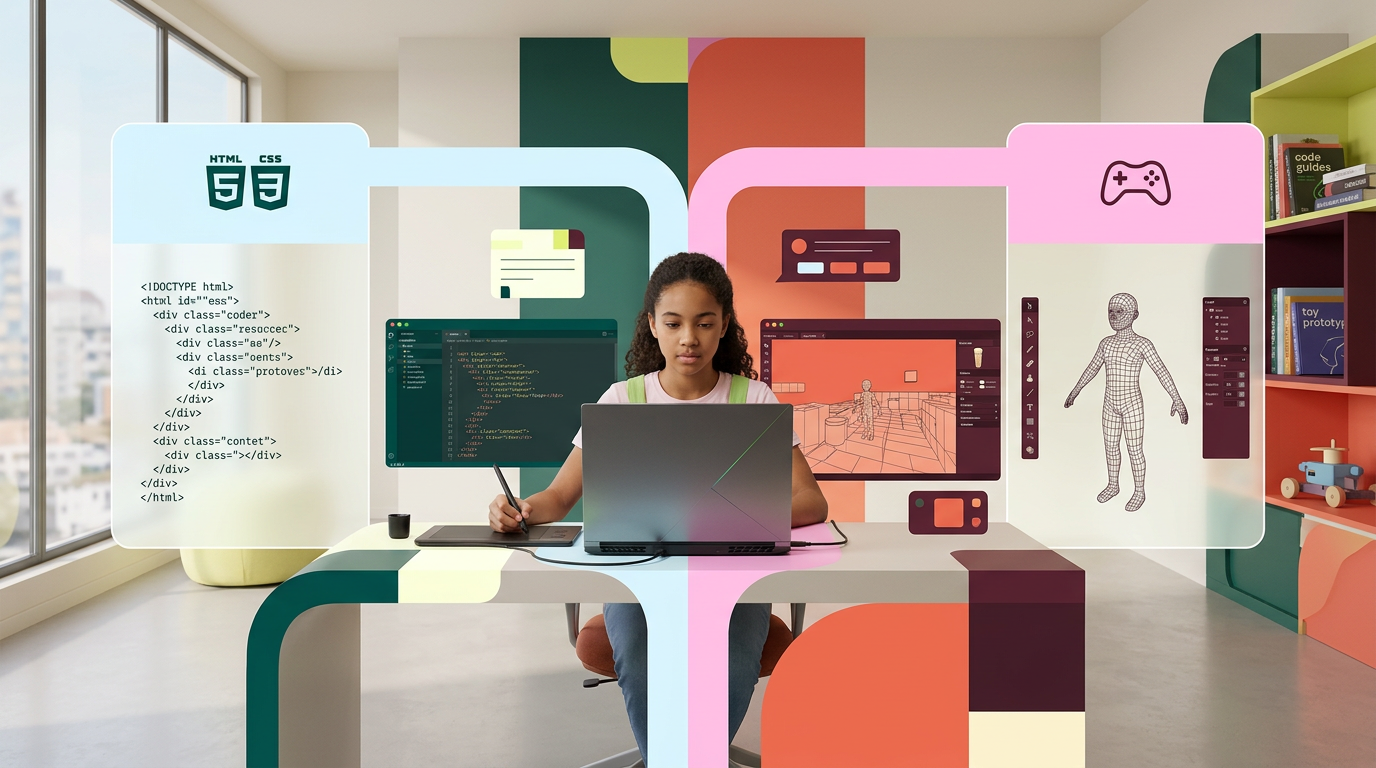
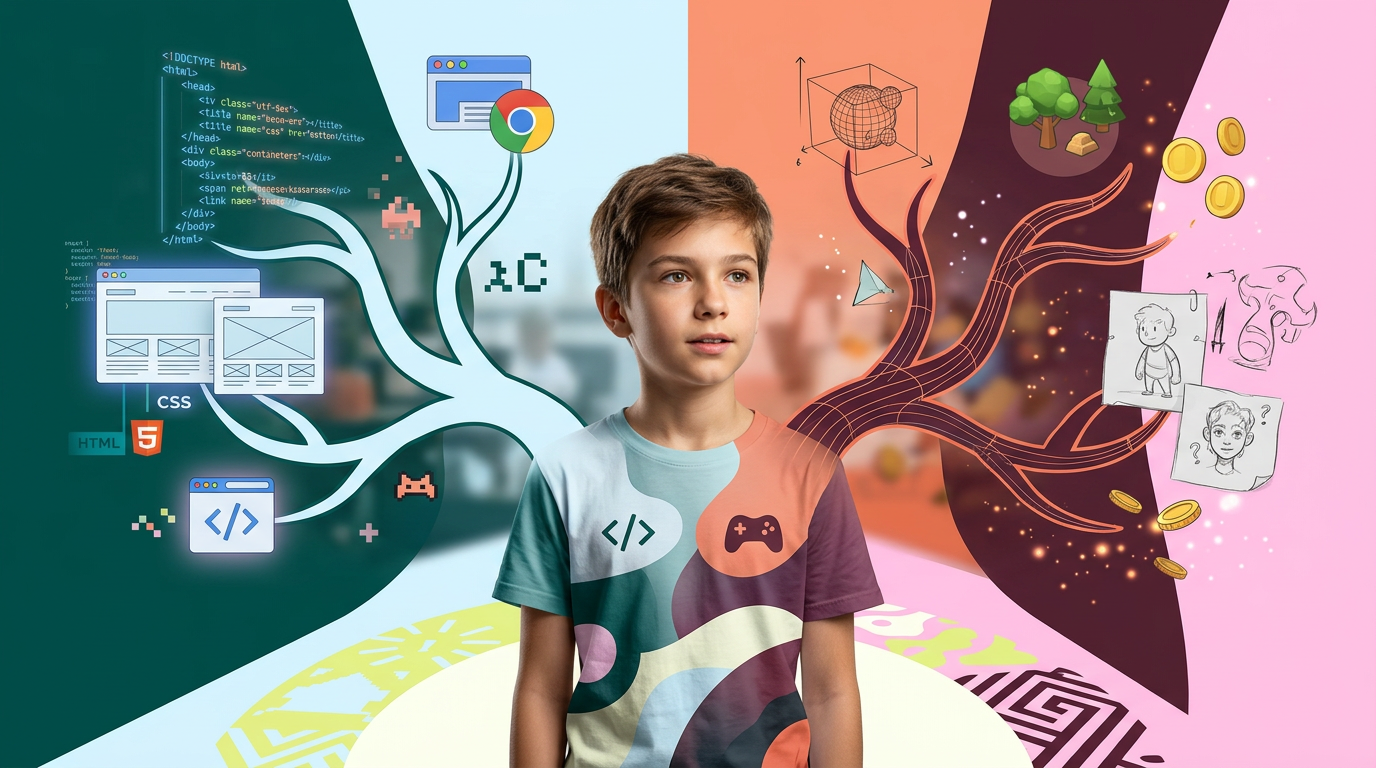
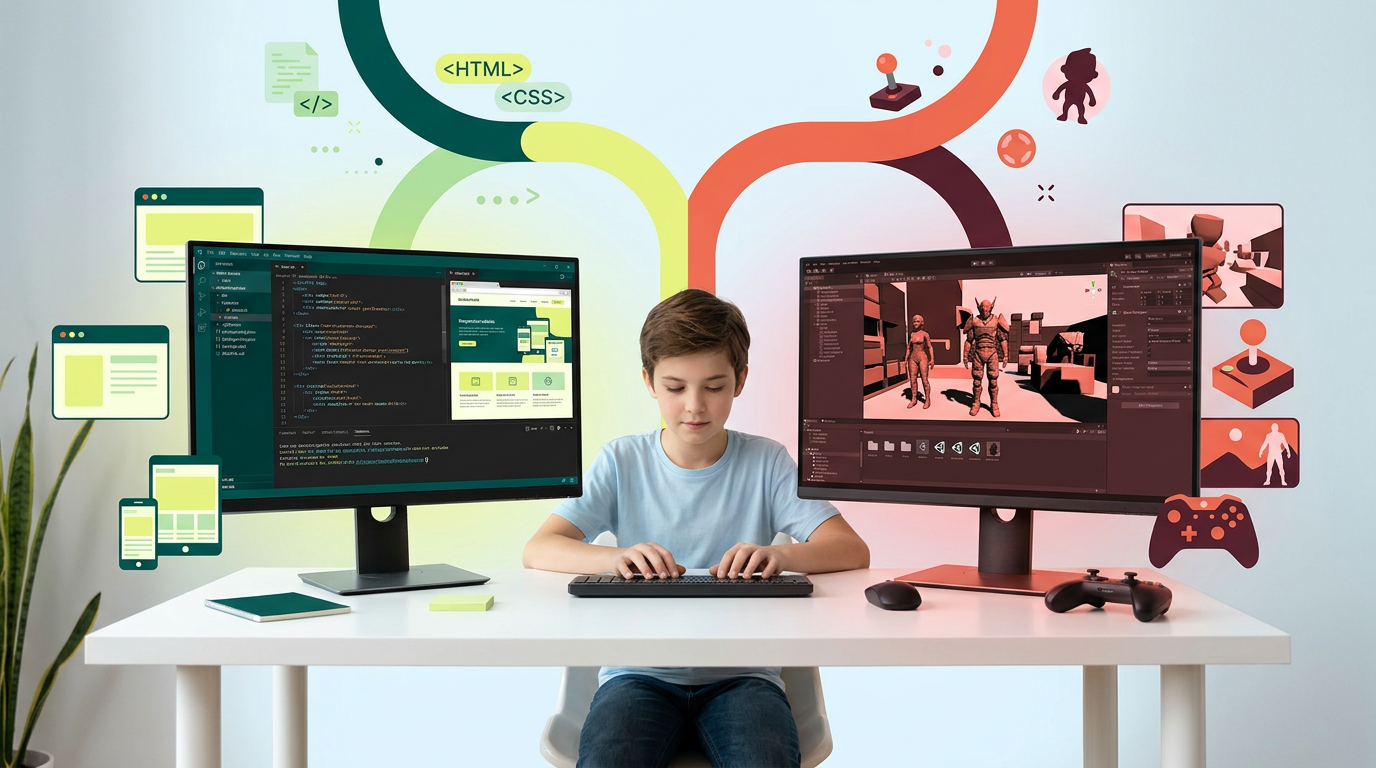
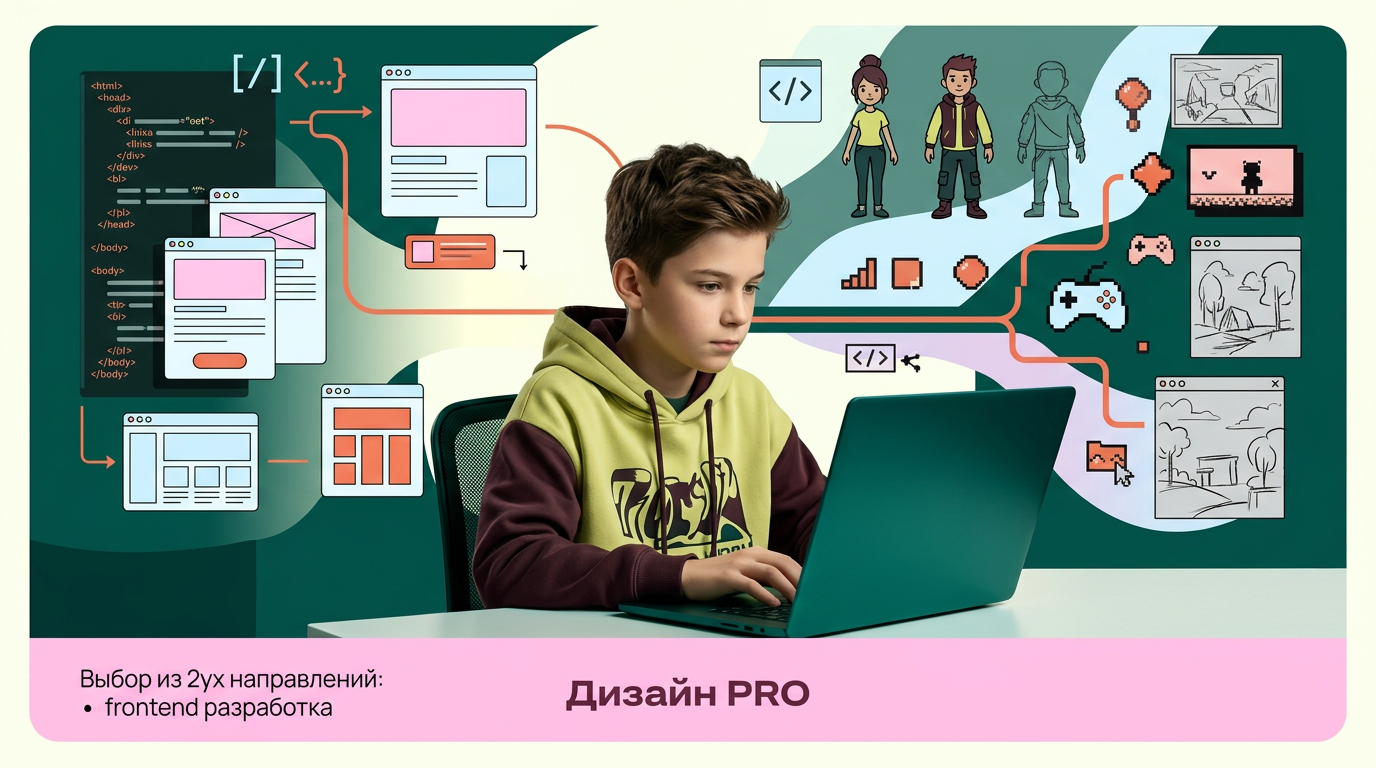
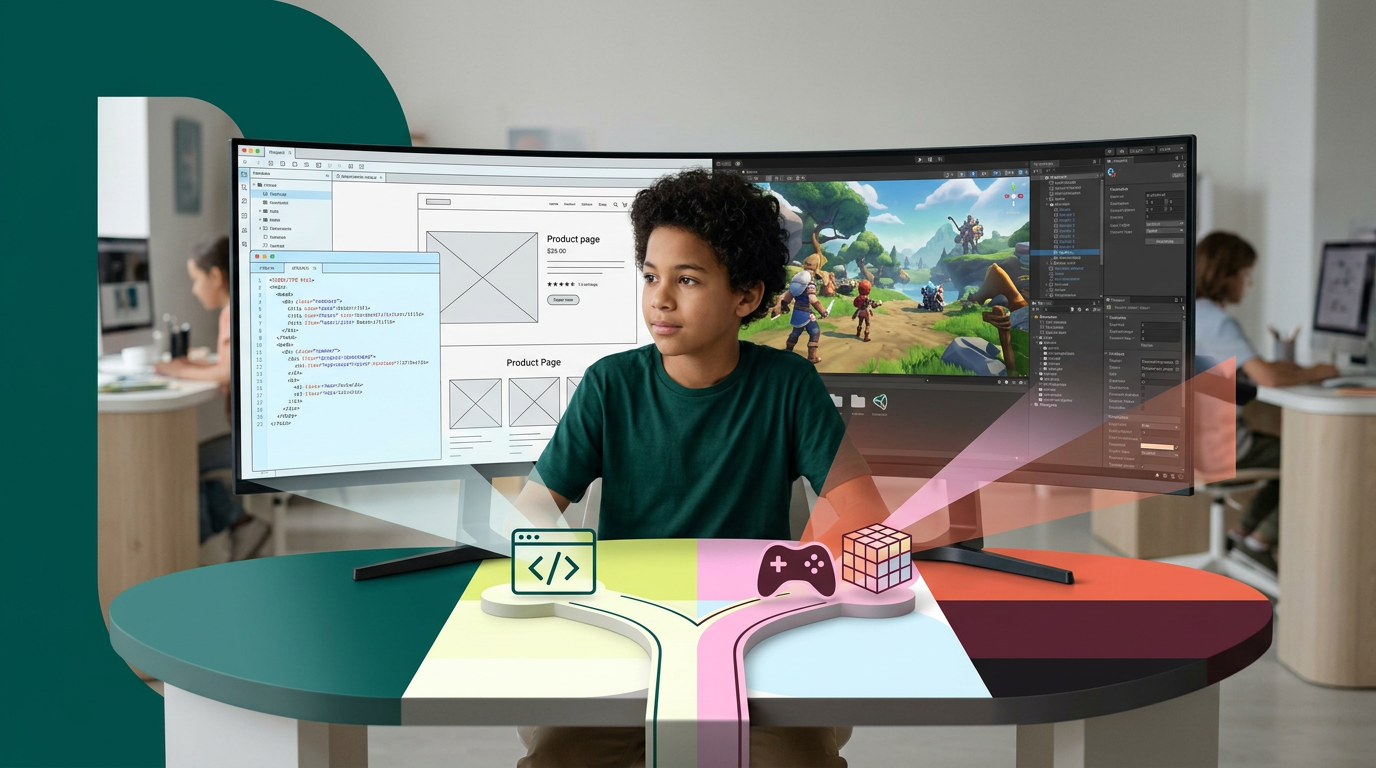
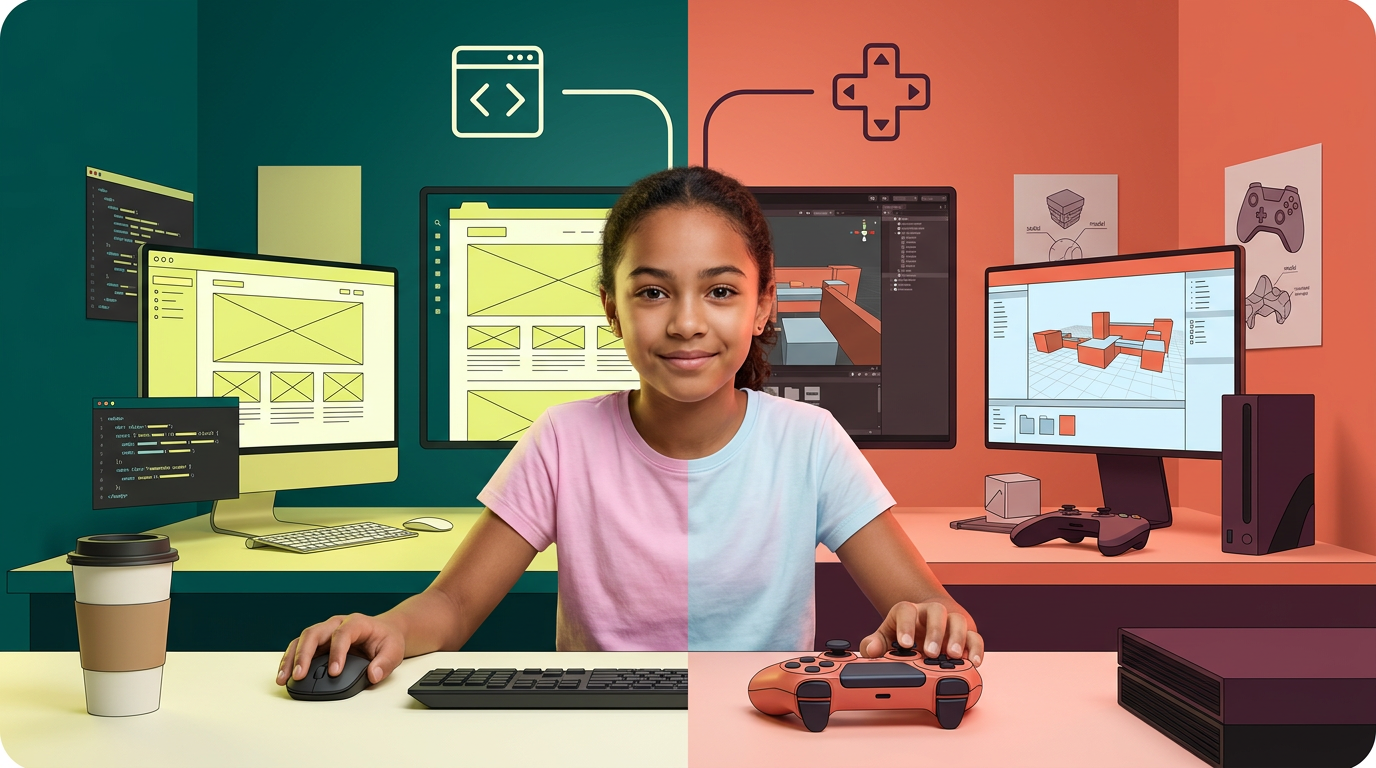
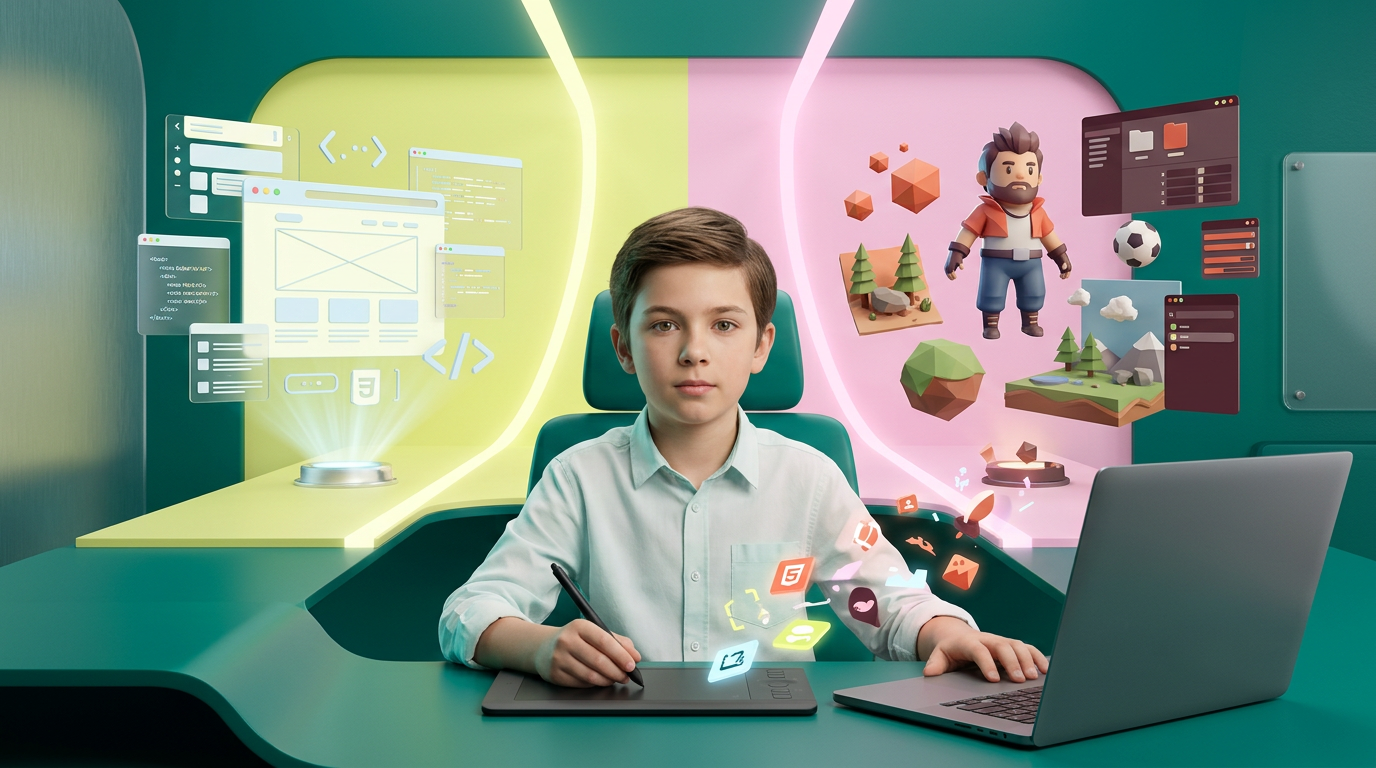
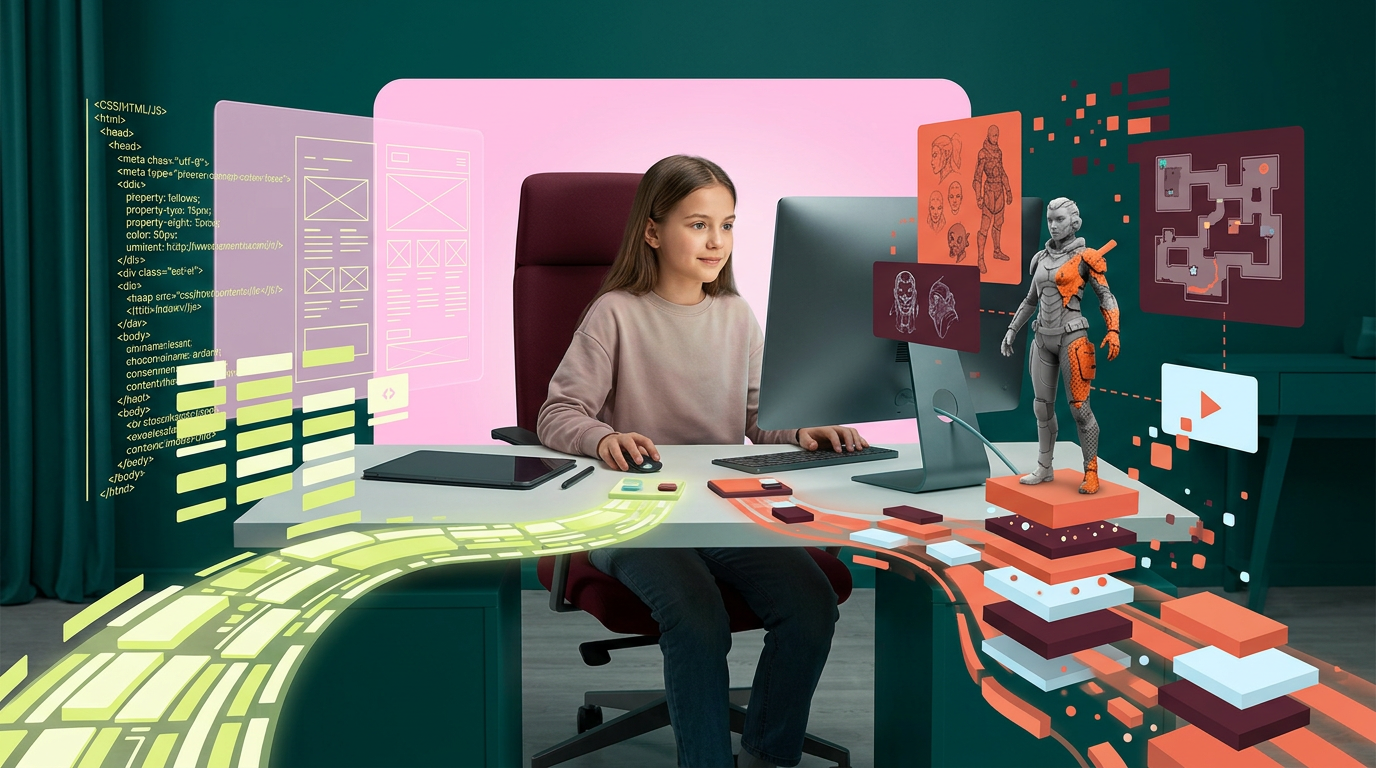
AI Design for на этом фоне создай 3д фигурки на тему Frontend-база: HTML+CSS. Фон менять нельзя.  Фигурки должны быть достаточно большими. Используй цвета EE6C4D 01524B D5F4FF FAFFDB 5D2334

сделай модельки динамичными. Не делай никаких надписей. Все фигурки в стиле 3д рендера

ПО центру должна быть основная моделька. ПО бокам фигурки для придания динамики.

По центру поставь 2 3д логотипа: HTML и Css (картинки 2 и 3)

на этом фоне создай 3д фигурки на тему Frontend-база: HTML+CSS. Фон менять нельзя. Фигурки должны быть достаточно большими. Используй цвета EE6C4D 01524B D5F4FF FAFFDB 5D2334 сделай модельки динамичными. Не делай никаких надписей. Все фигурки в стиле 3д рендера ПО центру должна быть основная моделька. ПО бокам фигурки для придания динамики. По центру поставь 2 3д логотипа: HTML и Css (картинки 2 и 3)

by @Elephant_5574126

AI Design for на этом фоне создай 3д фигурки на тему Frontend-база: HTML+CSS. Фон менять нельзя.  Фигурки должны быть достаточно большими. Используй цвета EE6C4D 01524B D5F4FF FAFFDB 5D2334

сделай модельки динамичными. Не делай никаких надписей. Все фигурки в стиле 3д рендера

ПО центру должна быть основная моделька. ПО бокам фигурки для придания динамики.

По центру поставь 2 3д логотипа: HTML и Css (картинки 2 и 3)

на этом фоне создай 3д фигурки на тему Frontend-база: HTML+CSS. Фон менять нельзя. Фигурки должны быть достаточно большими. Используй цвета EE6C4D 01524B D5F4FF FAFFDB 5D2334 сделай модельки динамичными. Не делай никаких надписей. Все фигурки в стиле 3д рендера ПО центру должна быть основная моделька. ПО бокам фигурки для придания динамики. По центру поставь 2 3д логотипа: HTML и Css (картинки 2 и 3)

by @Elephant_5574126

AI Design for на этом фоне создай 3д фигурки на тему Frontend-база: HTML+CSS. Фон менять нельзя.  Фигурки должны быть достаточно большими. Используй цвета EE6C4D 01524B D5F4FF FAFFDB 5D2334

сделай модельки динамичными. Не делай никаких надписей. Все фигурки в стиле 3д рендера

ПО центру должна быть основная моделька. ПО бокам фигурки для придания динамики.

По центру поставь 2 3д логотипа: HTML и Css (картинки 2 и 3)

на этом фоне создай 3д фигурки на тему Frontend-база: HTML+CSS. Фон менять нельзя. Фигурки должны быть достаточно большими. Используй цвета EE6C4D 01524B D5F4FF FAFFDB 5D2334 сделай модельки динамичными. Не делай никаких надписей. Все фигурки в стиле 3д рендера ПО центру должна быть основная моделька. ПО бокам фигурки для придания динамики. По центру поставь 2 3д логотипа: HTML и Css (картинки 2 и 3)

by @Elephant_5574126

AI Design for на этом фоне создай 3д фигурки на тему Frontend-база: HTML+CSS. Фон менять нельзя.  Фигурки должны быть достаточно большими. Используй цвета EE6C4D 01524B D5F4FF FAFFDB 5D2334

сделай модельки динамичными. Не делай никаких надписей. Все фигурки в стиле 3д рендера

ПО центру должна быть основная моделька. ПО бокам фигурки для придания динамики.

По центру поставь 2 3д логотипа: HTML и Css (картинки 2 и 3)

на этом фоне создай 3д фигурки на тему Frontend-база: HTML+CSS. Фон менять нельзя. Фигурки должны быть достаточно большими. Используй цвета EE6C4D 01524B D5F4FF FAFFDB 5D2334 сделай модельки динамичными. Не делай никаких надписей. Все фигурки в стиле 3д рендера ПО центру должна быть основная моделька. ПО бокам фигурки для придания динамики. По центру поставь 2 3д логотипа: HTML и Css (картинки 2 и 3)

by @Elephant_5574126

AI Design for на этом фоне создай 3д фигурки на тему Frontend-база: HTML+CSS. Фон менять нельзя.  Фигурки должны быть достаточно большими. Используй цвета EE6C4D 01524B D5F4FF FAFFDB 5D2334

сделай модельки динамичными. Не делай никаких надписей. Все фигурки в стиле 3д рендера

ПО центру должна быть основная моделька. ПО бокам фигурки для придания динамики.

на этом фоне создай 3д фигурки на тему Frontend-база: HTML+CSS. Фон менять нельзя. Фигурки должны быть достаточно большими. Используй цвета EE6C4D 01524B D5F4FF FAFFDB 5D2334 сделай модельки динамичными. Не делай никаких надписей. Все фигурки в стиле 3д рендера ПО центру должна быть основная моделька. ПО бокам фигурки для придания динамики.

by @Elephant_5574126

AI Design for на этом фоне создай 3д фигурки на тему Photoshop. Фон менять нельзя.  Фигурки должны быть достаточно большими. Используй цвета EE6C4D 01524B D5F4FF FAFFDB 5D2334

сделай модельки динамичными. Не делай никаких надписей. Все фигурки в стиле 3д рендера

ПО центру должна быть основная моделька. ПО бокам фигурки для придания динамики.

ПО центру поставь логотип Photoshop .

на этом фоне создай 3д фигурки на тему Photoshop. Фон менять нельзя. Фигурки должны быть достаточно большими. Используй цвета EE6C4D 01524B D5F4FF FAFFDB 5D2334 сделай модельки динамичными. Не делай никаких надписей. Все фигурки в стиле 3д рендера ПО центру должна быть основная моделька. ПО бокам фигурки для придания динамики. ПО центру поставь логотип Photoshop .

by @Elephant_5574126

AI Design for на этом фоне создай 3д фигурки на тему Photoshop. Фон менять нельзя.  Фигурки должны быть достаточно большими. Используй цвета EE6C4D 01524B D5F4FF FAFFDB 5D2334

сделай модельки динамичными. Не делай никаких надписей. Все фигурки в стиле 3д рендера

ПО центру должна быть основная моделька. ПО бокам фигурки для придания динамики.

ПО центру поставь логотип Photoshop .

на этом фоне создай 3д фигурки на тему Photoshop. Фон менять нельзя. Фигурки должны быть достаточно большими. Используй цвета EE6C4D 01524B D5F4FF FAFFDB 5D2334 сделай модельки динамичными. Не делай никаких надписей. Все фигурки в стиле 3д рендера ПО центру должна быть основная моделька. ПО бокам фигурки для придания динамики. ПО центру поставь логотип Photoshop .

by @Elephant_5574126

AI Design for на этом фоне создай 3д фигурки на тему Photoshop. Фон менять нельзя.  Фигурки должны быть достаточно большими. Используй цвета EE6C4D 01524B D5F4FF FAFFDB 5D2334

сделай модельки динамичными. Не делай никаких надписей. Все фигурки в стиле 3д рендера

ПО центру должна быть основная моделька. ПО бокам фигурки для придания динамики.

ПО центру поставь логотип Photoshop .

на этом фоне создай 3д фигурки на тему Photoshop. Фон менять нельзя. Фигурки должны быть достаточно большими. Используй цвета EE6C4D 01524B D5F4FF FAFFDB 5D2334 сделай модельки динамичными. Не делай никаких надписей. Все фигурки в стиле 3д рендера ПО центру должна быть основная моделька. ПО бокам фигурки для придания динамики. ПО центру поставь логотип Photoshop .

by @Elephant_5574126

AI Design for на этом фоне создай 3д фигурки на тему Photoshop. Фон менять нельзя.  Фигурки должны быть достаточно большими. Используй цвета EE6C4D 01524B D5F4FF FAFFDB 5D2334

сделай модельки динамичными. Не делай никаких надписей. Все фигурки в стиле 3д рендера

ПО центру должна быть основная моделька. ПО бокам фигурки для придания динамики.

ПО центру поставь логотип Photoshop .

на этом фоне создай 3д фигурки на тему Photoshop. Фон менять нельзя. Фигурки должны быть достаточно большими. Используй цвета EE6C4D 01524B D5F4FF FAFFDB 5D2334 сделай модельки динамичными. Не делай никаких надписей. Все фигурки в стиле 3д рендера ПО центру должна быть основная моделька. ПО бокам фигурки для придания динамики. ПО центру поставь логотип Photoshop .

by @Elephant_5574126

AI Design for на этом фоне создай 3д фигурки на тему Photoshop. Фон менять нельзя.  Фигурки должны быть достаточно большими. Используй цвета EE6C4D 01524B D5F4FF FAFFDB 5D2334

сделай модельки динамичными. Не делай никаких надписей. Все фигурки в стиле 3д рендера

ПО центру должна быть основная моделька. ПО бокам фигурки для придания динамики.

ПО центру поставь логотип Photoshop .

на этом фоне создай 3д фигурки на тему Photoshop. Фон менять нельзя. Фигурки должны быть достаточно большими. Используй цвета EE6C4D 01524B D5F4FF FAFFDB 5D2334 сделай модельки динамичными. Не делай никаких надписей. Все фигурки в стиле 3д рендера ПО центру должна быть основная моделька. ПО бокам фигурки для придания динамики. ПО центру поставь логотип Photoshop .

by @Elephant_5574126

AI Design for на этом фоне создай 3д фигурки на тему Photoshop. Фон менять нельзя.  Фигурки должны быть достаточно большими. Используй цвета EE6C4D 01524B D5F4FF FAFFDB 5D2334

сделай модельки динамичными. Не делай никаких надписей. Все фигурки в стиле 3д рендера

ПО центру должна быть основная моделька. ПО бокам фигурки для придания динамики.

ПО центру поставь логотип Photoshop .

на этом фоне создай 3д фигурки на тему Photoshop. Фон менять нельзя. Фигурки должны быть достаточно большими. Используй цвета EE6C4D 01524B D5F4FF FAFFDB 5D2334 сделай модельки динамичными. Не делай никаких надписей. Все фигурки в стиле 3д рендера ПО центру должна быть основная моделька. ПО бокам фигурки для придания динамики. ПО центру поставь логотип Photoshop .

by @Elephant_5574126

AI Design for на этом фоне создай 3д фигурки на тему разработка мобильных игр в Thunkable. Фон менять нельзя.  Фигурки должны быть достаточно большими. Используй цвета EE6C4D 01524B D5F4FF FAFFDB 5D2334

сделай модельки динамичными. Не делай никаких надписей. Все фигурки в стиле 3д рендера

ПО центру должна быть основная моделька. ПО бокам фигурки для придания динамики.

ПО центру поставь логотип 3d thunkable (само лого на картинке 2).

на этом фоне создай 3д фигурки на тему разработка мобильных игр в Thunkable. Фон менять нельзя. Фигурки должны быть достаточно большими. Используй цвета EE6C4D 01524B D5F4FF FAFFDB 5D2334 сделай модельки динамичными. Не делай никаких надписей. Все фигурки в стиле 3д рендера ПО центру должна быть основная моделька. ПО бокам фигурки для придания динамики. ПО центру поставь логотип 3d thunkable (само лого на картинке 2).

by @Elephant_5574126

AI Design for на этом фоне создай 3д фигурки на тему разработка мобильных игр в Thunkable. Фон менять нельзя.  Фигурки должны быть достаточно большими. Используй цвета EE6C4D 01524B D5F4FF FAFFDB 5D2334

сделай модельки динамичными. Не делай никаких надписей. Все фигурки в стиле 3д рендера

ПО центру должна быть основная моделька. ПО бокам фигурки для придания динамики.

ПО центру поставь логотип 3d thunkable (само лого на картинке 2).

на этом фоне создай 3д фигурки на тему разработка мобильных игр в Thunkable. Фон менять нельзя. Фигурки должны быть достаточно большими. Используй цвета EE6C4D 01524B D5F4FF FAFFDB 5D2334 сделай модельки динамичными. Не делай никаких надписей. Все фигурки в стиле 3д рендера ПО центру должна быть основная моделька. ПО бокам фигурки для придания динамики. ПО центру поставь логотип 3d thunkable (само лого на картинке 2).

by @Elephant_5574126

AI Design for на этом фоне создай 3д фигурки на тему разработка мобильных игр в Thunkable. Фон менять нельзя.  Фигурки должны быть достаточно большими. Используй цвета EE6C4D 01524B D5F4FF FAFFDB 5D2334

сделай модельки динамичными. Не делай никаких надписей. Все фигурки в стиле 3д рендера

ПО центру должна быть основная моделька. ПО бокам фигурки для придания динамики.

ПО центру поставь логотип 3d thunkable (само лого на картинке 2).

на этом фоне создай 3д фигурки на тему разработка мобильных игр в Thunkable. Фон менять нельзя. Фигурки должны быть достаточно большими. Используй цвета EE6C4D 01524B D5F4FF FAFFDB 5D2334 сделай модельки динамичными. Не делай никаких надписей. Все фигурки в стиле 3д рендера ПО центру должна быть основная моделька. ПО бокам фигурки для придания динамики. ПО центру поставь логотип 3d thunkable (само лого на картинке 2).

by @Elephant_5574126

AI Design for на этом фоне создай 3д фигурки на тему разработка мобильных игр в Thunkable. Фон менять нельзя.  Фигурки должны быть достаточно большими. Используй цвета EE6C4D 01524B D5F4FF FAFFDB 5D2334

сделай модельки динамичными. Не делай никаких надписей. Все фигурки в стиле 3д рендера

ПО центру должна быть основная моделька. ПО бокам фигурки для придания динамики.

ПО центру поставь логотип 3d thunkable (само лого на картинке 2).

на этом фоне создай 3д фигурки на тему разработка мобильных игр в Thunkable. Фон менять нельзя. Фигурки должны быть достаточно большими. Используй цвета EE6C4D 01524B D5F4FF FAFFDB 5D2334 сделай модельки динамичными. Не делай никаких надписей. Все фигурки в стиле 3д рендера ПО центру должна быть основная моделька. ПО бокам фигурки для придания динамики. ПО центру поставь логотип 3d thunkable (само лого на картинке 2).

by @Elephant_5574126

AI Design for на этом фоне создай 3д фигурки на тему PowerPoint будущего. Фон менять нельзя.  Фигурки должны быть достаточно большими. Используй цвета EE6C4D 01524B D5F4FF FAFFDB 5D2334

сделай модельки динамичными. Не делай никаких надписей. Все фигурки в стиле 3д рендера

ПО центру должна быть основная моделька. ПО бокам фигурки для придания динамики.

ПО центру поставь логотип павер поинта. по бокам - элементы дизайна

на этом фоне создай 3д фигурки на тему PowerPoint будущего. Фон менять нельзя. Фигурки должны быть достаточно большими. Используй цвета EE6C4D 01524B D5F4FF FAFFDB 5D2334 сделай модельки динамичными. Не делай никаких надписей. Все фигурки в стиле 3д рендера ПО центру должна быть основная моделька. ПО бокам фигурки для придания динамики. ПО центру поставь логотип павер поинта. по бокам - элементы дизайна

by @Elephant_5574126

AI Design for на этом фоне создай 3д фигурки на тему PowerPoint будущего. Фон менять нельзя.  Фигурки должны быть достаточно большими. Используй цвета EE6C4D 01524B D5F4FF FAFFDB 5D2334

сделай модельки динамичными. Не делай никаких надписей. Все фигурки в стиле 3д рендера

ПО центру должна быть основная моделька. ПО бокам фигурки для придания динамики.

ПО центру поставь логотип павер поинта. по бокам - элементы дизайна

на этом фоне создай 3д фигурки на тему PowerPoint будущего. Фон менять нельзя. Фигурки должны быть достаточно большими. Используй цвета EE6C4D 01524B D5F4FF FAFFDB 5D2334 сделай модельки динамичными. Не делай никаких надписей. Все фигурки в стиле 3д рендера ПО центру должна быть основная моделька. ПО бокам фигурки для придания динамики. ПО центру поставь логотип павер поинта. по бокам - элементы дизайна

by @Elephant_5574126

AI Design for на этом фоне создай 3д фигурки на тему PowerPoint будущего. Фон менять нельзя.  Фигурки должны быть достаточно большими. Используй цвета EE6C4D 01524B D5F4FF FAFFDB 5D2334

сделай модельки динамичными. Не делай никаких надписей. Все фигурки в стиле 3д рендера

ПО центру должна быть основная моделька. ПО бокам фигурки для придания динамики.

ПО центру поставь логотип павер поинта. по бокам - элементы дизайна

на этом фоне создай 3д фигурки на тему PowerPoint будущего. Фон менять нельзя. Фигурки должны быть достаточно большими. Используй цвета EE6C4D 01524B D5F4FF FAFFDB 5D2334 сделай модельки динамичными. Не делай никаких надписей. Все фигурки в стиле 3д рендера ПО центру должна быть основная моделька. ПО бокам фигурки для придания динамики. ПО центру поставь логотип павер поинта. по бокам - элементы дизайна

by @Elephant_5574126

AI Design for на этом фоне создай 3д фигурки на тему PowerPoint будущего. Фон менять нельзя.  Фигурки должны быть достаточно большими. Используй цвета EE6C4D 01524B D5F4FF FAFFDB

сделай модельки динамичными. Не делай никаких надписей. Все фигурки в стиле 3д рендера

ПО центру должна быть основная моделька. ПО бокам фигурки для придания динамики.

ПО центру поставь логотип павер поинта. по бокам - элементы дизайна

на этом фоне создай 3д фигурки на тему PowerPoint будущего. Фон менять нельзя. Фигурки должны быть достаточно большими. Используй цвета EE6C4D 01524B D5F4FF FAFFDB сделай модельки динамичными. Не делай никаких надписей. Все фигурки в стиле 3д рендера ПО центру должна быть основная моделька. ПО бокам фигурки для придания динамики. ПО центру поставь логотип павер поинта. по бокам - элементы дизайна

by @Elephant_5574126

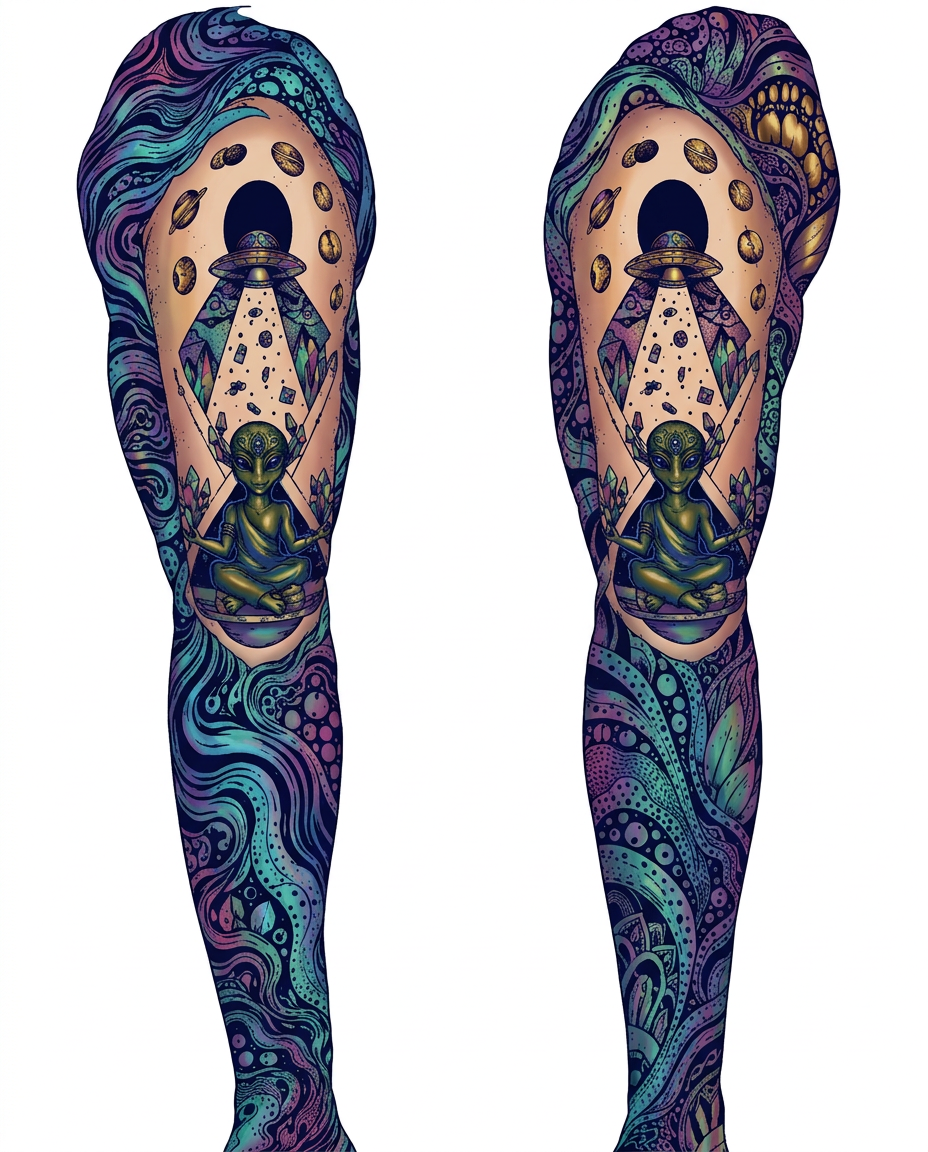
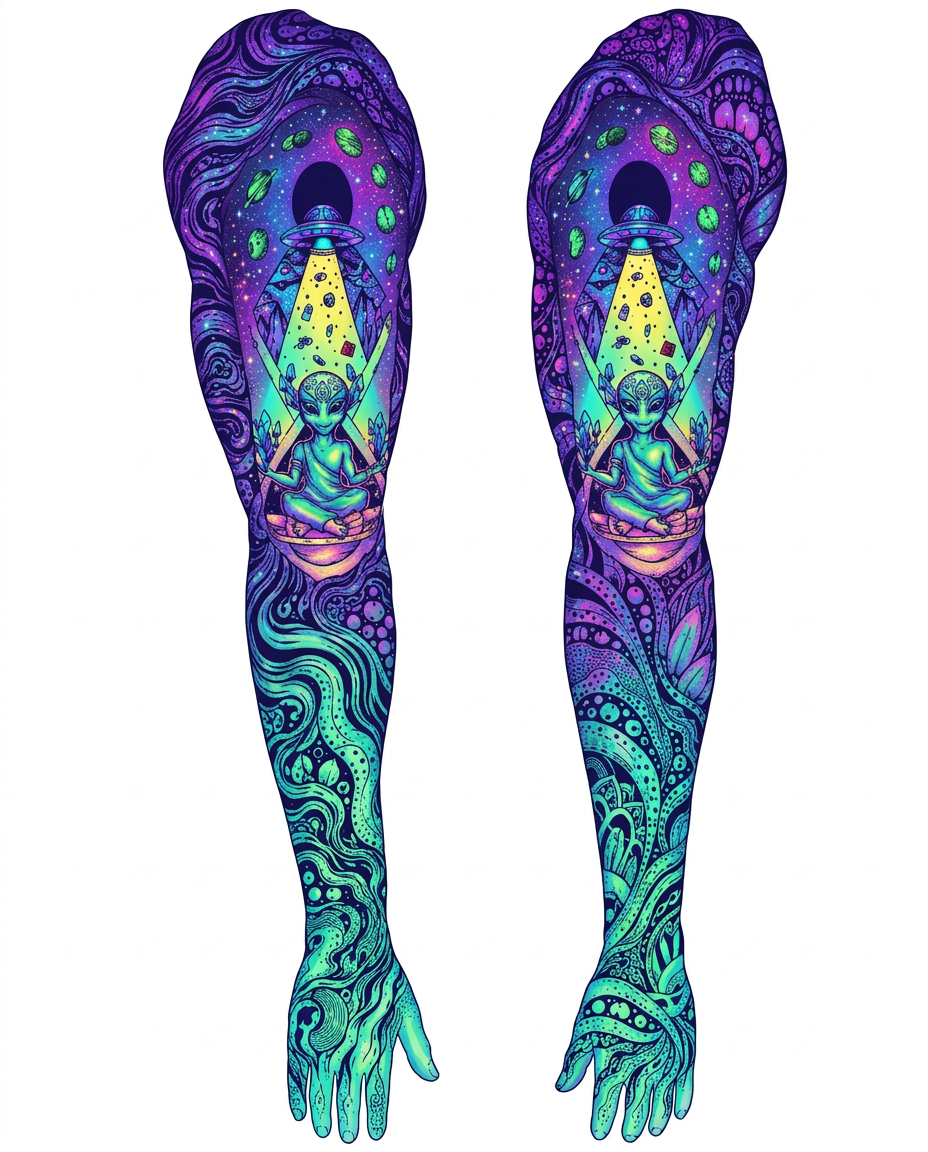
AI Design for сделай розовый цвет на картинке не таким ярким, более пастельным, как FFBEE4

сделай розовый цвет на картинке не таким ярким, более пастельным, как FFBEE4

by @Elephant_5574126

AI Design for сделай розовый цвет на картинке не таким ярким, более пастельным, как FFBEE4

сделай розовый цвет на картинке не таким ярким, более пастельным, как FFBEE4

by @Elephant_5574126

AI Design for сделай розовый цвет на картинке не таким ярким, более пастельным, как FFBEE4

сделай розовый цвет на картинке не таким ярким, более пастельным, как FFBEE4

by @Elephant_5574126

AI Design for Change this image to 4:5 aspect ratio.

Analyze what type of content this is and handle the transformation appropriately:
- If it's a product photo: keep the product exactly the same, only extend or crop the background
- If it has text, logos, or graphic elements: preserve all text and graphics exactly as they are
- If it's a portrait or photo of people: keep the subject intact, extend or crop the surrounding environment
- If it's a landscape or scenery: seamlessly extend or crop the natural environment
- If it's artwork or illustration: maintain the artistic style consistently

Apply the most appropriate transformation based on what you see in the image.

Change this image to 4:5 aspect ratio. Analyze what type of content this is and handle the transformation appropriately: - If it's a product photo: keep the product exactly the same, only extend or crop the background - If it has text, logos, or graphic elements: preserve all text and graphics exactly as they are - If it's a portrait or photo of people: keep the subject intact, extend or crop the surrounding environment - If it's a landscape or scenery: seamlessly extend or crop the natural environment - If it's artwork or illustration: maintain the artistic style consistently Apply the most appropriate transformation based on what you see in the image.

by @Elephant_4705870

AI Design for Change this image to 4:5 aspect ratio.

Analyze what type of content this is and handle the transformation appropriately:
- If it's a product photo: keep the product exactly the same, only extend or crop the background
- If it has text, logos, or graphic elements: preserve all text and graphics exactly as they are
- If it's a portrait or photo of people: keep the subject intact, extend or crop the surrounding environment
- If it's a landscape or scenery: seamlessly extend or crop the natural environment
- If it's artwork or illustration: maintain the artistic style consistently

Apply the most appropriate transformation based on what you see in the image.

Change this image to 4:5 aspect ratio. Analyze what type of content this is and handle the transformation appropriately: - If it's a product photo: keep the product exactly the same, only extend or crop the background - If it has text, logos, or graphic elements: preserve all text and graphics exactly as they are - If it's a portrait or photo of people: keep the subject intact, extend or crop the surrounding environment - If it's a landscape or scenery: seamlessly extend or crop the natural environment - If it's artwork or illustration: maintain the artistic style consistently Apply the most appropriate transformation based on what you see in the image.

by @Elephant_4705870

AI Design for Change this image to 4:5 aspect ratio.

Analyze what type of content this is and handle the transformation appropriately:
- If it's a product photo: keep the product exactly the same, only extend or crop the background
- If it has text, logos, or graphic elements: preserve all text and graphics exactly as they are
- If it's a portrait or photo of people: keep the subject intact, extend or crop the surrounding environment
- If it's a landscape or scenery: seamlessly extend or crop the natural environment
- If it's artwork or illustration: maintain the artistic style consistently

Apply the most appropriate transformation based on what you see in the image.

Change this image to 4:5 aspect ratio. Analyze what type of content this is and handle the transformation appropriately: - If it's a product photo: keep the product exactly the same, only extend or crop the background - If it has text, logos, or graphic elements: preserve all text and graphics exactly as they are - If it's a portrait or photo of people: keep the subject intact, extend or crop the surrounding environment - If it's a landscape or scenery: seamlessly extend or crop the natural environment - If it's artwork or illustration: maintain the artistic style consistently Apply the most appropriate transformation based on what you see in the image.

by @Elephant_4705870

AI Design for Change this image to 4:5 aspect ratio.

Analyze what type of content this is and handle the transformation appropriately:
- If it's a product photo: keep the product exactly the same, only extend or crop the background
- If it has text, logos, or graphic elements: preserve all text and graphics exactly as they are
- If it's a portrait or photo of people: keep the subject intact, extend or crop the surrounding environment
- If it's a landscape or scenery: seamlessly extend or crop the natural environment
- If it's artwork or illustration: maintain the artistic style consistently

Apply the most appropriate transformation based on what you see in the image.

Change this image to 4:5 aspect ratio. Analyze what type of content this is and handle the transformation appropriately: - If it's a product photo: keep the product exactly the same, only extend or crop the background - If it has text, logos, or graphic elements: preserve all text and graphics exactly as they are - If it's a portrait or photo of people: keep the subject intact, extend or crop the surrounding environment - If it's a landscape or scenery: seamlessly extend or crop the natural environment - If it's artwork or illustration: maintain the artistic style consistently Apply the most appropriate transformation based on what you see in the image.

by @Elephant_4705870

AI Design for Change this image to 4:5 aspect ratio.

Analyze what type of content this is and handle the transformation appropriately:
- If it's a product photo: keep the product exactly the same, only extend or crop the background
- If it has text, logos, or graphic elements: preserve all text and graphics exactly as they are
- If it's a portrait or photo of people: keep the subject intact, extend or crop the surrounding environment
- If it's a landscape or scenery: seamlessly extend or crop the natural environment
- If it's artwork or illustration: maintain the artistic style consistently

Apply the most appropriate transformation based on what you see in the image.

Change this image to 4:5 aspect ratio. Analyze what type of content this is and handle the transformation appropriately: - If it's a product photo: keep the product exactly the same, only extend or crop the background - If it has text, logos, or graphic elements: preserve all text and graphics exactly as they are - If it's a portrait or photo of people: keep the subject intact, extend or crop the surrounding environment - If it's a landscape or scenery: seamlessly extend or crop the natural environment - If it's artwork or illustration: maintain the artistic style consistently Apply the most appropriate transformation based on what you see in the image.

by @Elephant_4705870

AI Design for Change this image to 4:5 aspect ratio.

Analyze what type of content this is and handle the transformation appropriately:
- If it's a product photo: keep the product exactly the same, only extend or crop the background
- If it has text, logos, or graphic elements: preserve all text and graphics exactly as they are
- If it's a portrait or photo of people: keep the subject intact, extend or crop the surrounding environment
- If it's a landscape or scenery: seamlessly extend or crop the natural environment
- If it's artwork or illustration: maintain the artistic style consistently

Apply the most appropriate transformation based on what you see in the image.

Change this image to 4:5 aspect ratio. Analyze what type of content this is and handle the transformation appropriately: - If it's a product photo: keep the product exactly the same, only extend or crop the background - If it has text, logos, or graphic elements: preserve all text and graphics exactly as they are - If it's a portrait or photo of people: keep the subject intact, extend or crop the surrounding environment - If it's a landscape or scenery: seamlessly extend or crop the natural environment - If it's artwork or illustration: maintain the artistic style consistently Apply the most appropriate transformation based on what you see in the image.

by @Elephant_4705870

AI Design for Change this image to 4:5 aspect ratio.

Analyze what type of content this is and handle the transformation appropriately:
- If it's a product photo: keep the product exactly the same, only extend or crop the background
- If it has text, logos, or graphic elements: preserve all text and graphics exactly as they are
- If it's a portrait or photo of people: keep the subject intact, extend or crop the surrounding environment
- If it's a landscape or scenery: seamlessly extend or crop the natural environment
- If it's artwork or illustration: maintain the artistic style consistently

Apply the most appropriate transformation based on what you see in the image.

Change this image to 4:5 aspect ratio. Analyze what type of content this is and handle the transformation appropriately: - If it's a product photo: keep the product exactly the same, only extend or crop the background - If it has text, logos, or graphic elements: preserve all text and graphics exactly as they are - If it's a portrait or photo of people: keep the subject intact, extend or crop the surrounding environment - If it's a landscape or scenery: seamlessly extend or crop the natural environment - If it's artwork or illustration: maintain the artistic style consistently Apply the most appropriate transformation based on what you see in the image.

by @Elephant_4705870

  • 1
  • 2
  • 3
  • ...
  • 9
  • 10
  • 11
  • 12
  • 13
  • ...
  • 6704
  • 6705
  • 6706

What's next?Explore more features

Hiding Elephant product features overview

Explore features

AI generation, vector tools, workflows, catalogs, and collaboration in one workspace.

How Hiding Elephant works

How it works

See how the AI canvas, automation, and teamwork fit together end to end.

Get started with Hiding Elephant

Try it free

Sign in and turn inspiration into projects you can edit, export, and share.

Go from browse to build

Explore what else the Elephant can do.You'll love it

AI image generation

AI Generation

Image tools

Image Tools

Workflow builder

Workflows

Brand and style templates

Brand Management

Product catalog

Product Catalog

Collaboration

Collaboration

Batch image generation

Batch generation

Explore community

Community workflows

The AI designworkspace forfast-moving ideas.

Product

  • Ellie
  • AI Generation
  • Vector Canvas
  • Image Tools
  • Workflows
  • Brand Management
  • Product Catalog
  • My Assets
  • Collaboration

Use Cases

  • E-commerce teams
  • Design agencies
  • Marketing teams
  • Content creators

Quick tools

  • All quick tools
  • Background Remover
  • Image Upscaler
  • Image Vectorizer
  • Image Optimizer
  • Image Reframer

Resources

  • About
  • Pricing
  • FAQ
  • Compare
  • Enterprise
  • Integrations
  • Explore
  • Blog
  • Contact Us
  • Book a Demo
  • Affiliates

© 2026 Hiding Elephant. All rights reserved

Cookie PolicyPrivacy PolicyTerms of Service
Hiding Elephant