
Full design control, right next to your AI output
A professional vector canvas with pen tool, shapes, layers, and boolean operations — seamlessly connected to your AI generations. No more switching tools.

Step by step
The process, start to finish
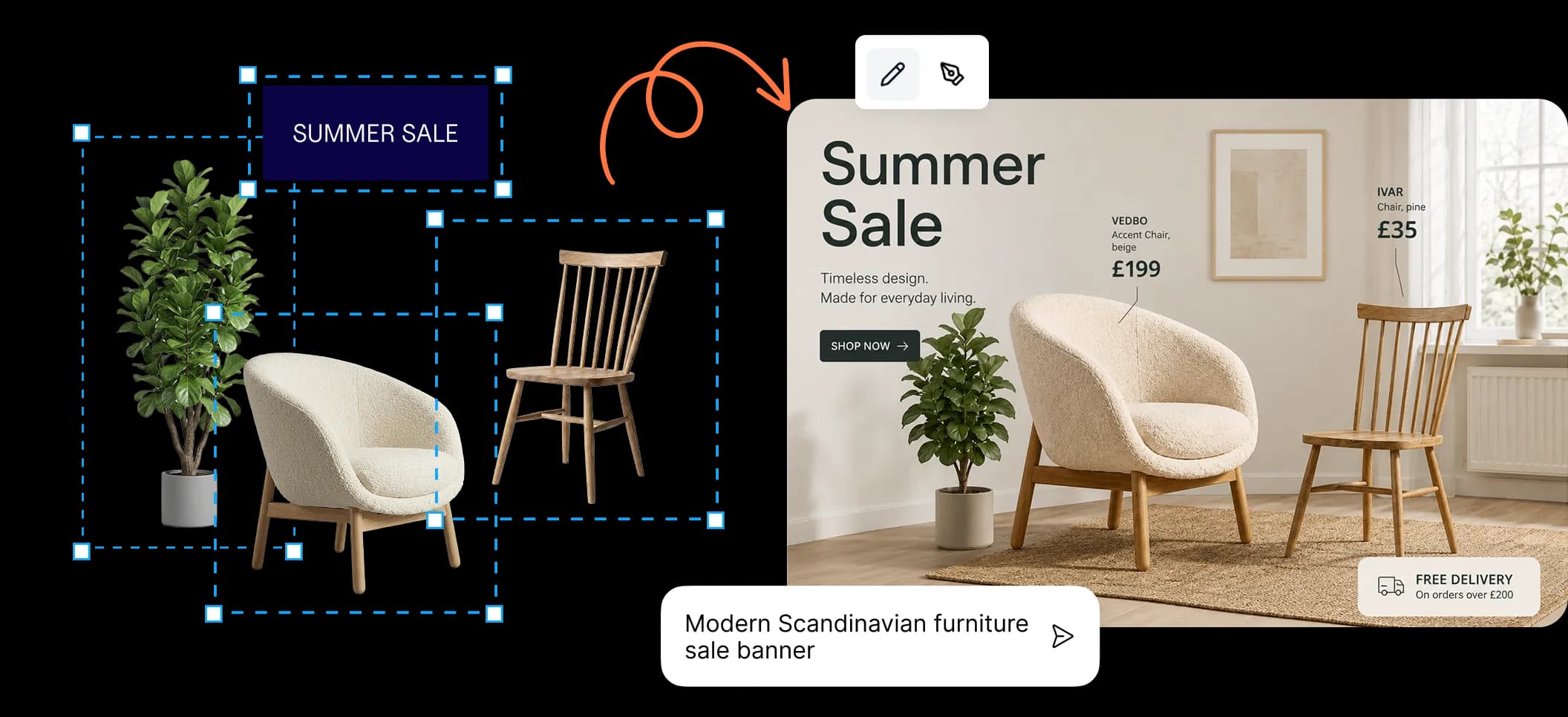
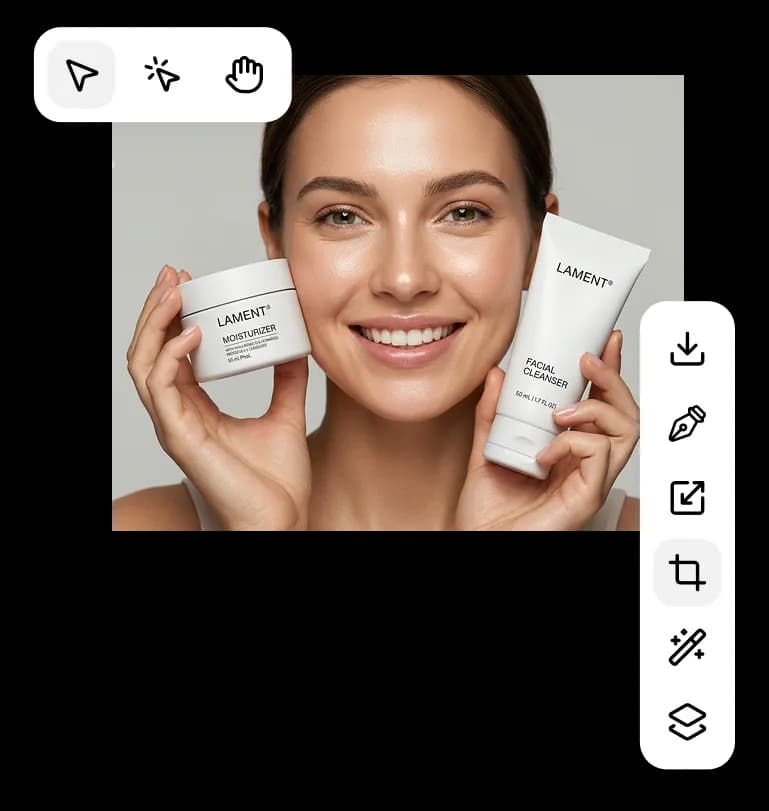
Select any element on the canvas
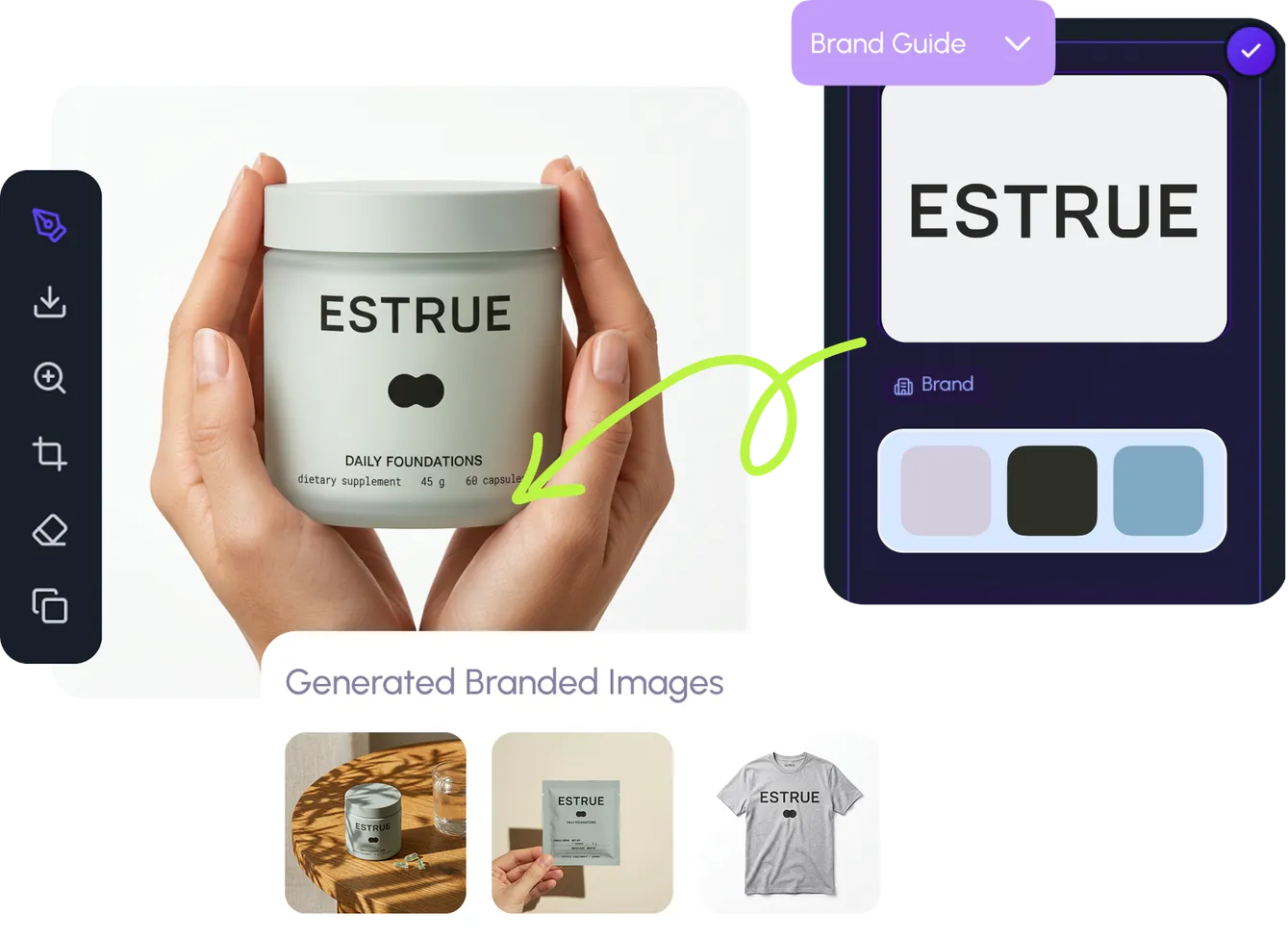
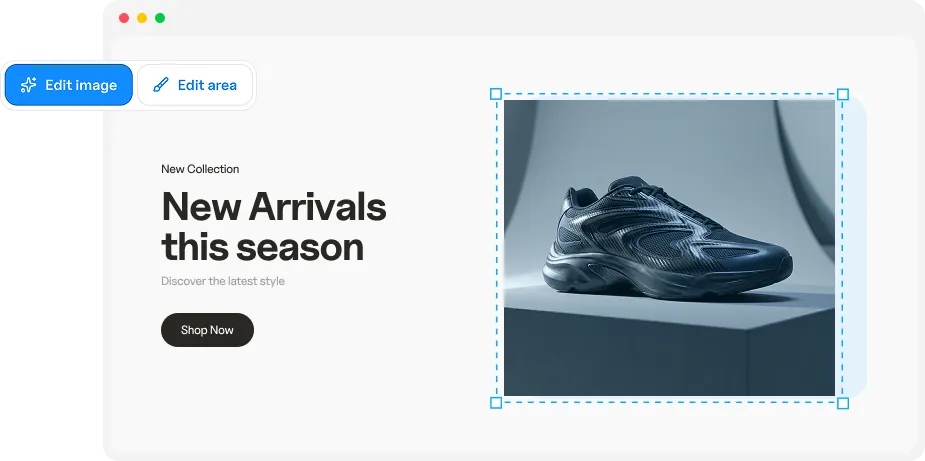
Click any AI-generated image, shape, or text element to start editing. Everything lives on the same infinite canvas — there's no export step between generation and editing.
- Click to select any element instantly
- AI outputs and manual designs coexist
- Infinite canvas with zoom and pan

Select any element on the canvas

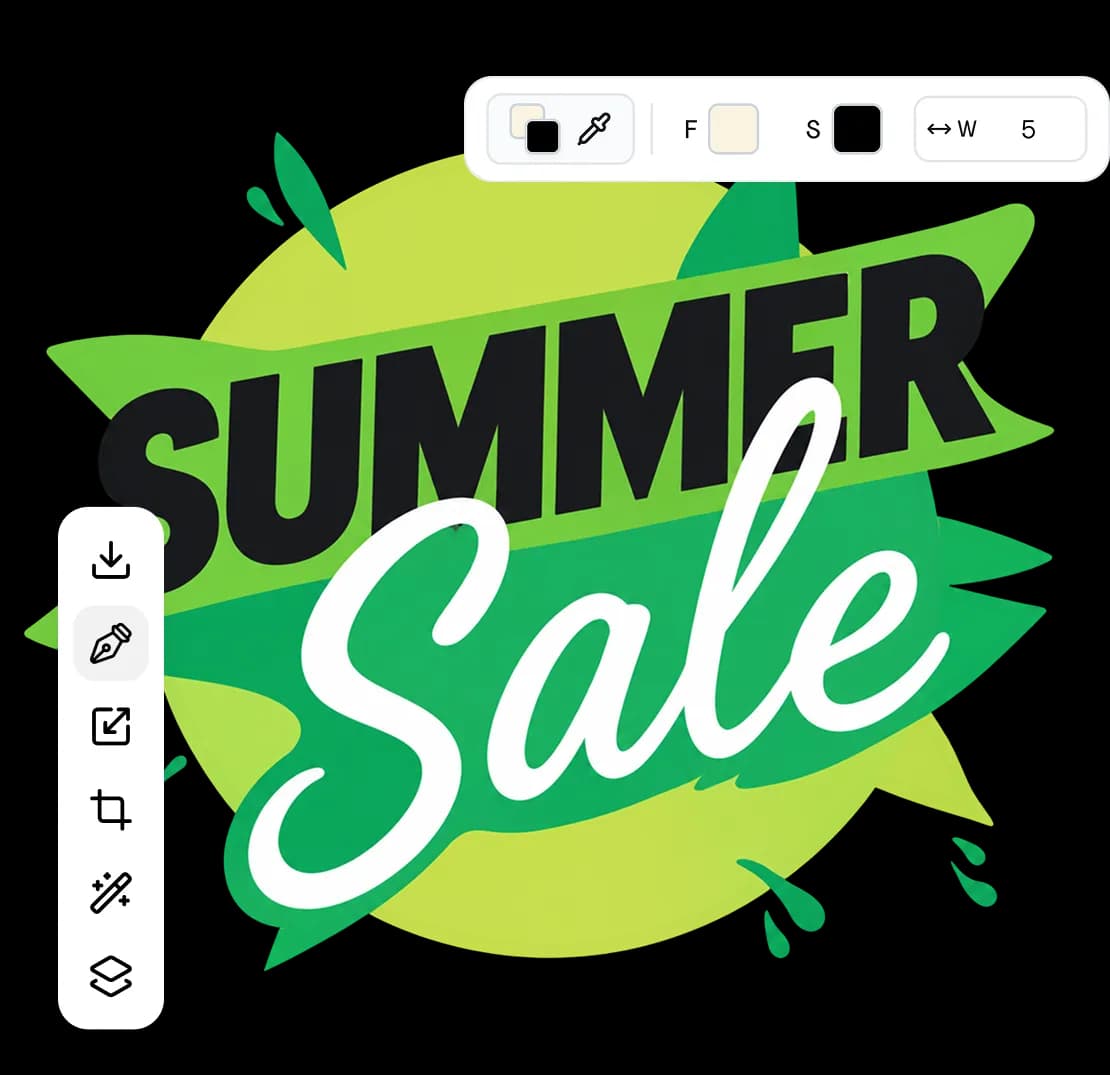
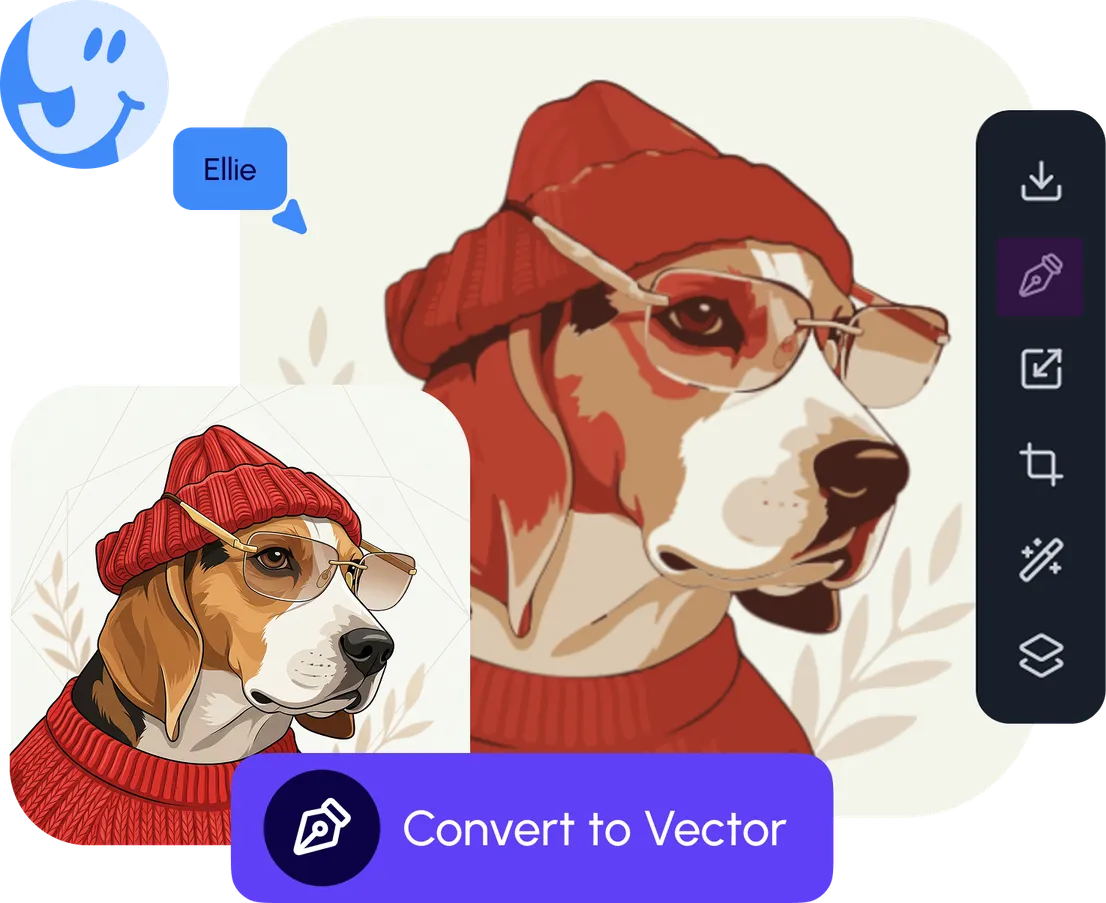
Edit paths and anchor points
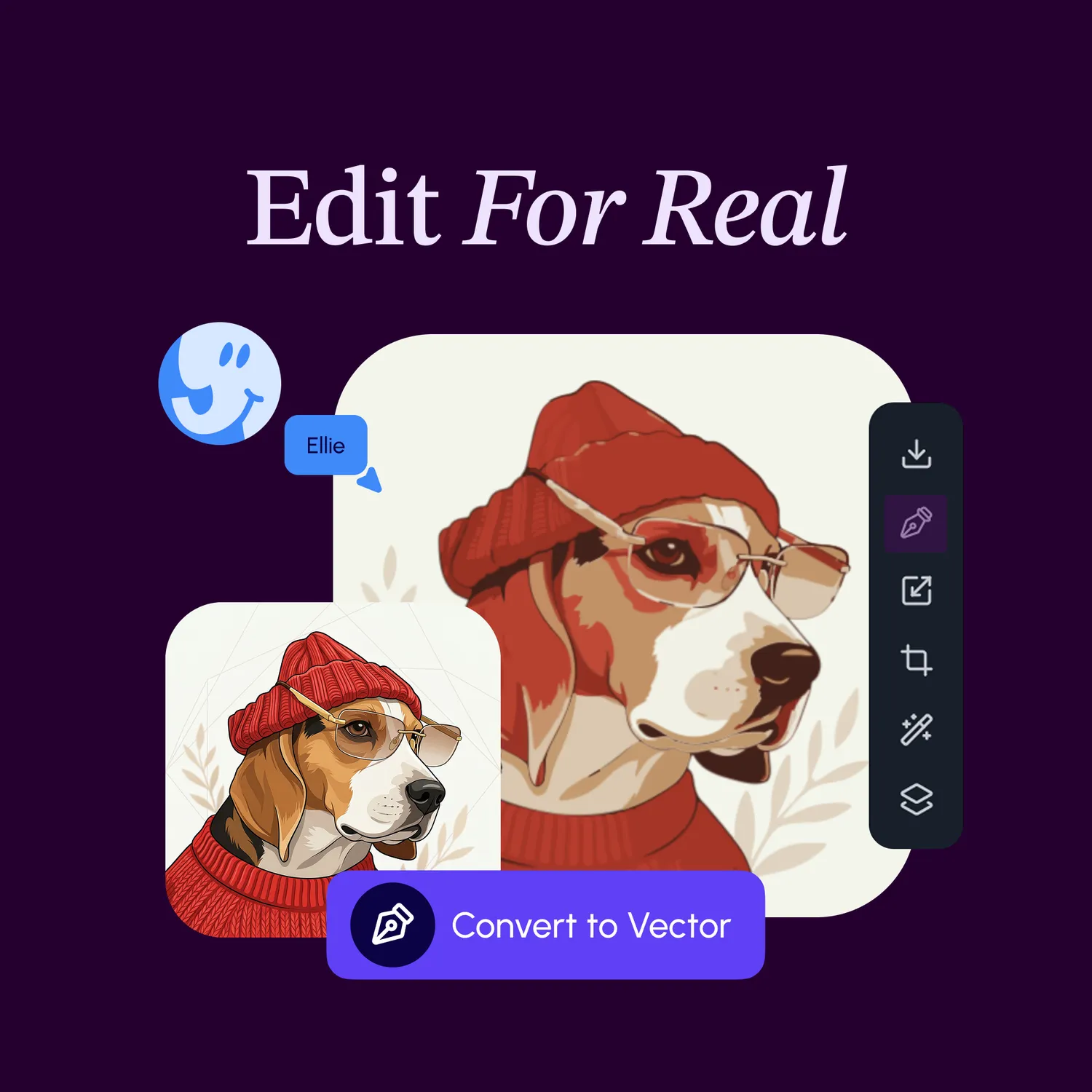
Switch to the pen tool to edit every anchor point and curve handle with precision. Create complex shapes, trace illustrations, or refine AI output with pro-grade path editing.
- Bezier curve editing with handles
- Join, cut, and smooth operations
- Precise anchor point manipulation
Edit paths and anchor points
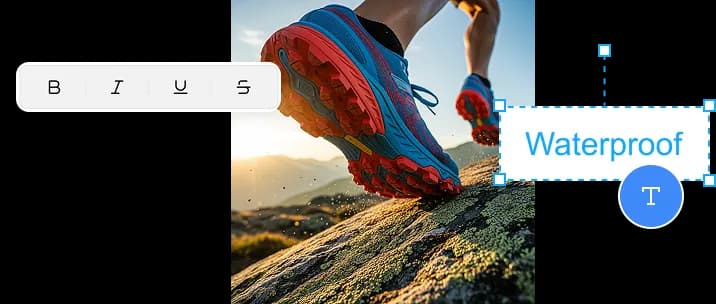
Add shapes, text, and composition
Build up your design with precision shapes, typography, and layout tools. Rectangles, ellipses, polygons, and stars snap into place with smart alignment guides.
- Shape builder with smart snapping
- 52+ fonts with full typography control
- Grid alignment and distribution tools

Add shapes, text, and composition

Combine with boolean operations
Union, subtract, intersect, and exclude shapes to create complex compositions from simple forms. Boolean operations make it easy to build intricate designs without manual path editing.
- Union, subtract, intersect, exclude
- Non-destructive path combining
- Complex shapes from simple forms
Combine with boolean operations
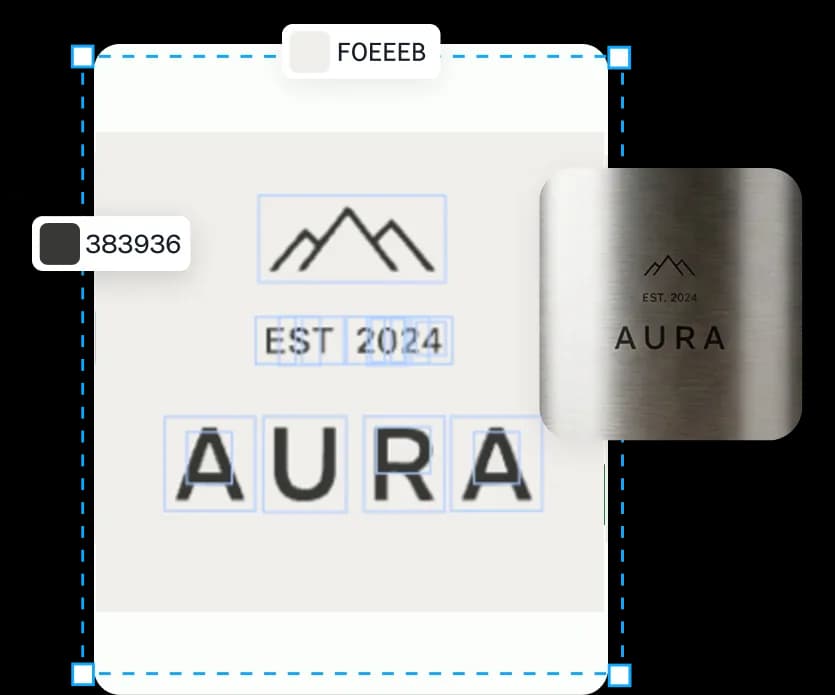
Style, organize, and export
Apply gradients, fills, and stroke styles. Organize with nested layers and groups. When you're done, export as SVG for perfect scalability or rasterize to any format you need.
- Gradients, fills, and stroke styles
- Hierarchical layers with grouping
- SVG, PNG, JPEG, WebP export

Style, organize, and export
Your editing toolkit
Professional tools at your fingertips
Every design tool you need — from path editing to final export — in one connected workspace.
Pen & Bezier Tool
Edit every anchor point and curve handle with full precision control.
Shape Builder
Rectangles, ellipses, polygons, stars — with boolean operations.
Layers & Groups
Hierarchical layers with visibility, lock, and clip masks.
Typography
52+ fonts with size, weight, spacing, and alignment control.
Gradients & Fills
Linear and radial gradients, solid fills, opacity, and stroke styles.
Smart Snapping
Alignment guides, grid snapping, and object distribution for pixel-perfect layouts.
Keep exploring
See how the rest works
Each part of the platform connects seamlessly — explore the other workflows.