UploadReframe 1:1Reframe 4:5Reframe 9:16
One upload, every social ratio
Drop a hero shot once, then fan it out to 1:1, 4:5, and 9:16 for Instagram, Stories, and TikTok — all in a single workflow run.
Free · AI reframe & expand
Reframe, uncrop, or expand any image to the aspect ratio you need, 1:1 Instagram posts, 9:16 Reels & TikTok, 16:9 YouTube, 4:5 portraits, and more. AI extends or crops intelligently so the subject stays intact.
Click or drop up to 5 images, or a PDF, to start
PNG, JPEG, WebP, or a PDF of up to 8 pages
Stories / shorts · 1024×1820px (1K)Stories, Shorts/Reels surfaces, Demand Gen portrait video thumbnails — finalize to precise vertical MP4/image sizes per campaign type
Quicker reframe.
Up to 5 images per run, or a PDF of up to 8 pages. For bulk jobs, chain reframe inside a workflow automation.
How it works
Not a dumb crop. The AI analyses the image, keeps the subject intact, and seamlessly extends or trims the background to match the new ratio.
Drop PNG, JPEG, or WebP files, up to 5 at a time. Or drop a PDF of up to 8 pages. Each page comes back as an image at the size you picked, and the type is redrawn rather than kept from the original file.
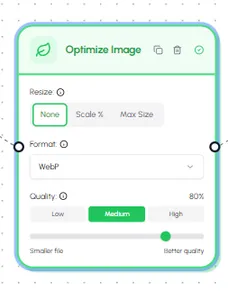
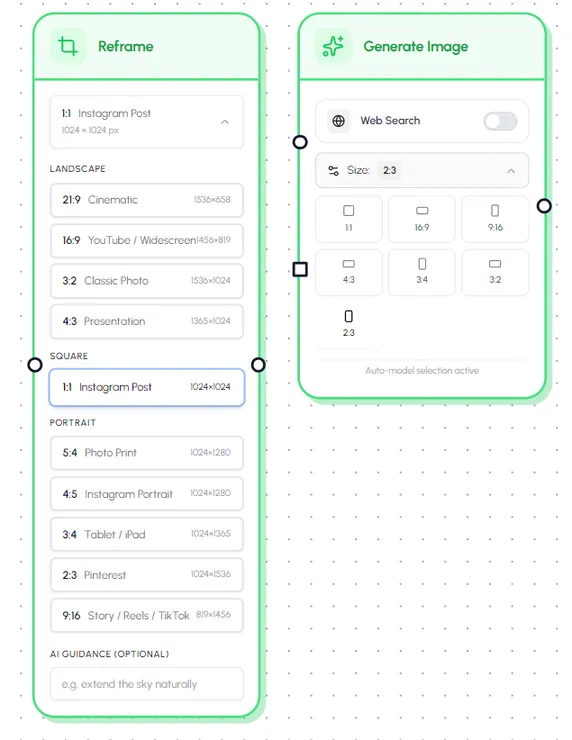
Choose from 10 presets for social media and classic formats: 1:1 Instagram, 4:5 portrait, 9:16 Stories & Reels, 16:9 YouTube, 21:9 cinematic, and more, every preset shows the exact output pixels.
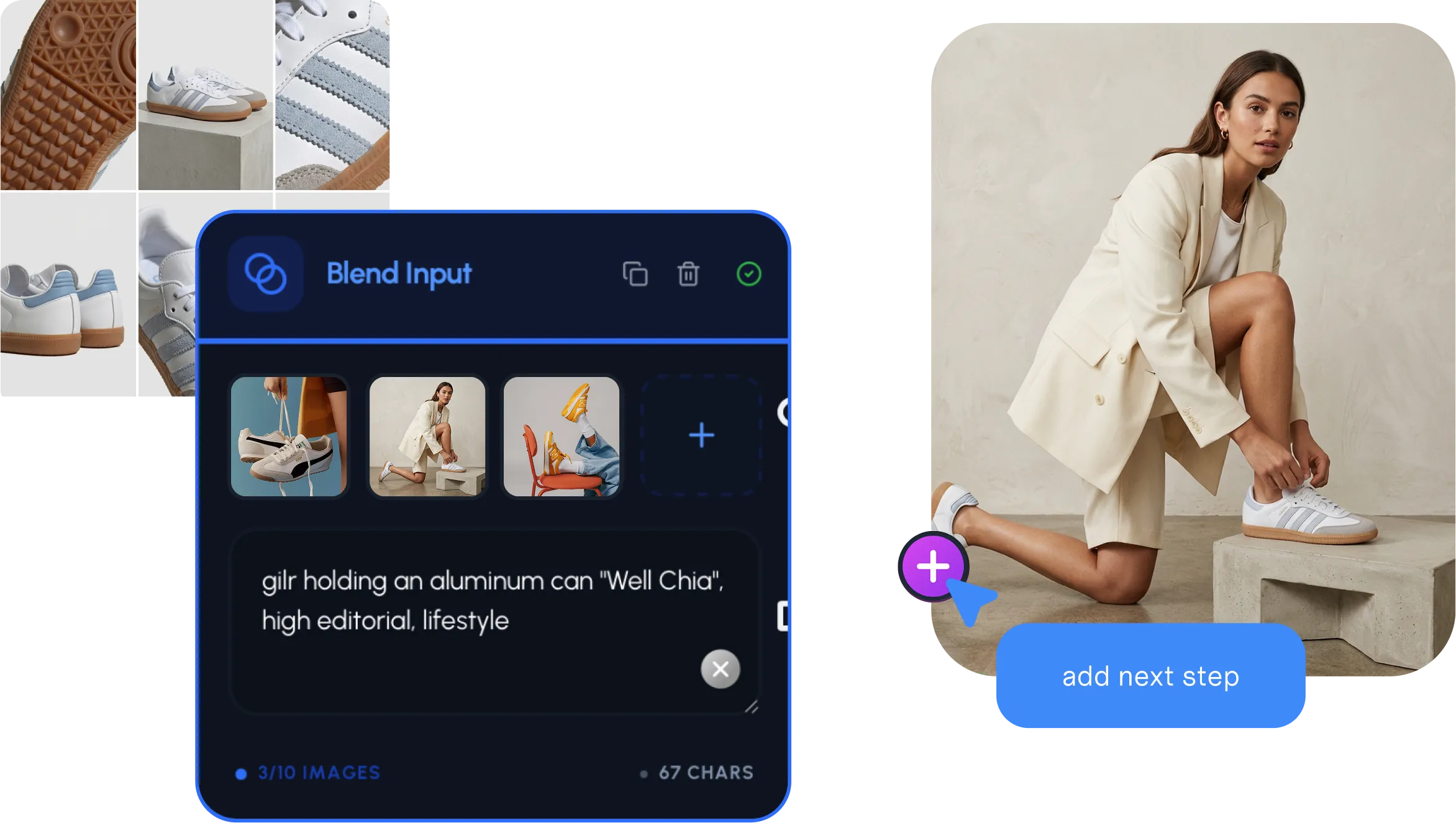
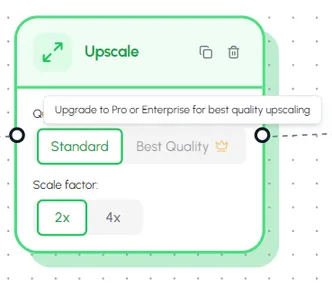
Preview the new ratio and download each image, or grab the whole batch as a single ZIP. Need dozens at once? Chain reframe with upscale and background removal in the workflow builder.
Supported files
Ten aspect ratio presets cover every major social and publishing channel, and the AI keeps the main subject centred and intact.
Inputs
Outputs
Image reframer FAQ
Automate the whole pipeline
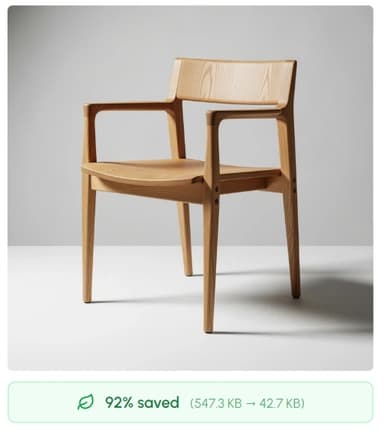
Reframing is one step. Inside Hiding Elephant you can chain it with background removal, upscaling, generation, and optimization — across hundreds of SKUs, on a schedule.
Drop a hero shot once, then fan it out to 1:1, 4:5, and 9:16 for Instagram, Stories, and TikTok — all in a single workflow run.

Remove the background, upscale to 4K, reframe to 1:1 for marketplaces, then optimize to WebP — across hundreds of SKUs on a schedule.
Generate a new image with AI, reframe it into the exact channel ratio, then ship it straight to your storage or CMS — no manual handoff.
More you can do
Once it's the right ratio, you'll still want a sharper file, a transparent background, or a smaller export. Hiding Elephant does all of it in one workspace.
Reframing + the full workspace
Bring AI reframe together with generation, upscaling, background removal, and batch workflows, every social ratio for every SKU, in one place.