
Background Remover
Remove image backgrounds in one click. Clean transparent PNGs for products, people, and props.
Open Background RemoverQuick tools
Drop one image or a small batch — each quick tool handles one kind of job (background removal, upscaling, vectorizing, optimizing, reframing) so you can get clean exports without opening a full project. Usage follows your workspace credits and plan. The same tools live inside the designer canvas and workflow automation tabs when you're ready to chain them across hundreds of images at once. More context in our image tools guide.
Pick a job
Remove image backgrounds in one click. Clean transparent PNGs for products, people, and props.
Open Background Remover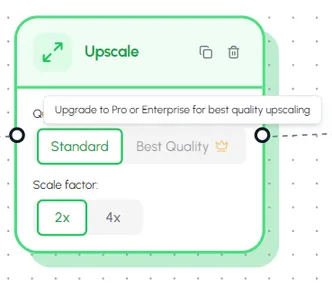
Enlarge photos and AI generations 2× or 4× without losing detail. Sharp results up to 4K.
Open Image Upscaler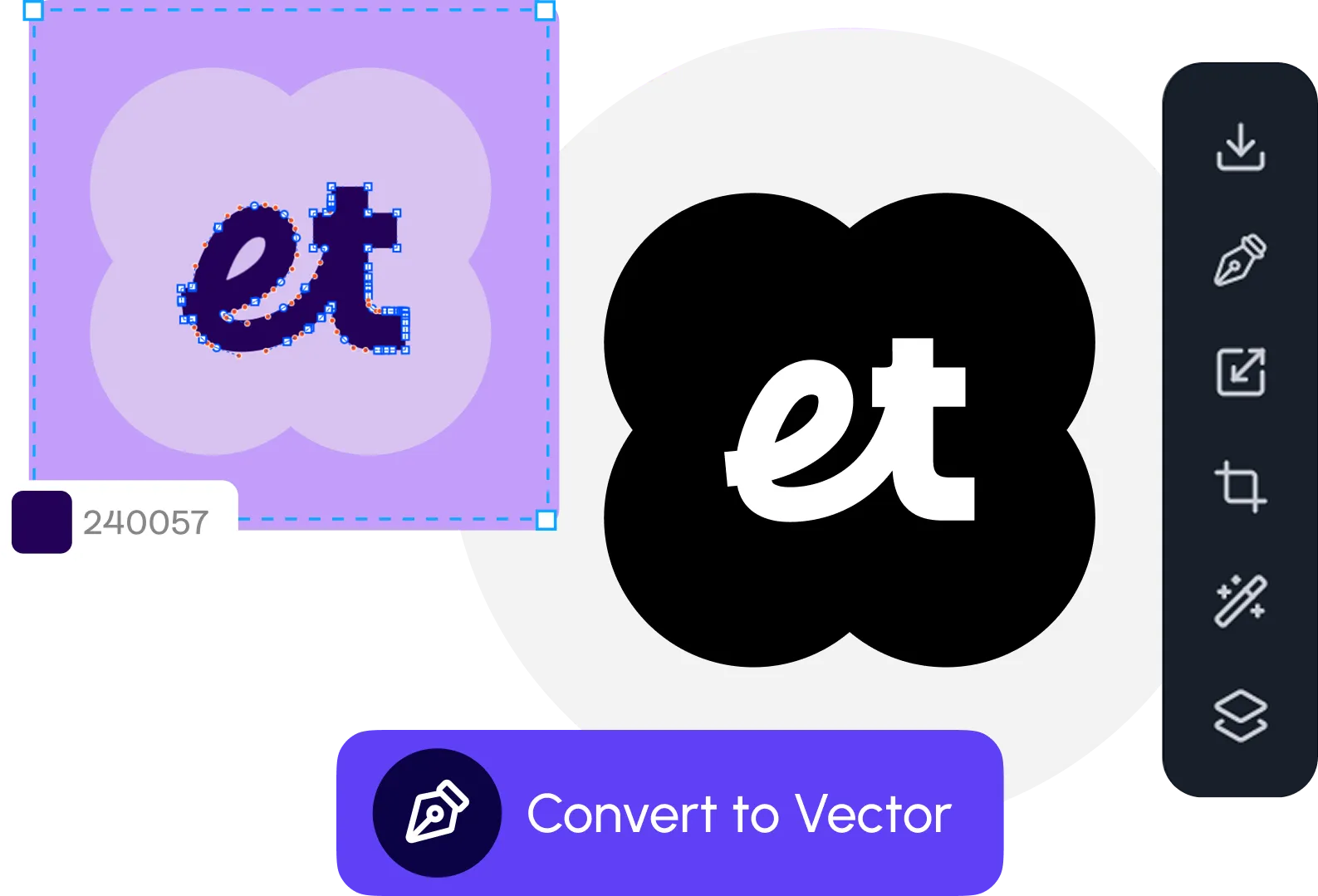 Beta
BetaConvert PNG or JPG into clean, editable SVG vectors. Scale to any size, edit every path.
Open Image Vectorizer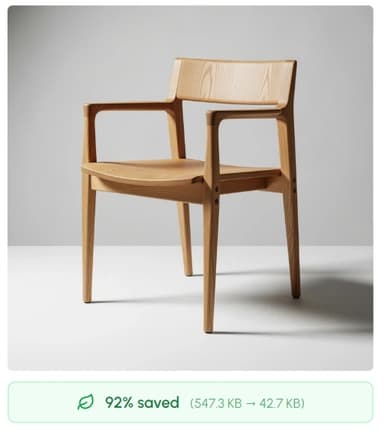
Compress, resize, and convert PNG, JPEG, WebP, AVIF — up to 50 images at a time.
Open Image Optimizer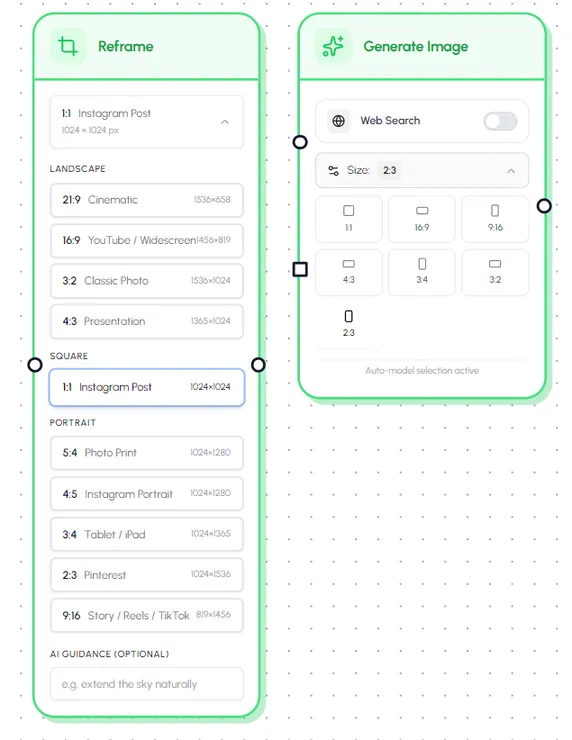
Reframe images to Instagram, TikTok, YouTube, Reels and more. AI crops or extends around the subject.
Open Image ReframerBeyond one-off jobs
Every quick tool also lives inside the full Hiding Elephant workspace. Chain them together in the workflow builder to remove backgrounds, upscale, and optimize a whole product catalog in one run — not one image at a time.
Quick tools FAQ
Each tool does one job well. Pick the right entry point, then chain in workflows when you need scale.