Product
Use Cases
How it Works
Pricing
Login
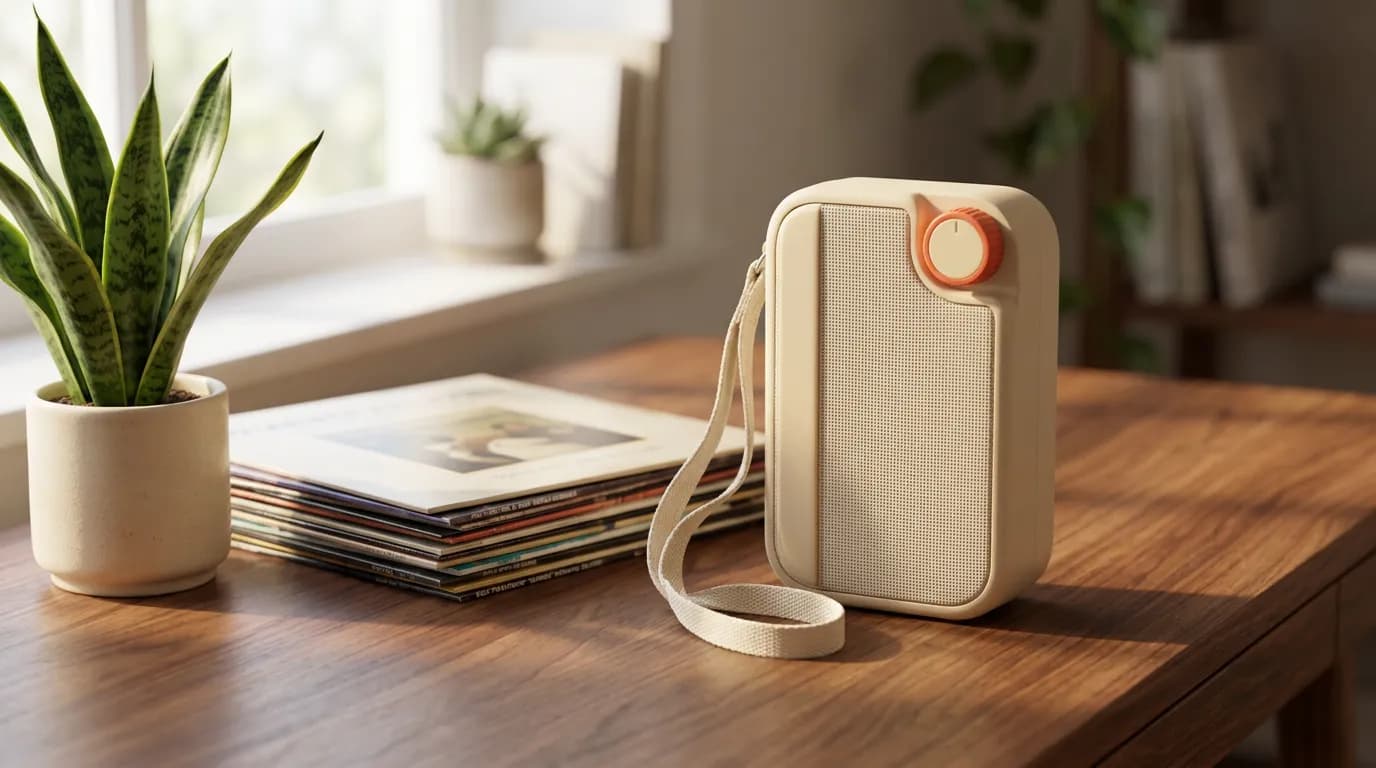
A cream portable radio on a walnut desk beside records and a plant

Make production-ready visuals with Ellie.

Generate and edit images and short video scenes with an agent that works from your brand guide, collections, and product catalog.

  • Cream radio product still
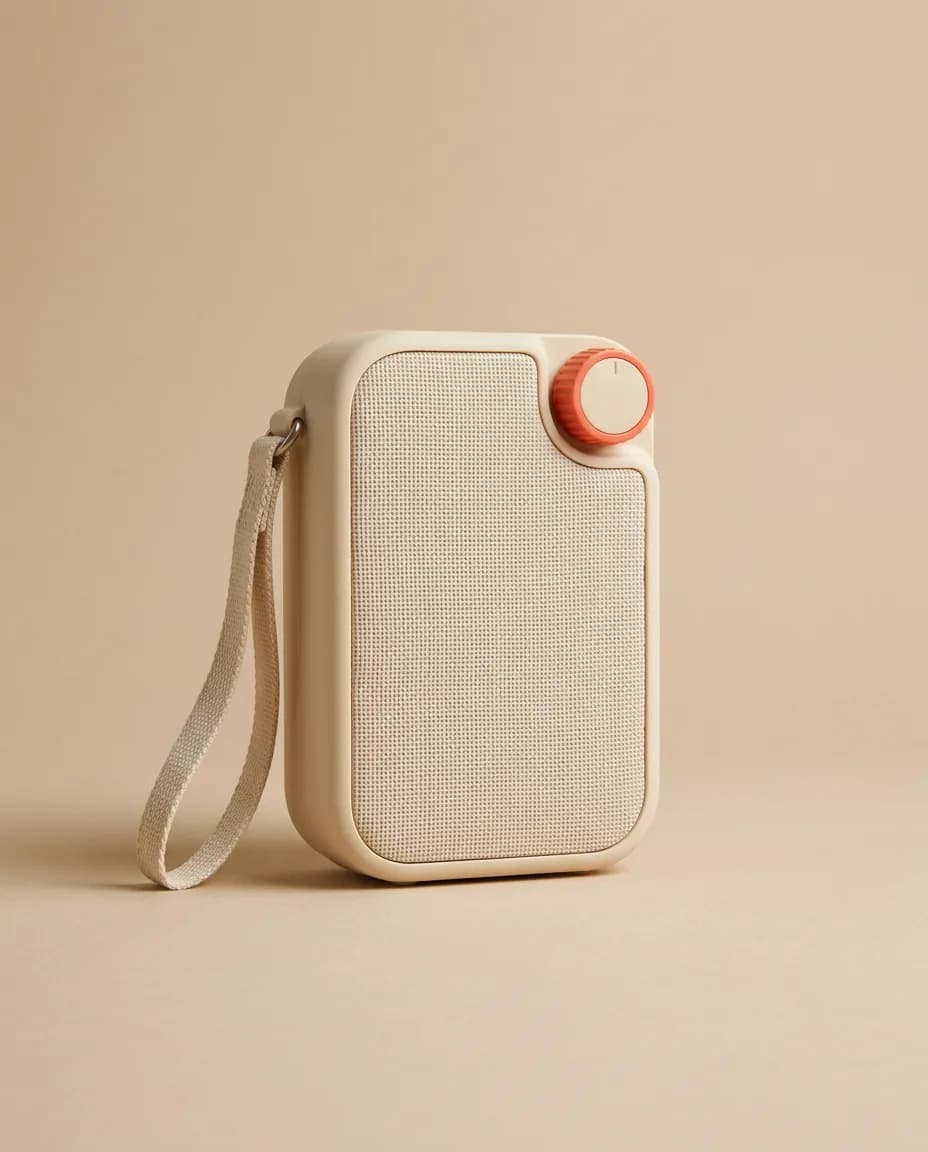
  • Studio still of the cream radio
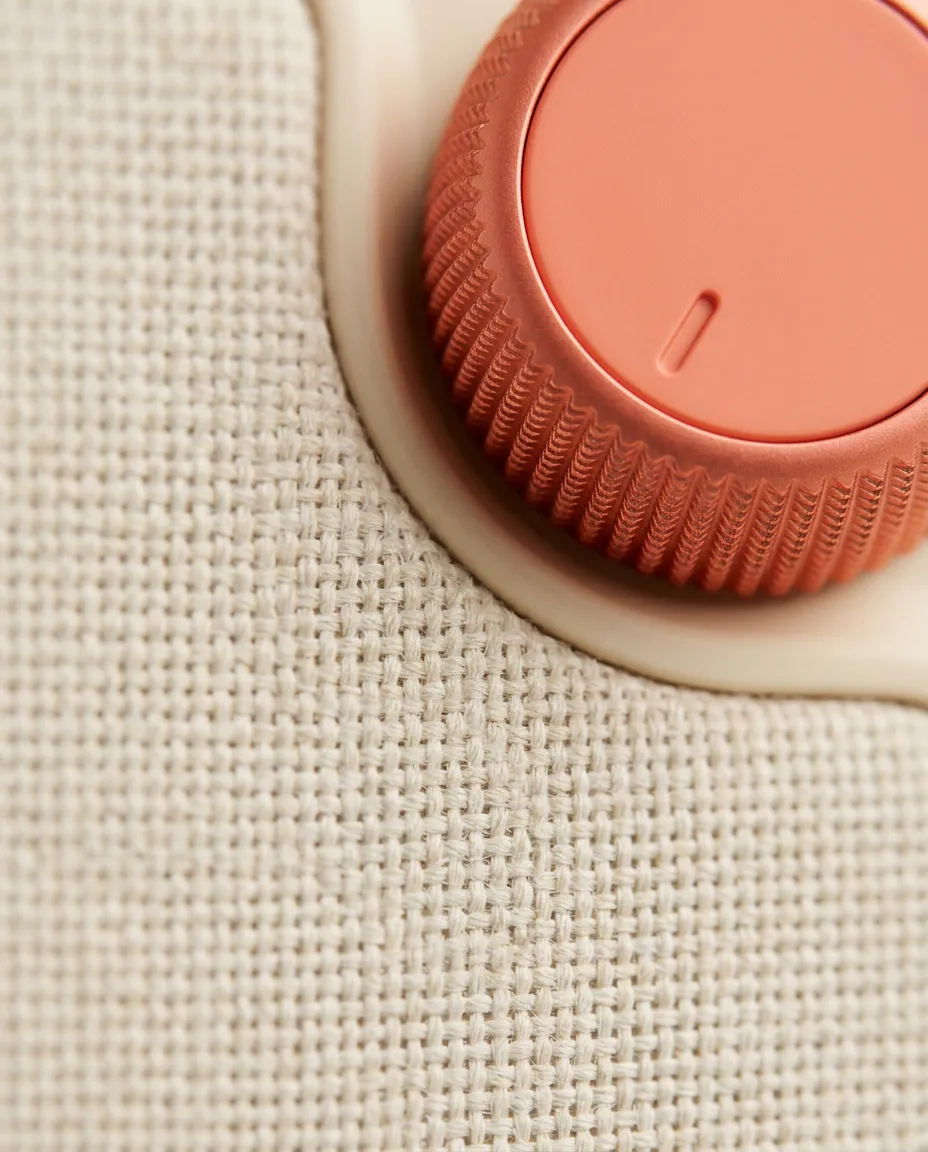
  • Close-up of the coral dial
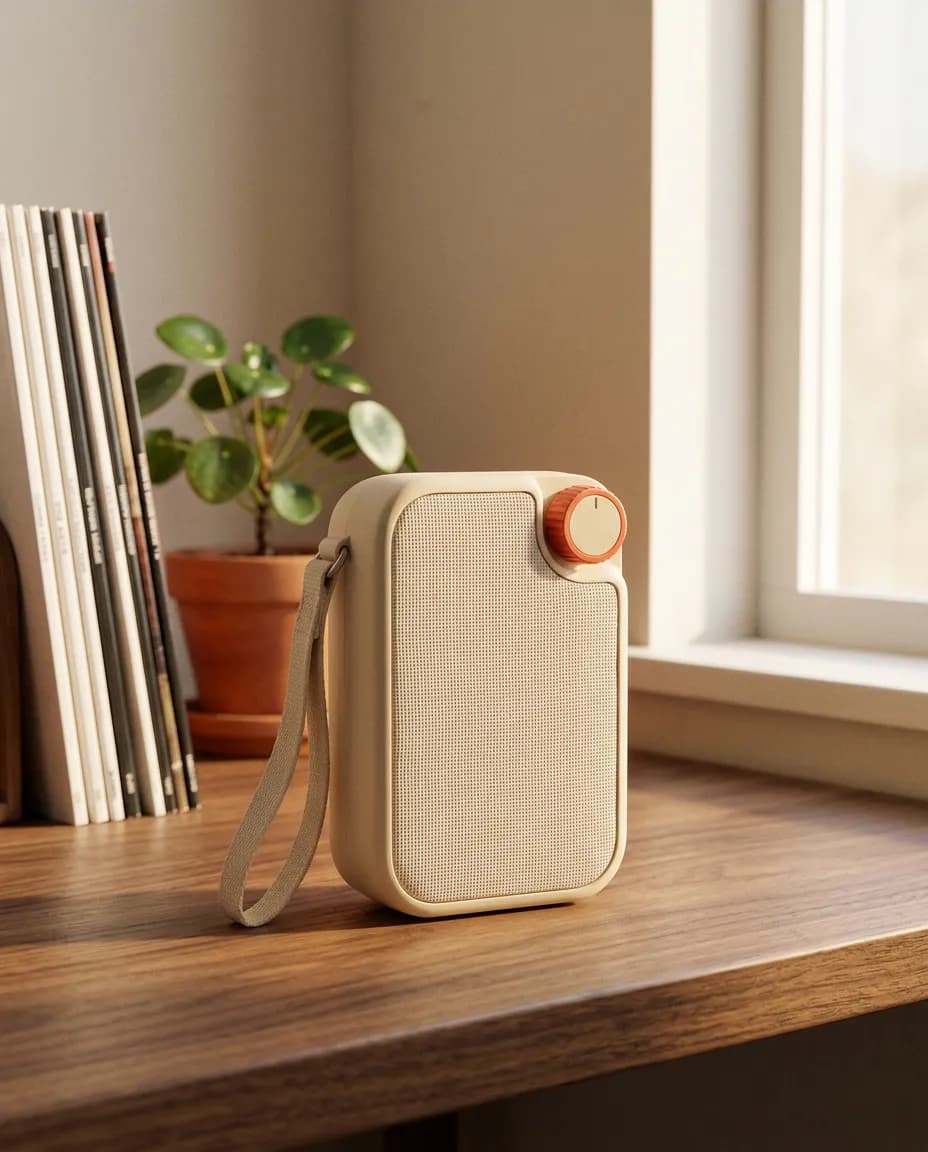
  • Cream radio on a wood desk

From product photo to finished ad.

Add the product, choose the scene, and shape the ad in conversation with Ellie.

Step 01

Add your product

Upload a product photo or pick one from your catalog. Share the audience, the campaign, and the brand kit so Ellie starts from the right brief.

Add your product
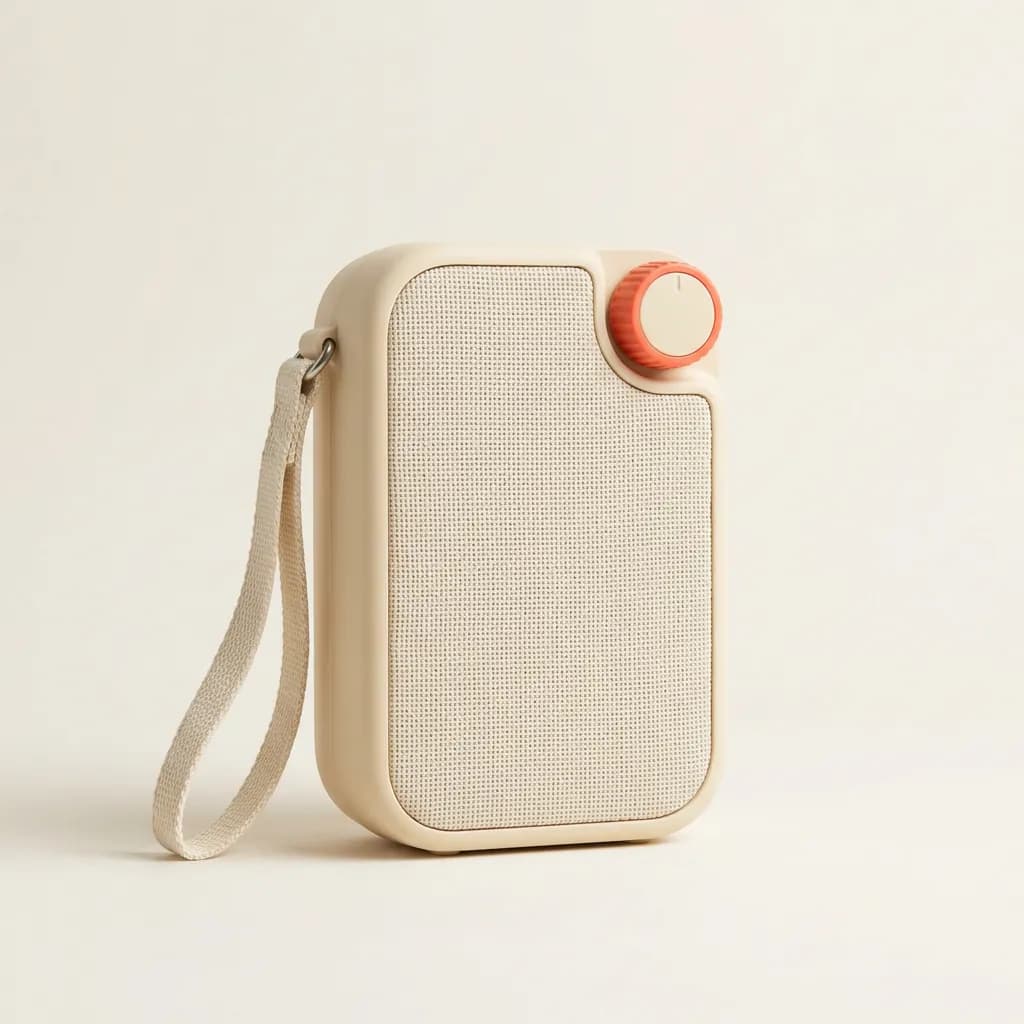
Cream portable radio with a coral dial on a seamless background
+Add your brief, images, and references
Cream portable radio in a warm studio
Studio
Close-up of the radio’s woven grille and coral dial
Details
Cream radio on a wood desk by a window
Lifestyle

Step 02

Set the scene

Choose a studio still, a detail, or a lifestyle frame. Describe the light, the background, and the mood you want Ellie to explore.

Build your scene

Step 03

Workshop your ad

Shape the message and the frame in Ellie chat. Compare options and check product details before you pick a favorite.

Refine with Ellie
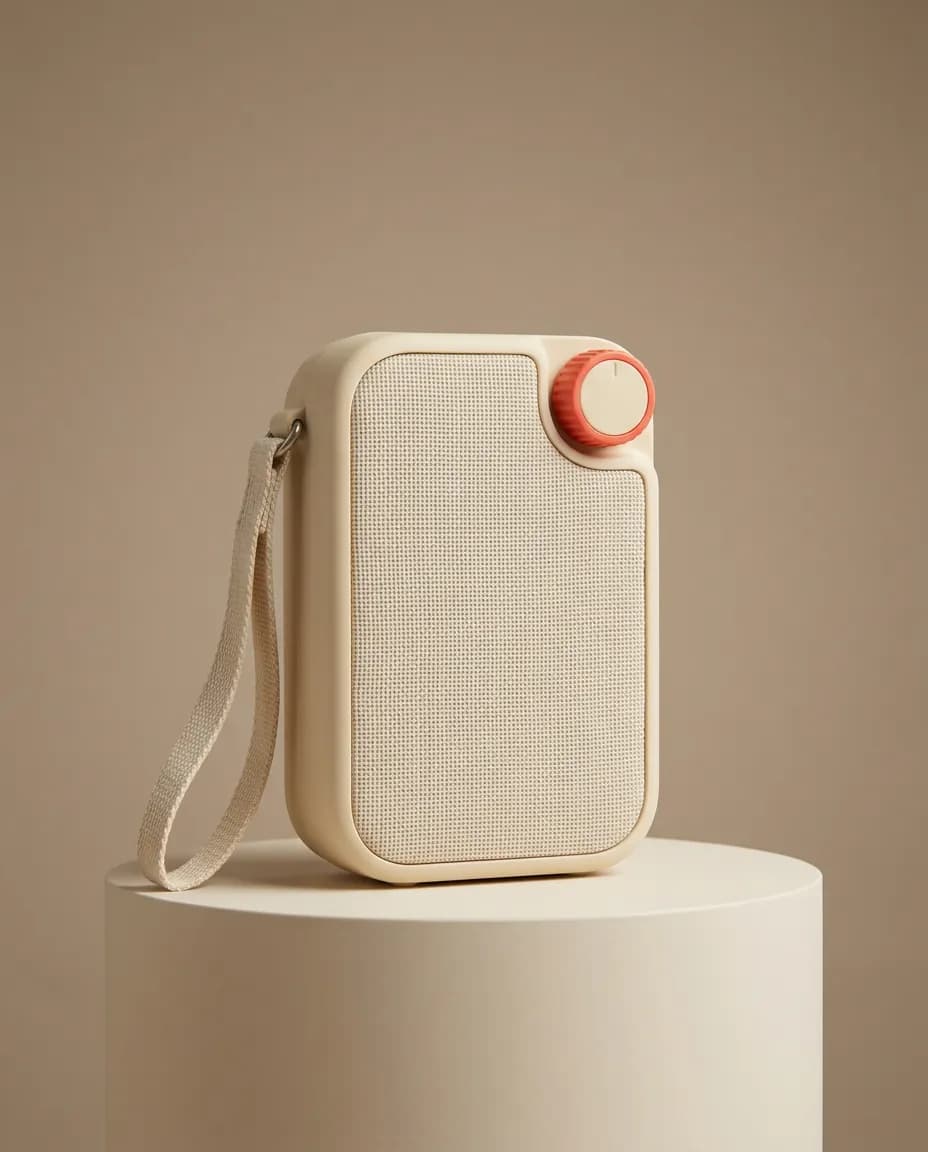
Cream radio on a pedestal in a warm studio

Example direction

Create a clean studio ad around the cream radio and its coral dial.

Step 04

Generate and publish

Create the finished ad in the format you need. Download it for product pages, ads, and social channels.

Generate your ad
in

Feed

Cream Radio

12,408 followers

2h·

The coral dial is the whole brief. One still — now on the feed.
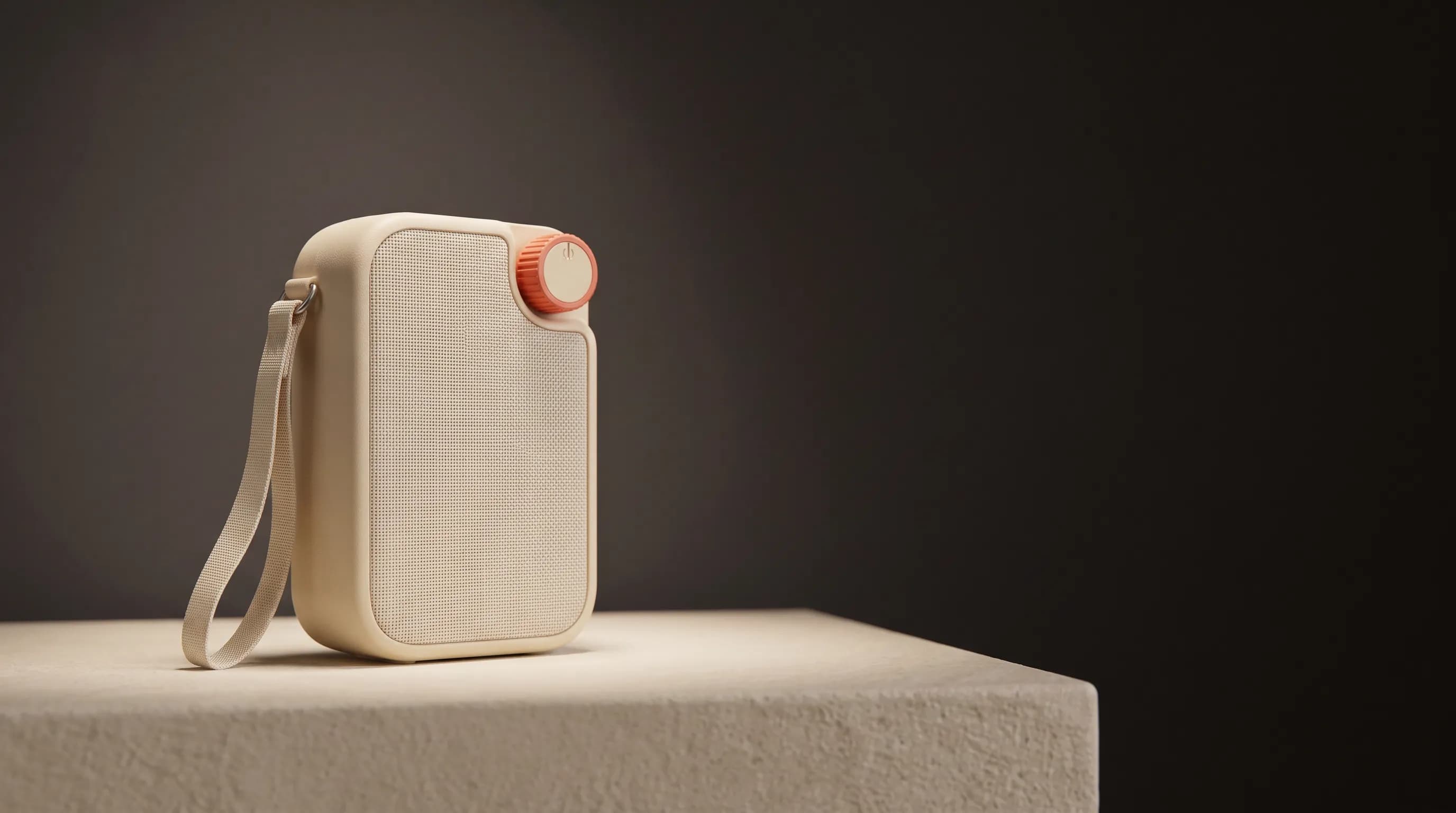
Cream Radio campaign still as it appears in a LinkedIn post

48

3 comments · 2 reposts

  • Like
  • Comment
  • Repost
  • Send

“Hey Ellie, file this campaign in the team’s collections.”

Collections, brand guides, and the product catalog live with your team. Ellie stores the work, keeps references together, and uses them the next time someone generates.

Collections
  • Brand guide
  • Campaign references
  • Product catalog
Cream radio product still
Packshot
Studio still of the cream radio
Studio
Lifestyle still of the cream radio
Lifestyle
Detail of the coral dial
Detail
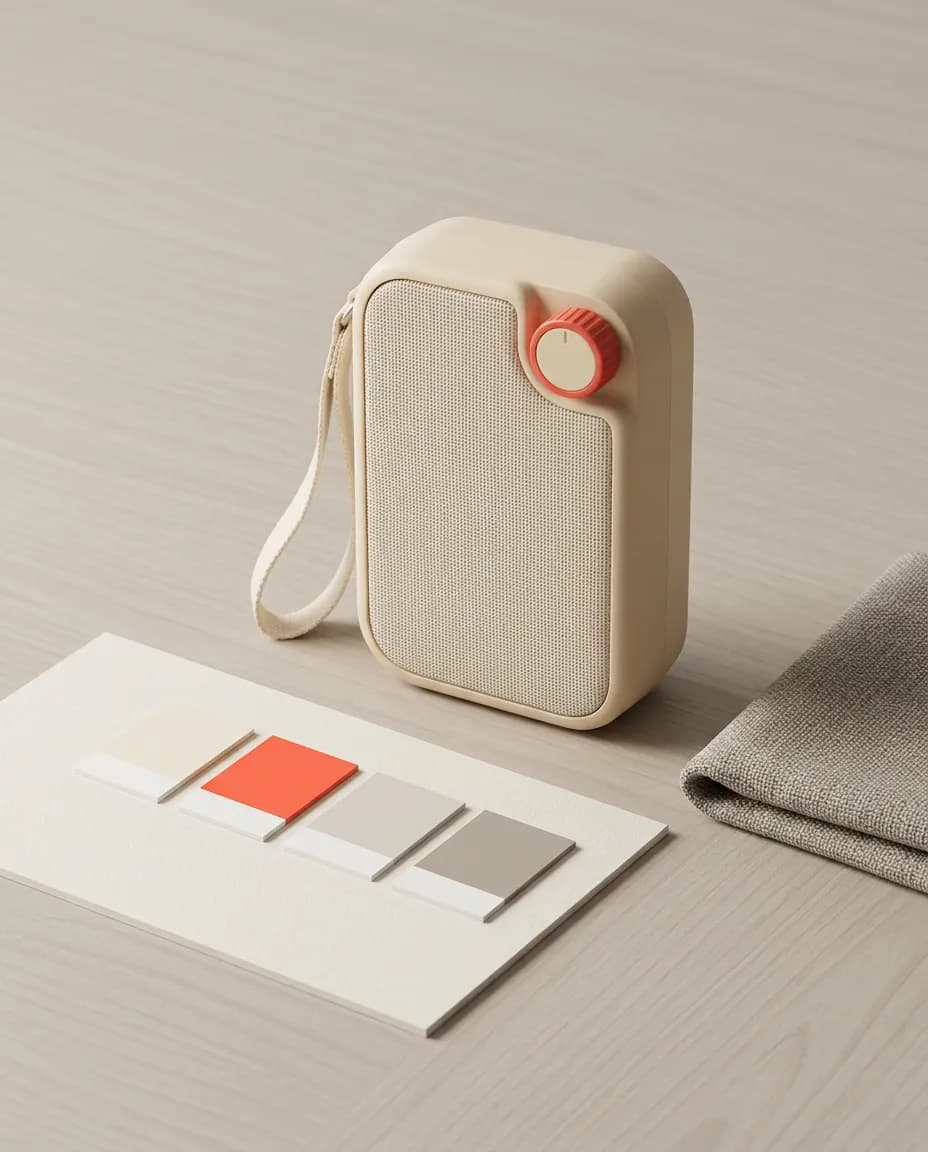
Radio beside color chips and fabric
Brand board
Radio on a stone table in a living room
Interior

File the new stills with this campaign. Keep the brand guide and catalog attached so the next brief starts from the same context.

Ellie

Works where your team works.

Start from Cursor, Claude, or Codex. The same brand guide and catalog stay with the work, and finished posts can be scheduled in Buffer.

  • Cursor
  • Claude
  • Codex
  • Buffer
Try EllieProduct mockups from your editor

FAQ

Frequently asked questions

Explore Ellie workflows

The same kind of brief: a product, a brand, and a scene Ellie can keep refining.
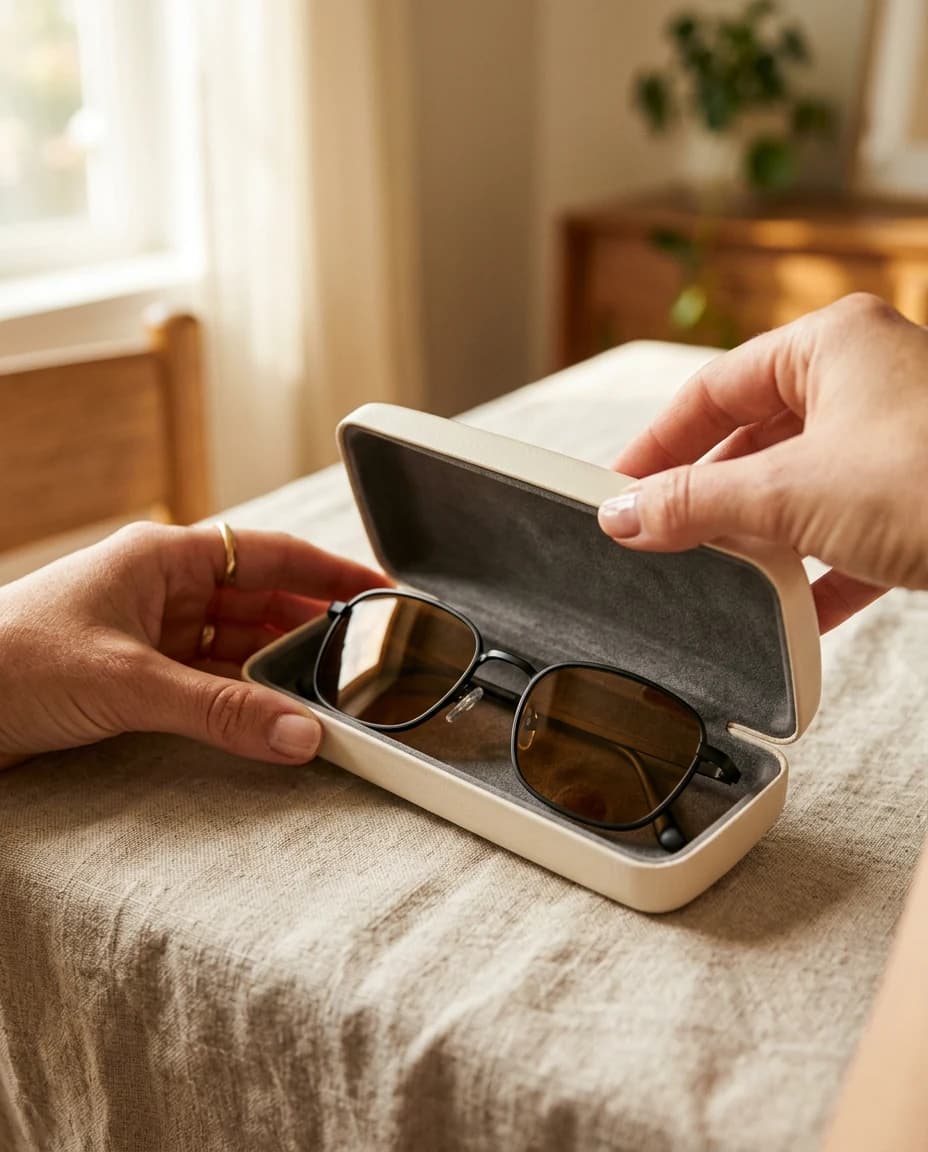
  • Hands opening a cream case with thin black sunglasses inside

    Marketing

    Street, feed, and night stills from one brief.
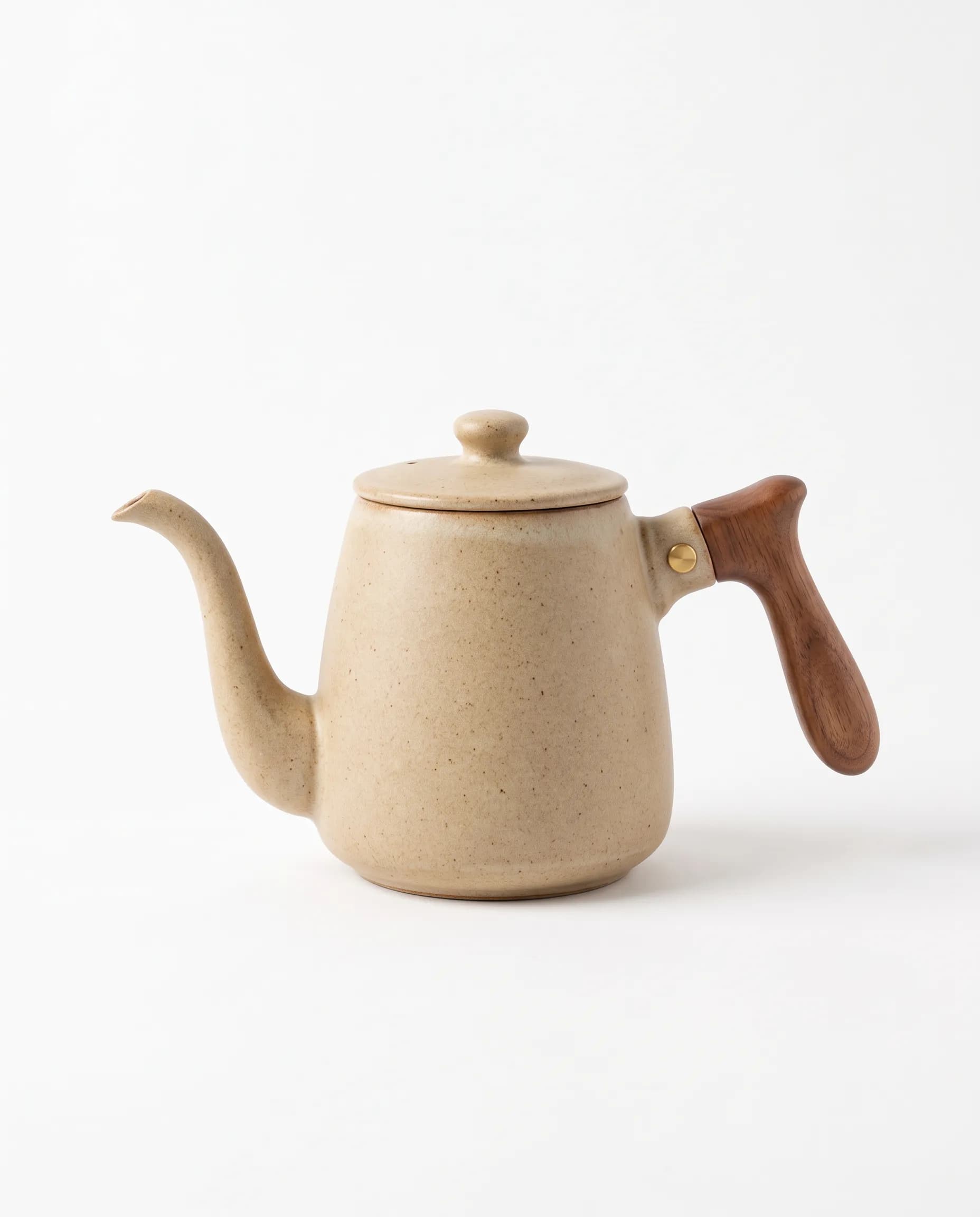
  • Sandy ceramic kettle with a walnut handle

    E-commerce

    Packshots and lifestyle frames grounded in the catalog.
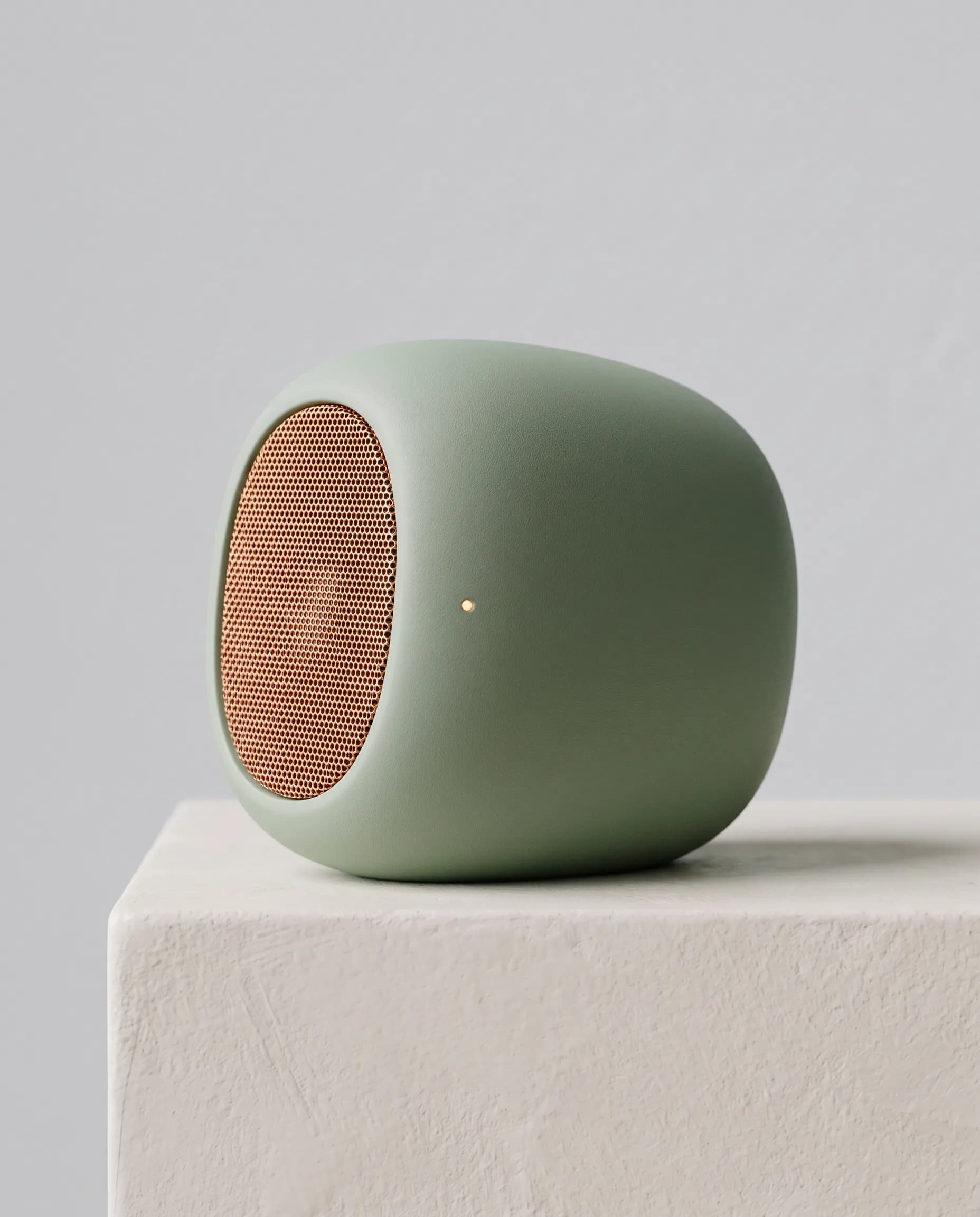
  • Sage speaker with a copper mesh grille on a plaster block

    Product design

    Form studies and material close-ups of the same object.

  • A cream poster with a golden sun and a coral border on a yellow wall

    Branding

    One mark, on the shop, the print, and the street.
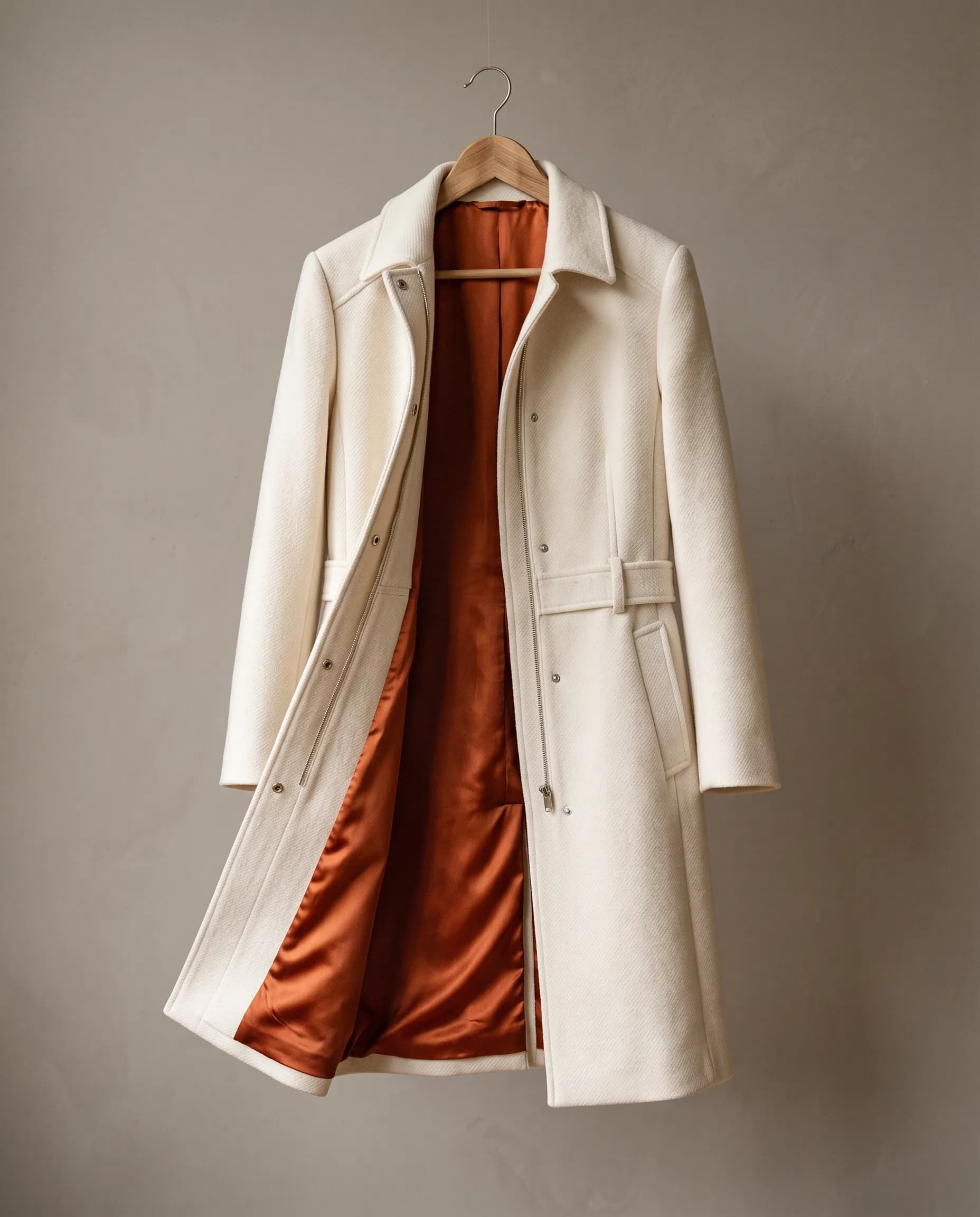
  • Ivory wool coat with a rust silk lining on a hanger

    Fashion

    Editorial stills with fabric, color, and product.
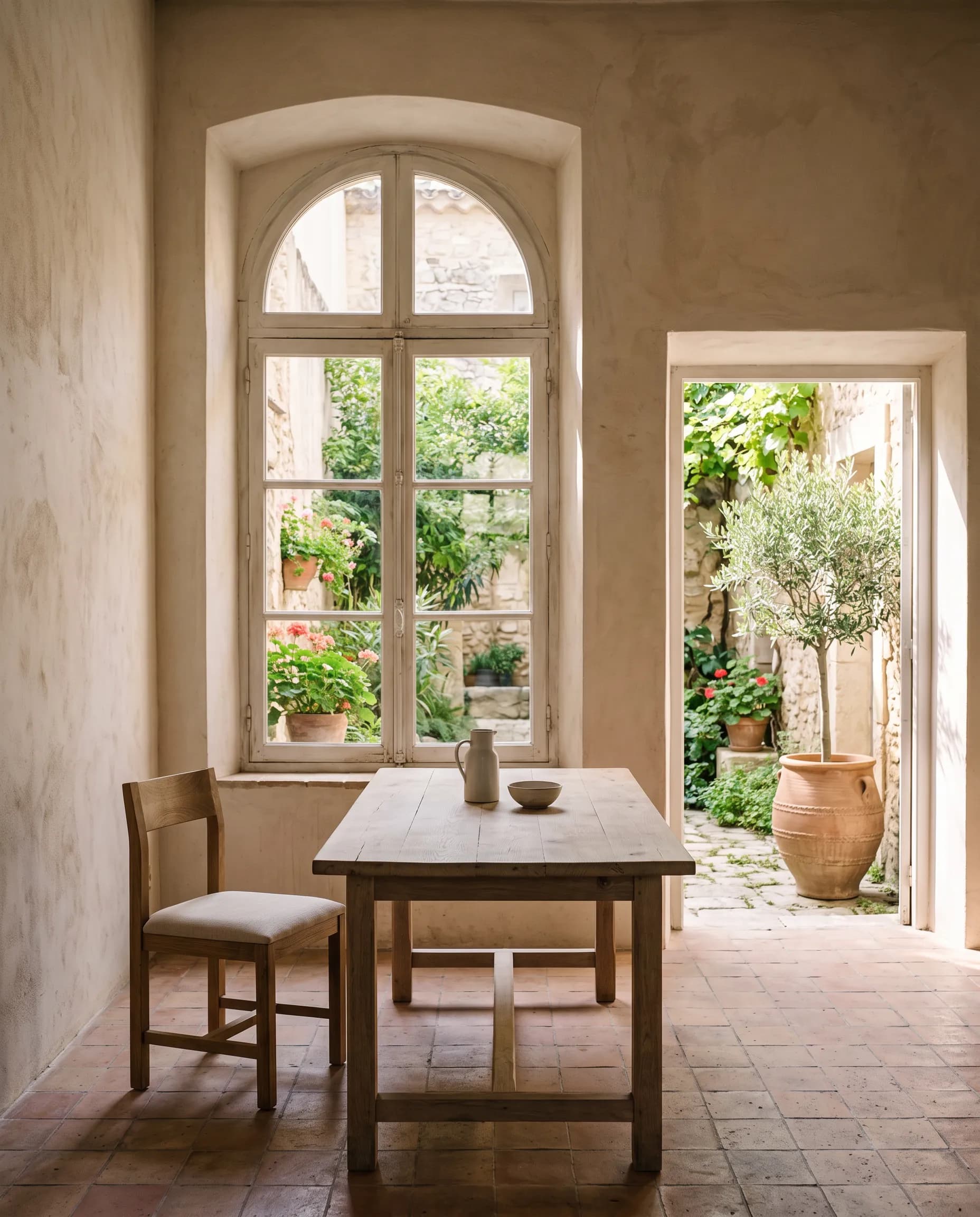
  • Courtyard room with an arched window and an oak table

    Architecture

    Quiet rooms with materials placed in the light.
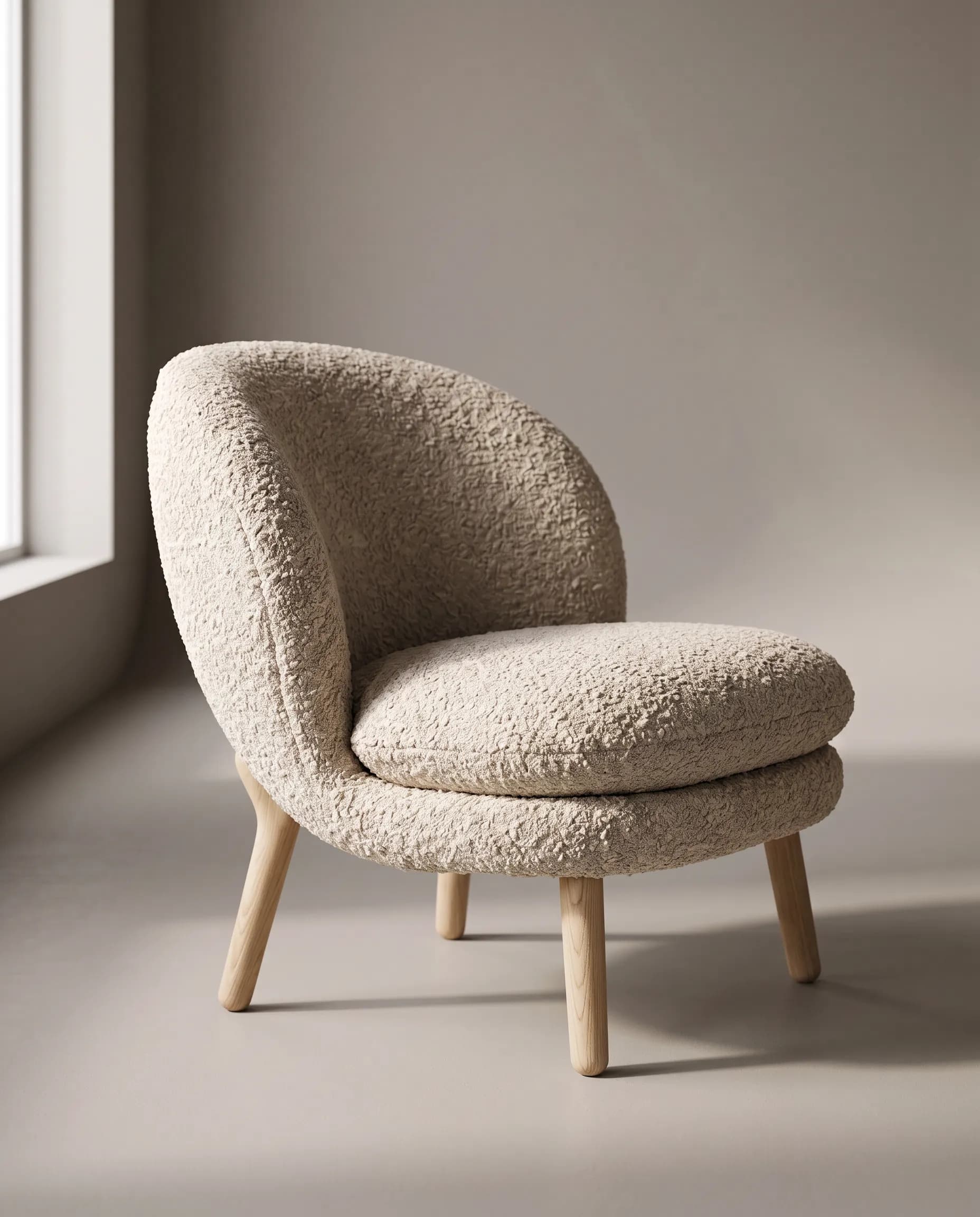
  • Oatmeal boucle lounge chair with pale oak legs

    Interior design

    A piece of furniture placed in the room it belongs in.

  • Close-up of a laughing woman in yellow beside a transparent balloon

    Filmmaking

    A bright scene, covered in different shots.

  • Sage speaker with a copper mesh grille on a plaster block

    MCP

    Product mockups from your editor, saved into the repo.

Do more with Hiding Elephant

Ellie starts the visual. The canvas, workflows, and brand context finish it.
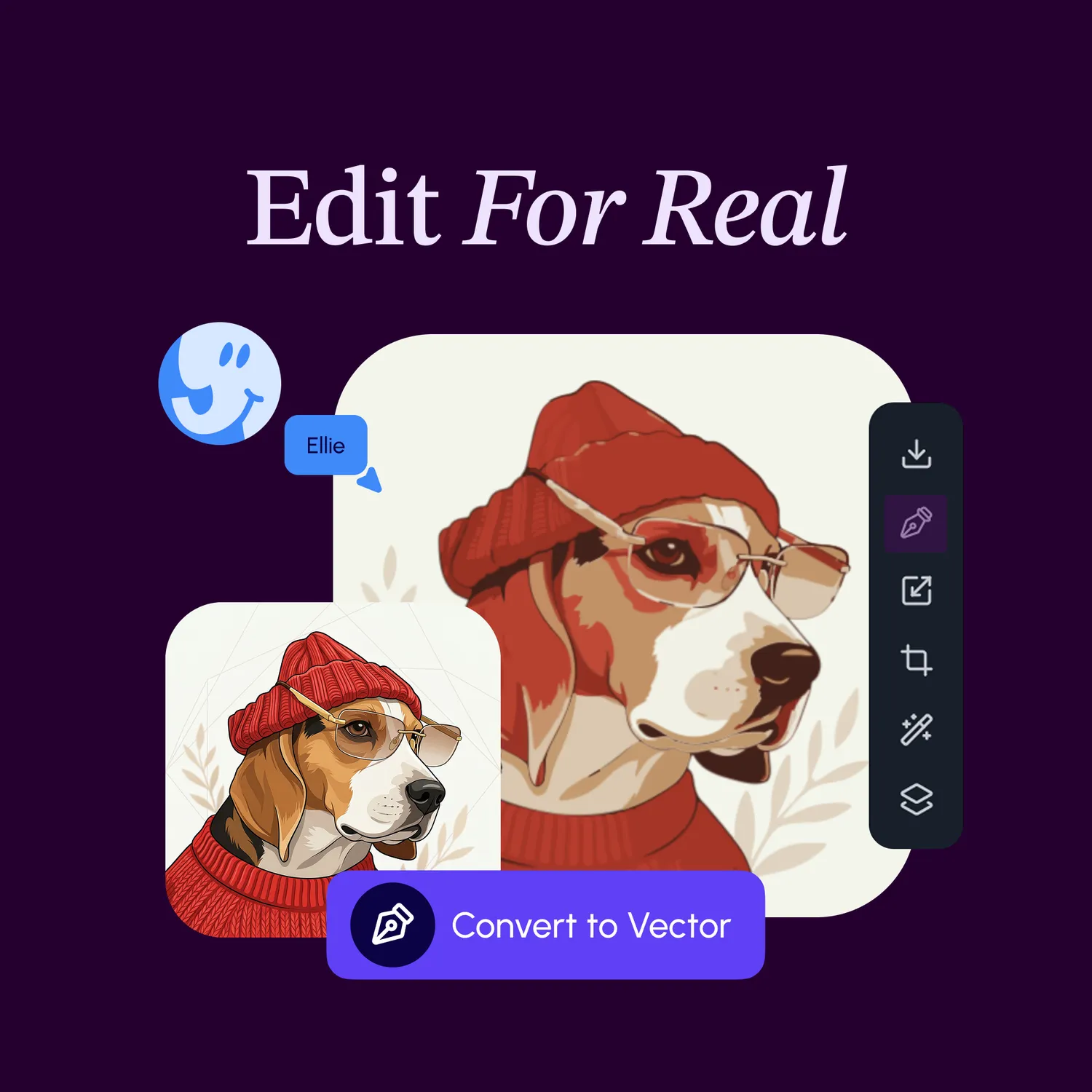
  • Canvas

    Edit type, vectors, and layout on the same board as the image.

    Vector editing on the Hiding Elephant canvas
  • Video

    Turn a still into a short scene for ads and social.

    A short campaign film, the same still used in video ads on the homepage
  • Workflows

    Repeat a campaign across the catalog without starting over.

    A workflow automation on Hiding Elephant
  • Brand intelligence

    Brand guides, kits, and the catalog applied to every generation.

    A brand guide applied across generations

Start with a brief.

Ellie already knows the brand guide, the collections, and the catalog.

Try Ellie

The AI designworkspace forfast-moving ideas.

Product

  • Ellie
  • AI Generation
  • Vector Canvas
  • Image Tools
  • Workflows
  • Brand Management
  • Product Catalog
  • My Assets
  • Collaboration

Use Cases

  • E-commerce teams
  • Design agencies
  • Marketing teams
  • Content creators

Quick tools

  • All quick tools
  • Background Remover
  • Image Upscaler
  • Image Vectorizer
  • Image Optimizer
  • Image Reframer

Resources

  • About
  • Pricing
  • FAQ
  • Compare
  • Enterprise
  • Integrations
  • Explore
  • Blog
  • Contact Us
  • Book a Demo
  • Affiliates

© 2026 Hiding Elephant. All rights reserved

Cookie PolicyPrivacy PolicyTerms of Service
Hiding Elephant