Product
Use Cases
How it Works
Pricing
Login

MCP

Product mockups, from the editor.

Name the product and the places it should sit. The images come back in the chat.

InstallSee the example

Connect → brand → mockups

hiding-elephant

MCP

@brandKite@productSpeaker

Make mockups of the Kite speaker. Desk, garden step, cloth, and a studio hero. Keep the sage body and the copper mesh.

Send
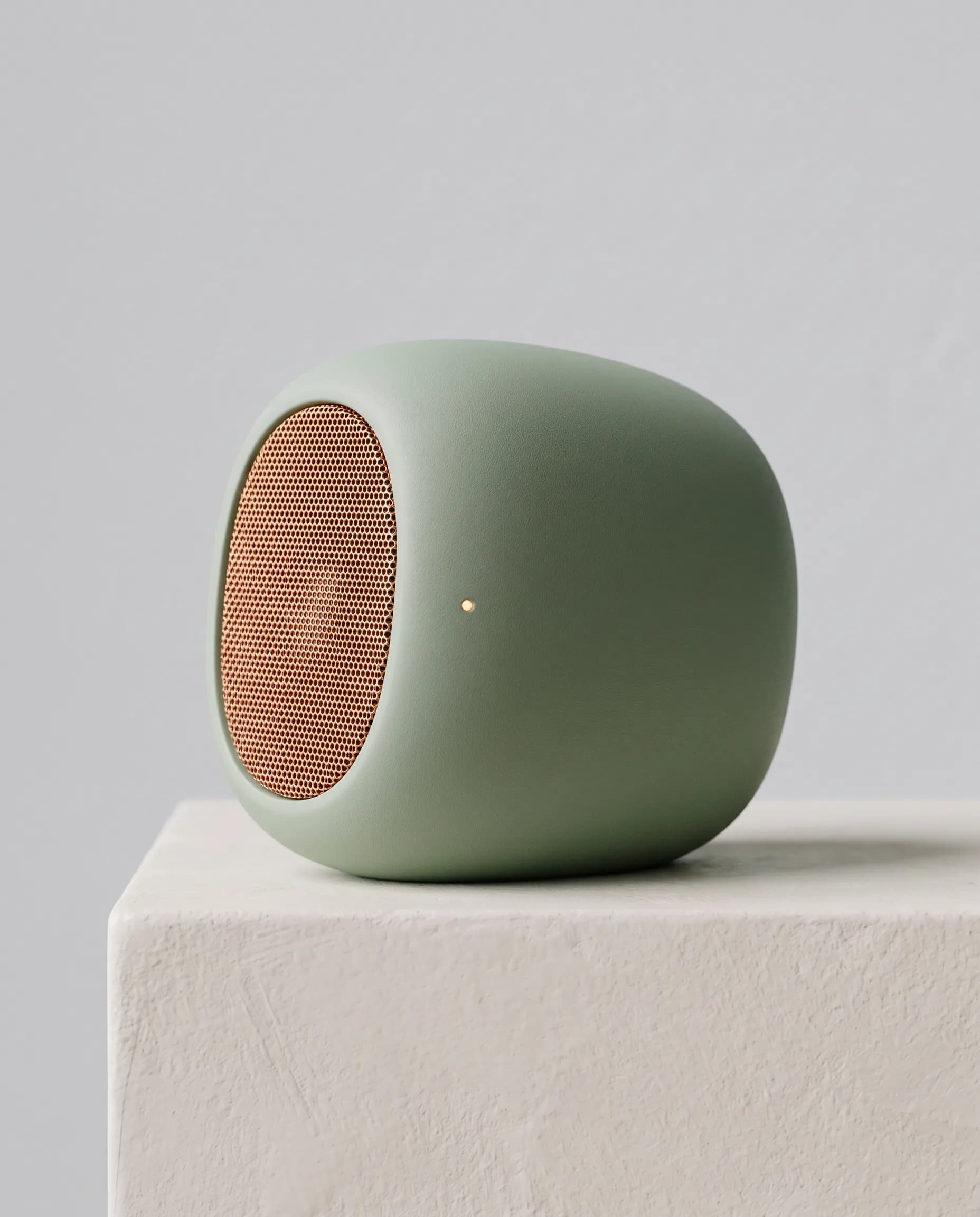
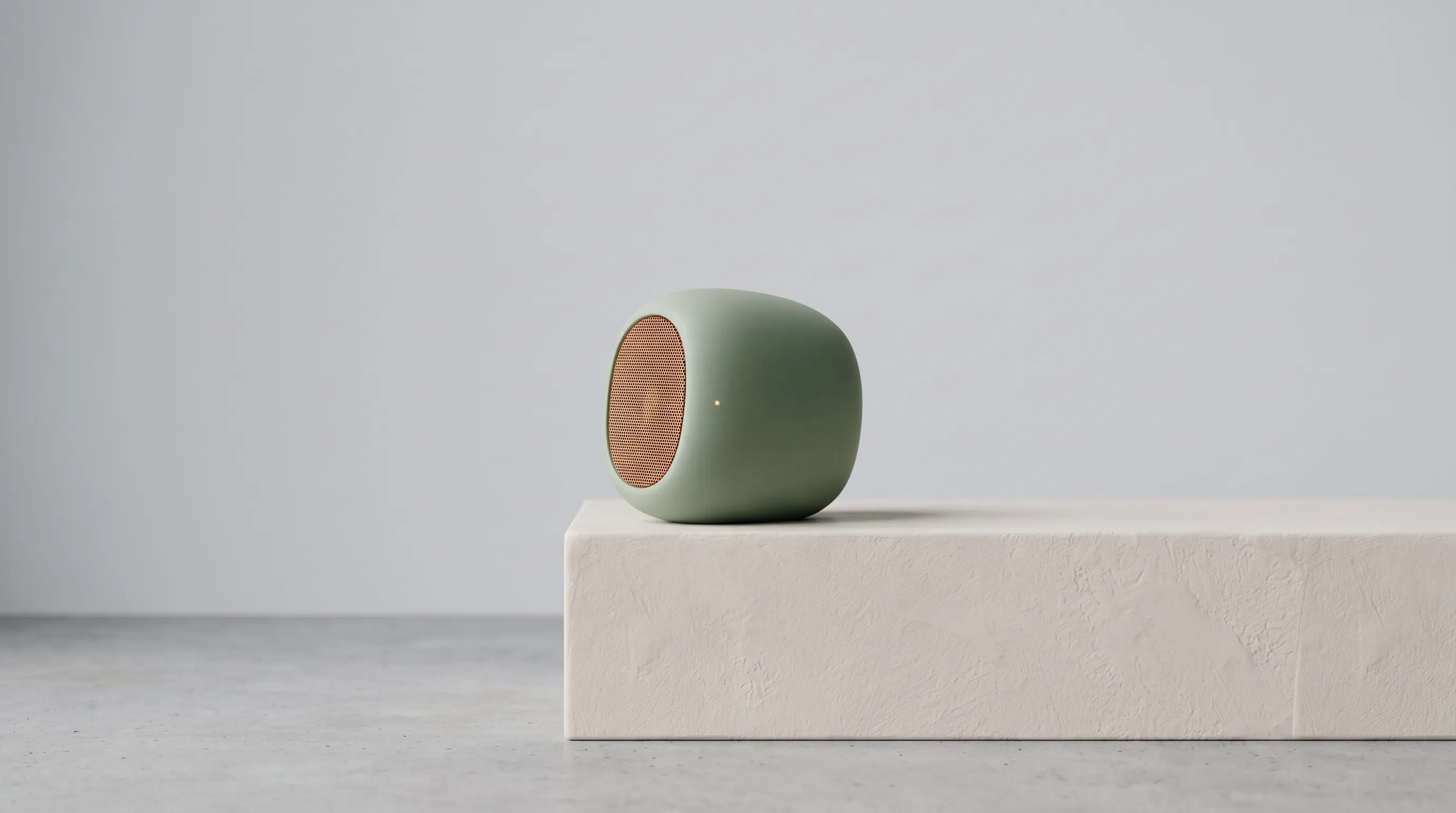
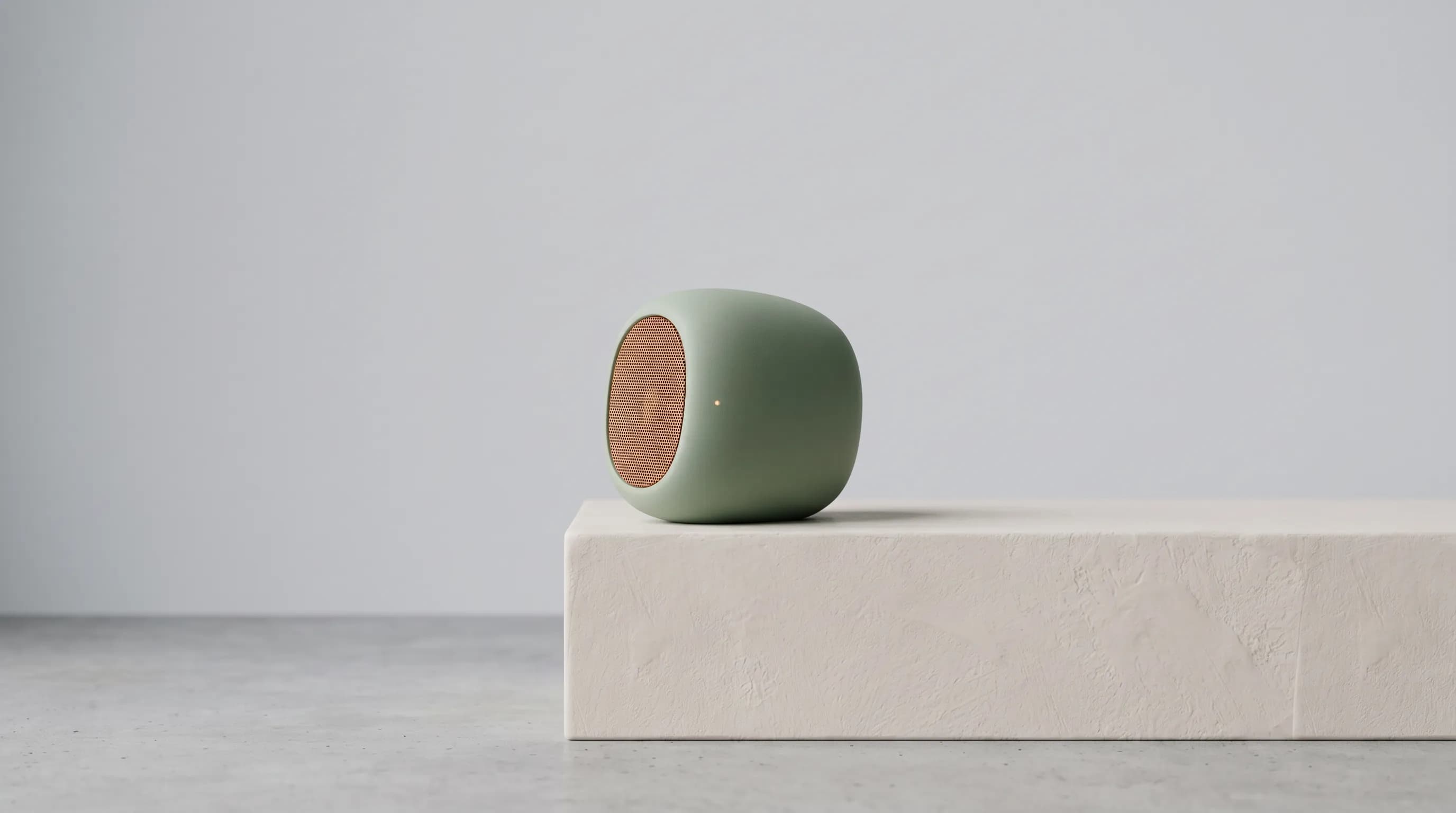
Sage pebble speaker on a plaster plinth in a gray studiohero.webp
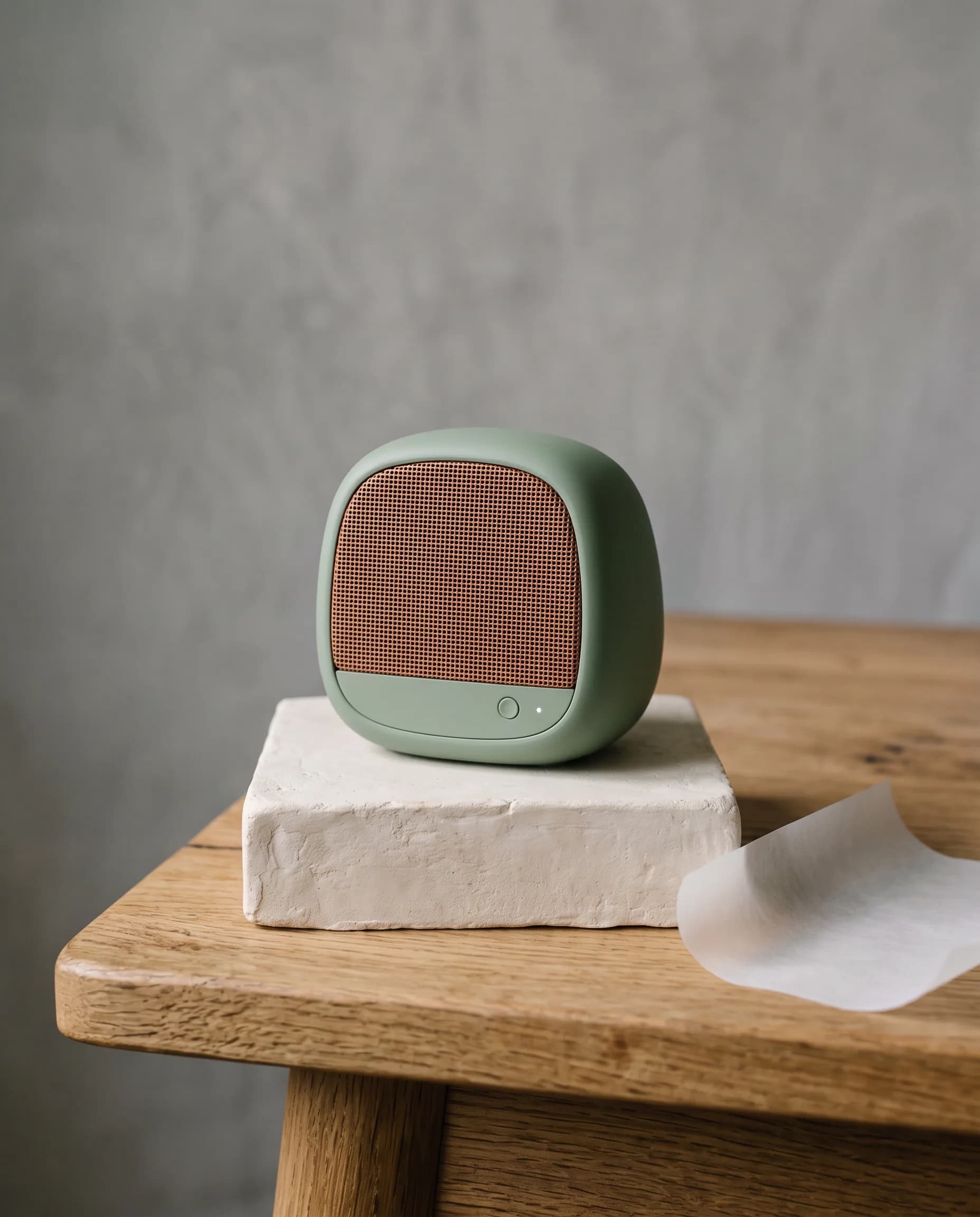
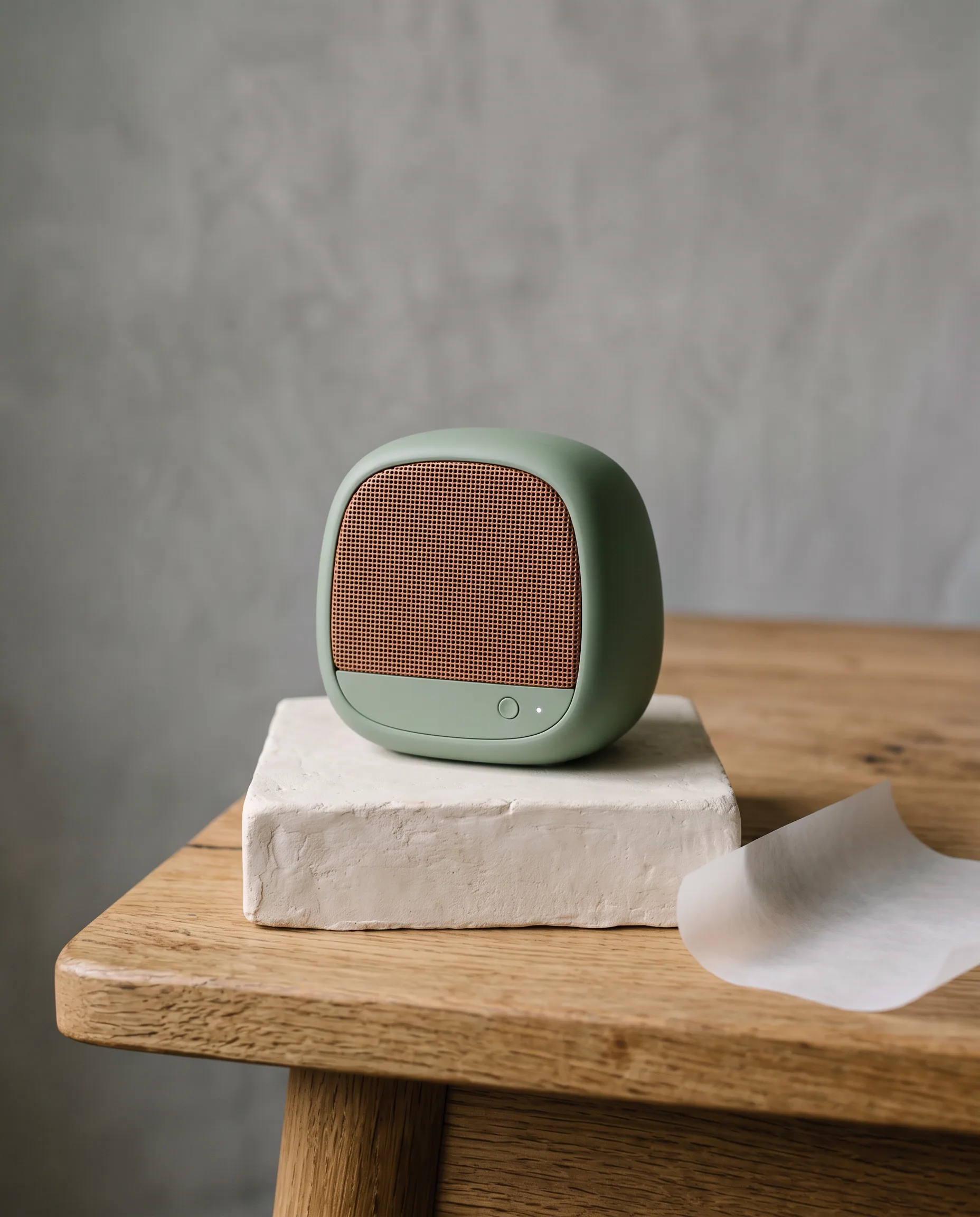
  • Sage pebble speaker on a plaster block on an oak deskdesk.webp
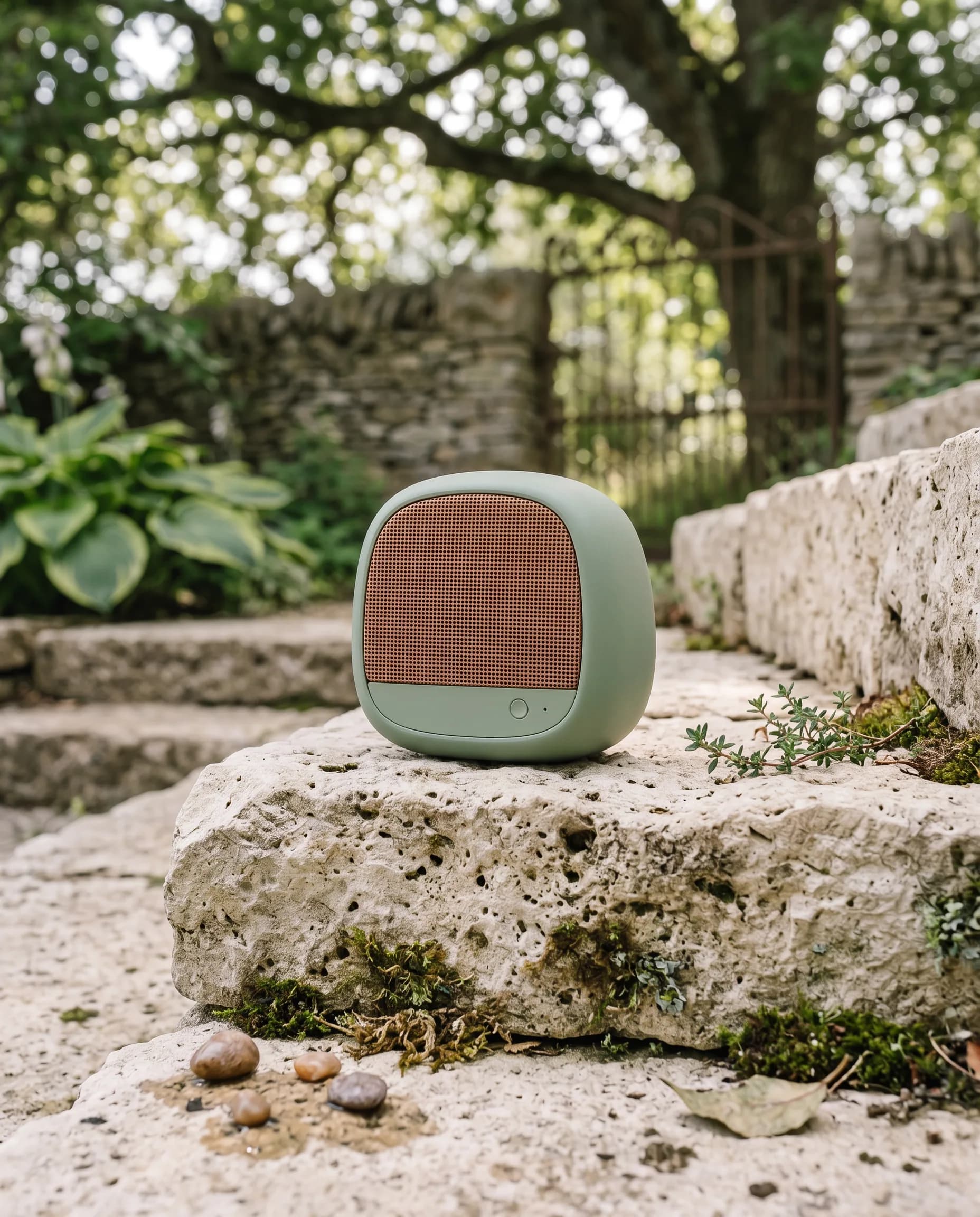
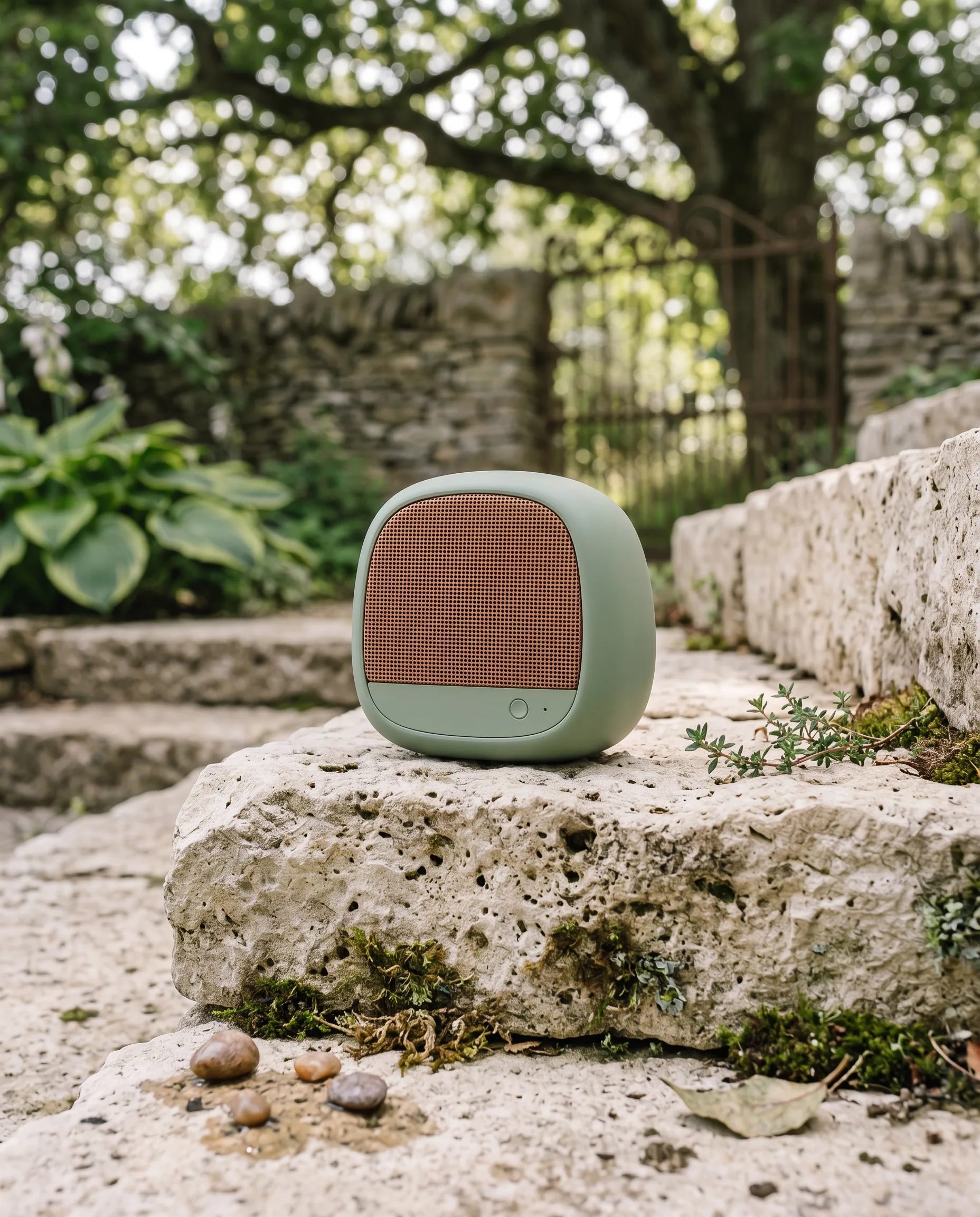
  • Sage speaker with a copper grille on a limestone garden stepstep.webp
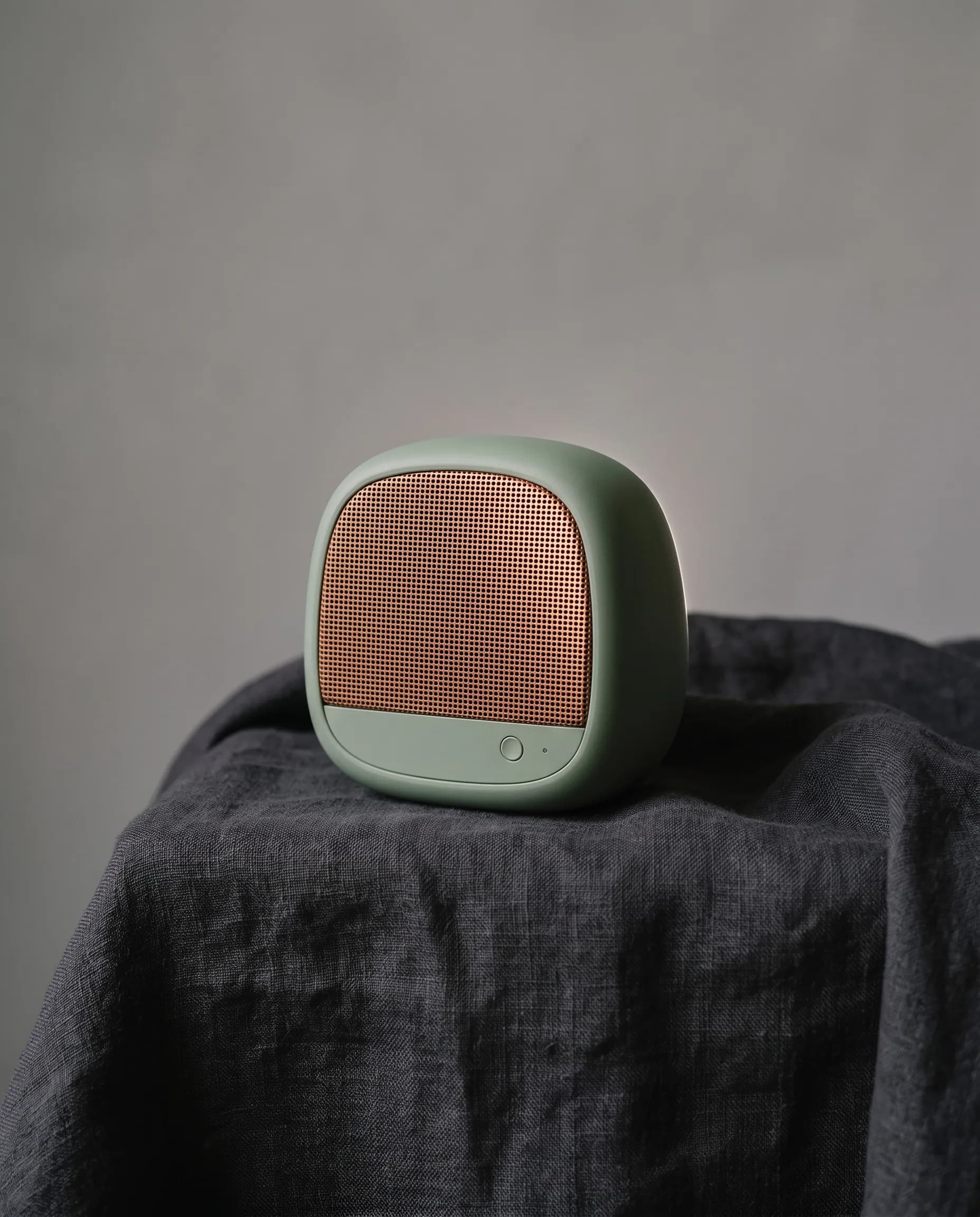
  • Sage speaker on charcoal linen with light on the copper meshcloth.webp

From your editor to a finished page.

Connect, bring in what you already store, and generate the page in the client you use.

Step 01

Connect the MCP

Add Hiding Elephant in Cursor, Claude Code, or Codex. One connection, and you can ask from that chat.

  • Cursor
  • Claude Code
  • Codex
  • Sage pebble speaker on a plaster plinth in a gray studio

    Brand

    Kite

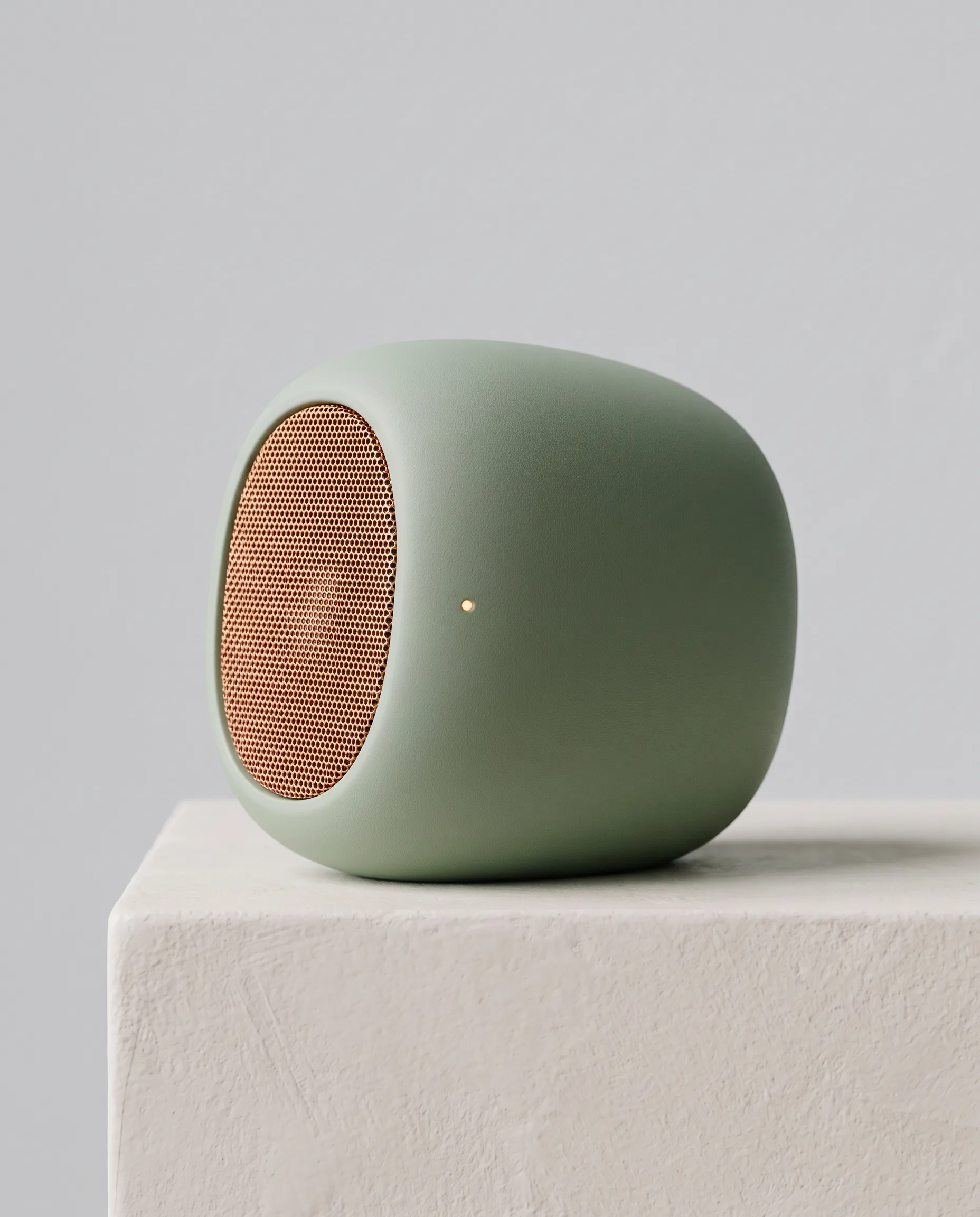
  • Sage speaker with a copper mesh grille on a plaster block

    Product

    Speaker

  • Brand kit
  • Products
  • Assets
  • Characters

Step 02

Import your brand intelligence

Bring in the brand kit, products, assets, and characters you already store. Every still starts from that context.

Step 03

Generate entire pages

Ask for the page. Mockups and images come back in the client you already use.

  • Sage pebble speaker on a plaster block on an oak deskDesk
  • Sage speaker with a copper grille on a limestone garden stepStep
  • Sage speaker on charcoal linen with light on the copper meshCloth

Install

One server. Three agents.

Pick the client you already use. Copy the connection.

.cursor/mcp.json

{
  "mcpServers": {
    "hiding-elephant": {
      "url": "https://hidingelephant.com/api/mcp"
    }
  }
}

Same speaker. Four places.

Kite is a fictional speaker: a sage pebble and a copper mesh. One product, then a still for each place it needs to appear.

Sage pebble speaker on a plaster plinth in a gray studio

hero.webp

Studio

The wide still for the page.

  • Sage speaker with a copper mesh grille on a plaster block

    speaker.webp

    The speaker

    The catalog photo. The body and the mesh stay put.

  • Sage pebble speaker on a plaster block on an oak desk

    desk.webp

    Desk

    Scale, next to ordinary things.

  • Sage speaker with a copper grille on a limestone garden step

    step.webp

    Step

    The same form, in daylight.

  • Sage speaker on charcoal linen with light on the copper mesh

    cloth.webp

    Cloth

    The quiet frame for a deck.

Tools

image_generate
A new still. Put a product in a scene, or start from a brand kit.
image_edit
Change a still you already have. Recolor, restyle, or place a product into it.
image_reframe
Fit a still to another shape. The frame can extend around the subject.
image_upscale
A larger, sharper version of a still, without redrawing it.
image_remove_background
The subject on a transparent background.
image_optimize
A smaller file, ready for the web.
video_generate
A short clip. It can start from a still you already made.
video_result
Pick up a clip that is still rendering.
ad_maker
Feed and story ads from a headline.
thumbnails
Thumbnail frames from a title.
launch_pack
A share card, banners, and an avatar.
website_visuals
Hero, device, and feature shots from a screenshot.
app_result
Pick up an ad, thumbnail, launch, or website set that is still rendering.
library_list
Your brand kits, products, characters, and assets.
media_list
Images and clips you already made.
collection_list
Collections you already have.
collection_create
Start a collection for a project.
collection_add_items
File images into a collection.
project_list
Projects on the account.
project_get
One project, and the work inside it.
project_create
Start a new project.
workspace_list
The spaces on the account, including your personal space.
FAQ

Can I really do this?

Explore Ellie workflows

The same kind of brief: a product, a brand, and a scene Ellie can keep refining.

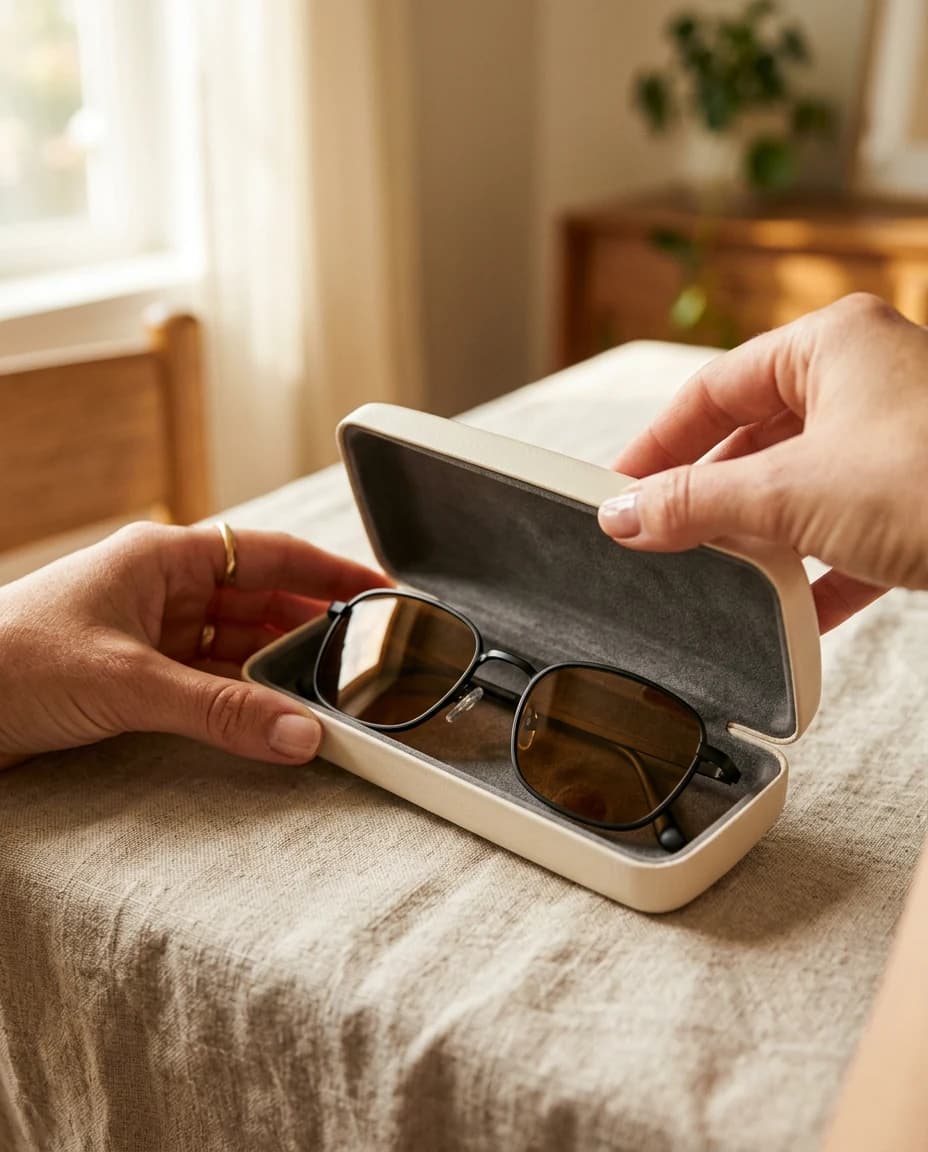
  • Hands opening a cream case with thin black sunglasses inside

    Marketing

    Street, feed, and night stills from one brief.

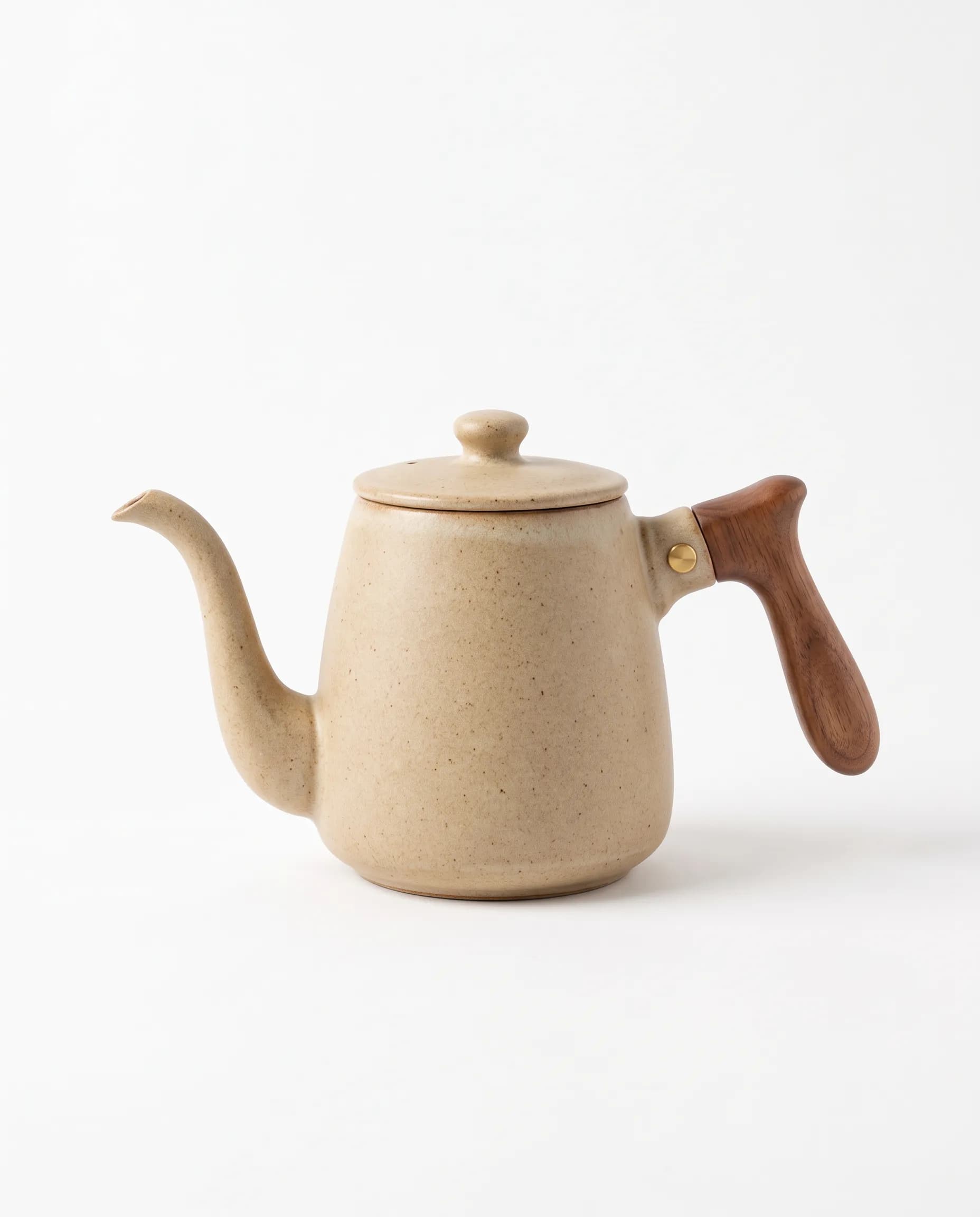
  • Sandy ceramic kettle with a walnut handle

    E-commerce

    Packshots and lifestyle frames grounded in the catalog.

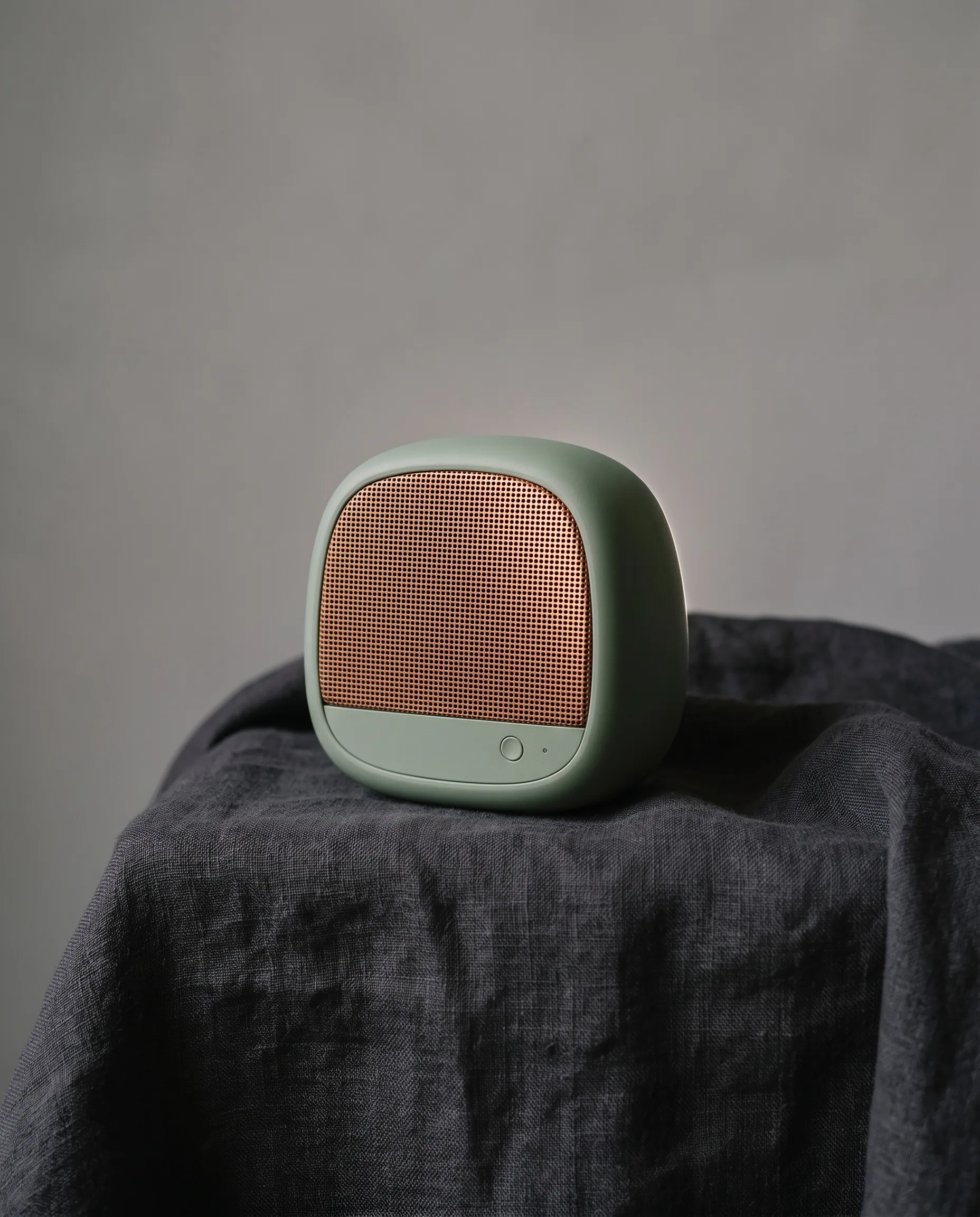
  • Sage speaker with a copper mesh grille on a plaster block

    Product design

    Form studies and material close-ups of the same object.

  • A cream poster with a golden sun and a coral border on a yellow wall

    Branding

    One mark, on the shop, the print, and the street.

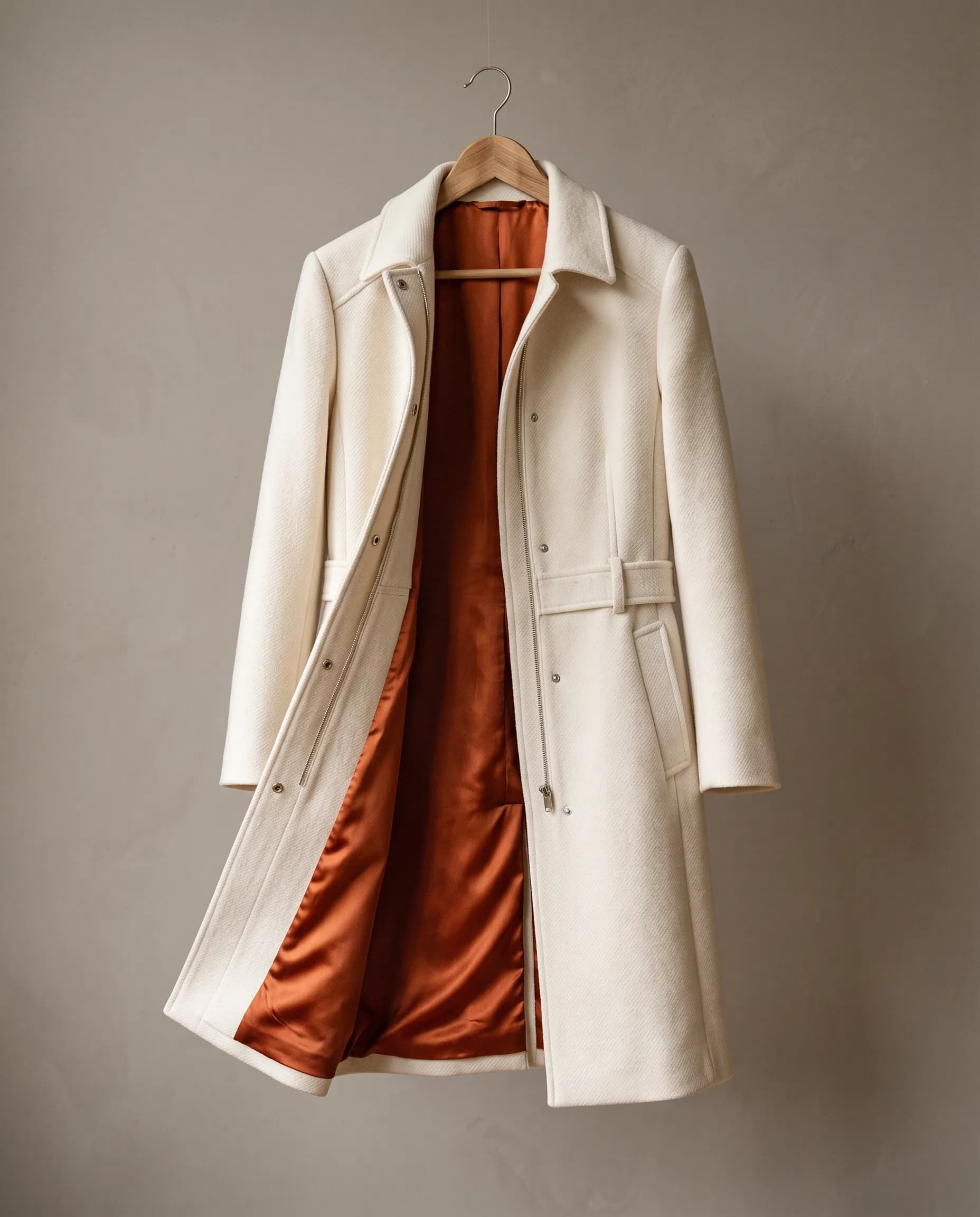
  • Ivory wool coat with a rust silk lining on a hanger

    Fashion

    Editorial stills with fabric, color, and product.

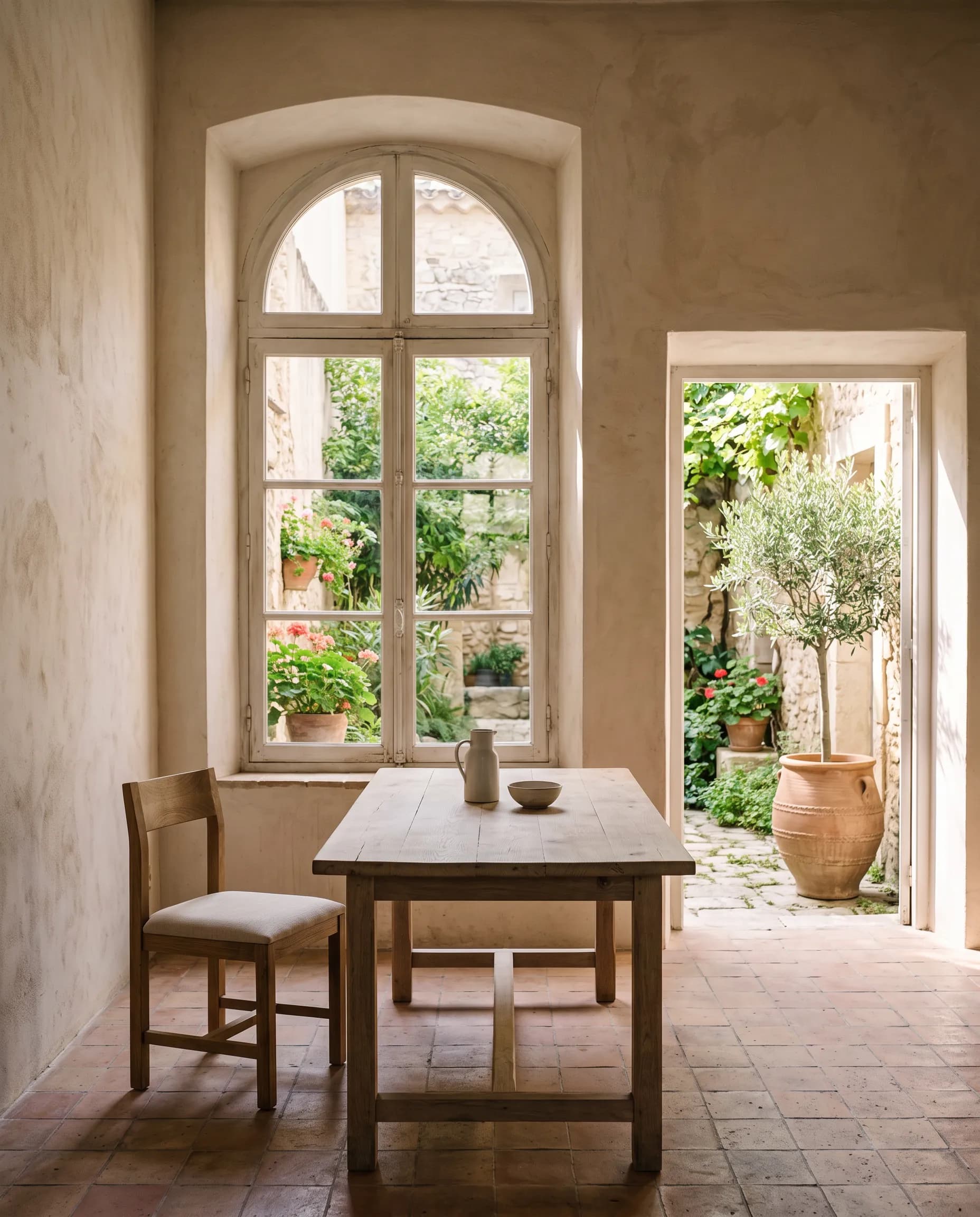
  • Courtyard room with an arched window and an oak table

    Architecture

    Quiet rooms with materials placed in the light.

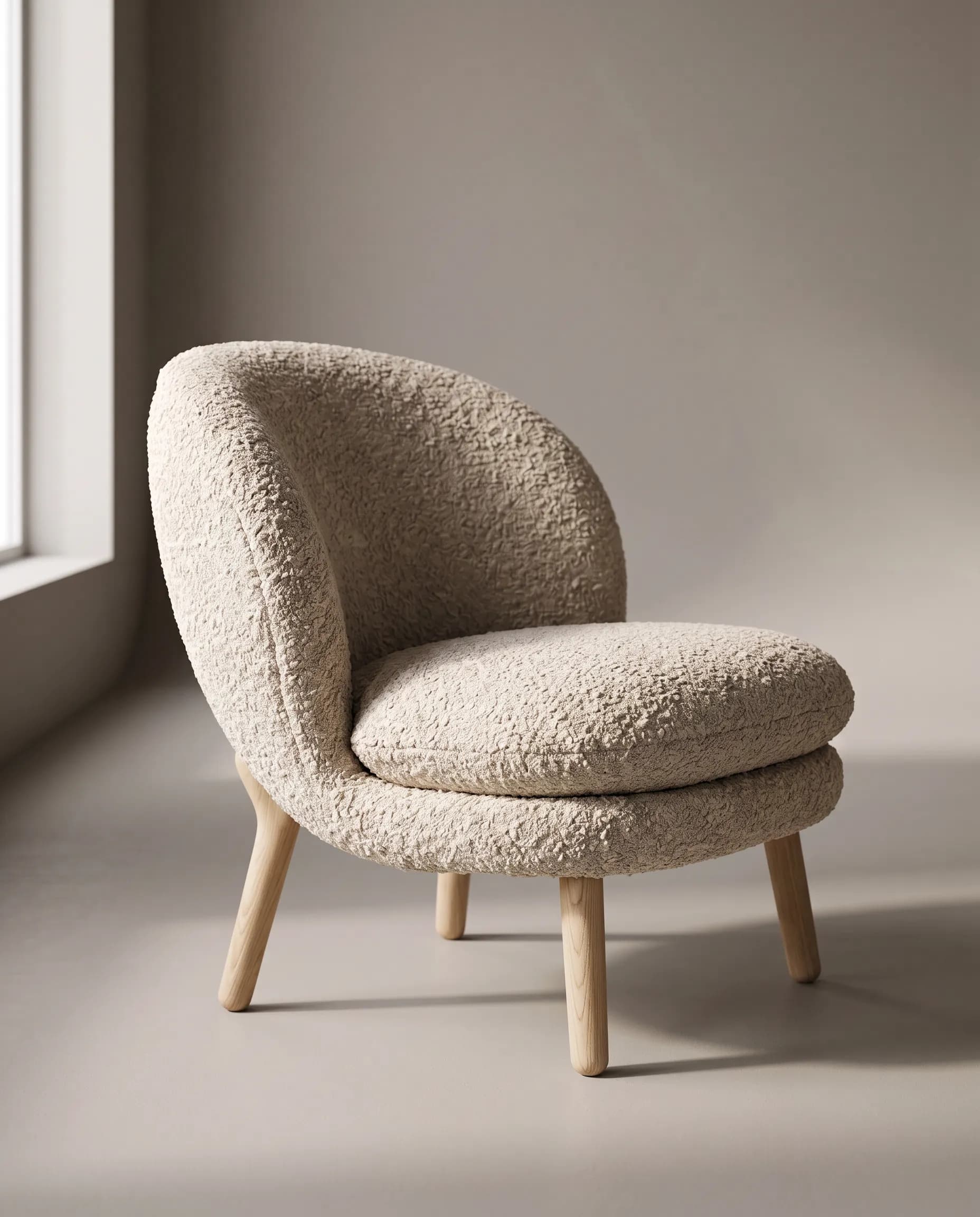
  • Oatmeal boucle lounge chair with pale oak legs

    Interior design

    A piece of furniture placed in the room it belongs in.

  • Close-up of a laughing woman in yellow beside a transparent balloon

    Filmmaking

    A bright scene, covered in different shots.

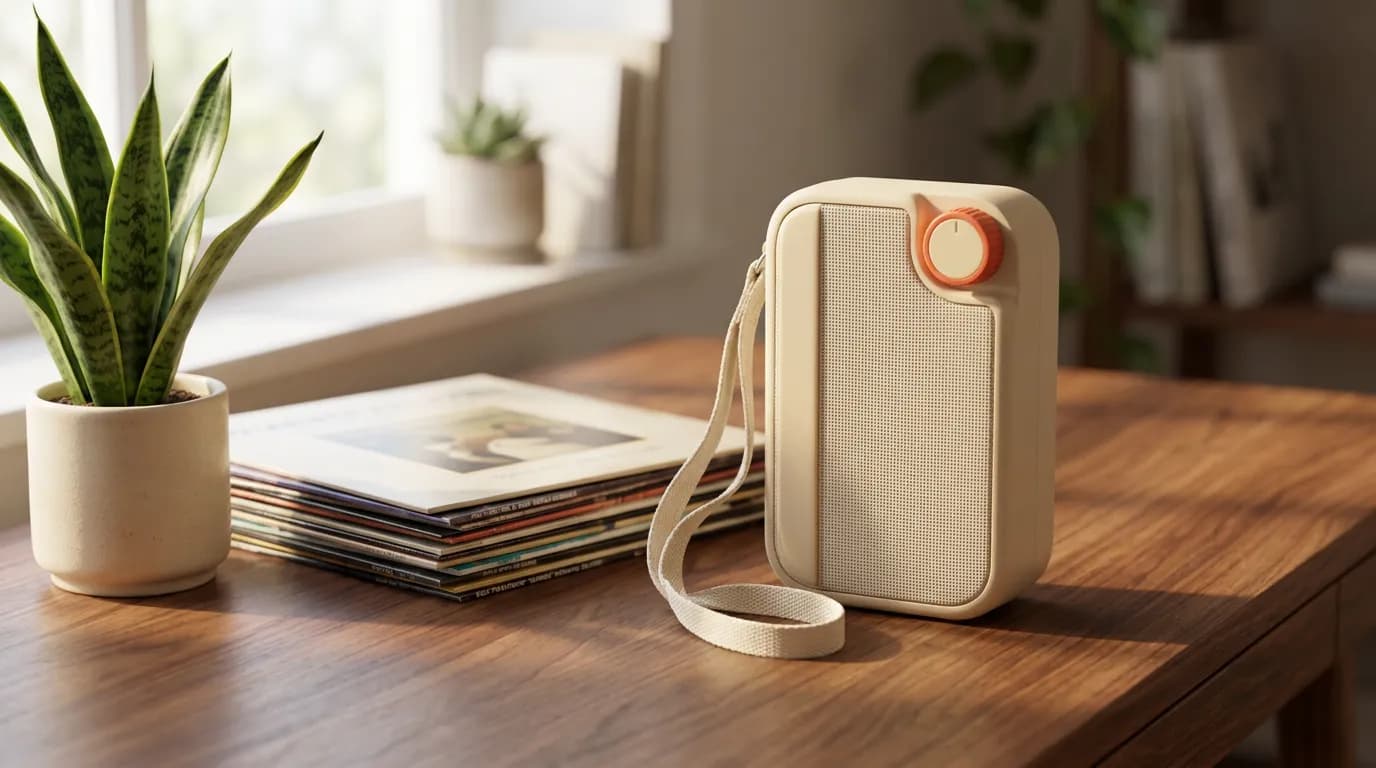
  • A cream portable radio on a walnut desk

    Ellie

    Images and short scenes from your brand and catalog.

The AI designworkspace forfast-moving ideas.

Product

  • Ellie
  • AI Generation
  • Vector Canvas
  • Image Tools
  • Workflows
  • Brand Management
  • Product Catalog
  • My Assets
  • Collaboration

Use Cases

  • E-commerce teams
  • Design agencies
  • Marketing teams
  • Content creators

Quick tools

  • All quick tools
  • Background Remover
  • Image Upscaler
  • Image Vectorizer
  • Image Optimizer
  • Image Reframer

Resources

  • About
  • Pricing
  • FAQ
  • Compare
  • Enterprise
  • Integrations
  • Explore
  • Blog
  • Contact Us
  • Book a Demo
  • Affiliates

© 2026 Hiding Elephant. All rights reserved

Cookie PolicyPrivacy PolicyTerms of Service
Hiding Elephant