Designs made by our community
Staff-picked ads, product scenes, and brand assets made in Hiding Elephant. See what production-ready creative looks like, then start your own.
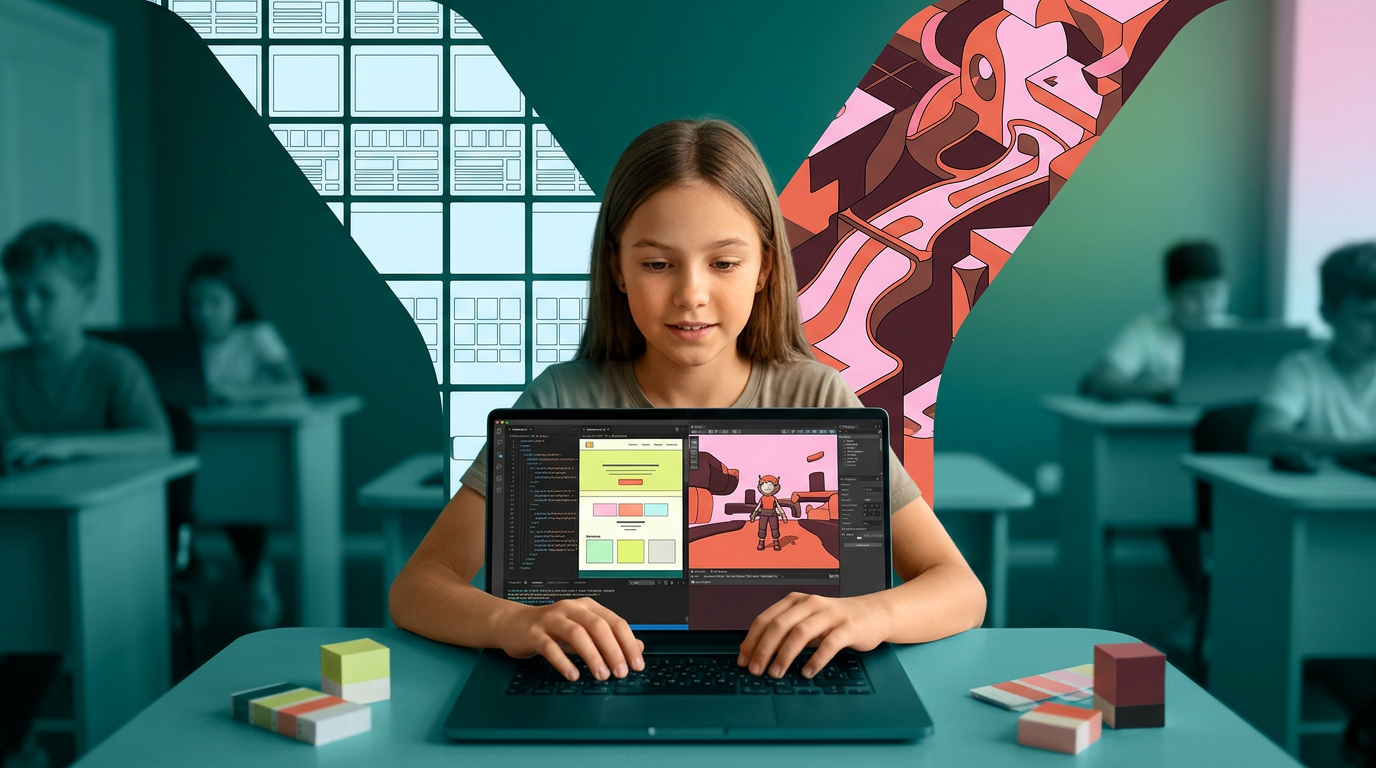
на фото 1 фирменные цвета. на фото 2 - карточка, для которой нужно сделать картинку. Что должна отражать картинка: направление обучения под названием "Дизайн ПРО". Главный акцент на ребенка, фотореалим. Обучение дизайну для детей 12-14 лет Картинка должна быть с ребенком в центре (фото или генерация фотореализм), фон и элементы вокруг - любые. Цвета фирменнные. Элементы должны быть связаны с названием и передавать суть направления. Картинка обязательно должна отражать разветвление двух направлений: front-end разработка и геймдизайн Никаких подписей не добавляй. Просто картинку. Надписи запрещены
by @Elephant_5574126
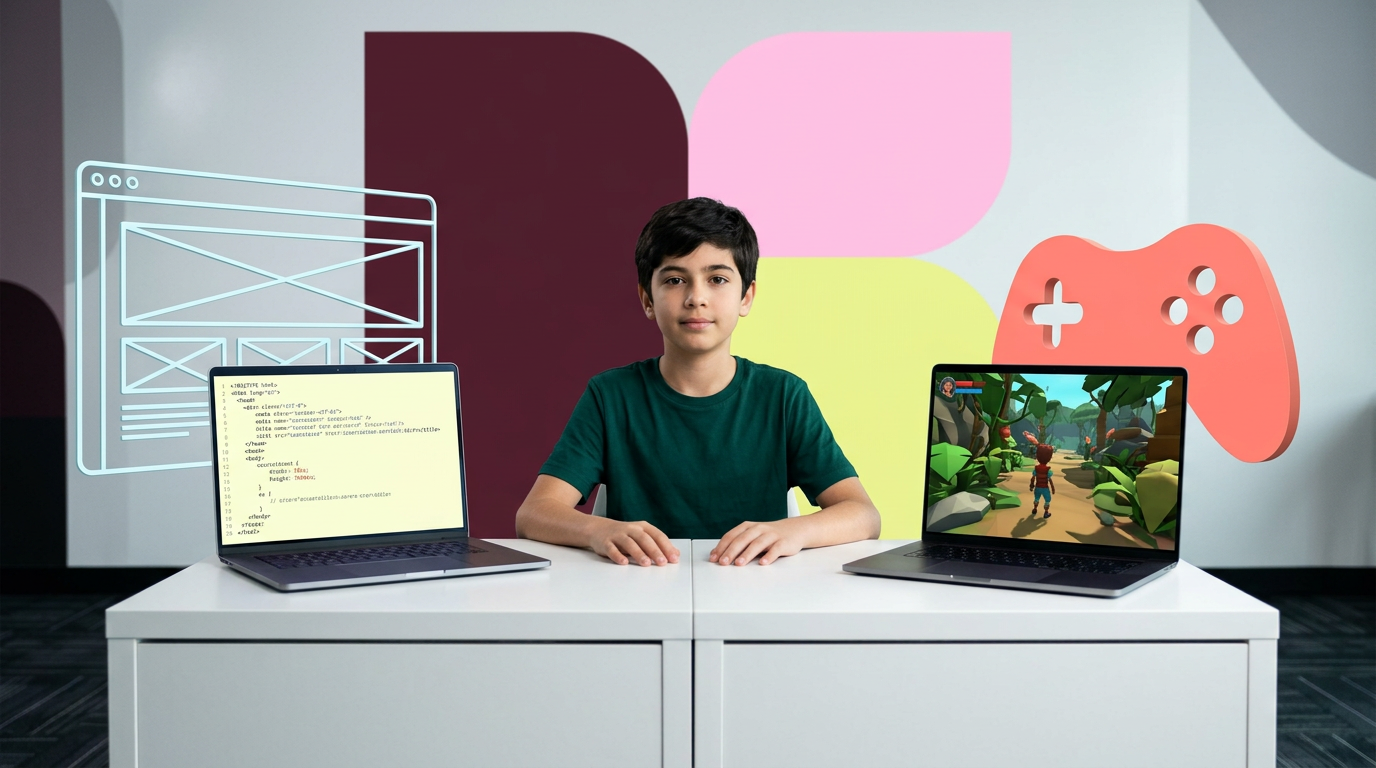
на фото 1 фирменные цвета. на фото 2 - карточка, для которой нужно сделать картинку. Что должна отражать картинка: направление обучения под названием "Дизайн ПРО". Главный акцент на ребенка, фотореалим. Обучение дизайну для детей 12-14 лет Картинка должна быть с ребенком в центре (фото или генерация фотореализм), фон и элементы вокруг - любые. Цвета фирменнные. Элементы должны быть связаны с названием и передавать суть направления. Картинка обязательно должна отражать разветвление двух направлений: front-end разработка и геймдизайн Никаких подписей не добавляй. Просто картинку. Надписи запрещены
by @Elephant_5574126
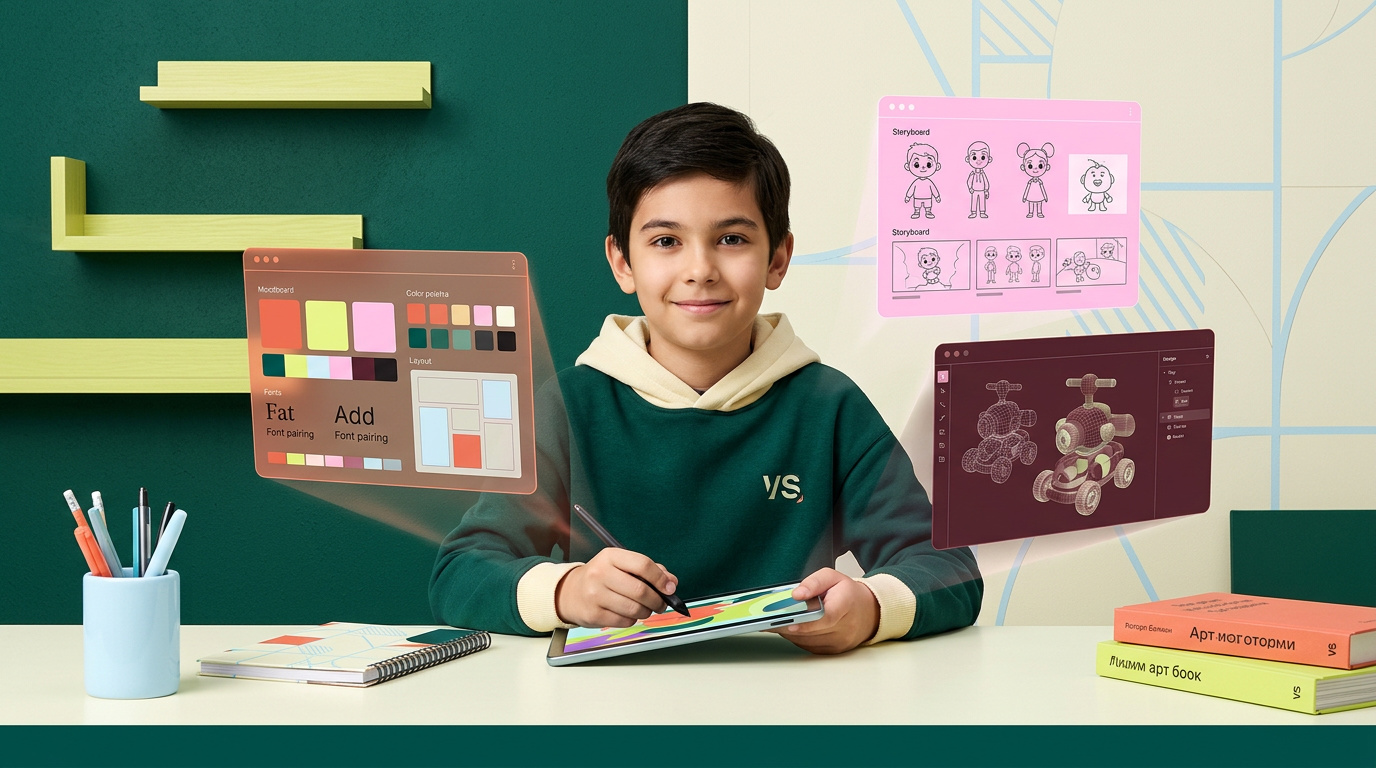
на фото 1 фирменные цвета. на фото 2 - карточка, для которой нужно сделать картинку. Что должна отражать картинка: направление обучения под названием "Арт-директоры". Главный акцент на ребенка, фотореалим. Обучение дизайну для детей 10-12 лет Картинка должна быть с ребенком в центре (фото или генерация фотореализм), фон и элементы вокруг - любые. Цвета фирменнные. Элементы должны быть связаны с названием и передавать суть направления Никаких подписей не добавляй. Просто картинку.
by @Elephant_5574126
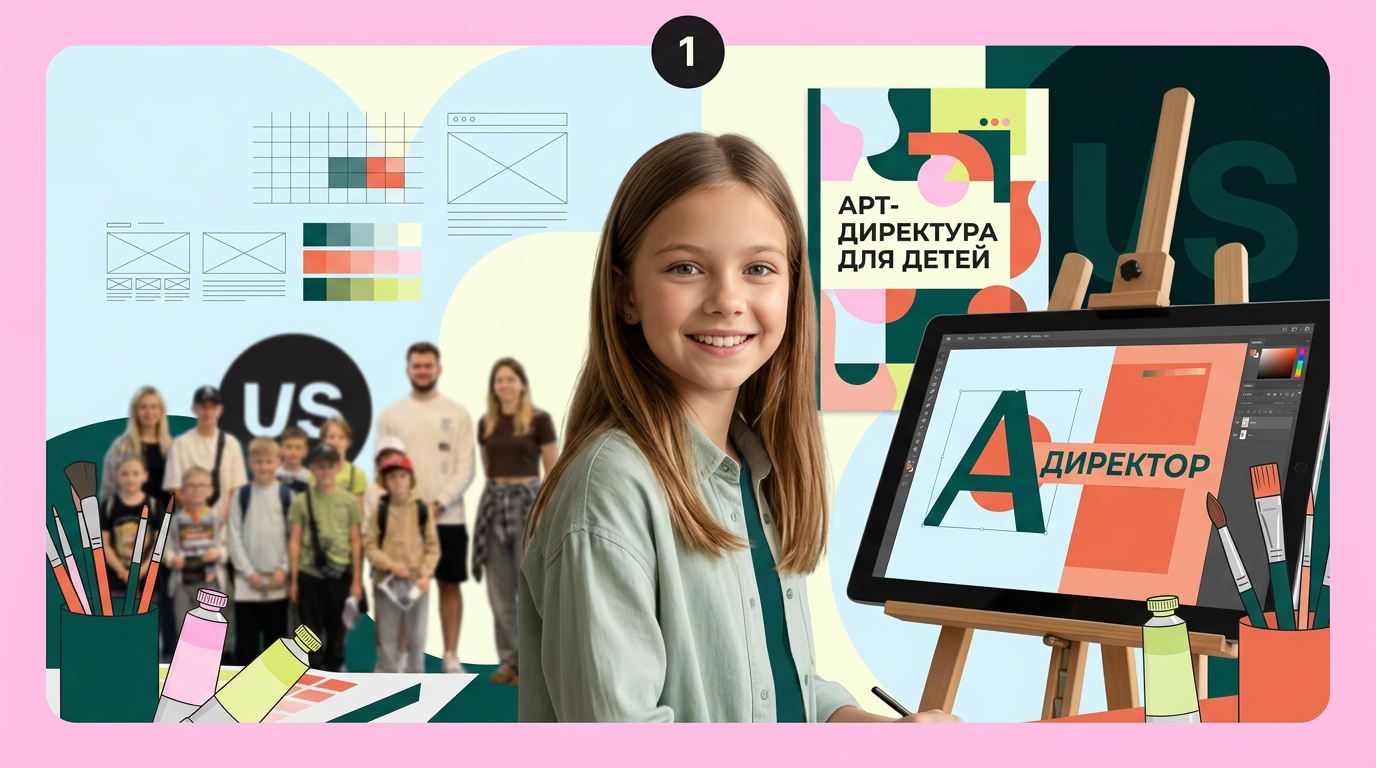
на фото 1 фирменные цвета. на фото 2 - карточка, для которой нужно сделать картинку. Что должна отражать картинка: направление обучения под названием "Арт-директоры". Главный акцент на ребенка, фотореалим. Обучение дизайну для детей 10-12 лет Картинка должна быть с ребенком в центре (фото или генерация фотореализм), фон и элементы вокруг - любые. Цвета фирменнные. Элементы должны быть связаны с названием и передавать суть направления Никаких подписей не добавляй. Просто картинку.
by @Elephant_5574126
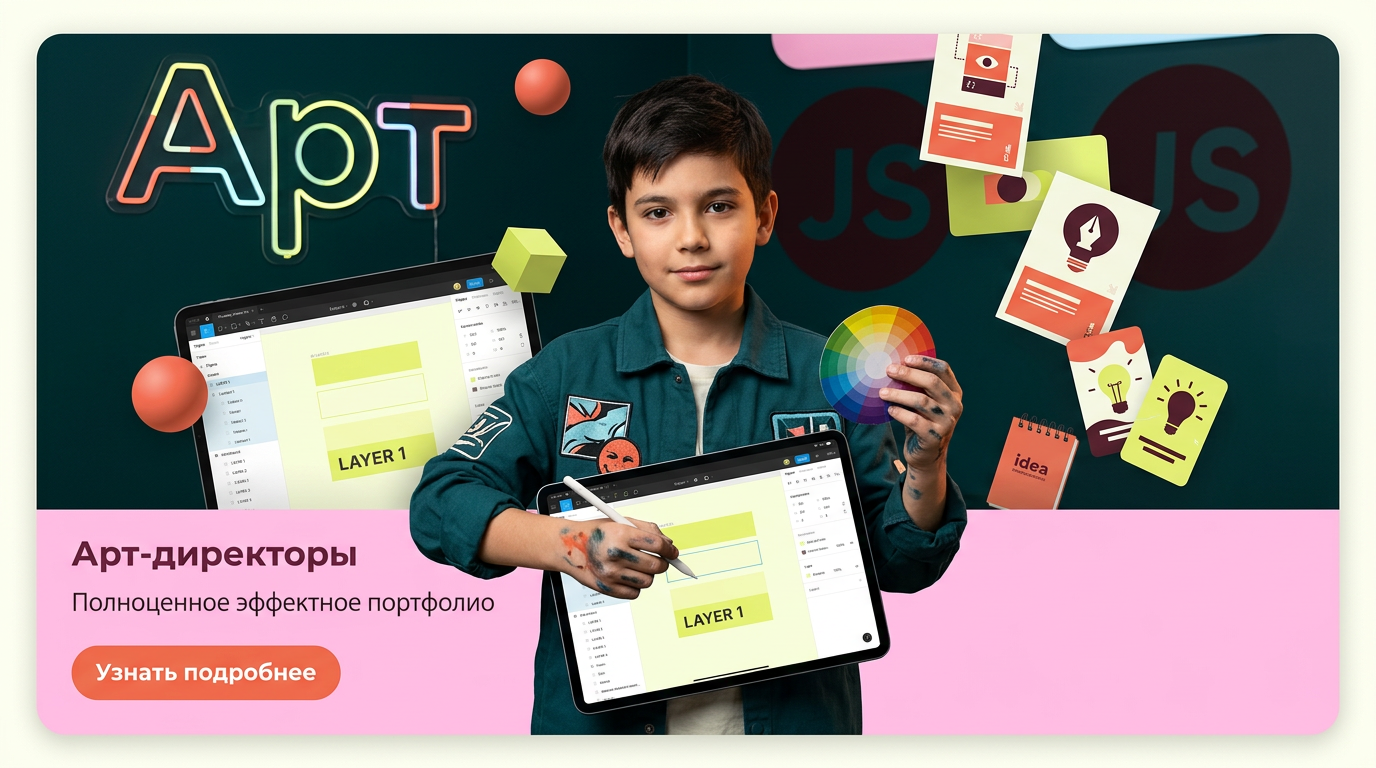
на фото 1 фирменные цвета. на фото 2 - карточка, для которой нужно сделать картинку. Что должна отражать картинка: направление обучения под названием "Арт-директоры". Главный акцент на ребенка, фотореалим. Обучение дизайну для детей 10-12 лет Картинка должна быть с ребенком в центре (фото или генерация фотореализм), фон и элементы вокруг - любые. Цвета фирменнные. Элементы должны быть связаны с названием и передавать суть направления Никаких подписей не добавляй. Просто картинку.
by @Elephant_5574126
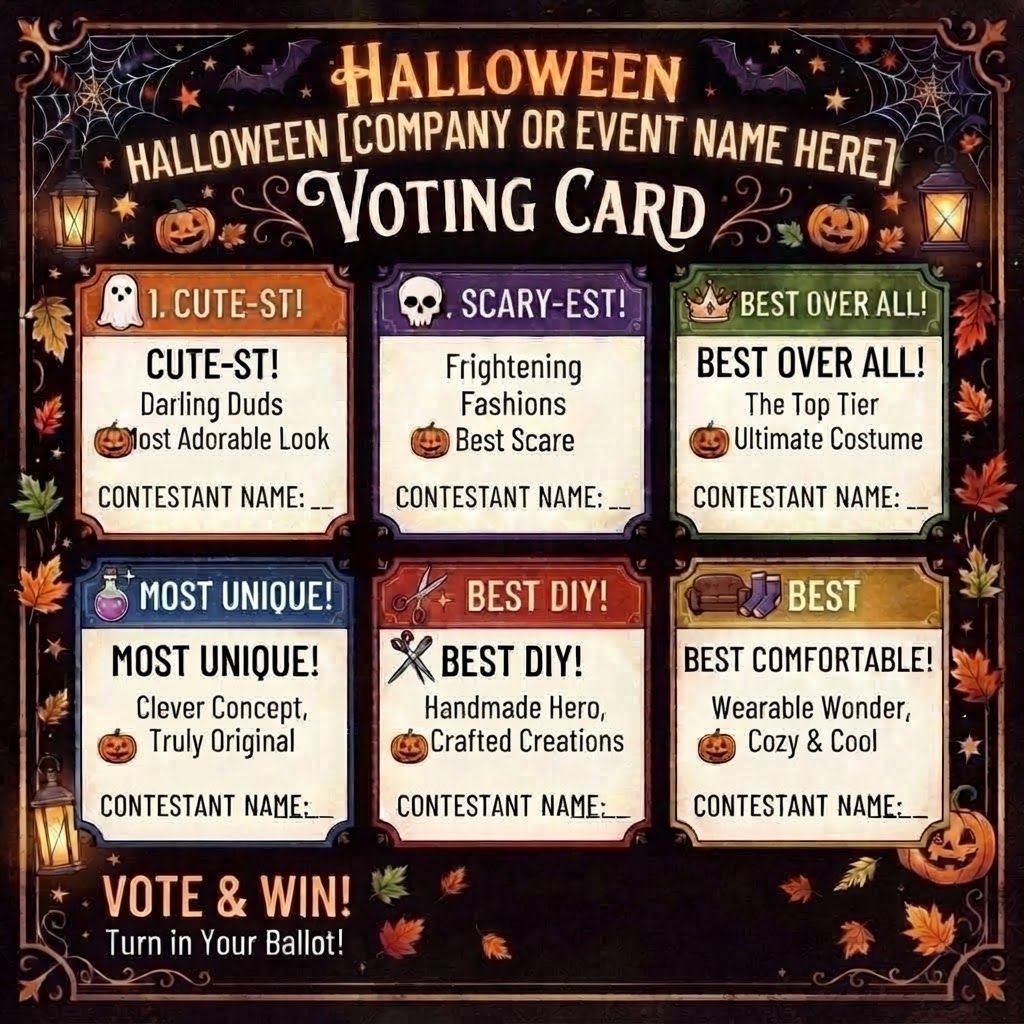
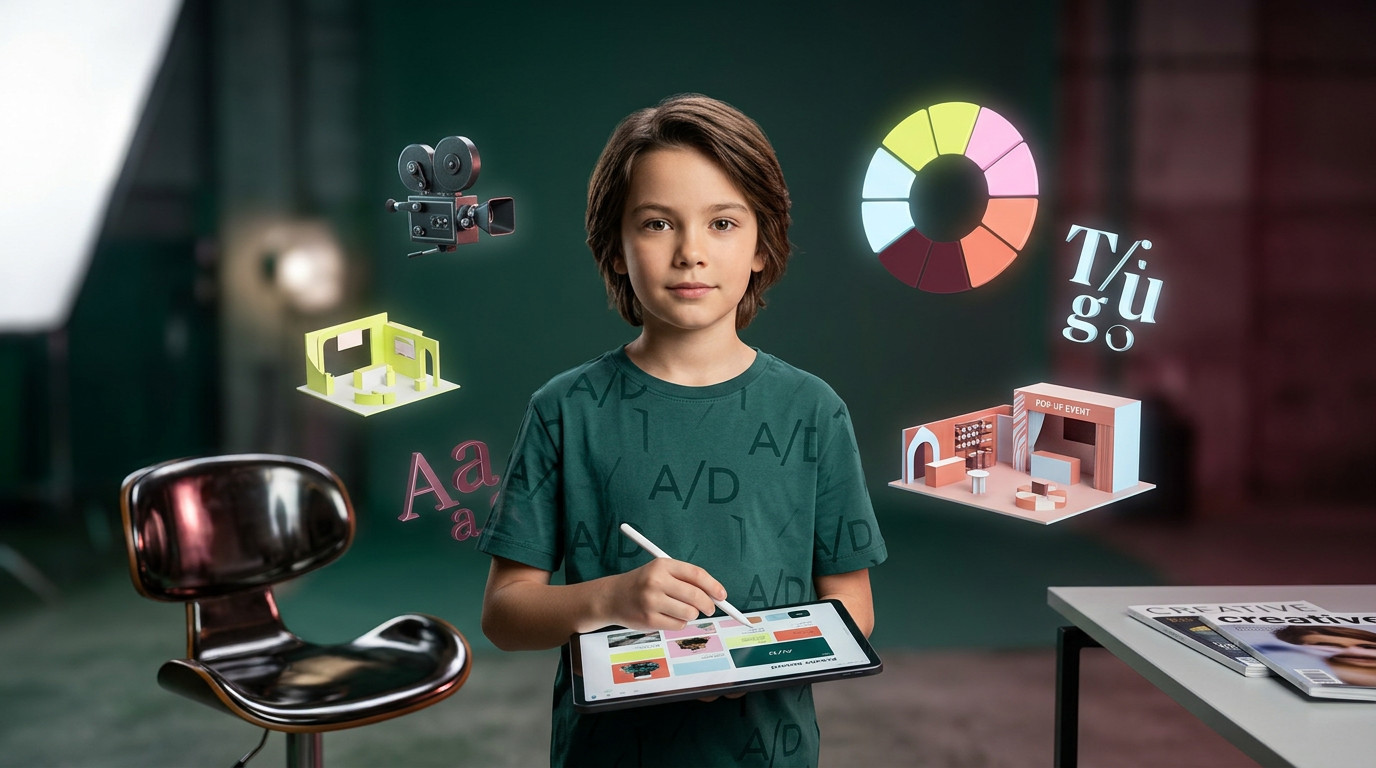
на фото 1 фирменные цвета. на фото 2 - карточка, для которой нужно сделать картинку. Что должна отражать картинка: направление обучения под названием "Арт-директоры". Главный акцент на ребенка, фотореалим. Обучение дизайну для детей 10-12 лет Картинка должна быть с ребенком в центре (фото или генерация фотореализм), фон и элементы вокруг - любые. Цвета фирменнные. Элементы должны быть связаны с названием и передавать суть направления Никаких подписей не добавляй. Просто картинку.
by @Elephant_5574126
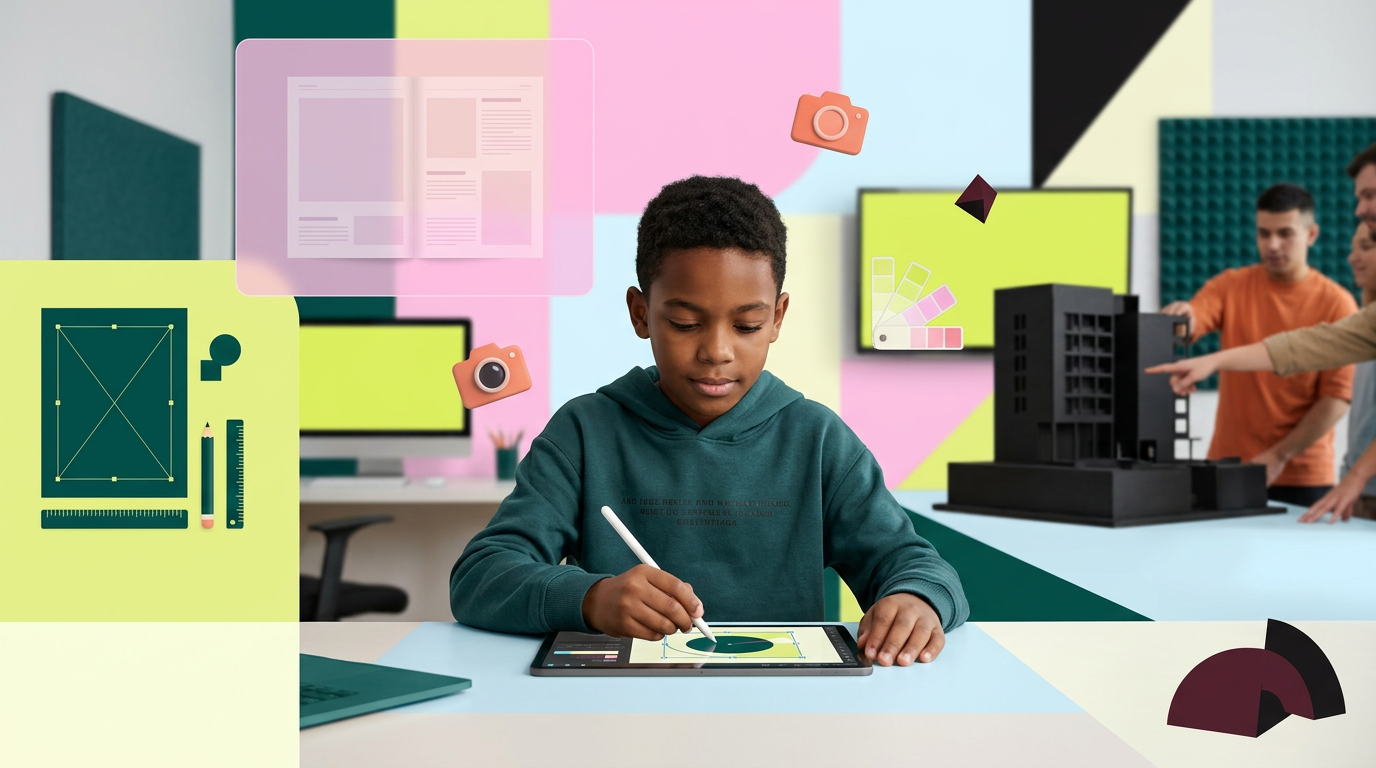
на фото 1 фирменные цвета. на фото 2 - карточка, для которой нужно сделать картинку. Что должна отражать картинка: направление обучения под названием "Арт-директоры". Главный акцент на ребенка, фотореалим. Обучение дизайну для детей 10-12 лет Картинка должна быть с ребенком в центре (фото или генерация фотореализм), фон и элементы вокруг - любые. Цвета фирменнные. Элементы должны быть связаны с названием и передавать суть направления Никаких подписей не добавляй. Просто картинку.
by @Elephant_5574126
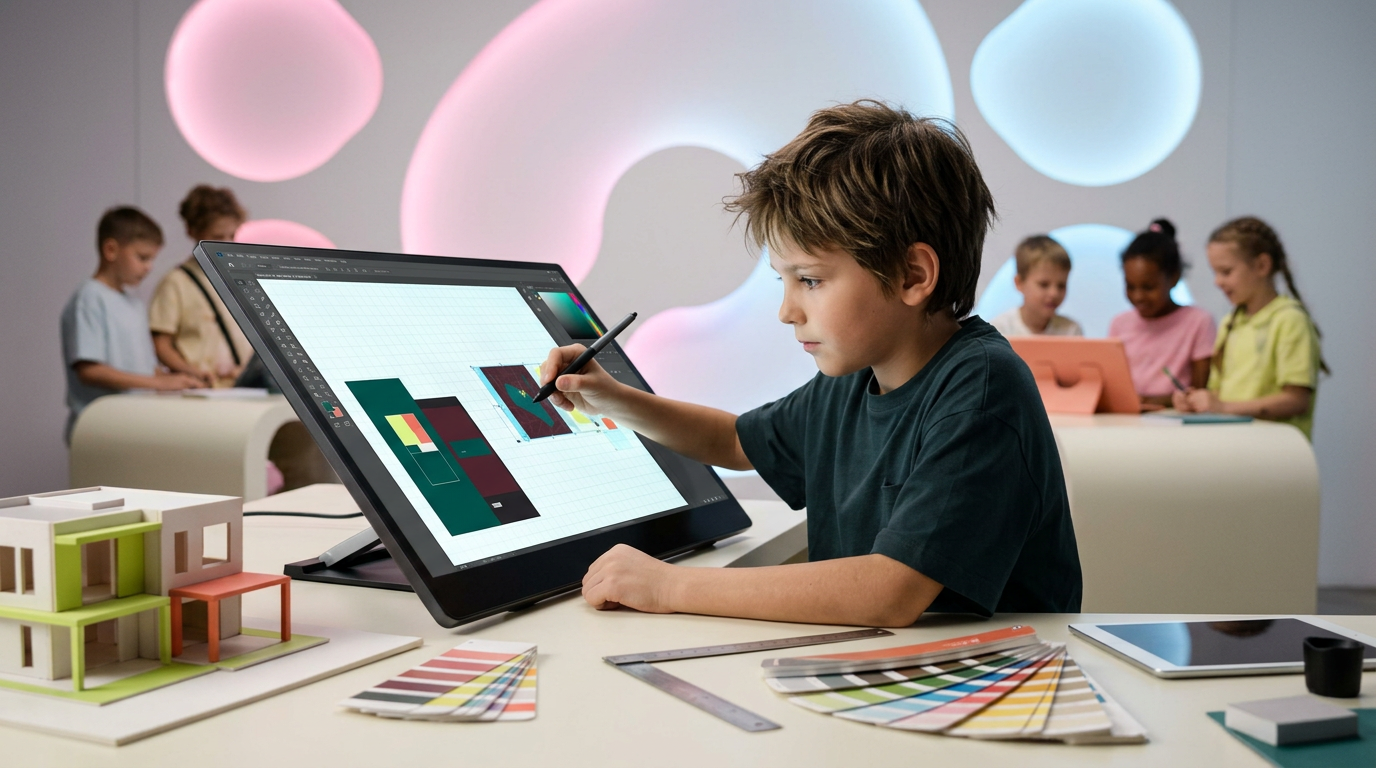
на фото 1 фирменные цвета. на фото 2 - карточка, для которой нужно сделать картинку. Что должна отражать картинка: направление обучения под названием "Арт-директоры". Главный акцент на ребенка, фотореалим. Обучение дизайну для детей 10-12 лет Картинка должна быть с ребенком в центре (фото или генерация фотореализм), фон и элементы вокруг - любые. Цвета фирменнные. Элементы должны быть связаны с названием и передавать суть направления Никаких подписей не добавляй. Просто картинку.
by @Elephant_5574126
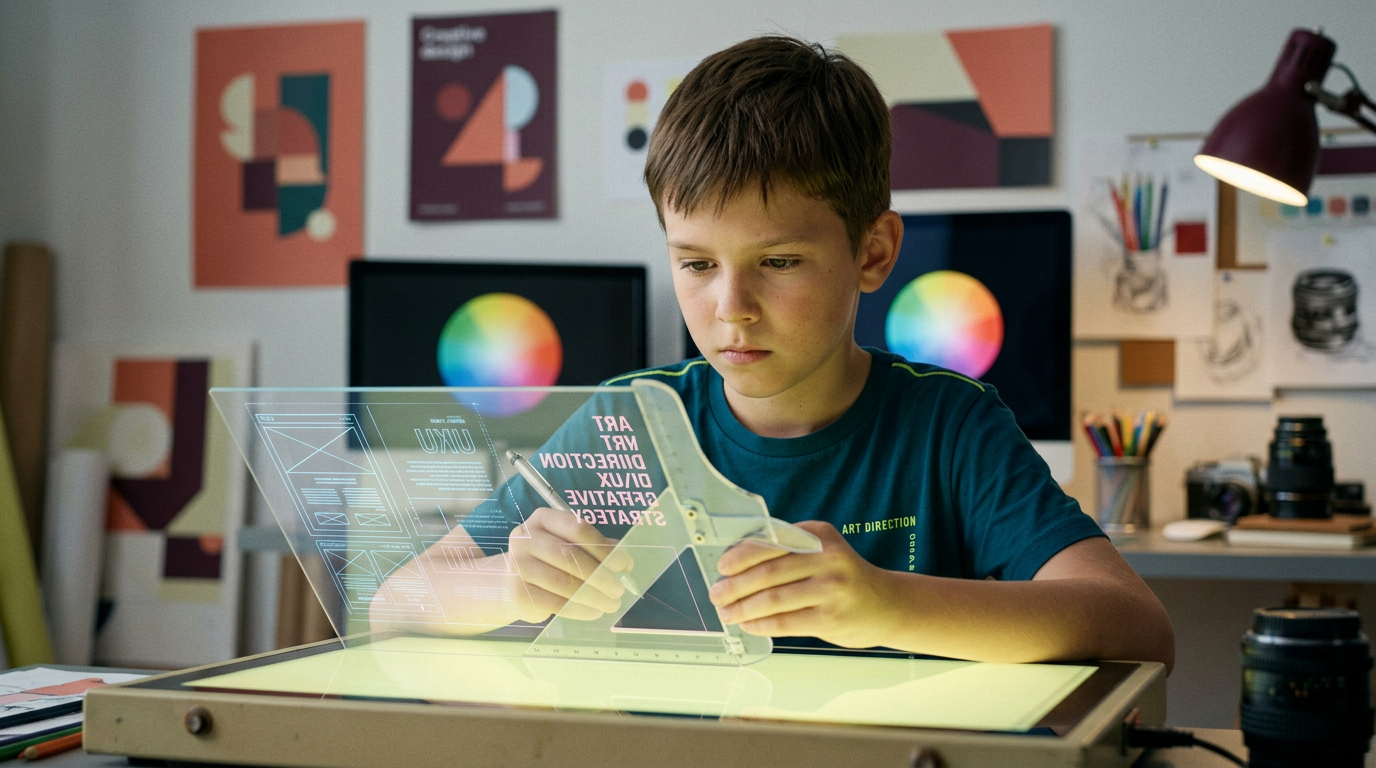
на фото 1 фирменные цвета. на фото 2 - карточка, для которой нужно сделать картинку. Что должна отражать картинка: направление обучения под названием "Арт-директоры". Главный акцент на ребенка, фотореалим. Обучение дизайну для детей 10-12 лет Картинка должна быть с ребенком в центре (фото или генерация фотореализм), фон и элементы вокруг - любые. Цвета фирменнные. Элементы должны быть связаны с названием и передавать суть направления Никаких подписей не добавляй. Просто картинку.
by @Elephant_5574126
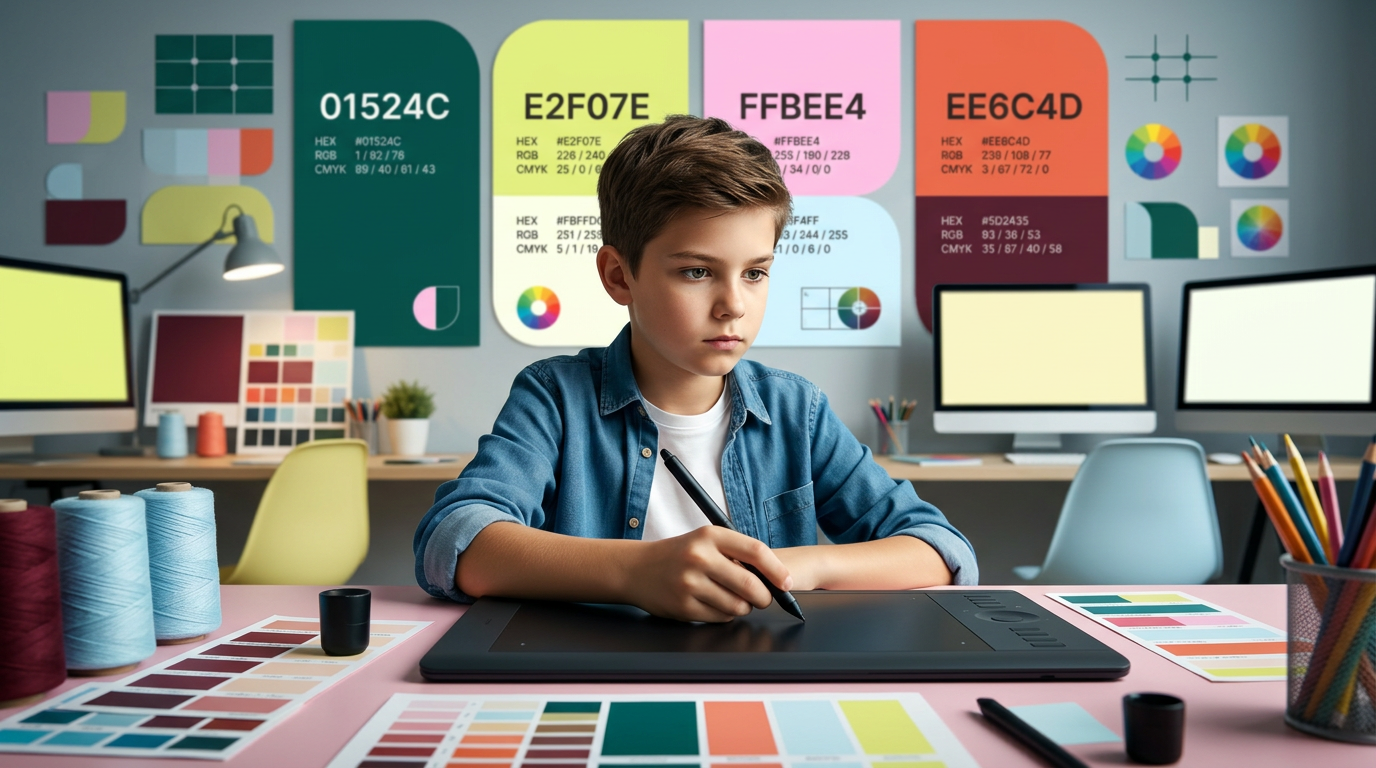
на фото 1 фирменные цвета. на фото 2 - карточка, для которой нужно сделать картинку. Что должна отражать картинка: направление обучения под названием "Арт-директоры". Главный акцент на ребенка, фотореалим. Обучение дизайну для детей 10-12 лет Картинка должна быть с ребенком в центре (фото или генерация фотореализм), фон и элементы вокруг - любые. Цвета фирменнные. Элементы должны быть связаны с названием и передавать суть направления Никаких подписей не добавляй. Просто картинку.
by @Elephant_5574126
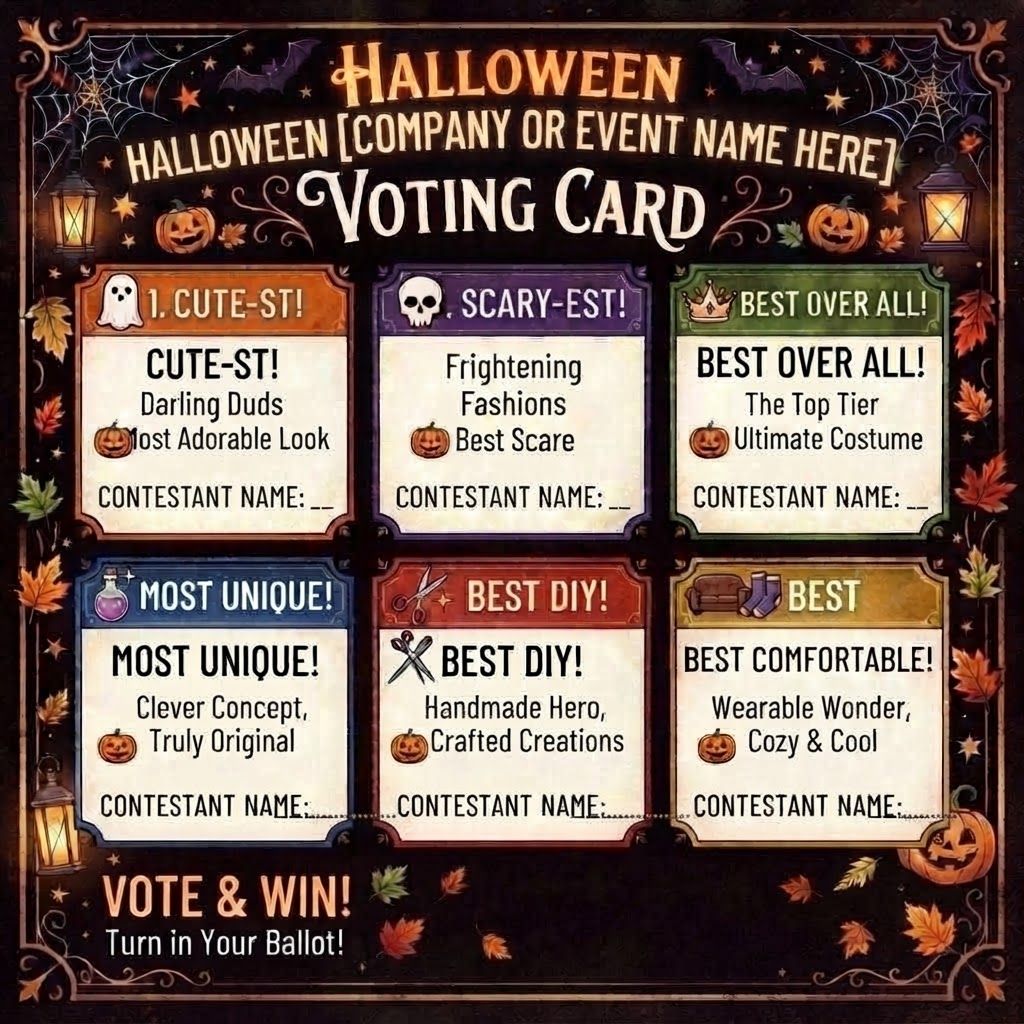
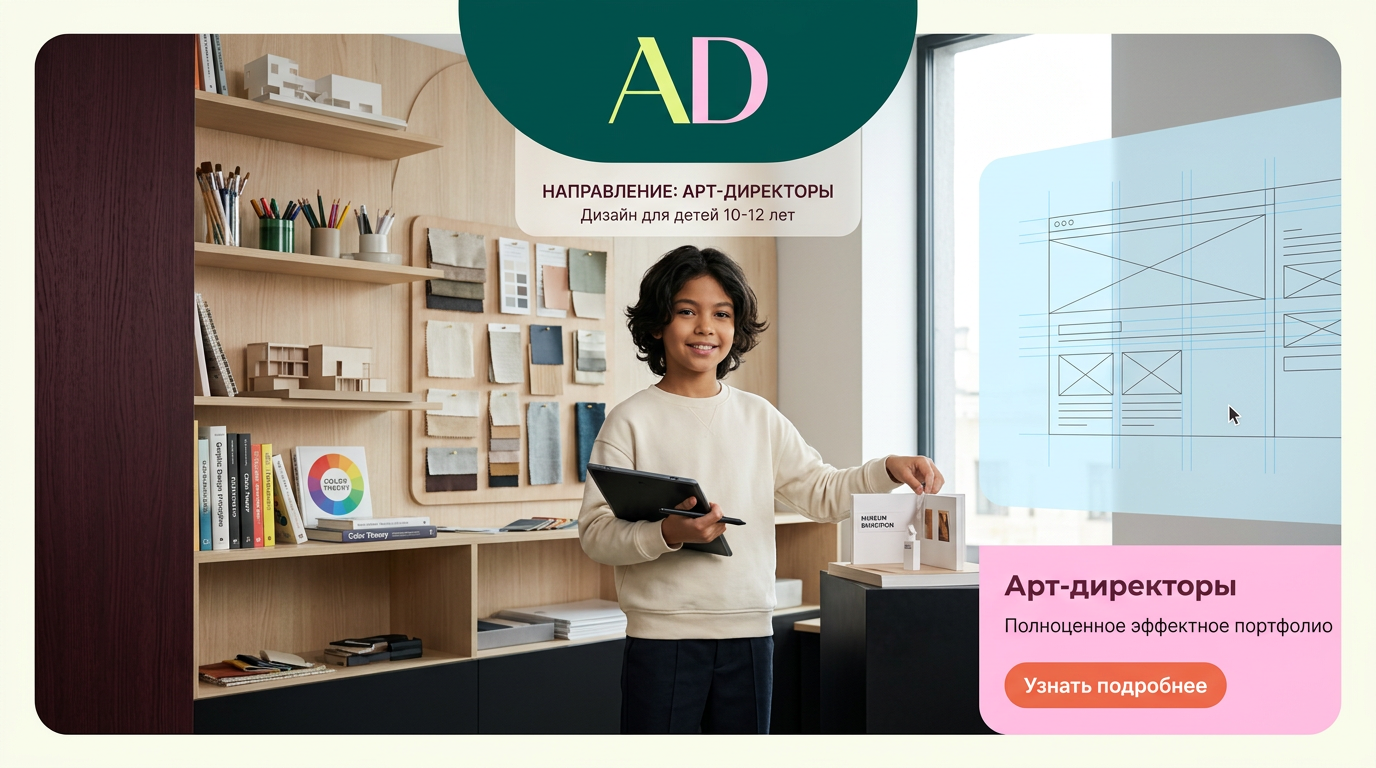
на фото 1 фирменные цвета. на фото 2 - карточка, для которой нужно сделать картинку. Что должна отражать картинка: направление обучения под названием "Арт-директоры". Главный акцент на ребенка, фотореалим. Обучение дизайну для детей 10-12 лет Картинка должна быть с ребенком в центре (фото или генерация фотореализм), фон и элементы вокруг - любые. Цвета фирменнные. Элементы должны быть связаны с названием и передавать суть направления Никаких подписей не добавляй. Просто картинку.
by @Elephant_5574126
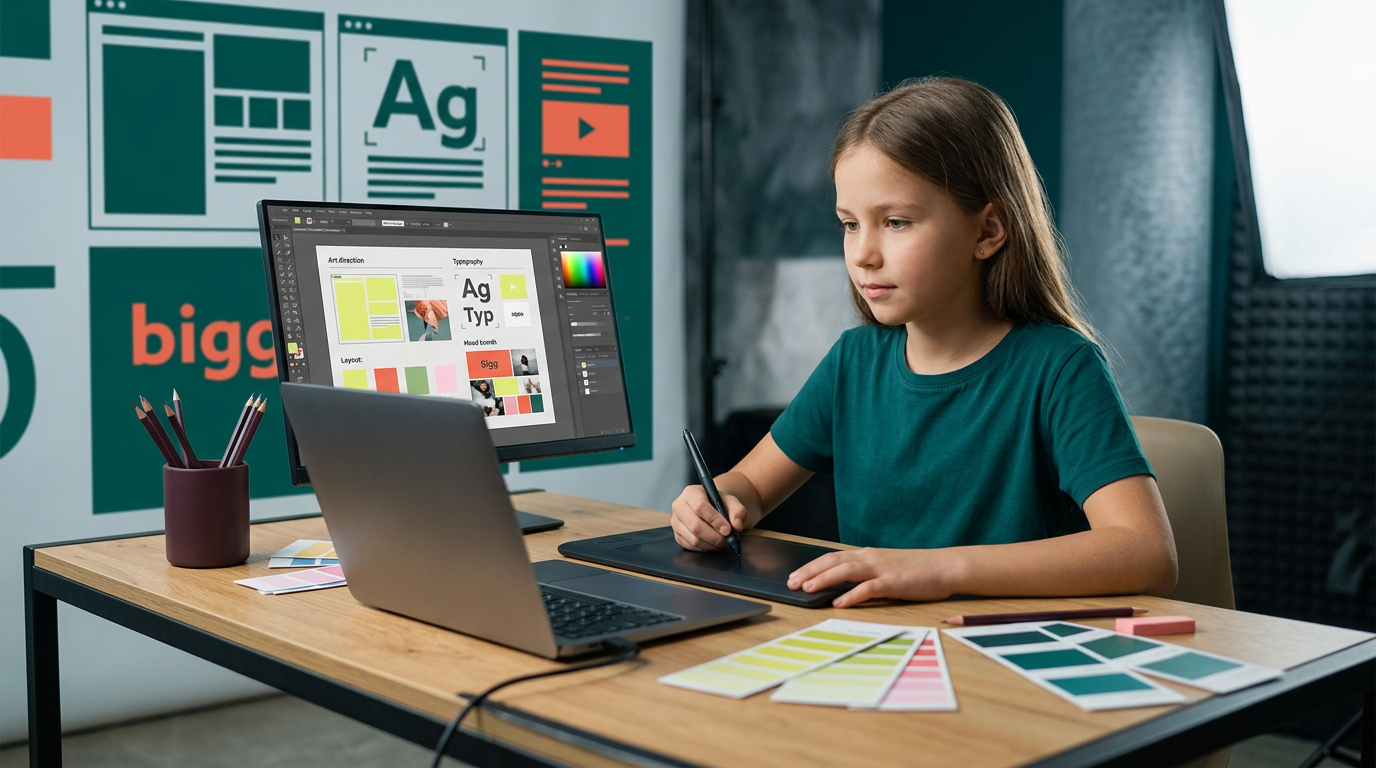
на фото 1 фирменные цвета. на фото 2 - карточка, для которой нужно сделать картинку. Что должна отражать картинка: направление обучения под названием "Арт-директоры". Главный акцент на ребенка, фотореалим. Обучение дизайну для детей 10-12 лет Картинка должна быть с ребенком в центре (фото или генерация фотореализм), фон и элементы вокруг - любые. Цвета фирменнные. Элементы должны быть связаны с названием и передавать суть направления Никаких подписей не добавляй. Просто картинку.
by @Elephant_5574126

на фото 1 фирменные цвета. на фото 2 - карточка, для которой нужно сделать картинку. Что должна отражать картинка: направление обучения под названием "Арт-директоры". Главный акцент на ребенка, фотореалим. Обучение дизайну для детей 10-12 лет Картинка должна быть с ребенком в центре (фото или генерация фотореализм), фон и элементы вокруг - любые. Цвета фирменнные. Элементы должны быть связаны с названием и передавать суть направления Никаких подписей не добавляй. Просто картинку.
by @Elephant_5574126
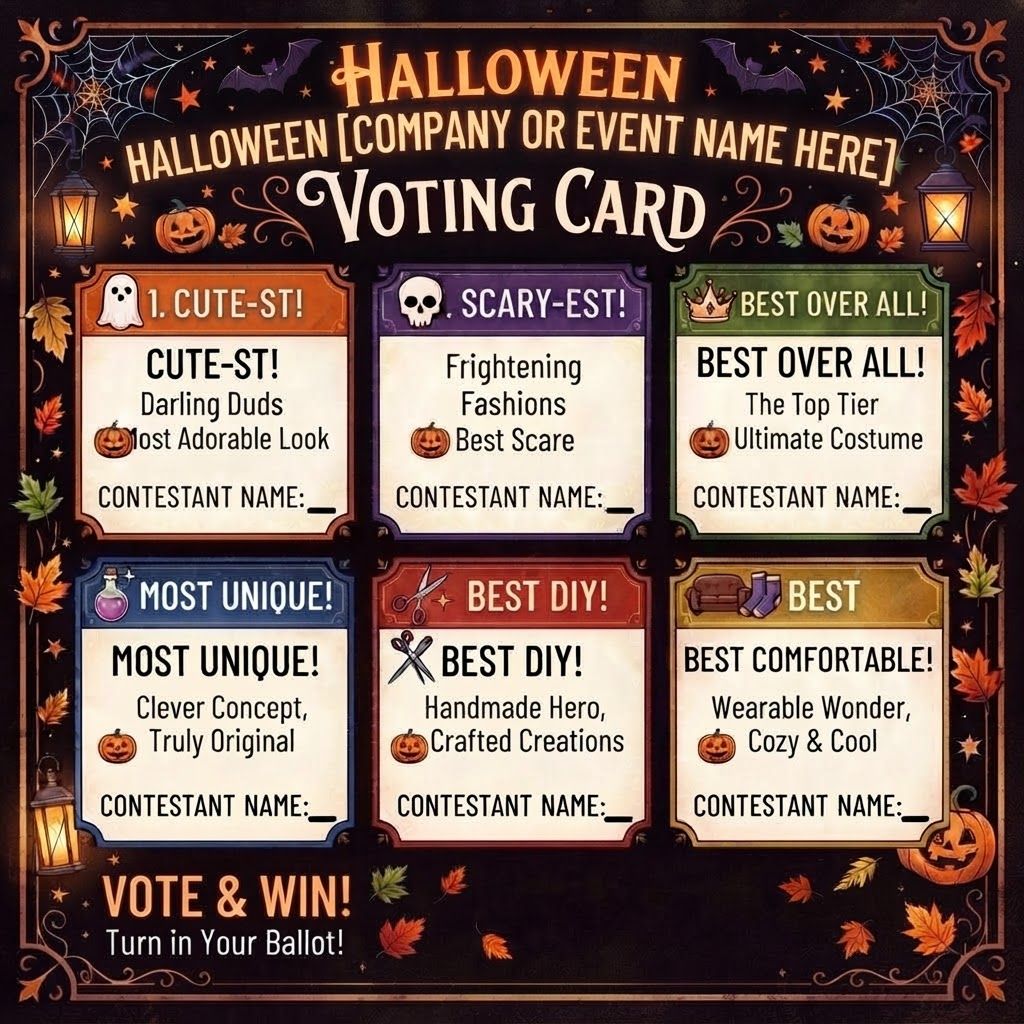
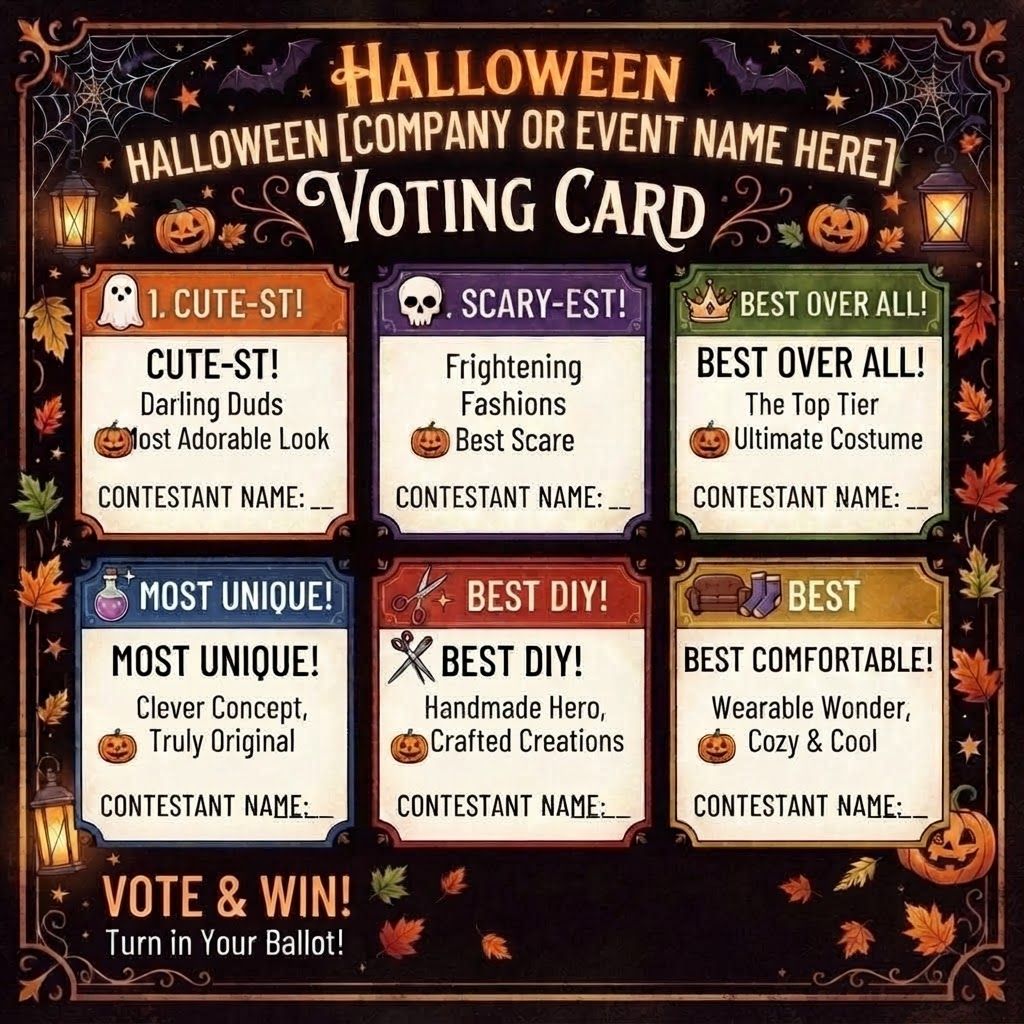
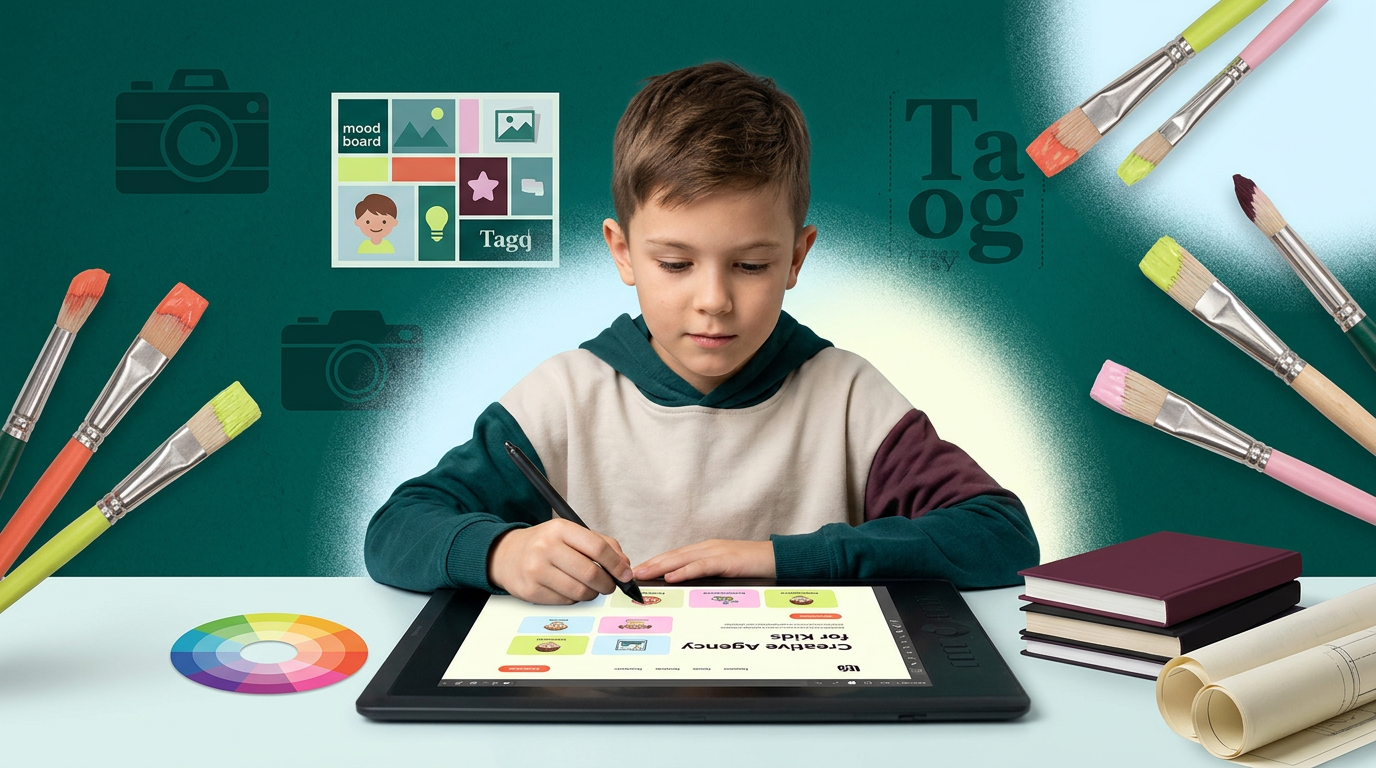
на фото 1 фирменные цвета. на фото 2 - карточка, для которой нужно сделать картинку. Что должна отражать картинка: направление обучения под названием "Арт-директоры". Главный акцент на ребенка, фотореалим. Обучение дизайну для детей 10-12 лет Картинка должна быть с ребенком в центре (фото или генерация фотореализм), фон и элементы вокруг - любые. Цвета фирменнные. Элементы должны быть связаны с названием и передавать суть направления Никаких подписей не добавляй. Просто картинку.
by @Elephant_5574126

на фото 1 фирменные цвета. на фото 2 - карточка, для которой нужно сделать картинку. Что должна отражать картинка: направление обучения под названием "Арт-директоры". Главный акцент на ребенка, фотореалим. Обучение дизайну для детей 10-12 лет Картинка должна быть с ребенком в центре (фото или генерация фотореализм), фон и элементы вокруг - любые. Цвета фирменнные. Элементы должны быть связаны с названием и передавать суть направления Никаких подписей не добавляй. Просто картинку.
by @Elephant_5574126
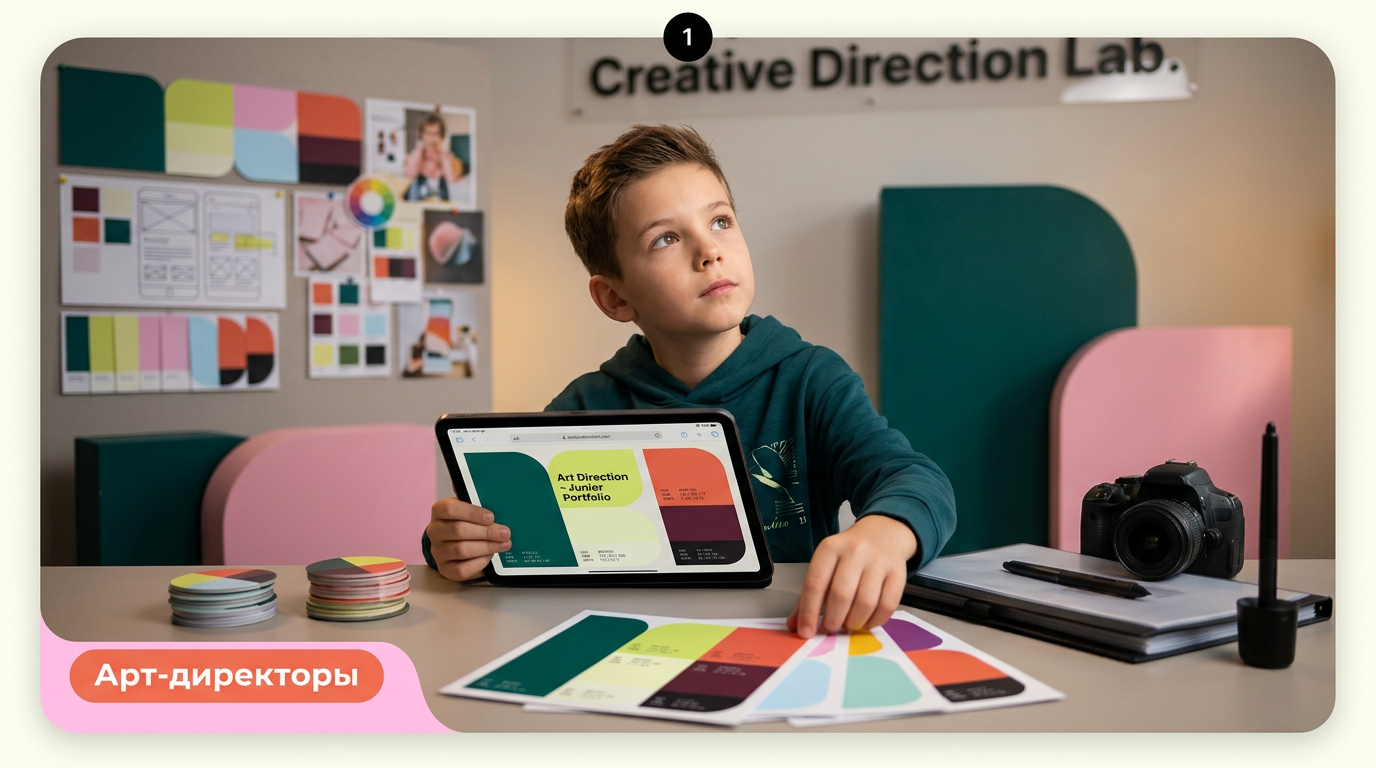
на фото 1 фирменные цвета. на фото 2 - карточка, для которой нужно сделать картинку. Что должна отражать картинка: направление обучения под названием "Арт-директоры". Главный акцент на ребенка, фотореалим. Обучение дизайну для детей 10-12 лет Картинка должна быть с ребенком в центре (фото или генерация фотореализм), фон и элементы вокруг - любые. Цвета фирменнные. Элементы должны быть связаны с названием и передавать суть направления Никаких подписей не добавляй. Просто картинку.
by @Elephant_5574126
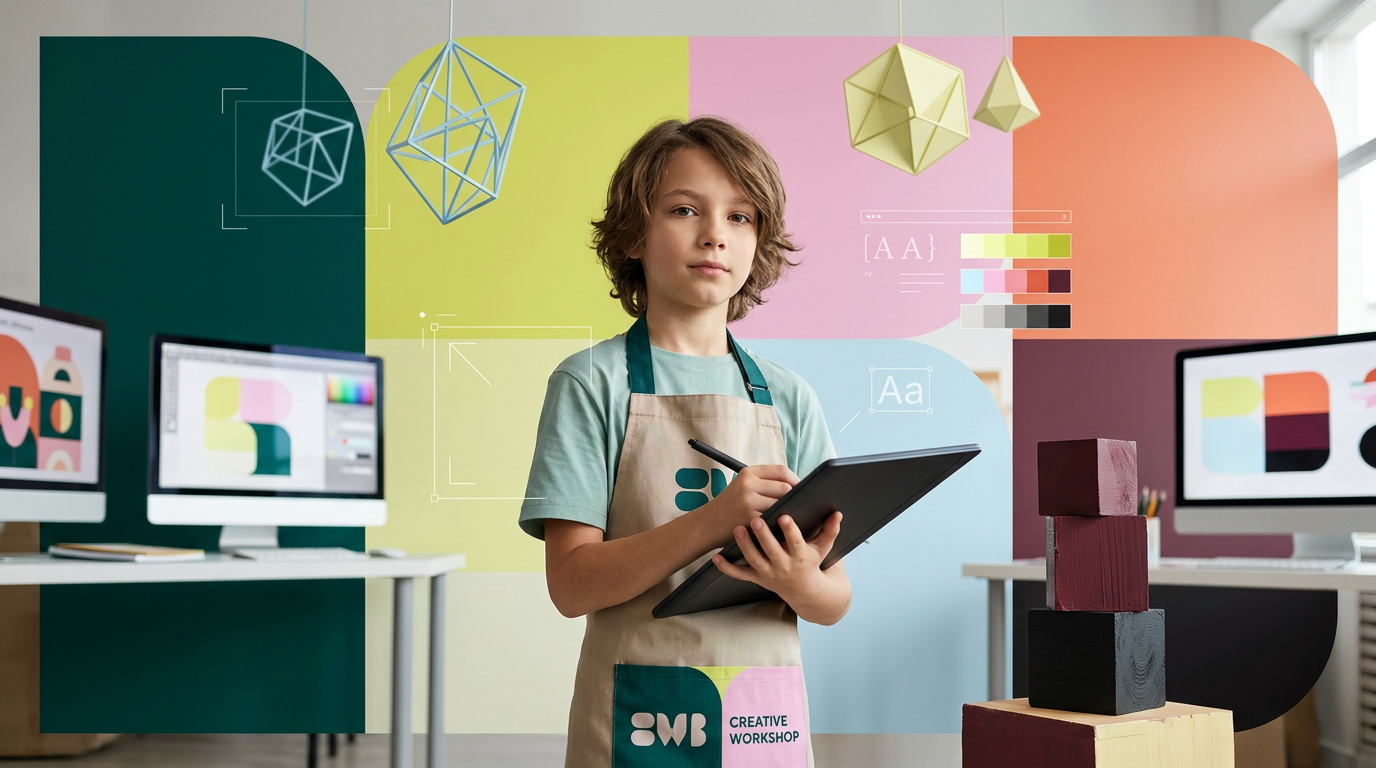
на фото 1 фирменные цвета. на фото 2 - карточка, для которой нужно сделать картинку. Что должна отражать картинка: направление обучения под названием "Арт-директоры". Главный акцент на ребенка, фотореалим. Обучение дизайну для детей 10-12 лет Картинка должна быть с ребенком в центре (фото или генерация фотореализм), фон и элементы вокруг - любые. Цвета фирменнные. Элементы должны быть связаны с названием и передавать суть направления Никаких подписей не добавляй. Просто картинку.
by @Elephant_5574126
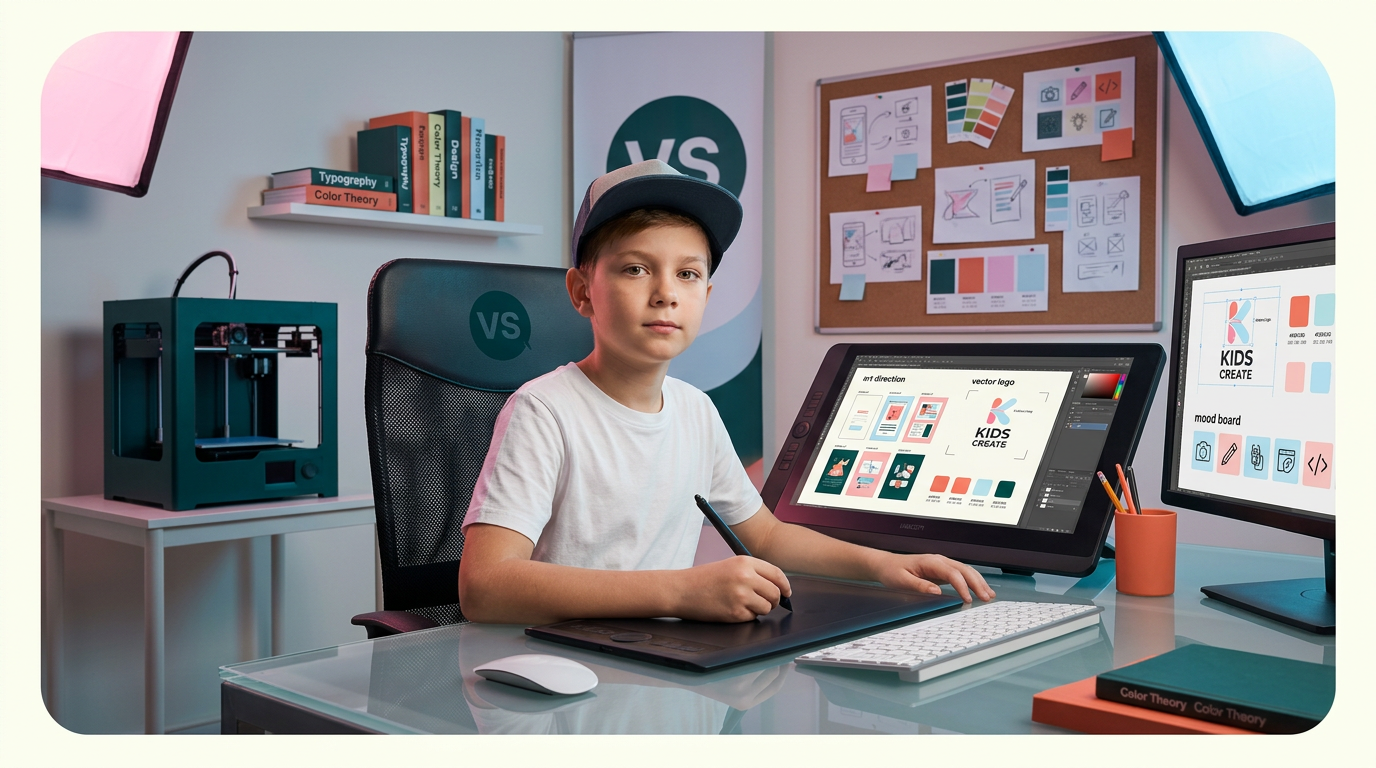
на фото 1 фирменные цвета. на фото 2 - карточка, для которой нужно сделать картинку. Что должна отражать картинка: направление обучения под названием "Арт-директоры". Главный акцент на ребенка, фотореалим. Обучение дизайну для детей 10-12 лет Картинка должна быть с ребенком в центре (фото или генерация фотореализм), фон и элементы вокруг - любые. Цвета фирменнные. Элементы должны быть связаны с названием и передавать суть направления Никаких подписей не добавляй. Просто картинку.
by @Elephant_5574126
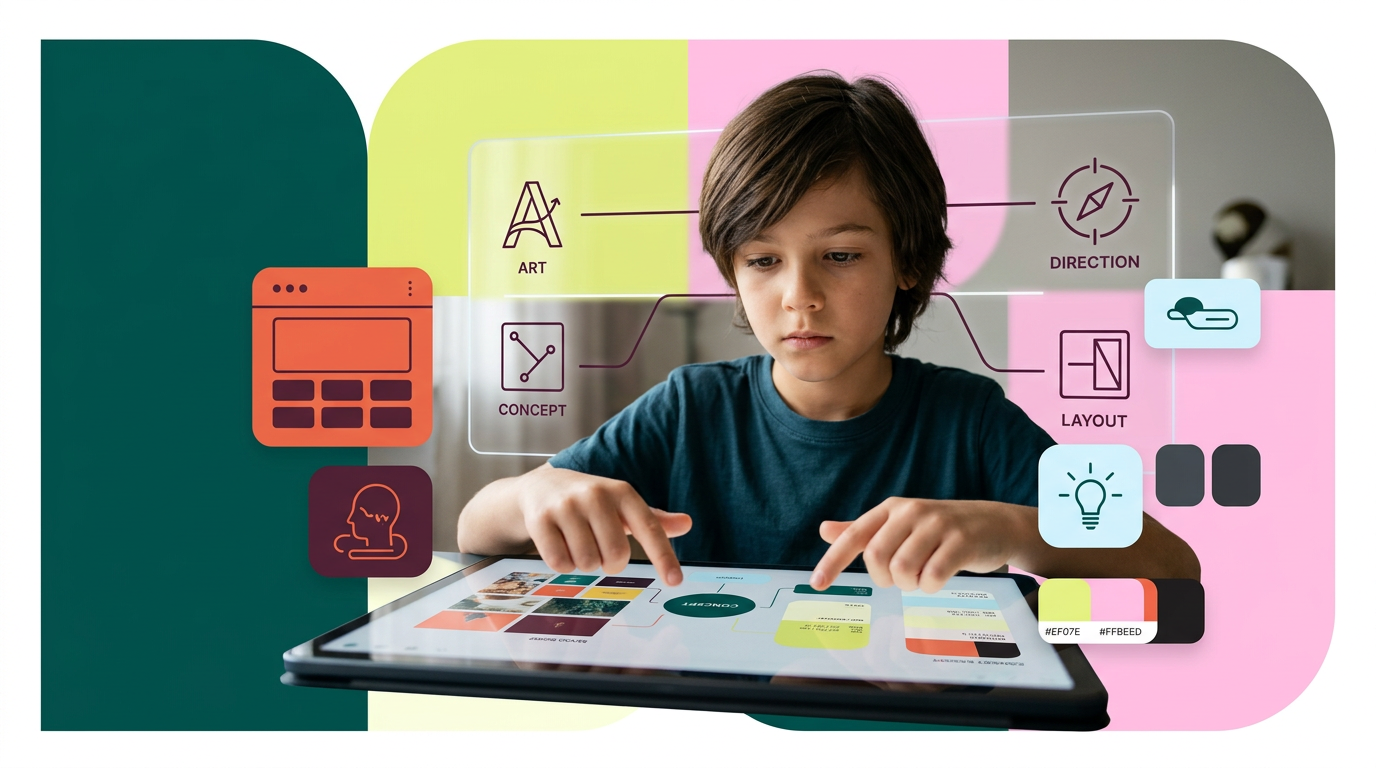
на фото 1 фирменные цвета. на фото 2 - карточка, для которой нужно сделать картинку. Что должна отражать картинка: направление обучения под названием "Арт-директоры". Главный акцент на ребенка, фотореалим. Обучение дизайну для детей 10-12 лет Картинка должна быть с ребенком в центре (фото или генерация фотореализм), фон и элементы вокруг - любые. Цвета фирменнные. Элементы должны быть связаны с названием и передавать суть направления Никаких подписей не добавляй. Просто картинку.
by @Elephant_5574126
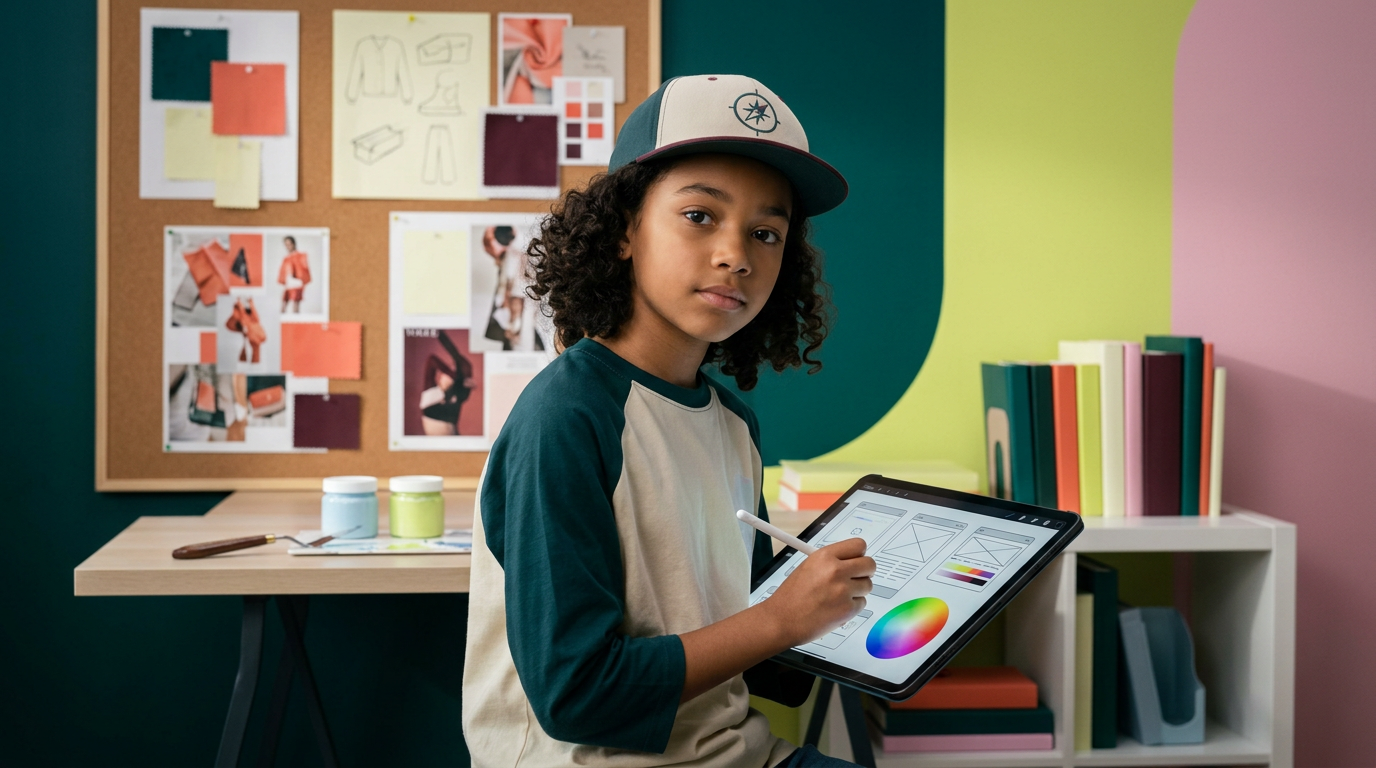
на фото 1 фирменные цвета. на фото 2 - карточка, для которой нужно сделать картинку. Что должна отражать картинка: направление обучения под названием "Арт-директоры". Главный акцент на ребенка, фотореалим. Обучение дизайну для детей 10-12 лет Картинка должна быть с ребенком в центре (фото или генерация фотореализм), фон и элементы вокруг - любые. Цвета фирменнные. Элементы должны быть связаны с названием и передавать суть направления Никаких подписей не добавляй. Просто картинку.
by @Elephant_5574126
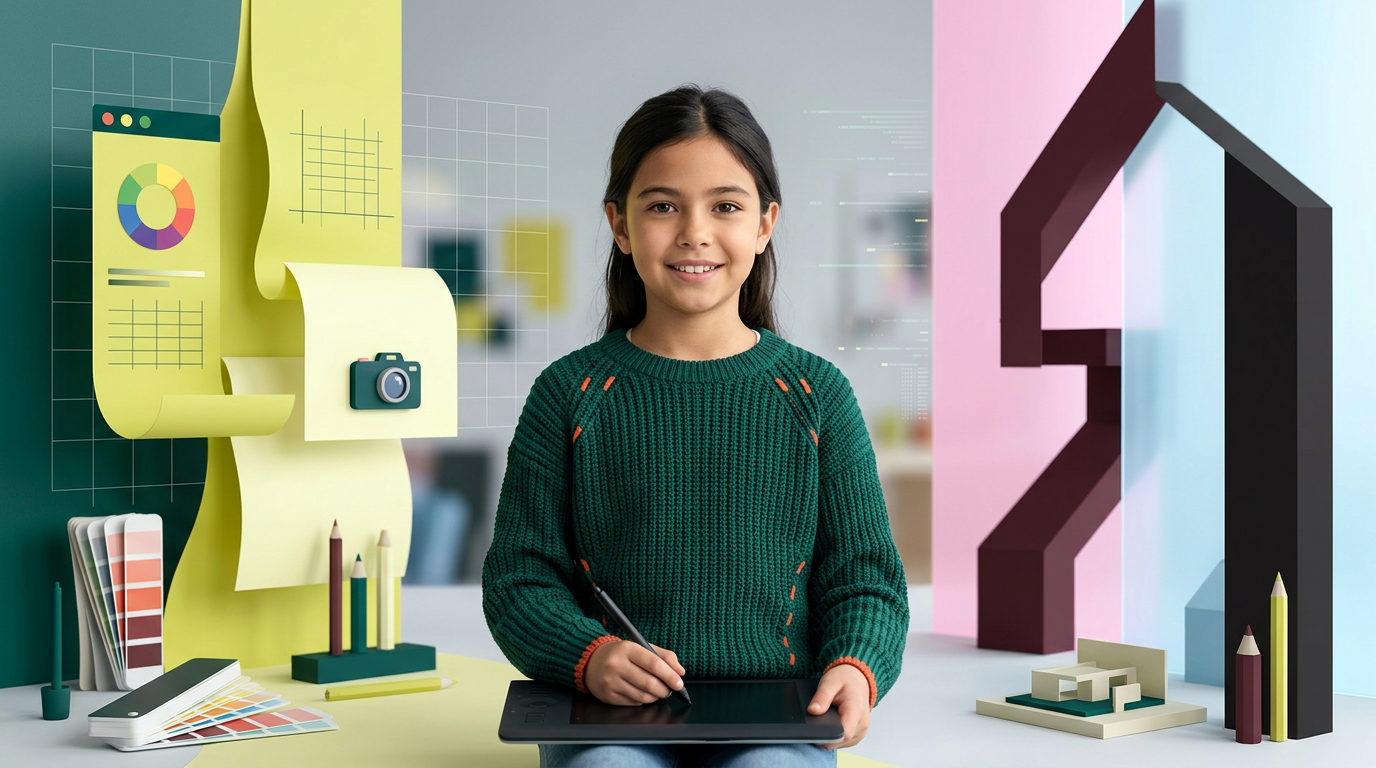
на фото 1 фирменные цвета. на фото 2 - карточка, для которой нужно сделать картинку. Что должна отражать картинка: направление обучения под названием "Арт-директоры". Главный акцент на ребенка, фотореалим. Обучение дизайну для детей 10-12 лет Картинка должна быть с ребенком в центре (фото или генерация фотореализм), фон и элементы вокруг - любые. Цвета фирменнные. Элементы должны быть связаны с названием и передавать суть направления Никаких подписей не добавляй. Просто картинку.
by @Elephant_5574126
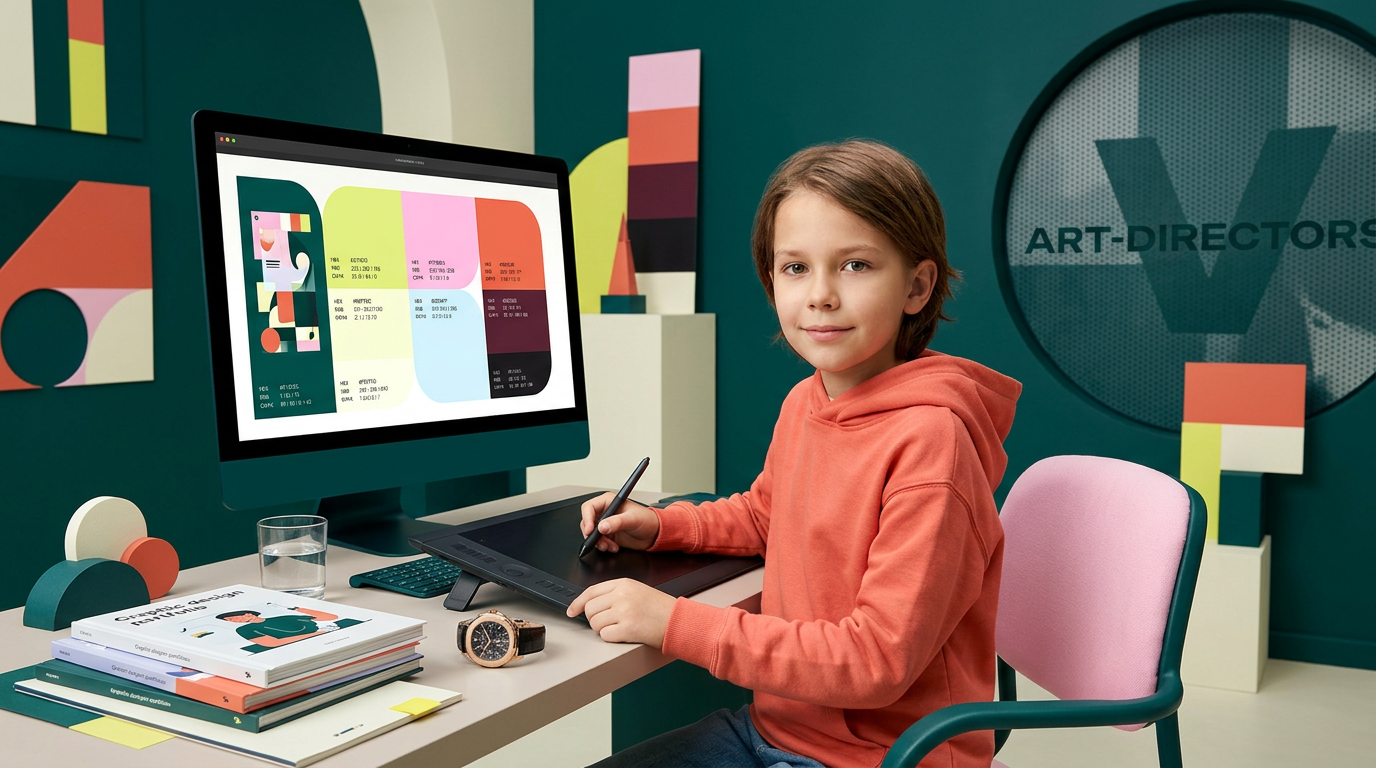
на фото 1 фирменные цвета. на фото 2 - карточка, для которой нужно сделать картинку. Что должна отражать картинка: направление обучения под названием "Арт-директоры". Главный акцент на ребенка, фотореалим. Обучение дизайну для детей 10-12 лет Картинка должна быть с ребенком в центре (фото или генерация фотореализм), фон и элементы вокруг - любые. Цвета фирменнные. Элементы должны быть связаны с названием и передавать суть направления Никаких подписей не добавляй. Просто картинку.
by @Elephant_5574126
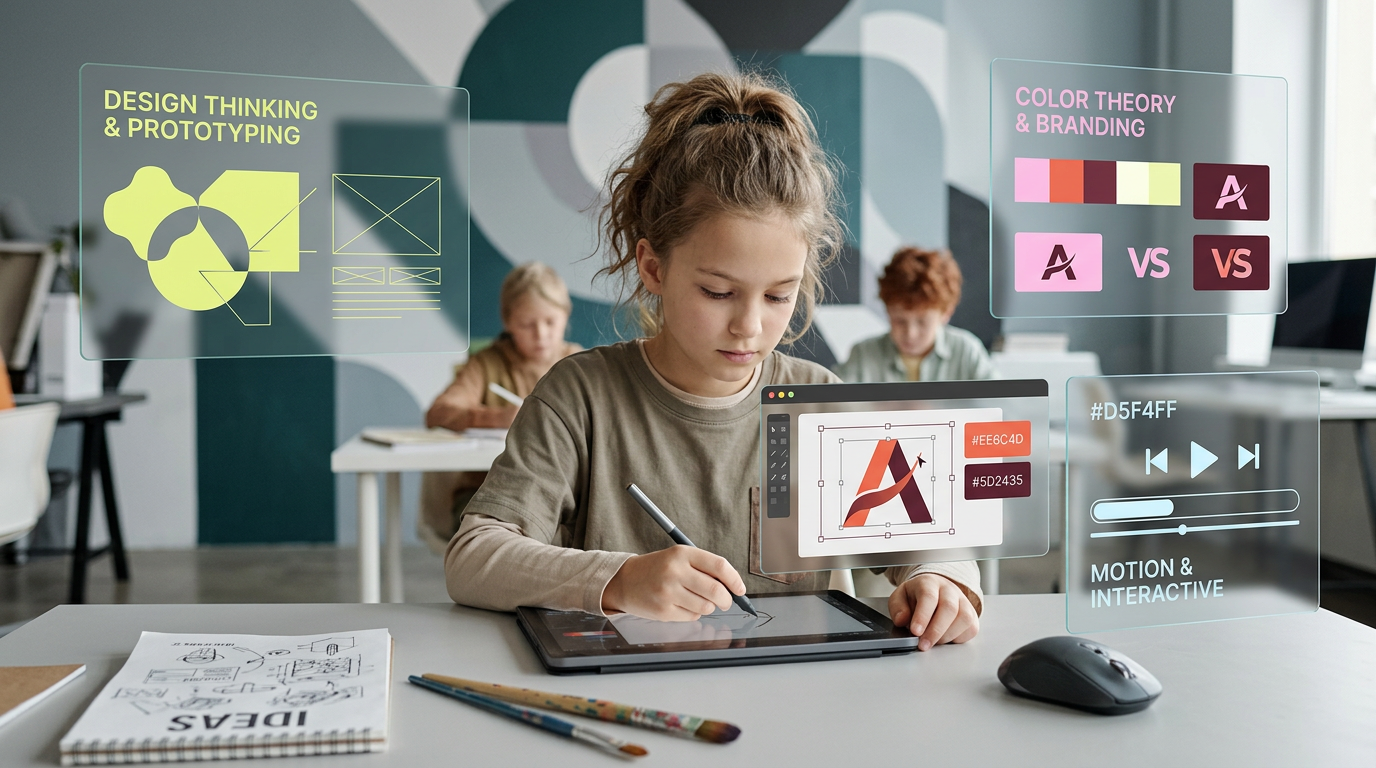
на фото 1 фирменные цвета. на фото 2 - карточка, для которой нужно сделать картинку. Что должна отражать картинка: направление обучения под названием "Арт-директоры". Главный акцент на ребенка, фотореалим. Обучение дизайну для детей 10-12 лет Картинка должна быть с ребенком в центре (фото или генерация фотореализм), фон и элементы вокруг - любые. Цвета фирменнные. Элементы должны быть связаны с названием и передавать суть направления Никаких подписей не добавляй. Просто картинку.
by @Elephant_5574126


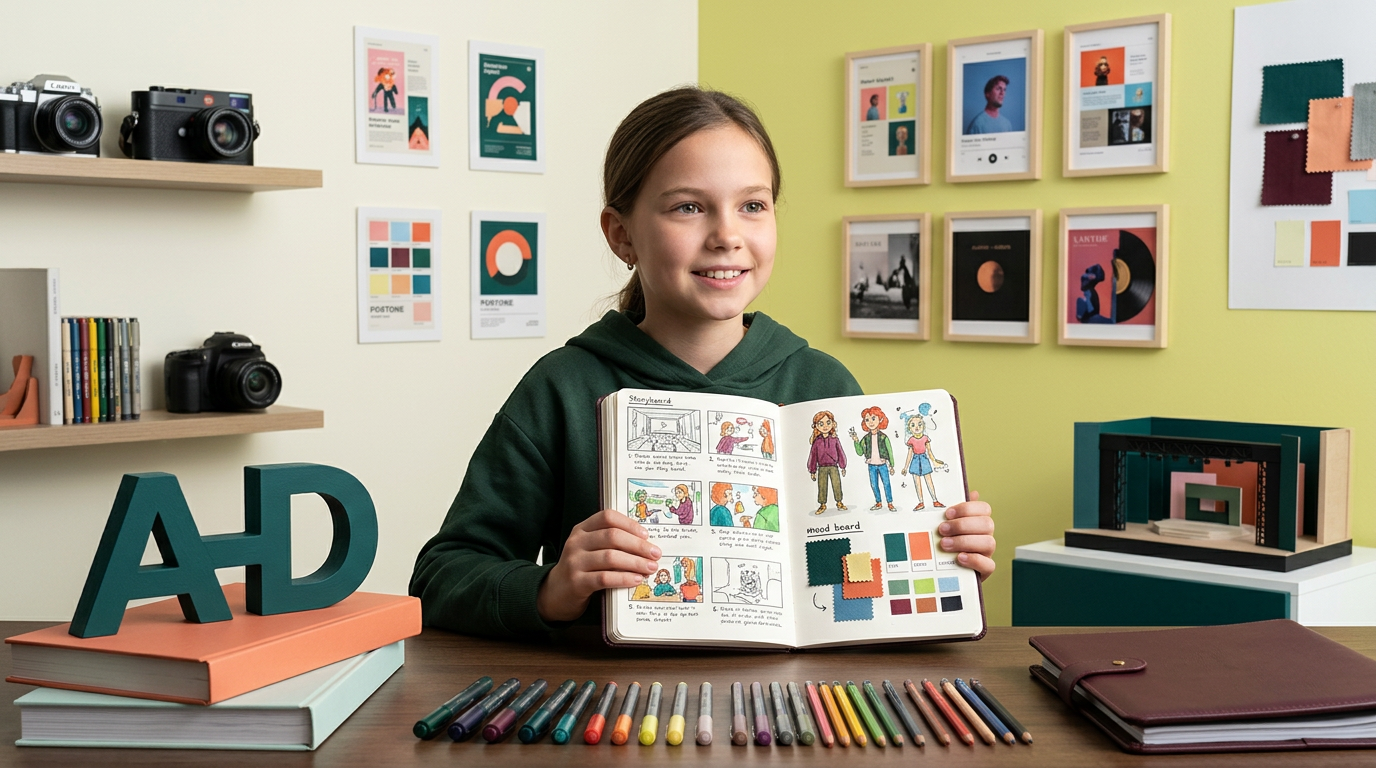
на фото 1 фирменные цвета. на фото 2 - карточка, для которой нужно сделать картинку. Что должна отражать картинка: направление обучения под названием "Арт-директоры". Главный акцент на ребенка, фотореалим. Обучение дизайну для детей 10-12 лет Картинка должна быть с ребенком в центре (фото или генерация фотореализм), фон и элементы вокруг - любые. Цвета фирменнные. Элементы должны быть связаны с названием и передавать суть направления Никаких подписей не добавляй. Просто картинку.
by @Elephant_5574126

на фото 1 фирменные цвета. на фото 2 - карточка, для которой нужно сделать картинку. Что должна отражать картинка: направление обучения под названием "Арт-директоры". Главный акцент на ребенка, фотореалим. Обучение дизайну для детей 10-12 лет Картинка должна быть с ребенком в центре (фото или генерация фотореализм), фон и элементы вокруг - любые. Цвета фирменнные. Элементы должны быть связаны с названием и передавать суть направления Никаких подписей не добавляй. Просто картинку.
by @Elephant_5574126
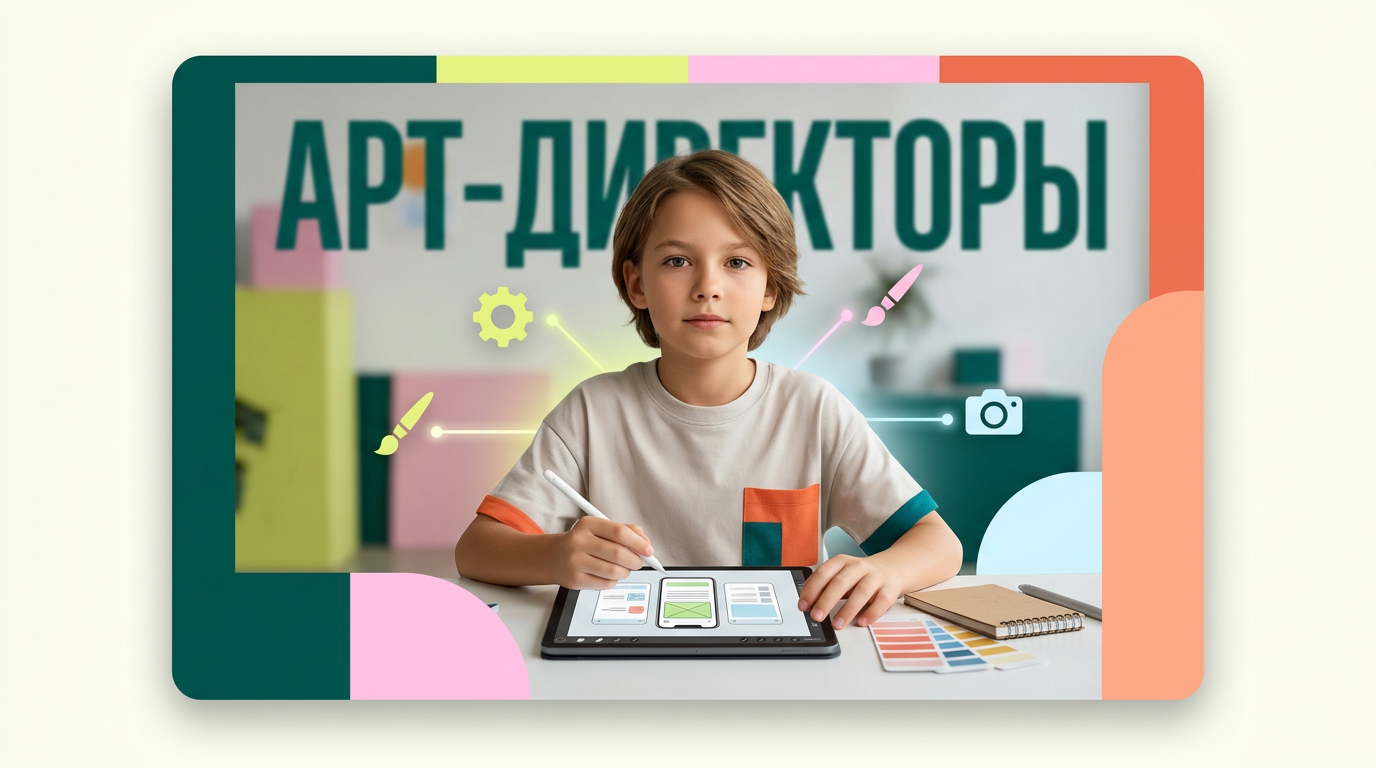
на фото 1 фирменные цвета. на фото 2 - карточка, для которой нужно сделать картинку. Что должна отражать картинка: направление обучения под названием "Арт-директоры". Главный акцент на ребенка, фотореалим. Обучение дизайну для детей 10-12 лет Картинка должна быть с ребенком в центре (фото или генерация фотореализм), фон и элементы вокруг - любые. Цвета фирменнные. Элементы должны быть связаны с названием и передавать суть направления Никаких подписей не добавляй. Просто картинку.
by @Elephant_5574126
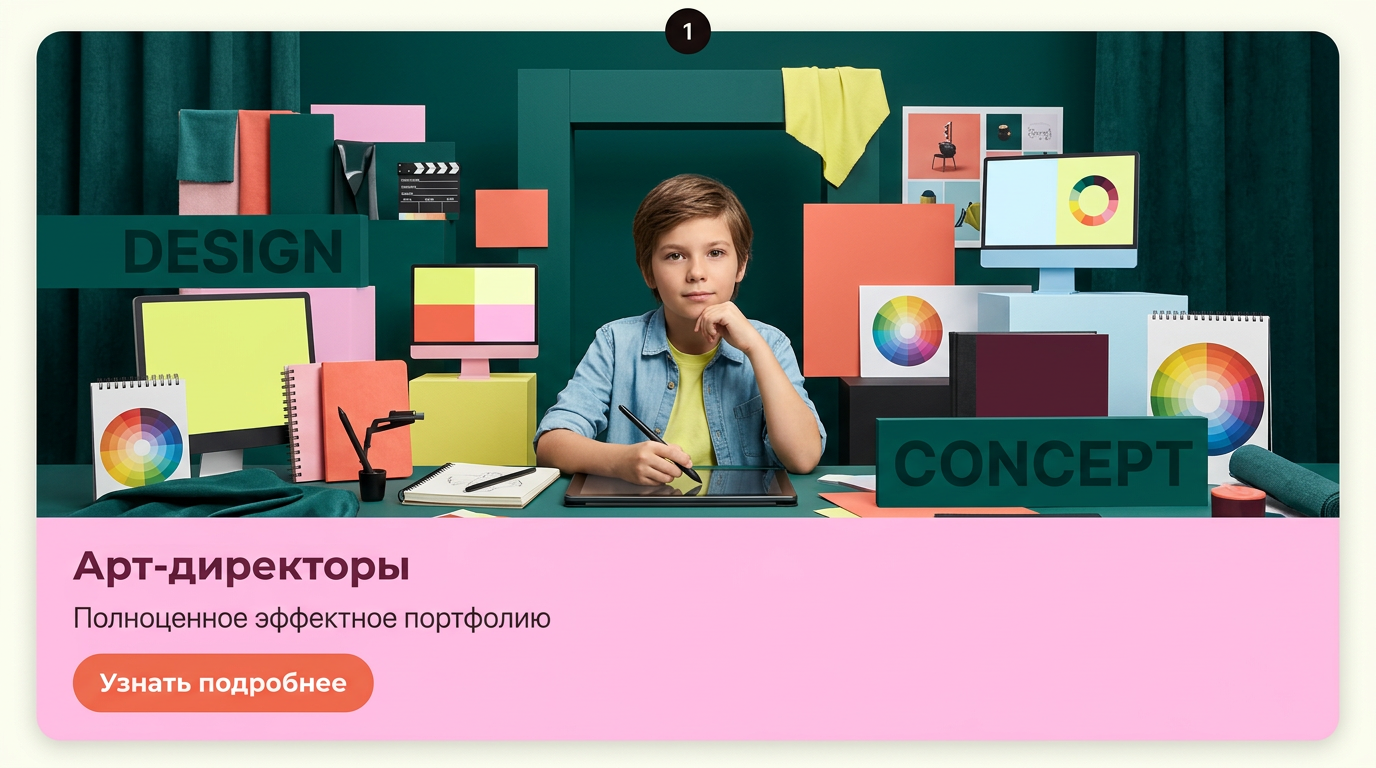
на фото 1 фирменные цвета. на фото 2 - карточка, для которой нужно сделать картинку. Что должна отражать картинка: направление обучения под названием "Арт-директоры". Главный акцент на ребенка, фотореалим. Обучение дизайну для детей 10-12 лет Картинка должна быть с ребенком в центре (фото или генерация фотореализм), фон и элементы вокруг - любые. Цвета фирменнные. Элементы должны быть связаны с названием и передавать суть направления Никаких подписей не добавляй. Просто картинку.
by @Elephant_5574126
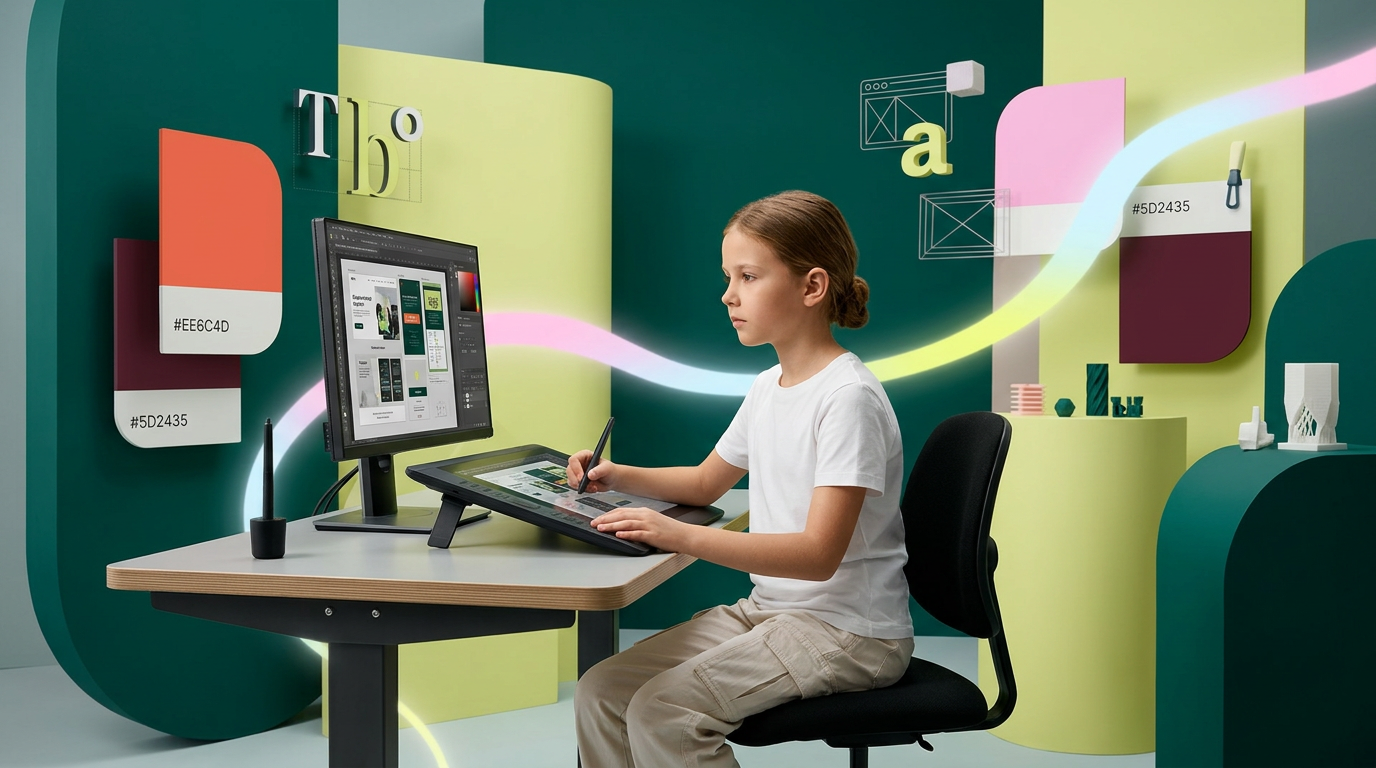
на фото 1 фирменные цвета. на фото 2 - карточка, для которой нужно сделать картинку. Что должна отражать картинка: направление обучения под названием "Арт-директоры". Главный акцент на ребенка, фотореалим. Обучение дизайну для детей 10-12 лет Картинка должна быть с ребенком в центре (фото или генерация фотореализм), фон и элементы вокруг - любые. Цвета фирменнные. Элементы должны быть связаны с названием и передавать суть направления Никаких подписей не добавляй. Просто картинку.
by @Elephant_5574126
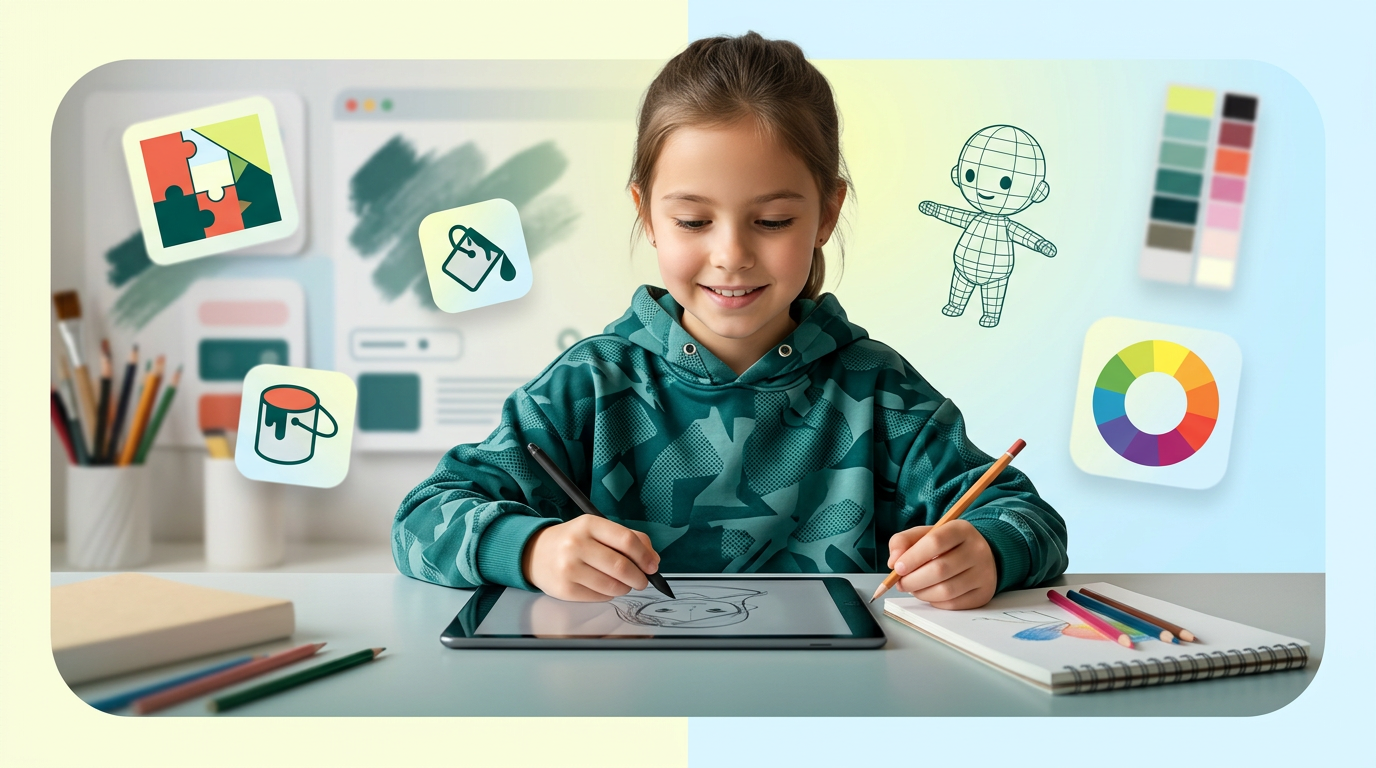
на фото 1 фирменные цвета. на фото 2 - карточка, для которой нужно сделать картинку. Что должна отражать картинка: направление обучения под названием "Скетчеры". Главный акцент на ребенка, фотореалим. Обучение дизайну для детей 6-10 лет Картинка должна быть с девочкой в центре (фото или генерация фотореализм), фон и элементы вокруг - любые. Цвета фирменнные. Элементы должны быть связаны с названием и передавать суть направления Никаких подписей не добавляй. Просто картинку.
by @Elephant_5574126
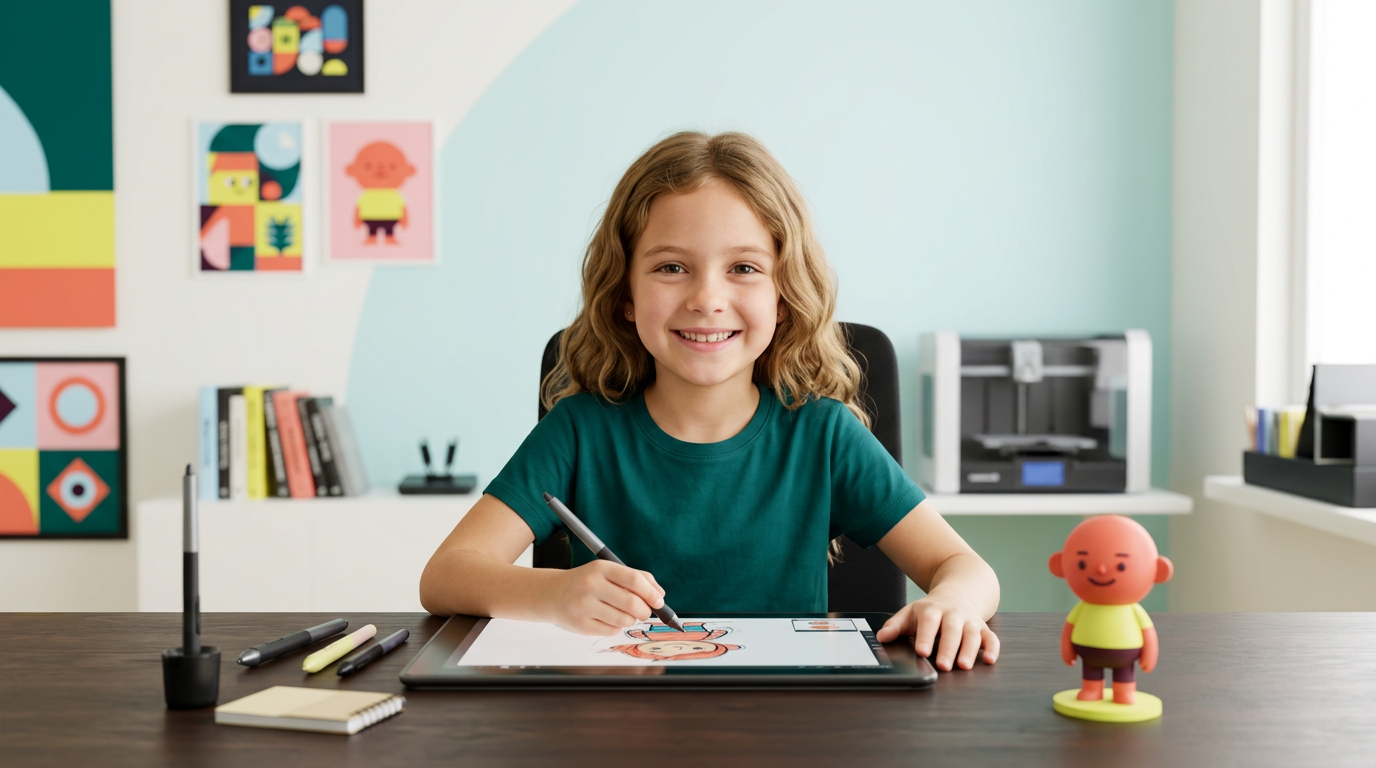
на фото 1 фирменные цвета. на фото 2 - карточка, для которой нужно сделать картинку. Что должна отражать картинка: направление обучения под названием "Скетчеры". Главный акцент на ребенка, фотореалим. Обучение дизайну для детей 6-10 лет Картинка должна быть с девочкой в центре (фото или генерация фотореализм), фон и элементы вокруг - любые. Цвета фирменнные. Элементы должны быть связаны с названием и передавать суть направления Никаких подписей не добавляй. Просто картинку.
by @Elephant_5574126
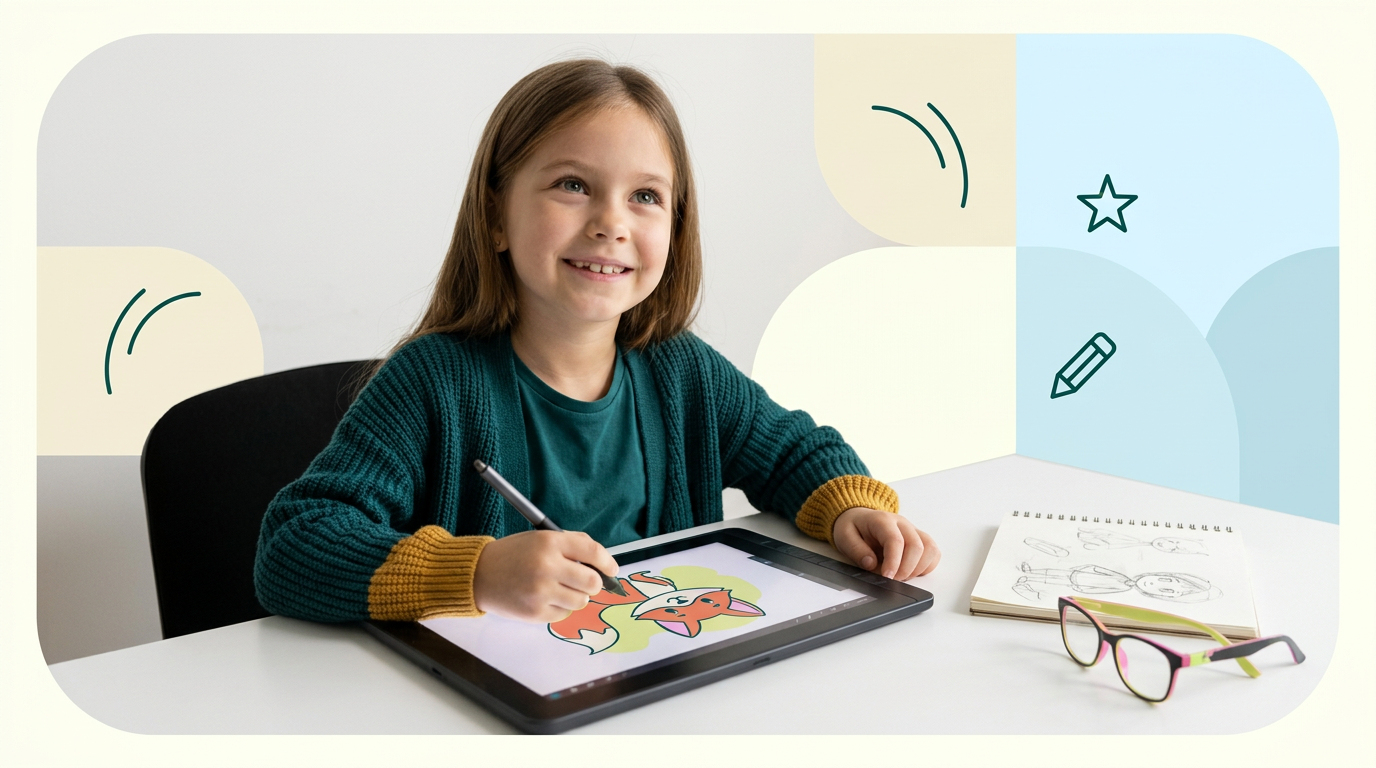
на фото 1 фирменные цвета. на фото 2 - карточка, для которой нужно сделать картинку. Что должна отражать картинка: направление обучения под названием "Скетчеры". Главный акцент на ребенка, фотореалим. Обучение дизайну для детей 6-10 лет Картинка должна быть с девочкой в центре (фото или генерация фотореализм), фон и элементы вокруг - любые. Цвета фирменнные. Элементы должны быть связаны с названием и передавать суть направления Никаких подписей не добавляй. Просто картинку.
by @Elephant_5574126
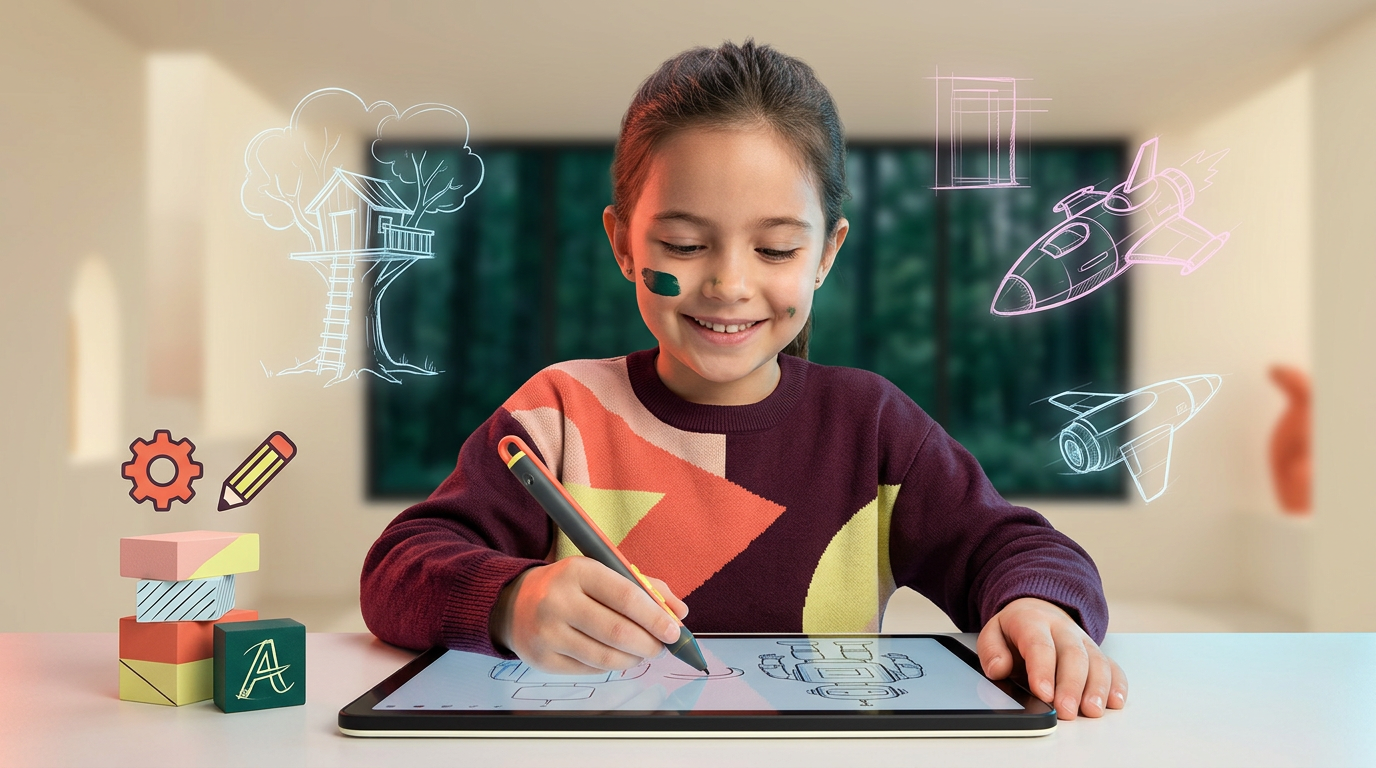
на фото 1 фирменные цвета. на фото 2 - карточка, для которой нужно сделать картинку. Что должна отражать картинка: направление обучения под названием "Скетчеры". Главный акцент на ребенка, фотореалим. Обучение дизайну для детей 6-10 лет Картинка должна быть с девочкой в центре (фото или генерация фотореализм), фон и элементы вокруг - любые. Цвета фирменнные. Элементы должны быть связаны с названием и передавать суть направления Никаких подписей не добавляй. Просто картинку.
by @Elephant_5574126
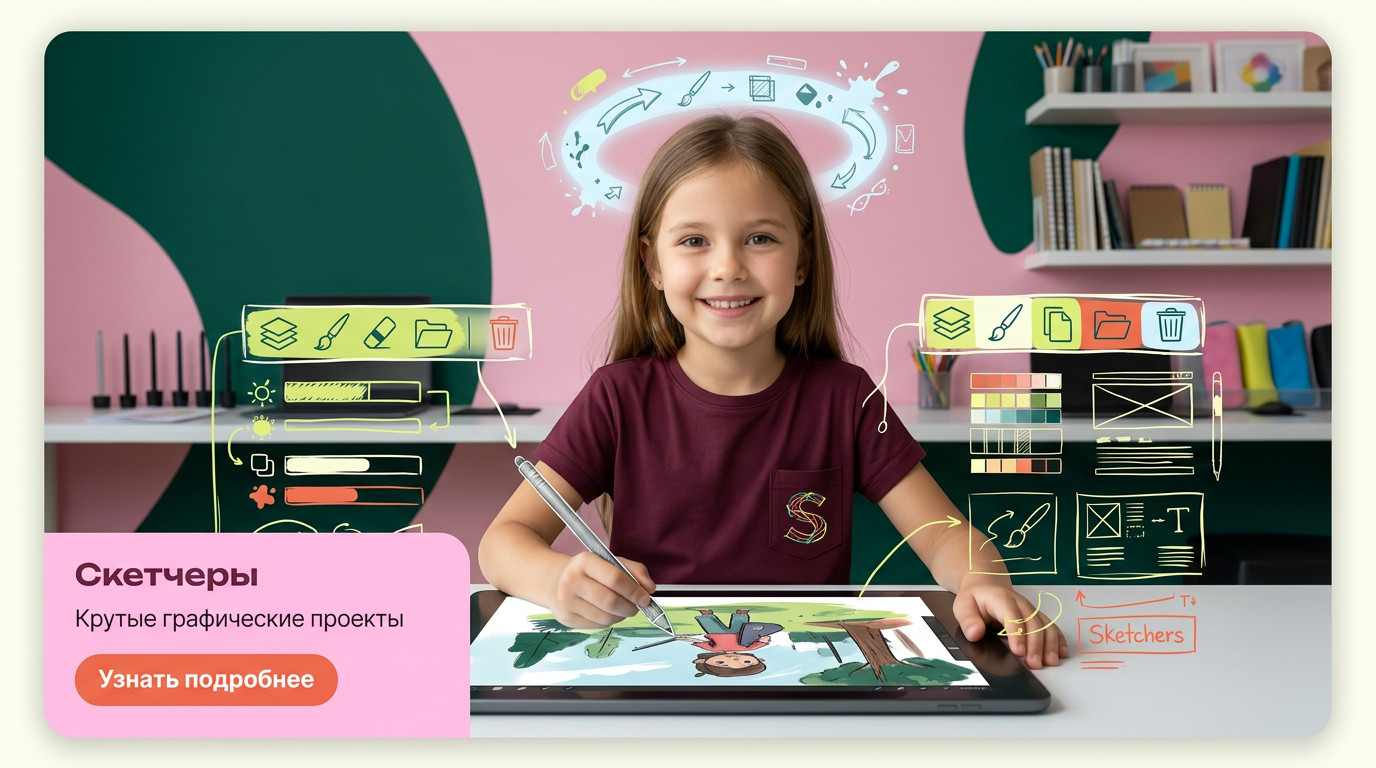
на фото 1 фирменные цвета. на фото 2 - карточка, для которой нужно сделать картинку. Что должна отражать картинка: направление обучения под названием "Скетчеры". Главный акцент на ребенка, фотореалим. Обучение дизайну для детей 6-10 лет Картинка должна быть с девочкой в центре (фото или генерация фотореализм), фон и элементы вокруг - любые. Цвета фирменнные. Элементы должны быть связаны с названием и передавать суть направления Никаких подписей не добавляй. Просто картинку.
by @Elephant_5574126
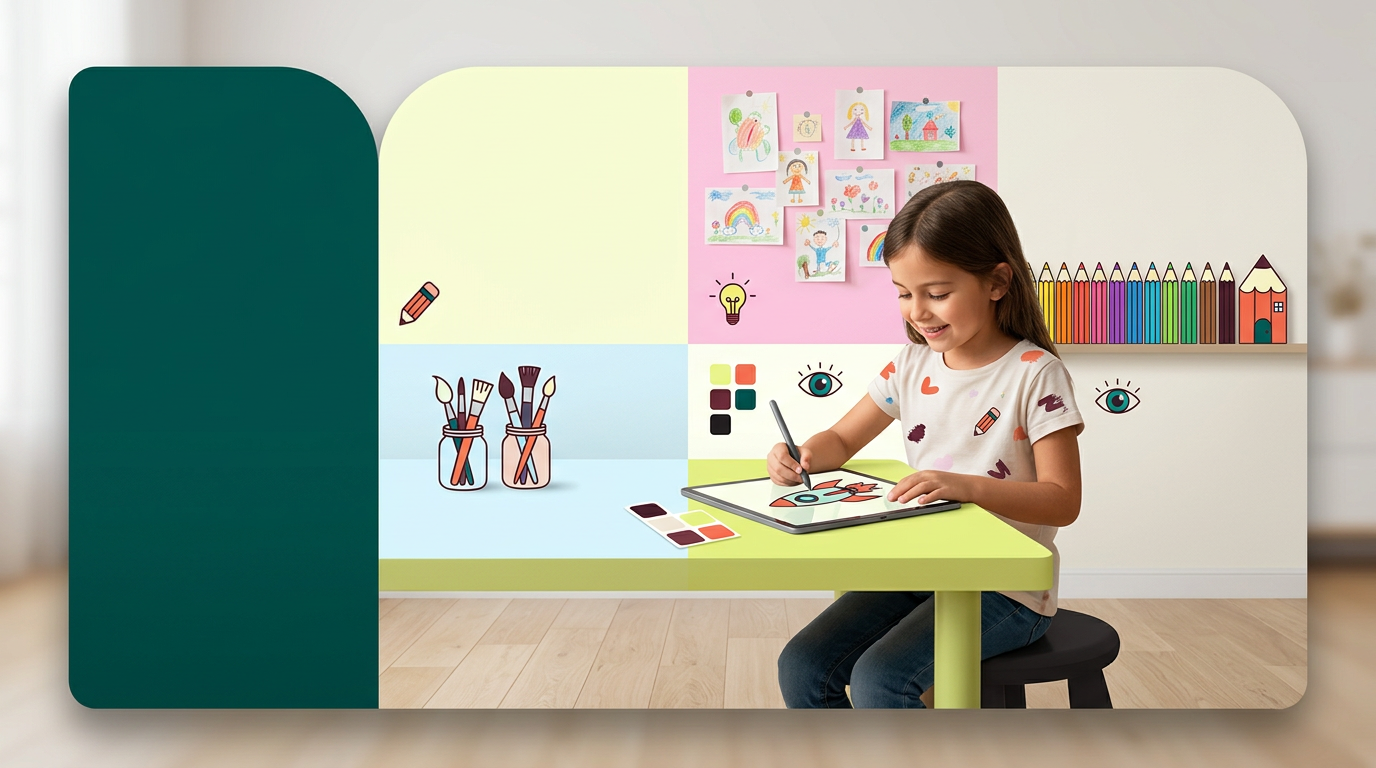
на фото 1 фирменные цвета. на фото 2 - карточка, для которой нужно сделать картинку. Что должна отражать картинка: направление обучения под названием "Скетчеры". Главный акцент на ребенка, фотореалим. Обучение дизайну для детей 6-10 лет Картинка должна быть с девочкой в центре (фото или генерация фотореализм), фон и элементы вокруг - любые. Цвета фирменнные. Элементы должны быть связаны с названием и передавать суть направления Никаких подписей не добавляй. Просто картинку.
by @Elephant_5574126

на фото 1 фирменные цвета. на фото 2 - карточка, для которой нужно сделать картинку. Что должна отражать картинка: направление обучения под названием "Скетчеры". Главный акцент на ребенка, фотореалим. Обучение дизайну для детей 6-10 лет Картинка должна быть с девочкой в центре (фото или генерация фотореализм), фон и элементы вокруг - любые. Цвета фирменнные. Элементы должны быть связаны с названием и передавать суть направления Никаких подписей не добавляй. Просто картинку.
by @Elephant_5574126
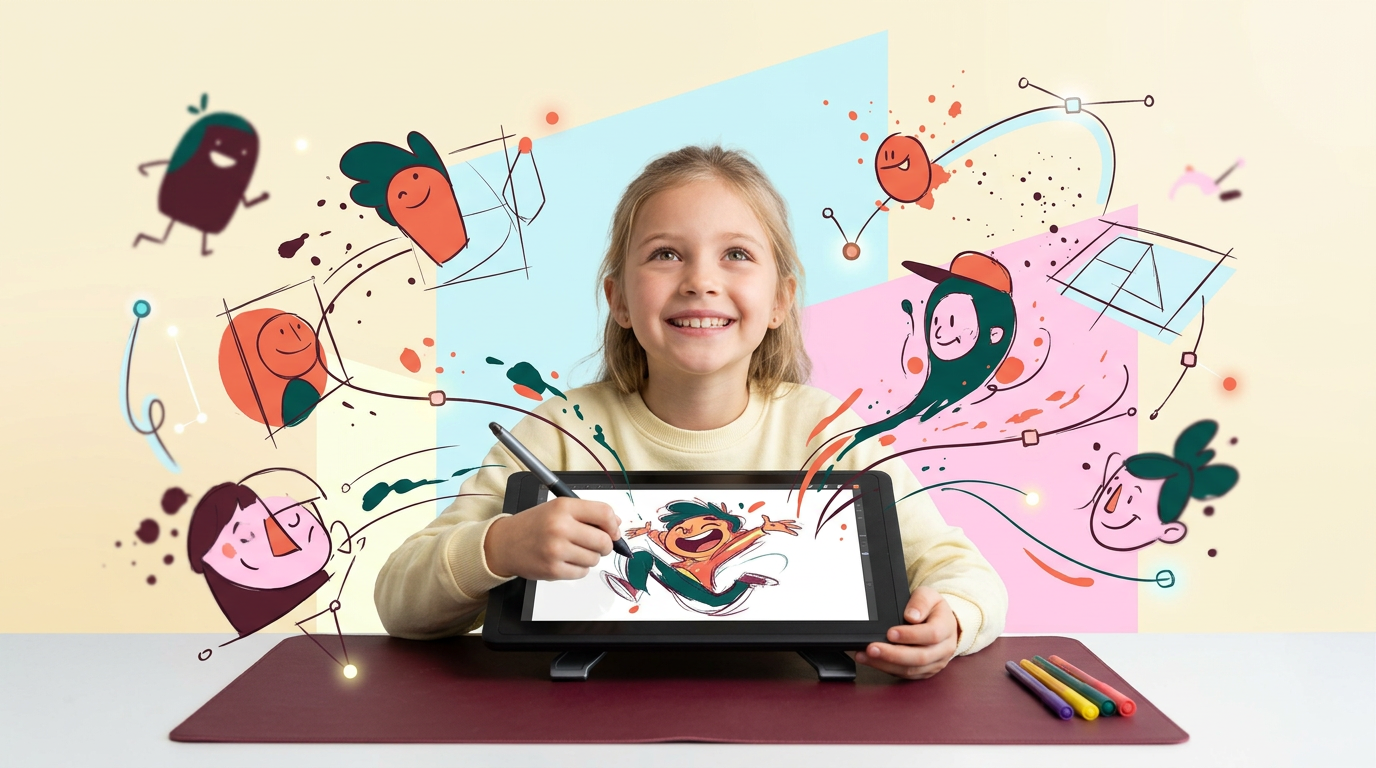
на фото 1 фирменные цвета. на фото 2 - карточка, для которой нужно сделать картинку. Что должна отражать картинка: направление обучения под названием "Скетчеры". Главный акцент на ребенка, фотореалим. Обучение дизайну для детей 6-10 лет Картинка должна быть с девочкой в центре (фото или генерация фотореализм), фон и элементы вокруг - любые. Цвета фирменнные. Элементы должны быть связаны с названием и передавать суть направления Никаких подписей не добавляй. Просто картинку.
by @Elephant_5574126
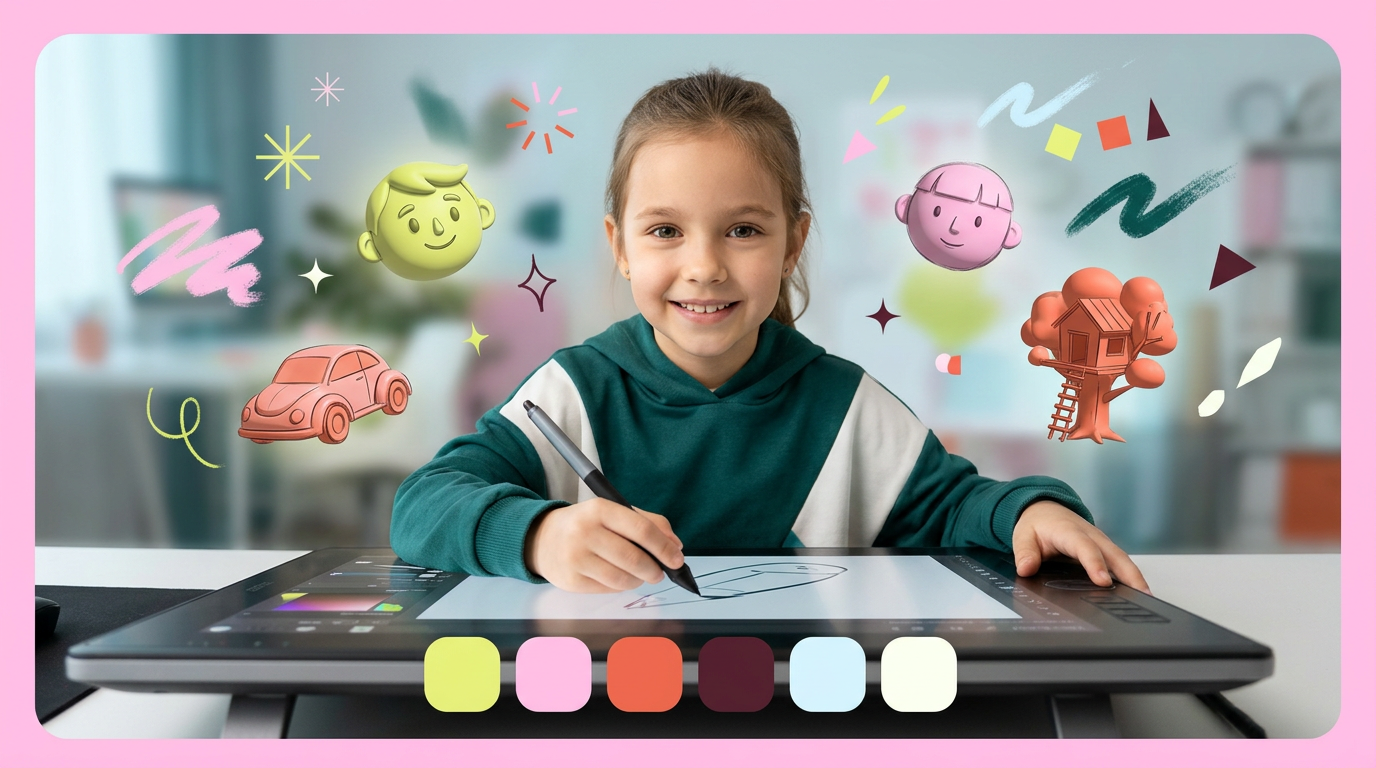
на фото 1 фирменные цвета. на фото 2 - карточка, для которой нужно сделать картинку. Что должна отражать картинка: направление обучения под названием "Скетчеры". Главный акцент на ребенка, фотореалим. Обучение дизайну для детей 6-10 лет Картинка должна быть с девочкой в центре (фото или генерация фотореализм), фон и элементы вокруг - любые. Цвета фирменнные. Элементы должны быть связаны с названием и передавать суть направления Никаких подписей не добавляй. Просто картинку.
by @Elephant_5574126
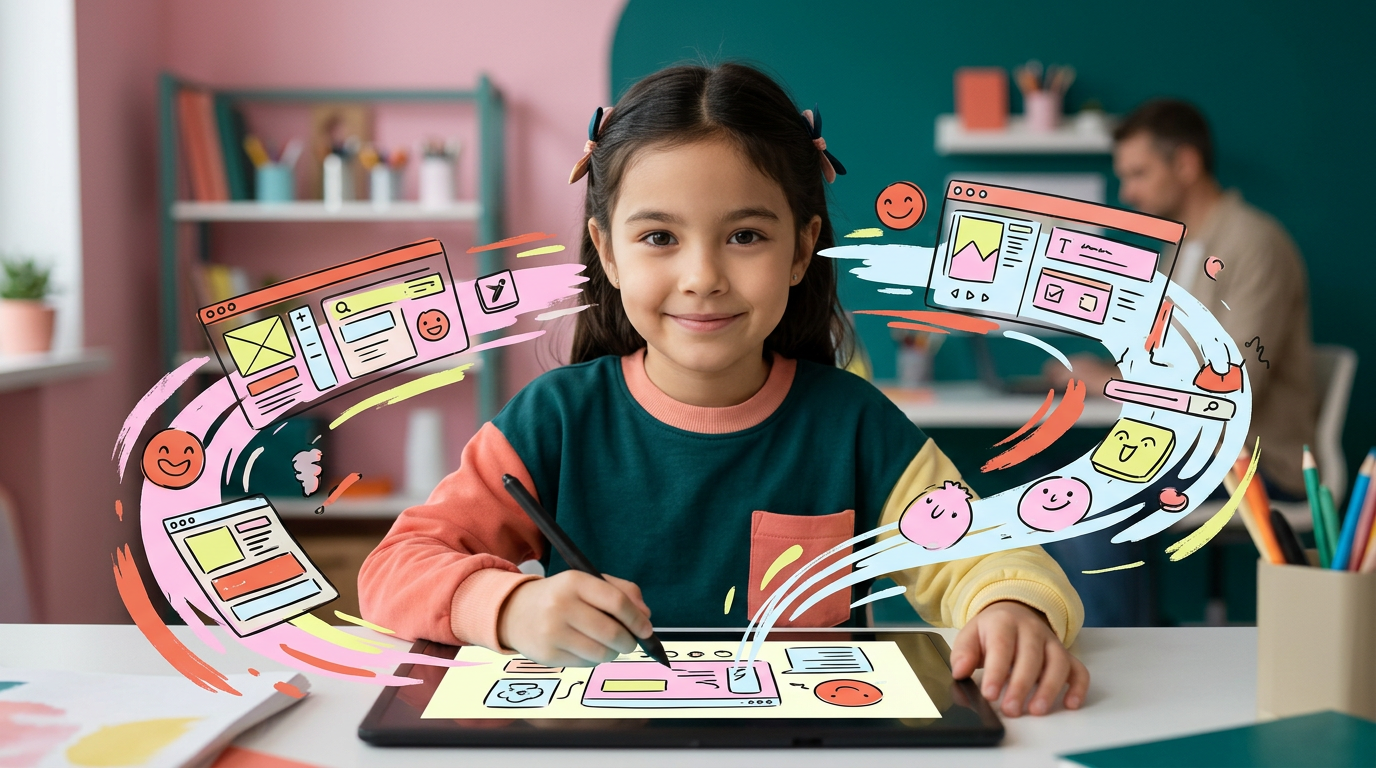
на фото 1 фирменные цвета. на фото 2 - карточка, для которой нужно сделать картинку. Что должна отражать картинка: направление обучения под названием "Скетчеры". Главный акцент на ребенка, фотореалим. Обучение дизайну для детей 6-10 лет Картинка должна быть с девочкой в центре (фото или генерация фотореализм), фон и элементы вокруг - любые. Цвета фирменнные. Элементы должны быть связаны с названием и передавать суть направления Никаких подписей не добавляй. Просто картинку.
by @Elephant_5574126
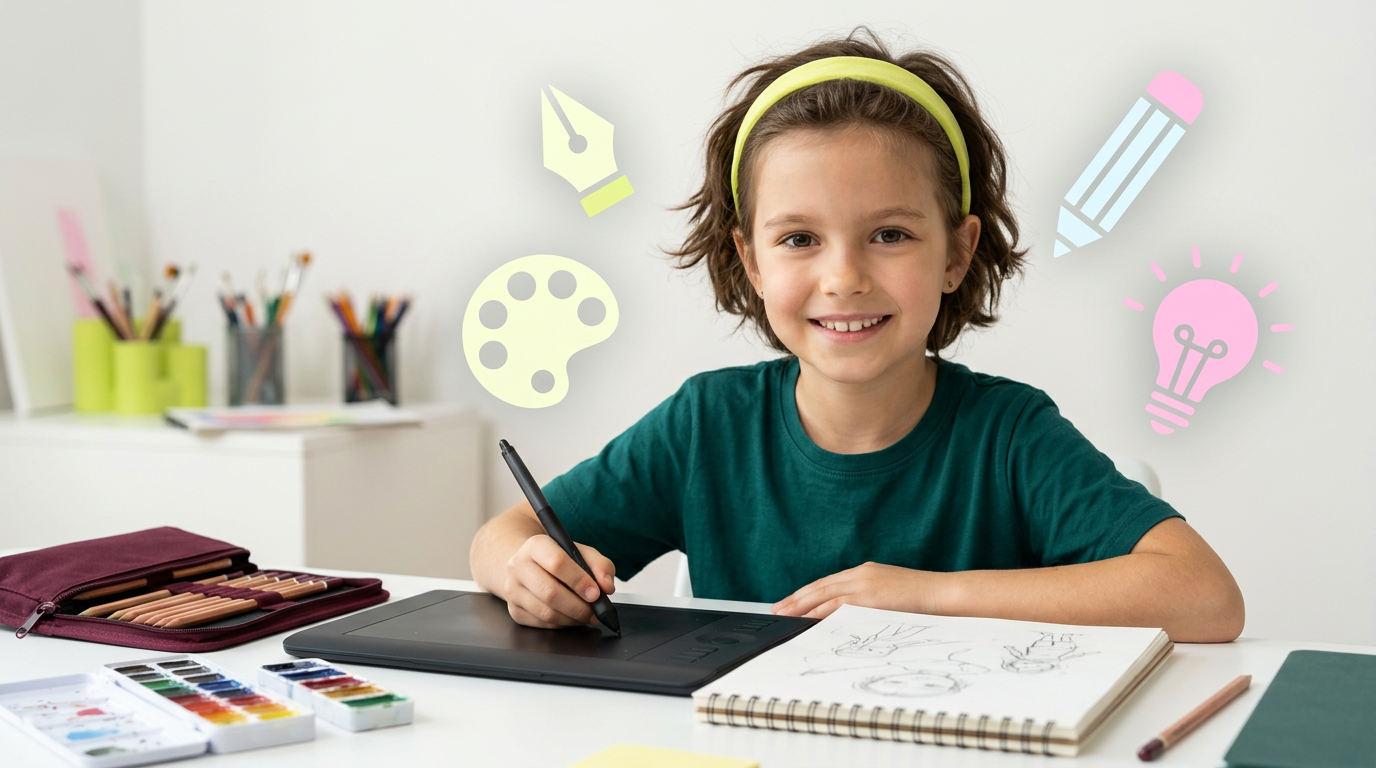
на фото 1 фирменные цвета. на фото 2 - карточка, для которой нужно сделать картинку. Что должна отражать картинка: направление обучения под названием "Скетчеры". Главный акцент на ребенка, фотореалим. Обучение дизайну для детей 6-10 лет Картинка должна быть с девочкой в центре (фото или генерация фотореализм), фон и элементы вокруг - любые. Цвета фирменнные. Элементы должны быть связаны с названием и передавать суть направления Никаких подписей не добавляй. Просто картинку.
by @Elephant_5574126
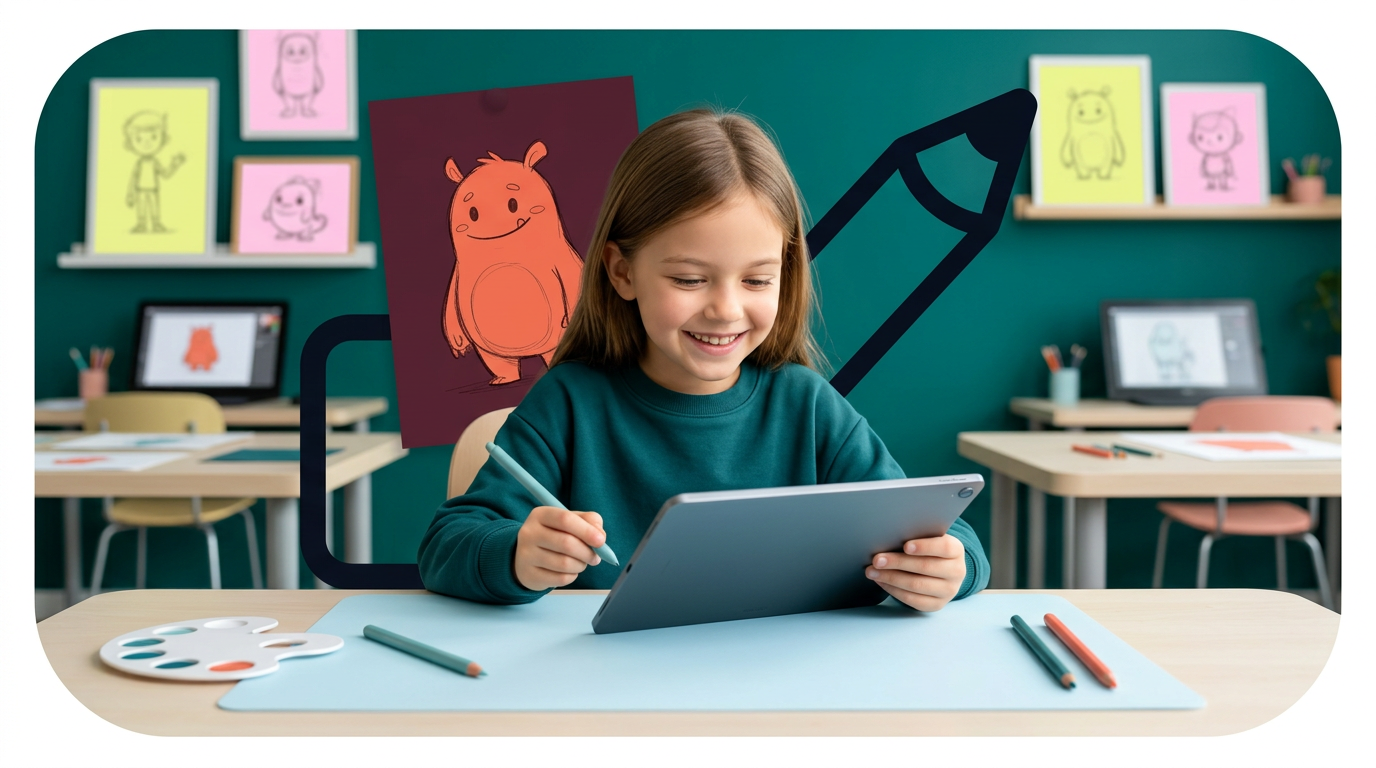
на фото 1 фирменные цвета. на фото 2 - карточка, для которой нужно сделать картинку. Что должна отражать картинка: направление обучения под названием "Скетчеры". Главный акцент на ребенка, фотореалим. Обучение дизайну для детей 6-10 лет Картинка должна быть с девочкой в центре (фото или генерация фотореализм), фон и элементы вокруг - любые. Цвета фирменнные. Элементы должны быть связаны с названием и передавать суть направления Никаких подписей не добавляй. Просто картинку.
by @Elephant_5574126
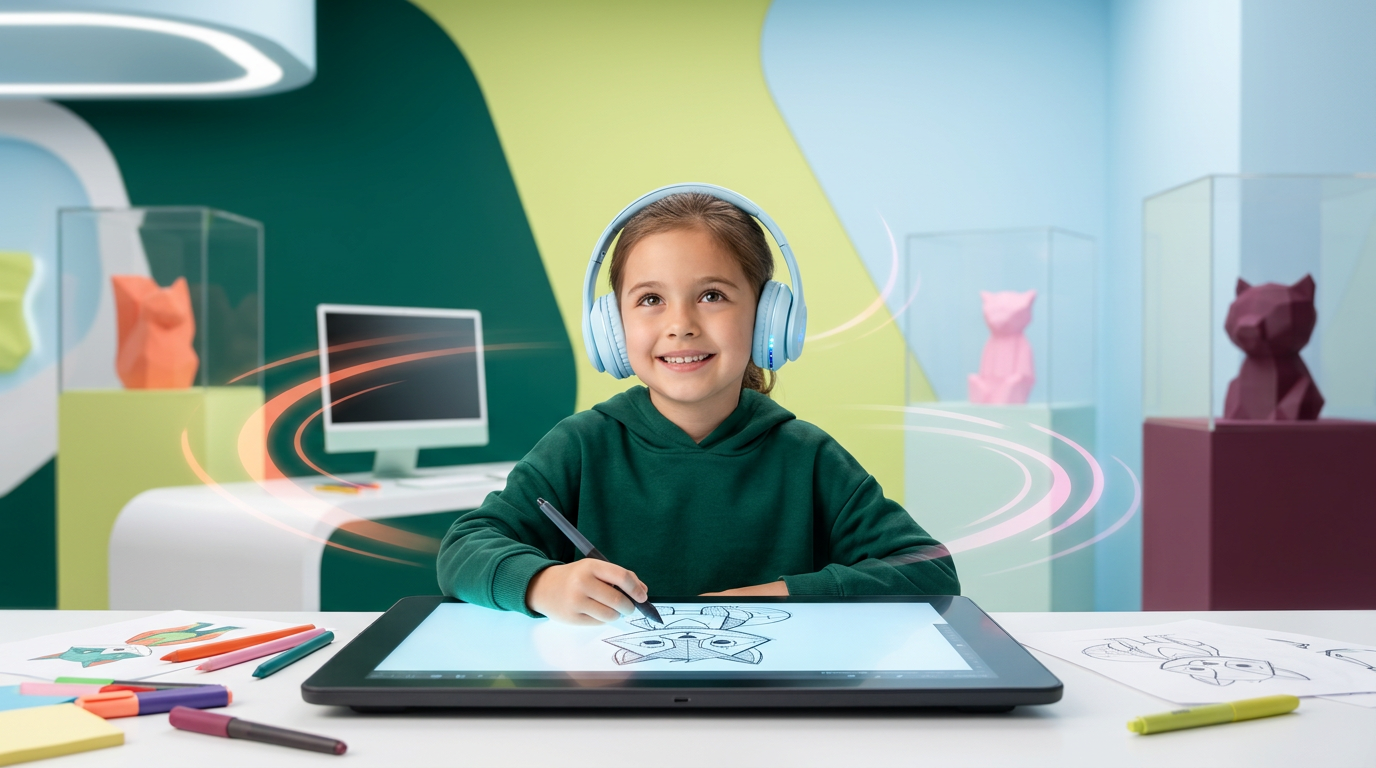
на фото 1 фирменные цвета. на фото 2 - карточка, для которой нужно сделать картинку. Что должна отражать картинка: направление обучения под названием "Скетчеры". Главный акцент на ребенка, фотореалим. Обучение дизайну для детей 6-10 лет Картинка должна быть с девочкой в центре (фото или генерация фотореализм), фон и элементы вокруг - любые. Цвета фирменнные. Элементы должны быть связаны с названием и передавать суть направления Никаких подписей не добавляй. Просто картинку.
by @Elephant_5574126
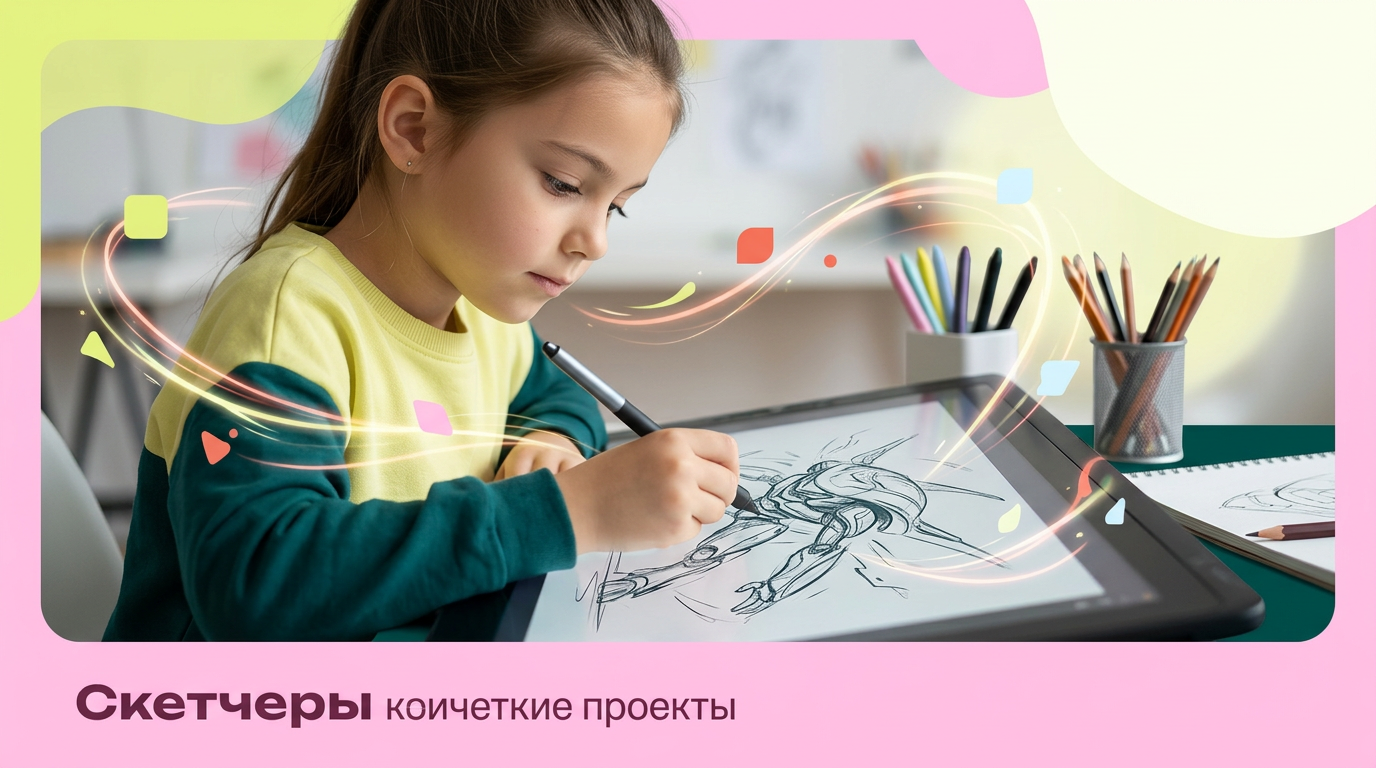
на фото 1 фирменные цвета. на фото 2 - карточка, для которой нужно сделать картинку. Что должна отражать картинка: направление обучения под названием "Скетчеры". Главный акцент на ребенка, фотореалим. Обучение дизайну для детей 6-10 лет Картинка должна быть с девочкой в центре (фото или генерация фотореализм), фон и элементы вокруг - любые. Цвета фирменнные. Элементы должны быть связаны с названием и передавать суть направления Никаких подписей не добавляй. Просто картинку.
by @Elephant_5574126
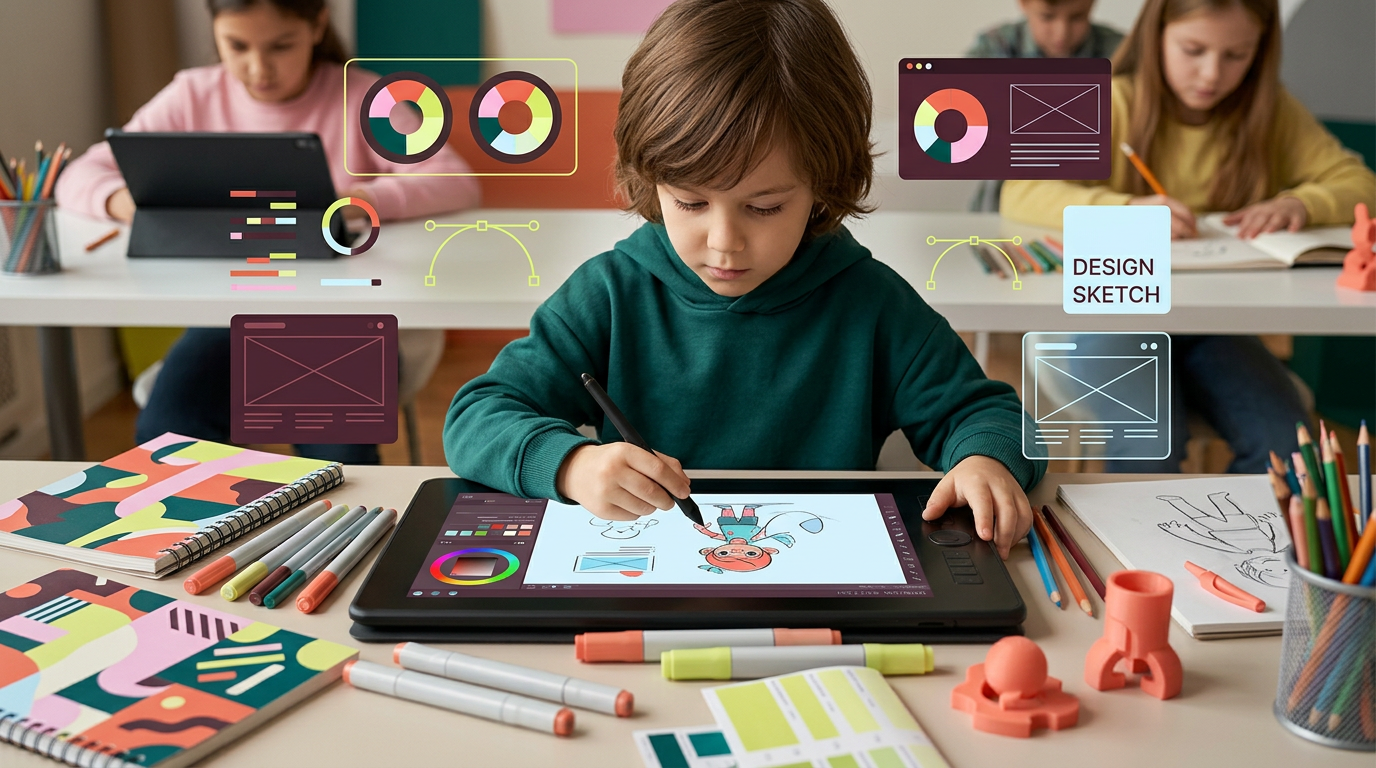
на фото 1 фирменные цвета. на фото 2 - карточка, для которой нужно сделать картинку. Что должна отражать картинка: направление обучения под названием "Скетчеры". Главный акцент на ребенка, фотореалим. Обучение дизайну для детей 6-10 лет Картинка должна быть с ребенком в центре (фото или генерация фотореализм), фон и элементы вокруг - любые. Цвета фирменнные. Элементы должны быть связаны с названием и передавать суть направления Никаких подписей не добавляй. Просто картинку.
by @Elephant_5574126
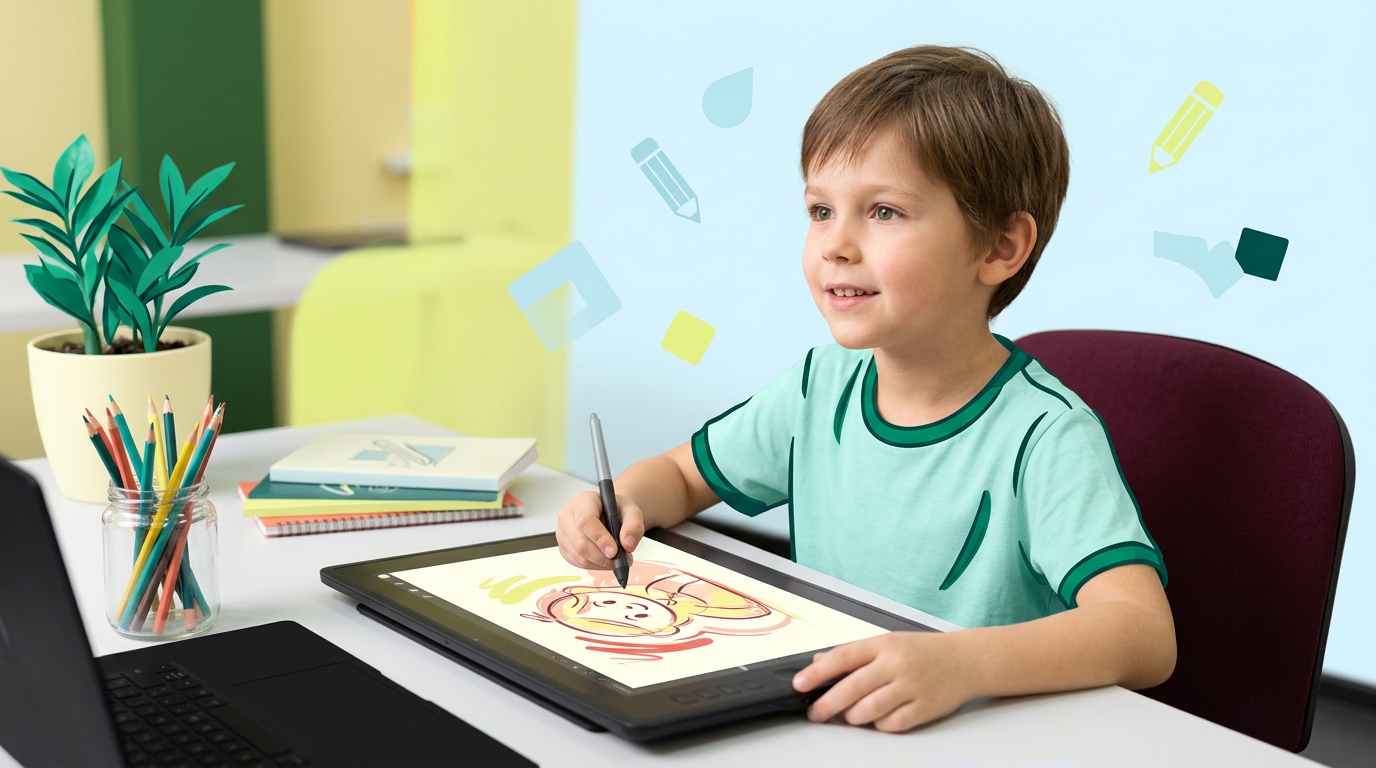
на фото 1 фирменные цвета. на фото 2 - карточка, для которой нужно сделать картинку. Что должна отражать картинка: направление обучения под названием "Скетчеры". Главный акцент на ребенка, фотореалим. Обучение дизайну для детей 6-10 лет Картинка должна быть с ребенком в центре (фото или генерация фотореализм), фон и элементы вокруг - любые. Цвета фирменнные. Элементы должны быть связаны с названием и передавать суть направления Никаких подписей не добавляй. Просто картинку.
by @Elephant_5574126
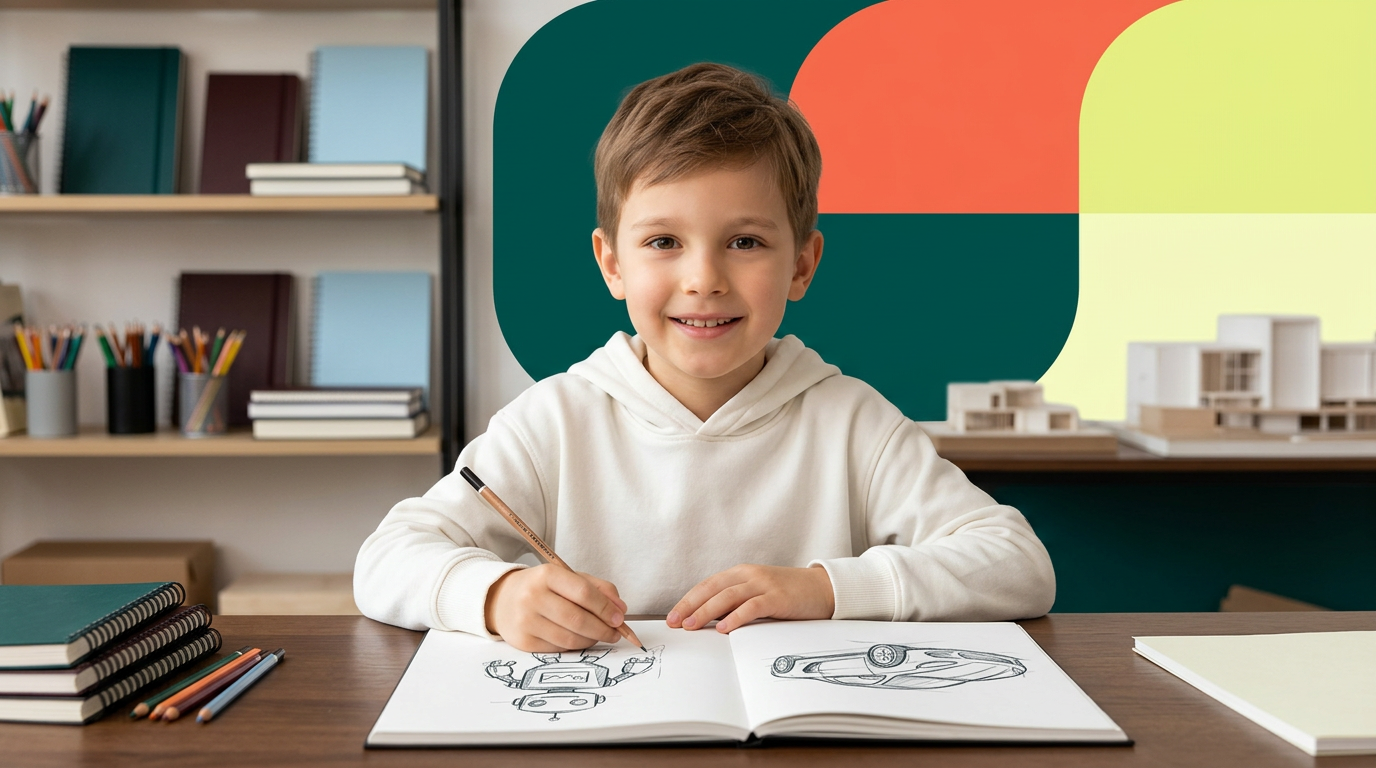
на фото 1 фирменные цвета. на фото 2 - карточка, для которой нужно сделать картинку. Что должна отражать картинка: направление обучения под названием "Скетчеры". Главный акцент на ребенка, фотореалим. Обучение дизайну для детей 6-10 лет Картинка должна быть с ребенком в центре (фото или генерация фотореализм), фон и элементы вокруг - любые. Цвета фирменнные. Элементы должны быть связаны с названием и передавать суть направления Никаких подписей не добавляй. Просто картинку.
by @Elephant_5574126
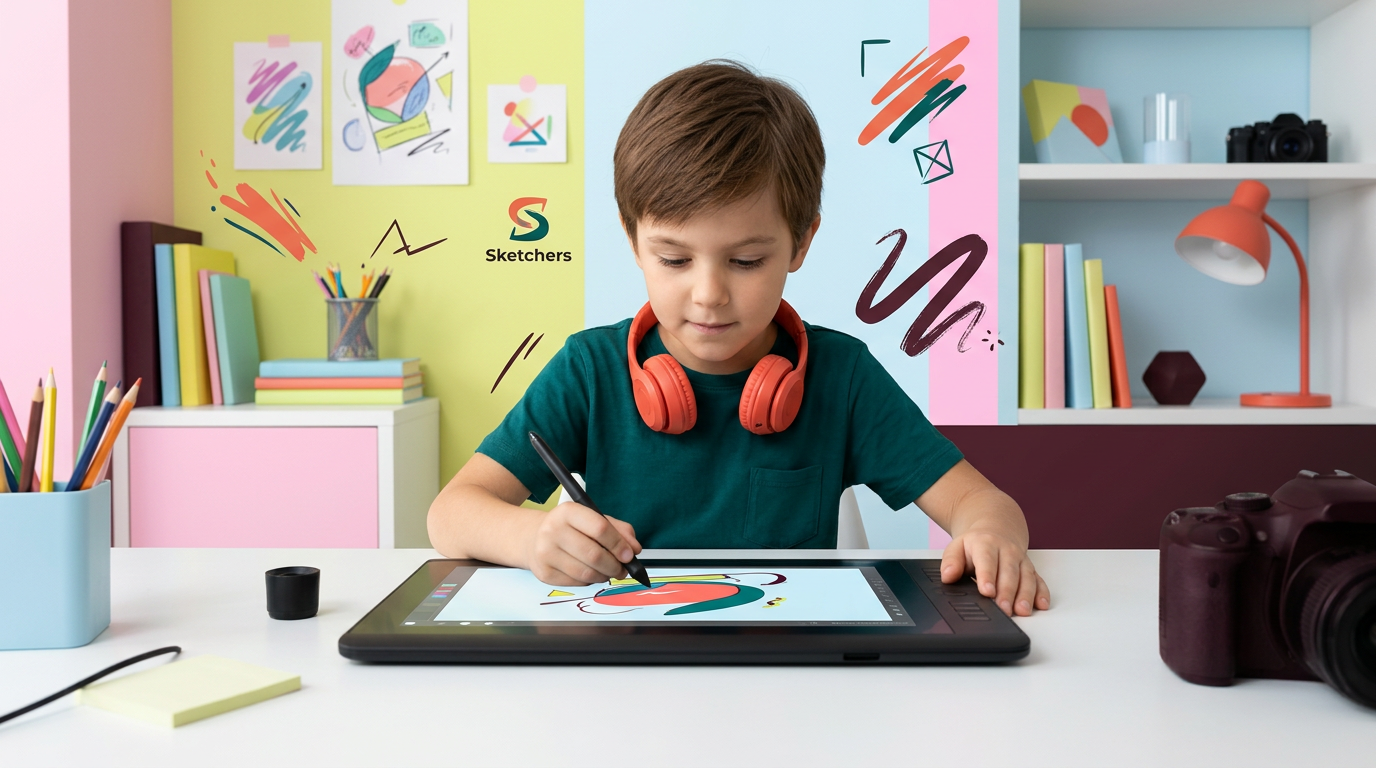
на фото 1 фирменные цвета. на фото 2 - карточка, для которой нужно сделать картинку. Что должна отражать картинка: направление обучения под названием "Скетчеры". Главный акцент на ребенка, фотореалим. Обучение дизайну для детей 6-10 лет Картинка должна быть с ребенком в центре (фото или генерация фотореализм), фон и элементы вокруг - любые. Цвета фирменнные. Элементы должны быть связаны с названием и передавать суть направления Никаких подписей не добавляй. Просто картинку.
by @Elephant_5574126
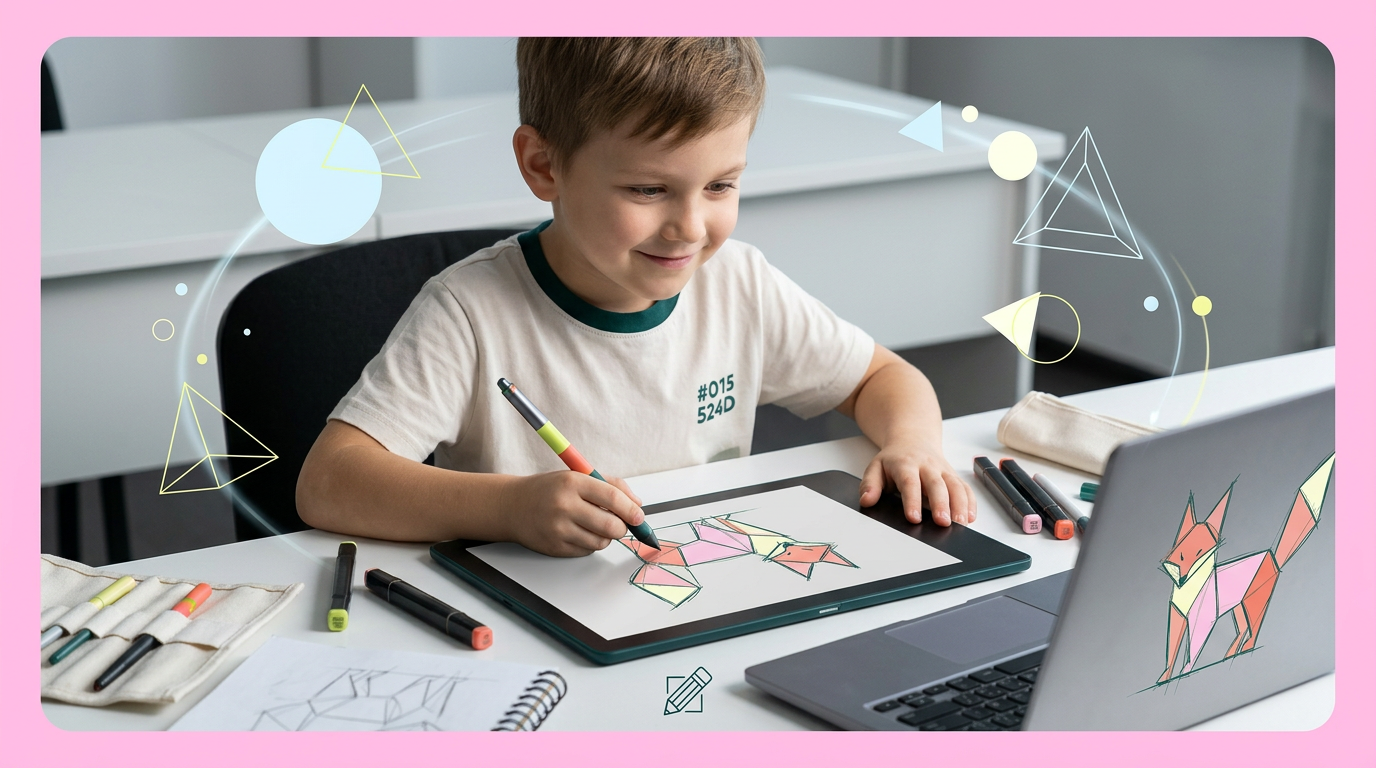
на фото 1 фирменные цвета. на фото 2 - карточка, для которой нужно сделать картинку. Что должна отражать картинка: направление обучения под названием "Скетчеры". Главный акцент на ребенка, фотореалим. Обучение дизайну для детей 6-10 лет Картинка должна быть с ребенком в центре (фото или генерация фотореализм), фон и элементы вокруг - любые. Цвета фирменнные. Элементы должны быть связаны с названием и передавать суть направления Никаких подписей не добавляй. Просто картинку.
by @Elephant_5574126
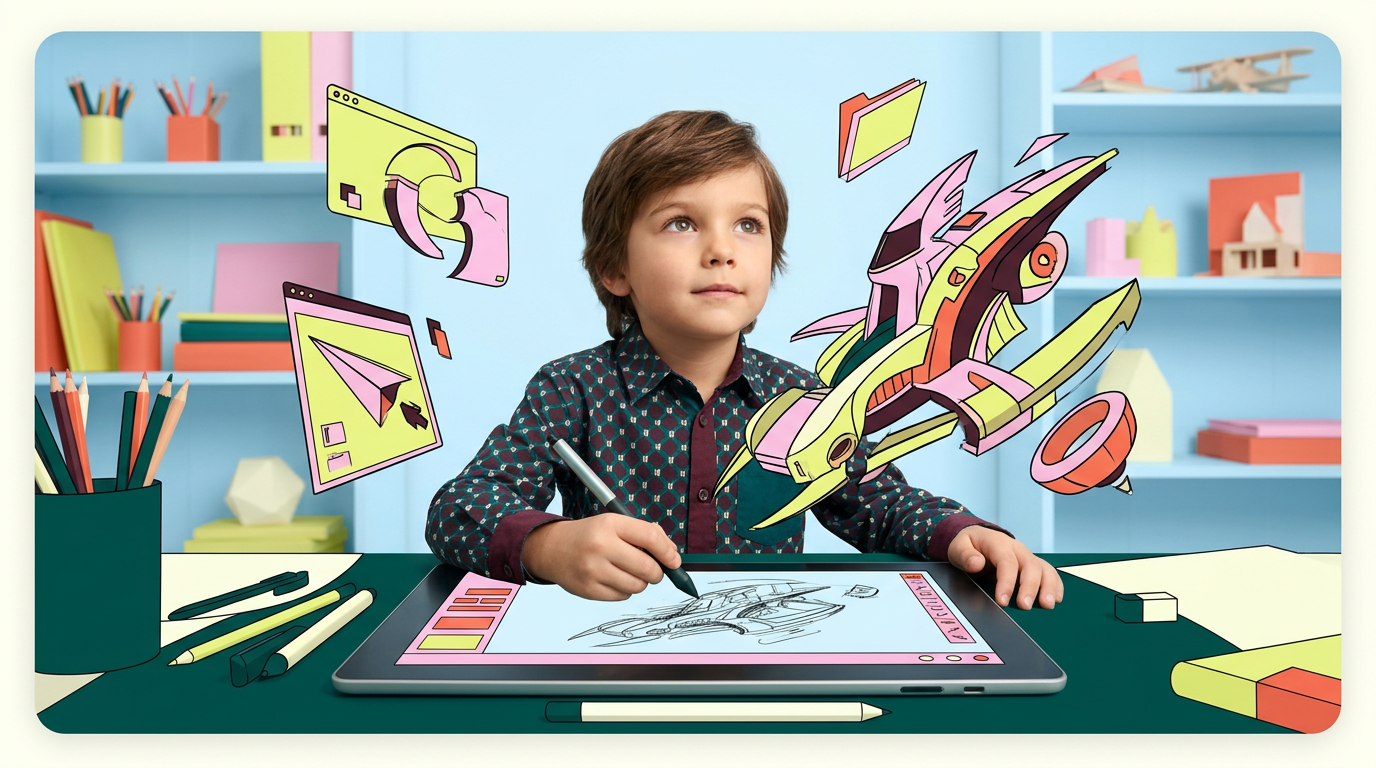
на фото 1 фирменные цвета. на фото 2 - карточка, для которой нужно сделать картинку. Что должна отражать картинка: направление обучения под названием "Скетчеры". Главный акцент на ребенка, фотореалим. Обучение дизайну для детей 6-10 лет Картинка должна быть с ребенком в центре (фото или генерация фотореализм), фон и элементы вокруг - любые. Цвета фирменнные. Элементы должны быть связаны с названием и передавать суть направления Никаких подписей не добавляй. Просто картинку.
by @Elephant_5574126
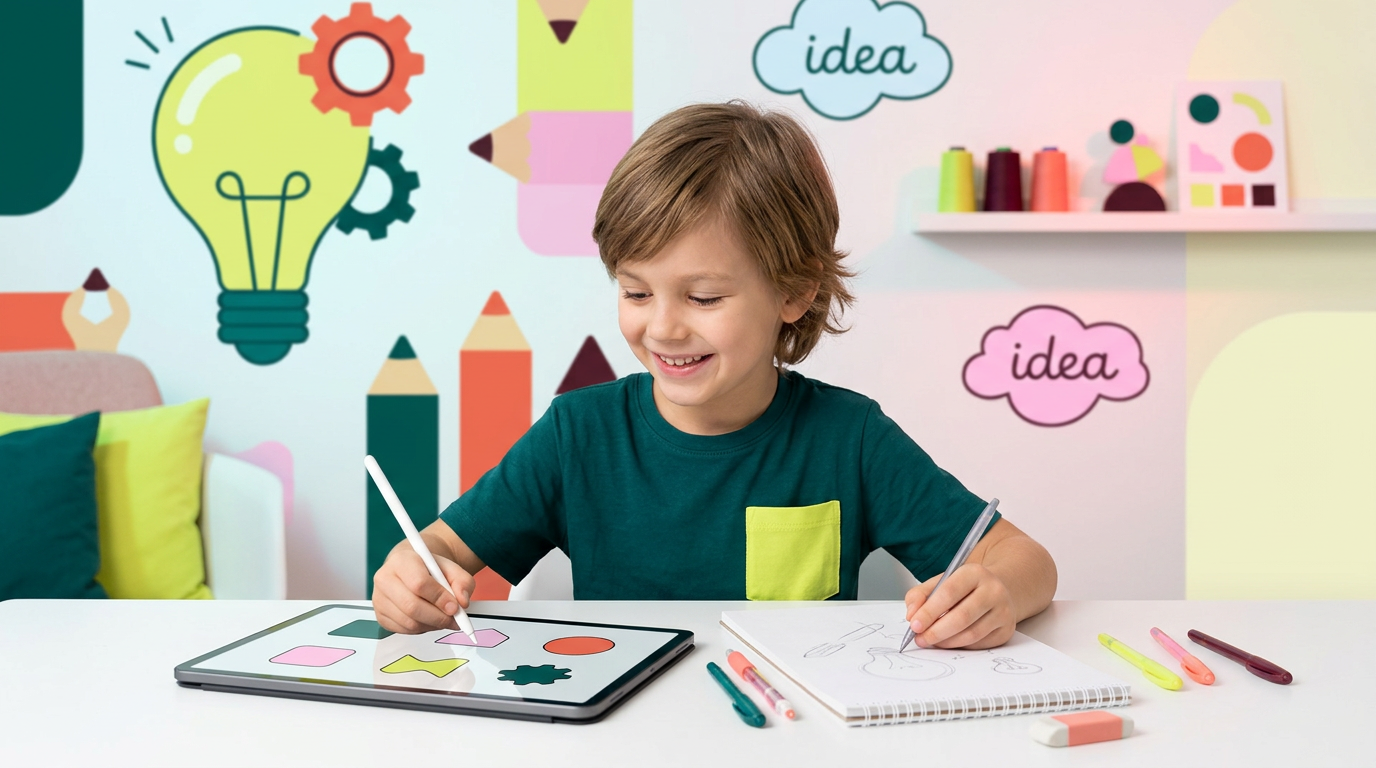
на фото 1 фирменные цвета. на фото 2 - карточка, для которой нужно сделать картинку. Что должна отражать картинка: направление обучения под названием "Скетчеры". Главный акцент на ребенка, фотореалим. Обучение дизайну для детей 6-10 лет Картинка должна быть с ребенком в центре (фото или генерация фотореализм), фон и элементы вокруг - любые. Цвета фирменнные. Элементы должны быть связаны с названием и передавать суть направления Никаких подписей не добавляй. Просто картинку.
by @Elephant_5574126
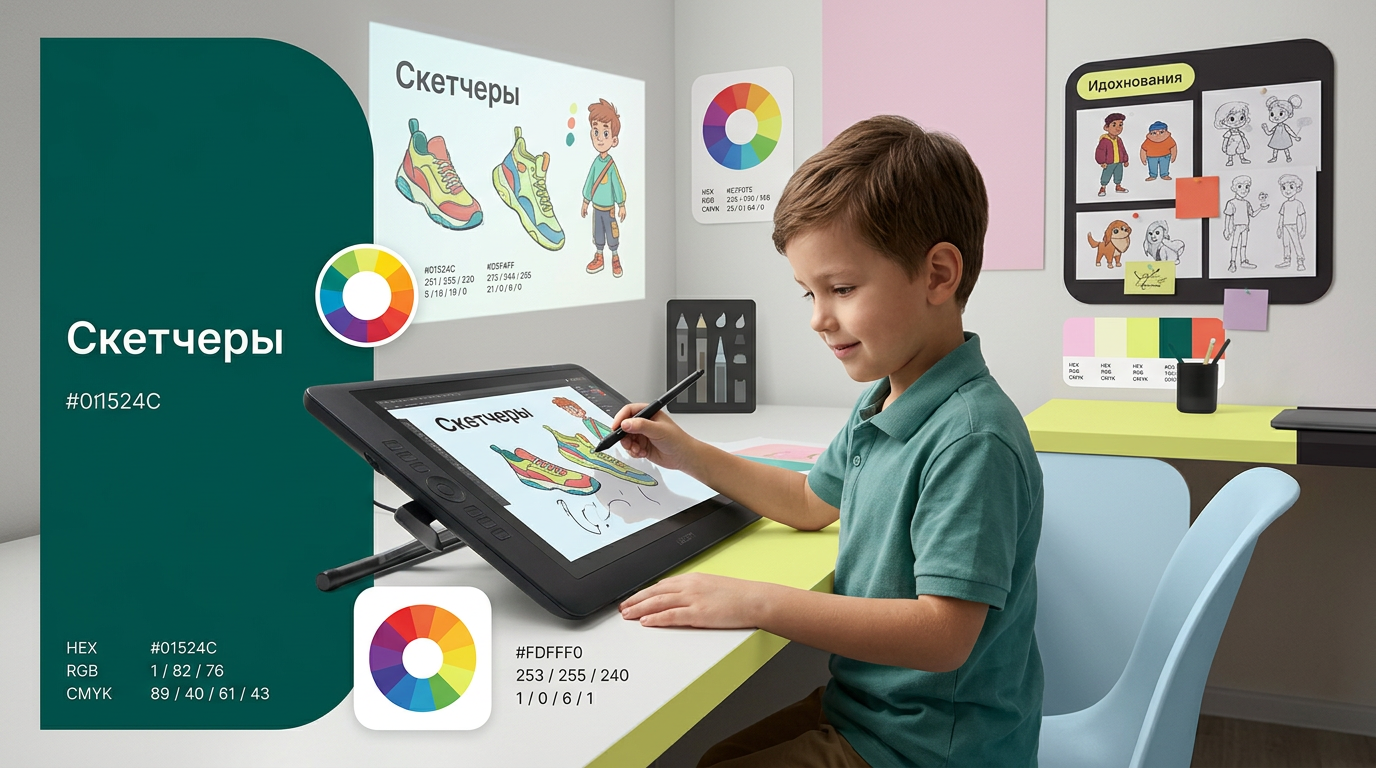
на фото 1 фирменные цвета. на фото 2 - карточка, для которой нужно сделать картинку. Что должна отражать картинка: направление обучения под названием "Скетчеры". Главный акцент на ребенка, фотореалим. Обучение дизайну для детей 6-10 лет Картинка должна быть с ребенком в центре (фото или генерация фотореализм), фон и элементы вокруг - любые. Цвета фирменнные. Элементы должны быть связаны с названием и передавать суть направления Никаких подписей не добавляй. Просто картинку.
by @Elephant_5574126
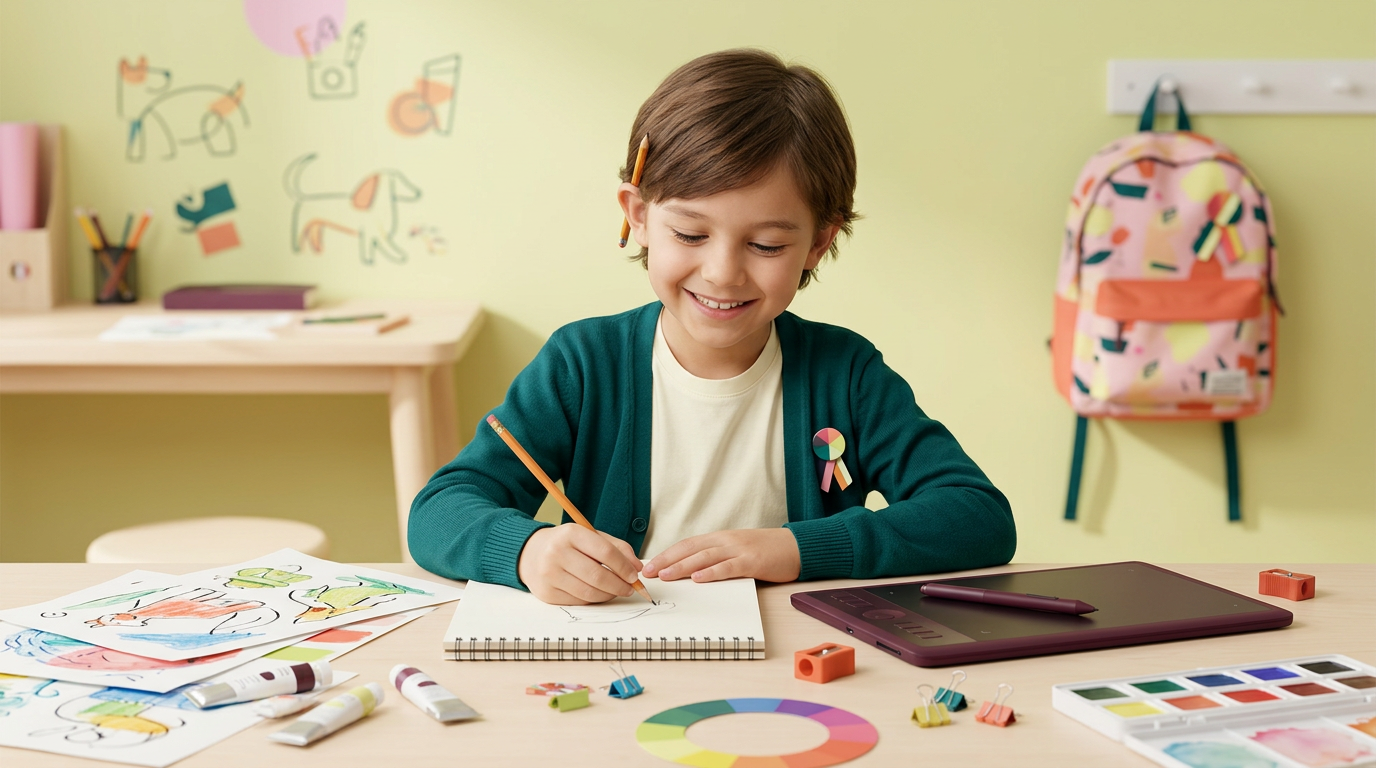
на фото 1 фирменные цвета. на фото 2 - карточка, для которой нужно сделать картинку. Что должна отражать картинка: направление обучения под названием "Скетчеры". Главный акцент на ребенка, фотореалим. Обучение дизайну для детей 6-10 лет Картинка должна быть с ребенком в центре (фото или генерация фотореализм), фон и элементы вокруг - любые. Цвета фирменнные. Элементы должны быть связаны с названием и передавать суть направления Никаких подписей не добавляй. Просто картинку.
by @Elephant_5574126
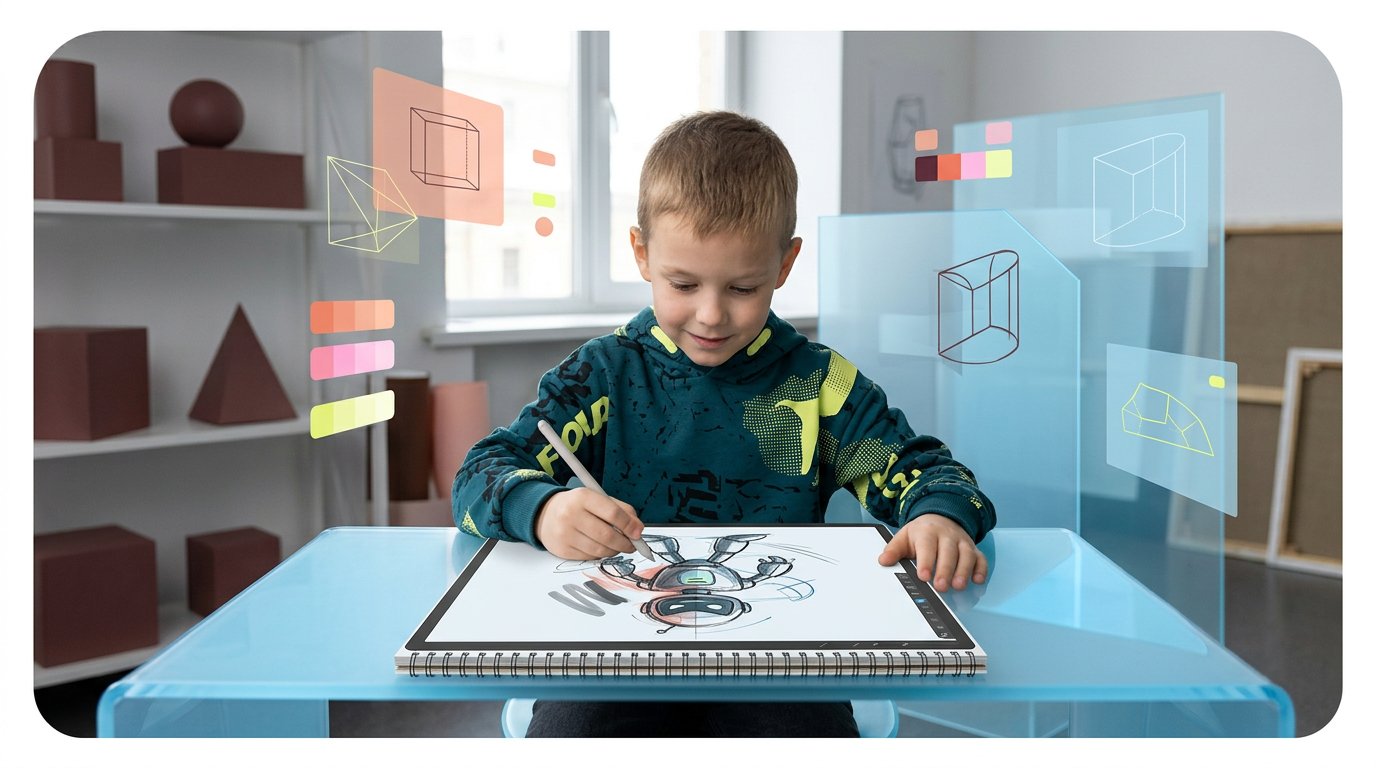
на фото 1 фирменные цвета. на фото 2 - карточка, для которой нужно сделать картинку. Что должна отражать картинка: направление обучения под названием "Скетчеры". Главный акцент на ребенка, фотореалим. Обучение дизайну для детей 6-10 лет Картинка должна быть с ребенком в центре (фото или генерация фотореализм), фон и элементы вокруг - любые. Цвета фирменнные. Элементы должны быть связаны с названием и передавать суть направления Никаких подписей не добавляй. Просто картинку.
by @Elephant_5574126
What's next?Explore more features



Go from browse to build




