Product
Use Cases
How it Works
Pricing
Login
Community showcase

Designs made by our community

Staff-picked ads, product scenes, and brand assets made in Hiding Elephant. See what production-ready creative looks like, then start your own.
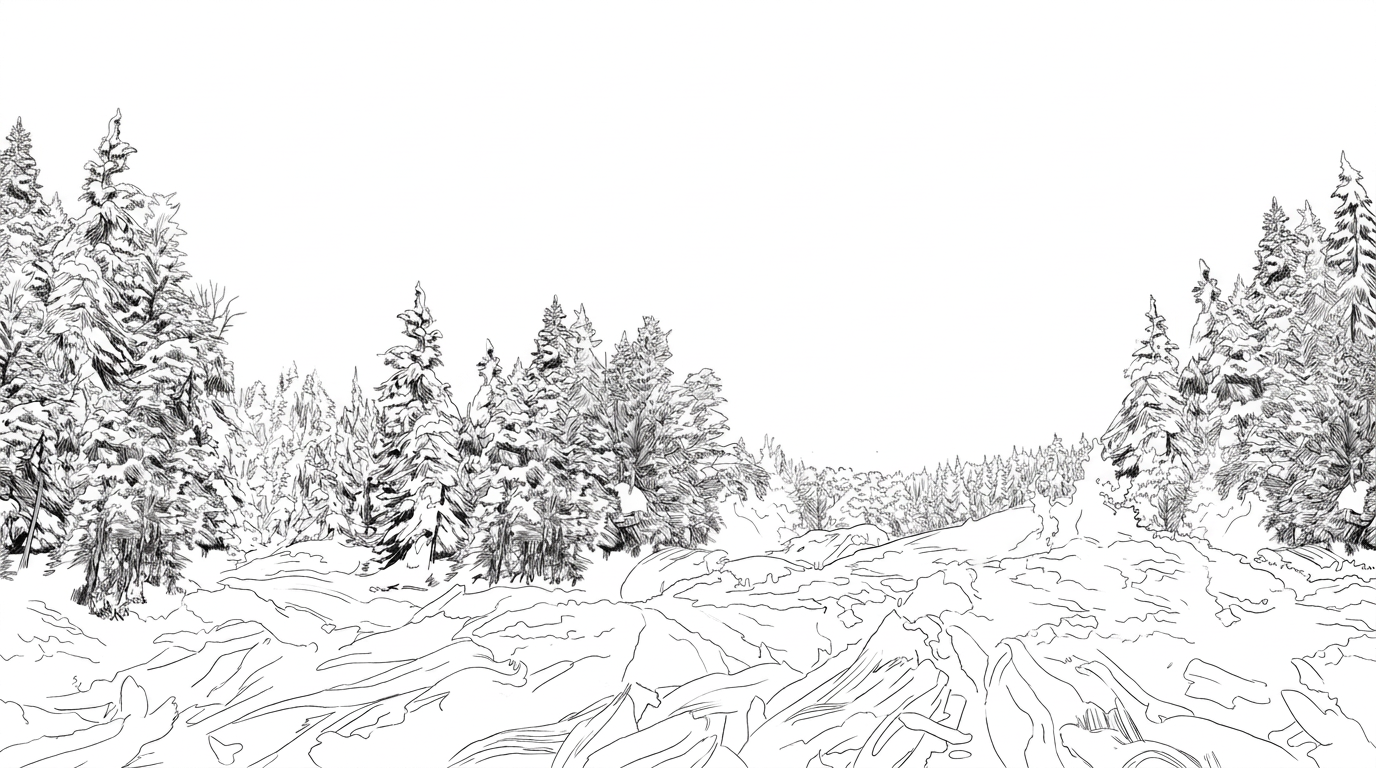
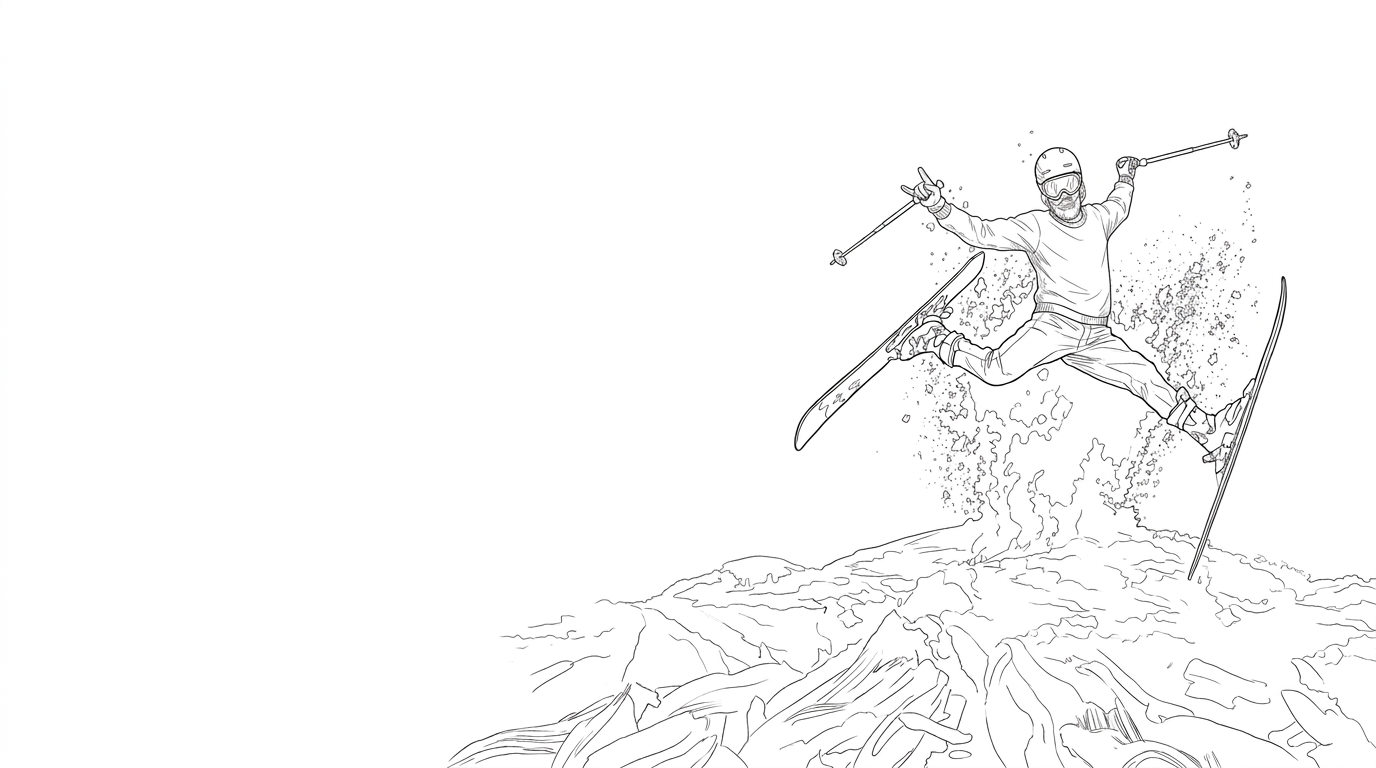
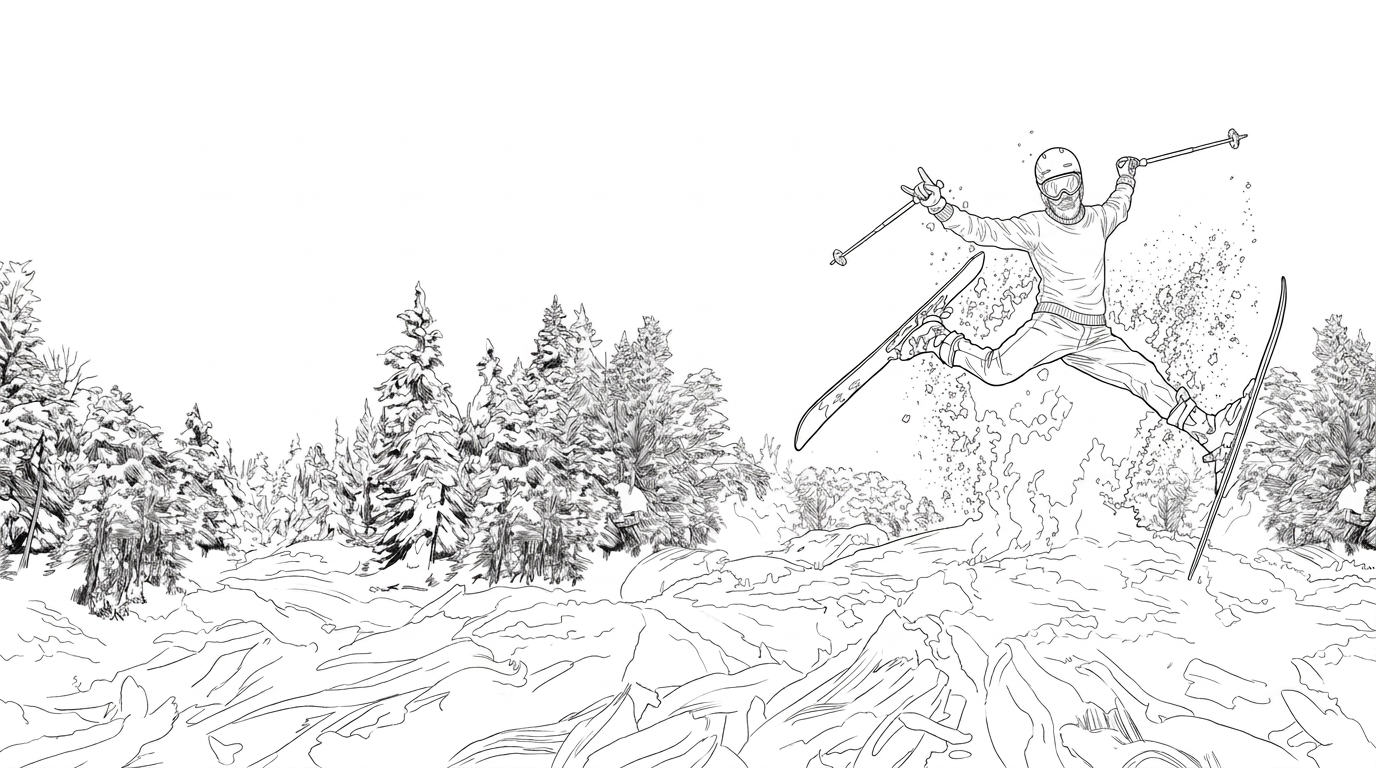
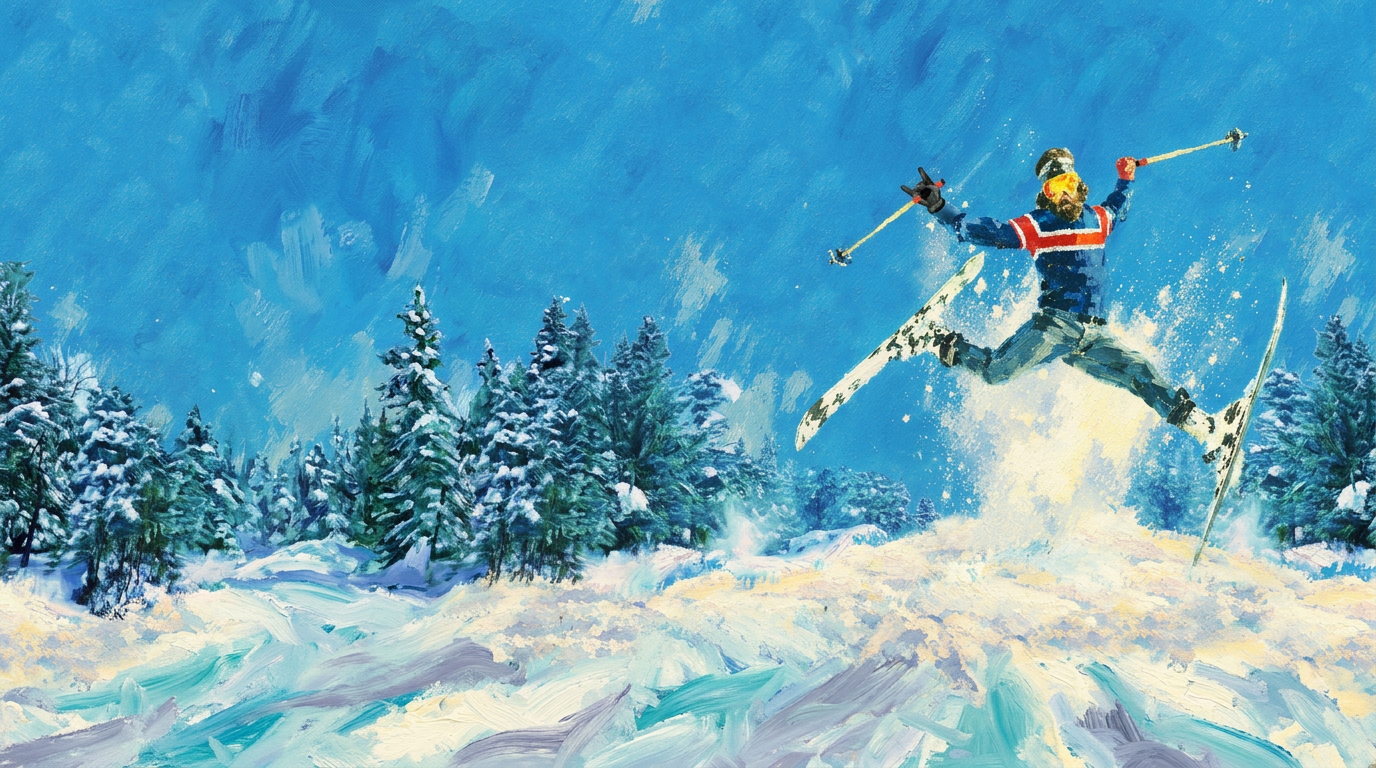
AI Design for remove the skier and leave only the background, but place trees on the left and right side of the background shifting the composition

remove the skier and leave only the background, but place trees on the left and right side of the background shifting the composition

by @Elephant_1649093

AI Design for remove the background and leave only the skier in the middle of the composition with skies and snow and remove the zipper and the hood from his sweater. there will be one skier in the composition,

remove the background and leave only the skier in the middle of the composition with skies and snow and remove the zipper and the hood from his sweater. there will be one skier in the composition,

by @Elephant_1649093

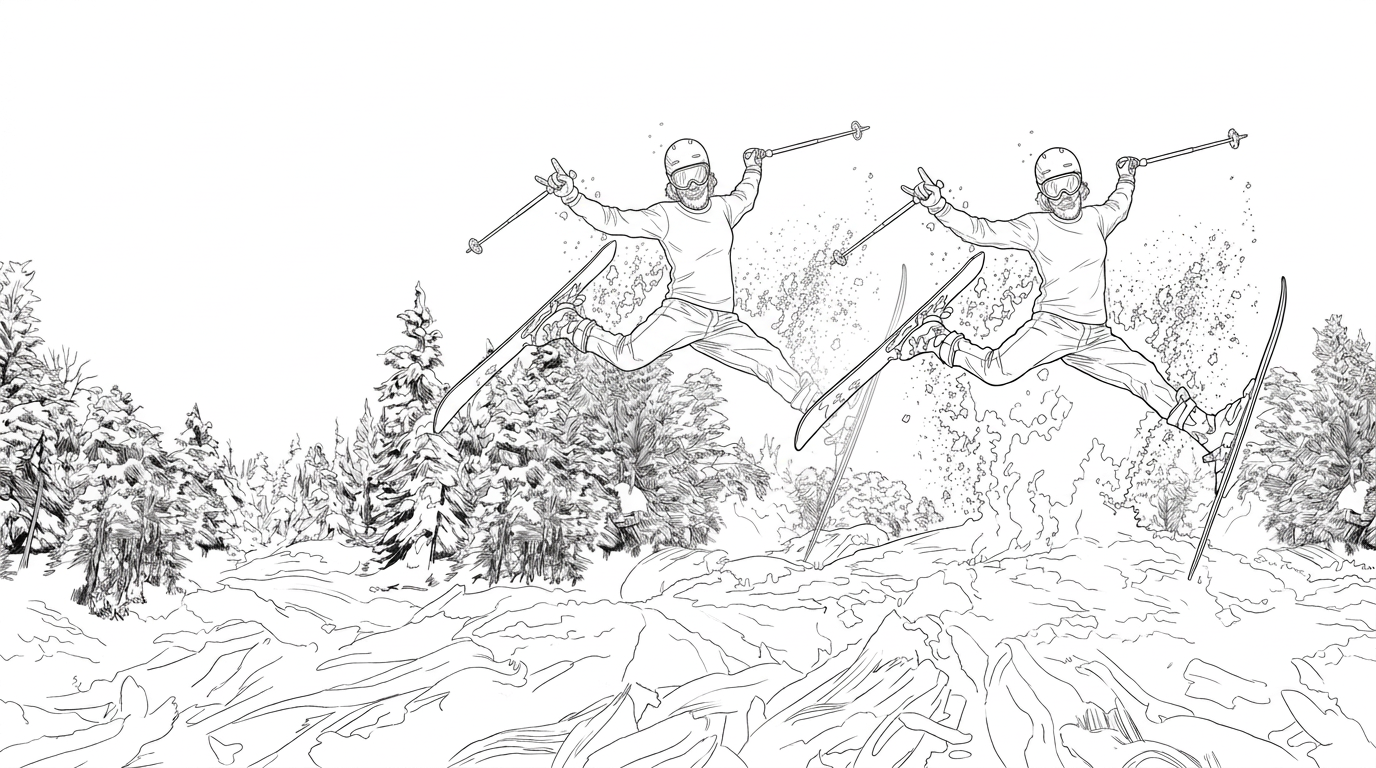
AI Design for place the skier in the middle (move her to the left) and remove the zipper and the hood from his sweater. there will be one skier in the composition,

place the skier in the middle (move her to the left) and remove the zipper and the hood from his sweater. there will be one skier in the composition,

by @Elephant_1649093

AI Design for place the skier in the middle (move her to the left) and remove the zipper and the hood from his sweater

place the skier in the middle (move her to the left) and remove the zipper and the hood from his sweater

by @Elephant_1649093

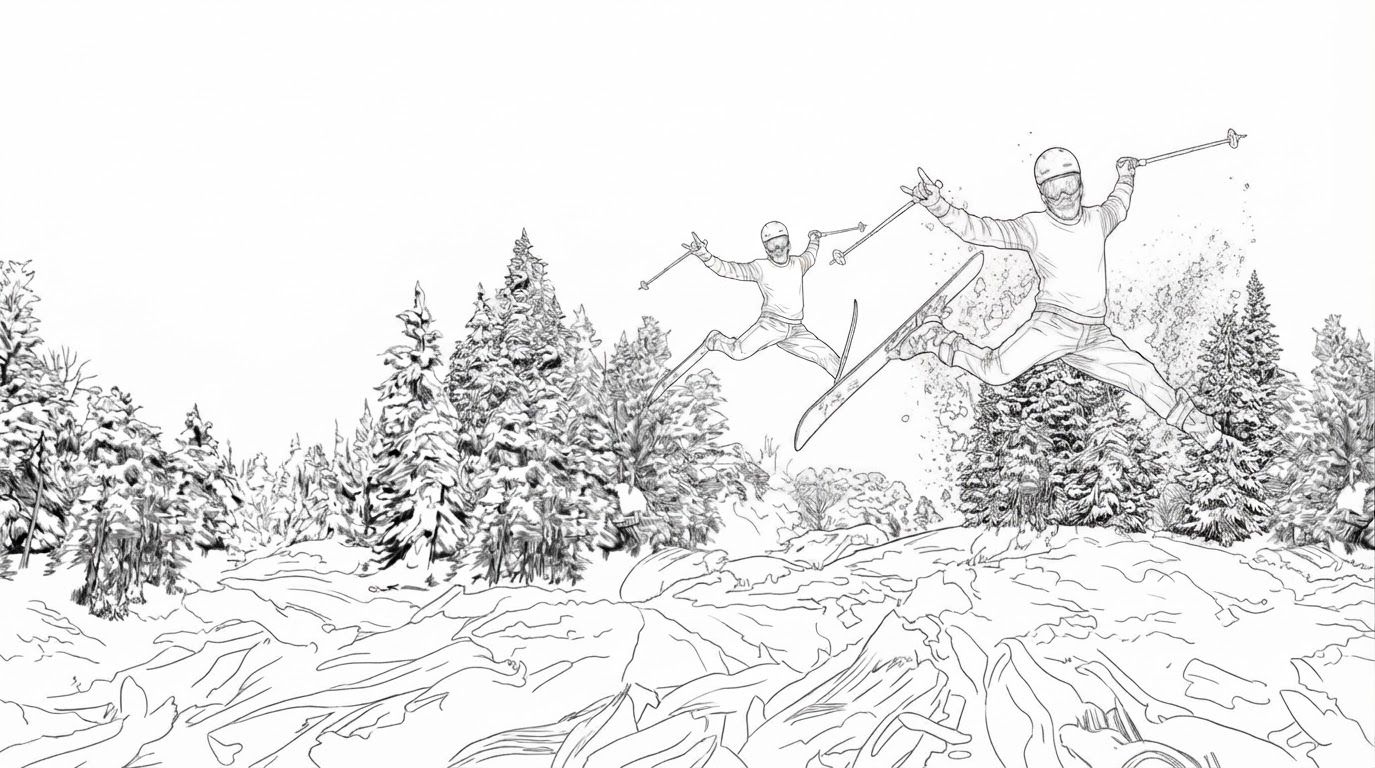
AI Design for This photo has a temporary semi-transparent red marker painted on it. The marker is not part of the scene.

Inside the marked region only, do this: move the skier to the middle of the composition and place trees on both sides in the back

Then remove the red marker completely. The finished image must contain no red paint, highlight, or drawing. Keep framing, lighting, and everything outside the marked region identical.

This photo has a temporary semi-transparent red marker painted on it. The marker is not part of the scene. Inside the marked region only, do this: move the skier to the middle of the composition and place trees on both sides in the back Then remove the red marker completely. The finished image must contain no red paint, highlight, or drawing. Keep framing, lighting, and everything outside the marked region identical.

by @Elephant_1649093
AI Design for place the skier to the middle and remove the zipper and the hood from his sweater

place the skier to the middle and remove the zipper and the hood from his sweater

by @Elephant_1649093

AI Design for Сделай изображение более ярким

Сделай изображение более ярким

by @Elephant_4354025

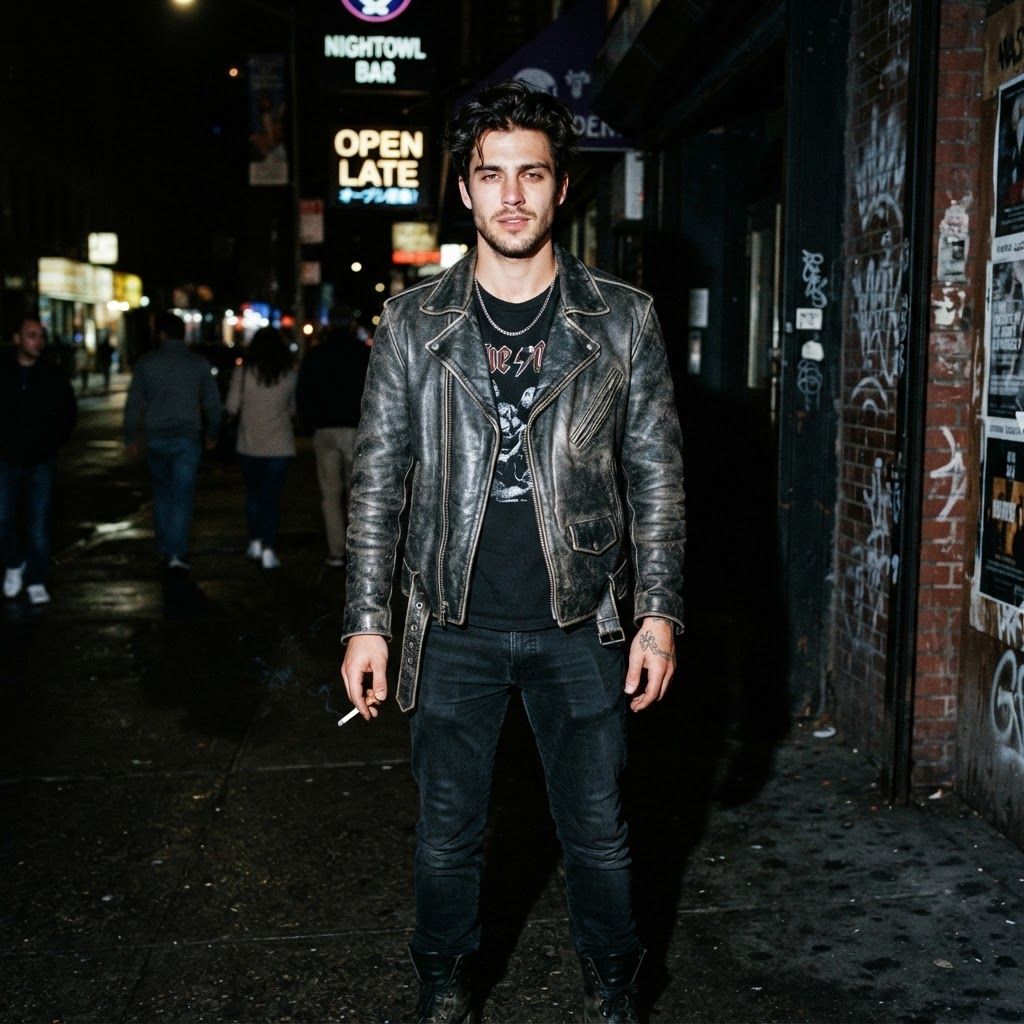
AI Design for can i see a version of this image at night with an ultra reallistic look and direct hard flash camera effect that lights the model his clothing and scene brightly

This is a square 1:1 image for posts. Fill the whole frame edge to edge and scale the subject large. Do not leave empty margin.

can i see a version of this image at night with an ultra reallistic look and direct hard flash camera effect that lights the model his clothing and scene brightly This is a square 1:1 image for posts. Fill the whole frame edge to edge and scale the subject large. Do not leave empty margin.

by @Elephant_1750650
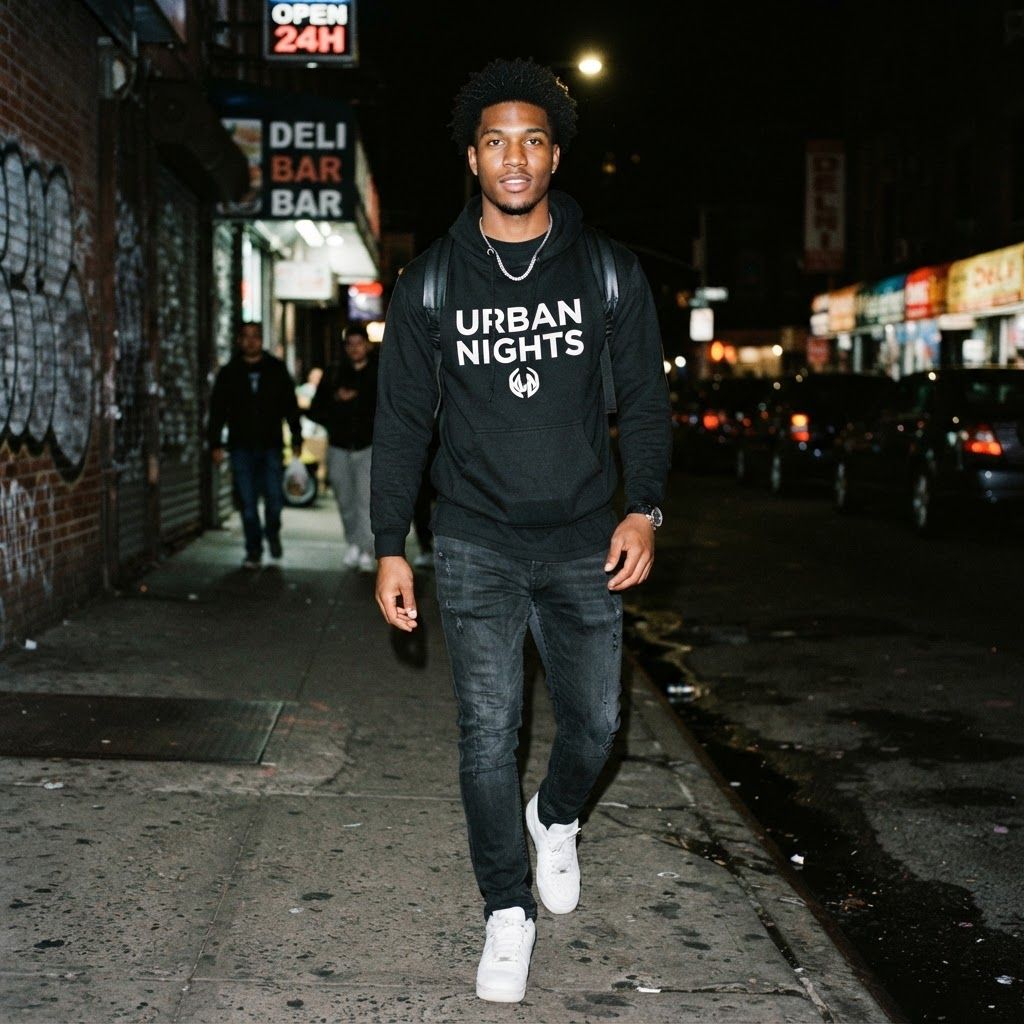
AI Design for can i see a version of this image at night with an ultra reallistic look and direct hard flash camera effect that lights the model his clothing and scene brightly

This is a square 1:1 image for posts. Fill the whole frame edge to edge and scale the subject large. Do not leave empty margin.

can i see a version of this image at night with an ultra reallistic look and direct hard flash camera effect that lights the model his clothing and scene brightly This is a square 1:1 image for posts. Fill the whole frame edge to edge and scale the subject large. Do not leave empty margin.

by @Elephant_1750650
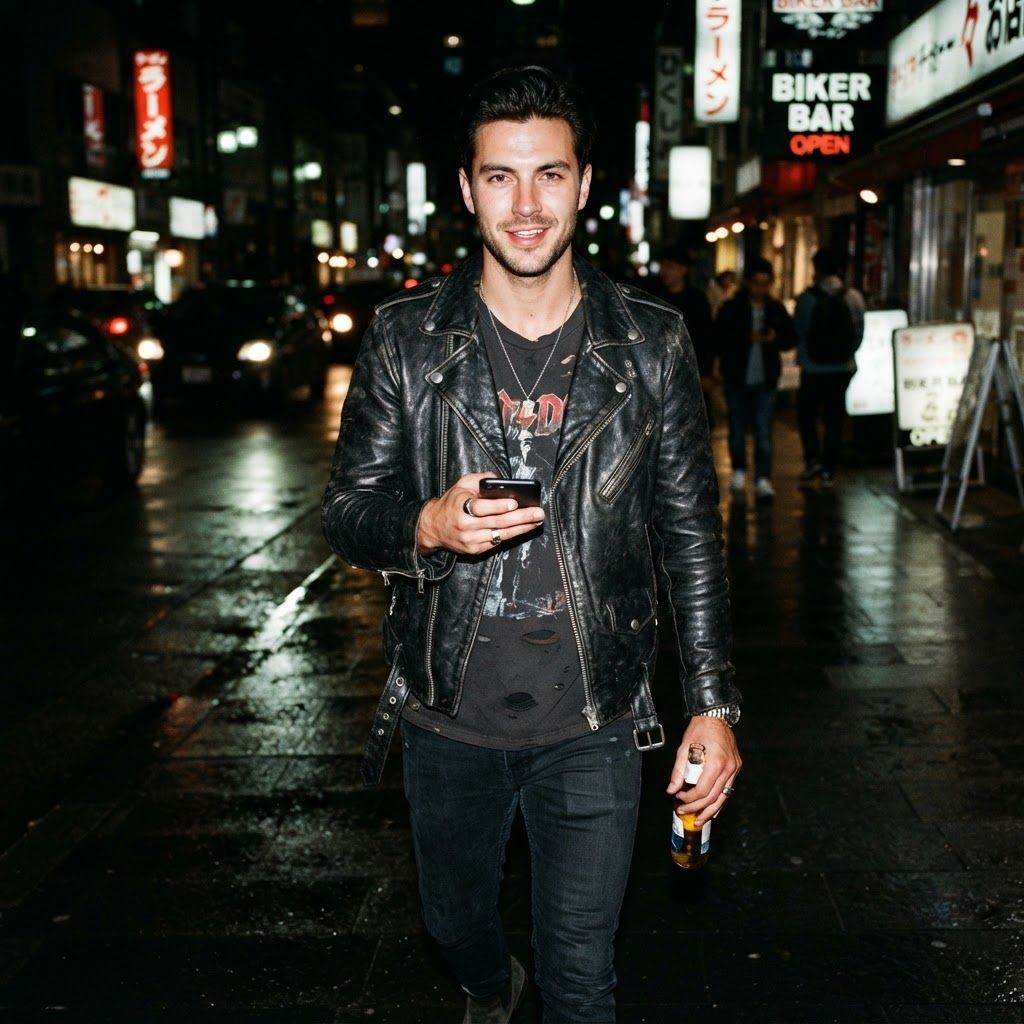
AI Design for can i see a version of this image at night with an ultra reallistic look and direct hard flash camera effect that lights the model his clothing and scene brightly

This is a square 1:1 image for posts. Fill the whole frame edge to edge and scale the subject large. Do not leave empty margin.

can i see a version of this image at night with an ultra reallistic look and direct hard flash camera effect that lights the model his clothing and scene brightly This is a square 1:1 image for posts. Fill the whole frame edge to edge and scale the subject large. Do not leave empty margin.

by @Elephant_1750650
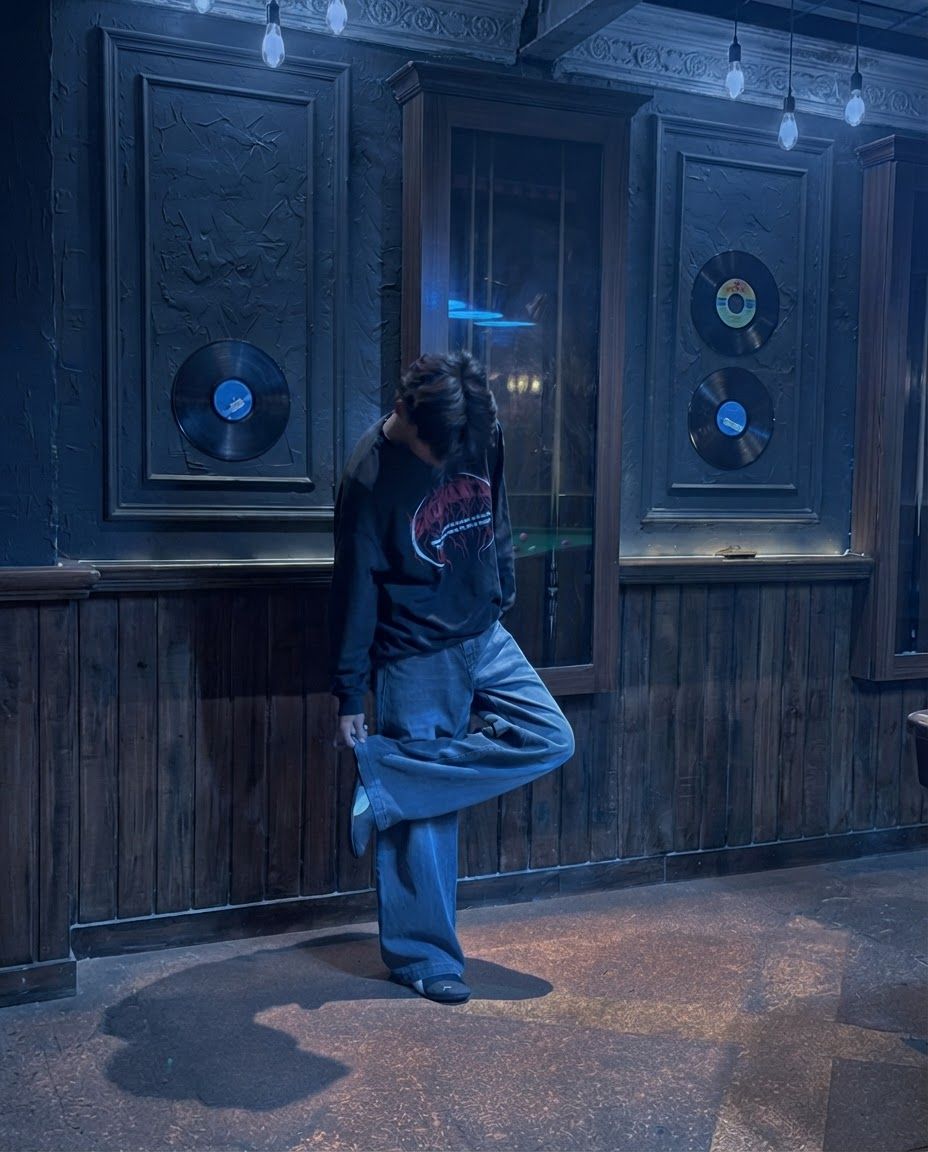
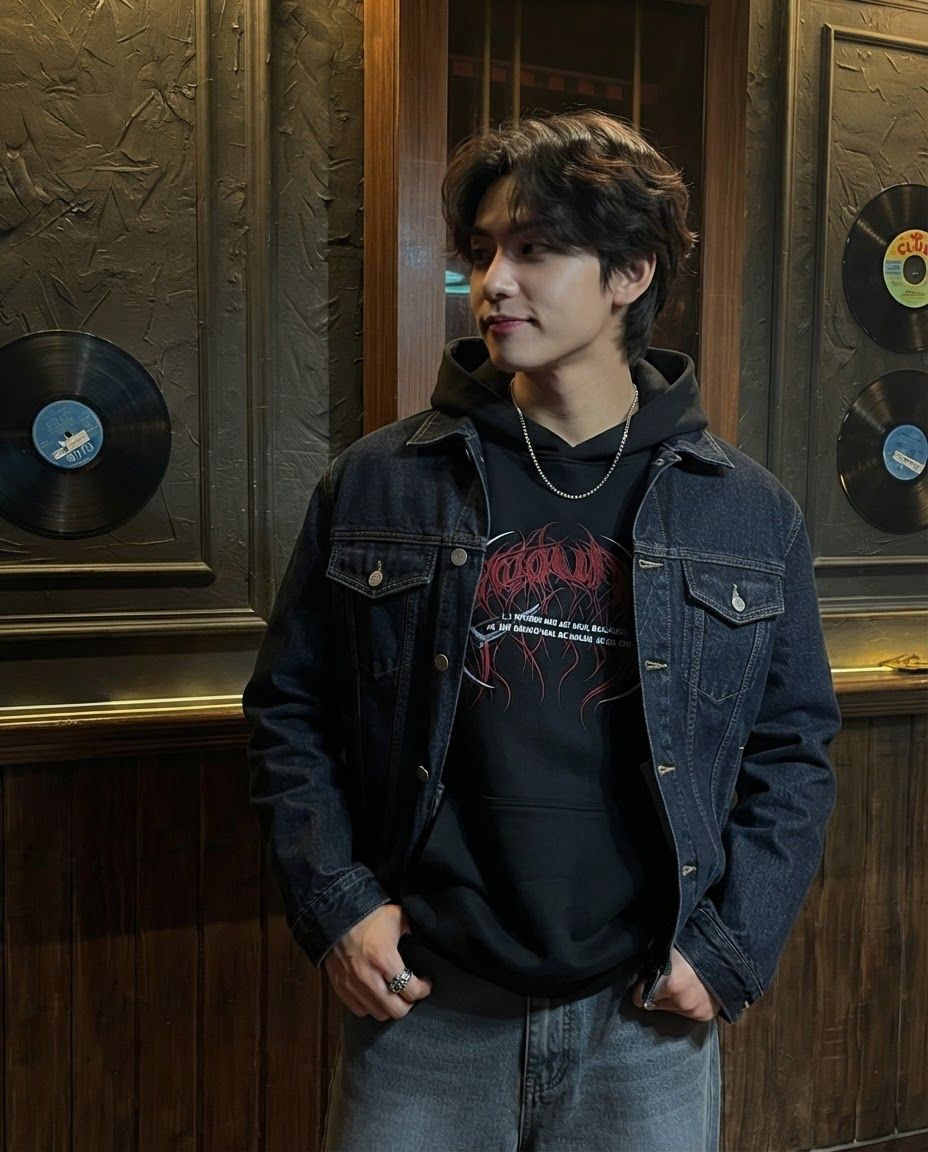
AI Design for Edit this image: Create a distinct variation of this image. Change the time of day and atmosphere. Keep the subject recognizable.. Change only what that instruction asks for, and keep everything else the same.

Edit this image: Create a distinct variation of this image. Change the time of day and atmosphere. Keep the subject recognizable.. Change only what that instruction asks for, and keep everything else the same.

by @Elephant_4893488

AI Design for Edit this image: Create a distinct variation of this image. Use a closer framing and a different styling. Keep the subject recognizable.. Change only what that instruction asks for, and keep everything else the same.

Edit this image: Create a distinct variation of this image. Use a closer framing and a different styling. Keep the subject recognizable.. Change only what that instruction asks for, and keep everything else the same.

by @Elephant_4893488

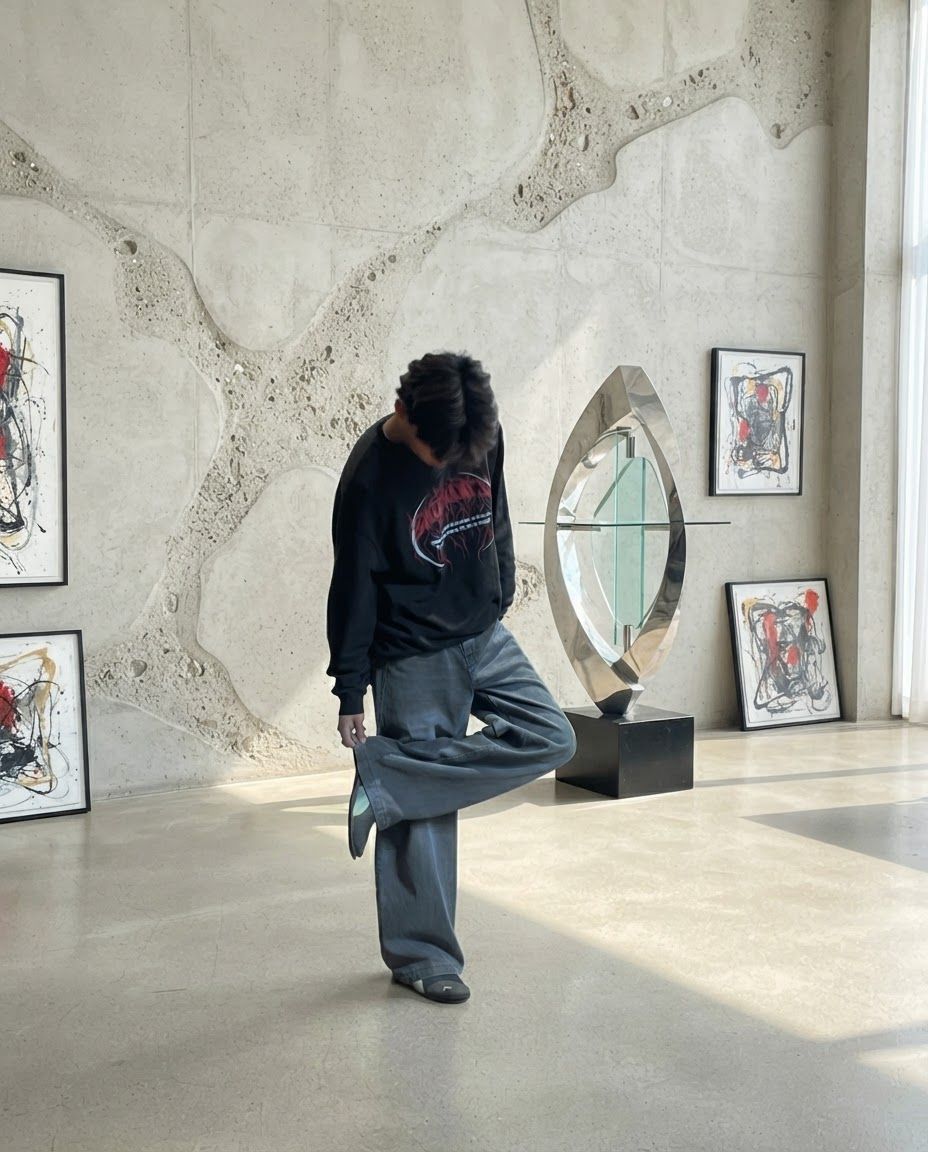
AI Design for Edit this image: Create a distinct variation of this image. Change the background and lighting. Keep the subject recognizable.. Change only what that instruction asks for, and keep everything else the same.

Edit this image: Create a distinct variation of this image. Change the background and lighting. Keep the subject recognizable.. Change only what that instruction asks for, and keep everything else the same.

by @Elephant_4893488

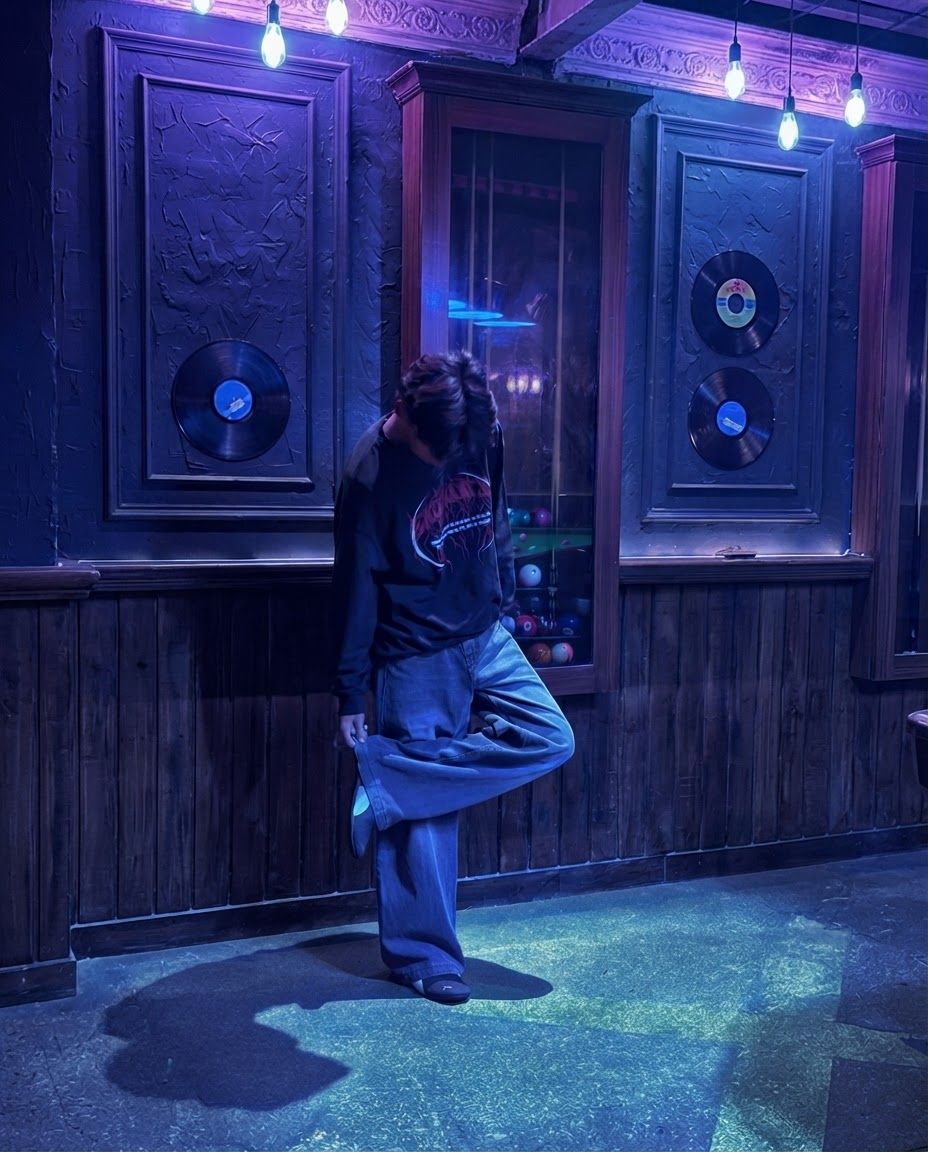
AI Design for Edit this image: Create a distinct variation of this image. Shift the color palette and mood. Keep the subject recognizable.. Change only what that instruction asks for, and keep everything else the same.

Edit this image: Create a distinct variation of this image. Shift the color palette and mood. Keep the subject recognizable.. Change only what that instruction asks for, and keep everything else the same.

by @Elephant_4893488

AI Design for Change this image to 3:4 aspect ratio.

Analyze what type of content this is and handle the transformation appropriately:
- If it's a product photo: keep the product exactly the same, only extend or crop the background
- If it has text, logos, or graphic elements: preserve all text and graphics exactly as they are
- If it's a portrait or photo of people: keep the subject intact, extend or crop the surrounding environment
- If it's a landscape or scenery: seamlessly extend or crop the natural environment
- If it's artwork or illustration: maintain the artistic style consistently

Apply the most appropriate transformation based on what you see in the image.

Change this image to 3:4 aspect ratio. Analyze what type of content this is and handle the transformation appropriately: - If it's a product photo: keep the product exactly the same, only extend or crop the background - If it has text, logos, or graphic elements: preserve all text and graphics exactly as they are - If it's a portrait or photo of people: keep the subject intact, extend or crop the surrounding environment - If it's a landscape or scenery: seamlessly extend or crop the natural environment - If it's artwork or illustration: maintain the artistic style consistently Apply the most appropriate transformation based on what you see in the image.

by @Elephant_4893488
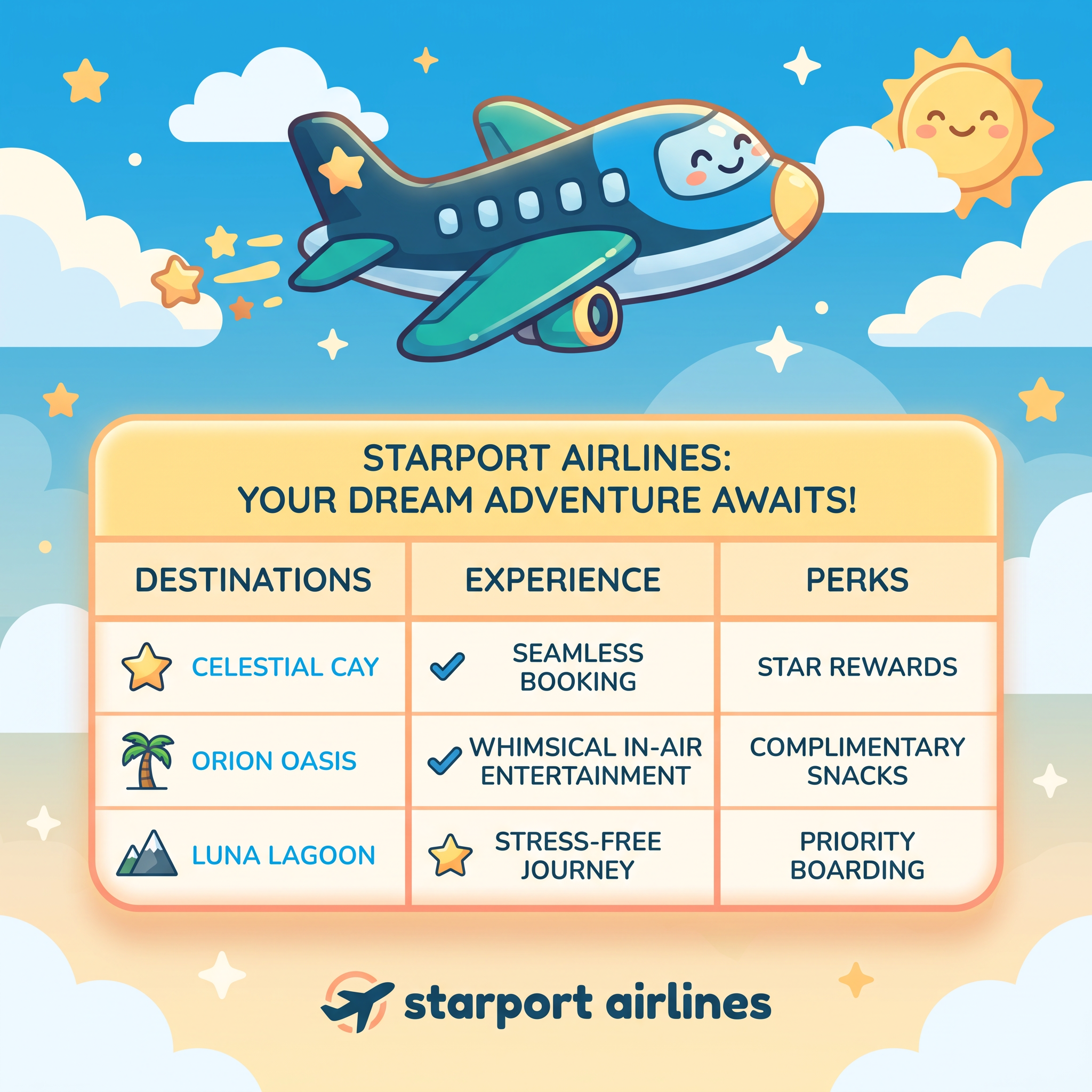
AI Design for A playful and friendly advertisement for Starport Airlines in a 1:1 square aspect ratio. The composition features a rounded, warm-toned cartoon airplane graphic at the top and a neatly organized table below with merged top row and title. The overall vibe is warm, inviting, and rounded, using soft lighting and a friendly color palette.

Apply the brand's visual system (palette, type character, mood). Do not recreate a style-guide specimen page.

Apply this brand palette in the scene, type, and backdrop (match the hues; never print the codes or a labeled swatch bar): #0C4A6E, #0EA5E9, #F0F9FF, #14B8A6, #FDE68A.

Set any lettering in a typeface matching Quicksand and Nunito (those names are the lettering style to imitate — never write them as words in the image).

Follow these custom brand instructions (design direction only — do not paint this text): Vibe: Playful: Friendly, rounded, warm, a little unexpected.
airline

Brand context: Identity: Starport Airlines is a next-generation travel platform that reimagines commercial flight booking and in-air management. By blending reliable aviation infrastructure with whimsical digital experiences, it turns the logistics of travel into a delightful adventure. Brand voice: Cheerful, reassuring, and imaginative. Core messaging: Travel should be an adventure from the moment you start dreaming about your destination. Starport Airlines takes the stress out of booking and flying, replacing it with seamless service and a touch of interstellar wonder. Visual keywords: Whimsical, buoyant, approachable, skyward, friendly Palette direction: The Ocean palette is grounded in deep, trustworthy navy, brightened by crystal-clear sky blues, and softened with airy whites. A vibrant teal brings a refreshing, modern energy, while a sunny yellow accent adds a playful, unexpected pop of warmth, making the entire journey feel welcoming and fun.

Brand colors and typefaces are production guidance only. Apply them in the design. Never paint font family names, hex codes, RGB values, Pantone codes, color-chip legends, swatch bars, typography specimens, or a style-guide page into the image. Custom brand instructions are direction, not lettering. On-image copy may only be what this brief explicitly asks to letter.

A playful and friendly advertisement for Starport Airlines in a 1:1 square aspect ratio. The composition features a rounded, warm-toned cartoon airplane graphic at the top and a neatly organized table below with merged top row and title. The overall vibe is warm, inviting, and rounded, using soft lighting and a friendly color palette. Apply the brand's visual system (palette, type character, mood). Do not recreate a style-guide specimen page. Apply this brand palette in the scene, type, and backdrop (match the hues; never print the codes or a labeled swatch bar): #0C4A6E, #0EA5E9, #F0F9FF, #14B8A6, #FDE68A. Set any lettering in a typeface matching Quicksand and Nunito (those names are the lettering style to imitate — never write them as words in the image). Follow these custom brand instructions (design direction only — do not paint this text): Vibe: Playful: Friendly, rounded, warm, a little unexpected. airline Brand context: Identity: Starport Airlines is a next-generation travel platform that reimagines commercial flight booking and in-air management. By blending reliable aviation infrastructure with whimsical digital experiences, it turns the logistics of travel into a delightful adventure. Brand voice: Cheerful, reassuring, and imaginative. Core messaging: Travel should be an adventure from the moment you start dreaming about your destination. Starport Airlines takes the stress out of booking and flying, replacing it with seamless service and a touch of interstellar wonder. Visual keywords: Whimsical, buoyant, approachable, skyward, friendly Palette direction: The Ocean palette is grounded in deep, trustworthy navy, brightened by crystal-clear sky blues, and softened with airy whites. A vibrant teal brings a refreshing, modern energy, while a sunny yellow accent adds a playful, unexpected pop of warmth, making the entire journey feel welcoming and fun. Brand colors and typefaces are production guidance only. Apply them in the design. Never paint font family names, hex codes, RGB values, Pantone codes, color-chip legends, swatch bars, typography specimens, or a style-guide page into the image. Custom brand instructions are direction, not lettering. On-image copy may only be what this brief explicitly asks to letter.

by @Elephant_9299618
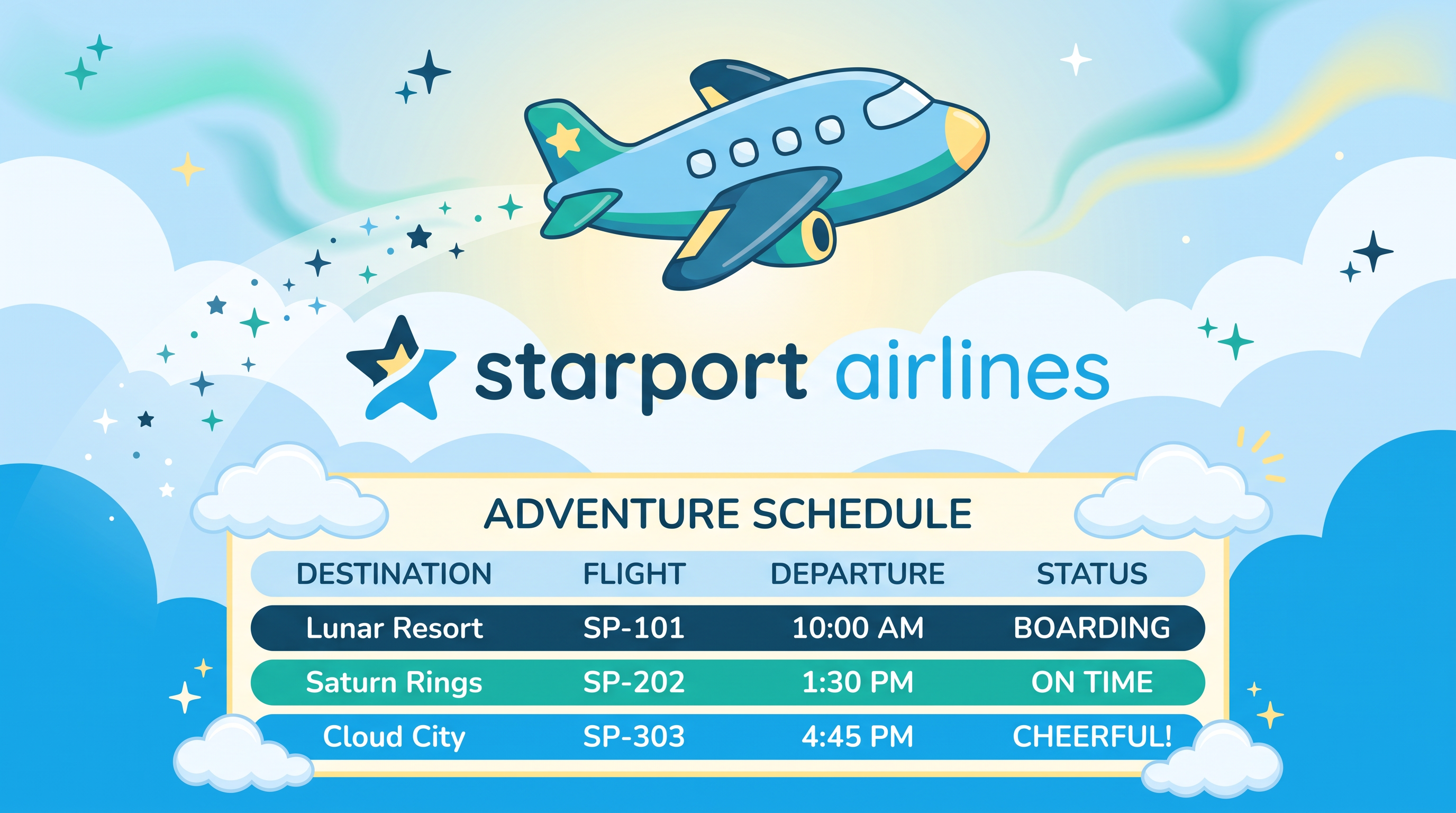
AI Design for A 16:9 widescreen advertisement for Starport Airlines set against a whimsical sky background. The scene includes a cheerful airplane illustration soaring across the top and a structured promotional schedule table integrated into the lower portion. The lighting is bright and optimistic, emphasizing a warm and welcoming mood.

Apply the brand's visual system (palette, type character, mood). Do not recreate a style-guide specimen page.

Apply this brand palette in the scene, type, and backdrop (match the hues; never print the codes or a labeled swatch bar): #0C4A6E, #0EA5E9, #F0F9FF, #14B8A6, #FDE68A.

Set any lettering in a typeface matching Quicksand and Nunito (those names are the lettering style to imitate — never write them as words in the image).

Follow these custom brand instructions (design direction only — do not paint this text): Vibe: Playful: Friendly, rounded, warm, a little unexpected.
airline

Brand context: Identity: Starport Airlines is a next-generation travel platform that reimagines commercial flight booking and in-air management. By blending reliable aviation infrastructure with whimsical digital experiences, it turns the logistics of travel into a delightful adventure. Brand voice: Cheerful, reassuring, and imaginative. Core messaging: Travel should be an adventure from the moment you start dreaming about your destination. Starport Airlines takes the stress out of booking and flying, replacing it with seamless service and a touch of interstellar wonder. Visual keywords: Whimsical, buoyant, approachable, skyward, friendly Palette direction: The Ocean palette is grounded in deep, trustworthy navy, brightened by crystal-clear sky blues, and softened with airy whites. A vibrant teal brings a refreshing, modern energy, while a sunny yellow accent adds a playful, unexpected pop of warmth, making the entire journey feel welcoming and fun.

Brand colors and typefaces are production guidance only. Apply them in the design. Never paint font family names, hex codes, RGB values, Pantone codes, color-chip legends, swatch bars, typography specimens, or a style-guide page into the image. Custom brand instructions are direction, not lettering. On-image copy may only be what this brief explicitly asks to letter.

A 16:9 widescreen advertisement for Starport Airlines set against a whimsical sky background. The scene includes a cheerful airplane illustration soaring across the top and a structured promotional schedule table integrated into the lower portion. The lighting is bright and optimistic, emphasizing a warm and welcoming mood. Apply the brand's visual system (palette, type character, mood). Do not recreate a style-guide specimen page. Apply this brand palette in the scene, type, and backdrop (match the hues; never print the codes or a labeled swatch bar): #0C4A6E, #0EA5E9, #F0F9FF, #14B8A6, #FDE68A. Set any lettering in a typeface matching Quicksand and Nunito (those names are the lettering style to imitate — never write them as words in the image). Follow these custom brand instructions (design direction only — do not paint this text): Vibe: Playful: Friendly, rounded, warm, a little unexpected. airline Brand context: Identity: Starport Airlines is a next-generation travel platform that reimagines commercial flight booking and in-air management. By blending reliable aviation infrastructure with whimsical digital experiences, it turns the logistics of travel into a delightful adventure. Brand voice: Cheerful, reassuring, and imaginative. Core messaging: Travel should be an adventure from the moment you start dreaming about your destination. Starport Airlines takes the stress out of booking and flying, replacing it with seamless service and a touch of interstellar wonder. Visual keywords: Whimsical, buoyant, approachable, skyward, friendly Palette direction: The Ocean palette is grounded in deep, trustworthy navy, brightened by crystal-clear sky blues, and softened with airy whites. A vibrant teal brings a refreshing, modern energy, while a sunny yellow accent adds a playful, unexpected pop of warmth, making the entire journey feel welcoming and fun. Brand colors and typefaces are production guidance only. Apply them in the design. Never paint font family names, hex codes, RGB values, Pantone codes, color-chip legends, swatch bars, typography specimens, or a style-guide page into the image. Custom brand instructions are direction, not lettering. On-image copy may only be what this brief explicitly asks to letter.

by @Elephant_9299618
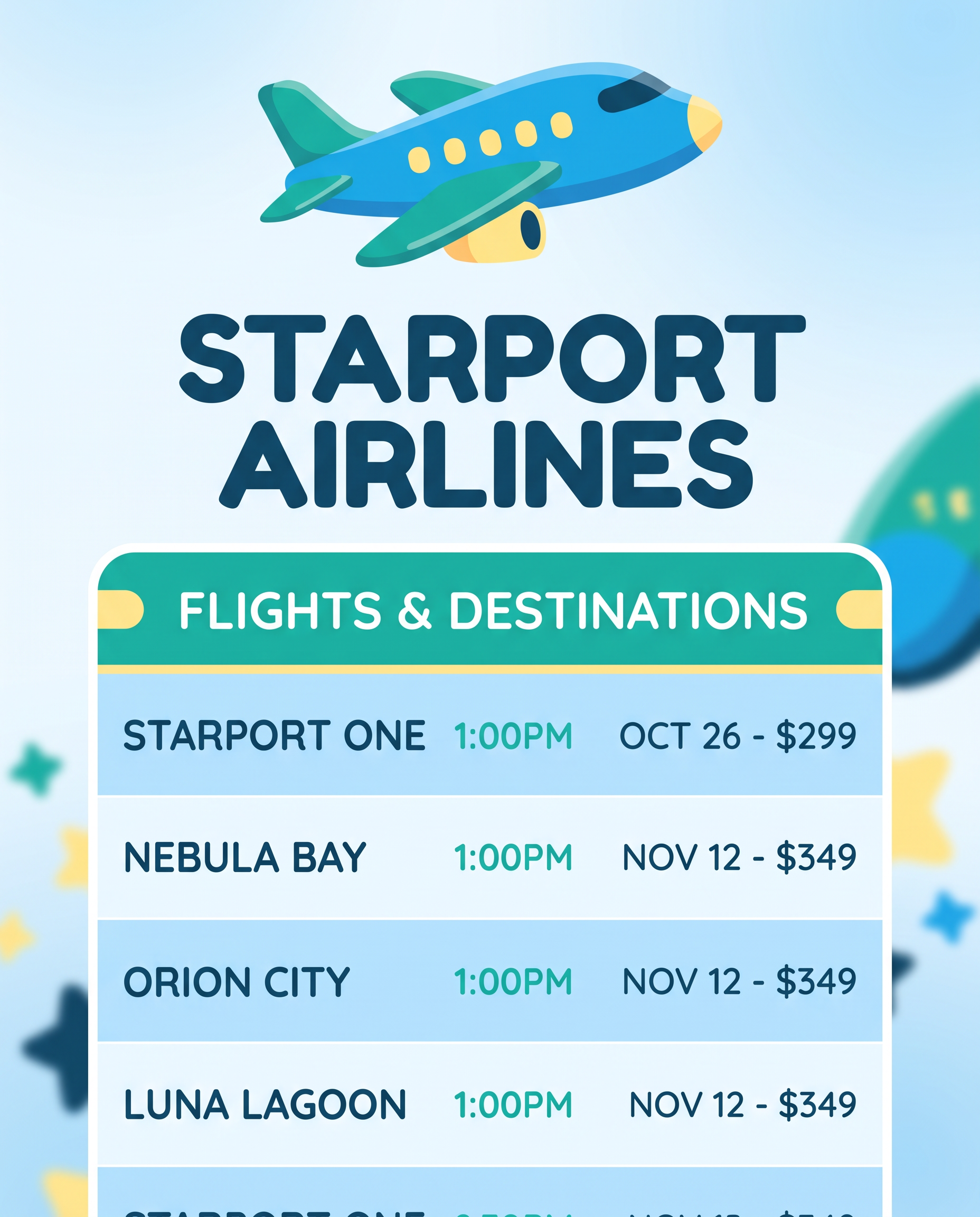
AI Design for A close-up vertical 4:5 composition focusing on the promotional table and airline graphic for Starport Airlines. The top row of the table is cleanly merged with a bold title, and the rounded airplane graphic sits just above it. The lighting is soft and even, highlighting the clean layout and playful brand elements.

Apply the brand's visual system (palette, type character, mood). Do not recreate a style-guide specimen page.

Apply this brand palette in the scene, type, and backdrop (match the hues; never print the codes or a labeled swatch bar): #0C4A6E, #0EA5E9, #F0F9FF, #14B8A6, #FDE68A.

Set any lettering in a typeface matching Quicksand and Nunito (those names are the lettering style to imitate — never write them as words in the image).

Follow these custom brand instructions (design direction only — do not paint this text): Vibe: Playful: Friendly, rounded, warm, a little unexpected.
airline

Brand context: Identity: Starport Airlines is a next-generation travel platform that reimagines commercial flight booking and in-air management. By blending reliable aviation infrastructure with whimsical digital experiences, it turns the logistics of travel into a delightful adventure. Brand voice: Cheerful, reassuring, and imaginative. Core messaging: Travel should be an adventure from the moment you start dreaming about your destination. Starport Airlines takes the stress out of booking and flying, replacing it with seamless service and a touch of interstellar wonder. Visual keywords: Whimsical, buoyant, approachable, skyward, friendly Palette direction: The Ocean palette is grounded in deep, trustworthy navy, brightened by crystal-clear sky blues, and softened with airy whites. A vibrant teal brings a refreshing, modern energy, while a sunny yellow accent adds a playful, unexpected pop of warmth, making the entire journey feel welcoming and fun.

Brand colors and typefaces are production guidance only. Apply them in the design. Never paint font family names, hex codes, RGB values, Pantone codes, color-chip legends, swatch bars, typography specimens, or a style-guide page into the image. Custom brand instructions are direction, not lettering. On-image copy may only be what this brief explicitly asks to letter.

A close-up vertical 4:5 composition focusing on the promotional table and airline graphic for Starport Airlines. The top row of the table is cleanly merged with a bold title, and the rounded airplane graphic sits just above it. The lighting is soft and even, highlighting the clean layout and playful brand elements. Apply the brand's visual system (palette, type character, mood). Do not recreate a style-guide specimen page. Apply this brand palette in the scene, type, and backdrop (match the hues; never print the codes or a labeled swatch bar): #0C4A6E, #0EA5E9, #F0F9FF, #14B8A6, #FDE68A. Set any lettering in a typeface matching Quicksand and Nunito (those names are the lettering style to imitate — never write them as words in the image). Follow these custom brand instructions (design direction only — do not paint this text): Vibe: Playful: Friendly, rounded, warm, a little unexpected. airline Brand context: Identity: Starport Airlines is a next-generation travel platform that reimagines commercial flight booking and in-air management. By blending reliable aviation infrastructure with whimsical digital experiences, it turns the logistics of travel into a delightful adventure. Brand voice: Cheerful, reassuring, and imaginative. Core messaging: Travel should be an adventure from the moment you start dreaming about your destination. Starport Airlines takes the stress out of booking and flying, replacing it with seamless service and a touch of interstellar wonder. Visual keywords: Whimsical, buoyant, approachable, skyward, friendly Palette direction: The Ocean palette is grounded in deep, trustworthy navy, brightened by crystal-clear sky blues, and softened with airy whites. A vibrant teal brings a refreshing, modern energy, while a sunny yellow accent adds a playful, unexpected pop of warmth, making the entire journey feel welcoming and fun. Brand colors and typefaces are production guidance only. Apply them in the design. Never paint font family names, hex codes, RGB values, Pantone codes, color-chip legends, swatch bars, typography specimens, or a style-guide page into the image. Custom brand instructions are direction, not lettering. On-image copy may only be what this brief explicitly asks to letter.

by @Elephant_9299618
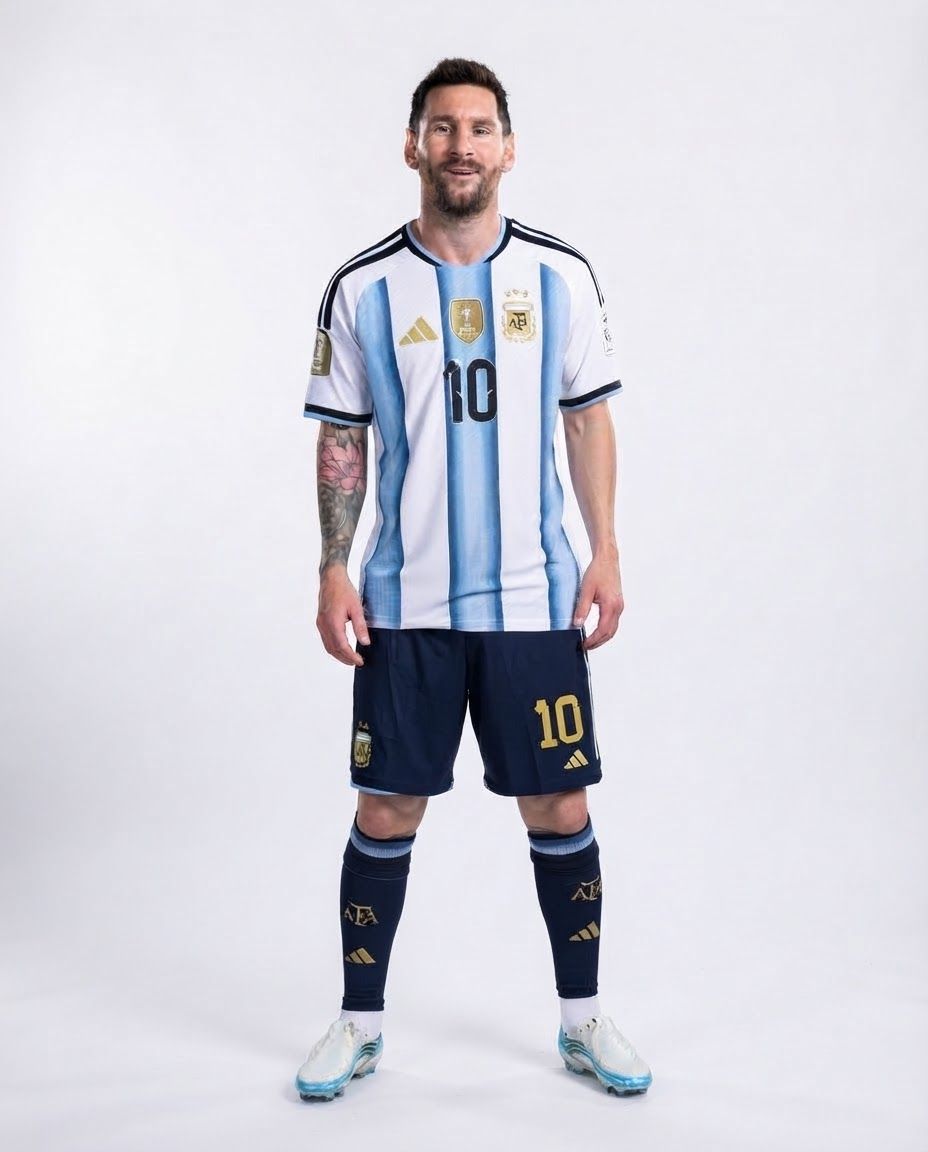
AI Design for make this image high resolution and pure  white background

make this image high resolution and pure white background

by @Elephant_3316761

AI Design for make this image high resolution and white background

make this image high resolution and white background

by @Elephant_3316761

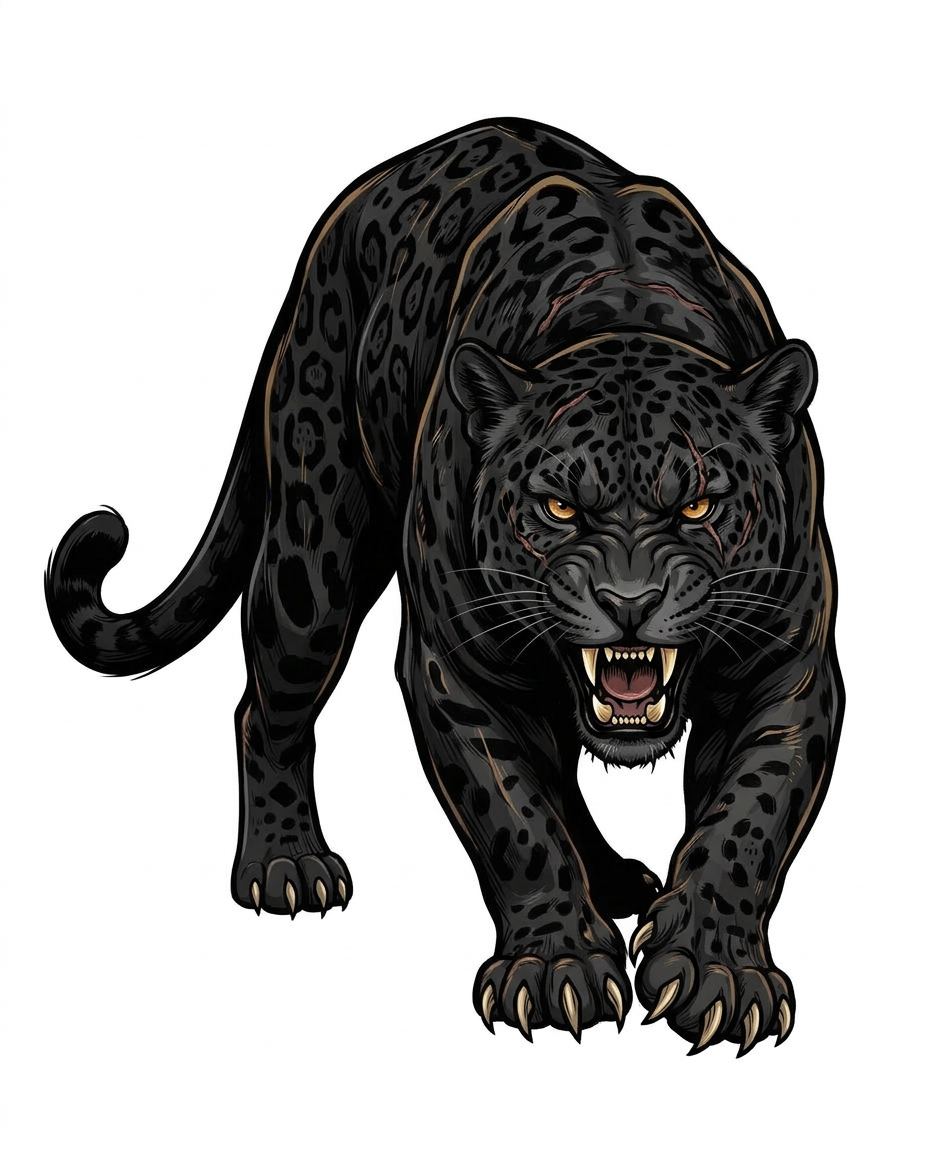
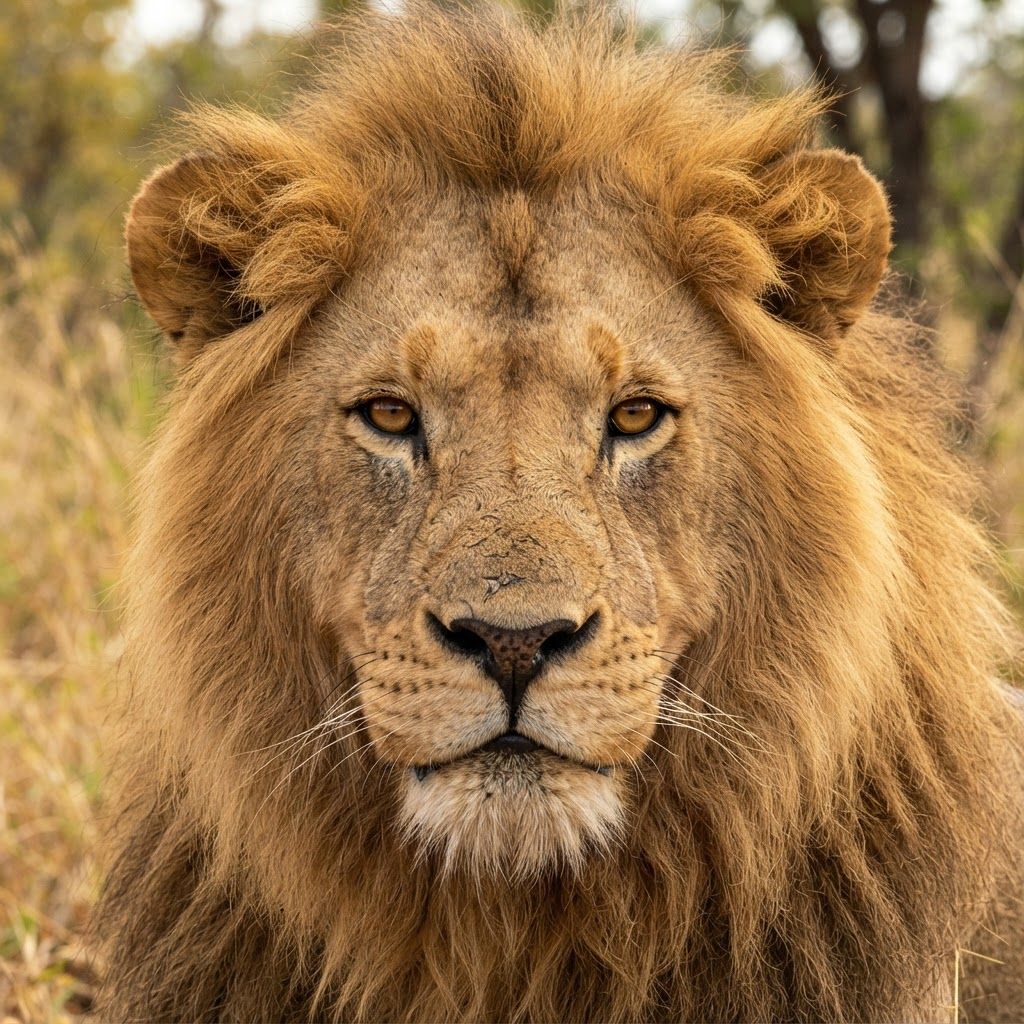
AI Design for Can you make the Jaguar look a little more aggressive and more muscular

Can you make the Jaguar look a little more aggressive and more muscular

by @Elephant_1649093

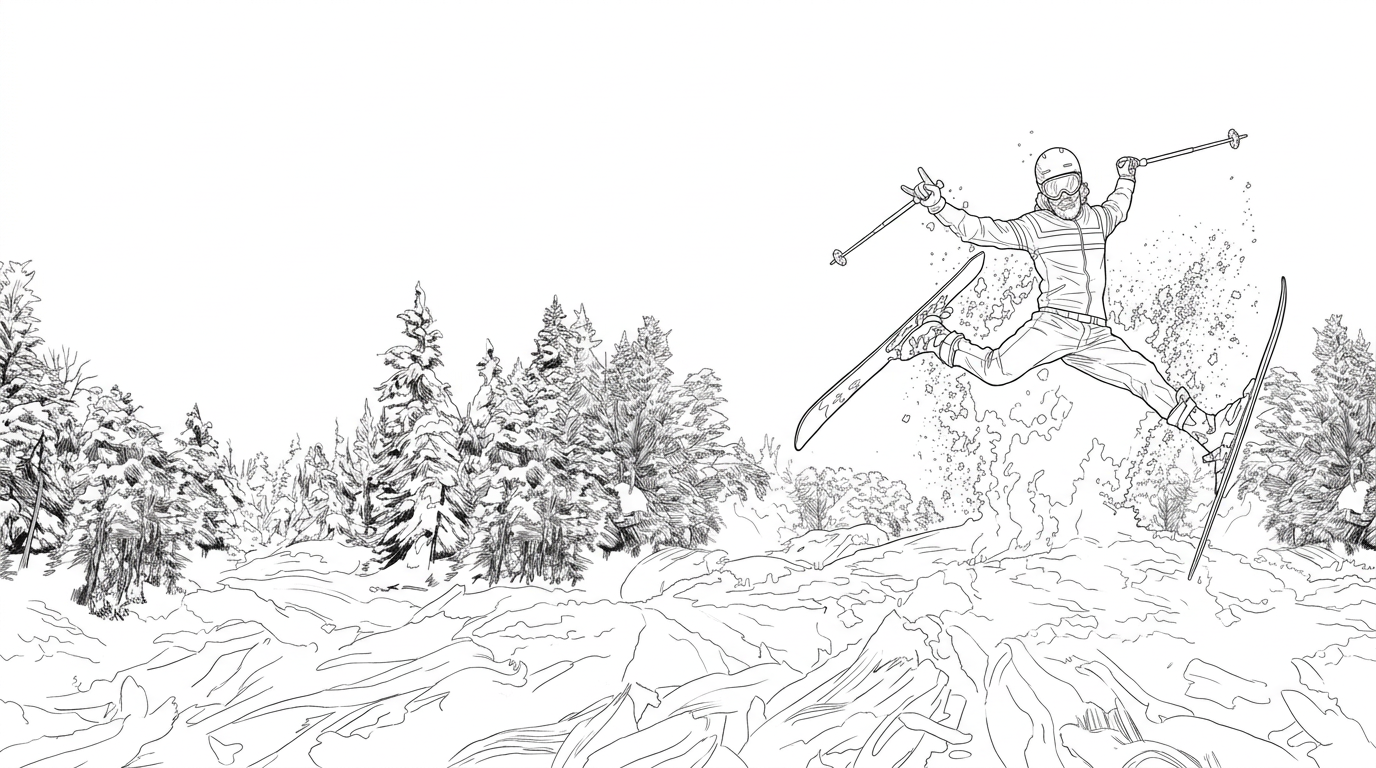
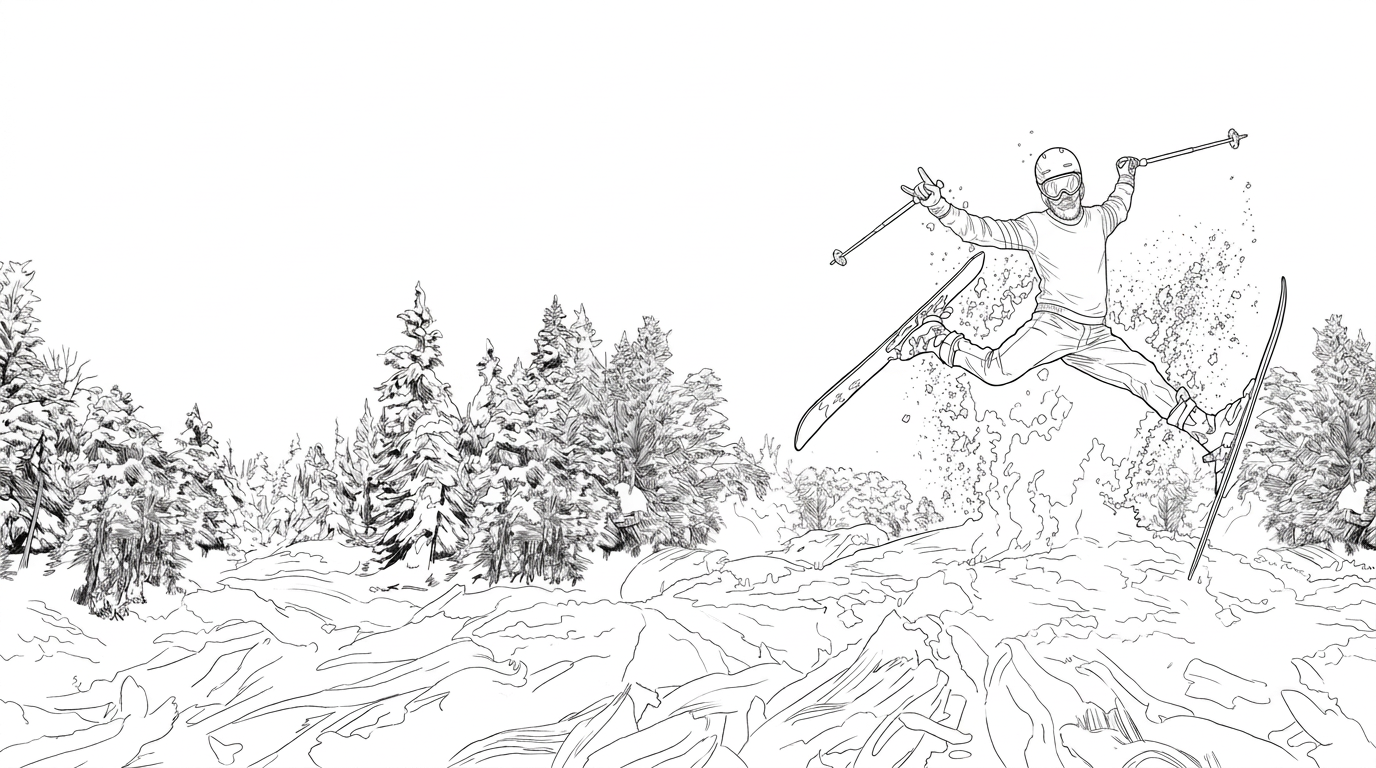
AI Design for create a highly detailed clean lineart illustration of this image

no shading only lineart

create a highly detailed clean lineart illustration of this image no shading only lineart

by @Elephant_1649093

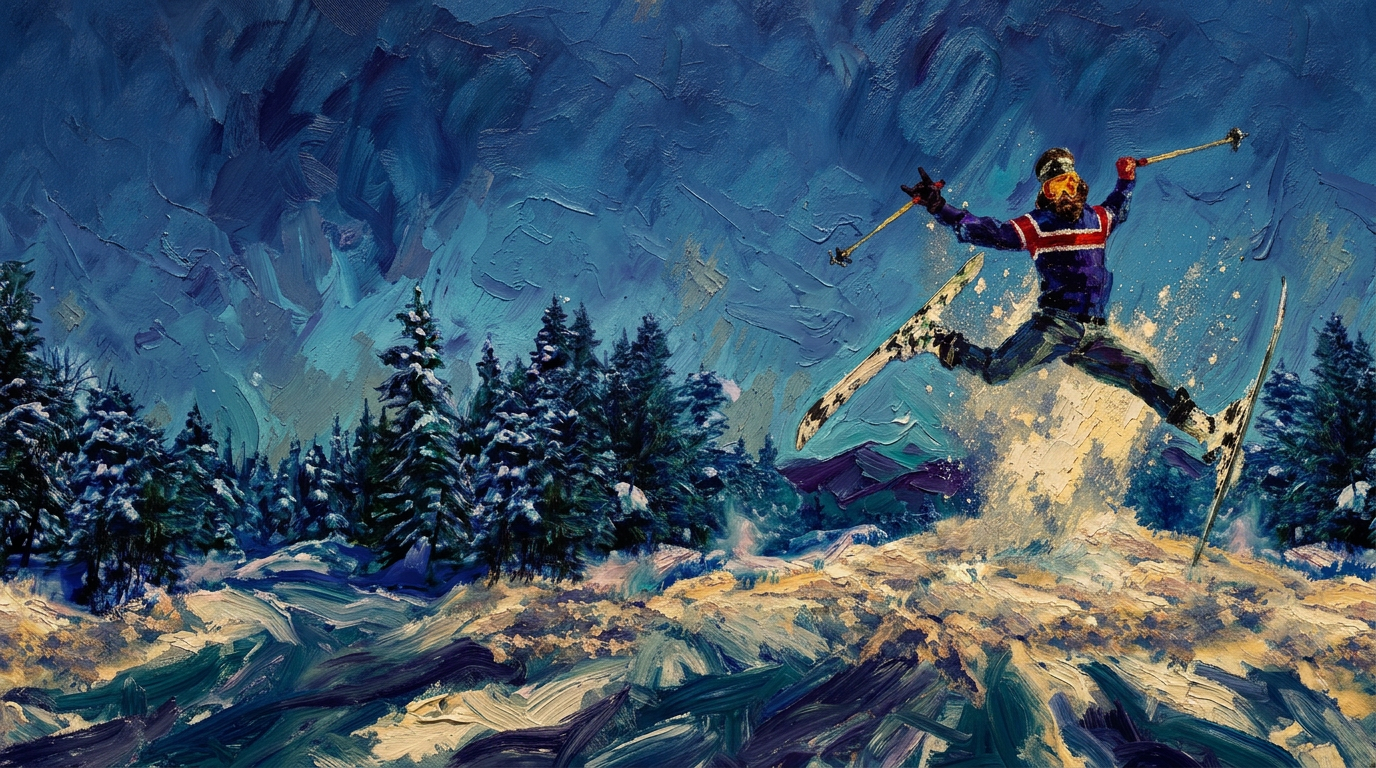
AI Design for make this more textured painterly with deeper brushtrokes and detail. dramatic colors

make this more textured painterly with deeper brushtrokes and detail. dramatic colors

by @Elephant_1649093

AI Design for Recreate the complete illustrated landscape from Reference Image 1 as a professional, entirely hand-painted landscape painting, using Reference Image 2 exclusively as the guide for painting technique, brushwork, colour blending, lighting, atmospheric depth, and painterly realism.

The final artwork must look like an original painting created by a skilled landscape artist using traditional oil paints on canvas. Preserve the distinctive scene, action, composition, and visual energy of the first reference, but completely remove its commercial graphic-design treatment.

Transform the graphic beer-can label artwork into a seamless, full-bleed fine-art painting. The landscape, trees, snow, sky, airborne skier, and snow spray must all belong to the same painted world. No section should look like a pasted illustration, digital collage, photograph, or vector graphic.

1. SCENE AND COMPOSITION — FOLLOW REFERENCE IMAGE 1

Reconstruct the complete winter skiing scene shown in Reference Image 1.

Central subject: an airborne freestyle skier

Position a single skier prominently in the upper-middle to right portion of the composition, performing an energetic airborne ski jump above a snowy mountain slope.

Preserve the dramatic, wide-legged airborne pose, with both skis extending outward in opposing diagonal directions.

The skier's arms are raised and spread apart, holding ski poles that extend diagonally through the air.

Dress the skier in a vivid blue winter jacket with strong red-and-white horizontal detailing across the chest, dark ski trousers, gloves, a helmet, and ski goggles.

Use expressive but believable anatomical proportions, with the figure convincingly suspended in midair.

Paint the skier using confident, economical brushstrokes. Build the clothing from interlocking patches of blue, navy, white, red, and subtle highlights, allowing the underpainting and directional strokes to contribute to the form.

Suggest the helmet, goggles, and facial area through painterly colour and simplified shapes rather than photographic detail.

Render both skis as long, narrow, curved forms with convincing perspective, clear separation from the snow, and crisp enough edges to remain legible against the bright sky and snow.

Retain the sense of speed, exhilaration, freedom, and playful après-ski culture.

Mountain landscape and snowy foreground

Create a sweeping winter mountain environment beneath the skier.

Fill the lower third of the composition with a broad, undulating snow-covered ski slope.

Paint the snow as a richly textured surface with sweeping directional strokes, broken patches of pale blue, icy cyan, cool grey, warm cream, and brilliant white.

Build a dynamic plume of snow beneath and behind the airborne skier, with irregular flecks, splashes, and expressive brush marks suggesting the momentum of the jump.

Include dense clusters of snow-covered evergreen trees along the lower left and right edges, framing the central action without obscuring the skier.

Give the pine trees varied heights, silhouettes, and densities. Paint their branches using layered dark blue-green, forest green, ultramarine, muted teal, and snowy white.

Allow the trees to recede naturally into the landscape, with more defined brushwork and contrast in the foreground and softer, less distinct forms farther away.

Keep the snowy terrain open and luminous around the airborne figure, creating a strong contrast between the skier, the sky, and the landscape.

Sky and atmosphere

The upper half of the scene should feature a vast, brilliant alpine blue sky.

Use rich cerulean, cobalt, turquoise, and ultramarine blue, interspersed with lighter cyan and pale blue.

Apply broad, directional brushstrokes that suggest movement in the atmosphere without becoming abstract.

Introduce subtle variations in temperature and value, with lighter passages around the airborne figure and slightly deeper blues toward the upper edges.

Integrate delicate, broken strokes of pale blue and white into the sky, echoing the loose, expressive treatment of the snow.

Maintain a bright, cold, sunlit winter atmosphere, with the clarity and vibrancy of a beautiful ski day.

2. PAINTING STYLE — FOLLOW REFERENCE IMAGE 2

Reference Image 2 is the primary reference for the painting technique. Study its balance between realistic landscape representation and clearly visible traditional brushwork.

The essential quality: painterly realism, not photorealism and not loose impressionism.

The image must appear convincing and realistic when viewed from a distance, while revealing rich, tactile brushstrokes when viewed closely.

Apply the following characteristics throughout the painting:

Visible oil-paint brushwork: Use varied, directional strokes to construct the landscape, foliage, snow, clothing, sky, and atmospheric effects.

Naturalistic colour blending: Blend adjacent colours through layered brushwork and optical colour mixing rather than smooth digital gradients.

Painterly edges: Combine soft, atmospheric transitions with selectively sharp edges around important forms. Avoid uniformly crisp outlines.

Layered paint application: Build convincing depth through overlapping strokes, varied paint thickness, subtle impasto, and occasional palette-knife-like marks.

Rich colour relationships: Create depth through shifts in hue, temperature, saturation, and value rather than artificial sharpening or excessive contrast.

Realistic light and shadow: Establish coherent daylight illuminating the snow, reflecting blue light into shaded areas and creating warmer highlights on sunlit surfaces.

Organic mark-making: Allow individual strokes to remain visible, varied, and slightly irregular. Avoid repetitive textures or mechanically generated patterns.

Traditional canvas character: Suggest a subtle, natural oil-paint surface with tactile pigment and restrained canvas texture. The painting should feel professionally finished, not rough or unfinished.

The mountain landscape, sky, snow, trees, and skier must all share this same painting language. The figure must not look photorealistic while the background looks painted, and the background must not appear like a digital texture applied over an illustration.

3. COLOUR PALETTE

Use the bold winter colours of Reference Image 1, interpreted through the sophisticated pigment handling of Reference Image 2.

Sky: Cerulean blue, cobalt blue, ultramarine, turquoise, pale cyan.

Snow: Titanium white, cool ivory, icy blue, muted lavender-grey, pale turquoise, warm cream, restrained hints of golden sunlight.

Evergreen trees: Deep forest green, blue-green, muted teal, dark olive, ultramarine shadows, broken white snow highlights.

Skier: Saturated cobalt and navy blue, vivid red, warm white, charcoal, and restrained yellow-orange reflections.

Snow spray: Bright white, pale cyan, cool blue-grey, with occasional sharp, high-value highlights.

Maintain a rich but harmonious palette. Allow colours to mix and interact through brushwork. Avoid flat, uniform colour fills, excessive digital saturation, neon effects, or artificial colour grading.

4. LIGHTING, DEPTH, AND REALISM

Use clear, natural alpine daylight.

The snow should feel luminous, substantial, and three-dimensional, with visible undulations, shadows, reflected sky colour, and broken highlights.

Create convincing atmospheric perspective through progressively softer detail and lower contrast in distant landscape elements.

Use overlapping tree silhouettes, changes in snow texture, and carefully controlled edges to establish foreground, middle ground, and background.

The skier must remain the principal focal point through contrast, placement, silhouette, and colour—not through an artificial glow, outline, or photographic cutout effect.

The overall result should feel like a masterfully executed landscape painting that captures a fleeting moment of athletic movement within an expansive winter environment.

5. COMPOSITIONAL BALANCE

Preserve the energetic, panoramic composition of Reference Image 1.

Maintain the expansive blue sky as a major compositional element.

Keep the skier large enough to read clearly, with the full body, both skis, both arms, and ski poles visible.

Preserve the dramatic diagonal movement of the skis and poles.

Use the snow-covered evergreen trees to frame the scene along the lower edges.

Balance the bright, open snowfield against the darker tree masses.

Keep the snow spray visually dynamic without overwhelming the skier.

Extend the painted landscape naturally to all four edges of the canvas.

The scene should feel expansive, spontaneous, and alive, rather than tightly cropped or artificially centred.

6. COMPLETE REMOVAL OF GRAPHIC DESIGN ELEMENTS

The final output must contain painting only.

Remove every element associated with the original beer-can label design, including:

All text, typography, lettering, slogans, and logos.

The “Brewskis” title and all brand-related graphics.

The turquoise information panel on the left.

All beer-can label borders, dividing lines, symbols, illustrations, and regulatory text.

All graphic overlays, vector shapes, badges, icons, and layout elements.

Any visible can, packaging mockup, label template, or presentation background.

Do not leave blank rectangles, flat-colour panels, faded text remnants, or unnatural gaps where the original graphics were located.

Instead, paint a continuous, uninterrupted winter landscape across the entire image. Extend the sky, snowy trees, terrain, and atmospheric details naturally through every area previously occupied by text and graphics.

Do not reserve an empty panel or create dedicated spaces for future lettering. The painting must stand alone as a complete fine-art landscape. Typography and brand elements will be added separately during the packaging-design stage.

7. OUTPUT AND FINISH

Format: Wide horizontal panoramic landscape.

Aspect ratio: Approximately 2:1, suitable for a wraparound beer-can label.

Resolution: Highest available, with sufficient detail for professional packaging reproduction.

Finish: Complete, polished, full-bleed traditional oil painting.

Surface: Subtle tactile canvas and pigment texture.

Style: Realistic landscape painting with expressive, clearly visible brushwork.

Detail: Rich close-up texture while maintaining convincing overall realism at a distance.

Edges: Painting extends fully to all four canvas edges.

Presentation: Artwork only, with no frame, mockup, border, lettering, or surrounding objects.

NEGATIVE PROMPT

Photograph, photorealistic digital composite, 3D render, CGI, vector illustration, flat graphic design, cartoon, comic-book style, cel shading, anime, airbrushed gradients, excessively smooth digital painting, plastic-looking surfaces, generic AI landscape, repetitive tree patterns, uniform brushstroke texture, excessive palette-knife abstraction, unfinished sketch, muddy colours, excessive blur, oversharpening, artificial HDR, neon colours, glowing outlines, cutout skier, inconsistent lighting, incorrect anatomy, extra limbs, missing ski poles, malformed skis, cropped skier, cropped ski tips, text, typography, logos, labels, brand marks, beer cans, packaging mockups, graphic panels, decorative borders, watermarks, signatures, or empty colour blocks.

FINAL ART DIRECTION

Create an authentic, professional oil painting of the exact winter-sports scene in Reference Image 1, painted with the naturalistic depth, sophisticated colour handling, and expressive visible brushstrokes of Reference Image 2. Preserve the airborne skier and the distinctive alpine composition while transforming the entire image into one cohesive, continuous, richly textured landscape painting.

The defining test: viewed from across a room, the image should read as a believable, beautifully composed winter landscape. Viewed up close, the individual brushstrokes, layered pigments, and tactile qualities of traditional oil paint should become clearly visible. It must look genuinely painted by hand, not like a digital illustration with a painterly filter.

Recreate the complete illustrated landscape from Reference Image 1 as a professional, entirely hand-painted landscape painting, using Reference Image 2 exclusively as the guide for painting technique, brushwork, colour blending, lighting, atmospheric depth, and painterly realism. The final artwork must look like an original painting created by a skilled landscape artist using traditional oil paints on canvas. Preserve the distinctive scene, action, composition, and visual energy of the first reference, but completely remove its commercial graphic-design treatment. Transform the graphic beer-can label artwork into a seamless, full-bleed fine-art painting. The landscape, trees, snow, sky, airborne skier, and snow spray must all belong to the same painted world. No section should look like a pasted illustration, digital collage, photograph, or vector graphic. 1. SCENE AND COMPOSITION — FOLLOW REFERENCE IMAGE 1 Reconstruct the complete winter skiing scene shown in Reference Image 1. Central subject: an airborne freestyle skier Position a single skier prominently in the upper-middle to right portion of the composition, performing an energetic airborne ski jump above a snowy mountain slope. Preserve the dramatic, wide-legged airborne pose, with both skis extending outward in opposing diagonal directions. The skier's arms are raised and spread apart, holding ski poles that extend diagonally through the air. Dress the skier in a vivid blue winter jacket with strong red-and-white horizontal detailing across the chest, dark ski trousers, gloves, a helmet, and ski goggles. Use expressive but believable anatomical proportions, with the figure convincingly suspended in midair. Paint the skier using confident, economical brushstrokes. Build the clothing from interlocking patches of blue, navy, white, red, and subtle highlights, allowing the underpainting and directional strokes to contribute to the form. Suggest the helmet, goggles, and facial area through painterly colour and simplified shapes rather than photographic detail. Render both skis as long, narrow, curved forms with convincing perspective, clear separation from the snow, and crisp enough edges to remain legible against the bright sky and snow. Retain the sense of speed, exhilaration, freedom, and playful après-ski culture. Mountain landscape and snowy foreground Create a sweeping winter mountain environment beneath the skier. Fill the lower third of the composition with a broad, undulating snow-covered ski slope. Paint the snow as a richly textured surface with sweeping directional strokes, broken patches of pale blue, icy cyan, cool grey, warm cream, and brilliant white. Build a dynamic plume of snow beneath and behind the airborne skier, with irregular flecks, splashes, and expressive brush marks suggesting the momentum of the jump. Include dense clusters of snow-covered evergreen trees along the lower left and right edges, framing the central action without obscuring the skier. Give the pine trees varied heights, silhouettes, and densities. Paint their branches using layered dark blue-green, forest green, ultramarine, muted teal, and snowy white. Allow the trees to recede naturally into the landscape, with more defined brushwork and contrast in the foreground and softer, less distinct forms farther away. Keep the snowy terrain open and luminous around the airborne figure, creating a strong contrast between the skier, the sky, and the landscape. Sky and atmosphere The upper half of the scene should feature a vast, brilliant alpine blue sky. Use rich cerulean, cobalt, turquoise, and ultramarine blue, interspersed with lighter cyan and pale blue. Apply broad, directional brushstrokes that suggest movement in the atmosphere without becoming abstract. Introduce subtle variations in temperature and value, with lighter passages around the airborne figure and slightly deeper blues toward the upper edges. Integrate delicate, broken strokes of pale blue and white into the sky, echoing the loose, expressive treatment of the snow. Maintain a bright, cold, sunlit winter atmosphere, with the clarity and vibrancy of a beautiful ski day. 2. PAINTING STYLE — FOLLOW REFERENCE IMAGE 2 Reference Image 2 is the primary reference for the painting technique. Study its balance between realistic landscape representation and clearly visible traditional brushwork. The essential quality: painterly realism, not photorealism and not loose impressionism. The image must appear convincing and realistic when viewed from a distance, while revealing rich, tactile brushstrokes when viewed closely. Apply the following characteristics throughout the painting: Visible oil-paint brushwork: Use varied, directional strokes to construct the landscape, foliage, snow, clothing, sky, and atmospheric effects. Naturalistic colour blending: Blend adjacent colours through layered brushwork and optical colour mixing rather than smooth digital gradients. Painterly edges: Combine soft, atmospheric transitions with selectively sharp edges around important forms. Avoid uniformly crisp outlines. Layered paint application: Build convincing depth through overlapping strokes, varied paint thickness, subtle impasto, and occasional palette-knife-like marks. Rich colour relationships: Create depth through shifts in hue, temperature, saturation, and value rather than artificial sharpening or excessive contrast. Realistic light and shadow: Establish coherent daylight illuminating the snow, reflecting blue light into shaded areas and creating warmer highlights on sunlit surfaces. Organic mark-making: Allow individual strokes to remain visible, varied, and slightly irregular. Avoid repetitive textures or mechanically generated patterns. Traditional canvas character: Suggest a subtle, natural oil-paint surface with tactile pigment and restrained canvas texture. The painting should feel professionally finished, not rough or unfinished. The mountain landscape, sky, snow, trees, and skier must all share this same painting language. The figure must not look photorealistic while the background looks painted, and the background must not appear like a digital texture applied over an illustration. 3. COLOUR PALETTE Use the bold winter colours of Reference Image 1, interpreted through the sophisticated pigment handling of Reference Image 2. Sky: Cerulean blue, cobalt blue, ultramarine, turquoise, pale cyan. Snow: Titanium white, cool ivory, icy blue, muted lavender-grey, pale turquoise, warm cream, restrained hints of golden sunlight. Evergreen trees: Deep forest green, blue-green, muted teal, dark olive, ultramarine shadows, broken white snow highlights. Skier: Saturated cobalt and navy blue, vivid red, warm white, charcoal, and restrained yellow-orange reflections. Snow spray: Bright white, pale cyan, cool blue-grey, with occasional sharp, high-value highlights. Maintain a rich but harmonious palette. Allow colours to mix and interact through brushwork. Avoid flat, uniform colour fills, excessive digital saturation, neon effects, or artificial colour grading. 4. LIGHTING, DEPTH, AND REALISM Use clear, natural alpine daylight. The snow should feel luminous, substantial, and three-dimensional, with visible undulations, shadows, reflected sky colour, and broken highlights. Create convincing atmospheric perspective through progressively softer detail and lower contrast in distant landscape elements. Use overlapping tree silhouettes, changes in snow texture, and carefully controlled edges to establish foreground, middle ground, and background. The skier must remain the principal focal point through contrast, placement, silhouette, and colour—not through an artificial glow, outline, or photographic cutout effect. The overall result should feel like a masterfully executed landscape painting that captures a fleeting moment of athletic movement within an expansive winter environment. 5. COMPOSITIONAL BALANCE Preserve the energetic, panoramic composition of Reference Image 1. Maintain the expansive blue sky as a major compositional element. Keep the skier large enough to read clearly, with the full body, both skis, both arms, and ski poles visible. Preserve the dramatic diagonal movement of the skis and poles. Use the snow-covered evergreen trees to frame the scene along the lower edges. Balance the bright, open snowfield against the darker tree masses. Keep the snow spray visually dynamic without overwhelming the skier. Extend the painted landscape naturally to all four edges of the canvas. The scene should feel expansive, spontaneous, and alive, rather than tightly cropped or artificially centred. 6. COMPLETE REMOVAL OF GRAPHIC DESIGN ELEMENTS The final output must contain painting only. Remove every element associated with the original beer-can label design, including: All text, typography, lettering, slogans, and logos. The “Brewskis” title and all brand-related graphics. The turquoise information panel on the left. All beer-can label borders, dividing lines, symbols, illustrations, and regulatory text. All graphic overlays, vector shapes, badges, icons, and layout elements. Any visible can, packaging mockup, label template, or presentation background. Do not leave blank rectangles, flat-colour panels, faded text remnants, or unnatural gaps where the original graphics were located. Instead, paint a continuous, uninterrupted winter landscape across the entire image. Extend the sky, snowy trees, terrain, and atmospheric details naturally through every area previously occupied by text and graphics. Do not reserve an empty panel or create dedicated spaces for future lettering. The painting must stand alone as a complete fine-art landscape. Typography and brand elements will be added separately during the packaging-design stage. 7. OUTPUT AND FINISH Format: Wide horizontal panoramic landscape. Aspect ratio: Approximately 2:1, suitable for a wraparound beer-can label. Resolution: Highest available, with sufficient detail for professional packaging reproduction. Finish: Complete, polished, full-bleed traditional oil painting. Surface: Subtle tactile canvas and pigment texture. Style: Realistic landscape painting with expressive, clearly visible brushwork. Detail: Rich close-up texture while maintaining convincing overall realism at a distance. Edges: Painting extends fully to all four canvas edges. Presentation: Artwork only, with no frame, mockup, border, lettering, or surrounding objects. NEGATIVE PROMPT Photograph, photorealistic digital composite, 3D render, CGI, vector illustration, flat graphic design, cartoon, comic-book style, cel shading, anime, airbrushed gradients, excessively smooth digital painting, plastic-looking surfaces, generic AI landscape, repetitive tree patterns, uniform brushstroke texture, excessive palette-knife abstraction, unfinished sketch, muddy colours, excessive blur, oversharpening, artificial HDR, neon colours, glowing outlines, cutout skier, inconsistent lighting, incorrect anatomy, extra limbs, missing ski poles, malformed skis, cropped skier, cropped ski tips, text, typography, logos, labels, brand marks, beer cans, packaging mockups, graphic panels, decorative borders, watermarks, signatures, or empty colour blocks. FINAL ART DIRECTION Create an authentic, professional oil painting of the exact winter-sports scene in Reference Image 1, painted with the naturalistic depth, sophisticated colour handling, and expressive visible brushstrokes of Reference Image 2. Preserve the airborne skier and the distinctive alpine composition while transforming the entire image into one cohesive, continuous, richly textured landscape painting. The defining test: viewed from across a room, the image should read as a believable, beautifully composed winter landscape. Viewed up close, the individual brushstrokes, layered pigments, and tactile qualities of traditional oil paint should become clearly visible. It must look genuinely painted by hand, not like a digital illustration with a painterly filter.

by @Elephant_1649093
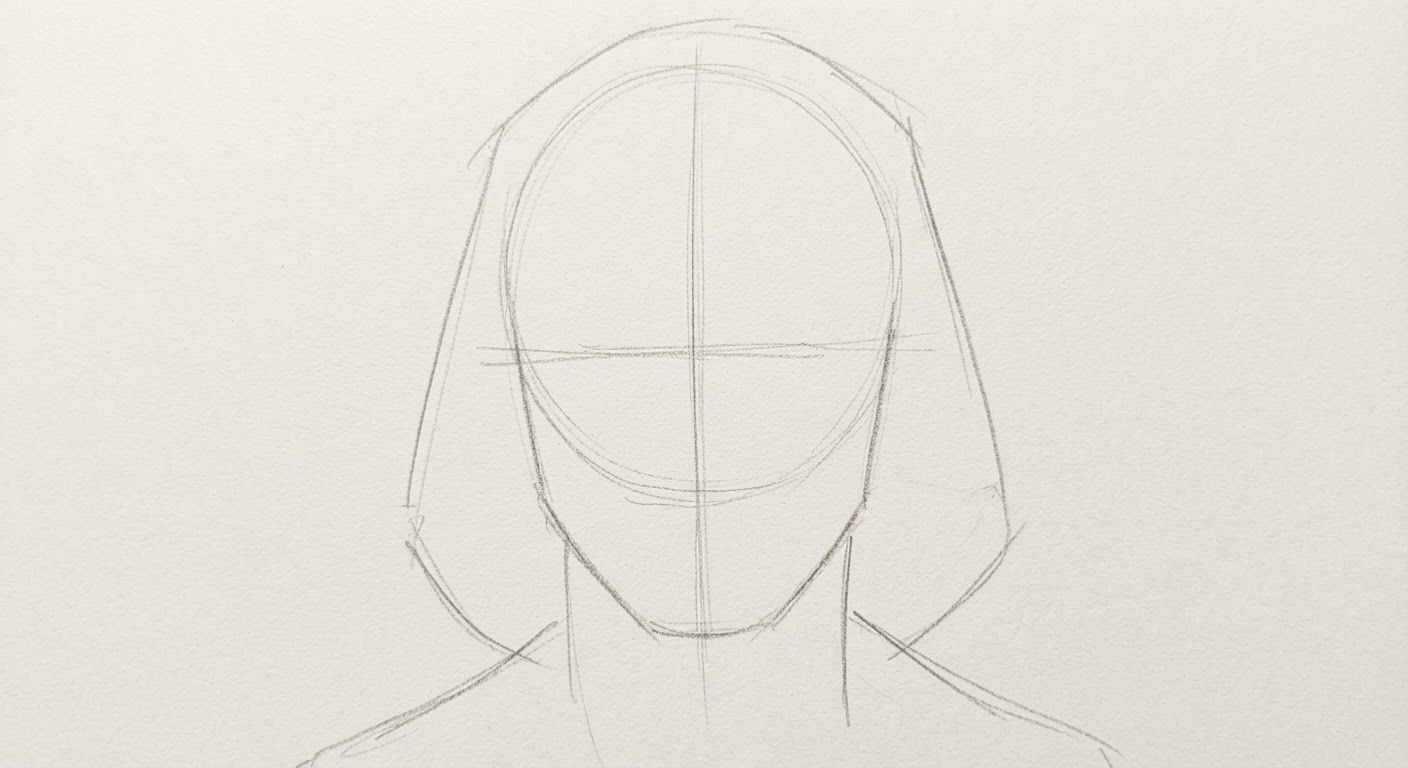
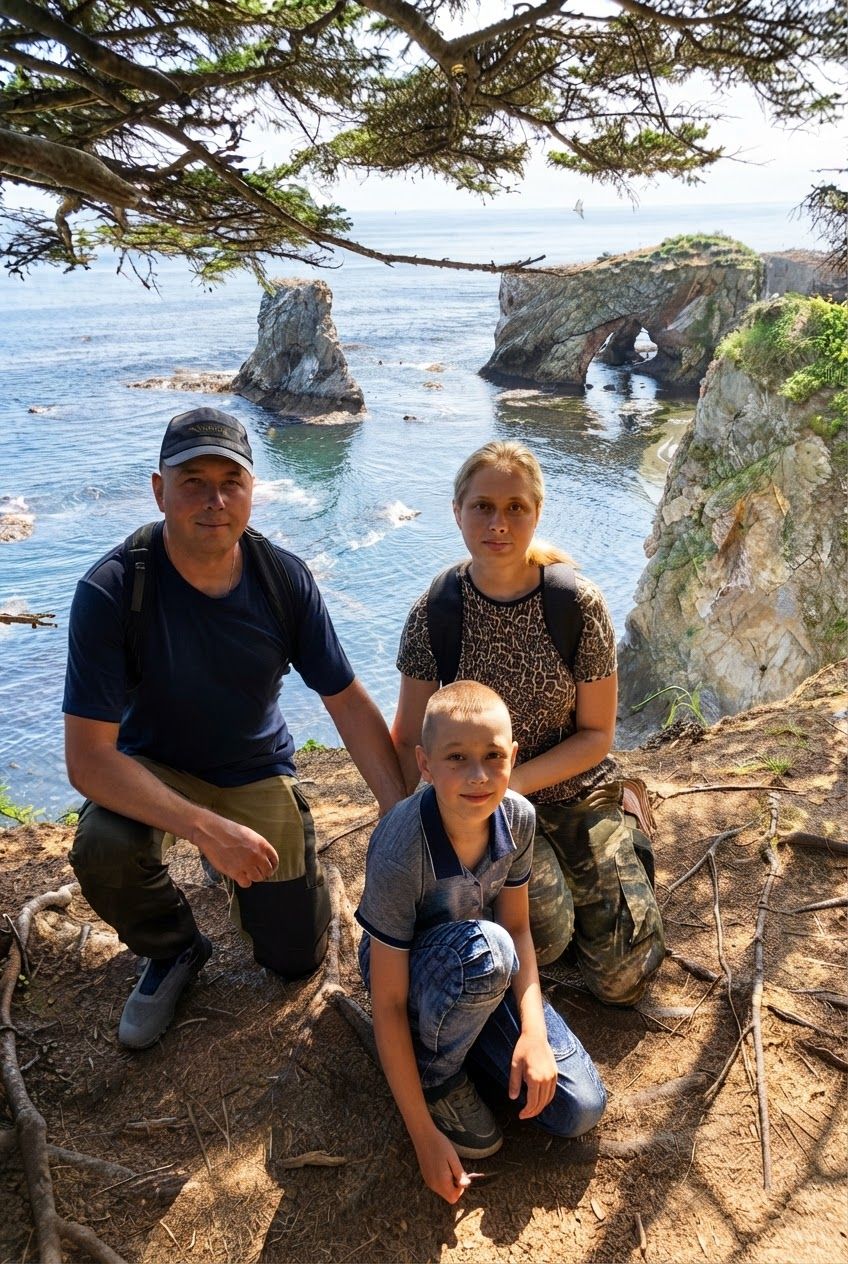
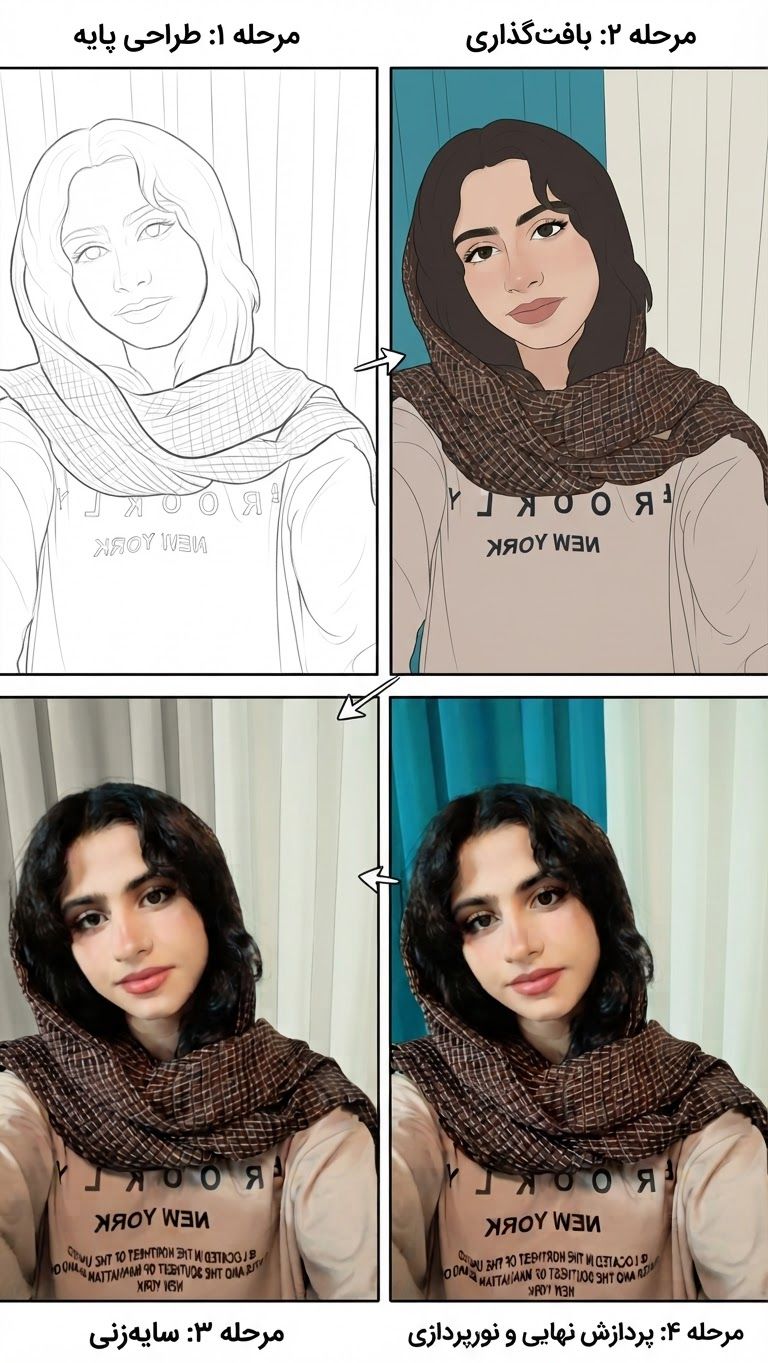
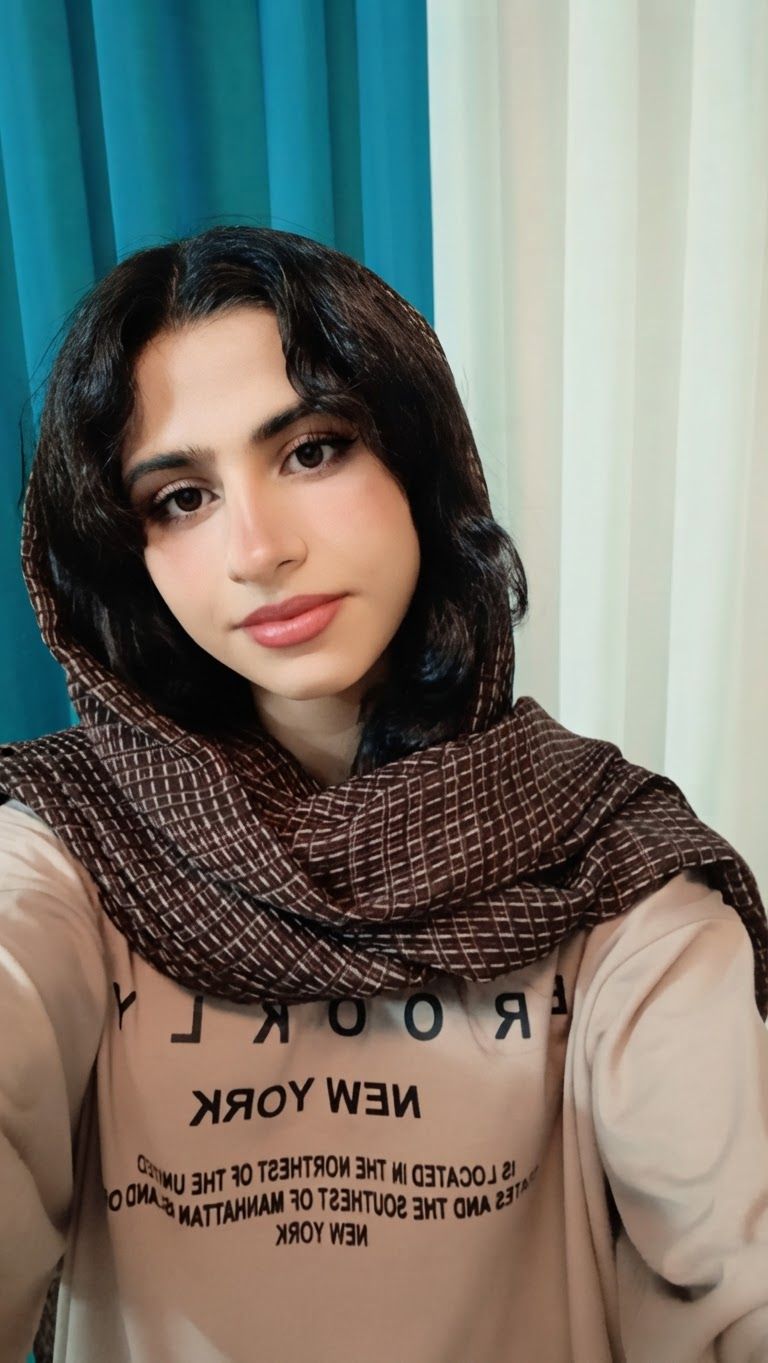
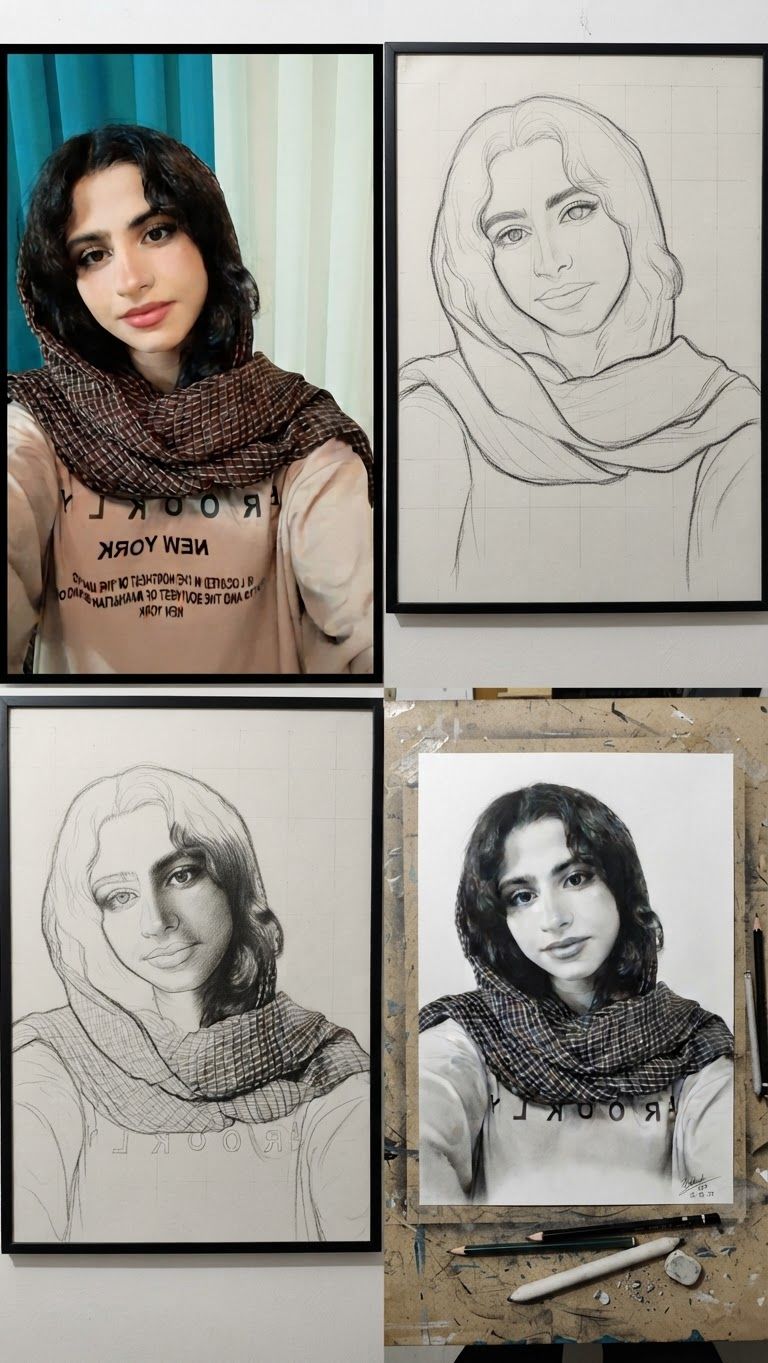
AI Design for Edit this image: Do not just remove the colors from my photo or turn it into an outline. I want you to TEACH ME HOW TO DRAW THIS FACE FROM SCRATCH.

Create a series of separate step-by-step pencil drawing images based on my uploaded photo.

Step 1: Draw simple guidelines and basic shapes.
Step 2: Build the head shape and facial proportions.
Step 3: Draw the eyes and eyebrows.
Step 4: Draw the nose.
Step 5: Draw the lips and mouth.
Step 6: Draw the ears and hair.
Step 7: Add all small facial details.
Step 8: Add realistic pencil shading, shadows, and highlights.
Step 9: Complete the final realistic graphite portrait.

Show each step as a NEW, SEPARATE IMAGE. Each image must show the actual drawing progress, with previous steps preserved and new pencil strokes added.

Keep the person's face recognizable and faithful to my original photo.

I need a real drawing tutorial that I can copy onto paper, NOT a filtered photo, NOT an outline, and NOT a simple black-and-white conversion.

Start by generating Step 1 only, then continue with each following step in order.. Change only what that instruction asks for, and keep everything else the same.

Edit this image: Do not just remove the colors from my photo or turn it into an outline. I want you to TEACH ME HOW TO DRAW THIS FACE FROM SCRATCH. Create a series of separate step-by-step pencil drawing images based on my uploaded photo. Step 1: Draw simple guidelines and basic shapes. Step 2: Build the head shape and facial proportions. Step 3: Draw the eyes and eyebrows. Step 4: Draw the nose. Step 5: Draw the lips and mouth. Step 6: Draw the ears and hair. Step 7: Add all small facial details. Step 8: Add realistic pencil shading, shadows, and highlights. Step 9: Complete the final realistic graphite portrait. Show each step as a NEW, SEPARATE IMAGE. Each image must show the actual drawing progress, with previous steps preserved and new pencil strokes added. Keep the person's face recognizable and faithful to my original photo. I need a real drawing tutorial that I can copy onto paper, NOT a filtered photo, NOT an outline, and NOT a simple black-and-white conversion. Start by generating Step 1 only, then continue with each following step in order.. Change only what that instruction asks for, and keep everything else the same.

by @Elephant_5180853
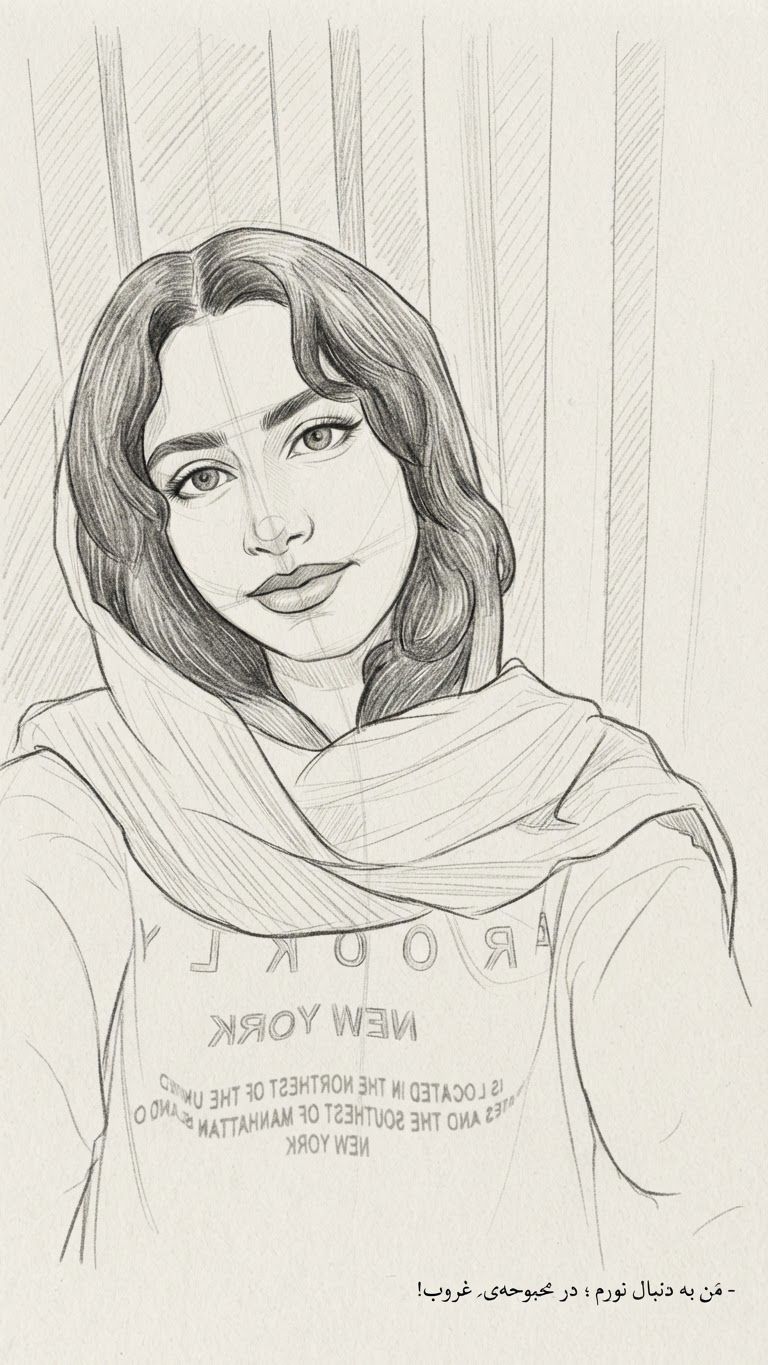
AI Design for Edit this image: Continue drawing the exact face from my uploaded photo. You have only completed the basic construction stage. Now create the NEXT drawing stage as a new, separate image.

Do not restart from the beginning. Do not show only the basic sketch. Do not skip ahead to the finished portrait.

In each new image, keep all the previous drawing lines and add the next details gradually. Progress through the head outline, eyes, eyebrows, nose, lips, ears, hair, facial details, realistic pencil shading, and final portrait.

Each stage must be a separate, clear, black-and-white pencil drawing that I can copy onto paper.

After completing each stage, continue with the next stage until the entire portrait is finished. I need the complete drawing process from beginning to end, not just one image.. Change only what that instruction asks for, and keep everything else the same.

Edit this image: Continue drawing the exact face from my uploaded photo. You have only completed the basic construction stage. Now create the NEXT drawing stage as a new, separate image. Do not restart from the beginning. Do not show only the basic sketch. Do not skip ahead to the finished portrait. In each new image, keep all the previous drawing lines and add the next details gradually. Progress through the head outline, eyes, eyebrows, nose, lips, ears, hair, facial details, realistic pencil shading, and final portrait. Each stage must be a separate, clear, black-and-white pencil drawing that I can copy onto paper. After completing each stage, continue with the next stage until the entire portrait is finished. I need the complete drawing process from beginning to end, not just one image.. Change only what that instruction asks for, and keep everything else the same.

by @Elephant_5180853
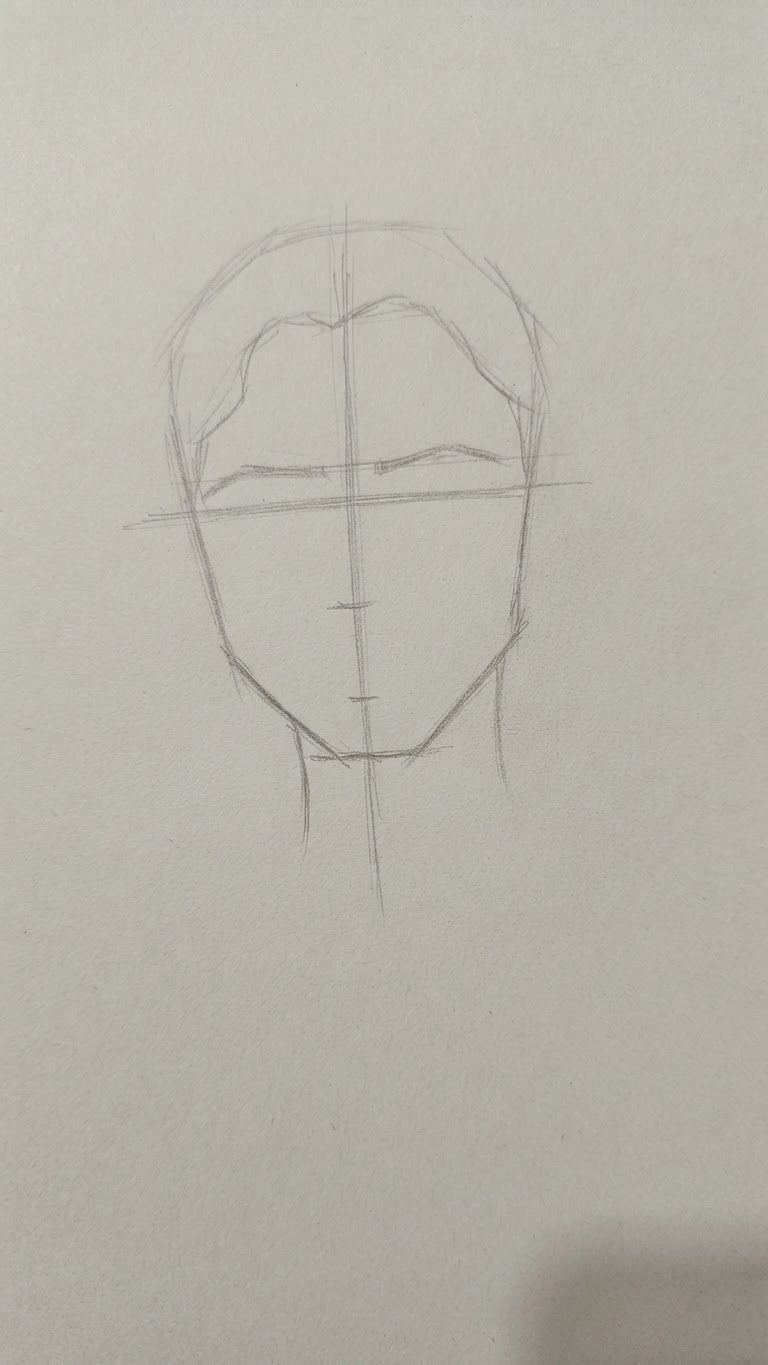
AI Design for Edit this image: I will upload a photo of a person's face. Please turn this exact photo into a complete step-by-step pencil drawing tutorial, from start to finish, so I can draw it by hand on paper.

Create a separate image for each step, in the correct drawing order:

1. Basic construction lines and face proportions.
2. Head shape and facial outline.
3. Eyes, eyebrows, and eyelids.
4. Nose and nostrils.
5. Lips and mouth.
6. Ears and hair outline.
7. Hair strands and facial details.
8. Light and dark shading, shadows, and highlights.
9. Final realistic pencil portrait.

IMPORTANT:

- Use my uploaded photo as the exact reference.
- Preserve the person's identity, facial features, proportions, and expression.
- Show each step as a separate, clear image.
- Keep all previous steps visible and add only the new drawing elements in each image.
- Use a realistic graphite pencil and black-and-white style.
- Make the instructions suitable for a beginner.
- Do not skip any steps.
- Do not give me only the finished portrait. I need every intermediate drawing stage so I can copy each one onto paper.

Start with Step 1 and show all stages in order until the final portrait.. Change only what that instruction asks for, and keep everything else the same.

Edit this image: I will upload a photo of a person's face. Please turn this exact photo into a complete step-by-step pencil drawing tutorial, from start to finish, so I can draw it by hand on paper. Create a separate image for each step, in the correct drawing order: 1. Basic construction lines and face proportions. 2. Head shape and facial outline. 3. Eyes, eyebrows, and eyelids. 4. Nose and nostrils. 5. Lips and mouth. 6. Ears and hair outline. 7. Hair strands and facial details. 8. Light and dark shading, shadows, and highlights. 9. Final realistic pencil portrait. IMPORTANT: - Use my uploaded photo as the exact reference. - Preserve the person's identity, facial features, proportions, and expression. - Show each step as a separate, clear image. - Keep all previous steps visible and add only the new drawing elements in each image. - Use a realistic graphite pencil and black-and-white style. - Make the instructions suitable for a beginner. - Do not skip any steps. - Do not give me only the finished portrait. I need every intermediate drawing stage so I can copy each one onto paper. Start with Step 1 and show all stages in order until the final portrait.. Change only what that instruction asks for, and keep everything else the same.

by @Elephant_5180853
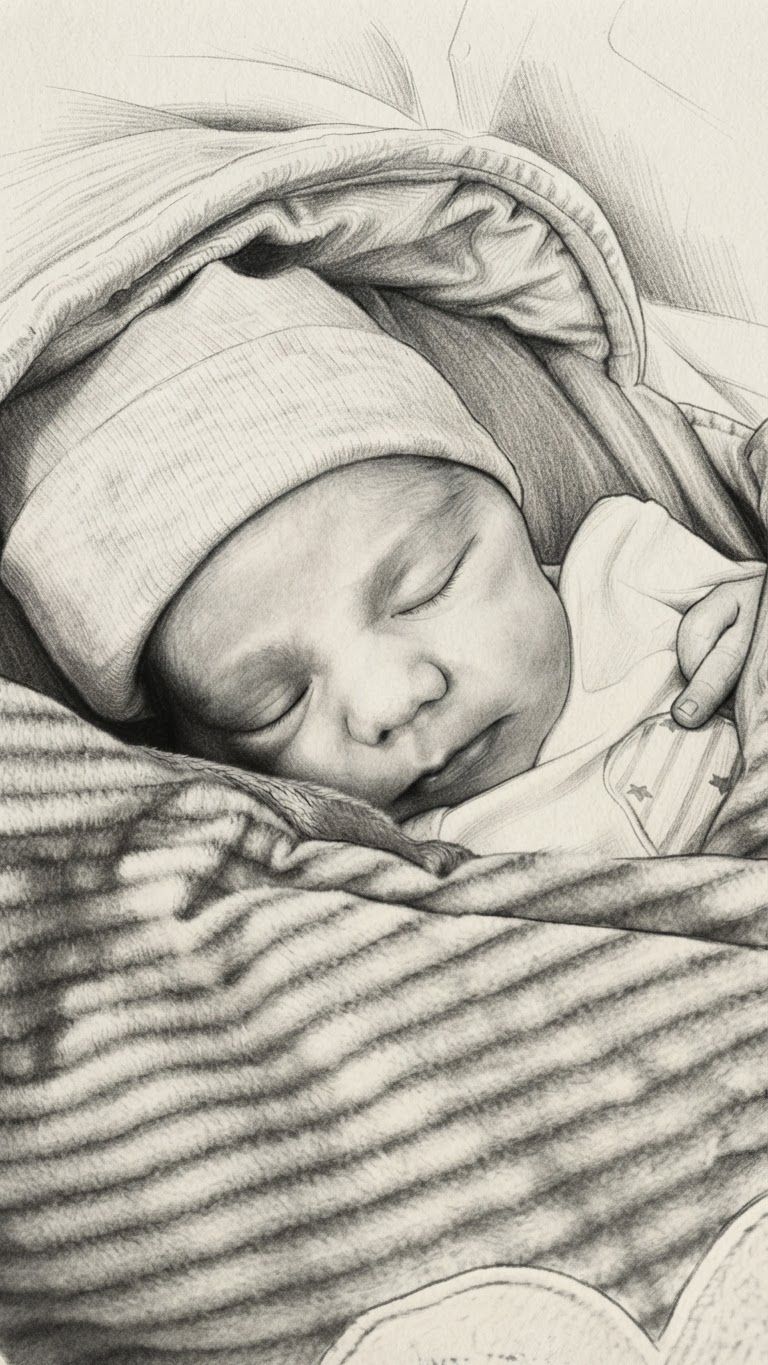
AI Design for Edit this image: برای سیاهقلم. Change only what that instruction asks for, and keep everything else the same.

Edit this image: برای سیاهقلم. Change only what that instruction asks for, and keep everything else the same.

by @Elephant_5180853
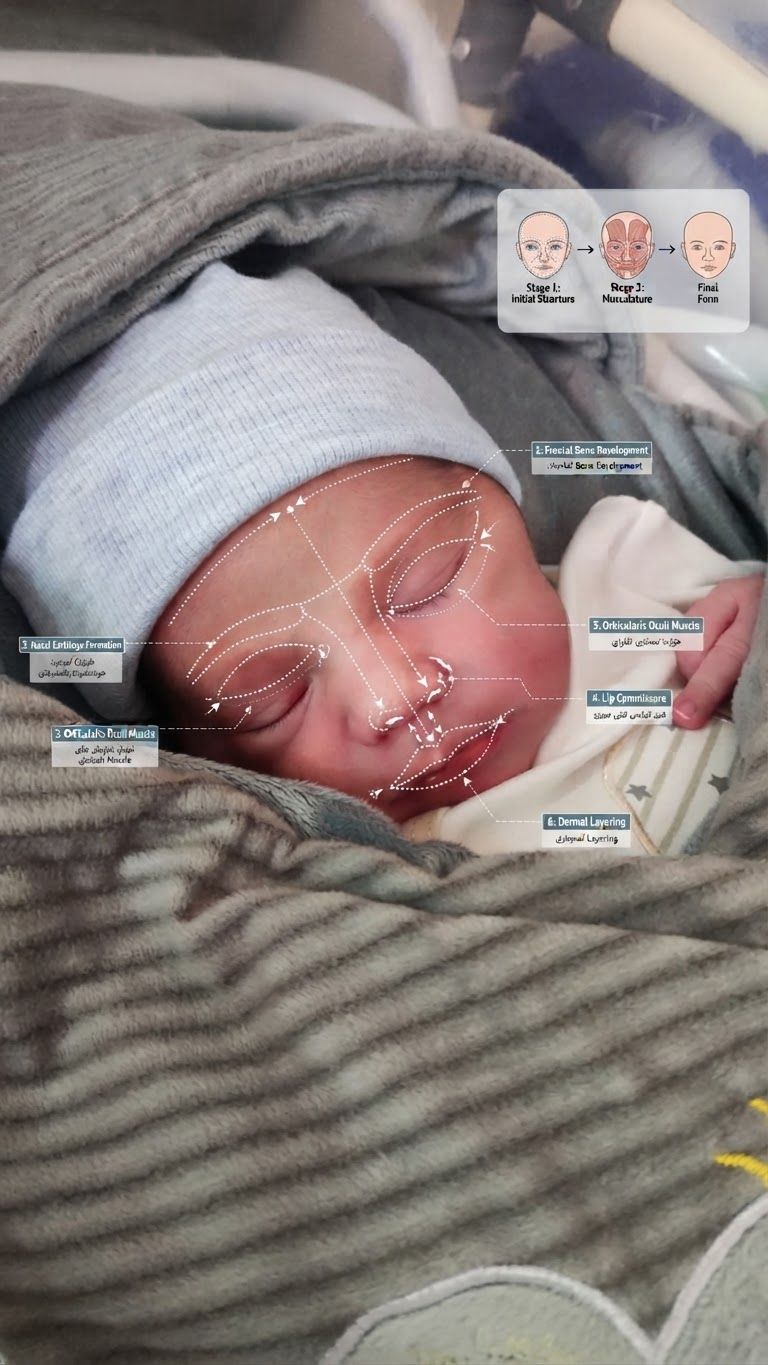
AI Design for Edit this image: طراحی مرحله ب مرحله چهر بساز. Change only what that instruction asks for, and keep everything else the same.

Edit this image: طراحی مرحله ب مرحله چهر بساز. Change only what that instruction asks for, and keep everything else the same.

by @Elephant_5180853
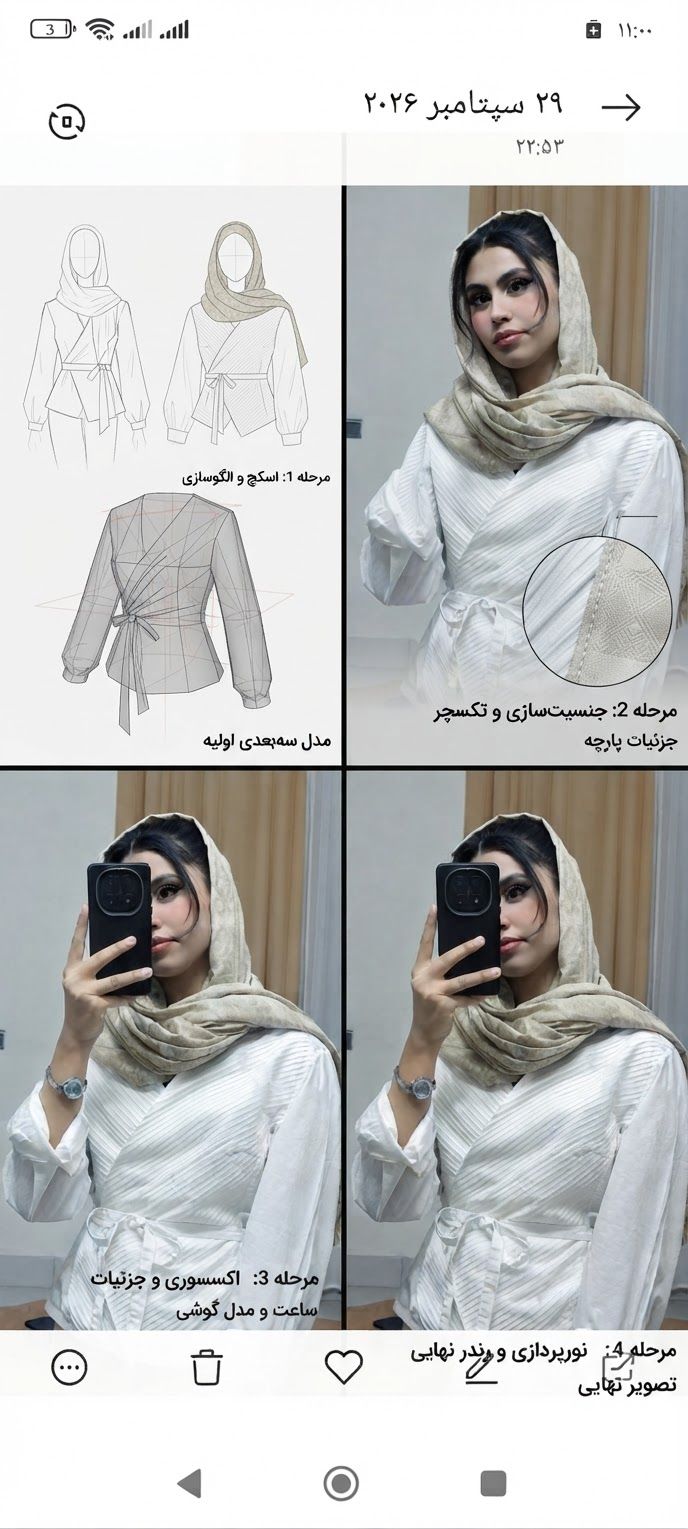
AI Design for Edit this image: مرحله ب مرحله طراحیشو بساز. Change only what that instruction asks for, and keep everything else the same.

Edit this image: مرحله ب مرحله طراحیشو بساز. Change only what that instruction asks for, and keep everything else the same.

by @Elephant_5180853
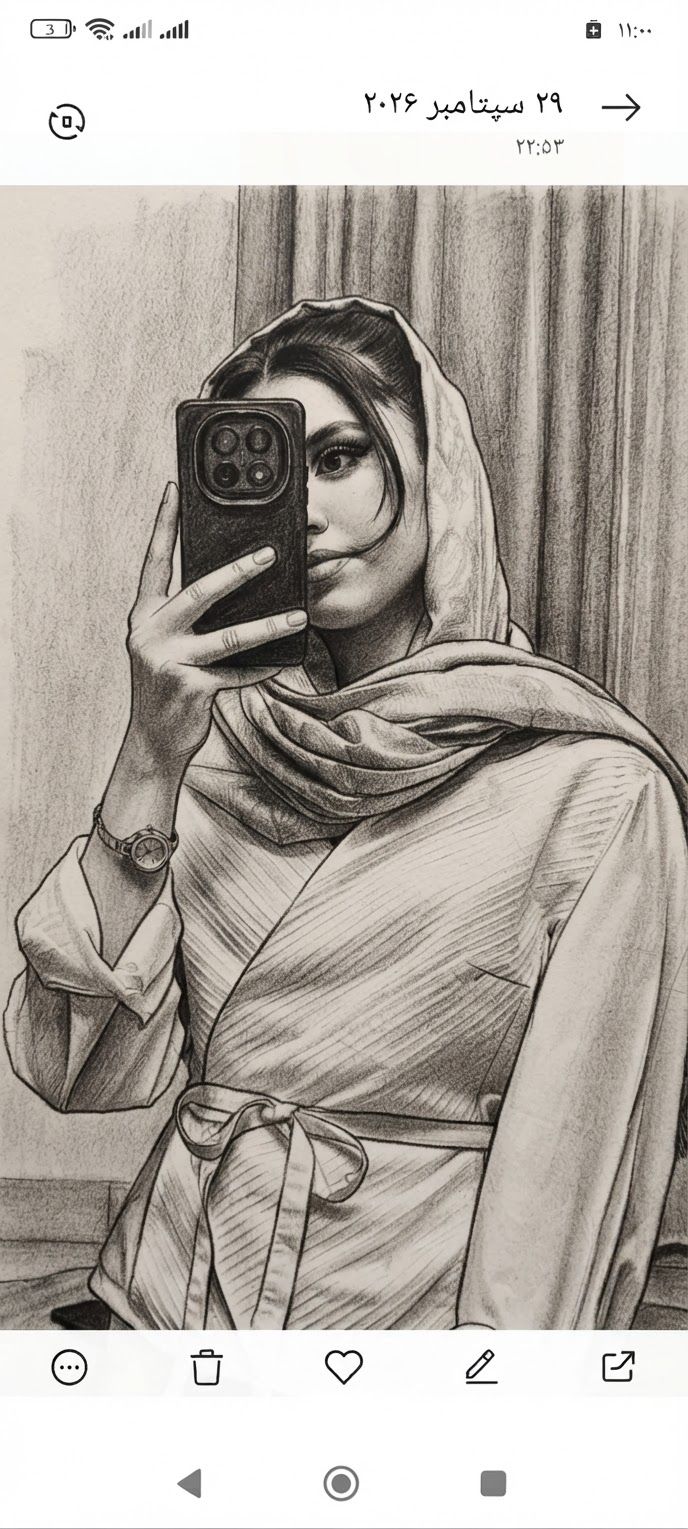
AI Design for Edit this image: برای سیاهقلم میخوام. Change only what that instruction asks for, and keep everything else the same.

Edit this image: برای سیاهقلم میخوام. Change only what that instruction asks for, and keep everything else the same.

by @Elephant_5180853
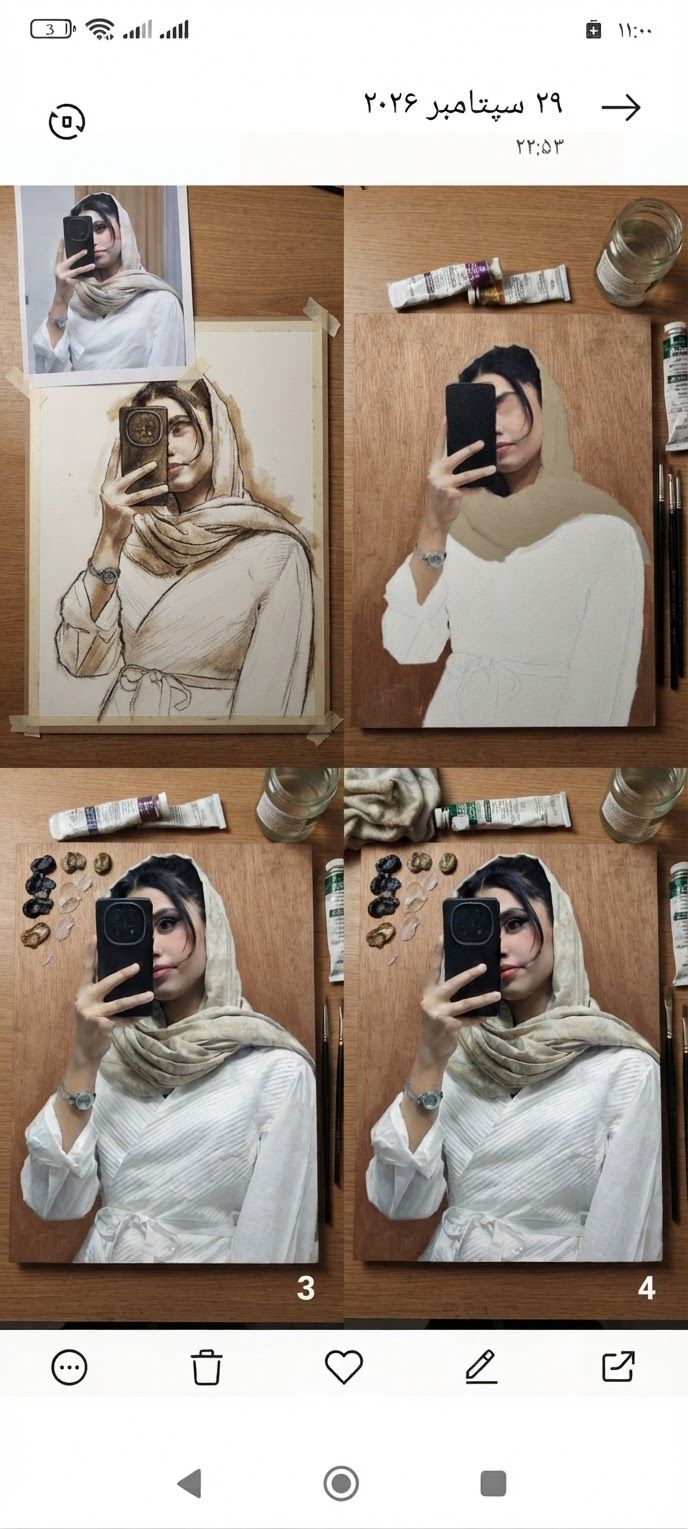
AI Design for Edit this image: تصویر رو ب صورت مرحله ب مرحله برای نقاشی بساز از صفر تا تمام جزعیات. Change only what that instruction asks for, and keep everything else the same.

Edit this image: تصویر رو ب صورت مرحله ب مرحله برای نقاشی بساز از صفر تا تمام جزعیات. Change only what that instruction asks for, and keep everything else the same.

by @Elephant_5180853
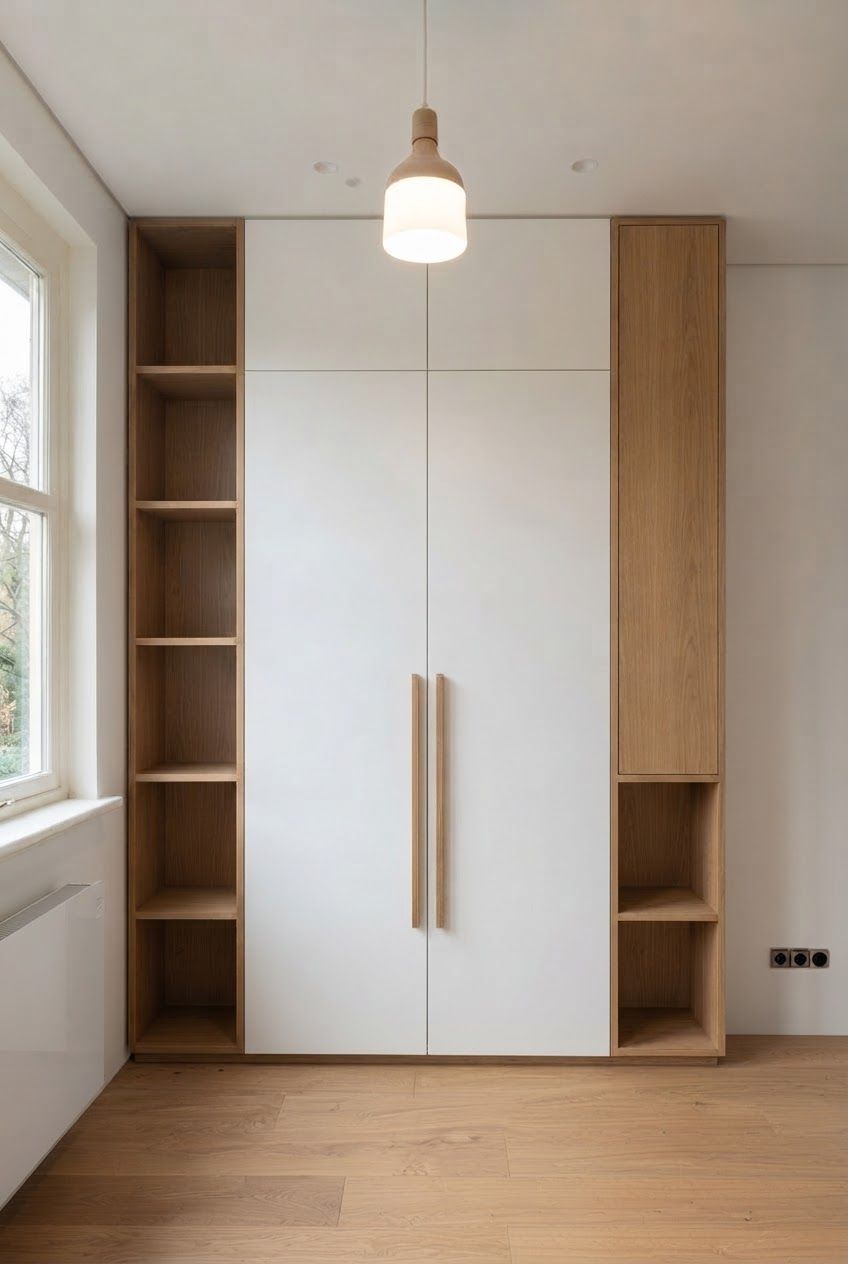
AI Design for В правом стеллаже верхние четыре полки закрыты фасадом в цвет стеллажа

В правом стеллаже верхние четыре полки закрыты фасадом в цвет стеллажа

by @Elephant_4354025

AI Design for Сделай красивое фронтальное фото шкафа.

Сделай красивое фронтальное фото шкафа.

by @Elephant_4354025

AI Design for Сделай красивое фронтальное фото тумбы, подходящее для интерьерного журнала. Убери полотенце

Сделай красивое фронтальное фото тумбы, подходящее для интерьерного журнала. Убери полотенце

by @Elephant_4354025

AI Design for Сделай красивое фронтальное фото тумбы, подходящее для интерьерного журнала

Сделай красивое фронтальное фото тумбы, подходящее для интерьерного журнала

by @Elephant_4354025

AI Design for Edit this image: Create a distinct variation of this image. Shift the color palette and mood. Keep the subject recognizable.. Change only what that instruction asks for, and keep everything else the same.

Edit this image: Create a distinct variation of this image. Shift the color palette and mood. Keep the subject recognizable.. Change only what that instruction asks for, and keep everything else the same.

by @Elephant_5180853
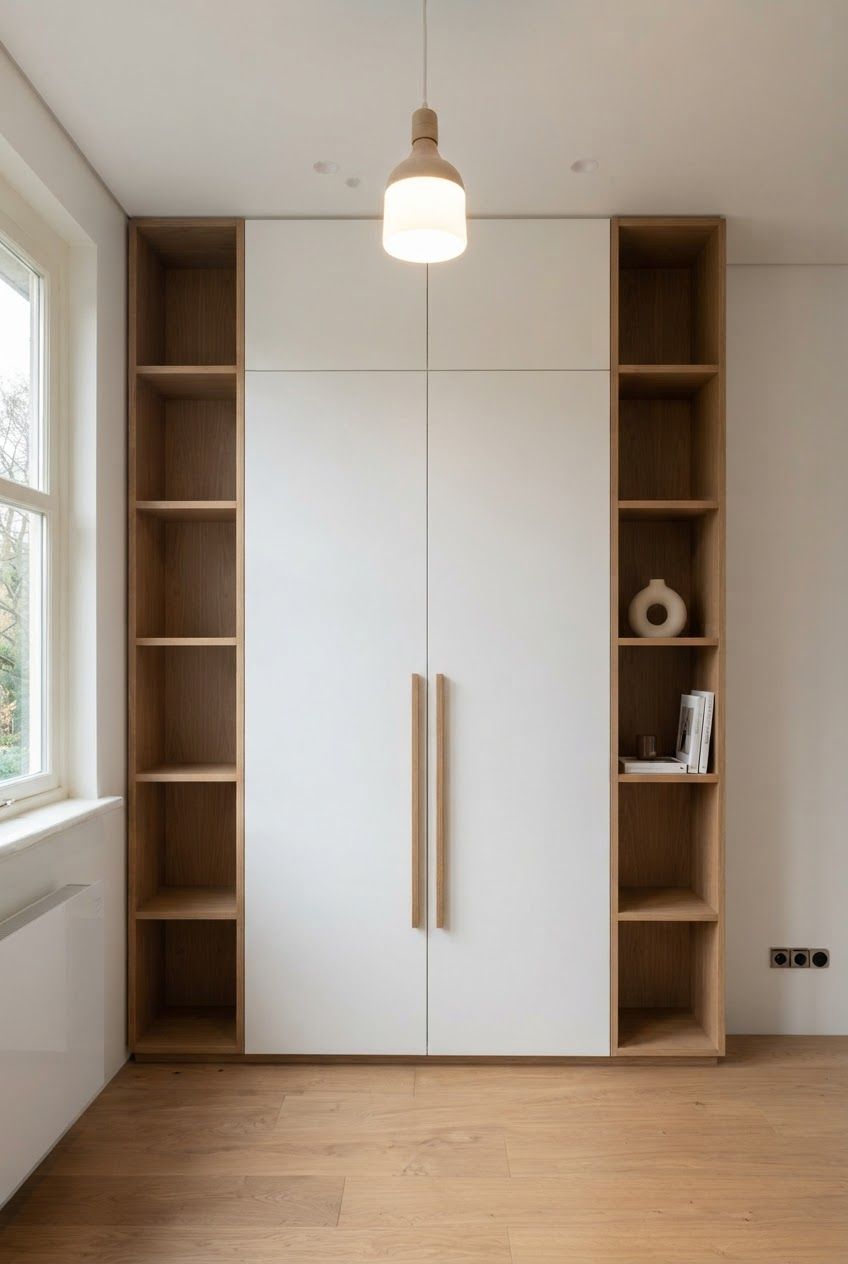
AI Design for Edit this image: Create a distinct variation of this image. Change the time of day and atmosphere. Keep the subject recognizable.. Change only what that instruction asks for, and keep everything else the same.

Edit this image: Create a distinct variation of this image. Change the time of day and atmosphere. Keep the subject recognizable.. Change only what that instruction asks for, and keep everything else the same.

by @Elephant_5180853
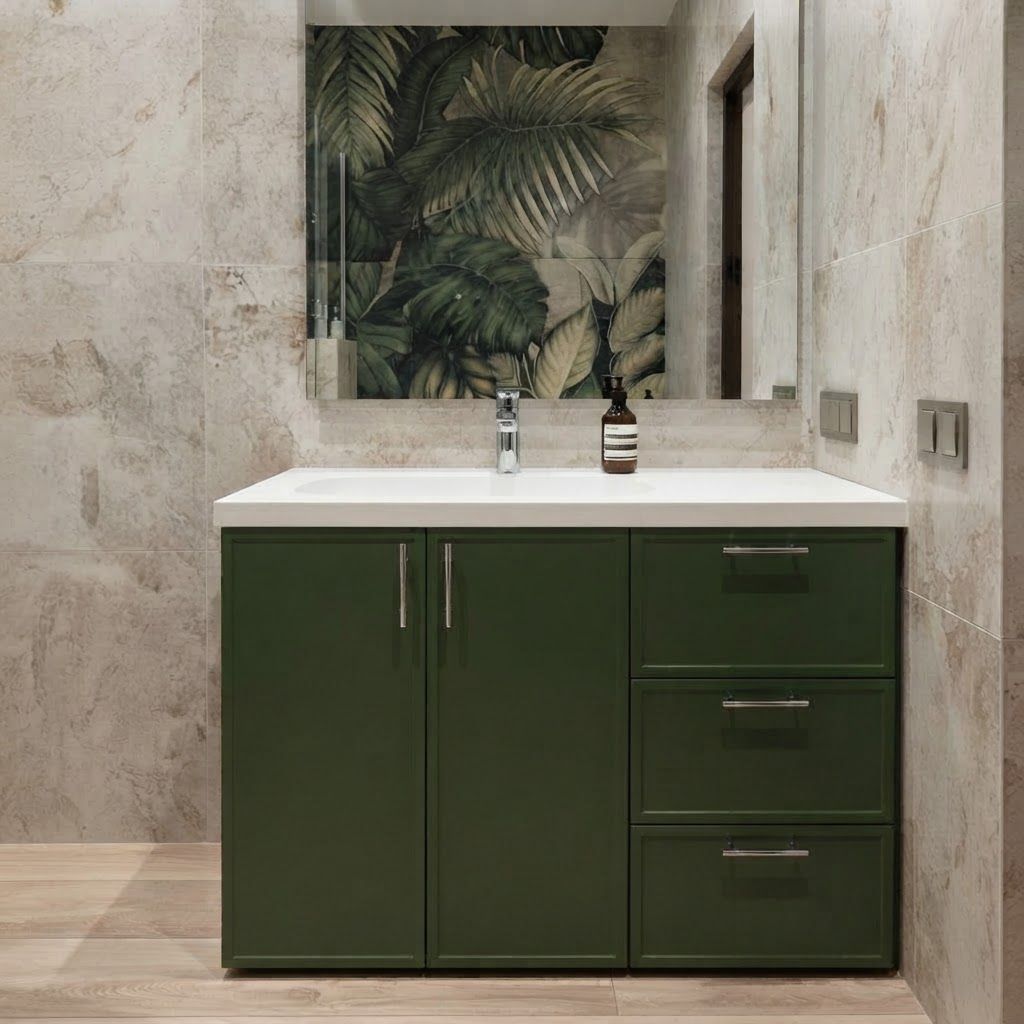
AI Design for Edit this image: Create a distinct variation of this image. Use a closer framing and a different styling. Keep the subject recognizable.. Change only what that instruction asks for, and keep everything else the same.

Edit this image: Create a distinct variation of this image. Use a closer framing and a different styling. Keep the subject recognizable.. Change only what that instruction asks for, and keep everything else the same.

by @Elephant_5180853
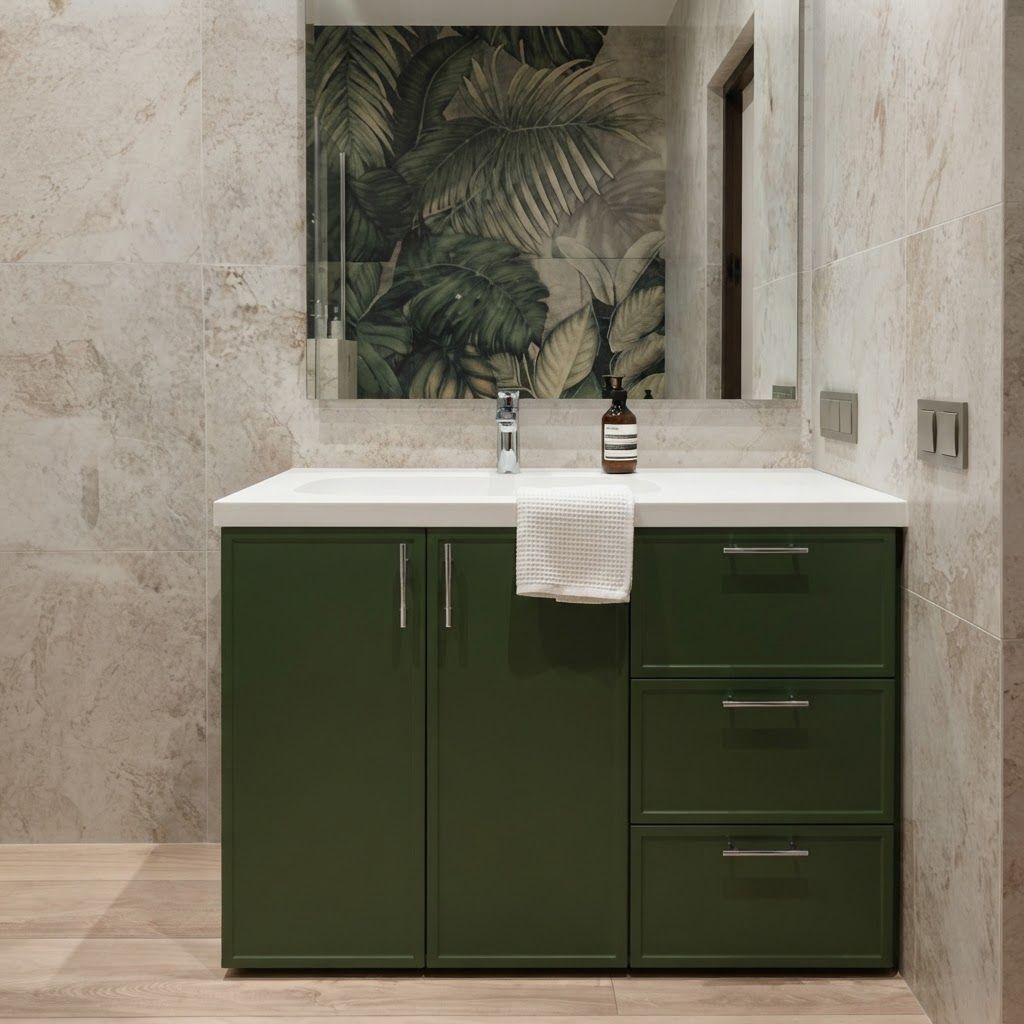
AI Design for Edit this image: Create a distinct variation of this image. Change the background and lighting. Keep the subject recognizable.. Change only what that instruction asks for, and keep everything else the same.

Edit this image: Create a distinct variation of this image. Change the background and lighting. Keep the subject recognizable.. Change only what that instruction asks for, and keep everything else the same.

by @Elephant_5180853
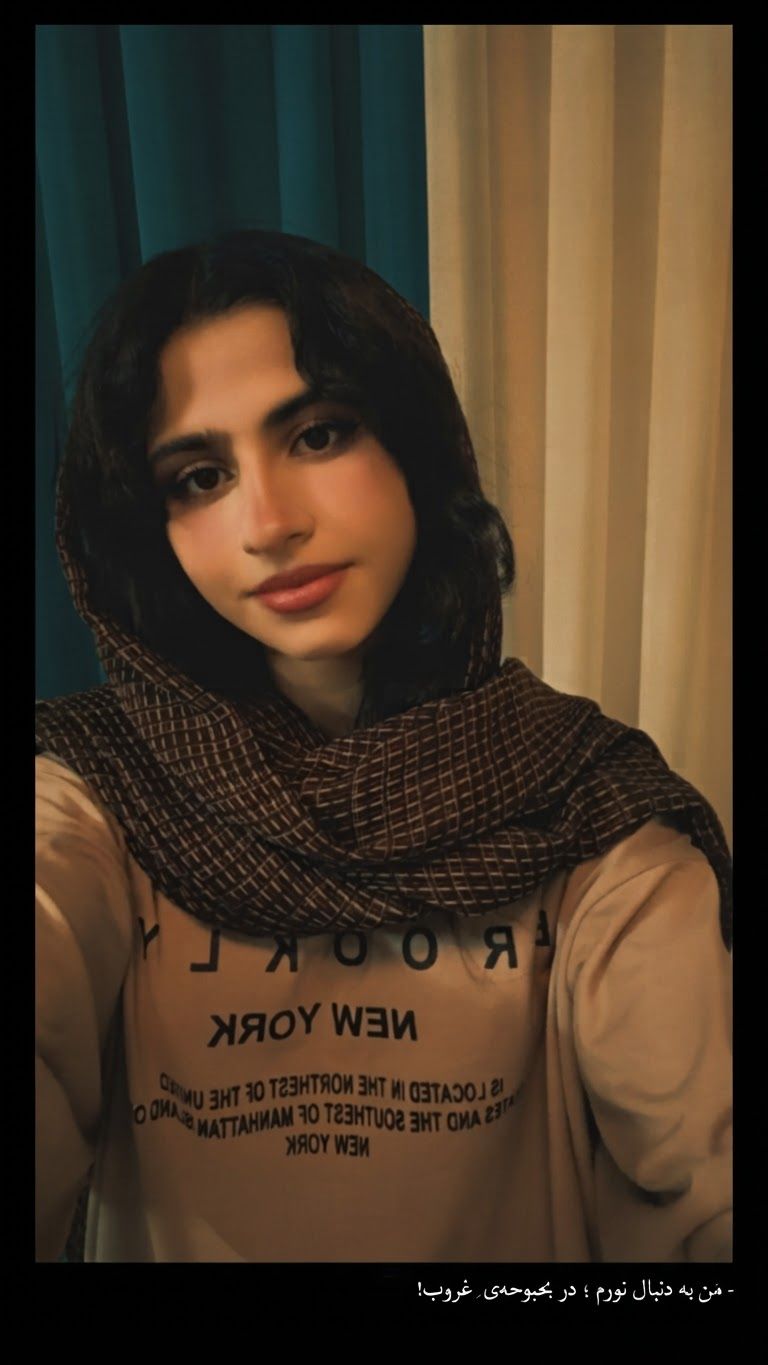
AI Design for Edit this image: Create a distinct variation of this image. Shift the color palette and mood. Keep the subject recognizable.. Change only what that instruction asks for, and keep everything else the same.

Edit this image: Create a distinct variation of this image. Shift the color palette and mood. Keep the subject recognizable.. Change only what that instruction asks for, and keep everything else the same.

by @Elephant_5180853
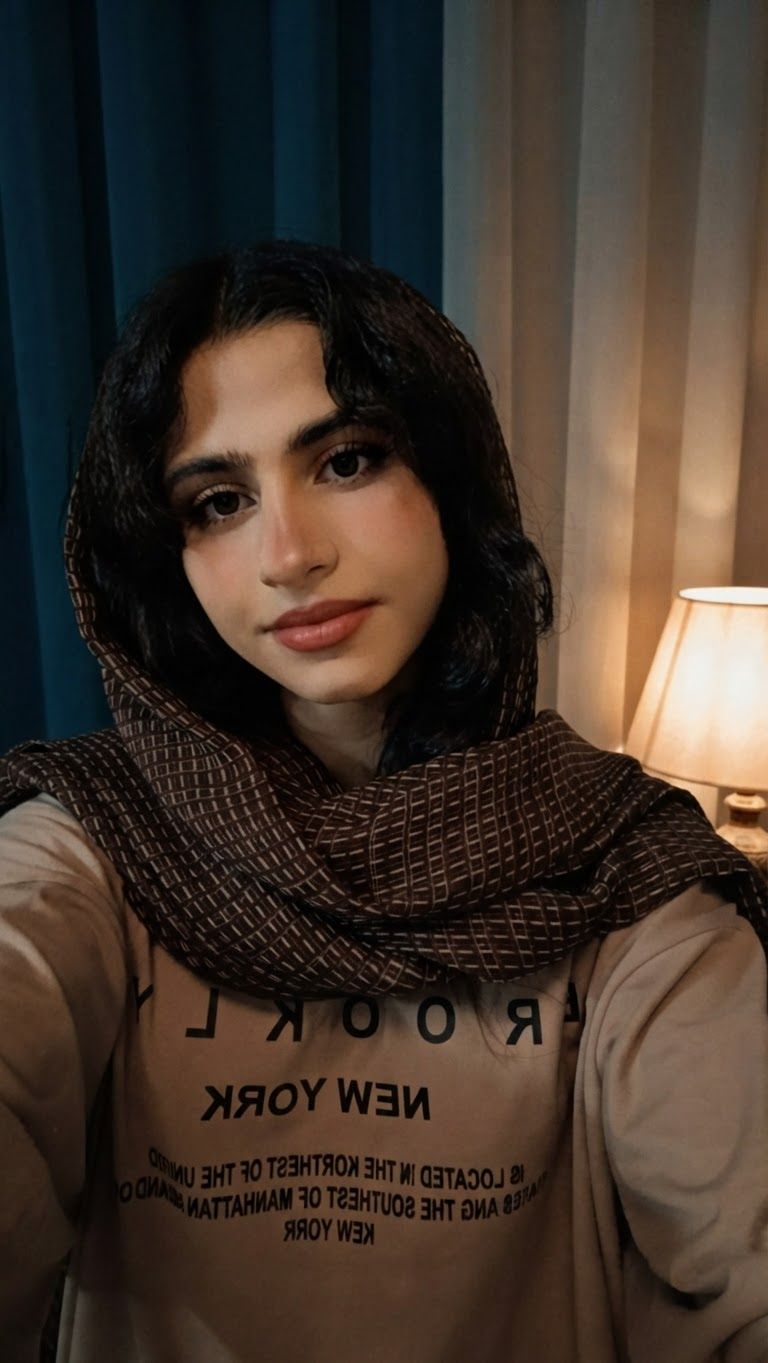
AI Design for Edit this image: Create a distinct variation of this image. Change the time of day and atmosphere. Keep the subject recognizable.. Change only what that instruction asks for, and keep everything else the same.

Edit this image: Create a distinct variation of this image. Change the time of day and atmosphere. Keep the subject recognizable.. Change only what that instruction asks for, and keep everything else the same.

by @Elephant_5180853
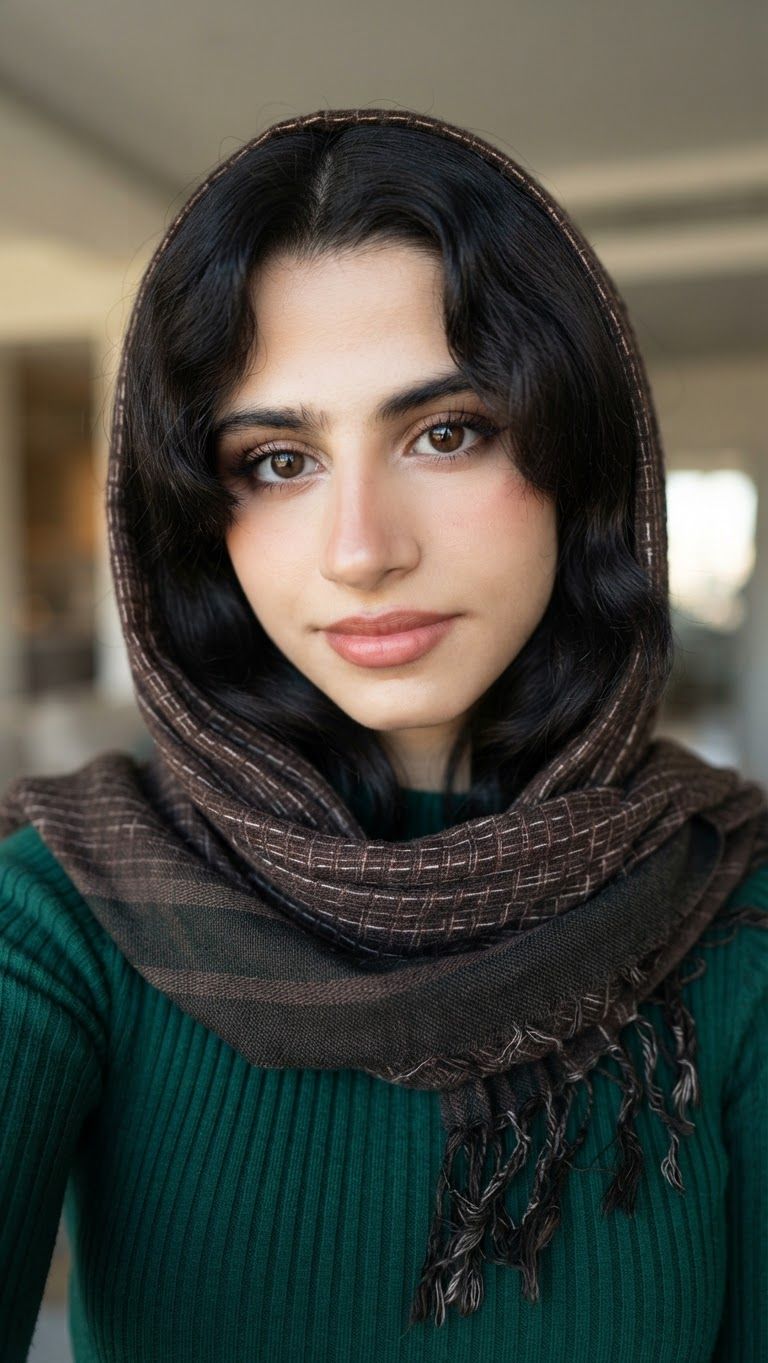
AI Design for Edit this image: Create a distinct variation of this image. Use a closer framing and a different styling. Keep the subject recognizable.. Change only what that instruction asks for, and keep everything else the same.

Edit this image: Create a distinct variation of this image. Use a closer framing and a different styling. Keep the subject recognizable.. Change only what that instruction asks for, and keep everything else the same.

by @Elephant_5180853
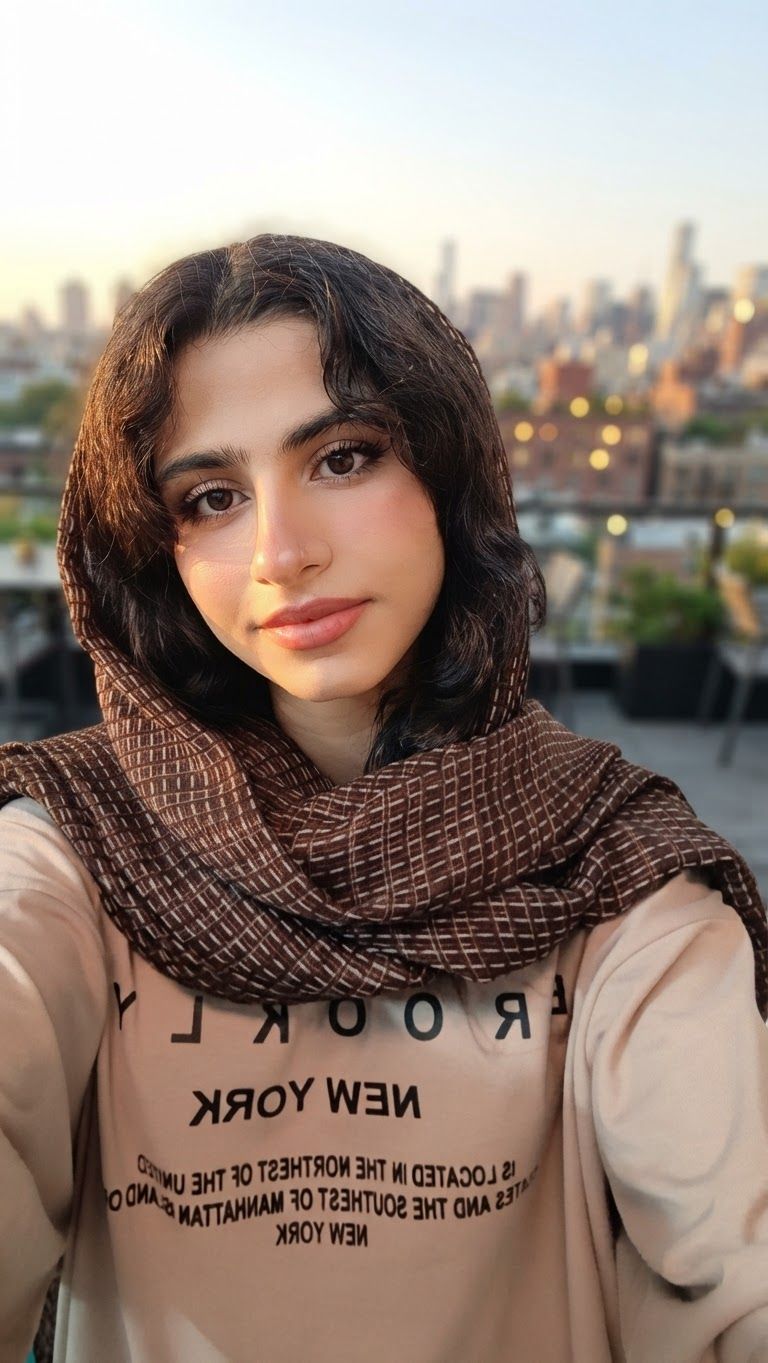
AI Design for Edit this image: Create a distinct variation of this image. Change the background and lighting. Keep the subject recognizable.. Change only what that instruction asks for, and keep everything else the same.

Edit this image: Create a distinct variation of this image. Change the background and lighting. Keep the subject recognizable.. Change only what that instruction asks for, and keep everything else the same.

by @Elephant_5180853
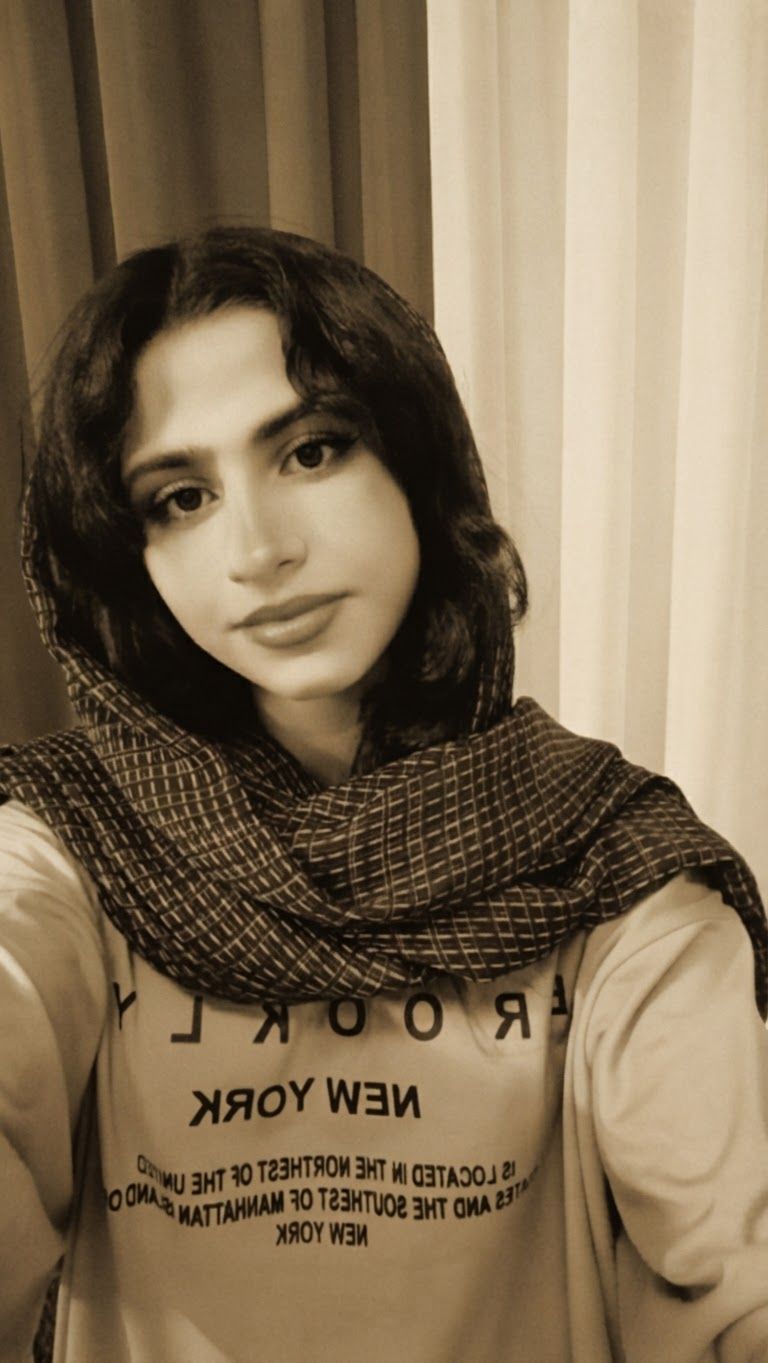
AI Design for Edit this image: Create a distinct variation of this image. Shift the color palette and mood. Keep the subject recognizable.. Change only what that instruction asks for, and keep everything else the same.

Edit this image: Create a distinct variation of this image. Shift the color palette and mood. Keep the subject recognizable.. Change only what that instruction asks for, and keep everything else the same.

by @Elephant_5180853
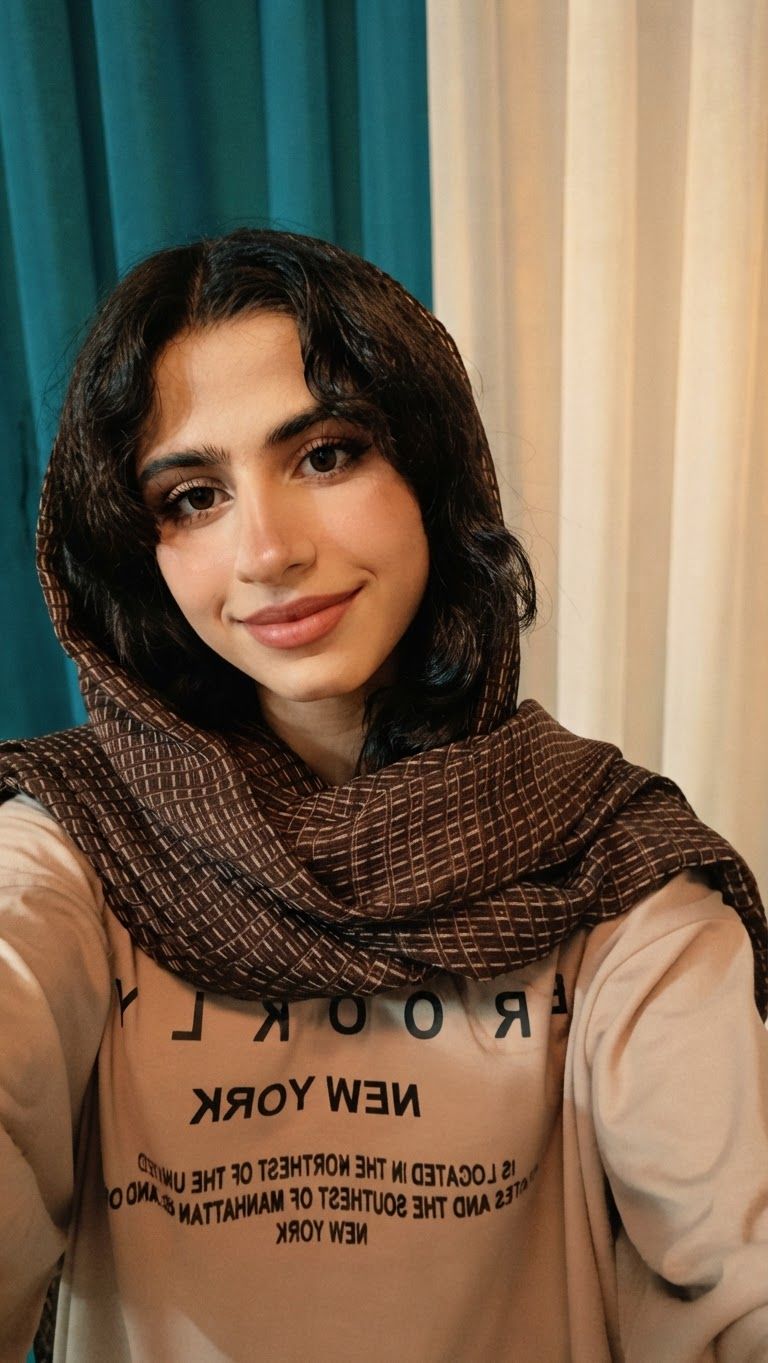
AI Design for Edit this image: مرحله ب مرحله طراحیشو برام بساز برای نقاشی و از صفر بساز. Change only what that instruction asks for, and keep everything else the same.

Edit this image: مرحله ب مرحله طراحیشو برام بساز برای نقاشی و از صفر بساز. Change only what that instruction asks for, and keep everything else the same.

by @Elephant_5180853
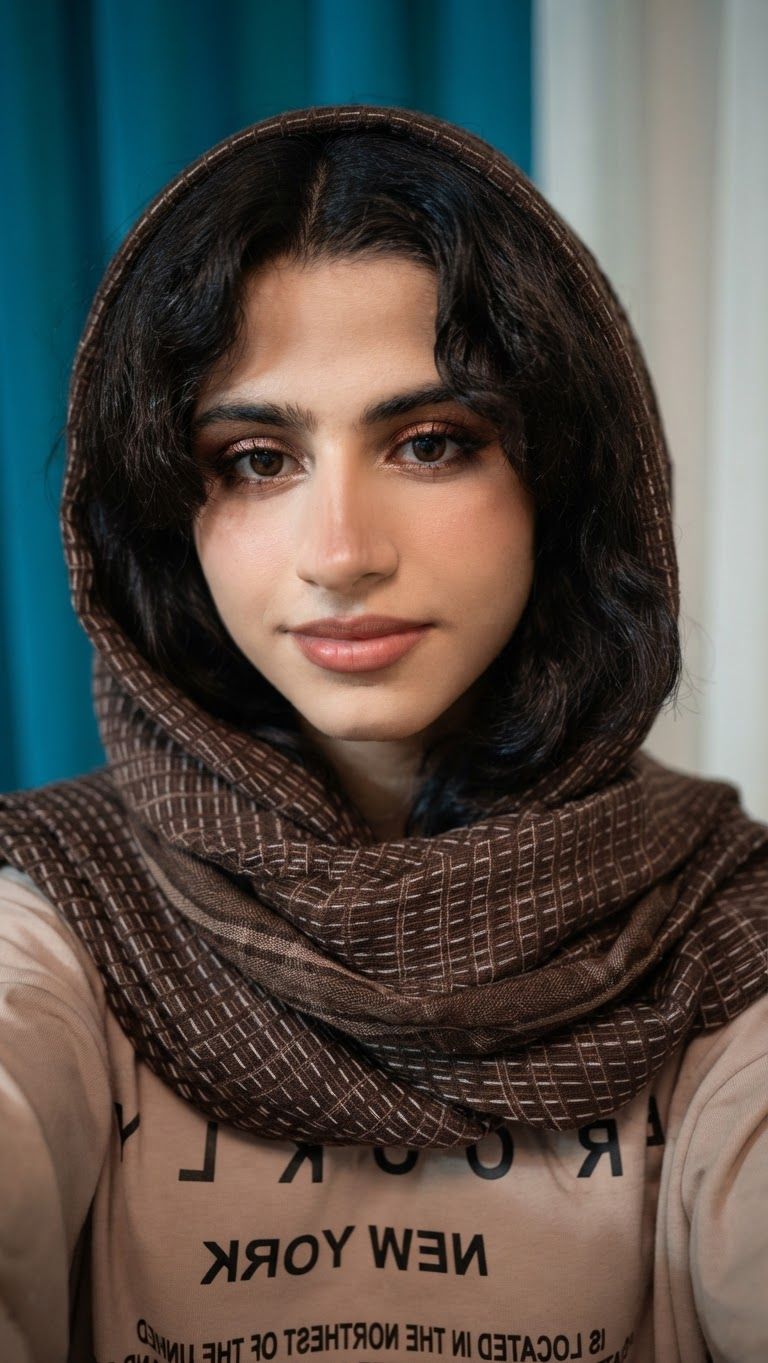
AI Design for Edit this image: ابتدا یک تصویر مرجع از روی عکس ارسالی من ایجاد کن و سپس فرایند طراحی و نقاشی همان تصویر را به‌صورت مرحله‌به‌مرحله نمایش بده. تصویر مرجع باید در تمام مراحل ثابت بماند و هر مرحله، ادامه‌ی دقیق مرحله‌ی قبلی باشد.

مراحل را از اسکچ اولیه و ترسیم خطوط اصلی شروع کن و به‌ترتیب شامل تناسبات کلی، فرم‌بندی اجزای تصویر، افزودن جزئیات، ایجاد سایه‌روشن، بافت‌پردازی و تکمیل نهایی نقاشی باشد.

برای هر مرحله، یک تصویر جداگانه و باکیفیت تولید کن که دقیقاً نشان دهد در آن مرحله چه خطوط، جزئیات یا سایه‌هایی باید اضافه شوند. ترتیب مراحل باید کاملاً منطقی، آموزشی و قابل‌اجرا باشد؛ به‌گونه‌ای که بتوانم با نگاه کردن به تصاویر، نقاشی را از ابتدا تا انتها روی کاغذ بازسازی کنم.

الزامات مهم:

- ابتدا تصویر مرجع کامل را نمایش بده.
- سپس تمام مراحل طراحی را به‌ترتیب و به‌صورت تصاویر مجزا ارائه کن.
- در هر مرحله فقط تغییرات جدید را اضافه کن و ساختار قبلی را حفظ کن.
- اگر سبک تصویر سیاه‌قلم است، مراحل سایه‌زنی، تیرگی‌ها، روشنایی‌ها و بافت‌ها را با دقت نشان بده.
- از حذف جزئیات مهم، تغییر فرم چهره یا تغییر ترکیب‌بندی تصویر در مراحل مختلف خودداری کن.
- تصاویر باید واضح، دقیق و مناسب آموزش نقاشی دستی باشند.
- در پایان. Change only what that instruction asks for, and keep everything else the same.

Edit this image: ابتدا یک تصویر مرجع از روی عکس ارسالی من ایجاد کن و سپس فرایند طراحی و نقاشی همان تصویر را به‌صورت مرحله‌به‌مرحله نمایش بده. تصویر مرجع باید در تمام مراحل ثابت بماند و هر مرحله، ادامه‌ی دقیق مرحله‌ی قبلی باشد. مراحل را از اسکچ اولیه و ترسیم خطوط اصلی شروع کن و به‌ترتیب شامل تناسبات کلی، فرم‌بندی اجزای تصویر، افزودن جزئیات، ایجاد سایه‌روشن، بافت‌پردازی و تکمیل نهایی نقاشی باشد. برای هر مرحله، یک تصویر جداگانه و باکیفیت تولید کن که دقیقاً نشان دهد در آن مرحله چه خطوط، جزئیات یا سایه‌هایی باید اضافه شوند. ترتیب مراحل باید کاملاً منطقی، آموزشی و قابل‌اجرا باشد؛ به‌گونه‌ای که بتوانم با نگاه کردن به تصاویر، نقاشی را از ابتدا تا انتها روی کاغذ بازسازی کنم. الزامات مهم: - ابتدا تصویر مرجع کامل را نمایش بده. - سپس تمام مراحل طراحی را به‌ترتیب و به‌صورت تصاویر مجزا ارائه کن. - در هر مرحله فقط تغییرات جدید را اضافه کن و ساختار قبلی را حفظ کن. - اگر سبک تصویر سیاه‌قلم است، مراحل سایه‌زنی، تیرگی‌ها، روشنایی‌ها و بافت‌ها را با دقت نشان بده. - از حذف جزئیات مهم، تغییر فرم چهره یا تغییر ترکیب‌بندی تصویر در مراحل مختلف خودداری کن. - تصاویر باید واضح، دقیق و مناسب آموزش نقاشی دستی باشند. - در پایان. Change only what that instruction asks for, and keep everything else the same.

by @Elephant_5180853
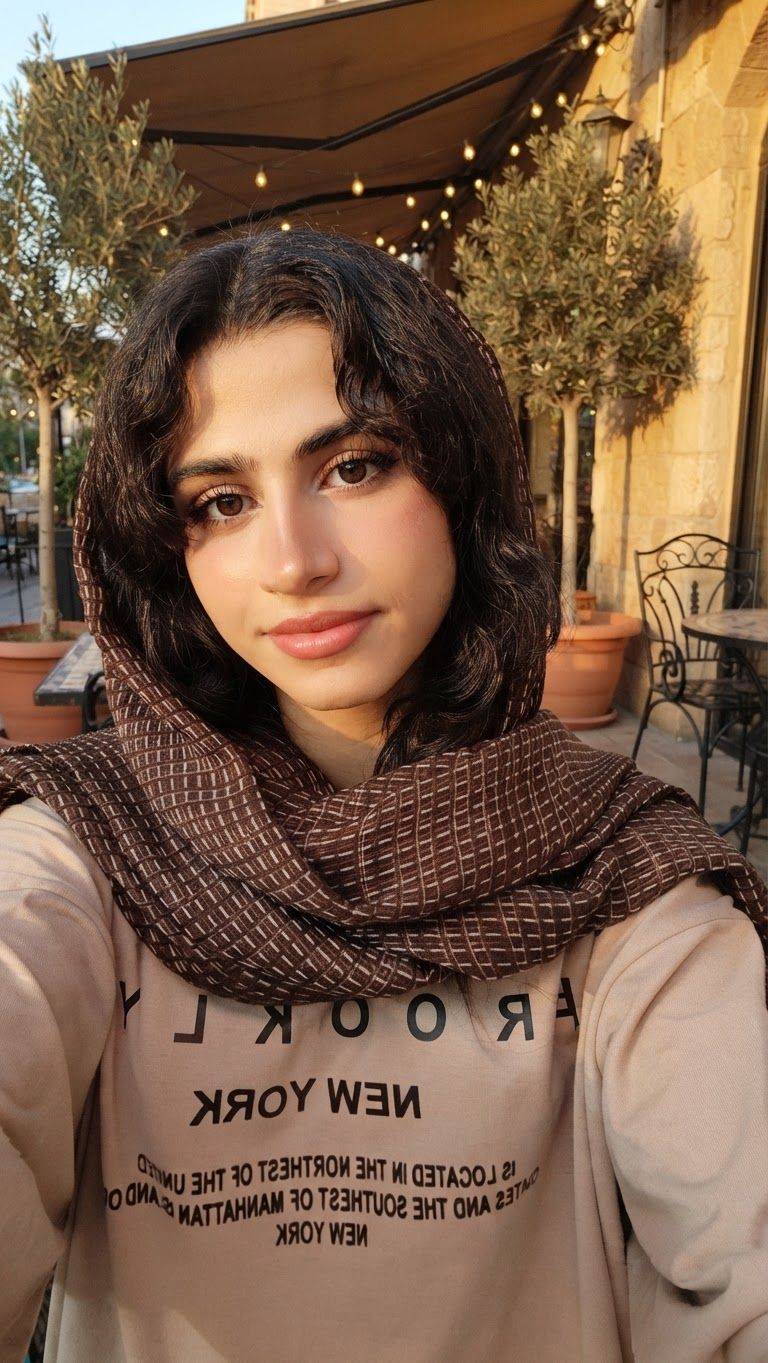
AI Design for Edit this image: ابتدا یک تصویر مرجع از روی عکس ارسالی من ایجاد کن و سپس فرایند طراحی و نقاشی همان تصویر را به‌صورت مرحله‌به‌مرحله نمایش بده. تصویر مرجع باید در تمام مراحل ثابت بماند و هر مرحله، ادامه‌ی دقیق مرحله‌ی قبلی باشد.

مراحل را از اسکچ اولیه و ترسیم خطوط اصلی شروع کن و به‌ترتیب شامل تناسبات کلی، فرم‌بندی اجزای تصویر، افزودن جزئیات، ایجاد سایه‌روشن، بافت‌پردازی و تکمیل نهایی نقاشی باشد.

برای هر مرحله، یک تصویر جداگانه و باکیفیت تولید کن که دقیقاً نشان دهد در آن مرحله چه خطوط، جزئیات یا سایه‌هایی باید اضافه شوند. ترتیب مراحل باید کاملاً منطقی، آموزشی و قابل‌اجرا باشد؛ به‌گونه‌ای که بتوانم با نگاه کردن به تصاویر، نقاشی را از ابتدا تا انتها روی کاغذ بازسازی کنم.

الزامات مهم:

- ابتدا تصویر مرجع کامل را نمایش بده.
- سپس تمام مراحل طراحی را به‌ترتیب و به‌صورت تصاویر مجزا ارائه کن.
- در هر مرحله فقط تغییرات جدید را اضافه کن و ساختار قبلی را حفظ کن.
- اگر سبک تصویر سیاه‌قلم است، مراحل سایه‌زنی، تیرگی‌ها، روشنایی‌ها و بافت‌ها را با دقت نشان بده.
- از حذف جزئیات مهم، تغییر فرم چهره یا تغییر ترکیب‌بندی تصویر در مراحل مختلف خودداری کن.
- تصاویر باید واضح، دقیق و مناسب آموزش نقاشی دستی باشند.
- در پایان. Change only what that instruction asks for, and keep everything else the same.

Edit this image: ابتدا یک تصویر مرجع از روی عکس ارسالی من ایجاد کن و سپس فرایند طراحی و نقاشی همان تصویر را به‌صورت مرحله‌به‌مرحله نمایش بده. تصویر مرجع باید در تمام مراحل ثابت بماند و هر مرحله، ادامه‌ی دقیق مرحله‌ی قبلی باشد. مراحل را از اسکچ اولیه و ترسیم خطوط اصلی شروع کن و به‌ترتیب شامل تناسبات کلی، فرم‌بندی اجزای تصویر، افزودن جزئیات، ایجاد سایه‌روشن، بافت‌پردازی و تکمیل نهایی نقاشی باشد. برای هر مرحله، یک تصویر جداگانه و باکیفیت تولید کن که دقیقاً نشان دهد در آن مرحله چه خطوط، جزئیات یا سایه‌هایی باید اضافه شوند. ترتیب مراحل باید کاملاً منطقی، آموزشی و قابل‌اجرا باشد؛ به‌گونه‌ای که بتوانم با نگاه کردن به تصاویر، نقاشی را از ابتدا تا انتها روی کاغذ بازسازی کنم. الزامات مهم: - ابتدا تصویر مرجع کامل را نمایش بده. - سپس تمام مراحل طراحی را به‌ترتیب و به‌صورت تصاویر مجزا ارائه کن. - در هر مرحله فقط تغییرات جدید را اضافه کن و ساختار قبلی را حفظ کن. - اگر سبک تصویر سیاه‌قلم است، مراحل سایه‌زنی، تیرگی‌ها، روشنایی‌ها و بافت‌ها را با دقت نشان بده. - از حذف جزئیات مهم، تغییر فرم چهره یا تغییر ترکیب‌بندی تصویر در مراحل مختلف خودداری کن. - تصاویر باید واضح، دقیق و مناسب آموزش نقاشی دستی باشند. - در پایان. Change only what that instruction asks for, and keep everything else the same.

by @Elephant_5180853
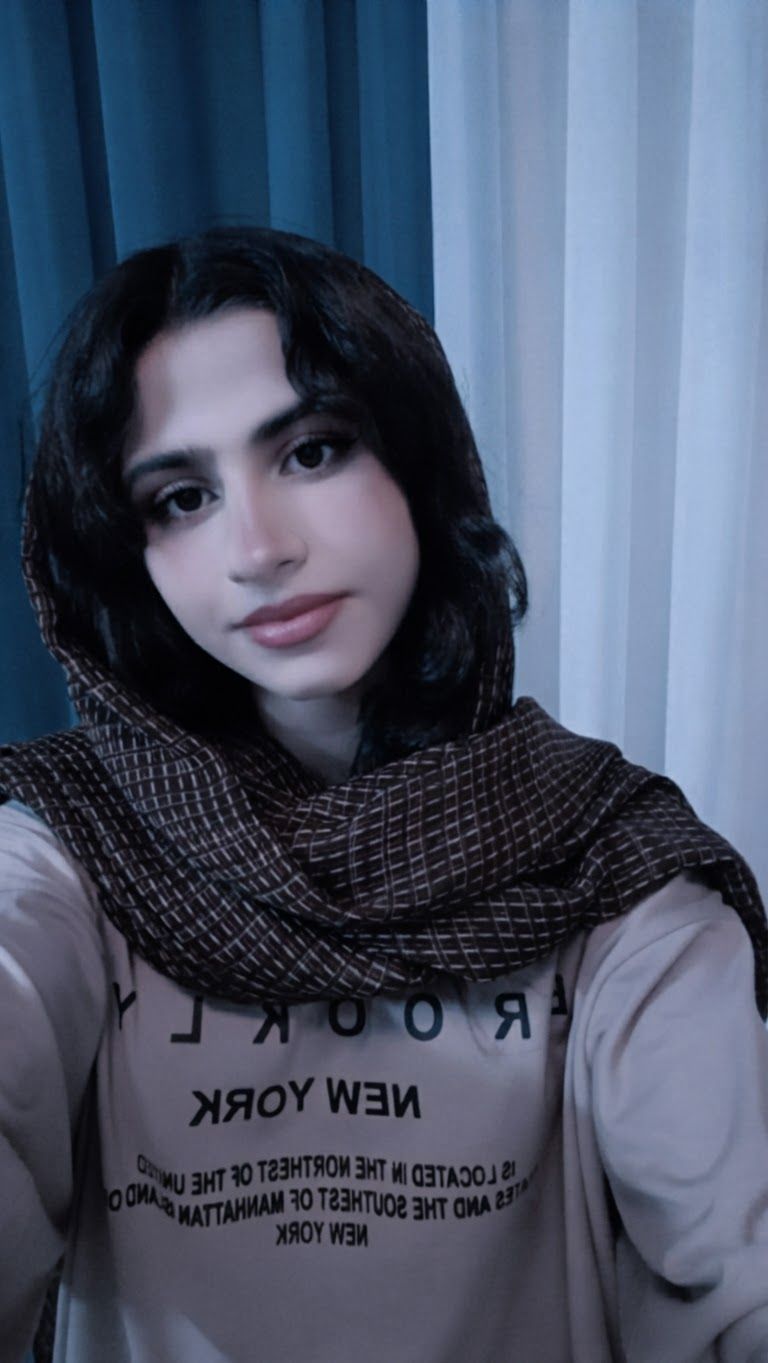
AI Design for Edit this image: ابتدا یک تصویر مرجع از روی عکس ارسالی من ایجاد کن و سپس فرایند طراحی و نقاشی همان تصویر را به‌صورت مرحله‌به‌مرحله نمایش بده. تصویر مرجع باید در تمام مراحل ثابت بماند و هر مرحله، ادامه‌ی دقیق مرحله‌ی قبلی باشد.

مراحل را از اسکچ اولیه و ترسیم خطوط اصلی شروع کن و به‌ترتیب شامل تناسبات کلی، فرم‌بندی اجزای تصویر، افزودن جزئیات، ایجاد سایه‌روشن، بافت‌پردازی و تکمیل نهایی نقاشی باشد.

برای هر مرحله، یک تصویر جداگانه و باکیفیت تولید کن که دقیقاً نشان دهد در آن مرحله چه خطوط، جزئیات یا سایه‌هایی باید اضافه شوند. ترتیب مراحل باید کاملاً منطقی، آموزشی و قابل‌اجرا باشد؛ به‌گونه‌ای که بتوانم با نگاه کردن به تصاویر، نقاشی را از ابتدا تا انتها روی کاغذ بازسازی کنم.

الزامات مهم:

- ابتدا تصویر مرجع کامل را نمایش بده.
- سپس تمام مراحل طراحی را به‌ترتیب و به‌صورت تصاویر مجزا ارائه کن.
- در هر مرحله فقط تغییرات جدید را اضافه کن و ساختار قبلی را حفظ کن.
- اگر سبک تصویر سیاه‌قلم است، مراحل سایه‌زنی، تیرگی‌ها، روشنایی‌ها و بافت‌ها را با دقت نشان بده.
- از حذف جزئیات مهم، تغییر فرم چهره یا تغییر ترکیب‌بندی تصویر در مراحل مختلف خودداری کن.
- تصاویر باید واضح، دقیق و مناسب آموزش نقاشی دستی باشند.
- در پایان. Change only what that instruction asks for, and keep everything else the same.

Edit this image: ابتدا یک تصویر مرجع از روی عکس ارسالی من ایجاد کن و سپس فرایند طراحی و نقاشی همان تصویر را به‌صورت مرحله‌به‌مرحله نمایش بده. تصویر مرجع باید در تمام مراحل ثابت بماند و هر مرحله، ادامه‌ی دقیق مرحله‌ی قبلی باشد. مراحل را از اسکچ اولیه و ترسیم خطوط اصلی شروع کن و به‌ترتیب شامل تناسبات کلی، فرم‌بندی اجزای تصویر، افزودن جزئیات، ایجاد سایه‌روشن، بافت‌پردازی و تکمیل نهایی نقاشی باشد. برای هر مرحله، یک تصویر جداگانه و باکیفیت تولید کن که دقیقاً نشان دهد در آن مرحله چه خطوط، جزئیات یا سایه‌هایی باید اضافه شوند. ترتیب مراحل باید کاملاً منطقی، آموزشی و قابل‌اجرا باشد؛ به‌گونه‌ای که بتوانم با نگاه کردن به تصاویر، نقاشی را از ابتدا تا انتها روی کاغذ بازسازی کنم. الزامات مهم: - ابتدا تصویر مرجع کامل را نمایش بده. - سپس تمام مراحل طراحی را به‌ترتیب و به‌صورت تصاویر مجزا ارائه کن. - در هر مرحله فقط تغییرات جدید را اضافه کن و ساختار قبلی را حفظ کن. - اگر سبک تصویر سیاه‌قلم است، مراحل سایه‌زنی، تیرگی‌ها، روشنایی‌ها و بافت‌ها را با دقت نشان بده. - از حذف جزئیات مهم، تغییر فرم چهره یا تغییر ترکیب‌بندی تصویر در مراحل مختلف خودداری کن. - تصاویر باید واضح، دقیق و مناسب آموزش نقاشی دستی باشند. - در پایان. Change only what that instruction asks for, and keep everything else the same.

by @Elephant_5180853
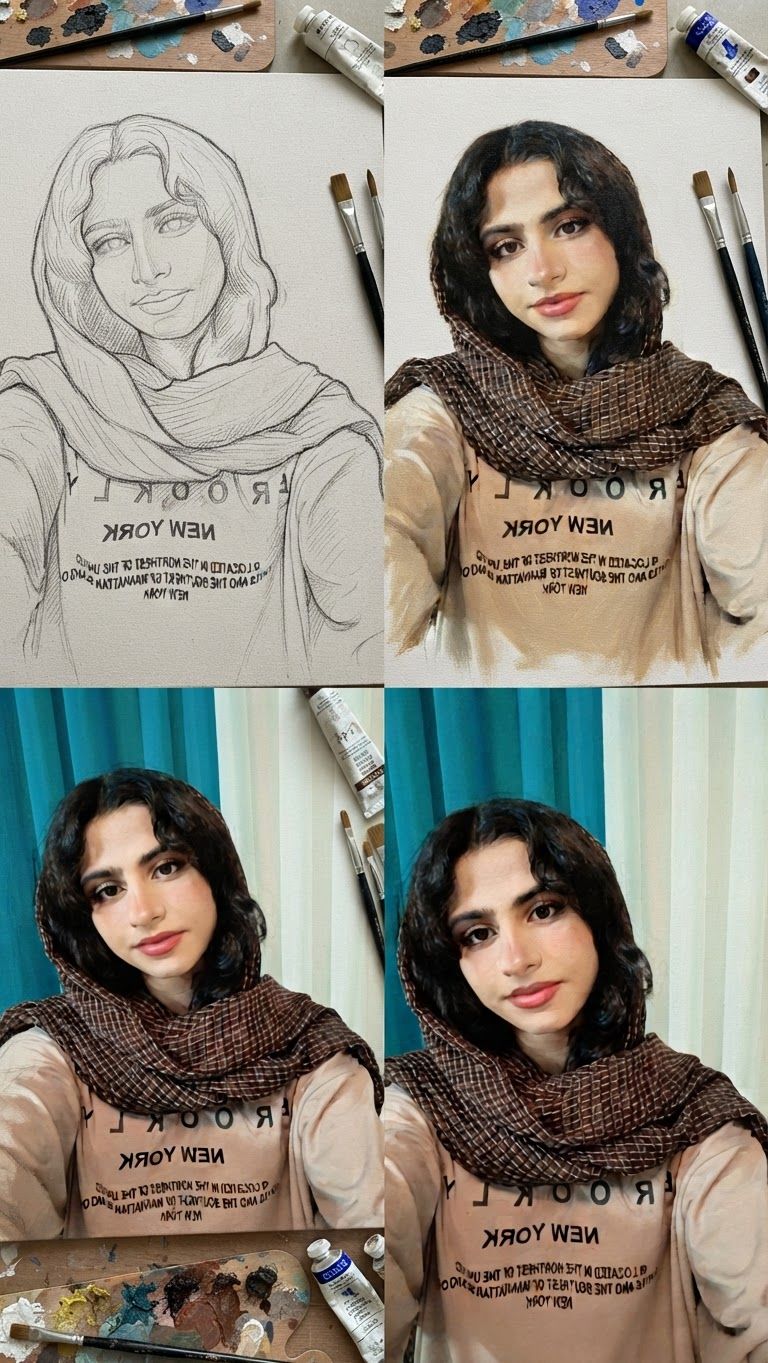
AI Design for Edit this image: از شکل تشکیل صورت بساز تا پایان. Change only what that instruction asks for, and keep everything else the same.

Edit this image: از شکل تشکیل صورت بساز تا پایان. Change only what that instruction asks for, and keep everything else the same.

by @Elephant_5180853
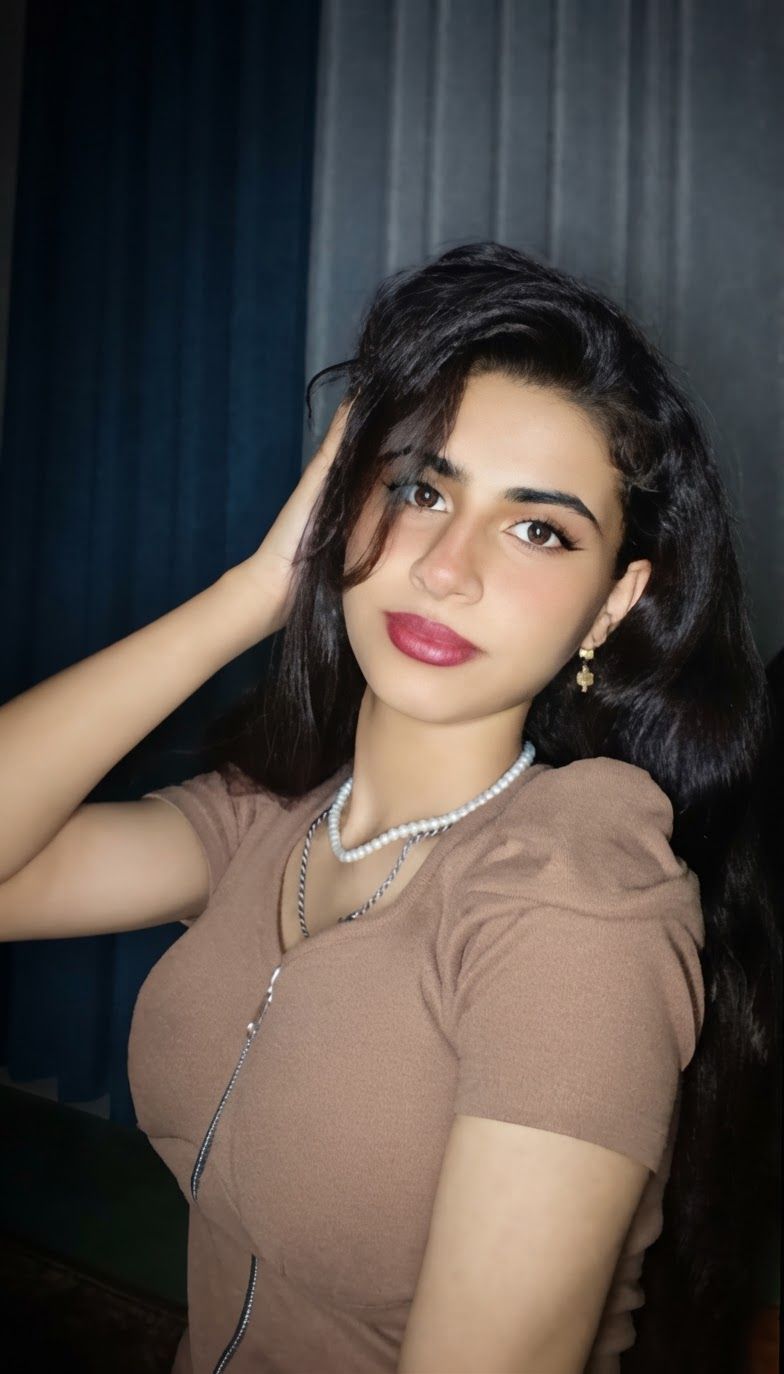
AI Design for Edit this image: طراحی مرحله ب مرحلشو بساز. Change only what that instruction asks for, and keep everything else the same.

Edit this image: طراحی مرحله ب مرحلشو بساز. Change only what that instruction asks for, and keep everything else the same.

by @Elephant_5180853
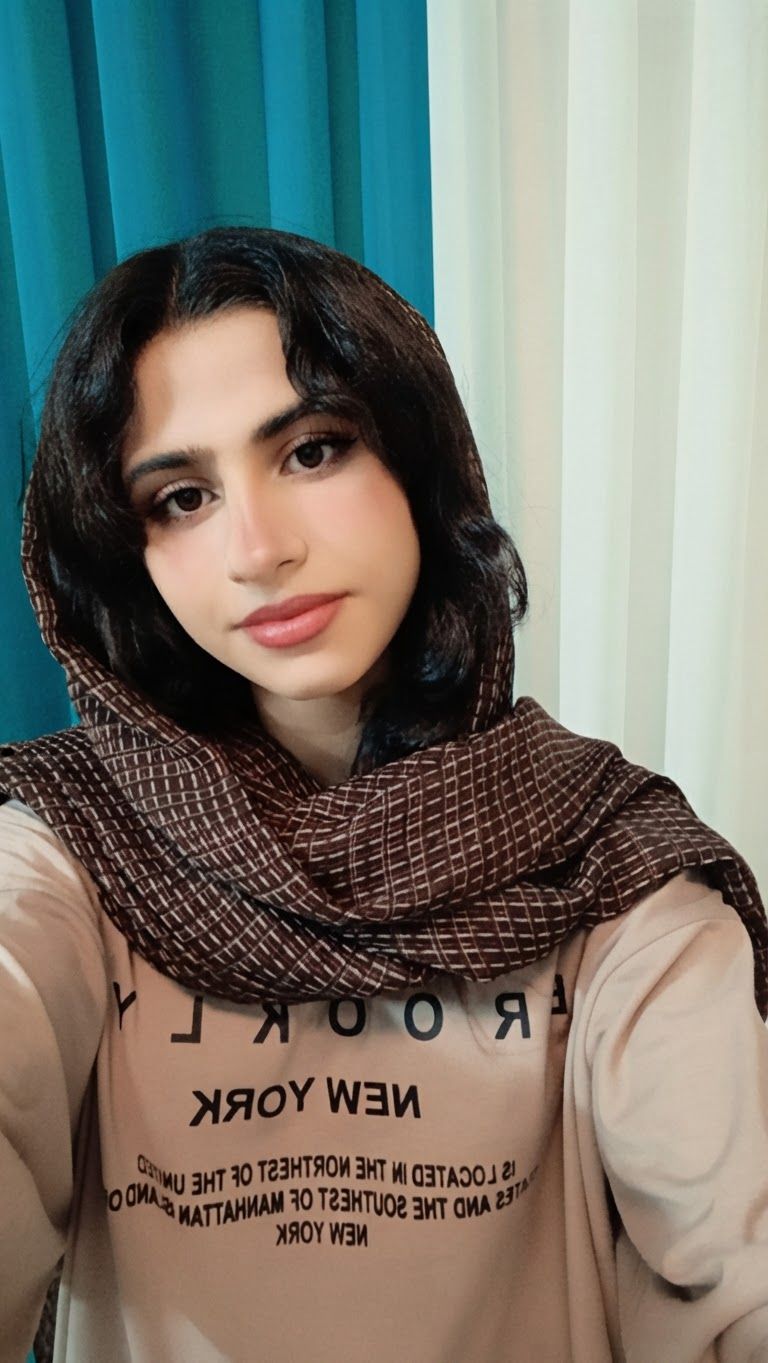
AI Design for Edit this image: طراحیشو دقیق تر بساز و مرحله ب مرحله تر. Change only what that instruction asks for, and keep everything else the same.

Edit this image: طراحیشو دقیق تر بساز و مرحله ب مرحله تر. Change only what that instruction asks for, and keep everything else the same.

by @Elephant_5180853
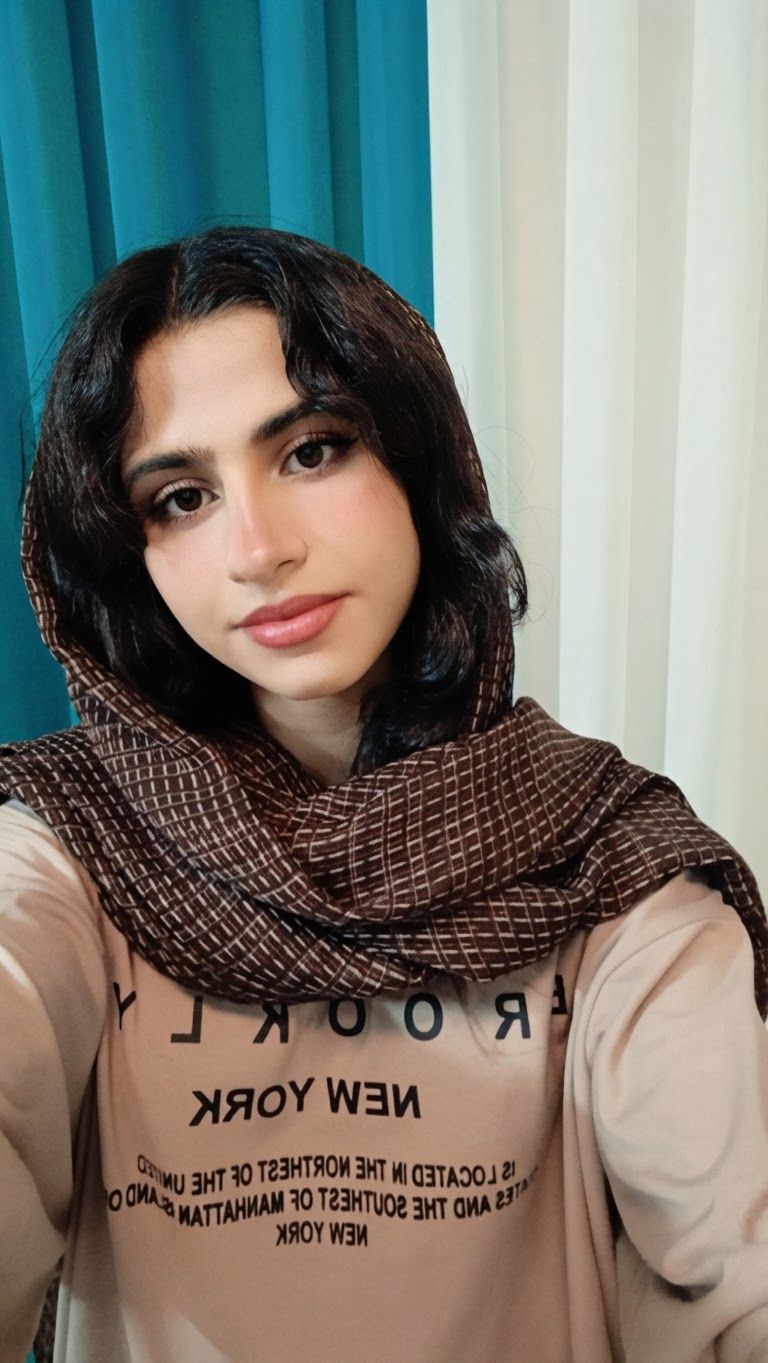
AI Design for Edit this image: برام مرحله ب مذحله کشیدن طراحیشو تو عکس بساز. Change only what that instruction asks for, and keep everything else the same.

Edit this image: برام مرحله ب مذحله کشیدن طراحیشو تو عکس بساز. Change only what that instruction asks for, and keep everything else the same.

by @Elephant_5180853
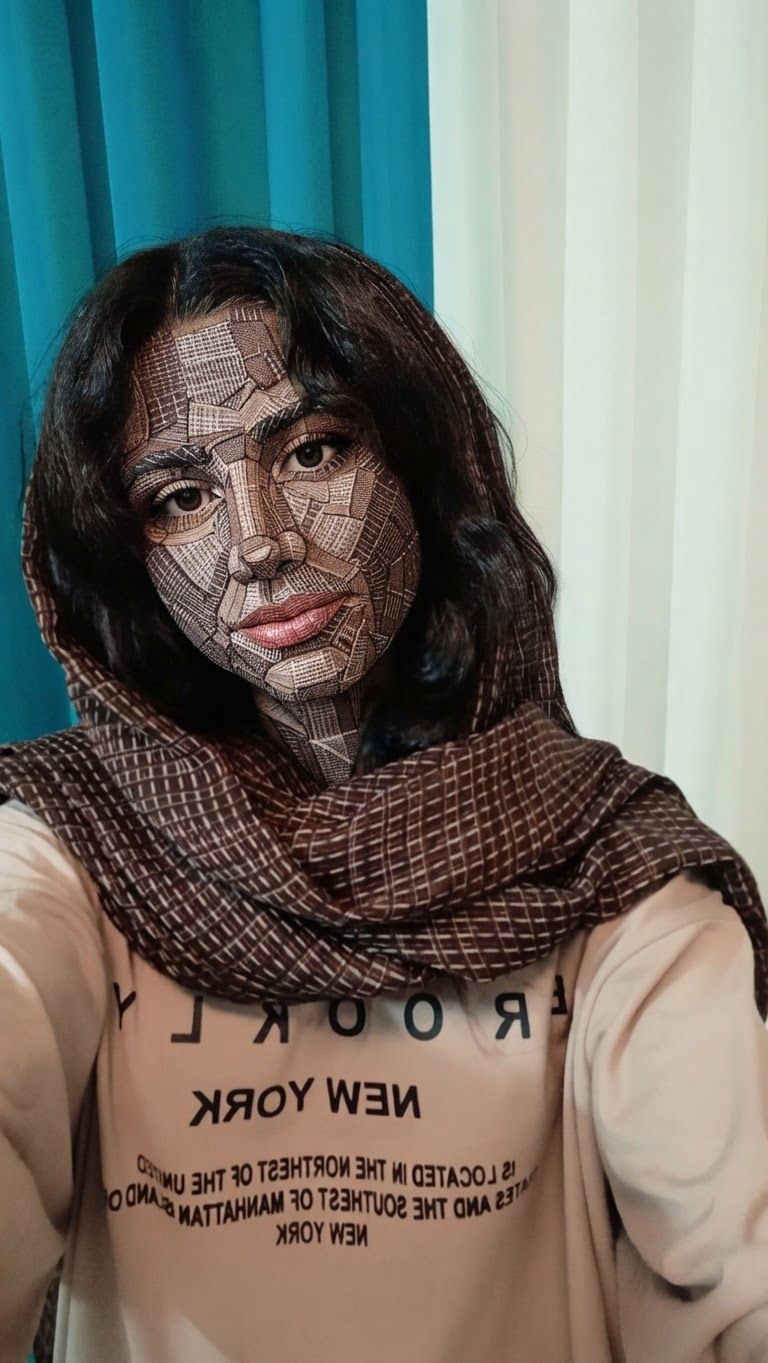
AI Design for سلام

This is a square 1:1 image for posts. Fill the whole frame edge to edge and scale the subject large. Do not leave empty margin.

سلام This is a square 1:1 image for posts. Fill the whole frame edge to edge and scale the subject large. Do not leave empty margin.

by @Elephant_5180853

AI Design for سلام

This is a square 1:1 image for posts. Fill the whole frame edge to edge and scale the subject large. Do not leave empty margin.

سلام This is a square 1:1 image for posts. Fill the whole frame edge to edge and scale the subject large. Do not leave empty margin.

by @Elephant_5180853

AI Design for سلام

This is a square 1:1 image for posts. Fill the whole frame edge to edge and scale the subject large. Do not leave empty margin.

سلام This is a square 1:1 image for posts. Fill the whole frame edge to edge and scale the subject large. Do not leave empty margin.

by @Elephant_5180853

AI Design for سلام

This is a square 1:1 image for posts. Fill the whole frame edge to edge and scale the subject large. Do not leave empty margin.

سلام This is a square 1:1 image for posts. Fill the whole frame edge to edge and scale the subject large. Do not leave empty margin.

by @Elephant_5180853

AI Design for سلام

This is a square 1:1 image for posts. Fill the whole frame edge to edge and scale the subject large. Do not leave empty margin.

سلام This is a square 1:1 image for posts. Fill the whole frame edge to edge and scale the subject large. Do not leave empty margin.

by @Elephant_5180853

AI Design for سلام

This is a square 1:1 image for posts. Fill the whole frame edge to edge and scale the subject large. Do not leave empty margin.

سلام This is a square 1:1 image for posts. Fill the whole frame edge to edge and scale the subject large. Do not leave empty margin.

by @Elephant_5180853

AI Design for سلام

This is a square 1:1 image for posts. Fill the whole frame edge to edge and scale the subject large. Do not leave empty margin.

سلام This is a square 1:1 image for posts. Fill the whole frame edge to edge and scale the subject large. Do not leave empty margin.

by @Elephant_5180853

  • 1
  • 2
  • 3
  • ...
  • 6
  • 7
  • 8
  • 9
  • 10
  • ...
  • 6701
  • 6702
  • 6703

What's next?Explore more features
Hiding Elephant product features overview

Explore features

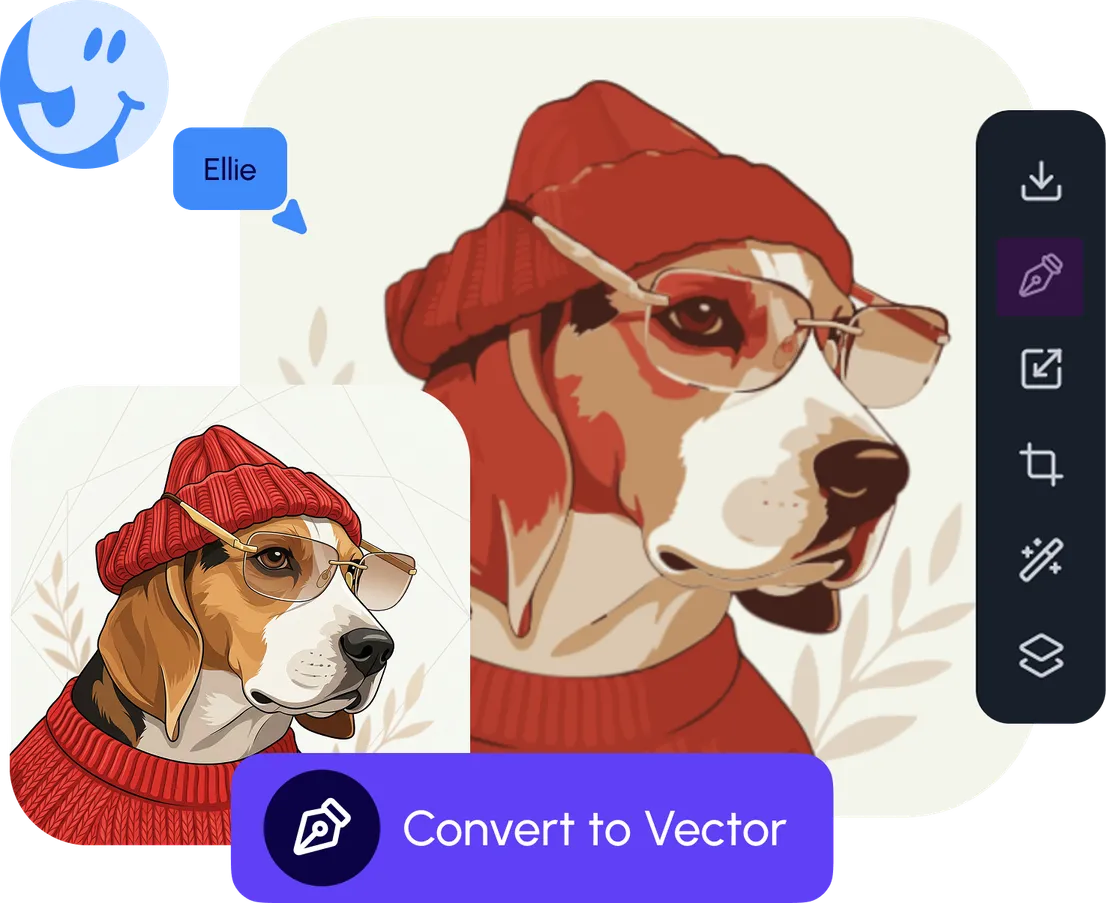
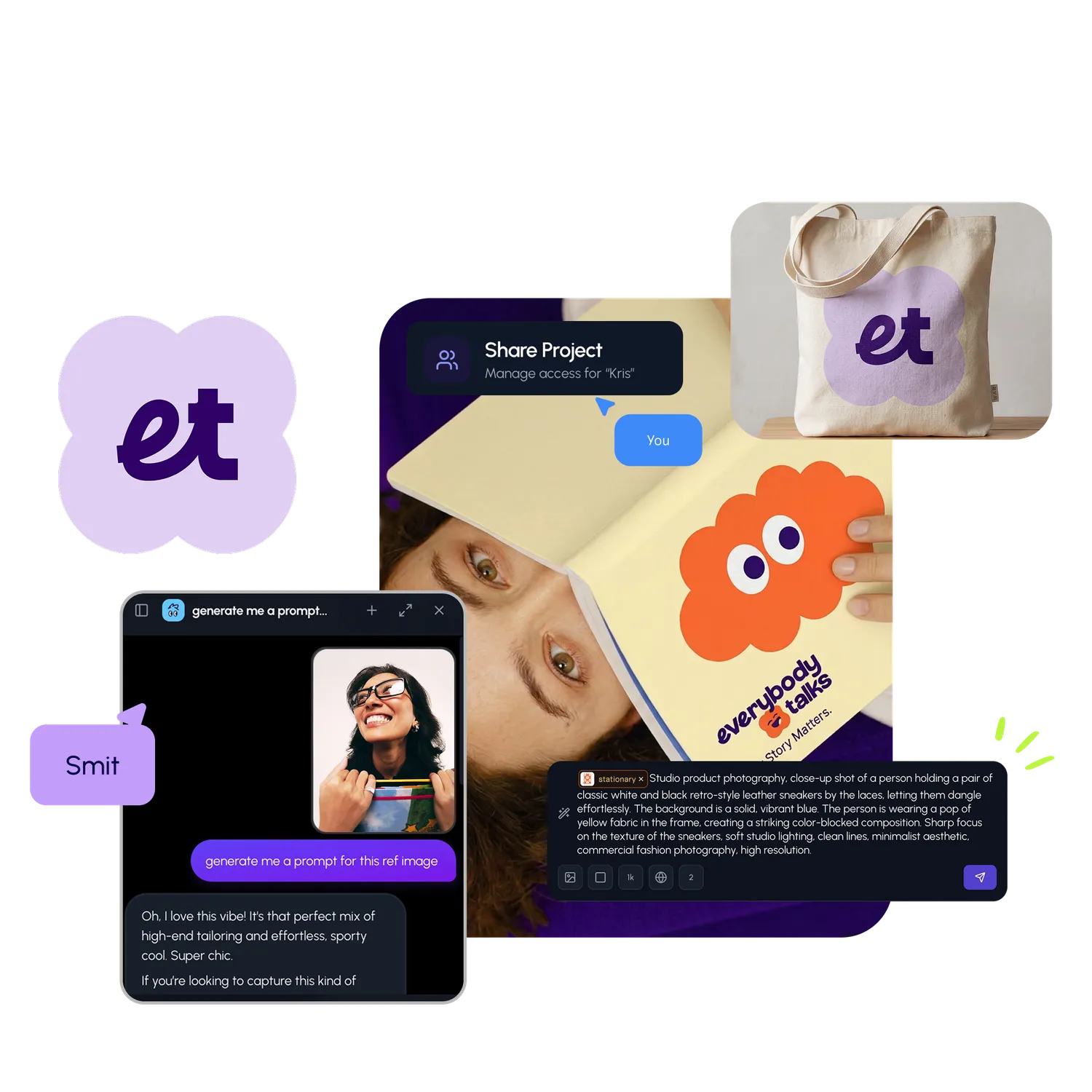
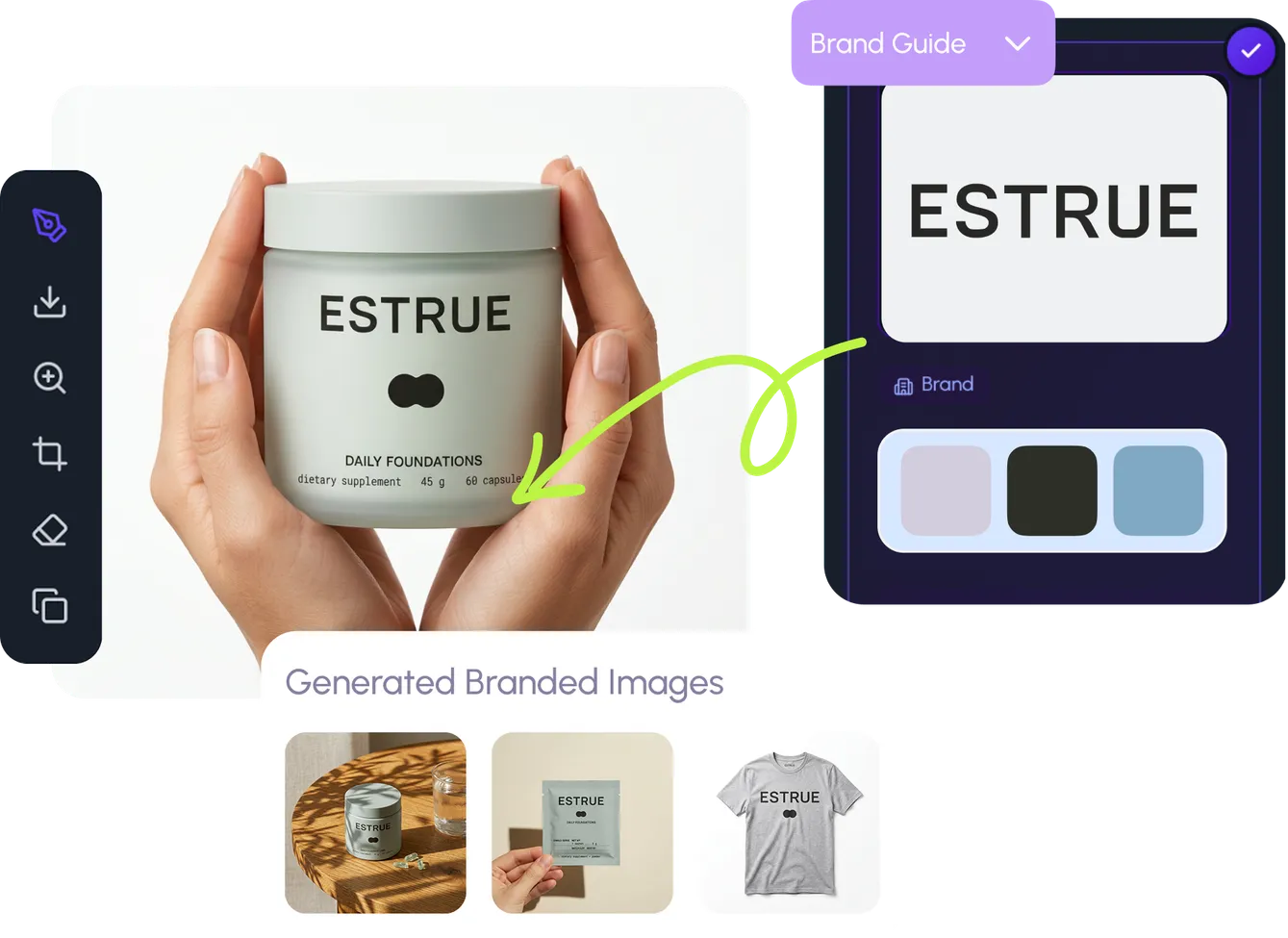
AI generation, vector tools, workflows, catalogs, and collaboration in one workspace.

How Hiding Elephant works

How it works

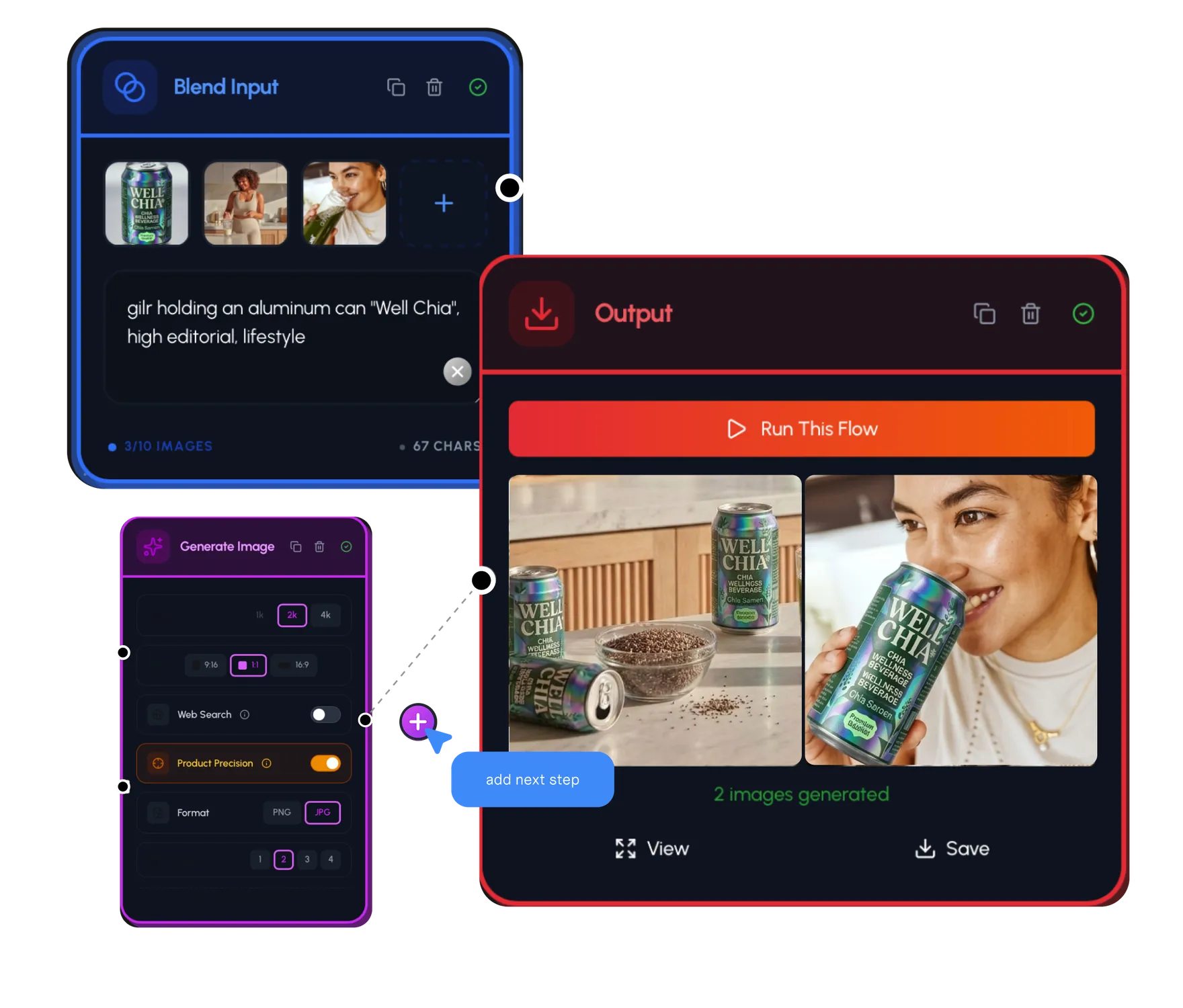
See how the AI canvas, automation, and teamwork fit together end to end.

Get started with Hiding Elephant

Try it free

Sign in and turn inspiration into projects you can edit, export, and share.

Go from browse to build

Explore what else the Elephant can do.You'll love it

AI image generation

AI Generation

Image tools

Image Tools

Workflow builder

Workflows

Brand and style templates

Brand Management

Product catalog

Product Catalog

Collaboration

Collaboration

Batch image generation

Batch generation

Explore community

Community workflows

The AI designworkspace forfast-moving ideas.

Product

  • Ellie
  • Apps
  • AI Generation
  • Vector Canvas
  • Image Tools
  • Workflows
  • Brand Management
  • Product Catalog
  • My Assets
  • Collaboration

Use Cases

  • E-commerce teams
  • Design agencies
  • Marketing teams
  • Content creators

Quick tools

  • All quick tools
  • Background Remover
  • Image Upscaler
  • Image Vectorizer
  • Image Optimizer
  • Image Reframer

Resources

  • About
  • Pricing
  • FAQ
  • Compare
  • Enterprise
  • Integrations
  • Explore
  • Blog
  • Case studies
  • Contact Us
  • Book a Demo
  • Affiliates

© 2026 Hiding Elephant. All rights reserved

Cookie PolicyPrivacy PolicyTerms of Service
Hiding Elephant