Product
Use Cases
How it Works
Pricing
Login
Community showcase

Designs made by our community

Staff-picked ads, product scenes, and brand assets made in Hiding Elephant. See what production-ready creative looks like, then start your own.
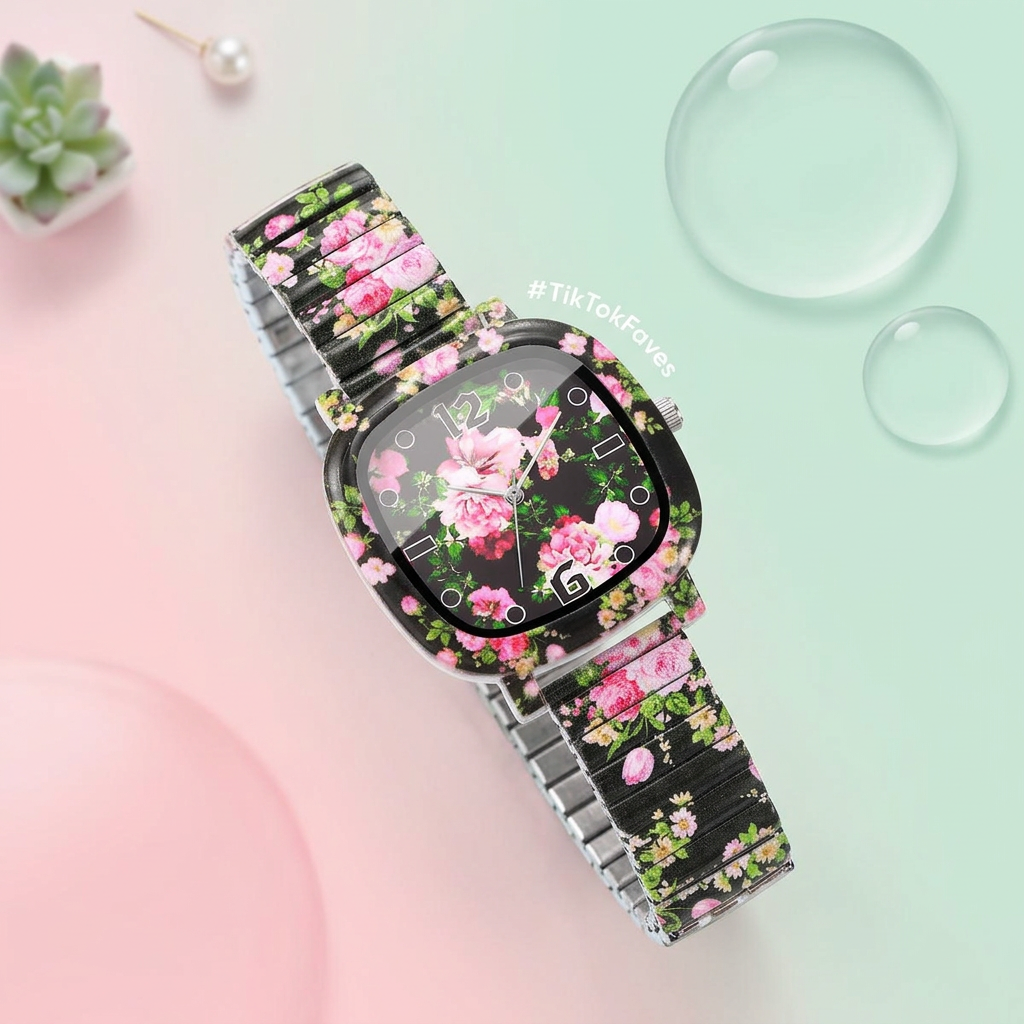
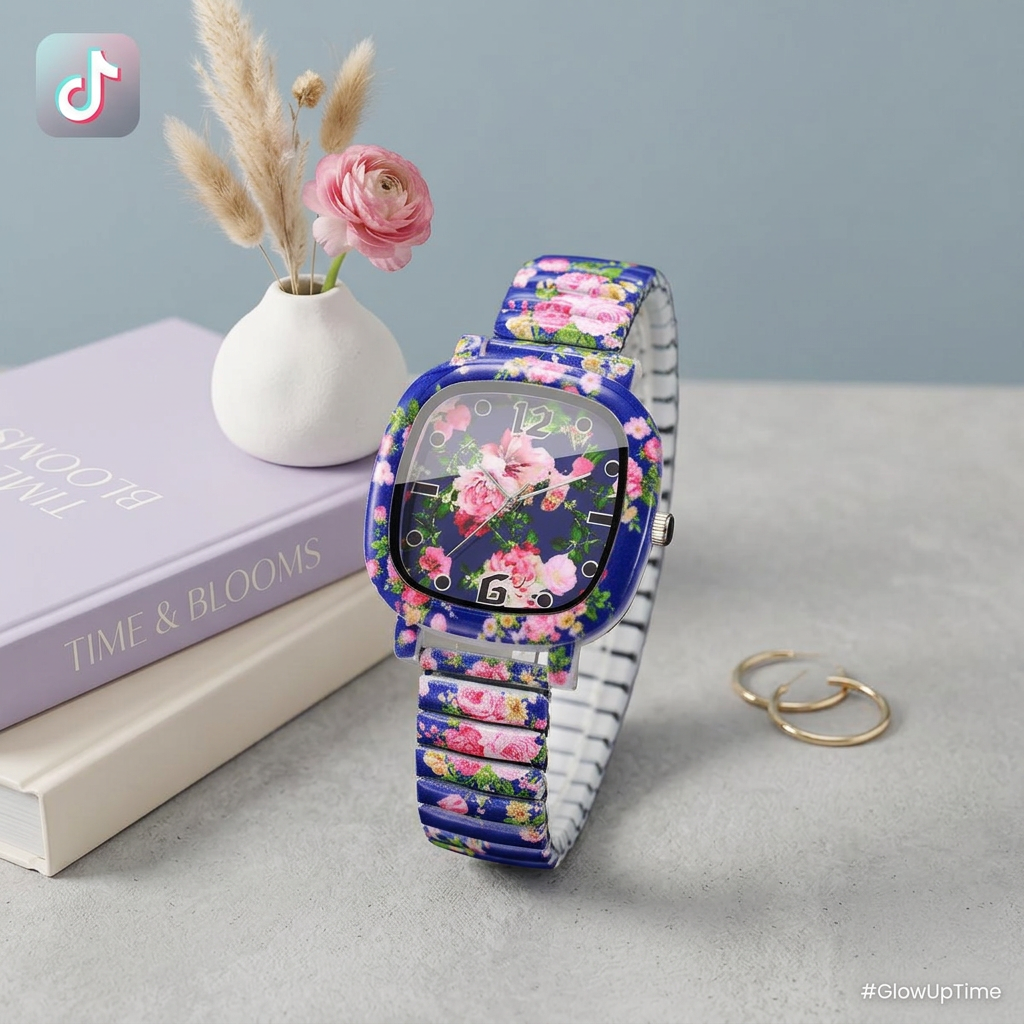
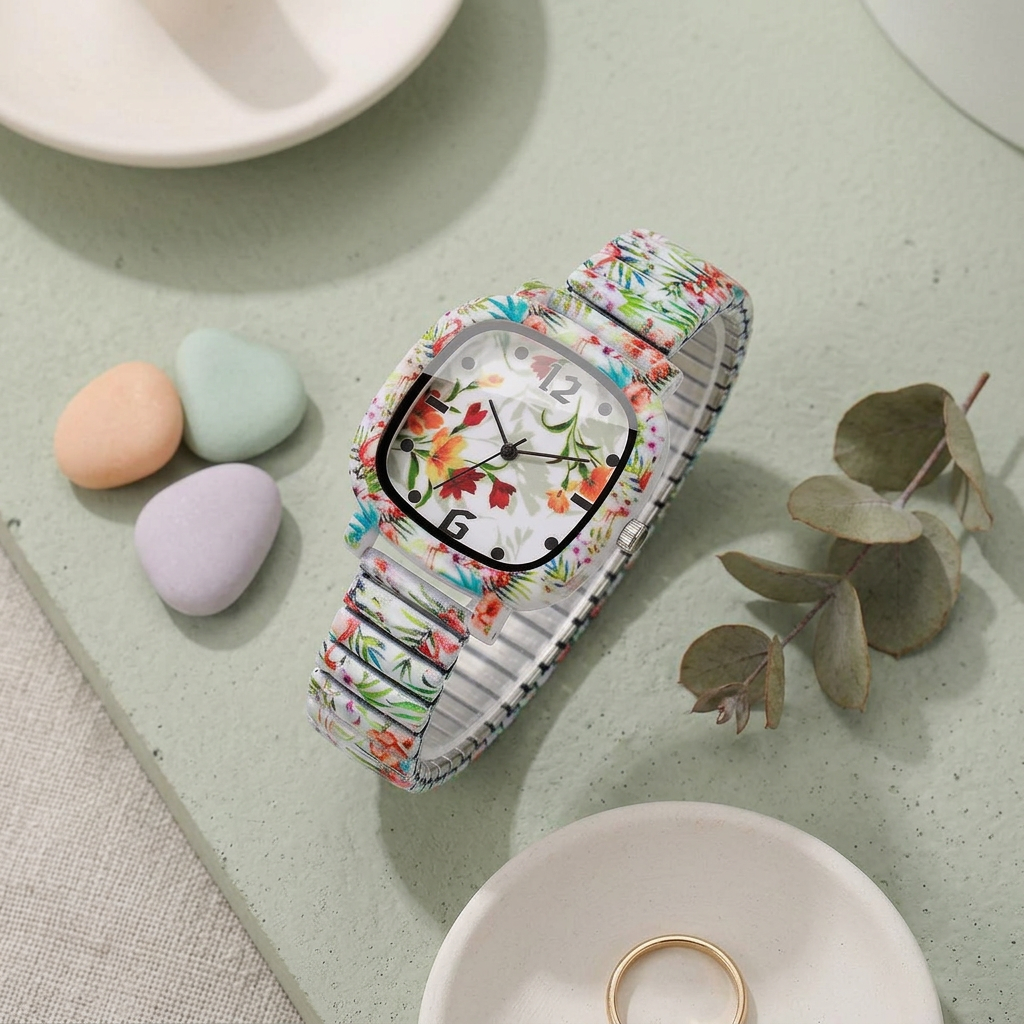
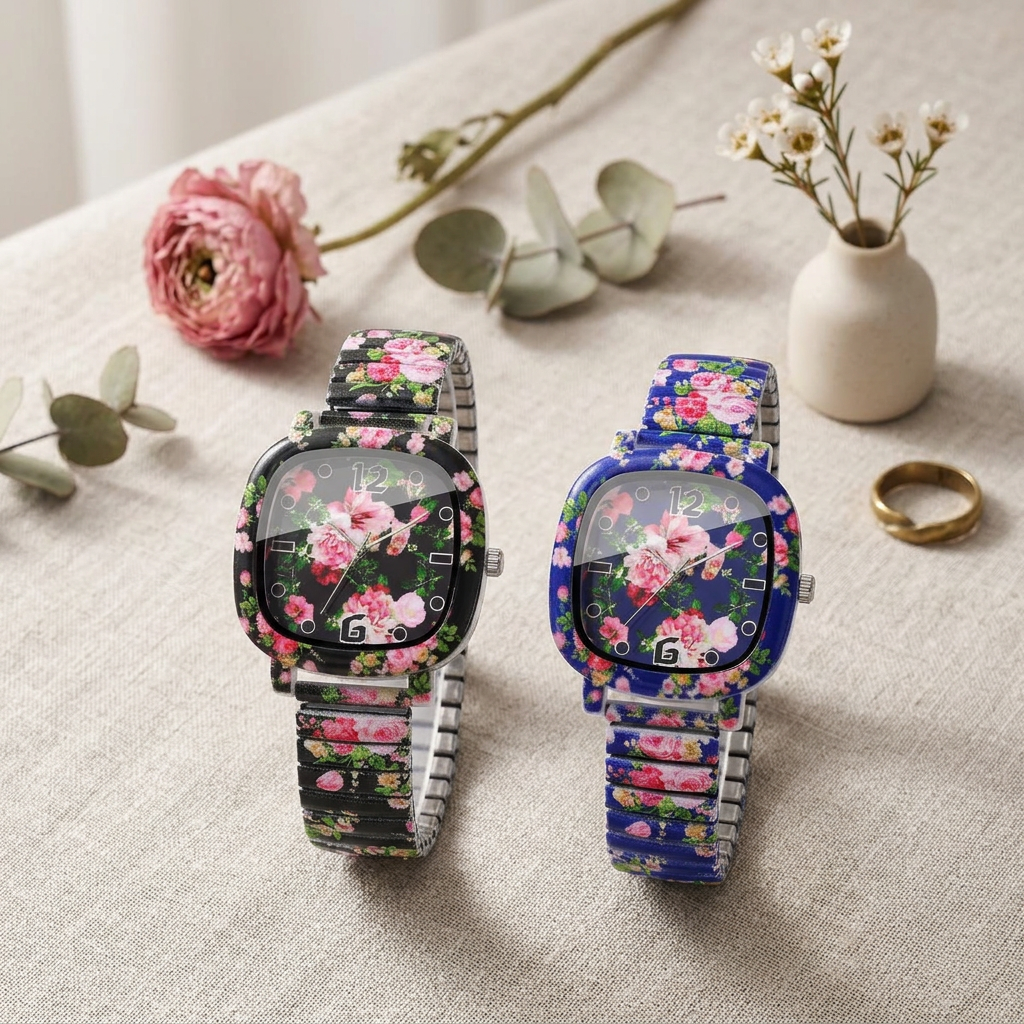
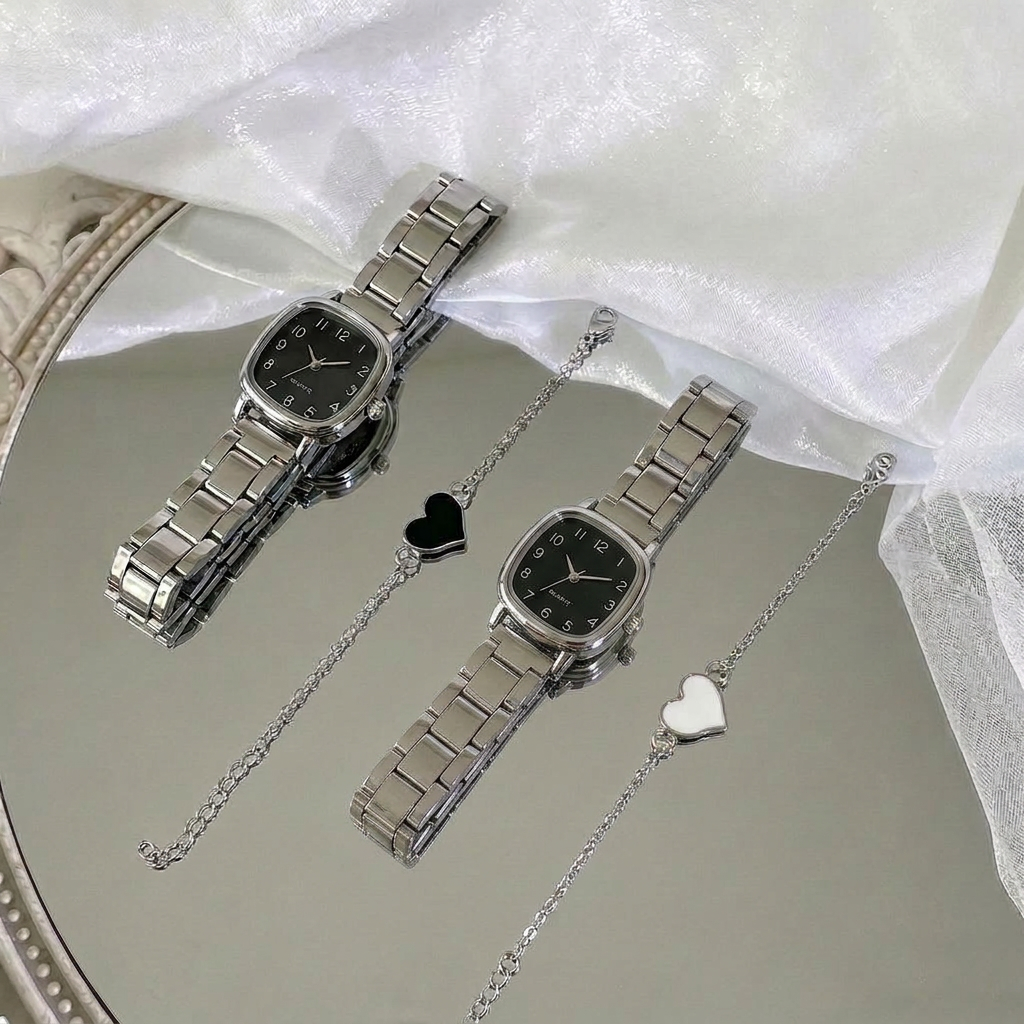
AI Design for 为这款手表换一个适配的场景,要符合tiktok审美的简洁背景

为这款手表换一个适配的场景,要符合tiktok审美的简洁背景

by @Elephant_8714603

AI Design for 为这款手表换一个适配的场景,要符合tiktok审美的简洁背景

为这款手表换一个适配的场景,要符合tiktok审美的简洁背景

by @Elephant_8714603

AI Design for 为这款手表换一个适配的场景,要符合tiktok审美的简洁背景

为这款手表换一个适配的场景,要符合tiktok审美的简洁背景

by @Elephant_8714603

AI Design for give me logo use background color are #FEAE68, #FF7E64 add Red20

give me logo use background color are #FEAE68, #FF7E64 add Red20

by @Elephant_1224575

AI Design for give me logo use background color are #FEAE68, #FF7E64 add 20

give me logo use background color are #FEAE68, #FF7E64 add 20

by @Elephant_1224575

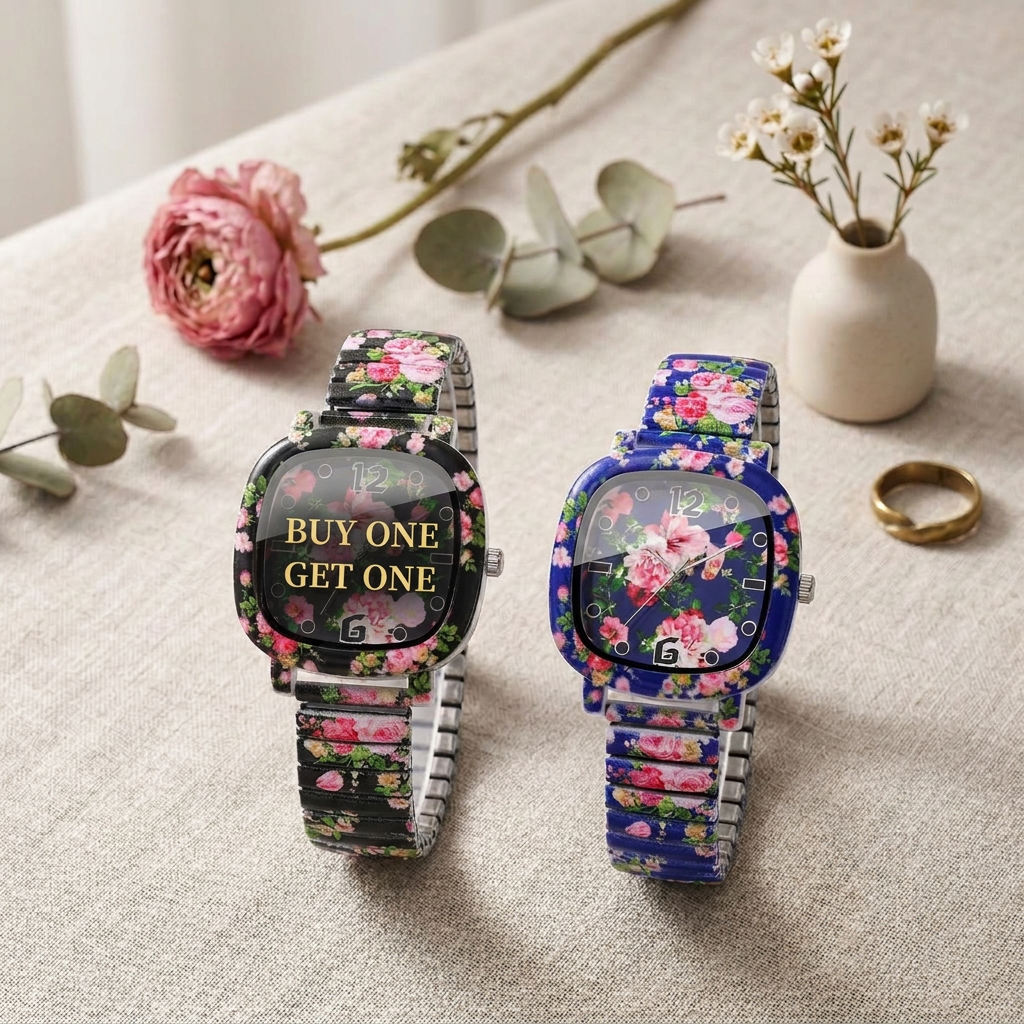
AI Design for 在图上加上买一送一的字样,要英文,buy one get one字样要在同一行

在图上加上买一送一的字样,要英文,buy one get one字样要在同一行

by @Elephant_8714603

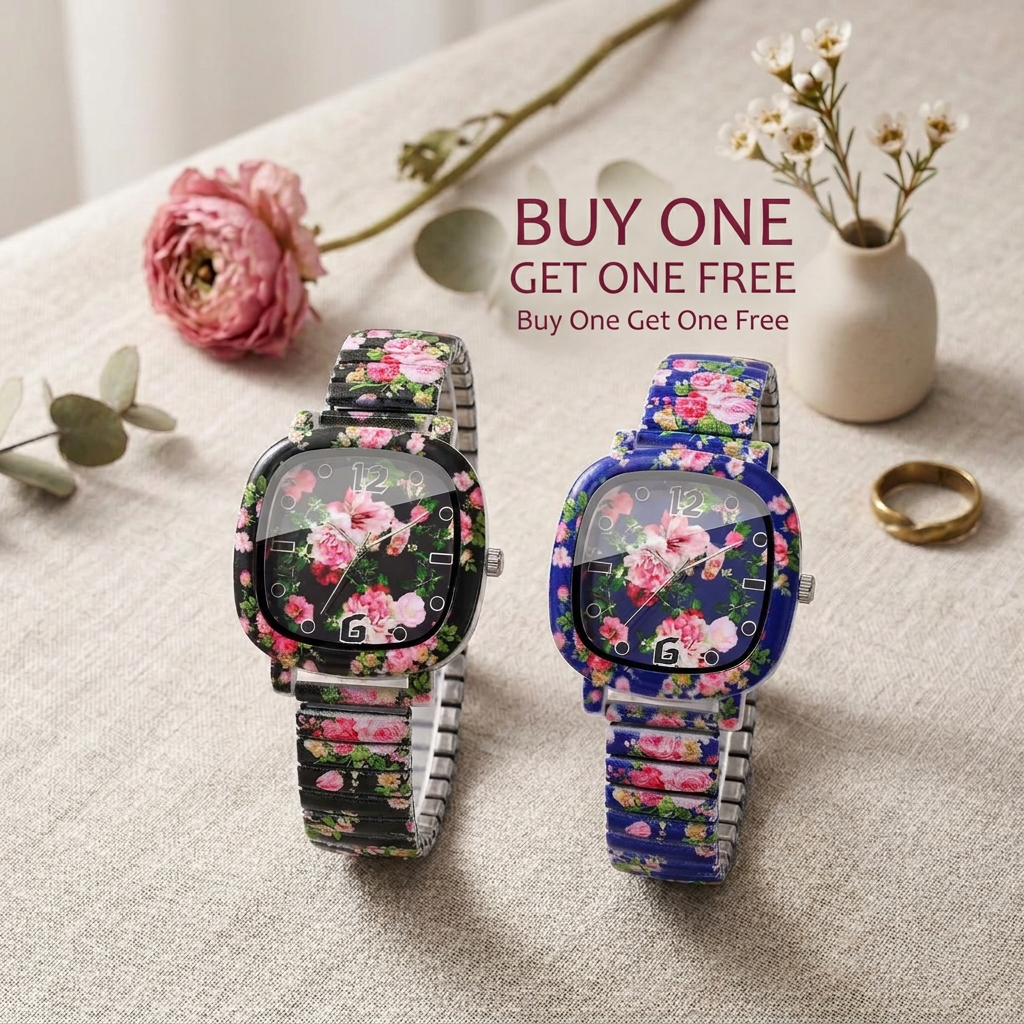
AI Design for 在图上加上买一送一的字样,要英文

在图上加上买一送一的字样,要英文

by @Elephant_8714603

AI Design for give me logo use background color are #FEAE68, #FF7E64

give me logo use background color are #FEAE68, #FF7E64

by @Elephant_1224575

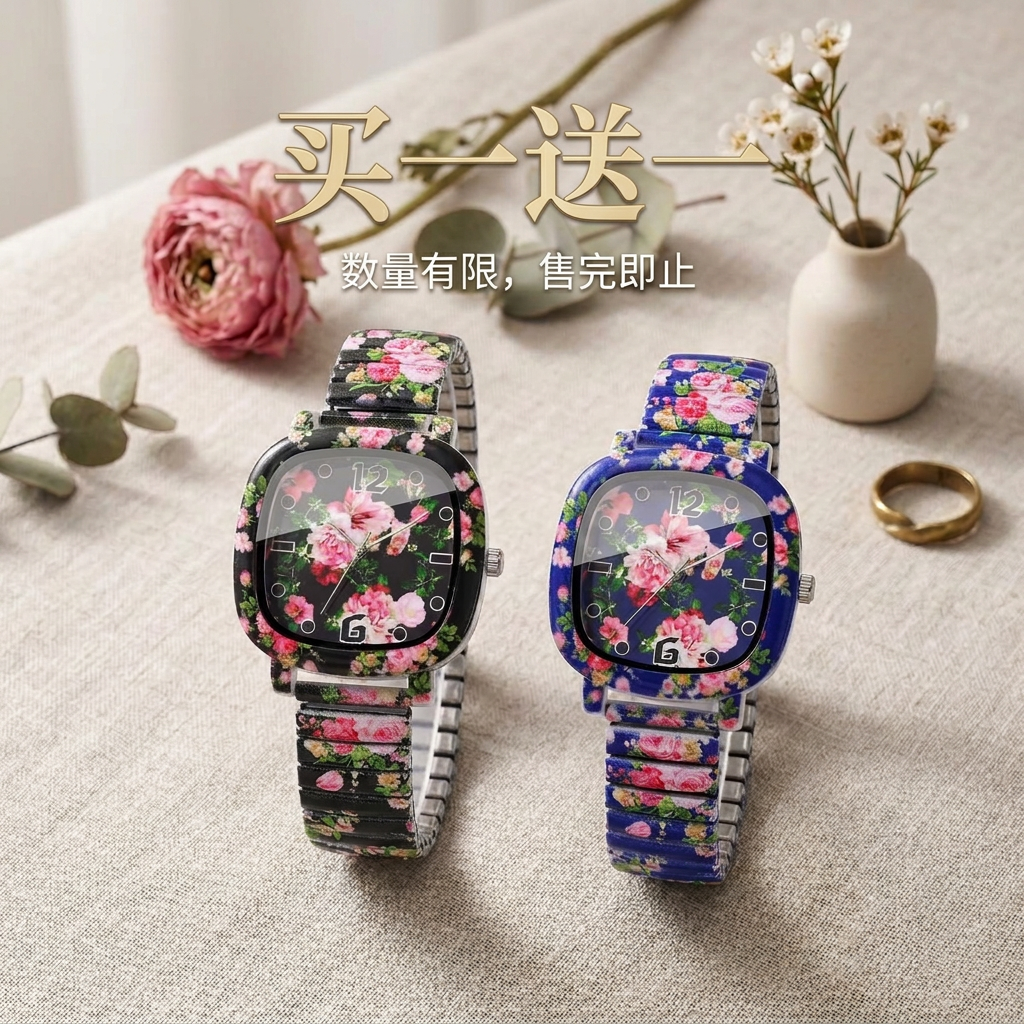
AI Design for 在图上加上买一送一的字样

在图上加上买一送一的字样

by @Elephant_8714603

AI Design for give me logo use text Red20, background color are #FEAE68, #FF7E64

give me logo use text Red20, background color are #FEAE68, #FF7E64

by @Elephant_1224575

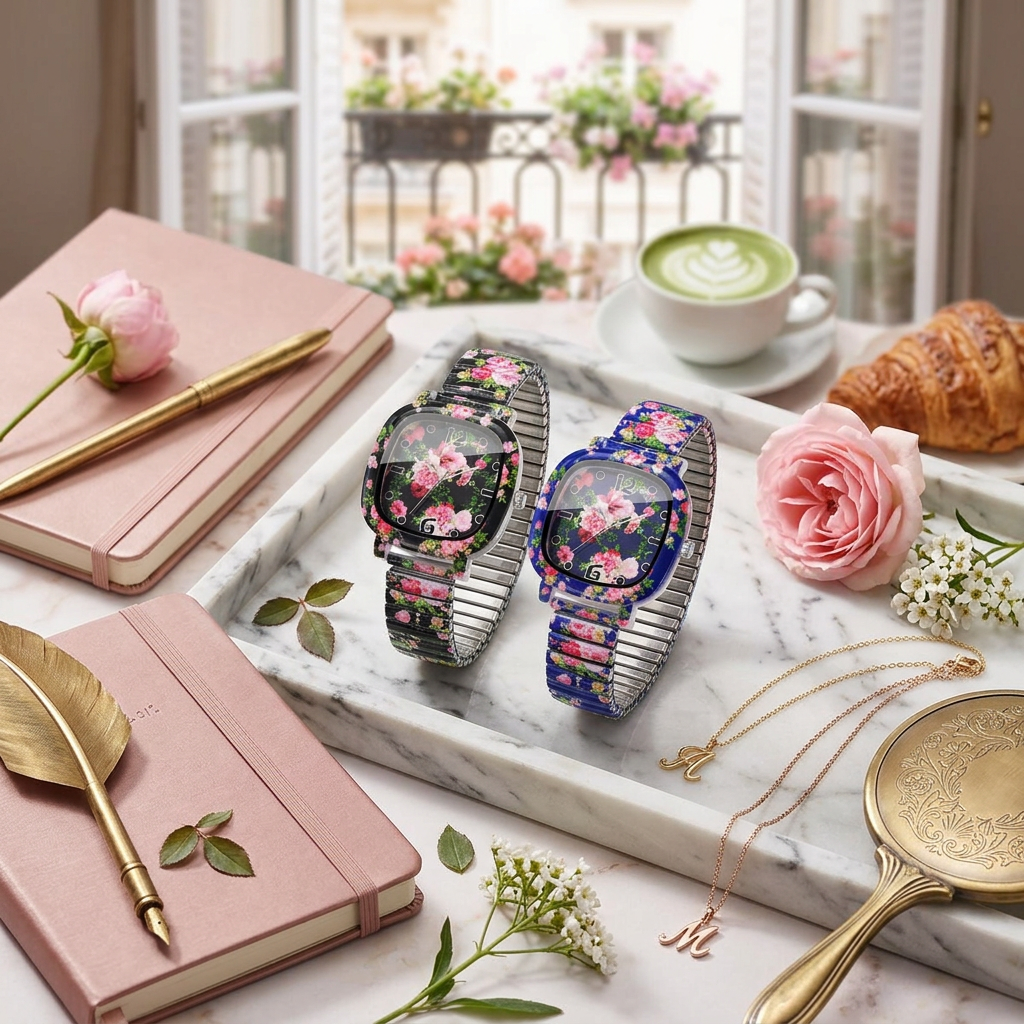
AI Design for 为这两块手表换一个适配的ins风场景,背景有花,但是要简洁

为这两块手表换一个适配的ins风场景,背景有花,但是要简洁

by @Elephant_8714603

AI Design for 为这两块手表换一个适配的ins风场景

为这两块手表换一个适配的ins风场景

by @Elephant_8714603

AI Design for give me logo Red20

This is a square 1:1 image for posts. Fill the whole frame edge to edge and scale the subject large. Do not leave empty margin.

give me logo Red20 This is a square 1:1 image for posts. Fill the whole frame edge to edge and scale the subject large. Do not leave empty margin.

by @Elephant_1224575

AI Design for give me logo Red20

This is a square 1:1 image for posts. Fill the whole frame edge to edge and scale the subject large. Do not leave empty margin.

give me logo Red20 This is a square 1:1 image for posts. Fill the whole frame edge to edge and scale the subject large. Do not leave empty margin.

by @Elephant_1224575

AI Design for give me logo Red20

This is a square 1:1 image for posts. Fill the whole frame edge to edge and scale the subject large. Do not leave empty margin.

give me logo Red20 This is a square 1:1 image for posts. Fill the whole frame edge to edge and scale the subject large. Do not leave empty margin.

by @Elephant_1224575

AI Design for give me logo Red20 icon only

This is a square 1:1 image for posts. Fill the whole frame edge to edge and scale the subject large. Do not leave empty margin.

give me logo Red20 icon only This is a square 1:1 image for posts. Fill the whole frame edge to edge and scale the subject large. Do not leave empty margin.

by @Elephant_1224575

AI Design for give me logo Red20 icon only

This is a square 1:1 image for posts. Fill the whole frame edge to edge and scale the subject large. Do not leave empty margin.

give me logo Red20 icon only This is a square 1:1 image for posts. Fill the whole frame edge to edge and scale the subject large. Do not leave empty margin.

by @Elephant_1224575

AI Design for give me logo Red20 icon only

This is a square 1:1 image for posts. Fill the whole frame edge to edge and scale the subject large. Do not leave empty margin.

give me logo Red20 icon only This is a square 1:1 image for posts. Fill the whole frame edge to edge and scale the subject large. Do not leave empty margin.

by @Elephant_1224575

AI Design for give me logo Red20

This is a square 1:1 image for posts. Fill the whole frame edge to edge and scale the subject large. Do not leave empty margin.

give me logo Red20 This is a square 1:1 image for posts. Fill the whole frame edge to edge and scale the subject large. Do not leave empty margin.

by @Elephant_1224575

AI Design for give me logo Red20

This is a square 1:1 image for posts. Fill the whole frame edge to edge and scale the subject large. Do not leave empty margin.

give me logo Red20 This is a square 1:1 image for posts. Fill the whole frame edge to edge and scale the subject large. Do not leave empty margin.

by @Elephant_1224575

AI Design for give me logo Red20

This is a square 1:1 image for posts. Fill the whole frame edge to edge and scale the subject large. Do not leave empty margin.

give me logo Red20 This is a square 1:1 image for posts. Fill the whole frame edge to edge and scale the subject large. Do not leave empty margin.

by @Elephant_1224575

AI Design for refrence this logo but background color are #FEAE68, #FF7E64, name use Red20 give png

refrence this logo but background color are #FEAE68, #FF7E64, name use Red20 give png

by @Elephant_1224575

AI Design for refrence this logo but background color are #FEAE68, #FF7E64, name use Red20

refrence this logo but background color are #FEAE68, #FF7E64, name use Red20

by @Elephant_1224575

AI Design for A clean, modern product display featuring {{asset:logo}} against a vibrant gradient background blending shades of warm coral #FF7E64 and soft peach #FEAE68. Prominently integrated into the composition is the sleek Red20 product, illuminated by soft studio lighting with subtle drop shadows and crisp textures.

A clean, modern product display featuring {{asset:logo}} against a vibrant gradient background blending shades of warm coral #FF7E64 and soft peach #FEAE68. Prominently integrated into the composition is the sleek Red20 product, illuminated by soft studio lighting with subtle drop shadows and crisp textures.

by @Elephant_1224575
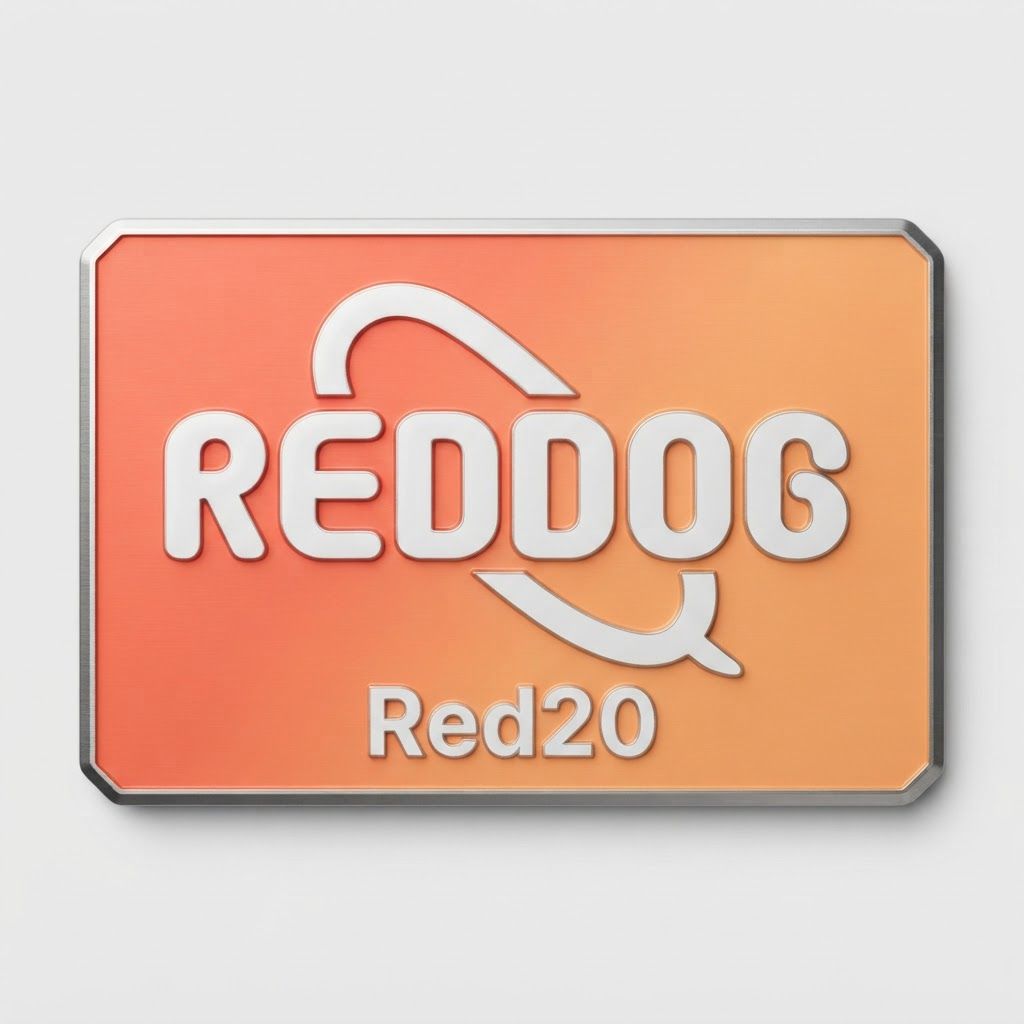
AI Design for use this logo but background color are #FF7E64, #FEAE68, put Red20

use this logo but background color are #FF7E64, #FEAE68, put Red20

by @Elephant_1224575

AI Design for use this logo but color are #FF7E64, #FEAE68, put Red20

use this logo but color are #FF7E64, #FEAE68, put Red20

by @Elephant_1224575

AI Design for use this logo but color are #FF7E64, #FEAE68, dog remove text put Red20

use this logo but color are #FF7E64, #FEAE68, dog remove text put Red20

by @Elephant_1224575

AI Design for use this logo but color are #FF7E64, #FEAE68, dog remove text put Red20

use this logo but color are #FF7E64, #FEAE68, dog remove text put Red20

by @Elephant_1224575

AI Design for use this logo but color are #FF7E64, #FEAE68, and dog remove text put 20

use this logo but color are #FF7E64, #FEAE68, and dog remove text put 20

by @Elephant_1224575

AI Design for remove dog word replece 20 add

This is a square 1:1 image for posts. Fill the whole frame edge to edge and scale the subject large. Do not leave empty margin.

remove dog word replece 20 add This is a square 1:1 image for posts. Fill the whole frame edge to edge and scale the subject large. Do not leave empty margin.

by @Elephant_1224575

AI Design for remove dog word replece 20 add

This is a square 1:1 image for posts. Fill the whole frame edge to edge and scale the subject large. Do not leave empty margin.

remove dog word replece 20 add This is a square 1:1 image for posts. Fill the whole frame edge to edge and scale the subject large. Do not leave empty margin.

by @Elephant_1224575

AI Design for remove dog word replece 20 add

This is a square 1:1 image for posts. Fill the whole frame edge to edge and scale the subject large. Do not leave empty margin.

remove dog word replece 20 add This is a square 1:1 image for posts. Fill the whole frame edge to edge and scale the subject large. Do not leave empty margin.

by @Elephant_1224575

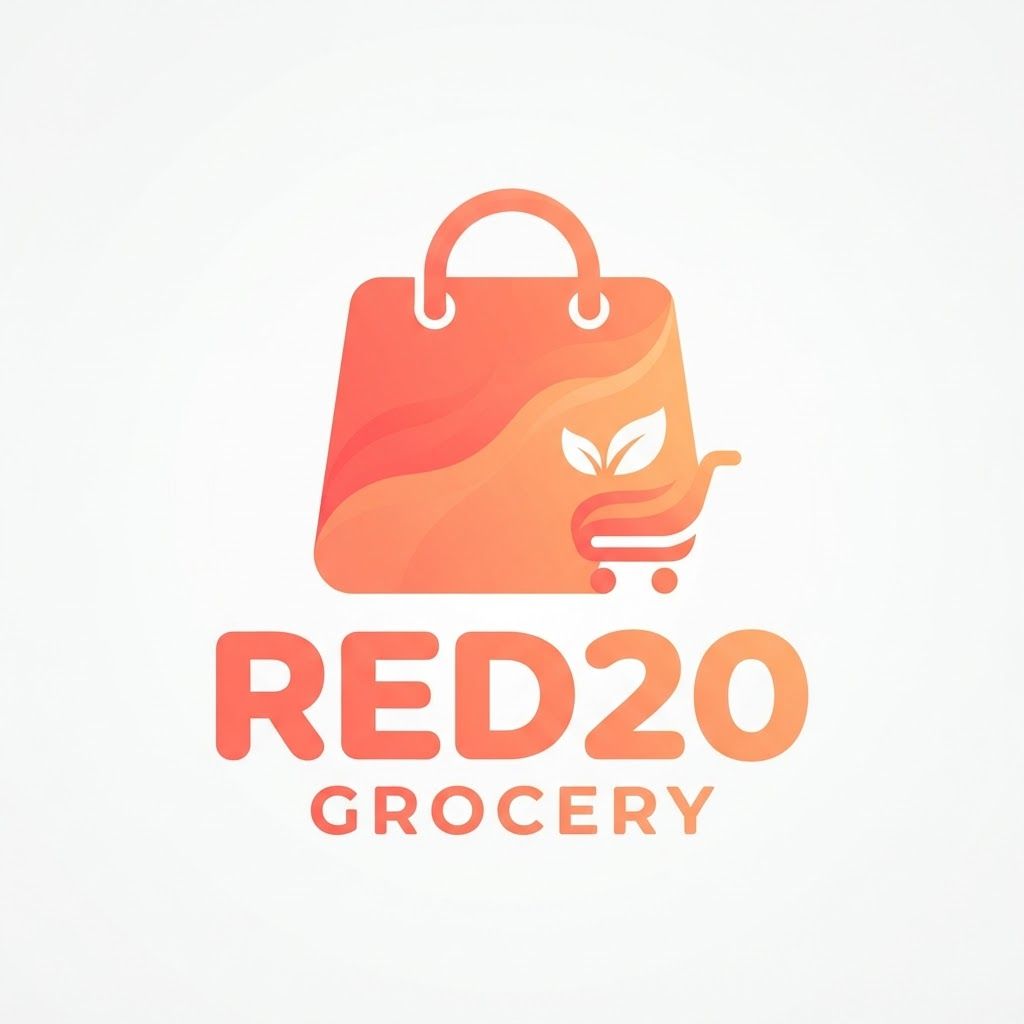
AI Design for give me a grocery logo Red20 color is #FF7E64, #FEAB69 gradient, remove dog replece 20

This is a square 1:1 image for posts. Fill the whole frame edge to edge and scale the subject large. Do not leave empty margin.

give me a grocery logo Red20 color is #FF7E64, #FEAB69 gradient, remove dog replece 20 This is a square 1:1 image for posts. Fill the whole frame edge to edge and scale the subject large. Do not leave empty margin.

by @Elephant_1224575

AI Design for give me a grocery logo Red20 color is #FF7E64, #FEAB69 gradient, remove dog replece 20

This is a square 1:1 image for posts. Fill the whole frame edge to edge and scale the subject large. Do not leave empty margin.

give me a grocery logo Red20 color is #FF7E64, #FEAB69 gradient, remove dog replece 20 This is a square 1:1 image for posts. Fill the whole frame edge to edge and scale the subject large. Do not leave empty margin.

by @Elephant_1224575

AI Design for give me a grocery logo Red20 color is #FF7E64, #FEAB69 gradient, remove dog replece 20

This is a square 1:1 image for posts. Fill the whole frame edge to edge and scale the subject large. Do not leave empty margin.

give me a grocery logo Red20 color is #FF7E64, #FEAB69 gradient, remove dog replece 20 This is a square 1:1 image for posts. Fill the whole frame edge to edge and scale the subject large. Do not leave empty margin.

by @Elephant_1224575

AI Design for This photo has a temporary semi-transparent red marker painted on it. The marker is not part of the scene.

Inside the marked region only, do this: remove select area grocry icon upr

Then remove the red marker completely. The finished image must contain no red paint, highlight, or drawing. Keep framing, lighting, and everything outside the marked region identical.

This photo has a temporary semi-transparent red marker painted on it. The marker is not part of the scene. Inside the marked region only, do this: remove select area grocry icon upr Then remove the red marker completely. The finished image must contain no red paint, highlight, or drawing. Keep framing, lighting, and everything outside the marked region identical.

by @Elephant_1224575
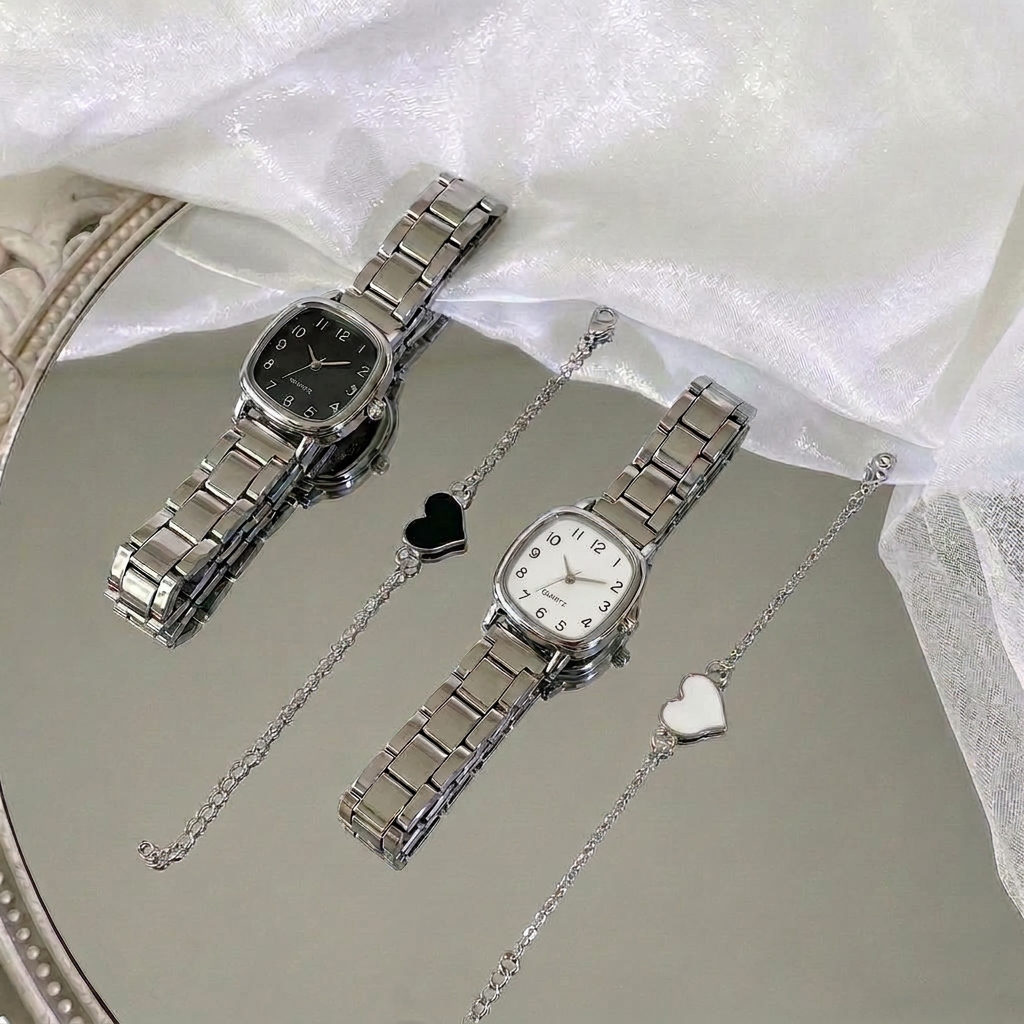
AI Design for 在手表表盘下方加上Quartz标志

在手表表盘下方加上Quartz标志

by @Elephant_8714603

AI Design for 在手表表盘下方加上Quartz标志

在手表表盘下方加上Quartz标志

by @Elephant_8714603

AI Design for give me a grocery logo Red20 color is #FF7E64, #FEAB69 gradient

give me a grocery logo Red20 color is #FF7E64, #FEAB69 gradient

by @Elephant_1224575

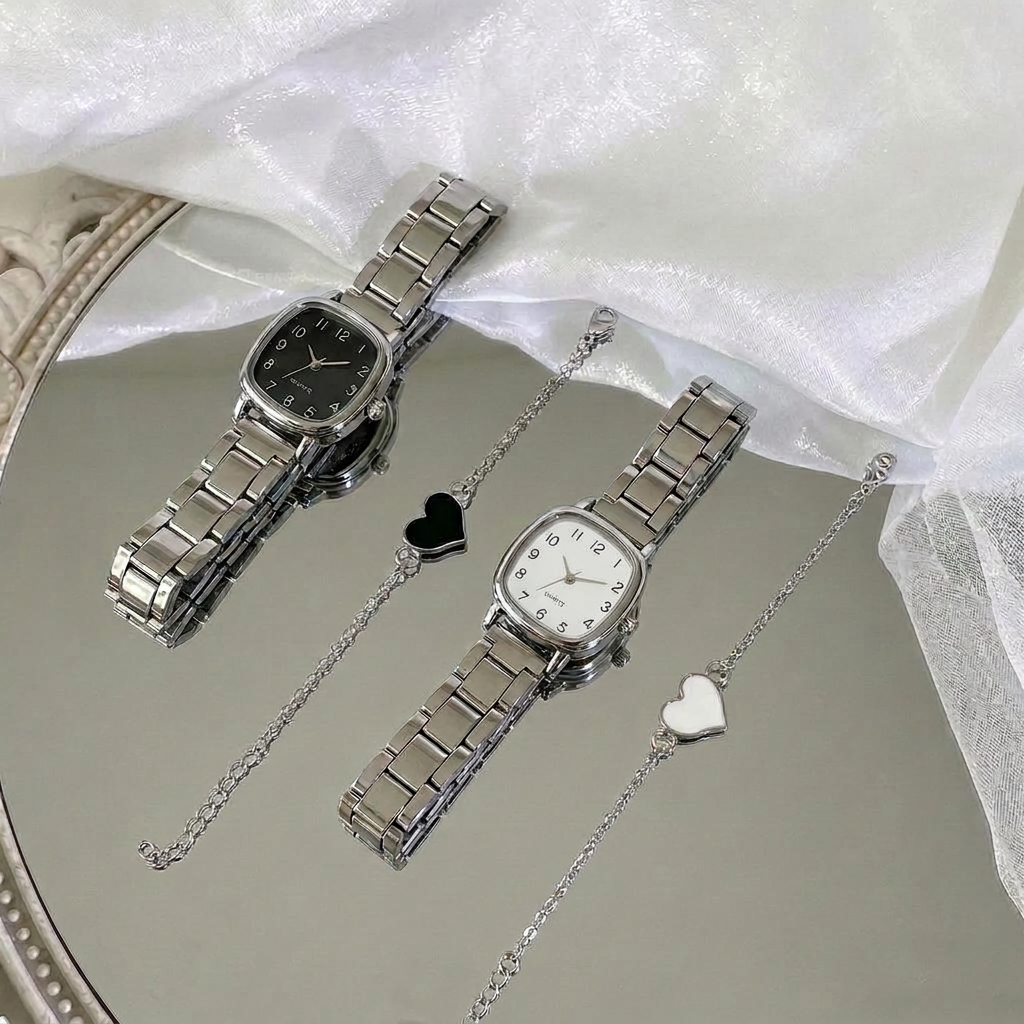
AI Design for 把下面手表的表盘颜色换成纯白色,不要有任何光线,保持表盘细节不变

把下面手表的表盘颜色换成纯白色,不要有任何光线,保持表盘细节不变

by @Elephant_8714603

AI Design for 把下面手表的表盘颜色换成纯白色,不要有任何光线,保持表盘细节不变

把下面手表的表盘颜色换成纯白色,不要有任何光线,保持表盘细节不变

by @Elephant_8714603

AI Design for give me a grocery logo Red20 color is #FF7E64, #FEAB69 gradient

This is a square 1:1 image for posts. Fill the whole frame edge to edge and scale the subject large. Do not leave empty margin.

give me a grocery logo Red20 color is #FF7E64, #FEAB69 gradient This is a square 1:1 image for posts. Fill the whole frame edge to edge and scale the subject large. Do not leave empty margin.

by @Elephant_1224575

AI Design for give me a grocery logo Red20 color is #FF7E64, #FEAB69 gradient

This is a square 1:1 image for posts. Fill the whole frame edge to edge and scale the subject large. Do not leave empty margin.

give me a grocery logo Red20 color is #FF7E64, #FEAB69 gradient This is a square 1:1 image for posts. Fill the whole frame edge to edge and scale the subject large. Do not leave empty margin.

by @Elephant_1224575

AI Design for give me a grocery logo Red20 color is #FF7E64, #FEAB69 gradient

This is a square 1:1 image for posts. Fill the whole frame edge to edge and scale the subject large. Do not leave empty margin.

give me a grocery logo Red20 color is #FF7E64, #FEAB69 gradient This is a square 1:1 image for posts. Fill the whole frame edge to edge and scale the subject large. Do not leave empty margin.

by @Elephant_1224575

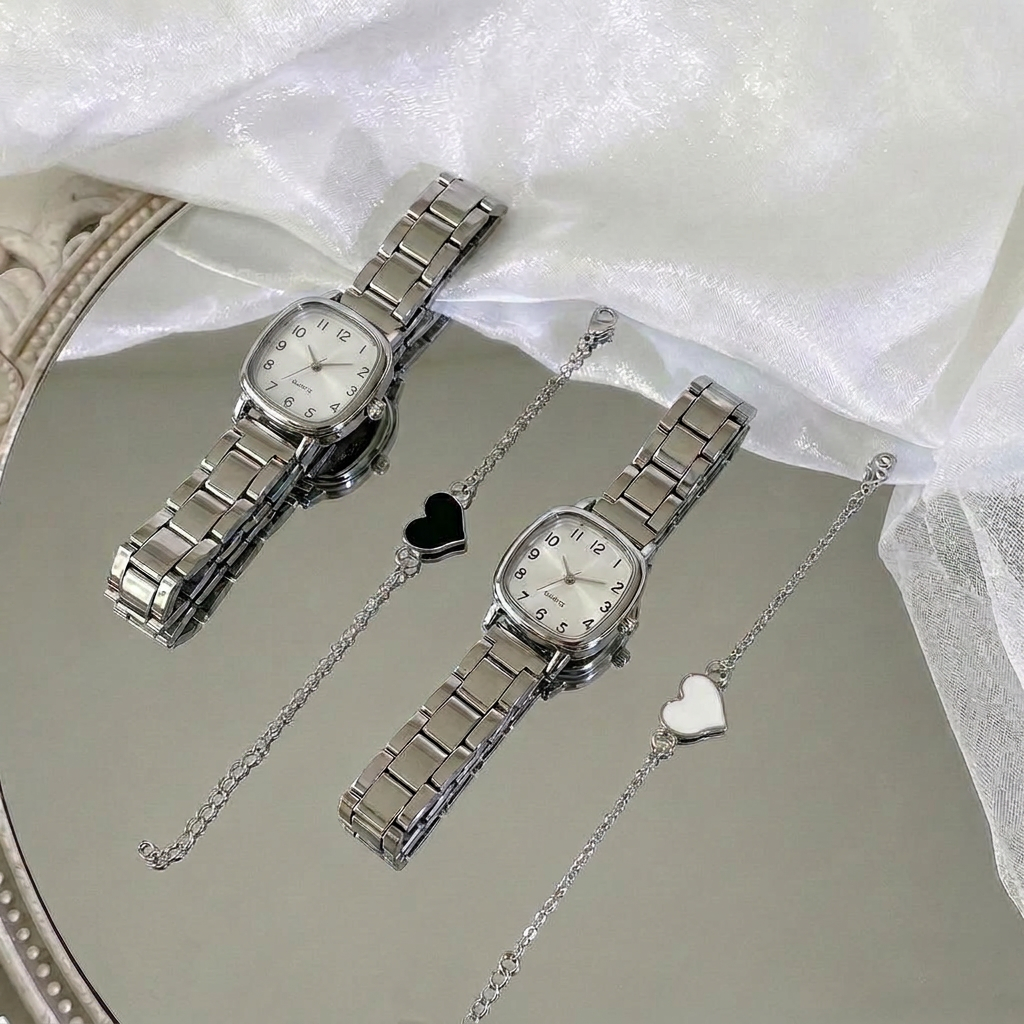
AI Design for 帮我把图中下方手表的表盘调成纯白色,不要有任何光线

帮我把图中下方手表的表盘调成纯白色,不要有任何光线

by @Elephant_8714603

AI Design for 帮我把图中银白色手表的表盘调成纯白色

帮我把图中银白色手表的表盘调成纯白色

by @Elephant_8714603

AI Design for This photo has a temporary semi-transparent red marker painted on it. The marker is not part of the scene.

Inside the marked region only, do this: change her hair to slick back hair

Then remove the red marker completely. The finished image must contain no red paint, highlight, or drawing. Keep framing, lighting, and everything outside the marked region identical.

This photo has a temporary semi-transparent red marker painted on it. The marker is not part of the scene. Inside the marked region only, do this: change her hair to slick back hair Then remove the red marker completely. The finished image must contain no red paint, highlight, or drawing. Keep framing, lighting, and everything outside the marked region identical.

by @Elephant_1649093
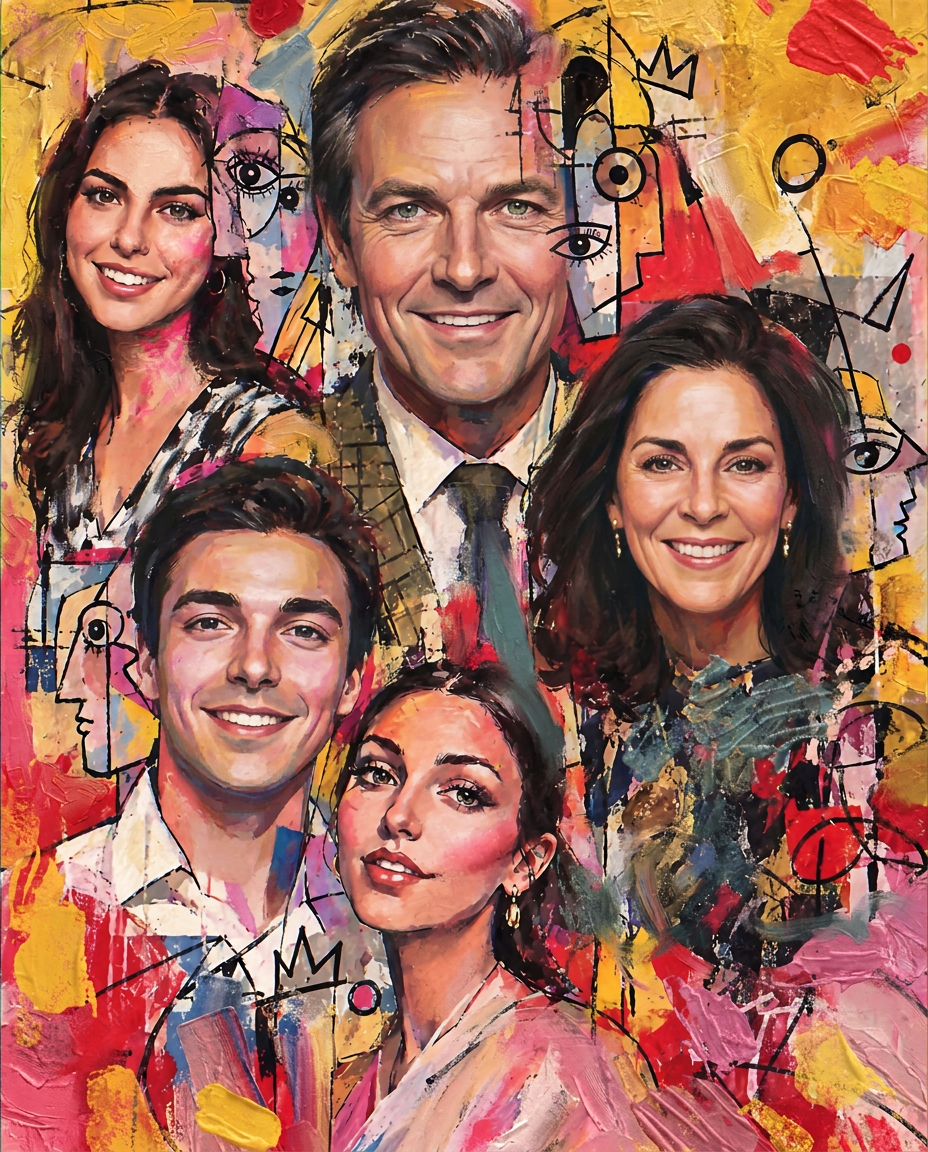
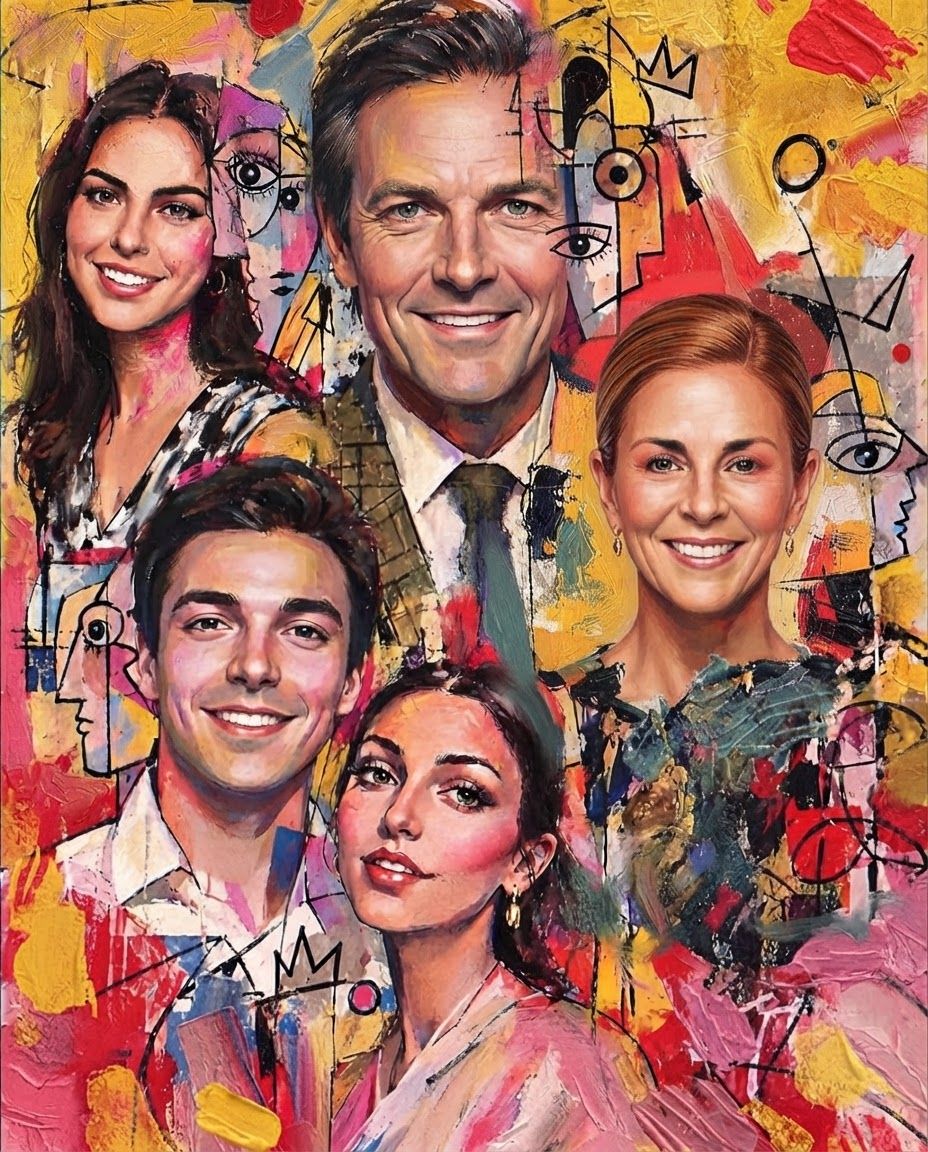
AI Design for for the first attached artwork please refine and fix the faces according to the second image attached of the family members, ensure accuracy and detail

for the first attached artwork please refine and fix the faces according to the second image attached of the family members, ensure accuracy and detail

by @Elephant_1649093

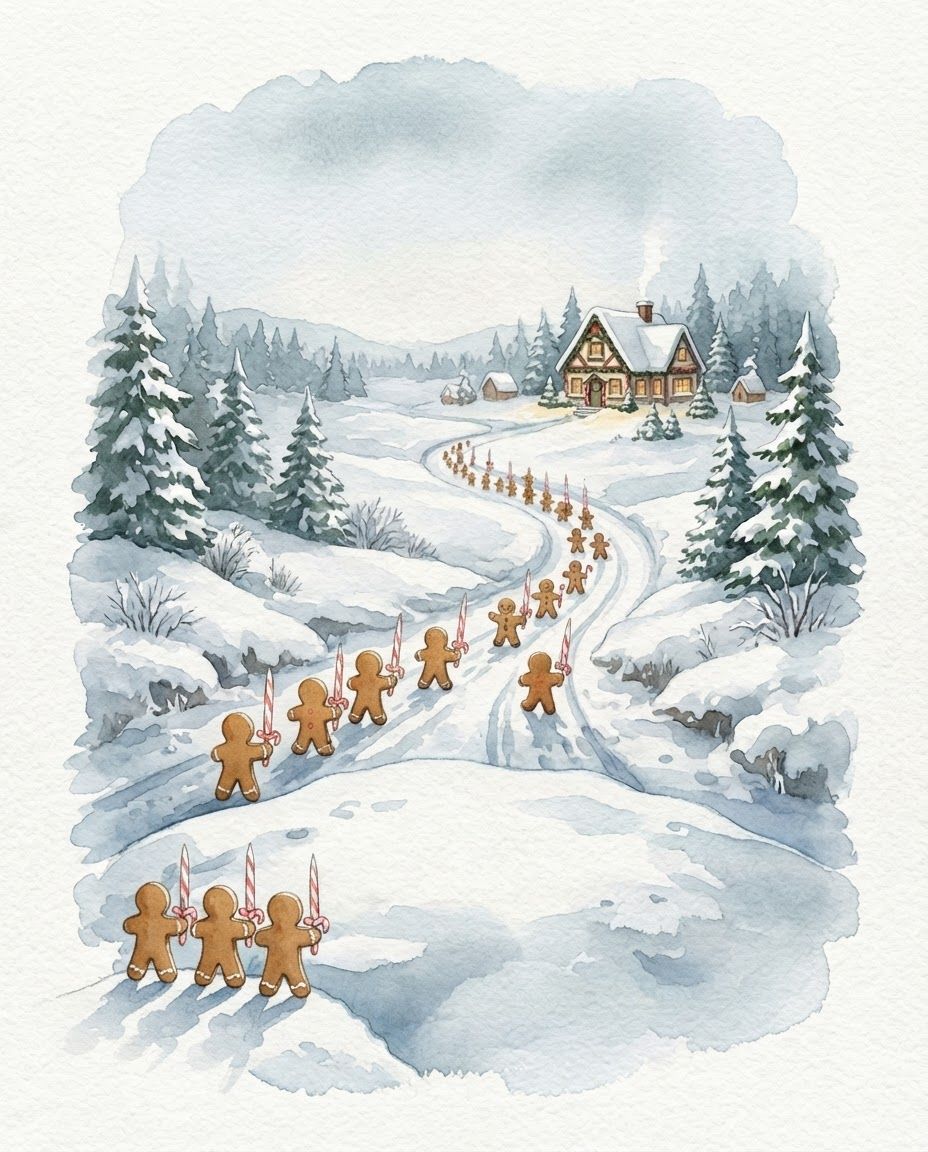
AI Design for make these changes to the second image ''Gingerbread army: Please turn the figures so they are marching away from the viewer toward Santa’s workshop. We should mainly see their backs, with no faces or front buttons visible.

Candy-cane weapons: These are sharpened candy-cane swords. Please use the attached reference for their shape (from the booklet), and have the figures hold them with the pointed straight end facing upward and the curved hook at the bottom, near their hands.

If it fits the composition, please add two or three gingerbread soldiers on the slope just ahead in the foreground, joining the march downhill toward the workshop.

make these changes to the second image ''Gingerbread army: Please turn the figures so they are marching away from the viewer toward Santa’s workshop. We should mainly see their backs, with no faces or front buttons visible. Candy-cane weapons: These are sharpened candy-cane swords. Please use the attached reference for their shape (from the booklet), and have the figures hold them with the pointed straight end facing upward and the curved hook at the bottom, near their hands. If it fits the composition, please add two or three gingerbread soldiers on the slope just ahead in the foreground, joining the march downhill toward the workshop.

by @Elephant_3756952
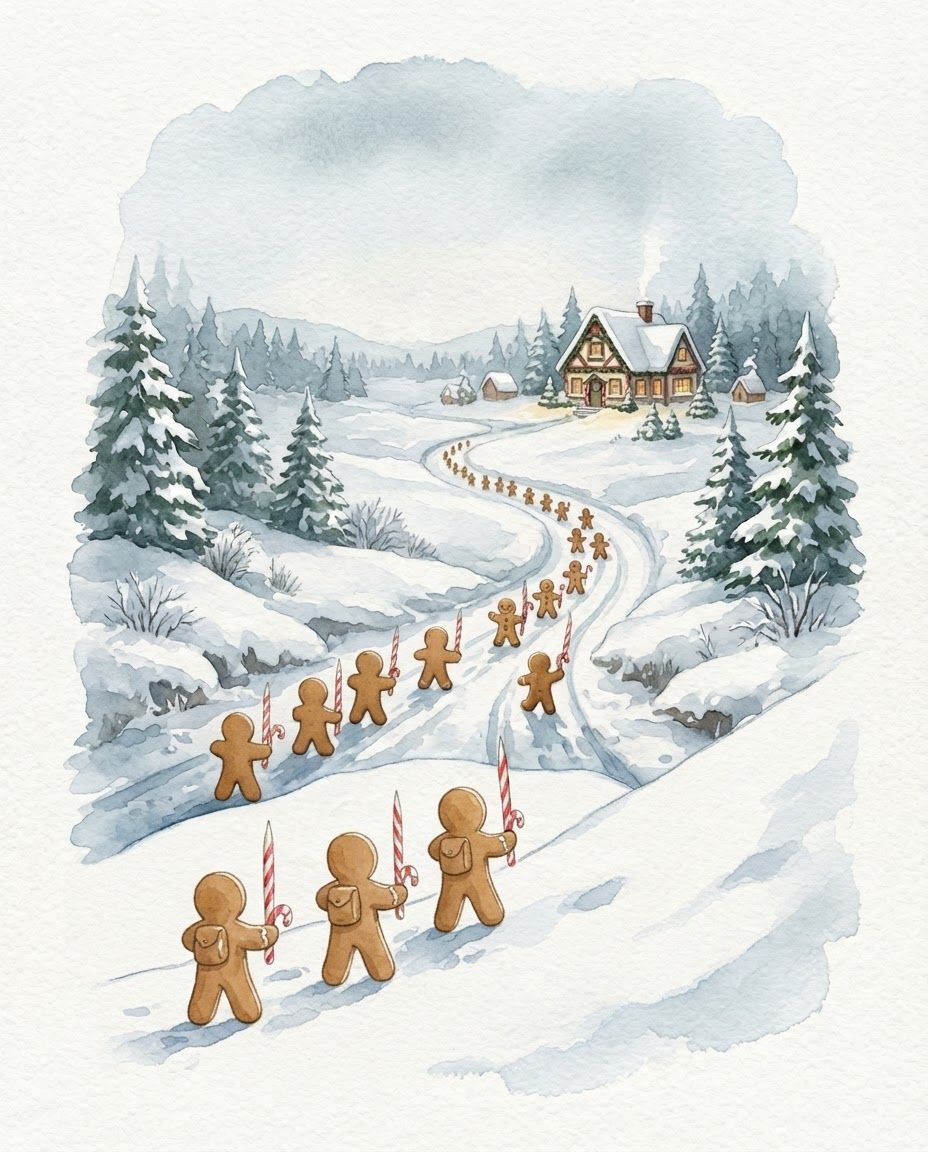
AI Design for make these changes to the second image ''Gingerbread army: Please turn the figures so they are marching away from the viewer toward Santa’s workshop. We should mainly see their backs, with no faces or front buttons visible.

Candy-cane weapons: These are sharpened candy-cane swords. Please use the attached reference for their shape (from the booklet), and have the figures hold them with the pointed straight end facing upward and the curved hook at the bottom, near their hands.

If it fits the composition, please add two or three gingerbread soldiers on the slope just ahead in the foreground, joining the march downhill toward the workshop.

make these changes to the second image ''Gingerbread army: Please turn the figures so they are marching away from the viewer toward Santa’s workshop. We should mainly see their backs, with no faces or front buttons visible. Candy-cane weapons: These are sharpened candy-cane swords. Please use the attached reference for their shape (from the booklet), and have the figures hold them with the pointed straight end facing upward and the curved hook at the bottom, near their hands. If it fits the composition, please add two or three gingerbread soldiers on the slope just ahead in the foreground, joining the march downhill toward the workshop.

by @Elephant_3756952
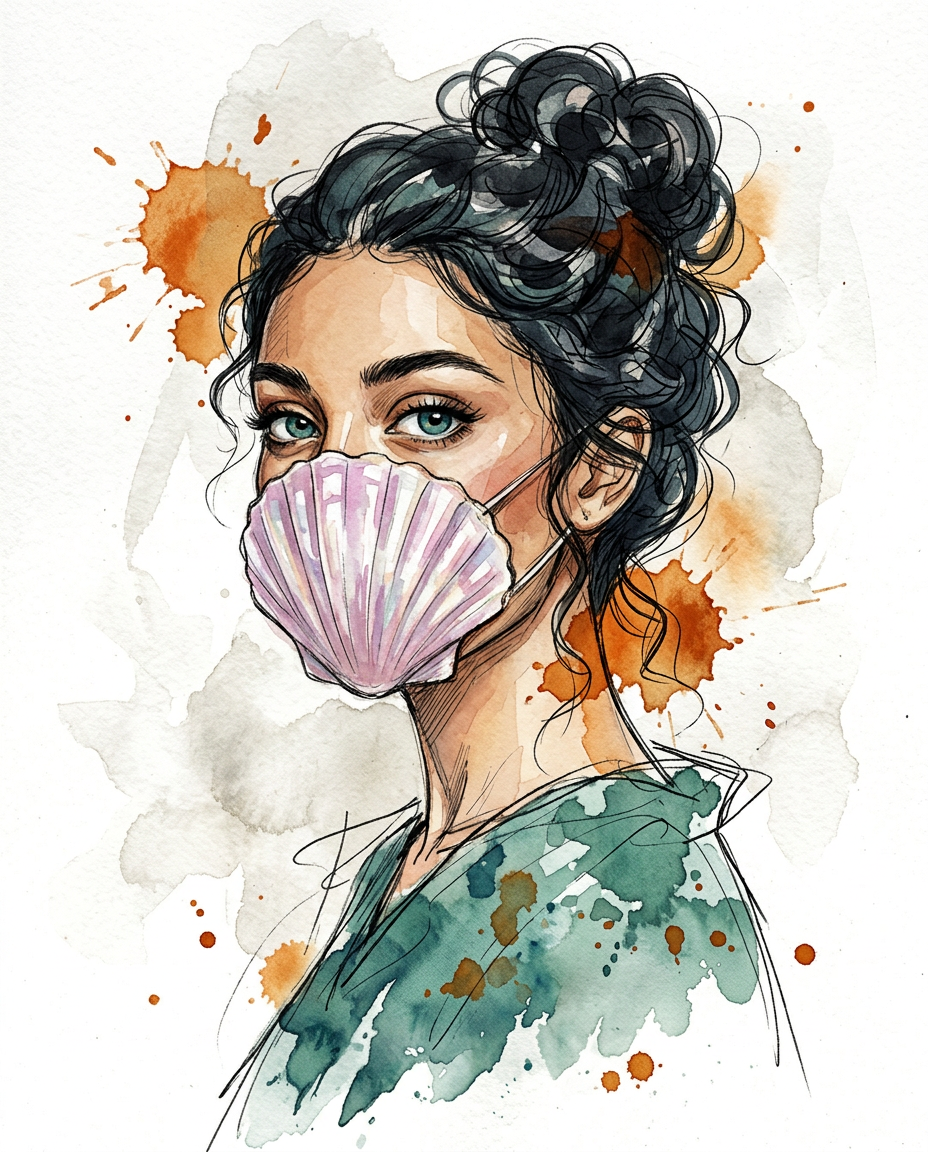
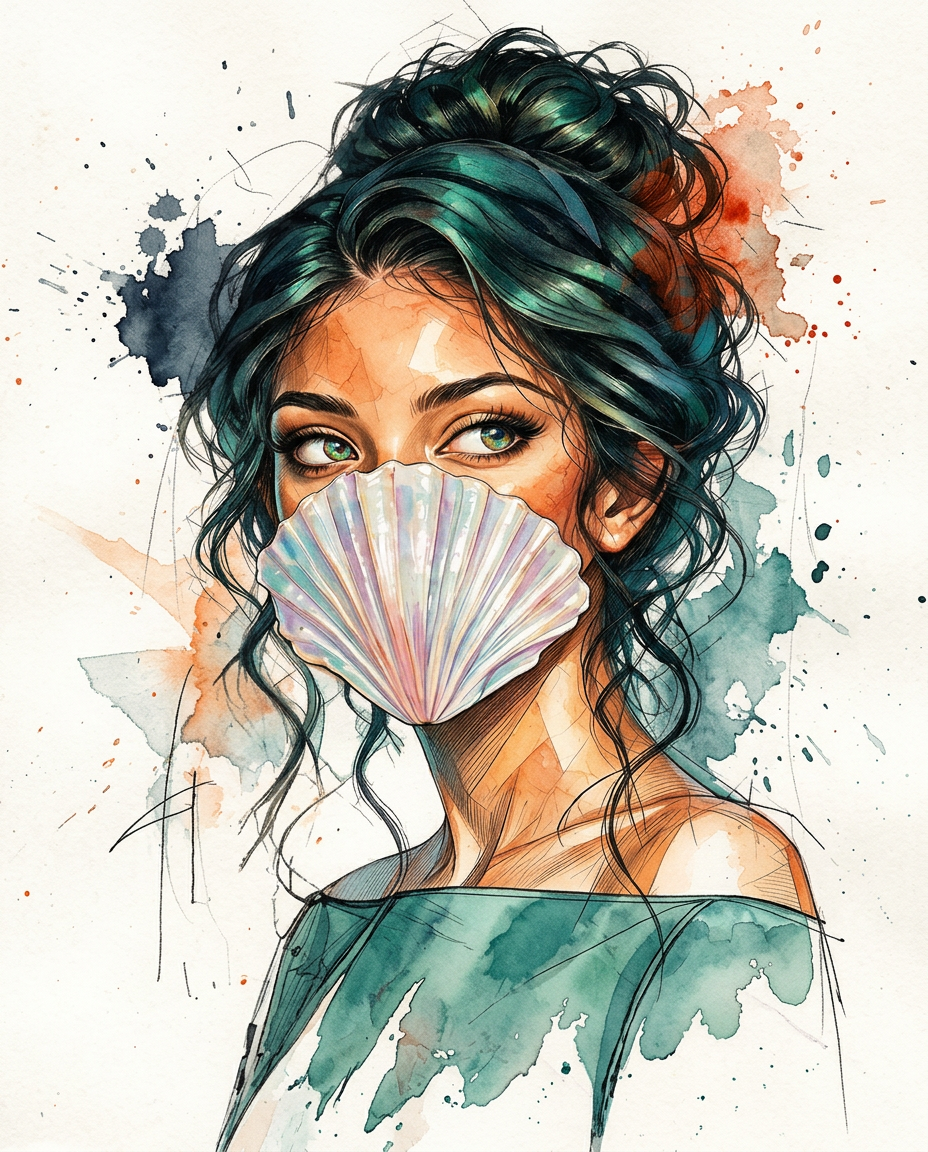
AI Design for redraw the first image in the exact same art style as second image and ensure accuracy and detail. the girl should look similar not an exact copy, slightly shift the pose

redraw the first image in the exact same art style as second image and ensure accuracy and detail. the girl should look similar not an exact copy, slightly shift the pose

by @Elephant_1649093

AI Design for redraw the first image in the exact same art style as second image and ensure accuracy and detail

redraw the first image in the exact same art style as second image and ensure accuracy and detail

by @Elephant_1649093

AI Design for redraw the first image in the exact same art style as second image and ensure accuracy and detail

redraw the first image in the exact same art style as second image and ensure accuracy and detail

by @Elephant_1649093

AI Design for redraw the first image in the exact same art style as second image and ensure accuracy and detail, also adjust the composition to leave room on the top to place text later

redraw the first image in the exact same art style as second image and ensure accuracy and detail, also adjust the composition to leave room on the top to place text later

by @Elephant_1649093

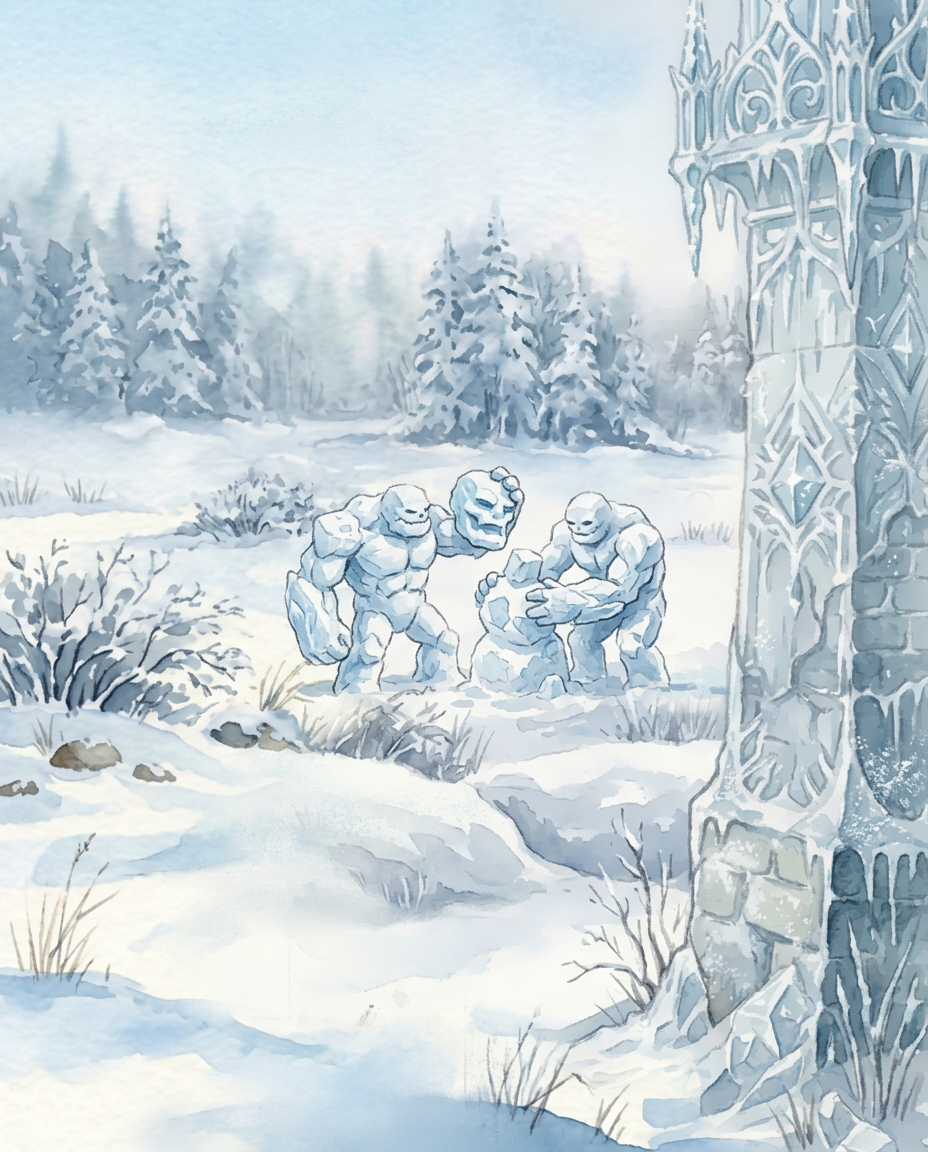
AI Design for Please replace the traditional carrot-nosed snowmen with creatures resembling the large snow golem in the attached reference provided with the brief: bulky bodies made of snow and ice, with substantial arms and hands rather than stick arms. Show two golems building a third. They can remain small within the distant field, but their activity should be recognizable.

Please replace the traditional carrot-nosed snowmen with creatures resembling the large snow golem in the attached reference provided with the brief: bulky bodies made of snow and ice, with substantial arms and hands rather than stick arms. Show two golems building a third. They can remain small within the distant field, but their activity should be recognizable.

by @Elephant_1649093
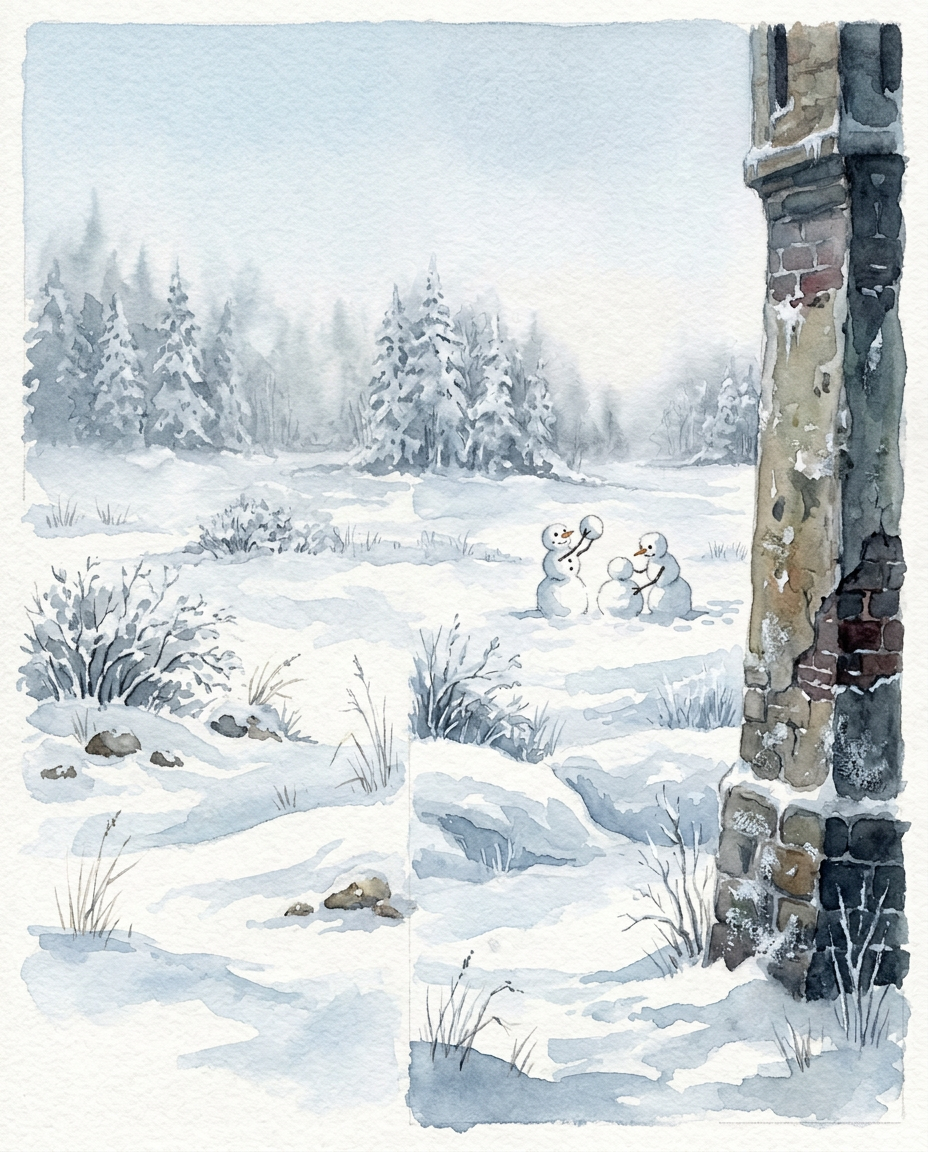
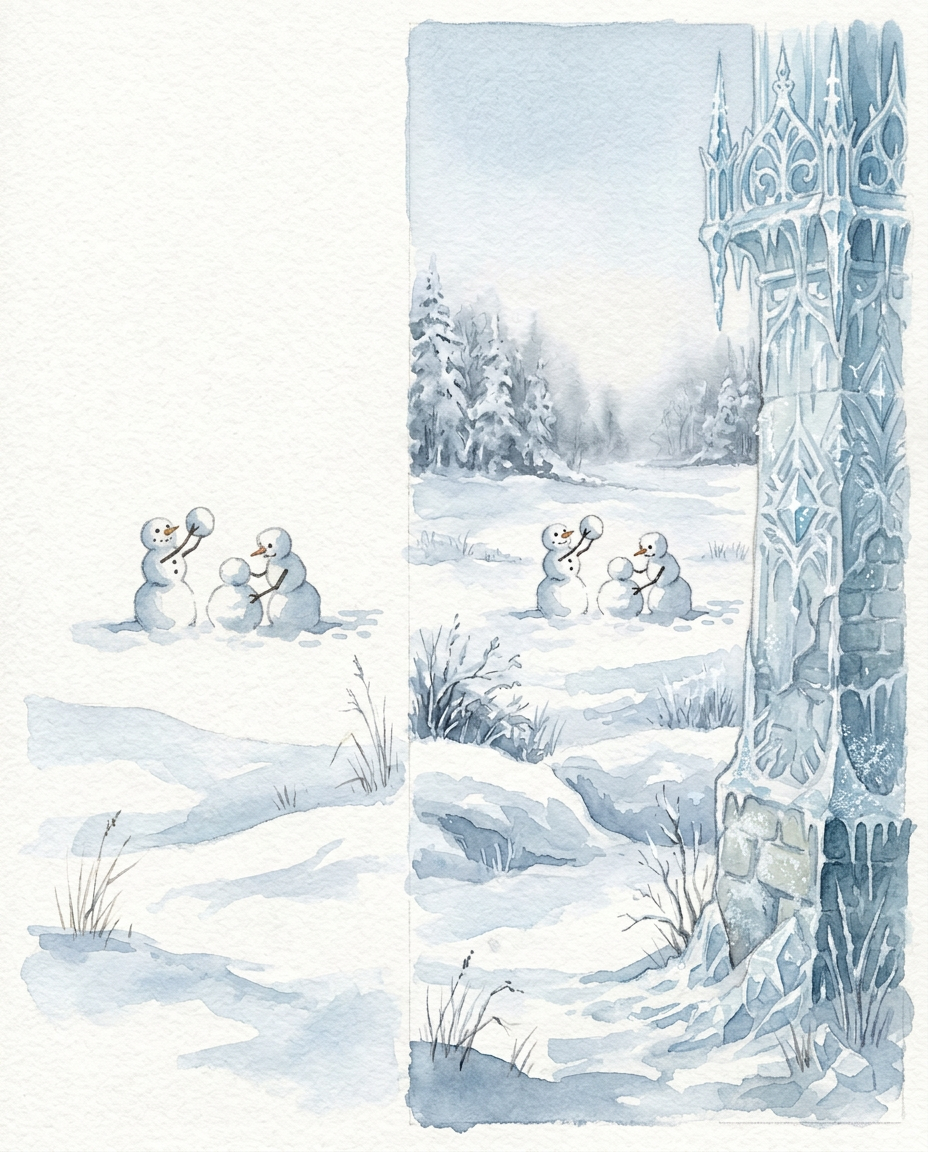
AI Design for redraw as a full illustration where the left side is painted the same way as the right #

redraw as a full illustration where the left side is painted the same way as the right #

by @Elephant_1649093

AI Design for I like the tower along the right edge.  Move the golems into the snowy field on the left, where they will be clearly visible. One additional note  : I envisioned an elegant, crystalline, magical tower—more like an ice princess’s tower, with pale stone and icy details, rather than weathered or crumbling masonry., continue the texture seamlessly to the left as well

I like the tower along the right edge. Move the golems into the snowy field on the left, where they will be clearly visible. One additional note : I envisioned an elegant, crystalline, magical tower—more like an ice princess’s tower, with pale stone and icy details, rather than weathered or crumbling masonry., continue the texture seamlessly to the left as well

by @Elephant_1649093
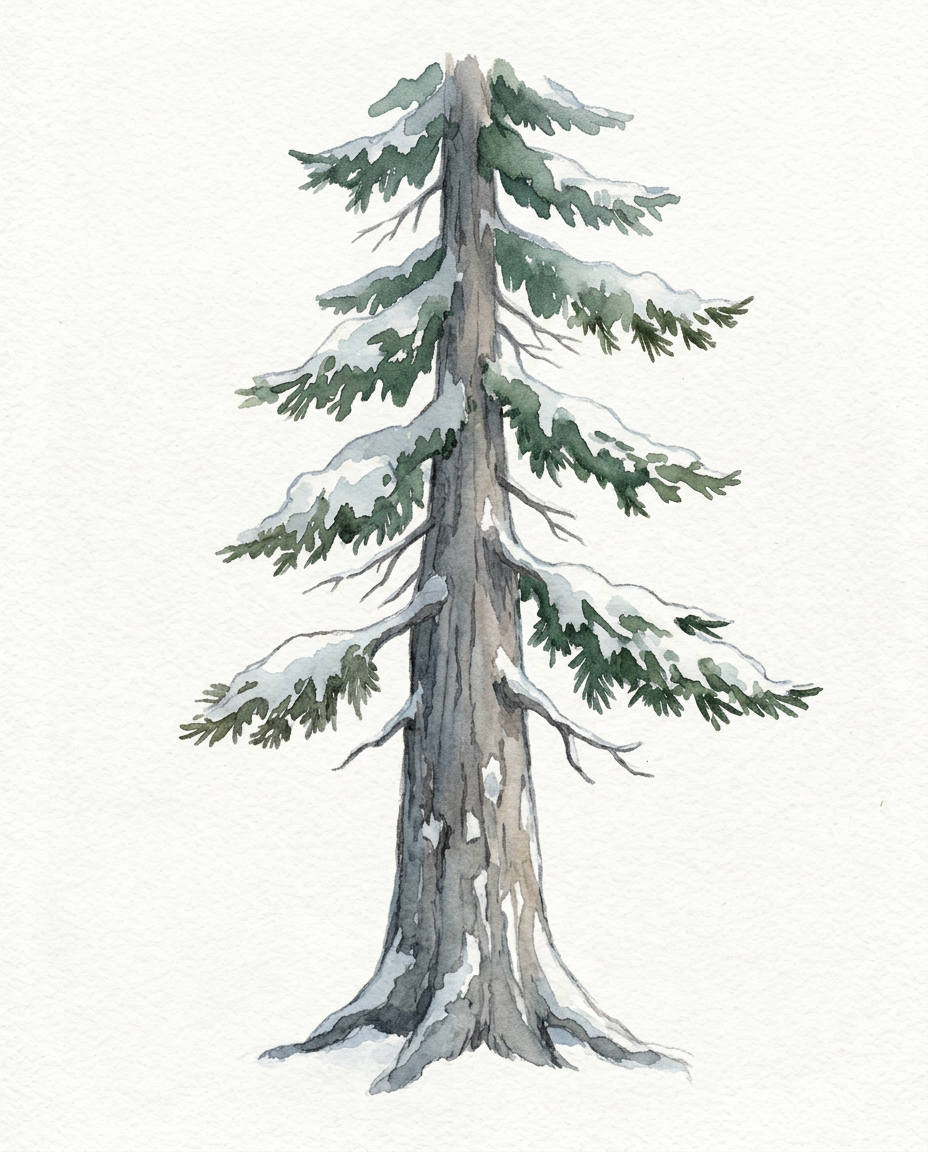
AI Design for isolate the pine tree on solid white background, make sure the pine tree trunk is substantially wider

isolate the pine tree on solid white background, make sure the pine tree trunk is substantially wider

by @Elephant_1649093

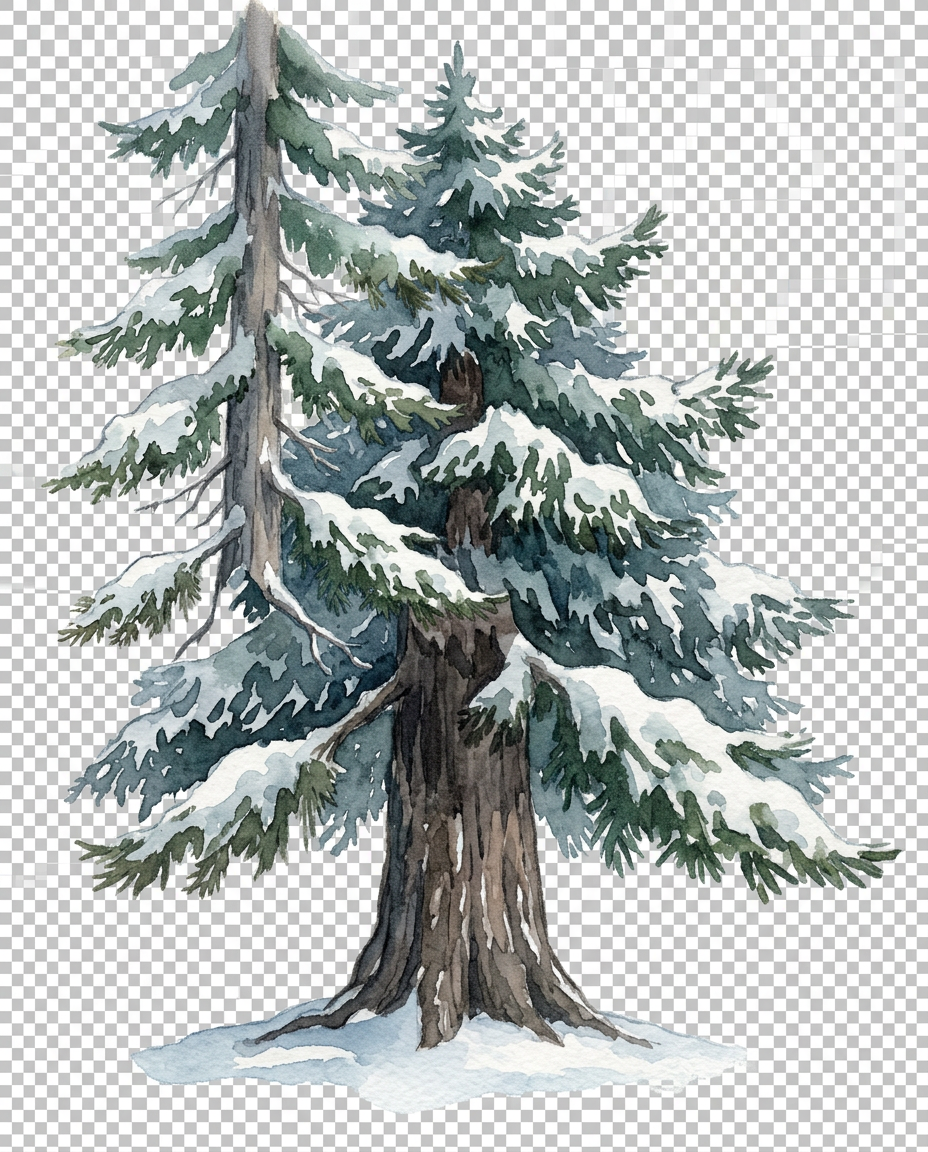
AI Design for isolate the pine tree as a transparent png, make sure the pine tree trunk is substantially wider

isolate the pine tree as a transparent png, make sure the pine tree trunk is substantially wider

by @Elephant_1649093

AI Design for This photo has a temporary semi-transparent red marker painted on it. The marker is not part of the scene.

Inside the marked region only, do this: make it transparent ,

Then remove the red marker completely. The finished image must contain no red paint, highlight, or drawing. Keep framing, lighting, and everything outside the marked region identical.

This photo has a temporary semi-transparent red marker painted on it. The marker is not part of the scene. Inside the marked region only, do this: make it transparent , Then remove the red marker completely. The finished image must contain no red paint, highlight, or drawing. Keep framing, lighting, and everything outside the marked region identical.

by @Elephant_5677747

  • 1
  • 2
  • 3
  • 4
  • 5
  • 6
  • 7
  • ...
  • 6701
  • 6702
  • 6703

What's next?Explore more features

Hiding Elephant product features overview

Explore features

AI generation, vector tools, workflows, catalogs, and collaboration in one workspace.

How Hiding Elephant works

How it works

See how the AI canvas, automation, and teamwork fit together end to end.

Get started with Hiding Elephant

Try it free

Sign in and turn inspiration into projects you can edit, export, and share.

Go from browse to build

Explore what else the Elephant can do.You'll love it

AI image generation

AI Generation

Image tools

Image Tools

Workflow builder

Workflows

Brand and style templates

Brand Management

Product catalog

Product Catalog

Collaboration

Collaboration

Batch image generation

Batch generation

Explore community

Community workflows

The AI designworkspace forfast-moving ideas.

Product

  • Ellie
  • Apps
  • AI Generation
  • Vector Canvas
  • Image Tools
  • Workflows
  • Brand Management
  • Product Catalog
  • My Assets
  • Collaboration

Use Cases

  • E-commerce teams
  • Design agencies
  • Marketing teams
  • Content creators

Quick tools

  • All quick tools
  • Background Remover
  • Image Upscaler
  • Image Vectorizer
  • Image Optimizer
  • Image Reframer

Resources

  • About
  • Pricing
  • FAQ
  • Compare
  • Enterprise
  • Integrations
  • Explore
  • Blog
  • Case studies
  • Contact Us
  • Book a Demo
  • Affiliates

© 2026 Hiding Elephant. All rights reserved

Cookie PolicyPrivacy PolicyTerms of Service
Hiding Elephant