Designs made by our community
Explore unique graphic designs and images crafted by creators around the world using Hiding Elephant's AI design tools. Get inspired and start creating.















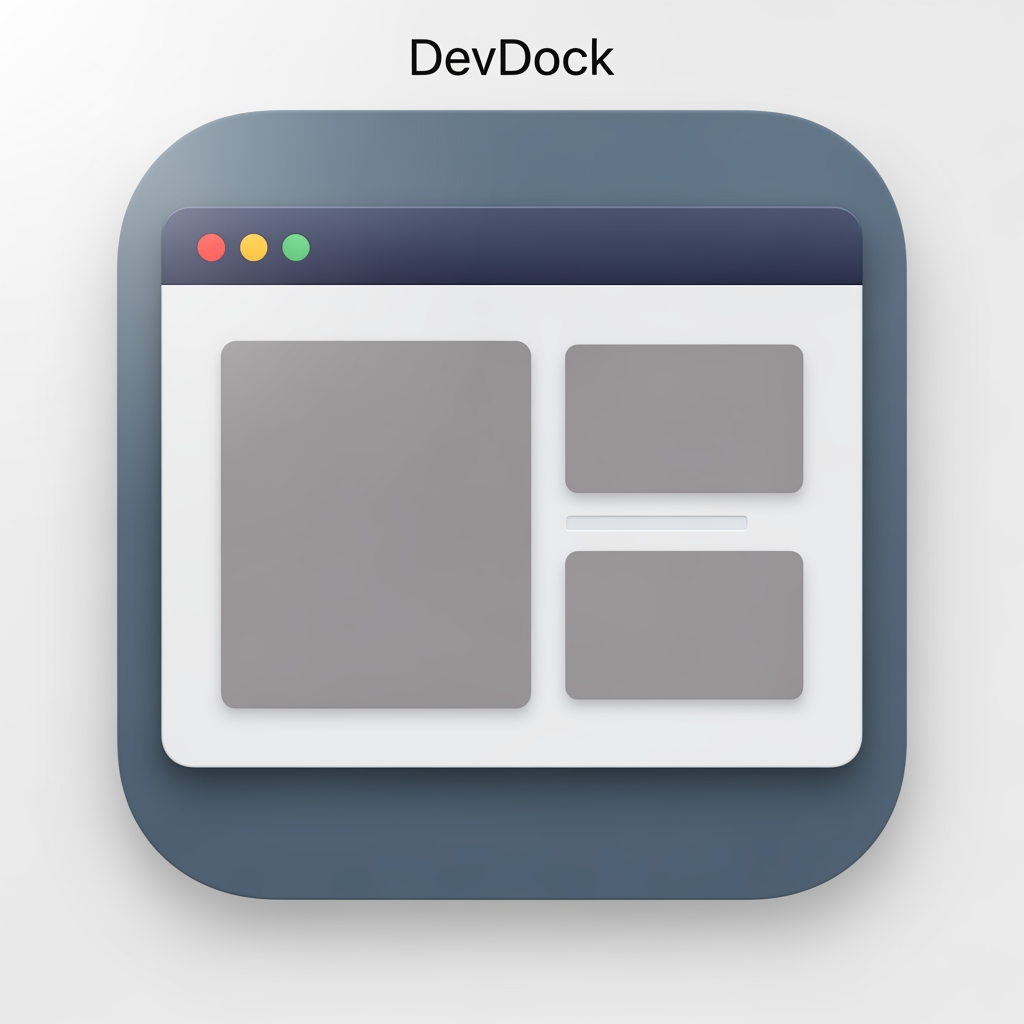
# DevDock — Native macOS App Icon Design a timeless, native macOS application icon for **DevDock**, a professional developer workspace built exclusively for macOS. The icon should feel like it could have been designed by Apple's Human Interface Design team. ## Design Direction This is **NOT** an AI application. This is **NOT** a futuristic startup. This is **NOT** a cyberpunk product. This is **NOT** a glowing neon concept. The icon should feel calm, professional, trustworthy, and native to macOS. The overall impression should be: * Native * Clean * Professional * Minimal * Functional * Timeless * macOS-first Someone seeing the icon should immediately think: > "This looks like a serious macOS developer application." --- ## Core Concept Represent the idea of a **developer's workspace**. The icon should revolve around a clean macOS-style application window or workspace. Inside the workspace, subtly suggest organization and development through layout, panels, or editor-inspired structure. Avoid making code symbols the hero. The concept is **workspace**, not **coding**. --- ## Visual Language Use visual inspiration from Apple's own macOS applications. Rounded-square app icon. Balanced composition. Simple geometry. Subtle depth. Soft shadows. Natural lighting. No exaggerated effects. No glossy plastic look. No excessive gradients. No glassmorphism. No holographic effects. --- ## Color Palette Use restrained macOS-inspired colors. Examples: * Slate Blue * Deep Gray * Soft Blue * Graphite * White * Muted Navy Use only one subtle accent color if needed. The icon should look equally comfortable in Light Mode and Dark Mode. Avoid: * Neon colors * Rainbow gradients * Bright purple * Electric cyan * Oversaturated blues * Metallic chrome effects --- ## Materials Use materials similar to Apple's system icons. Soft matte surfaces. Subtle layered depth. Clean edges. No excessive reflections. No glowing outlines. --- ## Do NOT Include * AI sparkles * Robot heads * Chat bubbles * Circuit boards * Brain graphics * Futuristic interfaces * Sci-fi lighting * Giant </> symbols * Terminal windows as the primary focus * Letter D * Text * Logos * Watermarks --- ## Personality The icon should communicate: * Developer workspace * Organization * Productivity * Focus * Reliability * macOS craftsmanship It should feel like software that developers will use every day for years. --- ## Inspiration Take inspiration from the design philosophy of: * Xcode * Console * Finder * Activity Monitor * Script Editor * TextEdit * Shortcuts Match their level of restraint, simplicity, and timelessness—without copying any existing icon. --- ## Final Goal Create a premium, understated macOS application icon that perfectly matches a native SwiftUI desktop application. The icon should never feel trendy or futuristic. It should feel like it naturally belongs in the macOS Dock and remain visually relevant for many years.
by @Elephant_8502146
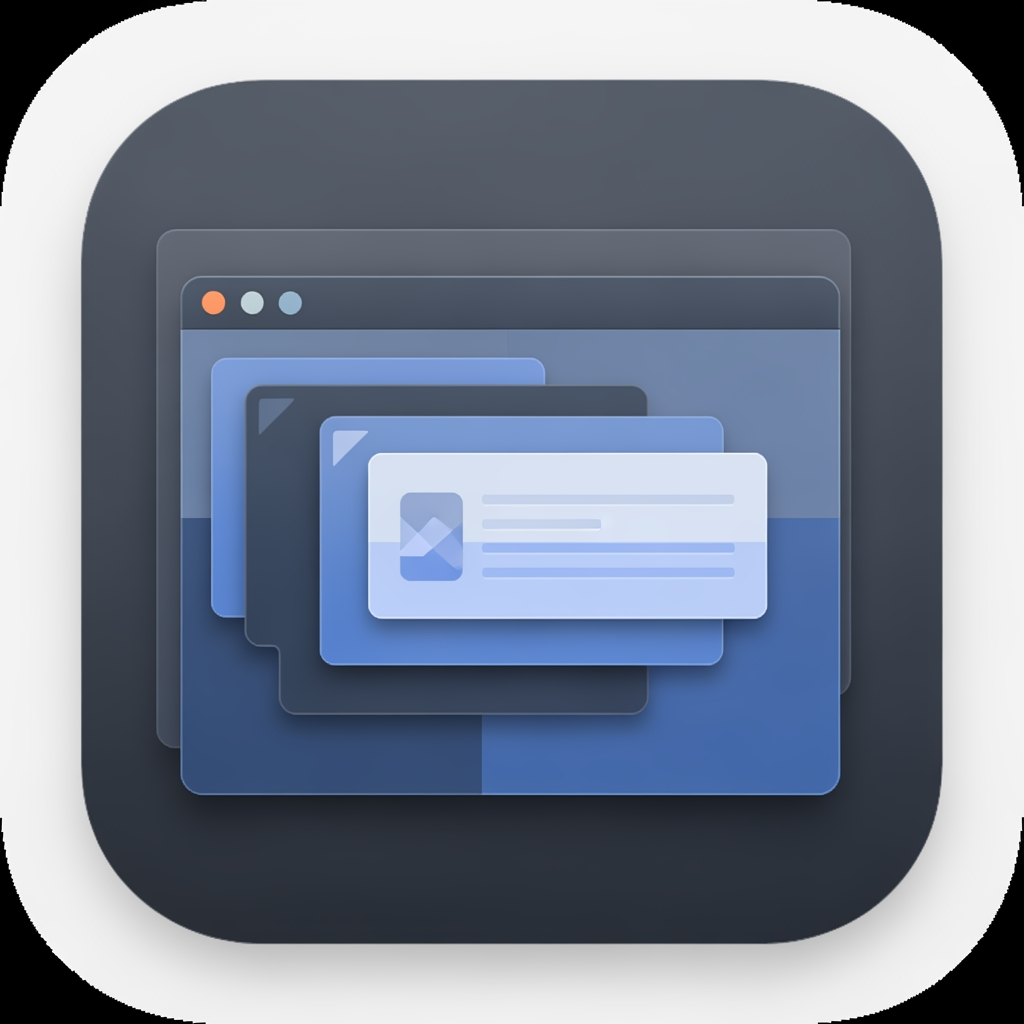
# DevDock — Native macOS App Icon Design a timeless, native macOS application icon for **DevDock**, a professional developer workspace built exclusively for macOS. The icon should feel like it could have been designed by Apple's Human Interface Design team. ## Design Direction This is **NOT** an AI application. This is **NOT** a futuristic startup. This is **NOT** a cyberpunk product. This is **NOT** a glowing neon concept. The icon should feel calm, professional, trustworthy, and native to macOS. The overall impression should be: * Native * Clean * Professional * Minimal * Functional * Timeless * macOS-first Someone seeing the icon should immediately think: > "This looks like a serious macOS developer application." --- ## Core Concept Represent the idea of a **developer's workspace**. The icon should revolve around a clean macOS-style application window or workspace. Inside the workspace, subtly suggest organization and development through layout, panels, or editor-inspired structure. Avoid making code symbols the hero. The concept is **workspace**, not **coding**. --- ## Visual Language Use visual inspiration from Apple's own macOS applications. Rounded-square app icon. Balanced composition. Simple geometry. Subtle depth. Soft shadows. Natural lighting. No exaggerated effects. No glossy plastic look. No excessive gradients. No glassmorphism. No holographic effects. --- ## Color Palette Use restrained macOS-inspired colors. Examples: * Slate Blue * Deep Gray * Soft Blue * Graphite * White * Muted Navy Use only one subtle accent color if needed. The icon should look equally comfortable in Light Mode and Dark Mode. Avoid: * Neon colors * Rainbow gradients * Bright purple * Electric cyan * Oversaturated blues * Metallic chrome effects --- ## Materials Use materials similar to Apple's system icons. Soft matte surfaces. Subtle layered depth. Clean edges. No excessive reflections. No glowing outlines. --- ## Do NOT Include * AI sparkles * Robot heads * Chat bubbles * Circuit boards * Brain graphics * Futuristic interfaces * Sci-fi lighting * Giant </> symbols * Terminal windows as the primary focus * Letter D * Text * Logos * Watermarks --- ## Personality The icon should communicate: * Developer workspace * Organization * Productivity * Focus * Reliability * macOS craftsmanship It should feel like software that developers will use every day for years. --- ## Inspiration Take inspiration from the design philosophy of: * Xcode * Console * Finder * Activity Monitor * Script Editor * TextEdit * Shortcuts Match their level of restraint, simplicity, and timelessness—without copying any existing icon. --- ## Final Goal Create a premium, understated macOS application icon that perfectly matches a native SwiftUI desktop application. The icon should never feel trendy or futuristic. It should feel like it naturally belongs in the macOS Dock and remain visually relevant for many years.
by @Elephant_8502146
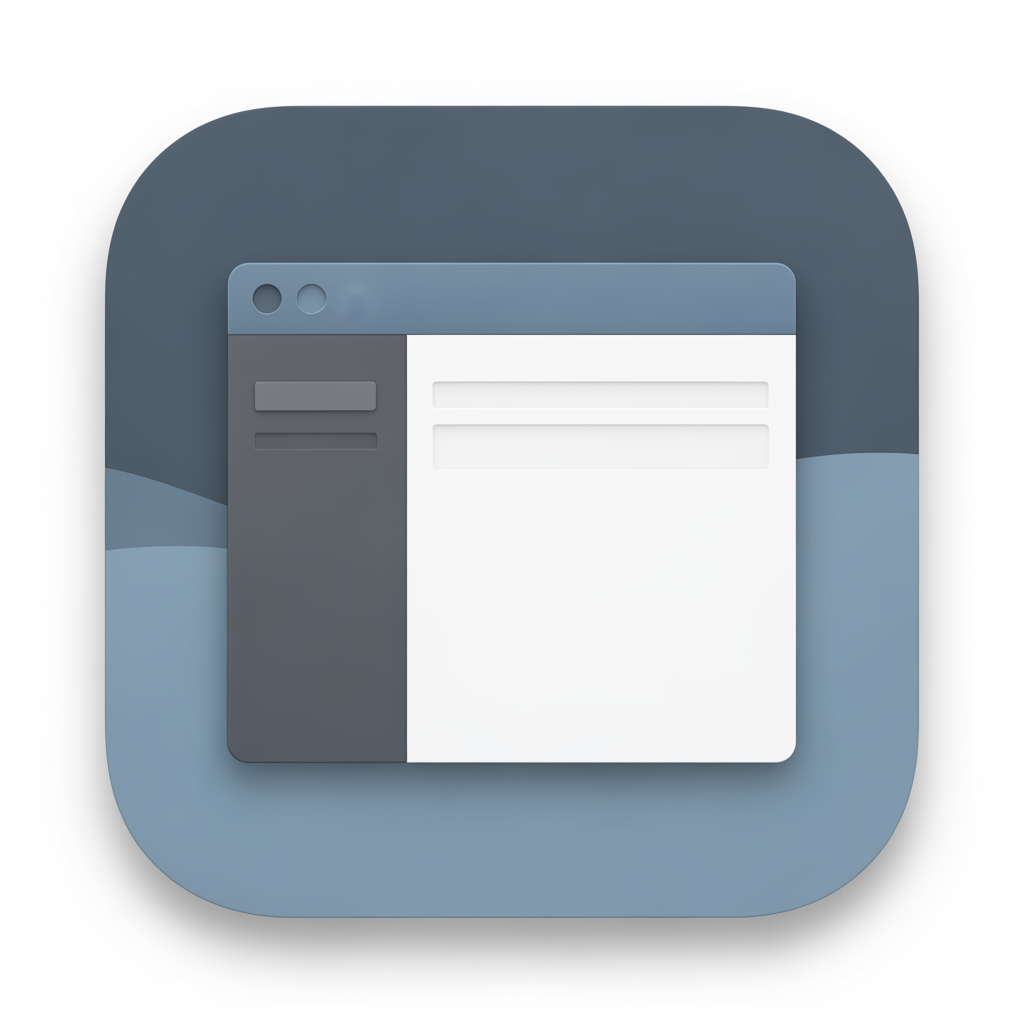
# DevDock — Native macOS App Icon Design a timeless, native macOS application icon for **DevDock**, a professional developer workspace built exclusively for macOS. The icon should feel like it could have been designed by Apple's Human Interface Design team. ## Design Direction This is **NOT** an AI application. This is **NOT** a futuristic startup. This is **NOT** a cyberpunk product. This is **NOT** a glowing neon concept. The icon should feel calm, professional, trustworthy, and native to macOS. The overall impression should be: * Native * Clean * Professional * Minimal * Functional * Timeless * macOS-first Someone seeing the icon should immediately think: > "This looks like a serious macOS developer application." --- ## Core Concept Represent the idea of a **developer's workspace**. The icon should revolve around a clean macOS-style application window or workspace. Inside the workspace, subtly suggest organization and development through layout, panels, or editor-inspired structure. Avoid making code symbols the hero. The concept is **workspace**, not **coding**. --- ## Visual Language Use visual inspiration from Apple's own macOS applications. Rounded-square app icon. Balanced composition. Simple geometry. Subtle depth. Soft shadows. Natural lighting. No exaggerated effects. No glossy plastic look. No excessive gradients. No glassmorphism. No holographic effects. --- ## Color Palette Use restrained macOS-inspired colors. Examples: * Slate Blue * Deep Gray * Soft Blue * Graphite * White * Muted Navy Use only one subtle accent color if needed. The icon should look equally comfortable in Light Mode and Dark Mode. Avoid: * Neon colors * Rainbow gradients * Bright purple * Electric cyan * Oversaturated blues * Metallic chrome effects --- ## Materials Use materials similar to Apple's system icons. Soft matte surfaces. Subtle layered depth. Clean edges. No excessive reflections. No glowing outlines. --- ## Do NOT Include * AI sparkles * Robot heads * Chat bubbles * Circuit boards * Brain graphics * Futuristic interfaces * Sci-fi lighting * Giant </> symbols * Terminal windows as the primary focus * Letter D * Text * Logos * Watermarks --- ## Personality The icon should communicate: * Developer workspace * Organization * Productivity * Focus * Reliability * macOS craftsmanship It should feel like software that developers will use every day for years. --- ## Inspiration Take inspiration from the design philosophy of: * Xcode * Console * Finder * Activity Monitor * Script Editor * TextEdit * Shortcuts Match their level of restraint, simplicity, and timelessness—without copying any existing icon. --- ## Final Goal Create a premium, understated macOS application icon that perfectly matches a native SwiftUI desktop application. The icon should never feel trendy or futuristic. It should feel like it naturally belongs in the macOS Dock and remain visually relevant for many years.
by @Elephant_8502146
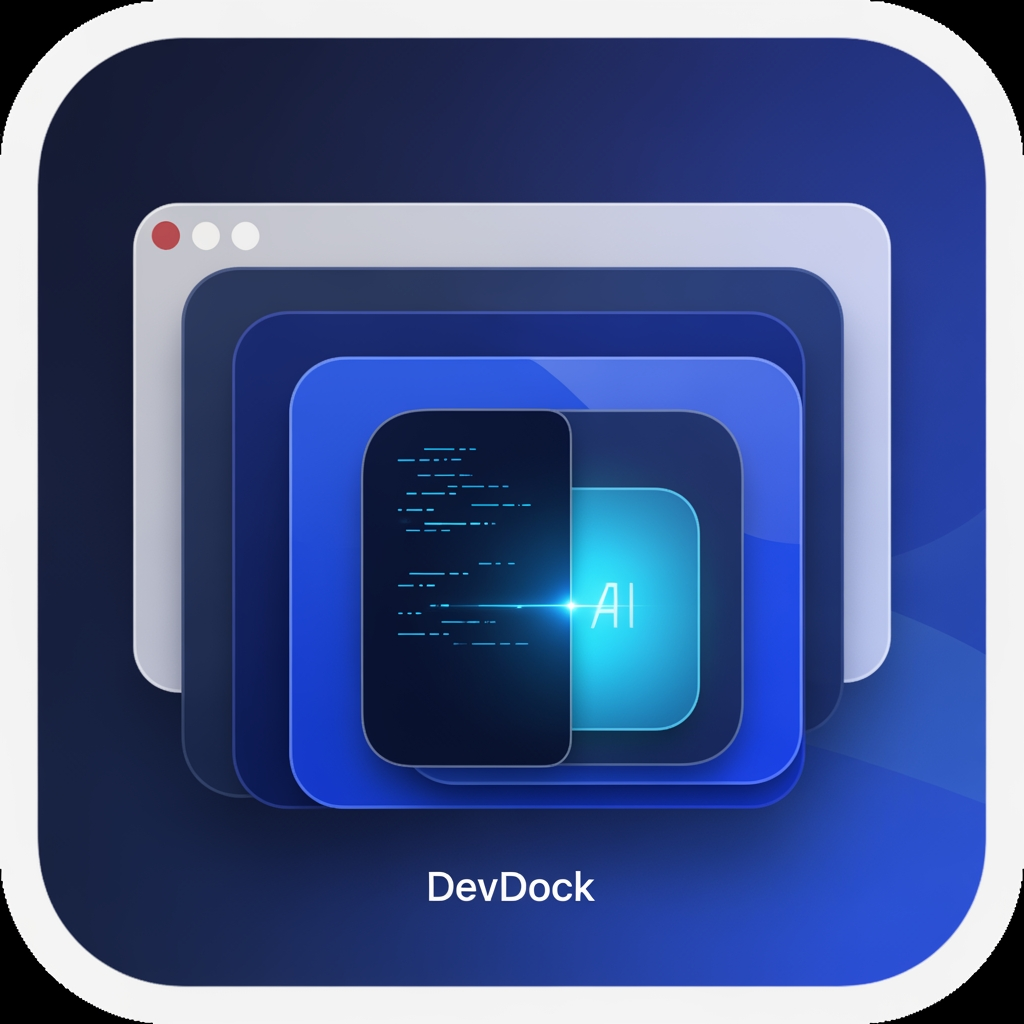
# 🎨 DevDock — Premium macOS App Icon Design Prompt Design a world-class, premium macOS application icon for **DevDock**, a professional developer workspace and productivity platform built exclusively for macOS. The icon should immediately communicate **developer workspace, organization, focus, and intelligence**—not simply "coding." ## Design Philosophy Create an icon that feels like it belongs alongside Apple's own professional applications such as Xcode, Shortcuts, Console, Activity Monitor, and Finder. The result should be: * Premium * Minimal * Modern * Elegant * Instantly recognizable * Timeless * Enterprise-quality * Native to the macOS ecosystem The icon must be completely original and suitable for commercial App Store distribution. --- ## Core Concept The primary visual element should be a **stylized macOS workspace/window** that represents a developer's central workspace. Instead of emphasizing code symbols, the icon should represent: * Productivity * Development workspace * Organization * Multiple tools working together * AI-assisted development * Professional software engineering The workspace should be the hero of the design. --- ## Visual Elements Create a clean composition using a combination of: * A modern macOS application window * Layered workspace panels * Dock-inspired organization * Subtle modular layout * Depth through layered glass surfaces * Very subtle AI intelligence accent (soft glow or minimal sparkle integrated into the workspace) Developer identity should be implied rather than obvious. If code elements are included, they should be extremely subtle and secondary—not the focal point. --- ## Do NOT Use Avoid all common developer clichés: * Giant </> symbols * Large terminal prompts * Robot heads * Chat bubbles * Brain illustrations * Circuit boards * Hexagons * Generic AI logos * Large lightning bolts * Cartoon artwork * Flat clipart * Generic folders * Letter "D" * Initials "DD" * Product name text * Watermarks The icon should be recognizable without relying on typography. --- ## Visual Style * Native macOS aesthetic * Apple Human Interface Guidelines inspired * Soft glassmorphism * Rounded-square macOS app icon * Elegant layered depth * Crisp vector artwork * Soft lighting * Subtle gradients * High-quality materials * Clean geometry * Balanced composition The icon should feel handcrafted and premium. --- ## Color Palette Primary colors: * Deep Navy * Indigo * Royal Blue Accent colors: * Cyan * Electric Blue * Soft White Optional subtle accent: * Violet Avoid oversaturated or neon colors. Maintain excellent visibility in both Light Mode and Dark Mode. --- ## Lighting Use: * Soft ambient lighting * Gentle reflections * Refined highlights * Premium glass materials * Smooth depth Avoid: * Heavy shadows * Harsh glows * Excessive reflections * Overly dramatic effects --- ## Scalability The icon must remain sharp and recognizable at: * 16×16 * 32×32 * 64×64 * 128×128 * 256×256 * 512×512 * 1024×1024 Every size should preserve clarity and identity. --- ## Brand Personality The icon should communicate: * Professional * Intelligent * Organized * Fast * Reliable * Clean * macOS-native * Built for developers It should look like software created by a company with the design quality of Apple, Linear, Raycast, Notion, or Arc Browser. --- ## Final Goal Create an iconic, memorable macOS application icon that instantly conveys **"the professional workspace for developers"** rather than simply **"an app for writing code."** The final result should be elegant, distinctive, premium, and worthy of being the face of DevDock for years to come.
by @Elephant_8502146
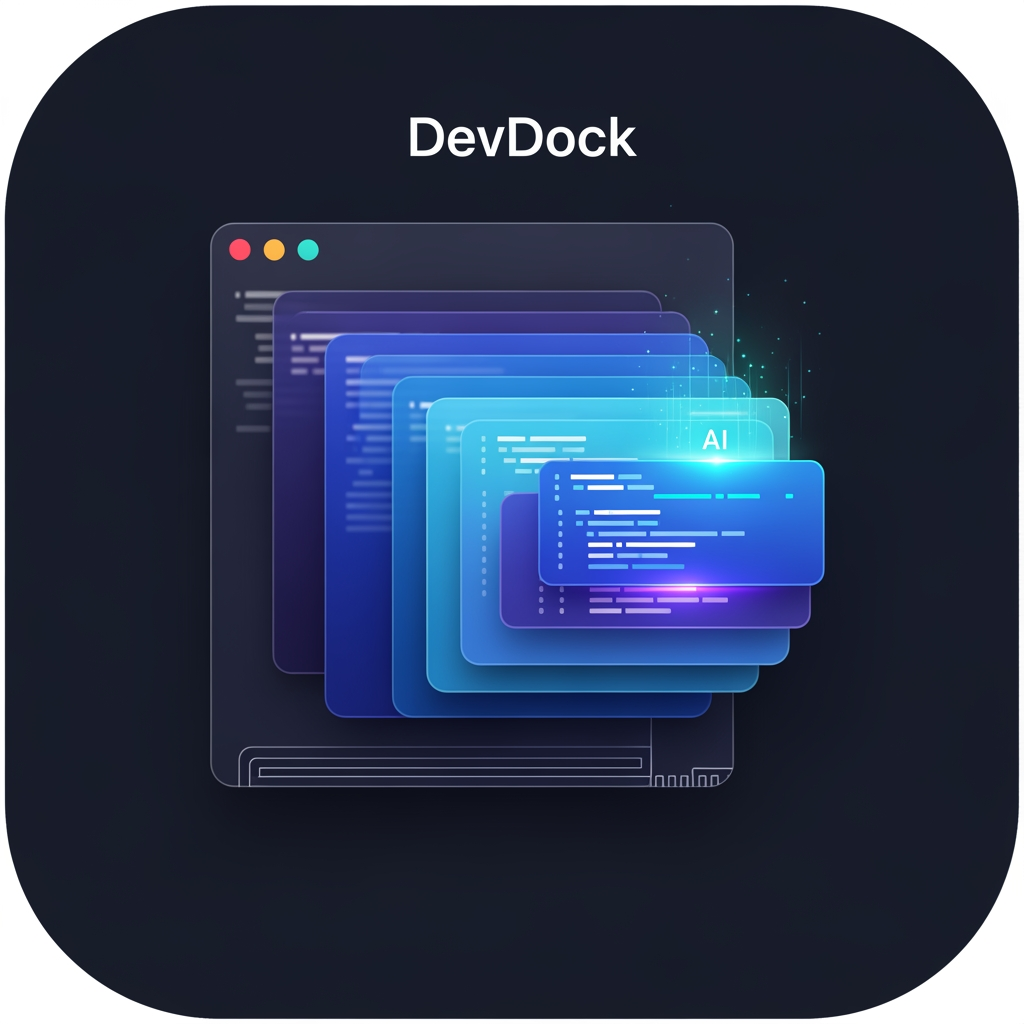
# 🎨 DevDock — Premium macOS App Icon Design Prompt Design a world-class, premium macOS application icon for **DevDock**, a professional developer workspace and productivity platform built exclusively for macOS. The icon should immediately communicate **developer workspace, organization, focus, and intelligence**—not simply "coding." ## Design Philosophy Create an icon that feels like it belongs alongside Apple's own professional applications such as Xcode, Shortcuts, Console, Activity Monitor, and Finder. The result should be: * Premium * Minimal * Modern * Elegant * Instantly recognizable * Timeless * Enterprise-quality * Native to the macOS ecosystem The icon must be completely original and suitable for commercial App Store distribution. --- ## Core Concept The primary visual element should be a **stylized macOS workspace/window** that represents a developer's central workspace. Instead of emphasizing code symbols, the icon should represent: * Productivity * Development workspace * Organization * Multiple tools working together * AI-assisted development * Professional software engineering The workspace should be the hero of the design. --- ## Visual Elements Create a clean composition using a combination of: * A modern macOS application window * Layered workspace panels * Dock-inspired organization * Subtle modular layout * Depth through layered glass surfaces * Very subtle AI intelligence accent (soft glow or minimal sparkle integrated into the workspace) Developer identity should be implied rather than obvious. If code elements are included, they should be extremely subtle and secondary—not the focal point. --- ## Do NOT Use Avoid all common developer clichés: * Giant </> symbols * Large terminal prompts * Robot heads * Chat bubbles * Brain illustrations * Circuit boards * Hexagons * Generic AI logos * Large lightning bolts * Cartoon artwork * Flat clipart * Generic folders * Letter "D" * Initials "DD" * Product name text * Watermarks The icon should be recognizable without relying on typography. --- ## Visual Style * Native macOS aesthetic * Apple Human Interface Guidelines inspired * Soft glassmorphism * Rounded-square macOS app icon * Elegant layered depth * Crisp vector artwork * Soft lighting * Subtle gradients * High-quality materials * Clean geometry * Balanced composition The icon should feel handcrafted and premium. --- ## Color Palette Primary colors: * Deep Navy * Indigo * Royal Blue Accent colors: * Cyan * Electric Blue * Soft White Optional subtle accent: * Violet Avoid oversaturated or neon colors. Maintain excellent visibility in both Light Mode and Dark Mode. --- ## Lighting Use: * Soft ambient lighting * Gentle reflections * Refined highlights * Premium glass materials * Smooth depth Avoid: * Heavy shadows * Harsh glows * Excessive reflections * Overly dramatic effects --- ## Scalability The icon must remain sharp and recognizable at: * 16×16 * 32×32 * 64×64 * 128×128 * 256×256 * 512×512 * 1024×1024 Every size should preserve clarity and identity. --- ## Brand Personality The icon should communicate: * Professional * Intelligent * Organized * Fast * Reliable * Clean * macOS-native * Built for developers It should look like software created by a company with the design quality of Apple, Linear, Raycast, Notion, or Arc Browser. --- ## Final Goal Create an iconic, memorable macOS application icon that instantly conveys **"the professional workspace for developers"** rather than simply **"an app for writing code."** The final result should be elegant, distinctive, premium, and worthy of being the face of DevDock for years to come.
by @Elephant_8502146
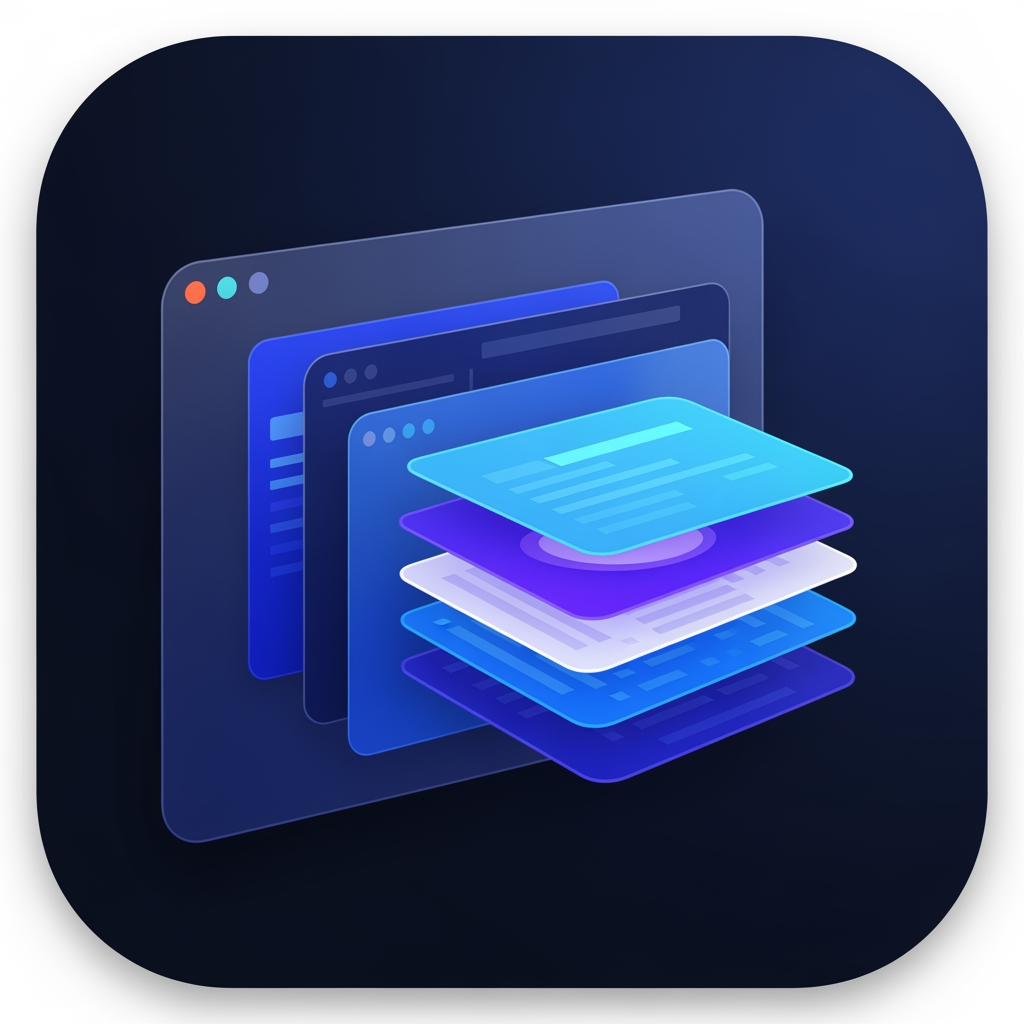
# 🎨 DevDock — Premium macOS App Icon Design Prompt Design a world-class, premium macOS application icon for **DevDock**, a professional developer workspace and productivity platform built exclusively for macOS. The icon should immediately communicate **developer workspace, organization, focus, and intelligence**—not simply "coding." ## Design Philosophy Create an icon that feels like it belongs alongside Apple's own professional applications such as Xcode, Shortcuts, Console, Activity Monitor, and Finder. The result should be: * Premium * Minimal * Modern * Elegant * Instantly recognizable * Timeless * Enterprise-quality * Native to the macOS ecosystem The icon must be completely original and suitable for commercial App Store distribution. --- ## Core Concept The primary visual element should be a **stylized macOS workspace/window** that represents a developer's central workspace. Instead of emphasizing code symbols, the icon should represent: * Productivity * Development workspace * Organization * Multiple tools working together * AI-assisted development * Professional software engineering The workspace should be the hero of the design. --- ## Visual Elements Create a clean composition using a combination of: * A modern macOS application window * Layered workspace panels * Dock-inspired organization * Subtle modular layout * Depth through layered glass surfaces * Very subtle AI intelligence accent (soft glow or minimal sparkle integrated into the workspace) Developer identity should be implied rather than obvious. If code elements are included, they should be extremely subtle and secondary—not the focal point. --- ## Do NOT Use Avoid all common developer clichés: * Giant </> symbols * Large terminal prompts * Robot heads * Chat bubbles * Brain illustrations * Circuit boards * Hexagons * Generic AI logos * Large lightning bolts * Cartoon artwork * Flat clipart * Generic folders * Letter "D" * Initials "DD" * Product name text * Watermarks The icon should be recognizable without relying on typography. --- ## Visual Style * Native macOS aesthetic * Apple Human Interface Guidelines inspired * Soft glassmorphism * Rounded-square macOS app icon * Elegant layered depth * Crisp vector artwork * Soft lighting * Subtle gradients * High-quality materials * Clean geometry * Balanced composition The icon should feel handcrafted and premium. --- ## Color Palette Primary colors: * Deep Navy * Indigo * Royal Blue Accent colors: * Cyan * Electric Blue * Soft White Optional subtle accent: * Violet Avoid oversaturated or neon colors. Maintain excellent visibility in both Light Mode and Dark Mode. --- ## Lighting Use: * Soft ambient lighting * Gentle reflections * Refined highlights * Premium glass materials * Smooth depth Avoid: * Heavy shadows * Harsh glows * Excessive reflections * Overly dramatic effects --- ## Scalability The icon must remain sharp and recognizable at: * 16×16 * 32×32 * 64×64 * 128×128 * 256×256 * 512×512 * 1024×1024 Every size should preserve clarity and identity. --- ## Brand Personality The icon should communicate: * Professional * Intelligent * Organized * Fast * Reliable * Clean * macOS-native * Built for developers It should look like software created by a company with the design quality of Apple, Linear, Raycast, Notion, or Arc Browser. --- ## Final Goal Create an iconic, memorable macOS application icon that instantly conveys **"the professional workspace for developers"** rather than simply **"an app for writing code."** The final result should be elegant, distinctive, premium, and worthy of being the face of DevDock for years to come.
by @Elephant_8502146
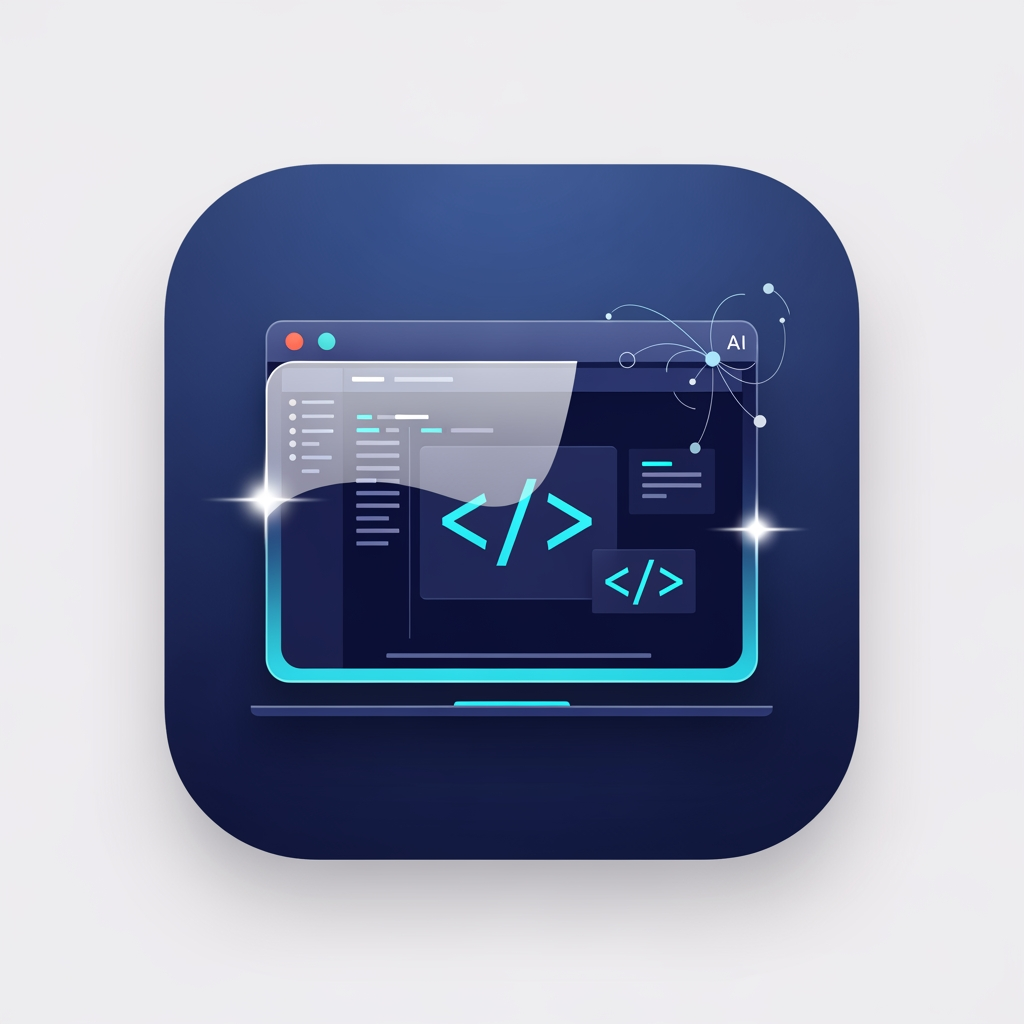
Design a premium, modern macOS application icon for a developer productivity app named "DevDock". The icon should feel like a first-party Apple developer tool while maintaining its own unique identity. Core concept: A clean macOS workspace where development, organization, and AI assistance come together. Visual style: • Minimal • Professional • Elegant • Premium • Native macOS aesthetic • Soft depth with subtle glassmorphism • Rounded square app icon • Crisp vector-style artwork • No text • No letters • No logos • No watermarks Primary visual elements (combine harmoniously): • A stylized macOS window • Code brackets </> or subtle code glyphs • A dock/workspace concept • A small AI sparkle or neural accent integrated subtly (not dominant) Color palette: • Deep blue • Indigo • Cyan accents • Soft white highlights • Subtle gradients • High contrast for visibility in Light and Dark Mode Avoid: • Generic terminal icons • Robot heads • Chat bubbles • Cartoon illustrations • Flat clipart • Excessive shadows • Busy compositions The icon should remain recognizable at 16px, 32px, 64px, 128px, 256px, 512px, and 1024px. The final result should look comparable in quality to Apple's professional macOS applications such as Xcode, Shortcuts, or Console, while being entirely original and suitable for App Store distribution. Style keywords: Apple Human Interface Guidelines, macOS, premium, developer tools, modern, elegant, geometric, minimal, glassmorphism, vector, high-end software branding.
by @Elephant_8502146
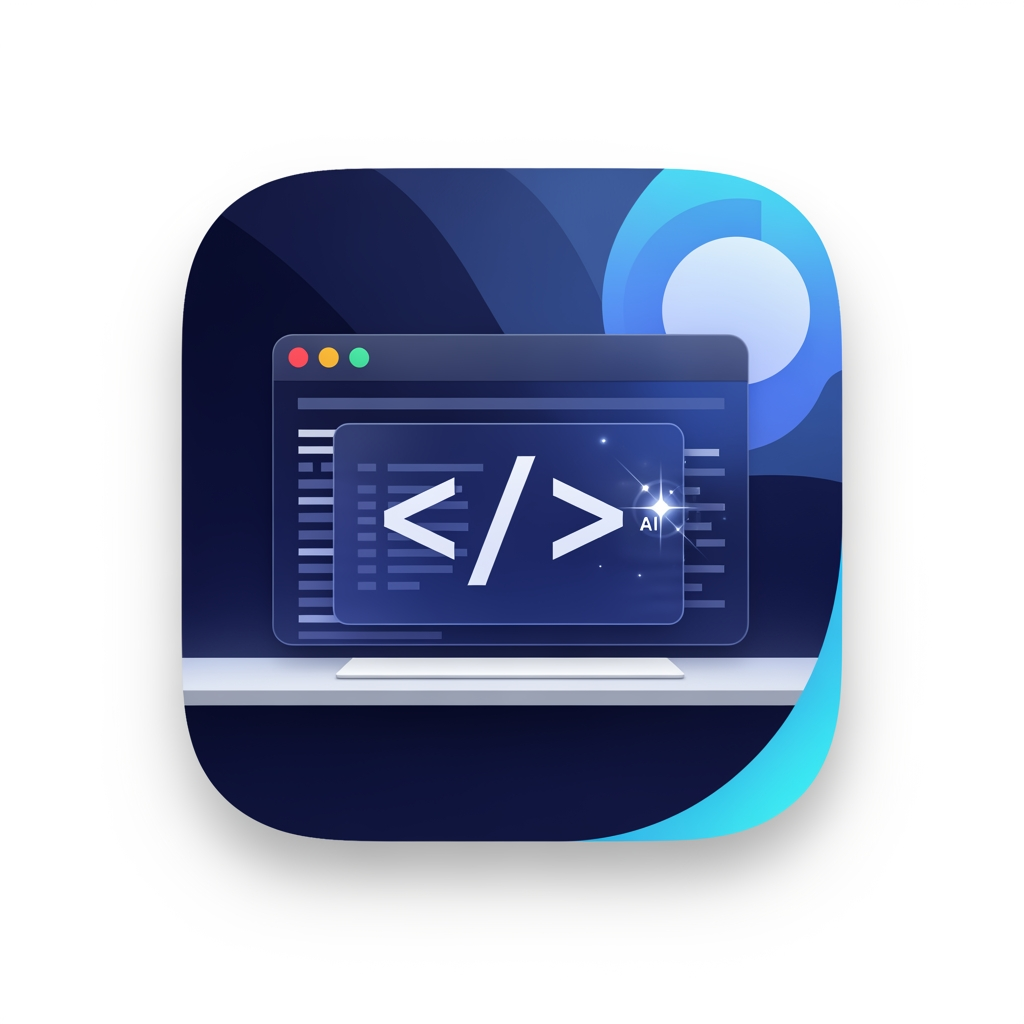
Design a premium, modern macOS application icon for a developer productivity app named "DevDock". The icon should feel like a first-party Apple developer tool while maintaining its own unique identity. Core concept: A clean macOS workspace where development, organization, and AI assistance come together. Visual style: • Minimal • Professional • Elegant • Premium • Native macOS aesthetic • Soft depth with subtle glassmorphism • Rounded square app icon • Crisp vector-style artwork • No text • No letters • No logos • No watermarks Primary visual elements (combine harmoniously): • A stylized macOS window • Code brackets </> or subtle code glyphs • A dock/workspace concept • A small AI sparkle or neural accent integrated subtly (not dominant) Color palette: • Deep blue • Indigo • Cyan accents • Soft white highlights • Subtle gradients • High contrast for visibility in Light and Dark Mode Avoid: • Generic terminal icons • Robot heads • Chat bubbles • Cartoon illustrations • Flat clipart • Excessive shadows • Busy compositions The icon should remain recognizable at 16px, 32px, 64px, 128px, 256px, 512px, and 1024px. The final result should look comparable in quality to Apple's professional macOS applications such as Xcode, Shortcuts, or Console, while being entirely original and suitable for App Store distribution. Style keywords: Apple Human Interface Guidelines, macOS, premium, developer tools, modern, elegant, geometric, minimal, glassmorphism, vector, high-end software branding.
by @Elephant_8502146
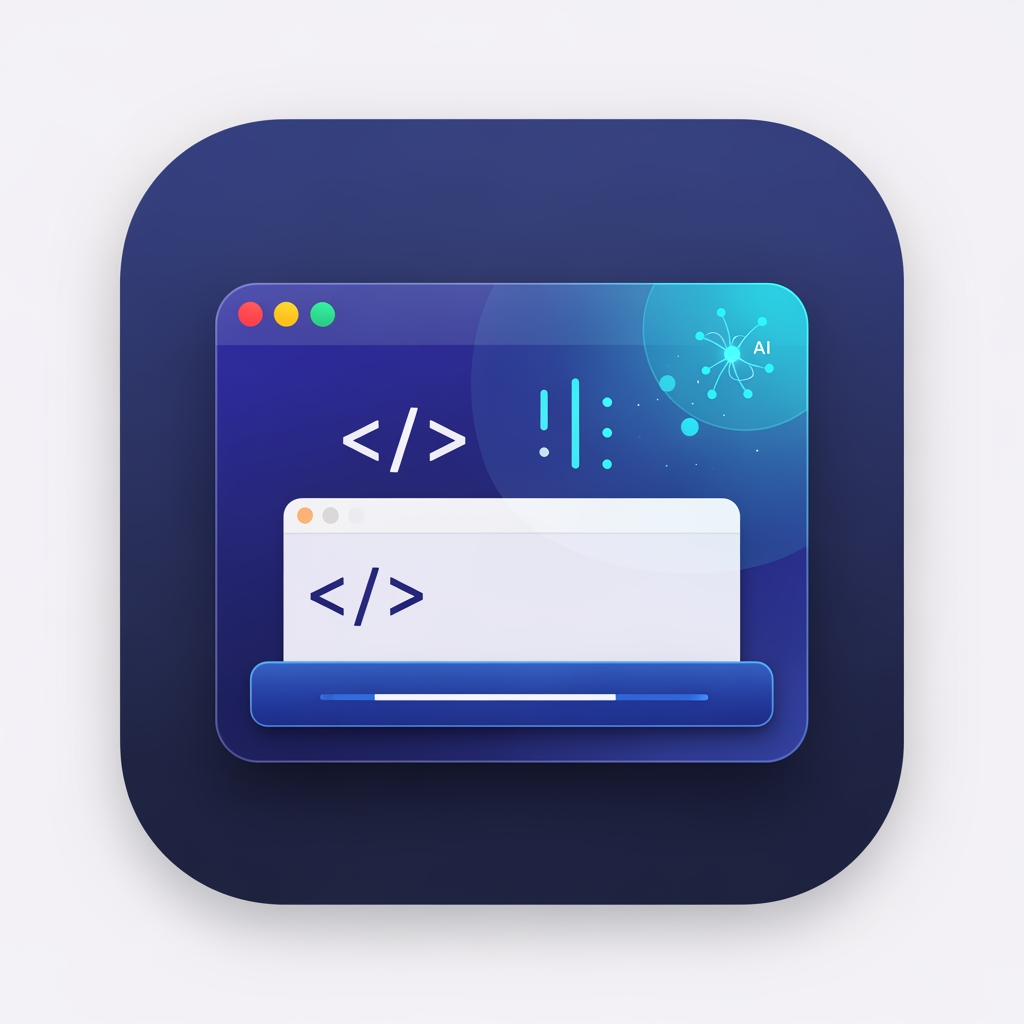
Design a premium, modern macOS application icon for a developer productivity app named "DevDock". The icon should feel like a first-party Apple developer tool while maintaining its own unique identity. Core concept: A clean macOS workspace where development, organization, and AI assistance come together. Visual style: • Minimal • Professional • Elegant • Premium • Native macOS aesthetic • Soft depth with subtle glassmorphism • Rounded square app icon • Crisp vector-style artwork • No text • No letters • No logos • No watermarks Primary visual elements (combine harmoniously): • A stylized macOS window • Code brackets </> or subtle code glyphs • A dock/workspace concept • A small AI sparkle or neural accent integrated subtly (not dominant) Color palette: • Deep blue • Indigo • Cyan accents • Soft white highlights • Subtle gradients • High contrast for visibility in Light and Dark Mode Avoid: • Generic terminal icons • Robot heads • Chat bubbles • Cartoon illustrations • Flat clipart • Excessive shadows • Busy compositions The icon should remain recognizable at 16px, 32px, 64px, 128px, 256px, 512px, and 1024px. The final result should look comparable in quality to Apple's professional macOS applications such as Xcode, Shortcuts, or Console, while being entirely original and suitable for App Store distribution. Style keywords: Apple Human Interface Guidelines, macOS, premium, developer tools, modern, elegant, geometric, minimal, glassmorphism, vector, high-end software branding.
by @Elephant_8502146
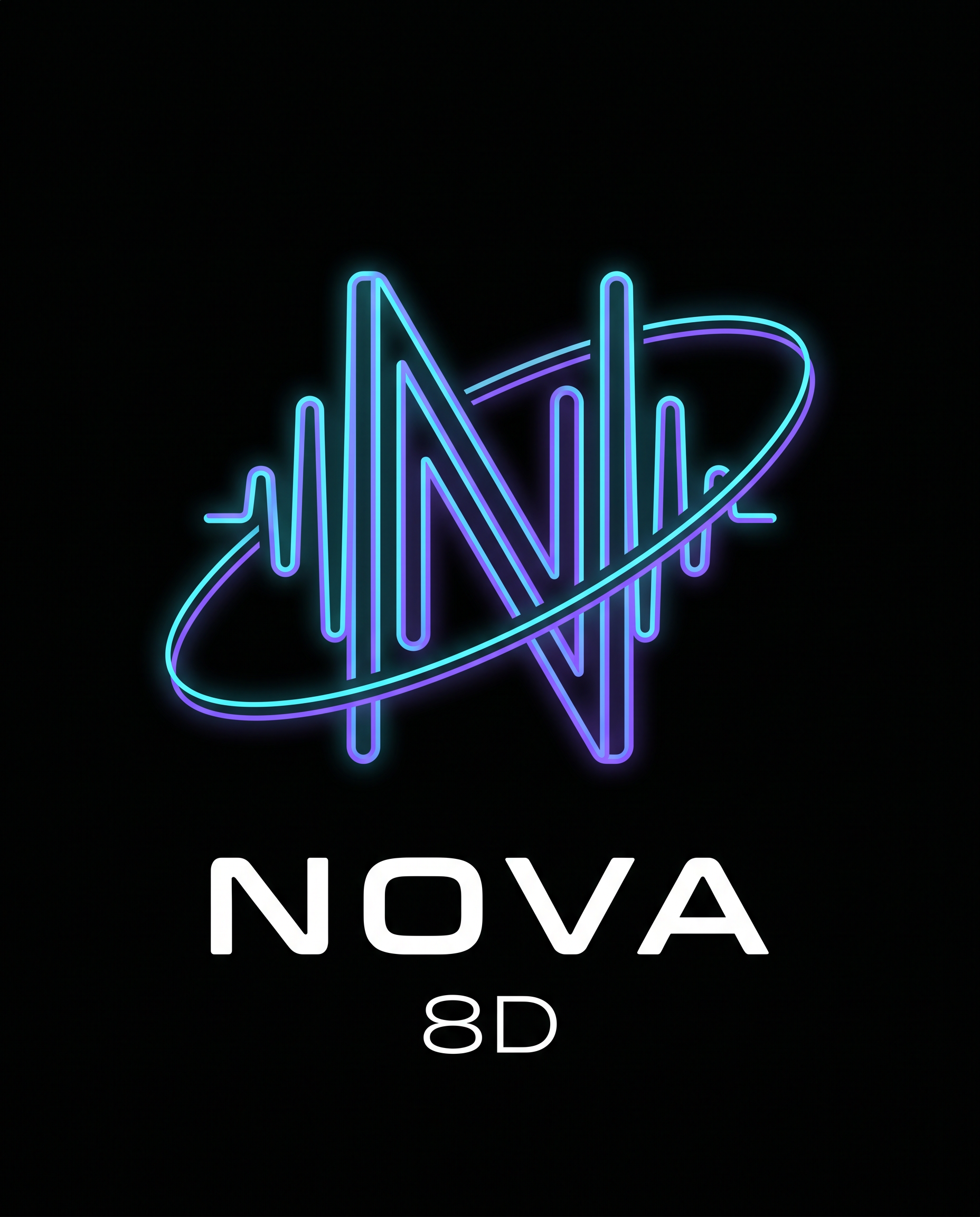
Design a premium, modern, minimalist logo for a music brand named "Nova 8D". The logo should feature a custom-designed letter "N" constructed from clean audio waveform lines, creating a recognizable monogram instead of a generic font. Integrate a subtle orbital ring that wraps naturally around the N, symbolizing immersive 8D spatial audio. The orbit should be elegant and balanced, not oversized or cartoonish. The design must follow professional brand identity principles: • Flat vector style • Geometric precision • Clean negative space • Consistent stroke widths • Symmetrical composition • Strong silhouette that remains recognizable at small sizes • No stock icons or clip-art appearance Color palette: • Background: Pure Black (#050505) • Primary: Electric Cyan (#00D9FF) • Secondary: Neon Violet (#8B3DFF) • Accent: White (#FFFFFF) Apply only a very subtle outer glow to the cyan and violet elements. Avoid excessive bloom or lighting effects. The logo should feel premium and timeless rather than flashy. Typography: Use a custom futuristic sans-serif wordmark reading "NOVA" beneath the symbol with generous letter spacing. Place "8D" centered below in a smaller size using a thin modern font. Overall style: Luxury technology brand, spatial audio, futuristic, cyber-minimal, inspired by high-end branding from companies like Nothing, Teenage Engineering, Bang & Olufsen, and modern esports identities. Deliverables appearance: • Vector logo • Crisp edges • High contrast • Centered composition • Black background • Perfectly balanced proportions • Suitable for YouTube profile pictures, social media, websites, and merchandise Do NOT include: Headphones, speakers, microphones, musical notes, stars, planets, galaxies, gradients covering the entire logo, lens flares, 3D effects, mockups, AI-art style, or cluttered backgrounds.
by @Elephant_6362452
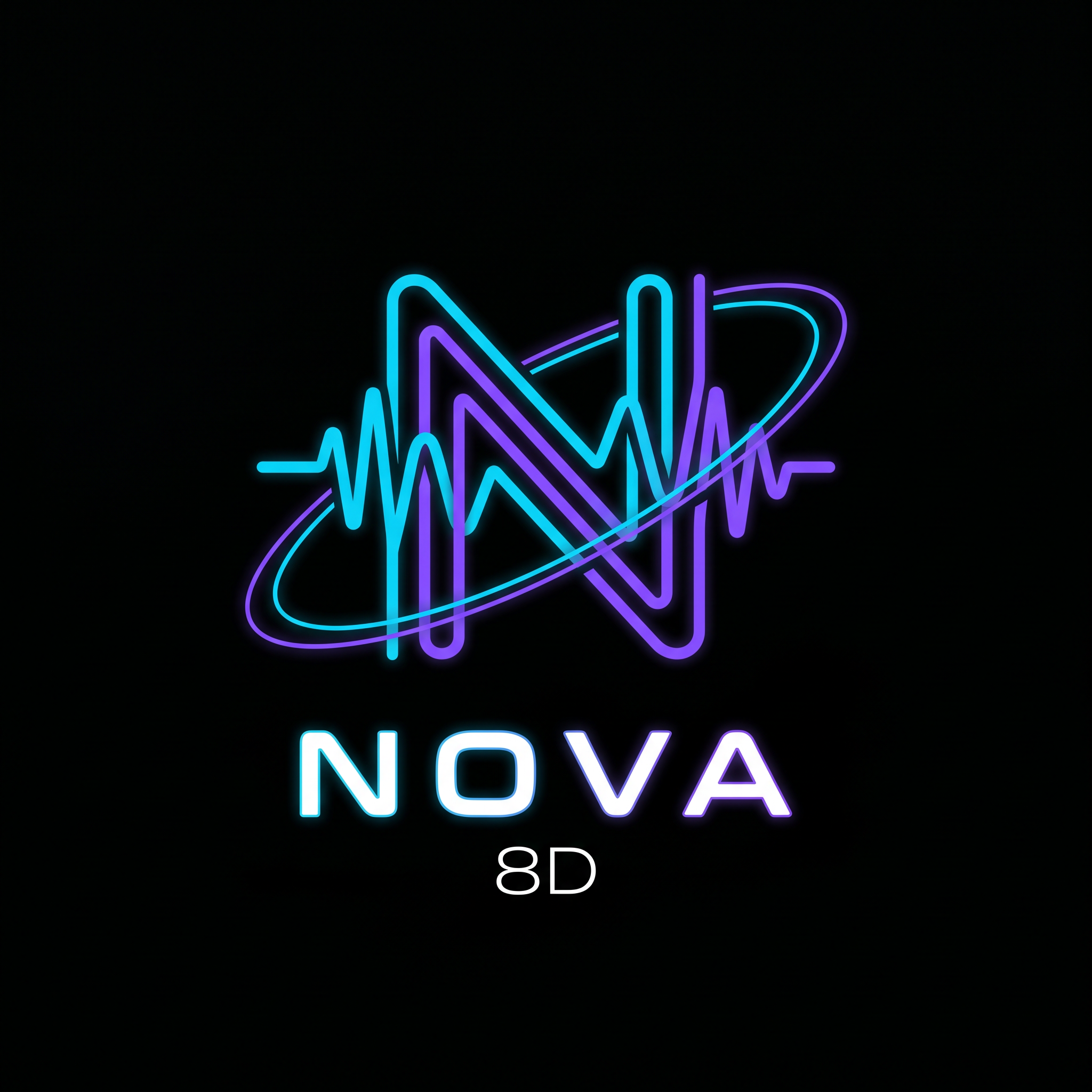
Design a premium, modern, minimalist logo for a music brand named "Nova 8D". The logo should feature a custom-designed letter "N" constructed from clean audio waveform lines, creating a recognizable monogram instead of a generic font. Integrate a subtle orbital ring that wraps naturally around the N, symbolizing immersive 8D spatial audio. The orbit should be elegant and balanced, not oversized or cartoonish. The design must follow professional brand identity principles: • Flat vector style • Geometric precision • Clean negative space • Consistent stroke widths • Symmetrical composition • Strong silhouette that remains recognizable at small sizes • No stock icons or clip-art appearance Color palette: • Background: Pure Black (#050505) • Primary: Electric Cyan (#00D9FF) • Secondary: Neon Violet (#8B3DFF) • Accent: White (#FFFFFF) Apply only a very subtle outer glow to the cyan and violet elements. Avoid excessive bloom or lighting effects. The logo should feel premium and timeless rather than flashy. Typography: Use a custom futuristic sans-serif wordmark reading "NOVA" beneath the symbol with generous letter spacing. Place "8D" centered below in a smaller size using a thin modern font. Overall style: Luxury technology brand, spatial audio, futuristic, cyber-minimal, inspired by high-end branding from companies like Nothing, Teenage Engineering, Bang & Olufsen, and modern esports identities. Deliverables appearance: • Vector logo • Crisp edges • High contrast • Centered composition • Black background • Perfectly balanced proportions • Suitable for YouTube profile pictures, social media, websites, and merchandise Do NOT include: Headphones, speakers, microphones, musical notes, stars, planets, galaxies, gradients covering the entire logo, lens flares, 3D effects, mockups, AI-art style, or cluttered backgrounds.
by @Elephant_6362452















What's next?Explore more features



Go from browse to build




