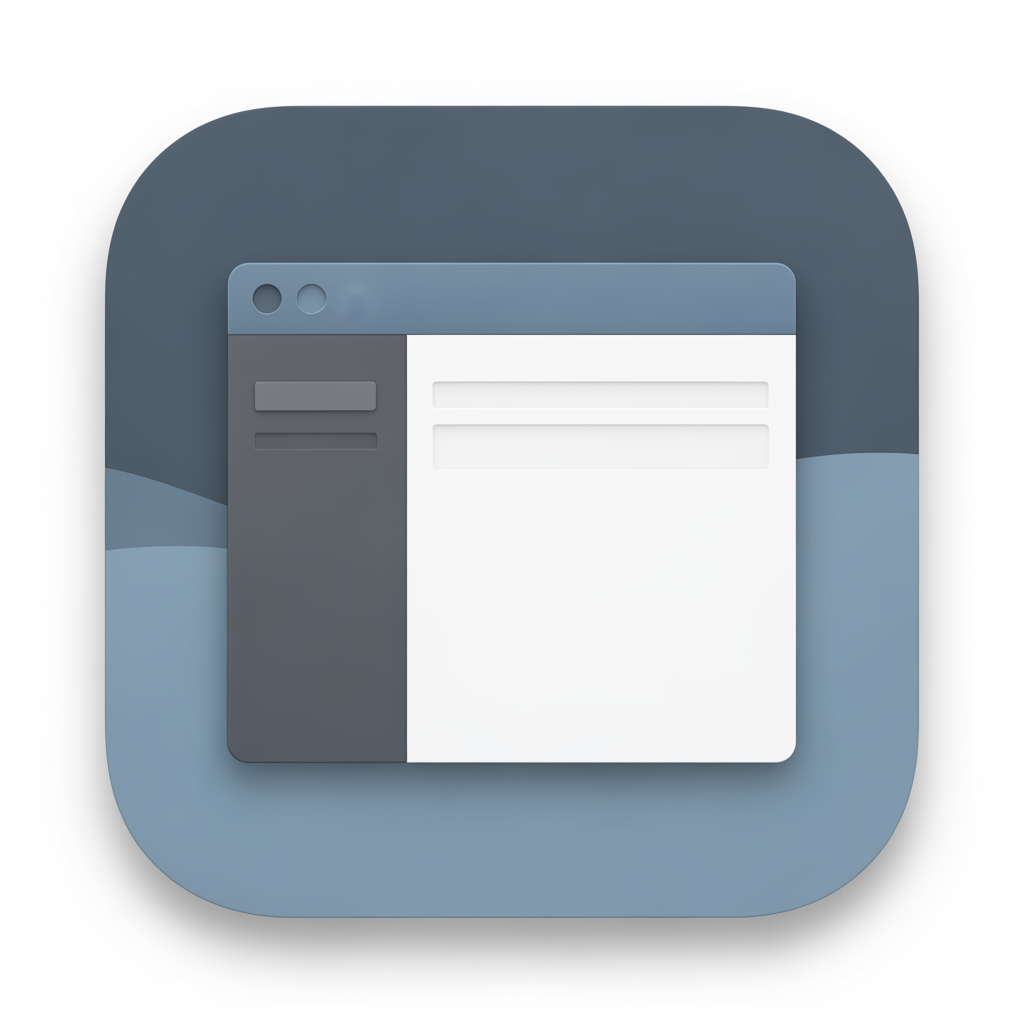
AI image design: # DevDock — Native macOS App Icon Design a timeless, native macOS application icon for **DevDock**, a professional deve…
Community
Design detail

Creator
@Elephant_8502146
# DevDock — Native macOS App Icon Design a timeless, native macOS application icon for **DevDock**, a professional developer workspace built exclusively for macOS. The icon should feel like it could have been designed by Apple's Human Interface Design team. ## Design Direction This is **NOT** an AI application. This is **NOT** a futuristic startup. This is **NOT** a cyberpunk product. This is **NOT** a glowing neon concept. The icon should feel calm, professional, trustworthy, and native to macOS. The overall impression should be: * Native * Clean * Professional * Minimal * Functional * Timeless * macOS-first Someone seeing the icon should immediately think: > "This looks like a serious macOS developer application." --- ## Core Concept Represent the idea of a **developer's workspace**. The icon should revolve around a clean macOS-style application window or workspace. Inside the workspace, subtly suggest organization and development through layout, panels, or editor-inspired structure. Avoid making code symbols the hero. The concept is **workspace**, not **coding**. --- ## Visual Language Use visual inspiration from Apple's own macOS applications. Rounded-square app icon. Balanced composition. Simple geometry. Subtle depth. Soft shadows. Natural lighting. No exaggerated effects. No glossy plastic look. No excessive gradients. No glassmorphism. No holographic effects. --- ## Color Palette Use restrained macOS-inspired colors. Examples: * Slate Blue * Deep Gray * Soft Blue * Graphite * White * Muted Navy Use only one subtle accent color if needed. The icon should look equally comfortable in Light Mode and Dark Mode. Avoid: * Neon colors * Rainbow gradients * Bright purple * Electric cyan * Oversaturated blues * Metallic chrome effects --- ## Materials Use materials similar to Apple's system icons. Soft matte surfaces. Subtle layered depth. Clean edges. No excessive reflections. No glowing outlines. --- ## Do NOT Include * AI sparkles * Robot heads * Chat bubbles * Circuit boards * Brain graphics * Futuristic interfaces * Sci-fi lighting * Giant </> symbols * Terminal windows as the primary focus * Letter D * Text * Logos * Watermarks --- ## Personality The icon should communicate: * Developer workspace * Organization * Productivity * Focus * Reliability * macOS craftsmanship It should feel like software that developers will use every day for years. --- ## Inspiration Take inspiration from the design philosophy of: * Xcode * Console * Finder * Activity Monitor * Script Editor * TextEdit * Shortcuts Match their level of restraint, simplicity, and timelessness—without copying any existing icon. --- ## Final Goal Create a premium, understated macOS application icon that perfectly matches a native SwiftUI desktop application. The icon should never feel trendy or futuristic. It should feel like it naturally belongs in the macOS Dock and remain visually relevant for many years.
Remix this design
Start for free with full control over models, settings, and canvas tools.
- Generate with full control over models and settings
- Save projects and share back to the community
- No design experience required
What's next?Explore more features



Go from browse to build




