Designs made by our community
Explore unique graphic designs and images crafted by creators around the world using Hiding Elephant's AI design tools. Get inspired and start creating.
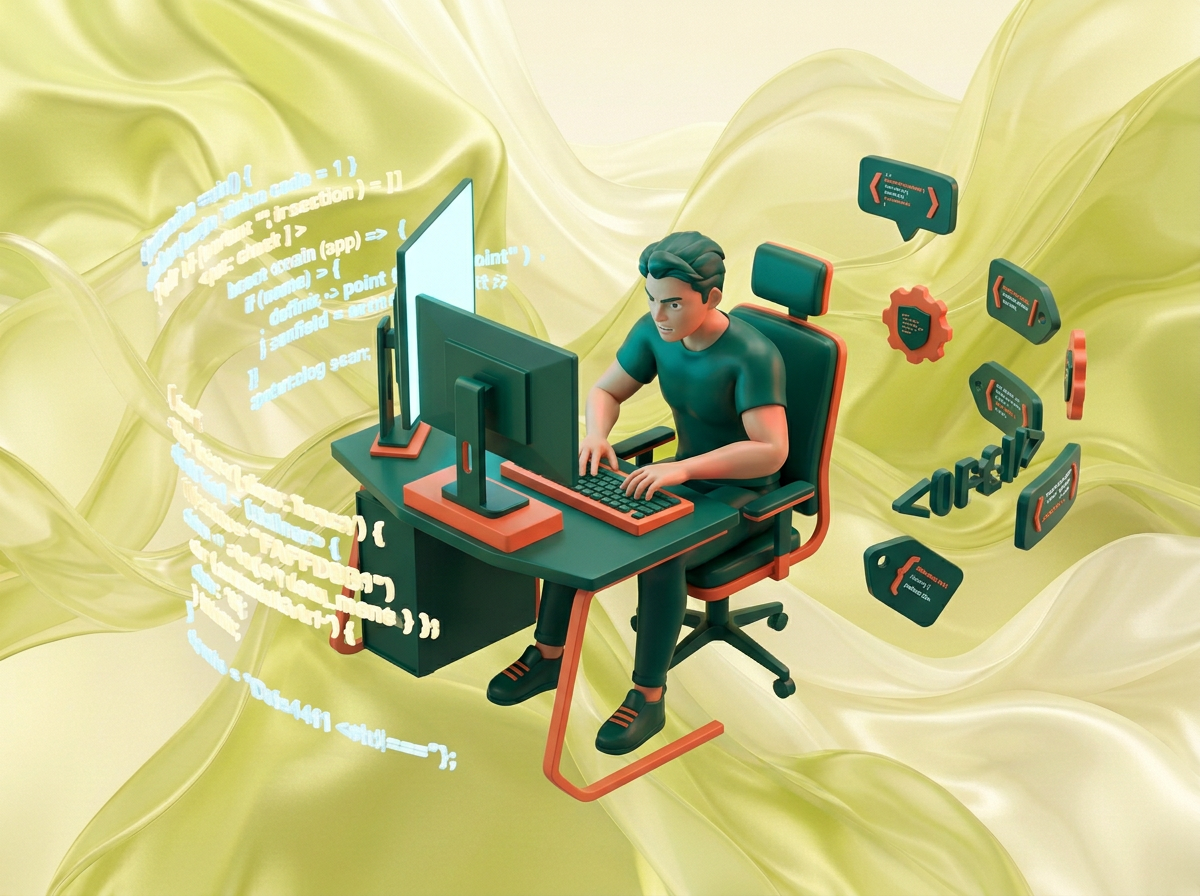
на этом фоне создай 3д фигурки на тему Спортивное программирование. Фон менять нельзя. Фигурки должны быть достаточно большими. Используй цвета EE6C4D 01524B D5F4FF FAFFDB сделай модельки динамичными. Не делай никаких надписей. Все фигурки в стиле 3д рендера ПО центру должна быть основная моделька. ПО бокам фигурки для придания динамики. по центру 3д фигурка человека с компьютером, по бокам - строки кода, теги
by @Elephant_5574126
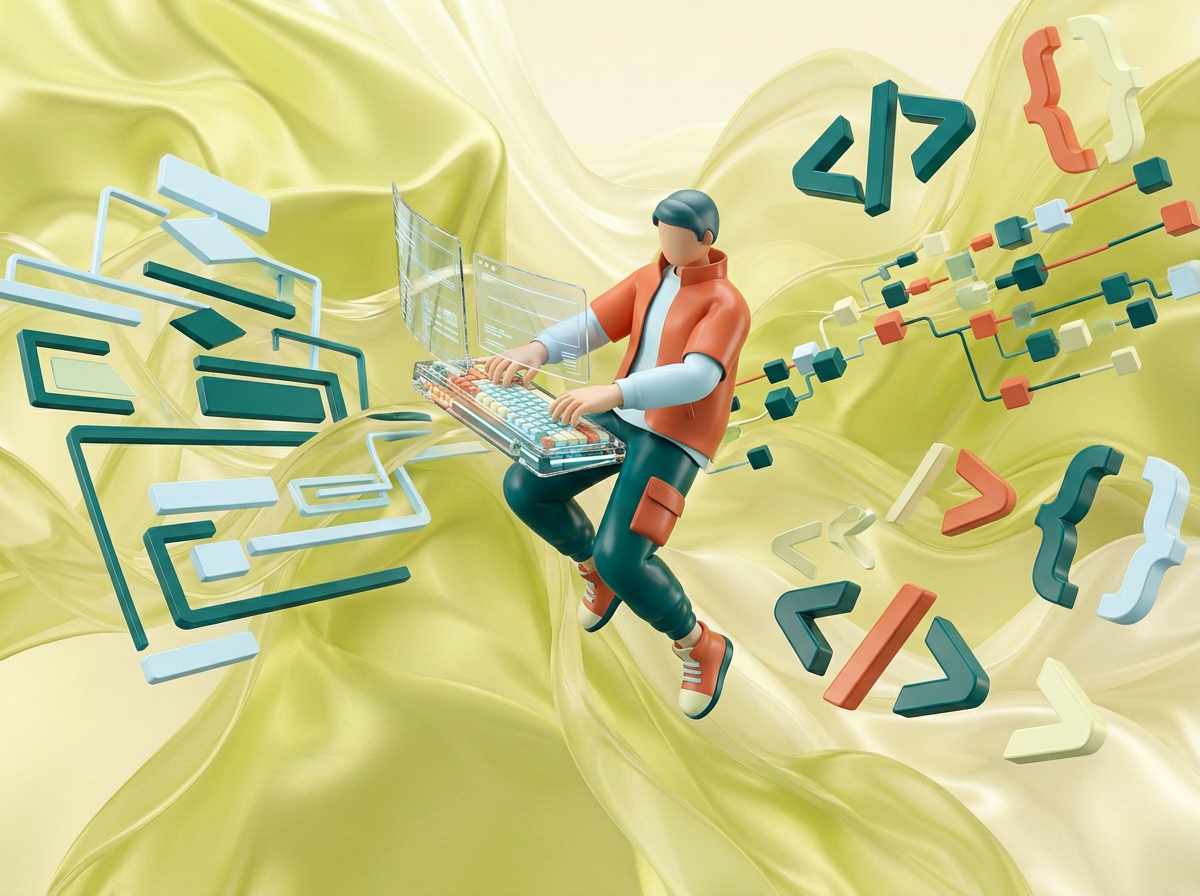
на этом фоне создай 3д фигурки на тему Спортивное программирование. Фон менять нельзя. Фигурки должны быть достаточно большими. Используй цвета EE6C4D 01524B D5F4FF FAFFDB сделай модельки динамичными. Не делай никаких надписей. Все фигурки в стиле 3д рендера ПО центру должна быть основная моделька. ПО бокам фигурки для придания динамики. по центру 3д фигурка человека с компьютером, по бокам - строки кода, теги
by @Elephant_5574126
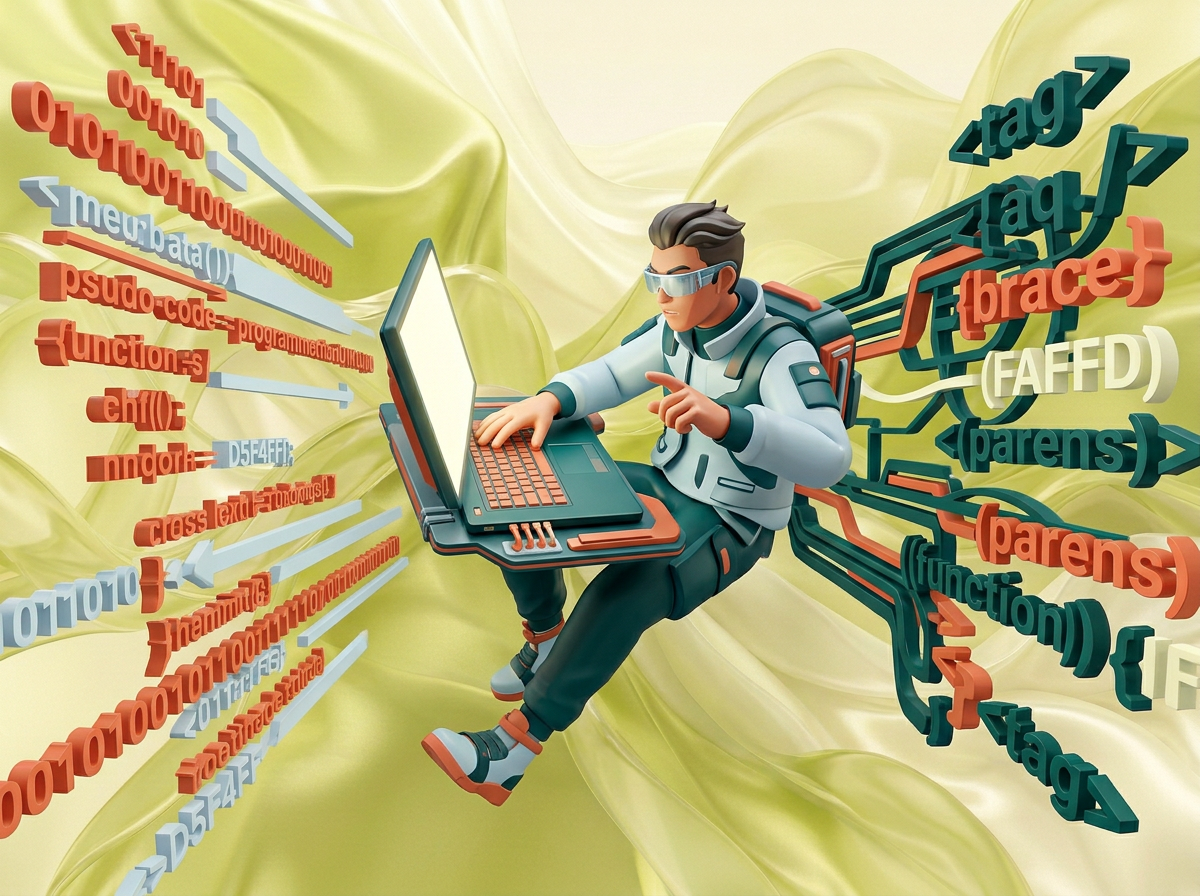
на этом фоне создай 3д фигурки на тему Спортивное программирование. Фон менять нельзя. Фигурки должны быть достаточно большими. Используй цвета EE6C4D 01524B D5F4FF FAFFDB сделай модельки динамичными. Не делай никаких надписей. Все фигурки в стиле 3д рендера ПО центру должна быть основная моделька. ПО бокам фигурки для придания динамики. по центру 3д фигурка человека с компьютером, по бокам - строки кода, теги
by @Elephant_5574126
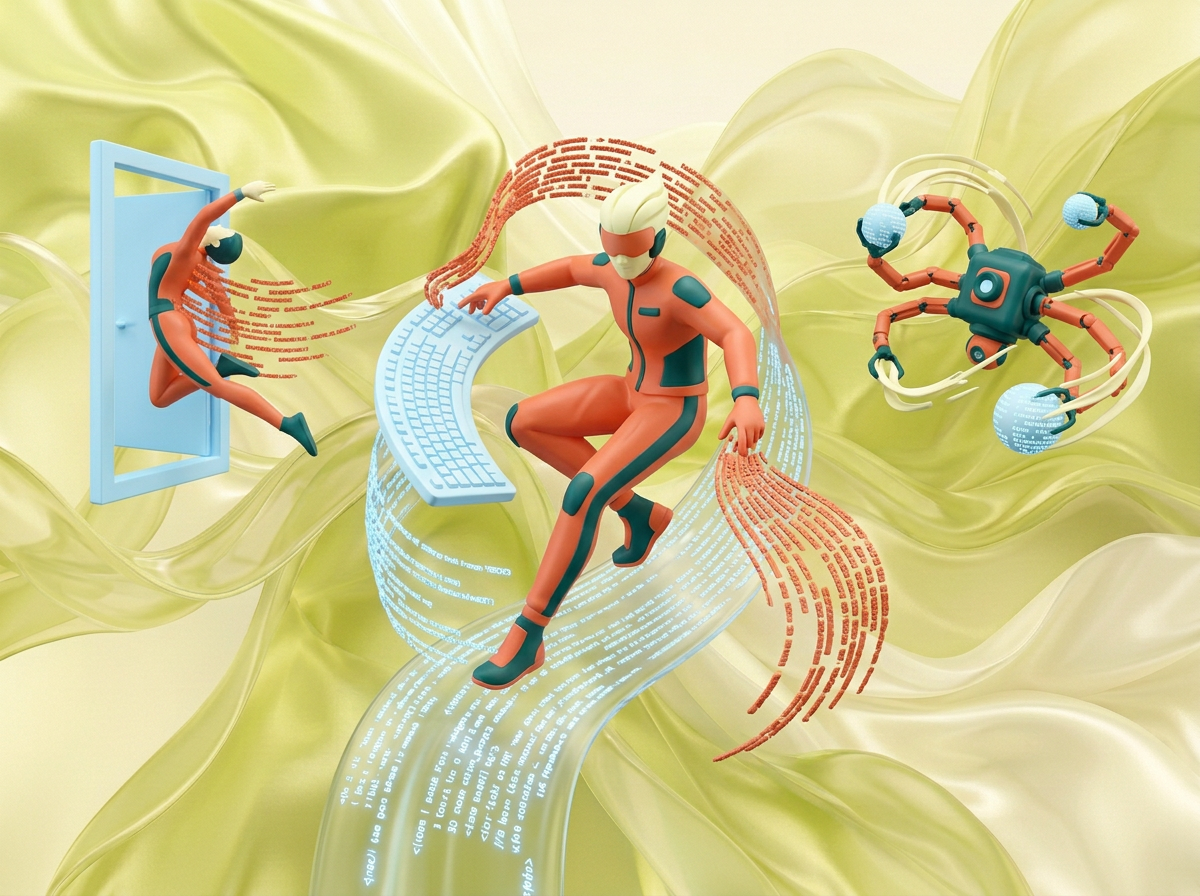
на этом фоне создай 3д фигурки на тему Спортивное программирование. Фон менять нельзя. Фигурки должны быть достаточно большими. Используй цвета EE6C4D 01524B D5F4FF FAFFDB сделай модельки динамичными. Не делай никаких надписей. Все фигурки в стиле 3д рендера ПО центру должна быть основная моделька. ПО бокам фигурки для придания динамики.
by @Elephant_5574126
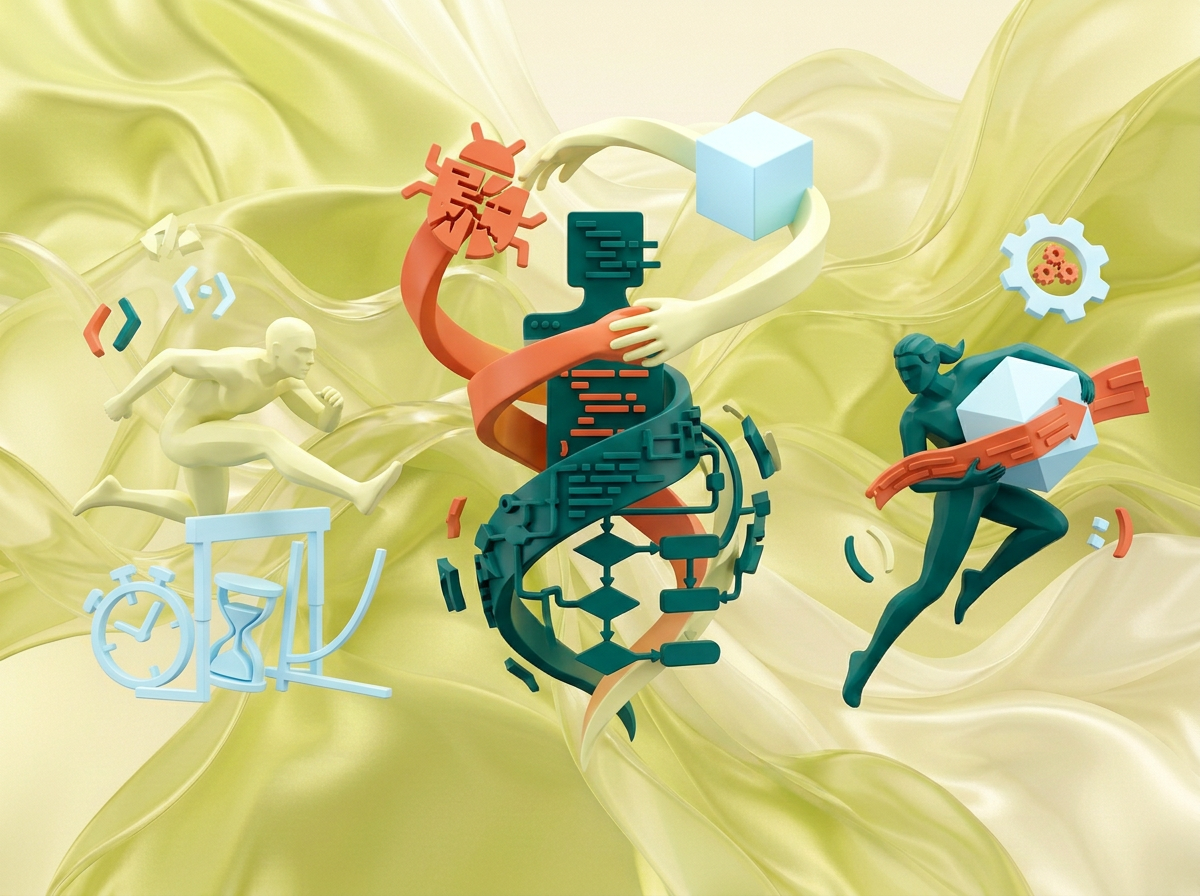
на этом фоне создай 3д фигурки на тему Спортивное программирование. Фон менять нельзя. Фигурки должны быть достаточно большими. Используй цвета EE6C4D 01524B D5F4FF FAFFDB сделай модельки динамичными. Не делай никаких надписей. Все фигурки в стиле 3д рендера ПО центру должна быть основная моделька. ПО бокам фигурки для придания динамики.
by @Elephant_5574126
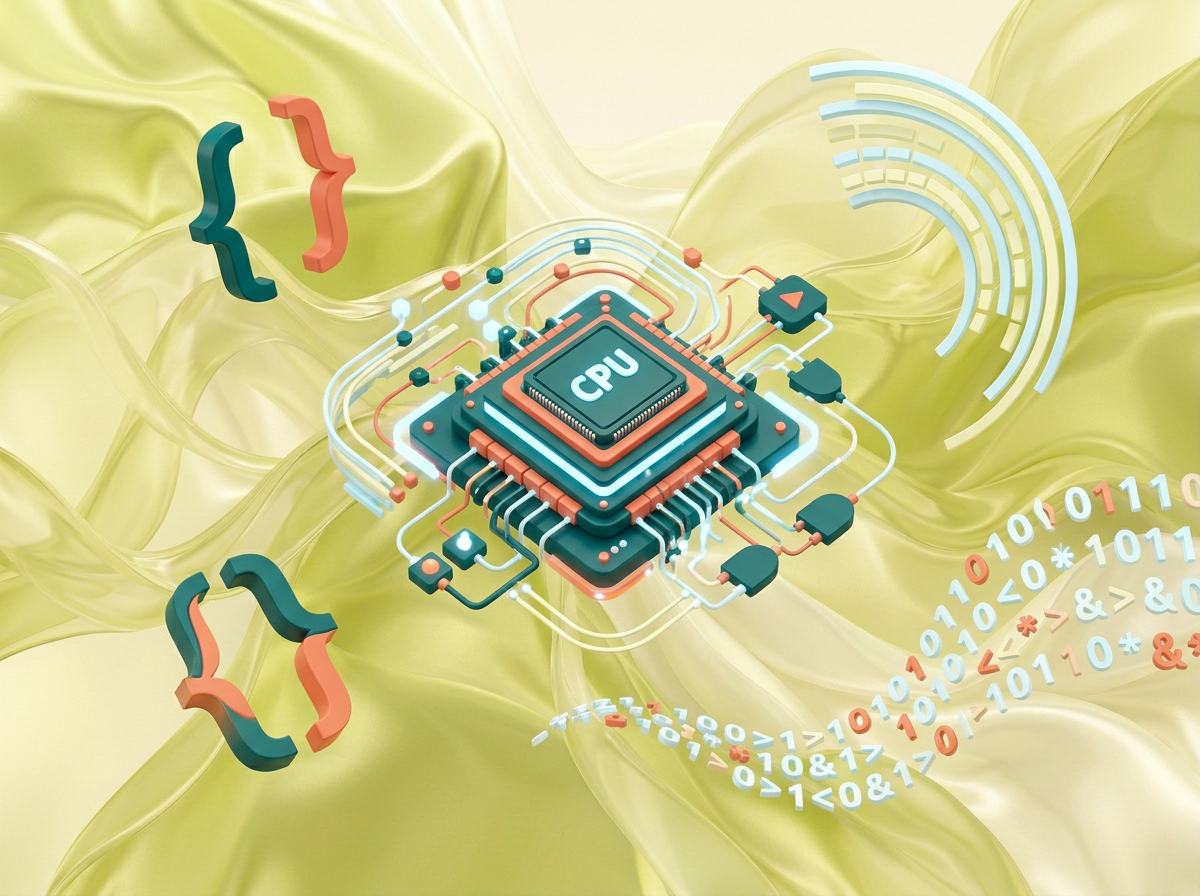
на этом фоне создай 3д фигурки на тему Спортивное программирование. Фон менять нельзя. Фигурки должны быть достаточно большими. Используй цвета EE6C4D 01524B D5F4FF FAFFDB сделай модельки динамичными. Не делай никаких надписей. Все фигурки в стиле 3д рендера ПО центру должна быть основная моделька. ПО бокам фигурки для придания динамики.
by @Elephant_5574126
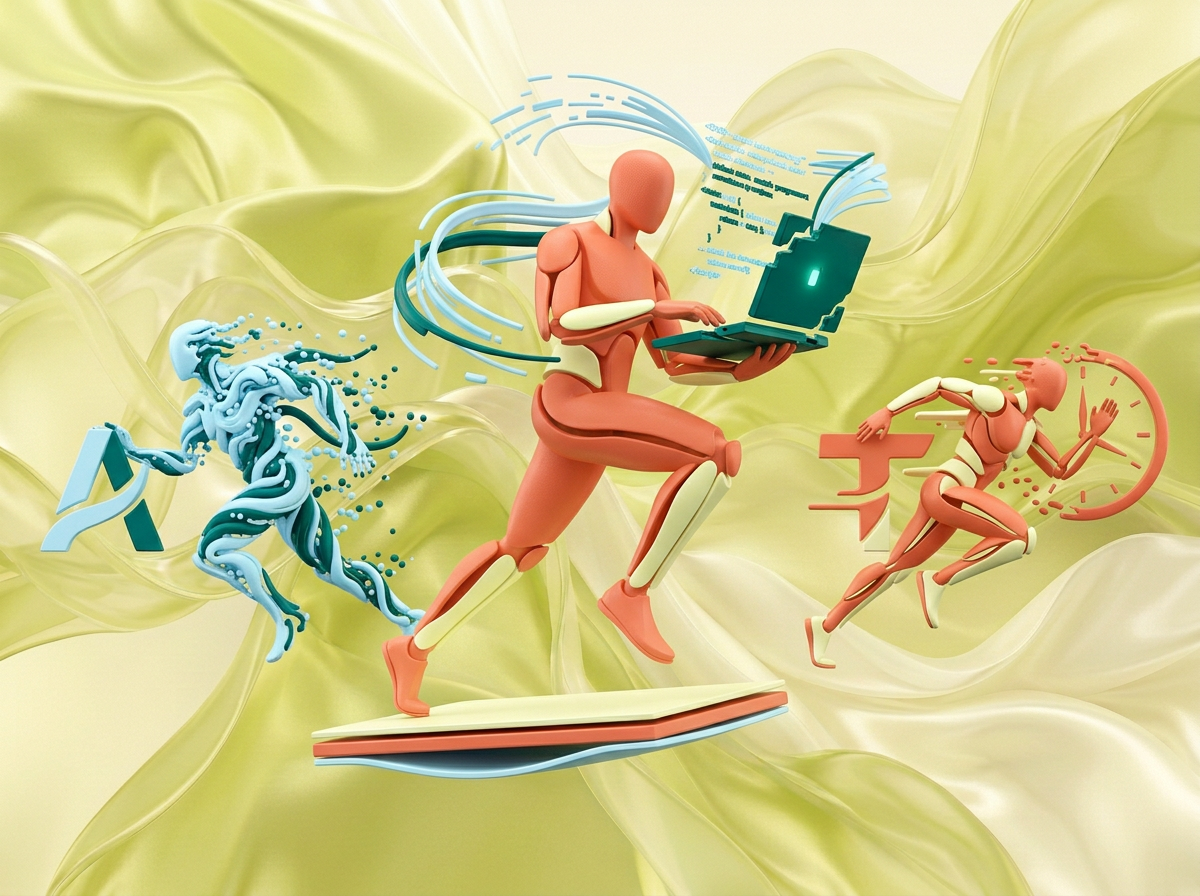
на этом фоне создай 3д фигурки на тему Спортивное программирование. Фон менять нельзя. Фигурки должны быть достаточно большими. Используй цвета EE6C4D 01524B D5F4FF FAFFDB сделай модельки динамичными. Не делай никаких надписей. Все фигурки в стиле 3д рендера ПО центру должна быть основная моделька. ПО бокам фигурки для придания динамики.
by @Elephant_5574126
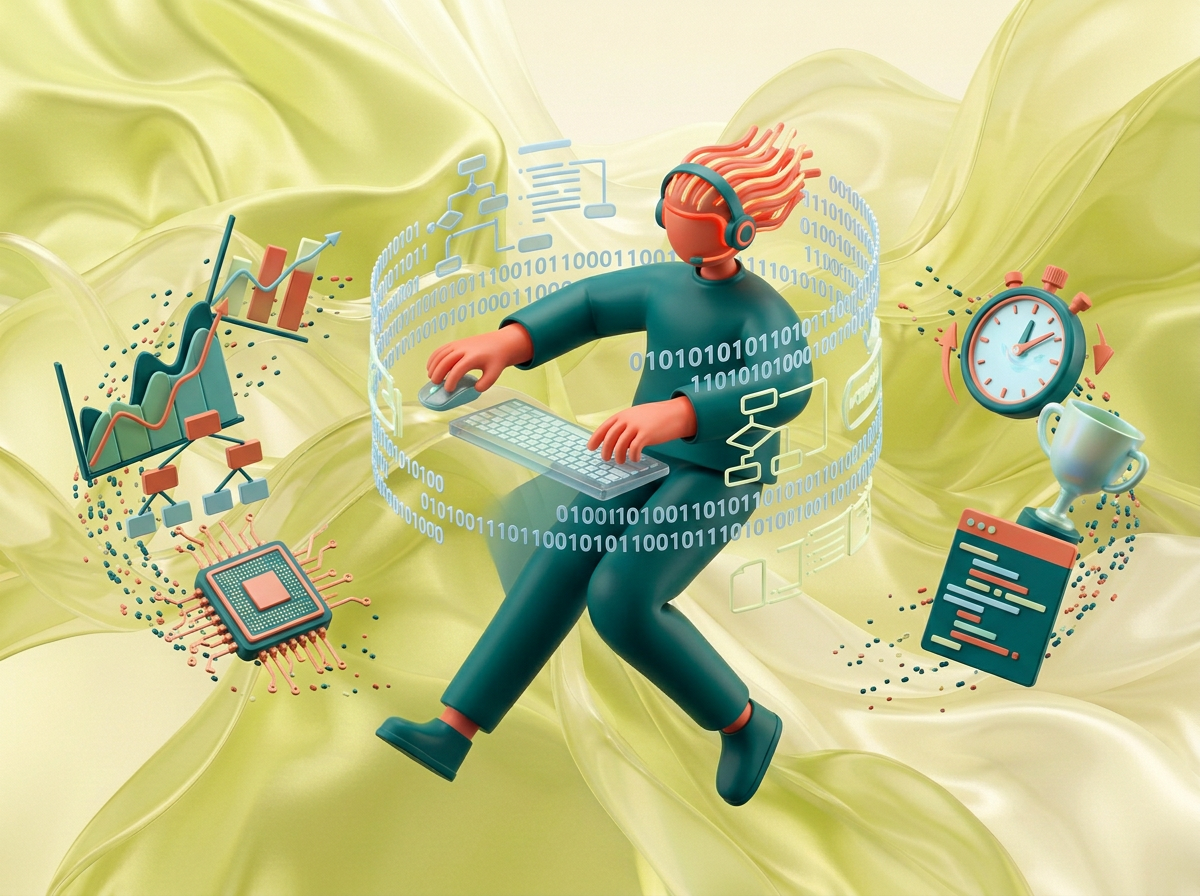
на этом фоне создай 3д фигурки на тему Спортивное программирование. Фон менять нельзя. Фигурки должны быть достаточно большими. Используй цвета EE6C4D 01524B D5F4FF FAFFDB сделай модельки динамичными. Не делай никаких надписей. Все фигурки в стиле 3д рендера ПО центру должна быть основная моделька. ПО бокам фигурки для придания динамики.
by @Elephant_5574126
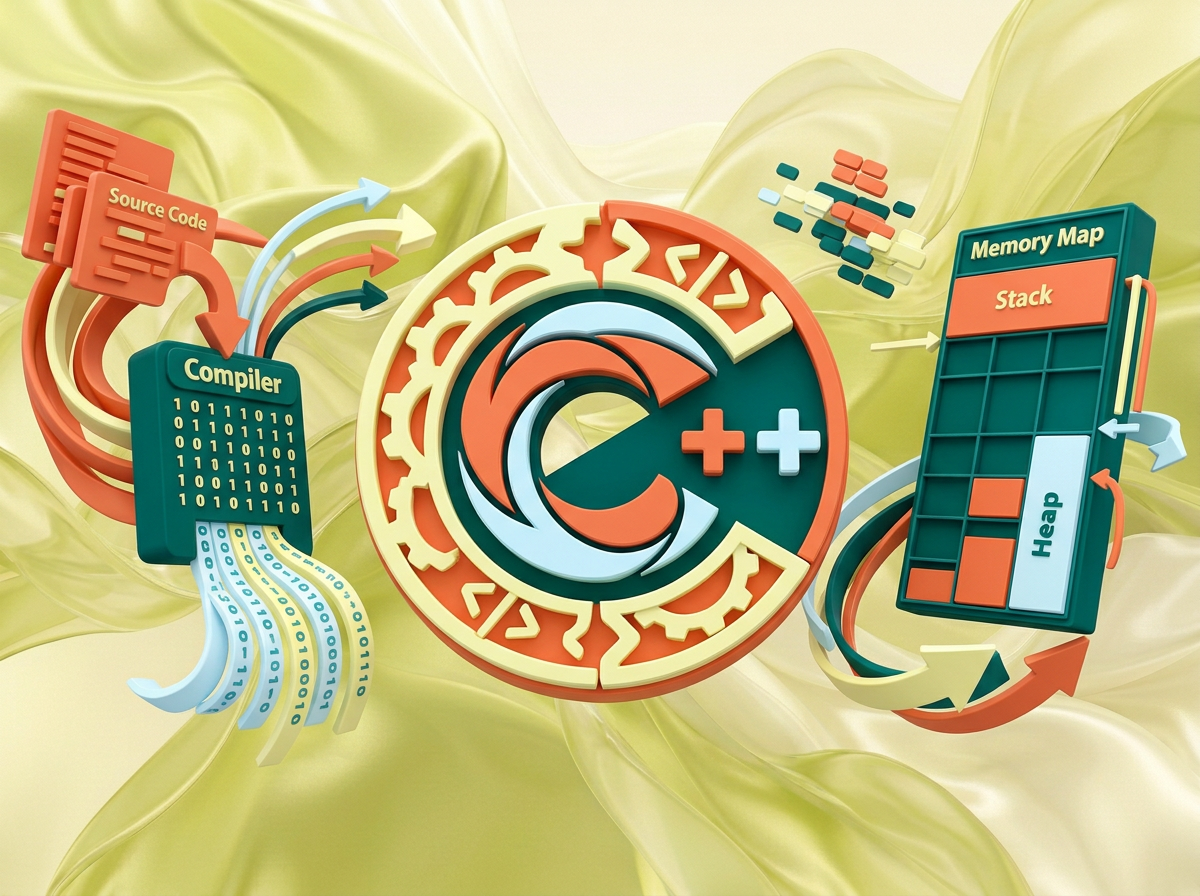
на этом фоне создай 3д фигурки на тему программирование на C++. Фон менять нельзя. Фигурки должны быть достаточно большими. Используй цвета EE6C4D 01524B D5F4FF FAFFDB сделай модельки динамичными. Не делай никаких надписей. Все фигурки в стиле 3д рендера ПО центру должна быть основная моделька. ПО бокам фигурки для придания динамики. по середие логотип С++, по бокам иконки связанные с прогой и кодом
by @Elephant_5574126
на этом фоне создай 3д фигурки на тему программирование на C++. Фон менять нельзя. Фигурки должны быть достаточно большими. Используй цвета EE6C4D 01524B D5F4FF FAFFDB сделай модельки динамичными. Не делай никаких надписей. Все фигурки в стиле 3д рендера ПО центру должна быть основная моделька. ПО бокам фигурки для придания динамики. по середие логотип С++, по бокам иконки связанные с прогой и кодом
by @Elephant_5574126
на этом фоне создай 3д фигурки на тему программирование на C++. Фон менять нельзя. Фигурки должны быть достаточно большими. Используй цвета EE6C4D 01524B D5F4FF FAFFDB сделай модельки динамичными. Не делай никаких надписей. Все фигурки в стиле 3д рендера ПО центру должна быть основная моделька. ПО бокам фигурки для придания динамики. по середие логотип С++, по бокам иконки связанные с прогой и кодом
by @Elephant_5574126
на этом фоне создай 3д фигурки на тему программирование на C++. Фон менять нельзя. Фигурки должны быть достаточно большими. Используй цвета EE6C4D 01524B D5F4FF FAFFDB сделай модельки динамичными. Не делай никаких надписей. Все фигурки в стиле 3д рендера ПО центру должна быть основная моделька. ПО бокам фигурки для придания динамики. по середие логотип С++, по бокам иконки связанные с прогой и кодом
by @Elephant_5574126
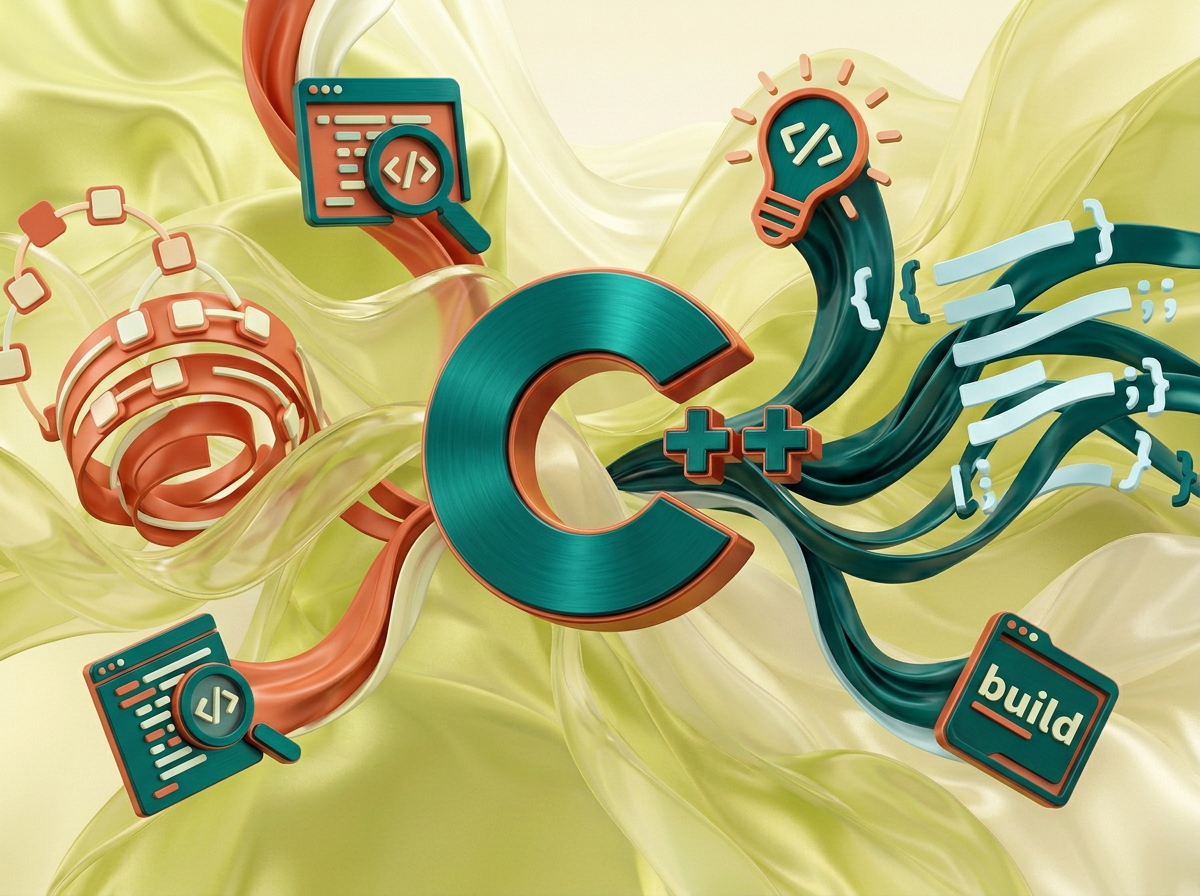
на этом фоне создай 3д фигурки на тему программирование на C++. Фон менять нельзя. Фигурки должны быть достаточно большими. Используй цвета EE6C4D 01524B D5F4FF FAFFDB сделай модельки динамичными. Не делай никаких надписей. Все фигурки в стиле 3д рендера ПО центру должна быть основная моделька. ПО бокам фигурки для придания динамики. по середие логотип С++, по бокам иконки связанные с прогой и кодом
by @Elephant_5574126

на этом фоне создай 3д фигурки на тему программирование на C++. Фон менять нельзя. Фигурки должны быть достаточно большими. Используй цвета EE6C4D 01524B D5F4FF FAFFDB сделай модельки динамичными. Не делай никаких надписей. Все фигурки в стиле 3д рендера ПО центру должна быть основная моделька. ПО бокам фигурки для придания динамики. по середие логотип С++, по бокам иконки связанные с прогой и кодом
by @Elephant_5574126
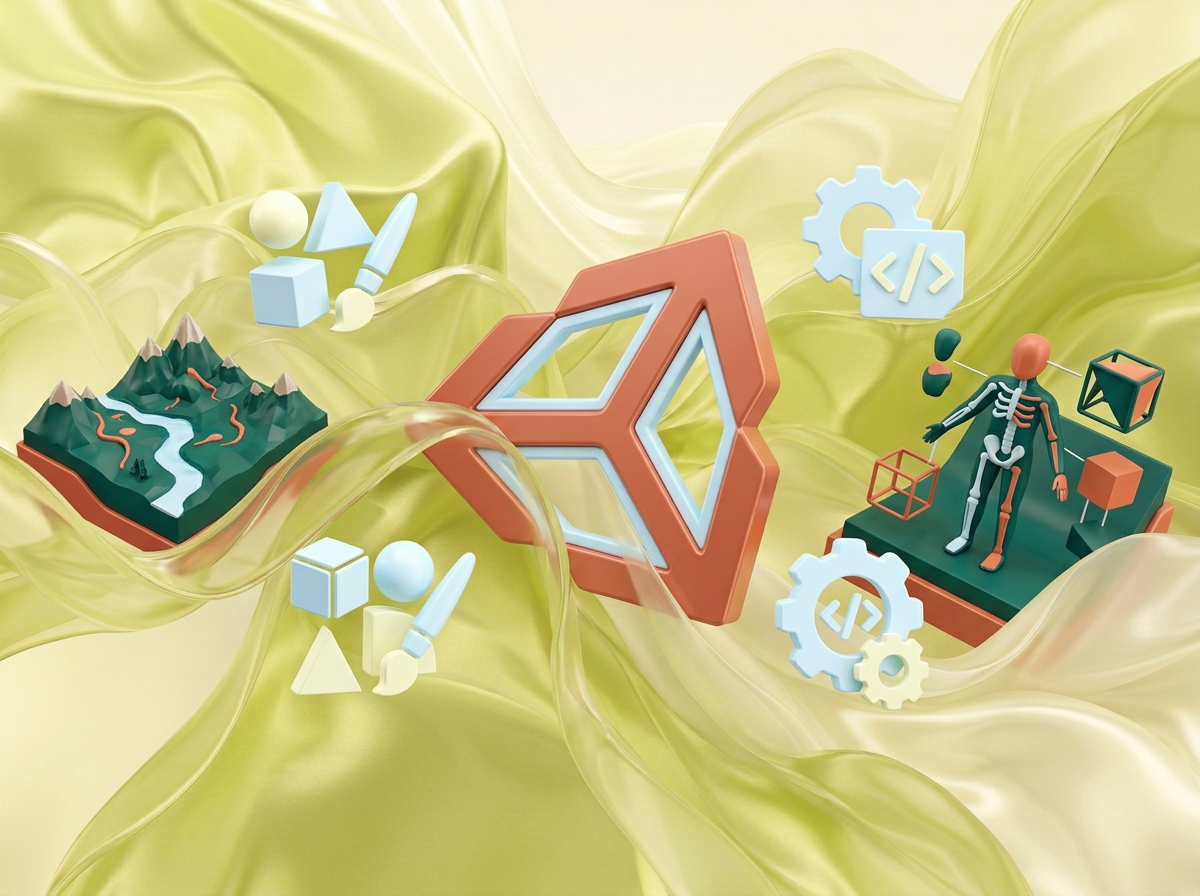
на этом фоне создай 3д фигурки на тему Unity: Создание миров. Фон менять нельзя. Фигурки должны быть достаточно большими. Используй цвета EE6C4D 01524B D5F4FF FAFFDB сделай модельки динамичными. Не делай никаких надписей. Все фигурки в стиле 3д рендера ПО центру должна быть основная моделька. ПО бокам фигурки для придания динамики. по середие логотип Unity, по бокам иконки связанные с созданием игр
by @Elephant_5574126
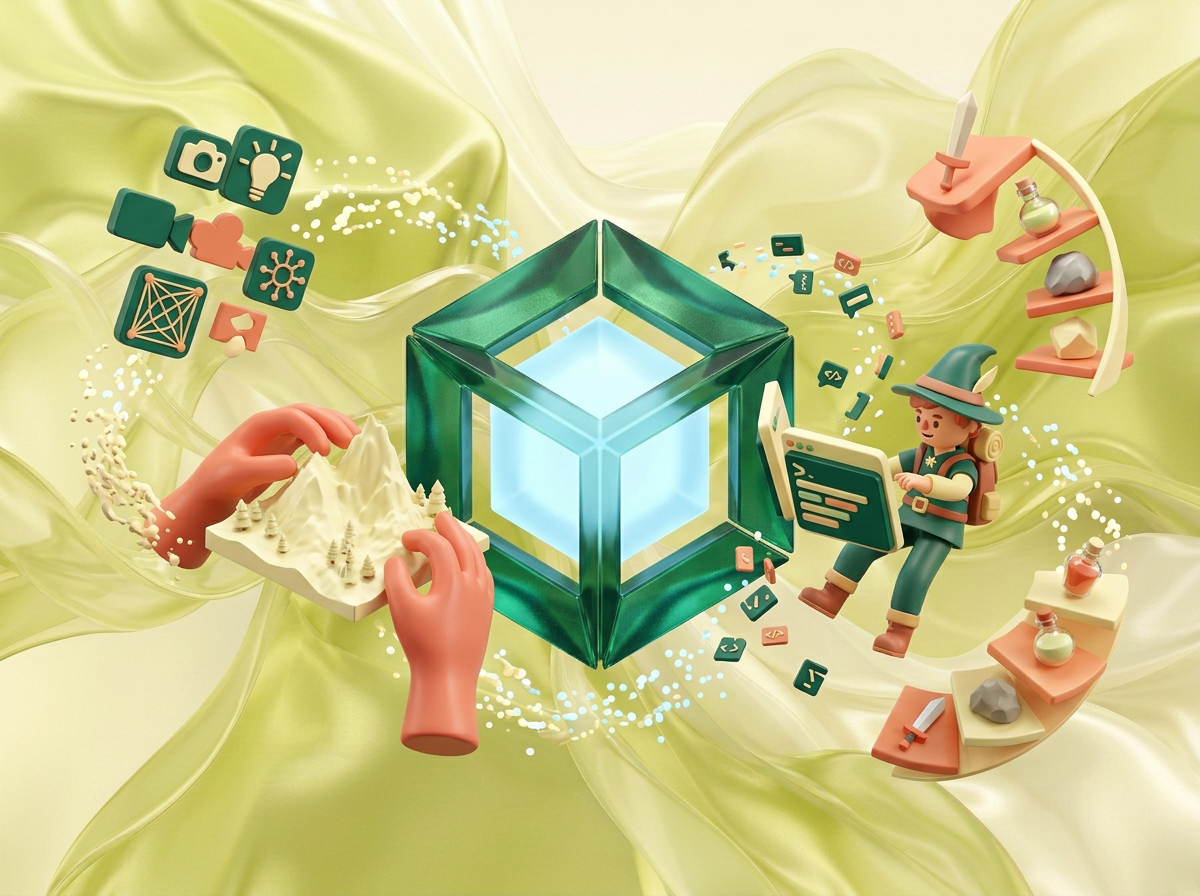
на этом фоне создай 3д фигурки на тему Unity: Создание миров. Фон менять нельзя. Фигурки должны быть достаточно большими. Используй цвета EE6C4D 01524B D5F4FF FAFFDB сделай модельки динамичными. Не делай никаких надписей. Все фигурки в стиле 3д рендера ПО центру должна быть основная моделька. ПО бокам фигурки для придания динамики. по середие логотип Unity, по бокам иконки связанные с созданием игр
by @Elephant_5574126
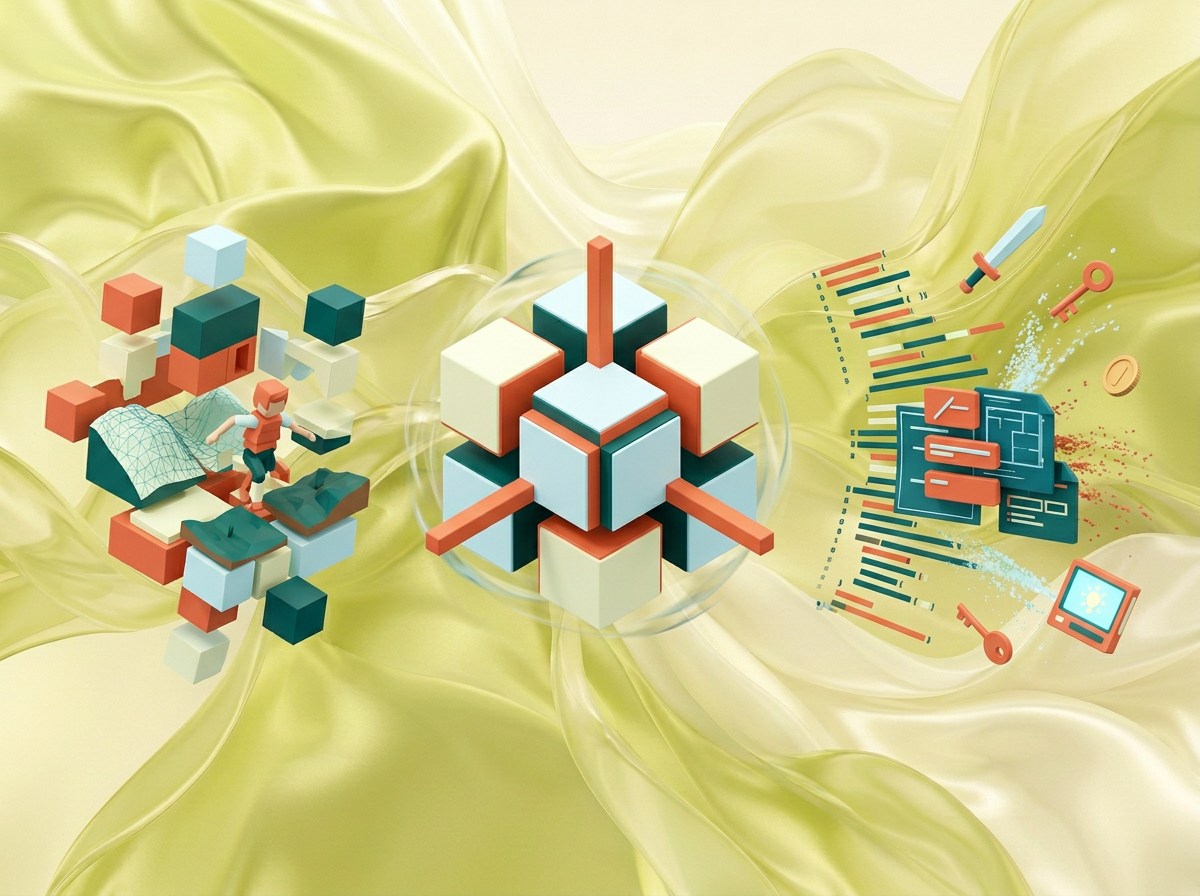
на этом фоне создай 3д фигурки на тему Unity: Создание миров. Фон менять нельзя. Фигурки должны быть достаточно большими. Используй цвета EE6C4D 01524B D5F4FF FAFFDB сделай модельки динамичными. Не делай никаких надписей. Все фигурки в стиле 3д рендера ПО центру должна быть основная моделька. ПО бокам фигурки для придания динамики. по середие логотип Unity, по бокам иконки связанные с созданием игр
by @Elephant_5574126
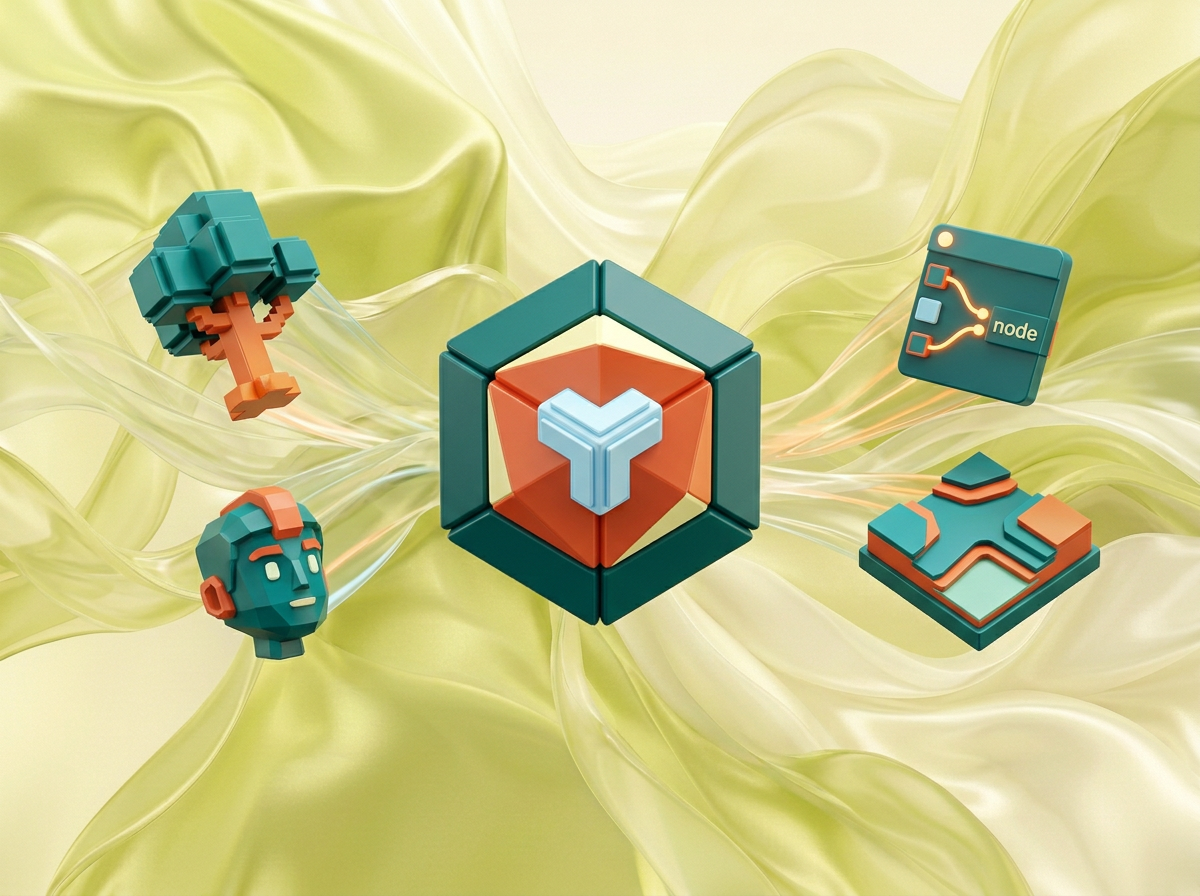
на этом фоне создай 3д фигурки на тему Unity: Создание миров. Фон менять нельзя. Фигурки должны быть достаточно большими. Используй цвета EE6C4D 01524B D5F4FF FAFFDB сделай модельки динамичными. Не делай никаких надписей. Все фигурки в стиле 3д рендера ПО центру должна быть основная моделька. ПО бокам фигурки для придания динамики. по середие логотип Unity, по бокам иконки связанные с созданием игр
by @Elephant_5574126
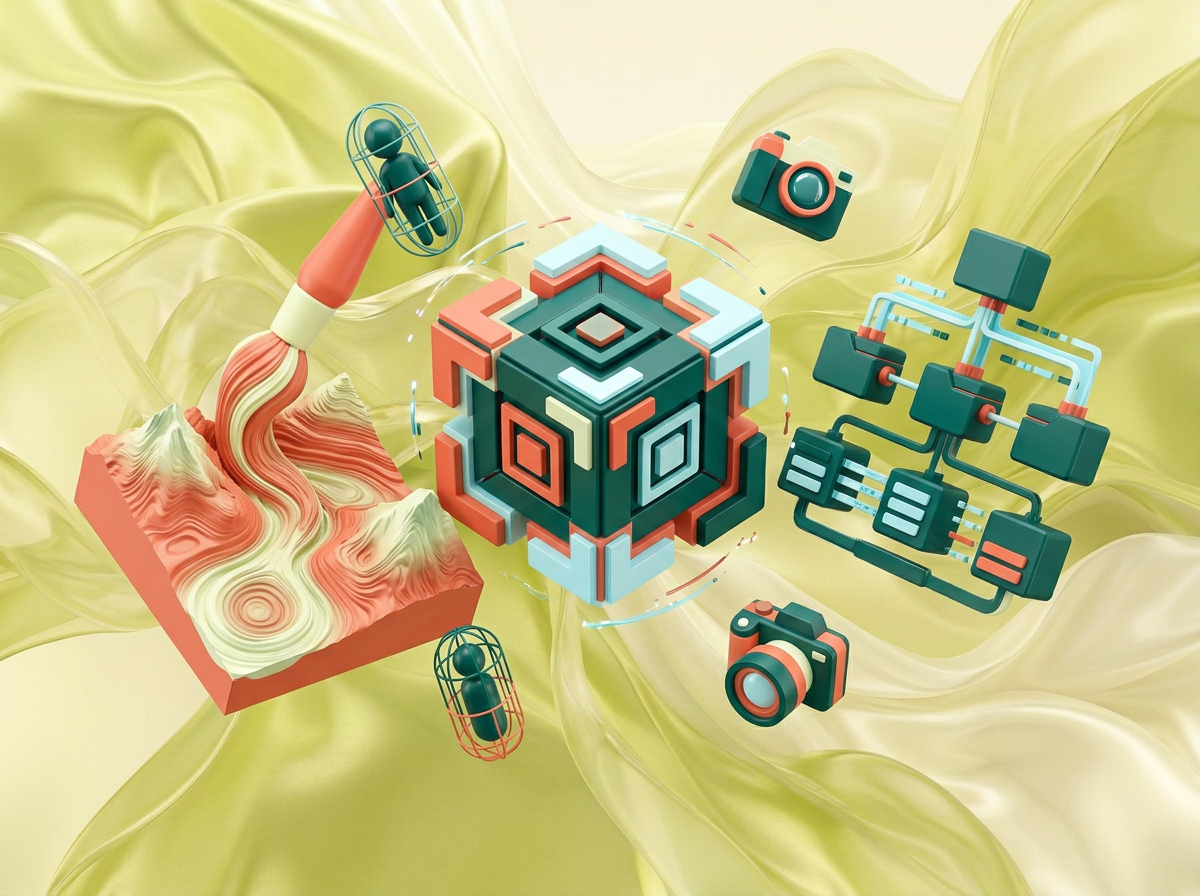
на этом фоне создай 3д фигурки на тему Unity: Создание миров. Фон менять нельзя. Фигурки должны быть достаточно большими. Используй цвета EE6C4D 01524B D5F4FF FAFFDB сделай модельки динамичными. Не делай никаких надписей. Все фигурки в стиле 3д рендера ПО центру должна быть основная моделька. ПО бокам фигурки для придания динамики. по середие логотип Unity, по бокам иконки связанные с созданием игр
by @Elephant_5574126
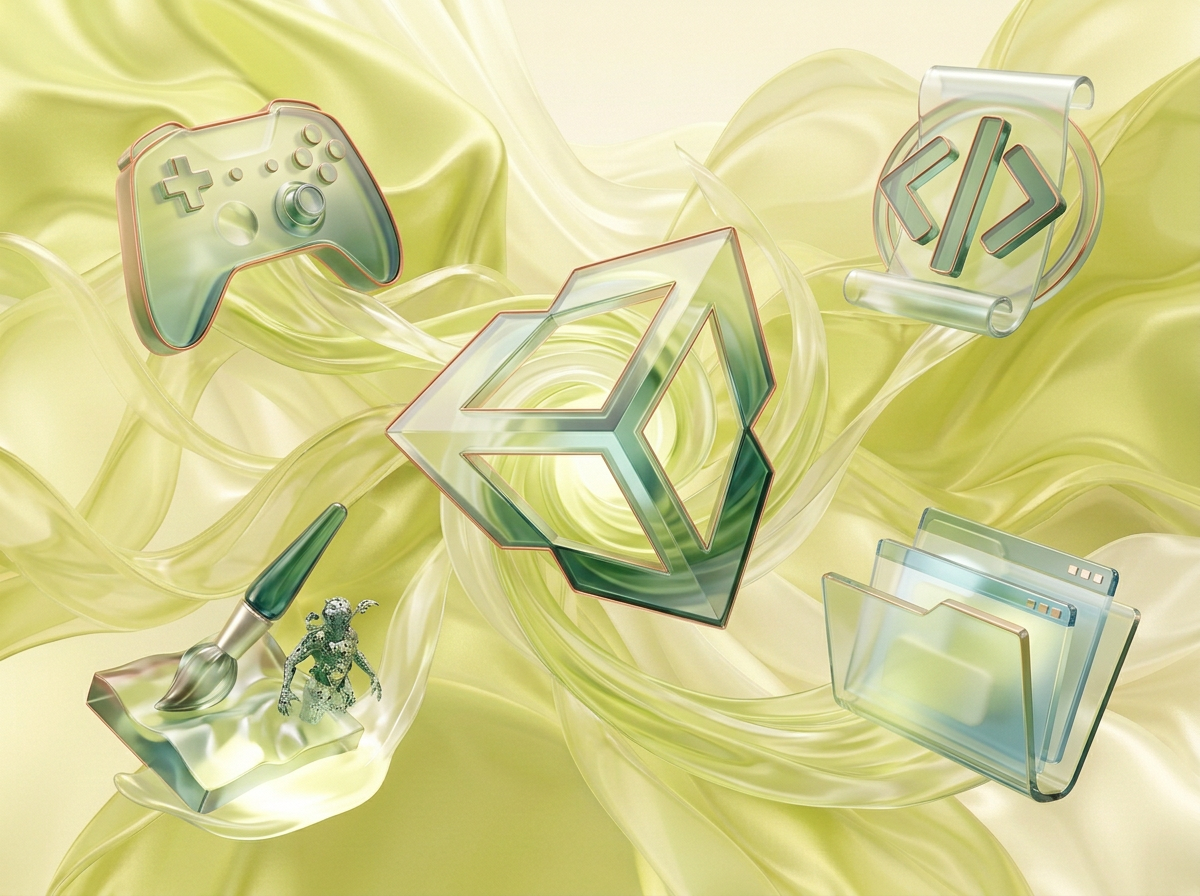
на этом фоне создай 3д фигурки на тему Unity: Создание миров. Фон менять нельзя. Фигурки должны быть достаточно большими. Используй цвета EE6C4D 01524B D5F4FF FAFFDB сделай модельки динамичными. Не делай никаких надписей. Все фигурки в стиле 3д рендера ПО центру должна быть основная моделька. ПО бокам фигурки для придания динамики. по середие логотип Unity, по бокам иконки связанные с созданием игр
by @Elephant_5574126
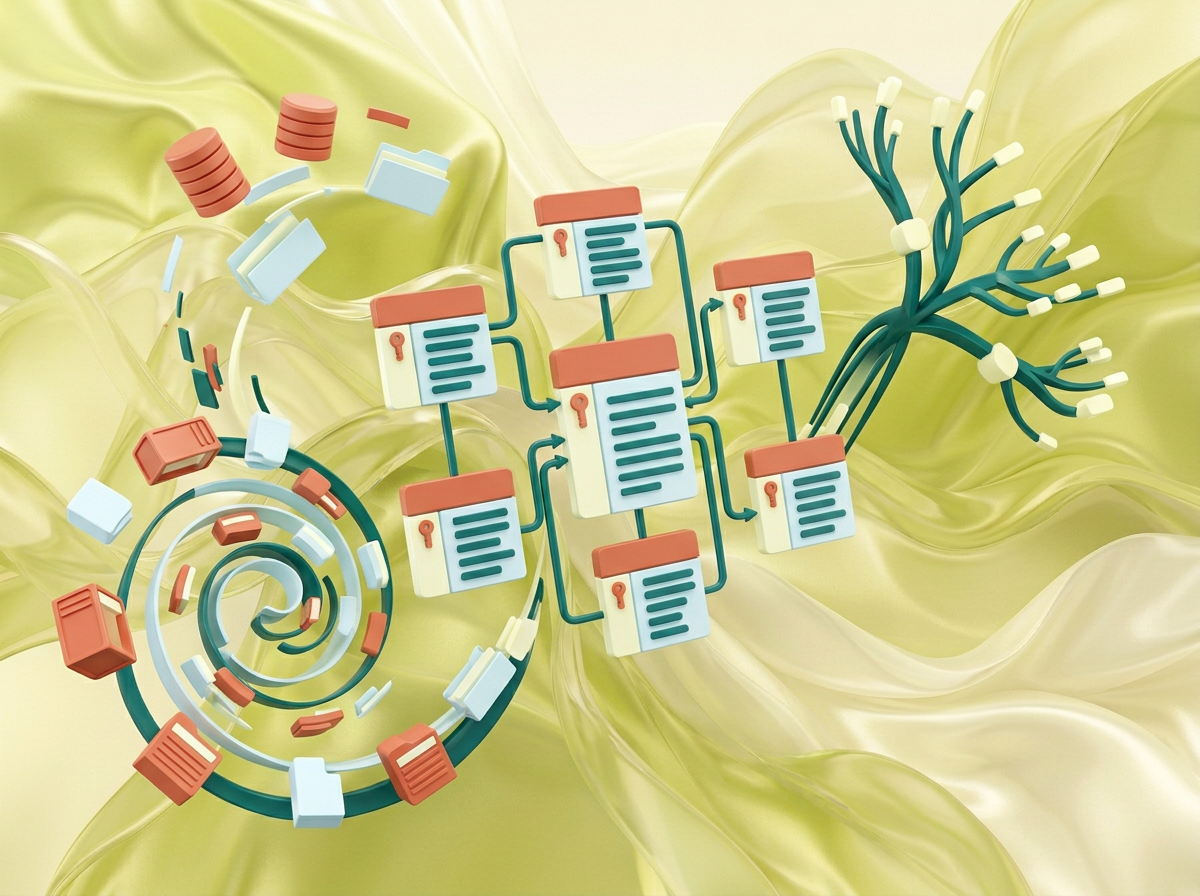
на этом фоне создай 3д фигурки на тему Unity: Создание миров. Фон менять нельзя. Фигурки должны быть достаточно большими. Используй цвета EE6C4D 01524B D5F4FF FAFFDB сделай модельки динамичными. Не делай никаких надписей. Все фигурки в стиле 3д рендера ПО центру должна быть основная моделька. ПО бокам фигурки для придания динамики. по середие логотип SQL, по бокам иконки связанные с базой данных
by @Elephant_5574126

на этом фоне создай 3д фигурки на базы данных SQL Фон менять нельзя. Фигурки должны быть достаточно большими. Используй цвета EE6C4D 01524B D5F4FF FAFFDB сделай модельки динамичными. Не делай никаких надписей. Все фигурки в стиле 3д рендера ПО центру должна быть основная моделька. ПО бокам фигурки для придания динамики. по середие логотип SQL, по бокам иконки связанные с базой данных
by @Elephant_5574126

на этом фоне создай 3д фигурки на базы данных SQL Фон менять нельзя. Фигурки должны быть достаточно большими. Используй цвета EE6C4D 01524B D5F4FF FAFFDB сделай модельки динамичными. Не делай никаких надписей. Все фигурки в стиле 3д рендера ПО центру должна быть основная моделька. ПО бокам фигурки для придания динамики. по середие логотип SQL, по бокам иконки связанные с базой данных
by @Elephant_5574126

на этом фоне создай 3д фигурки на базы данных SQL Фон менять нельзя. Фигурки должны быть достаточно большими. Используй цвета EE6C4D 01524B D5F4FF FAFFDB сделай модельки динамичными. Не делай никаких надписей. Все фигурки в стиле 3д рендера ПО центру должна быть основная моделька. ПО бокам фигурки для придания динамики. по середие логотип SQL, по бокам иконки связанные с базой данных
by @Elephant_5574126
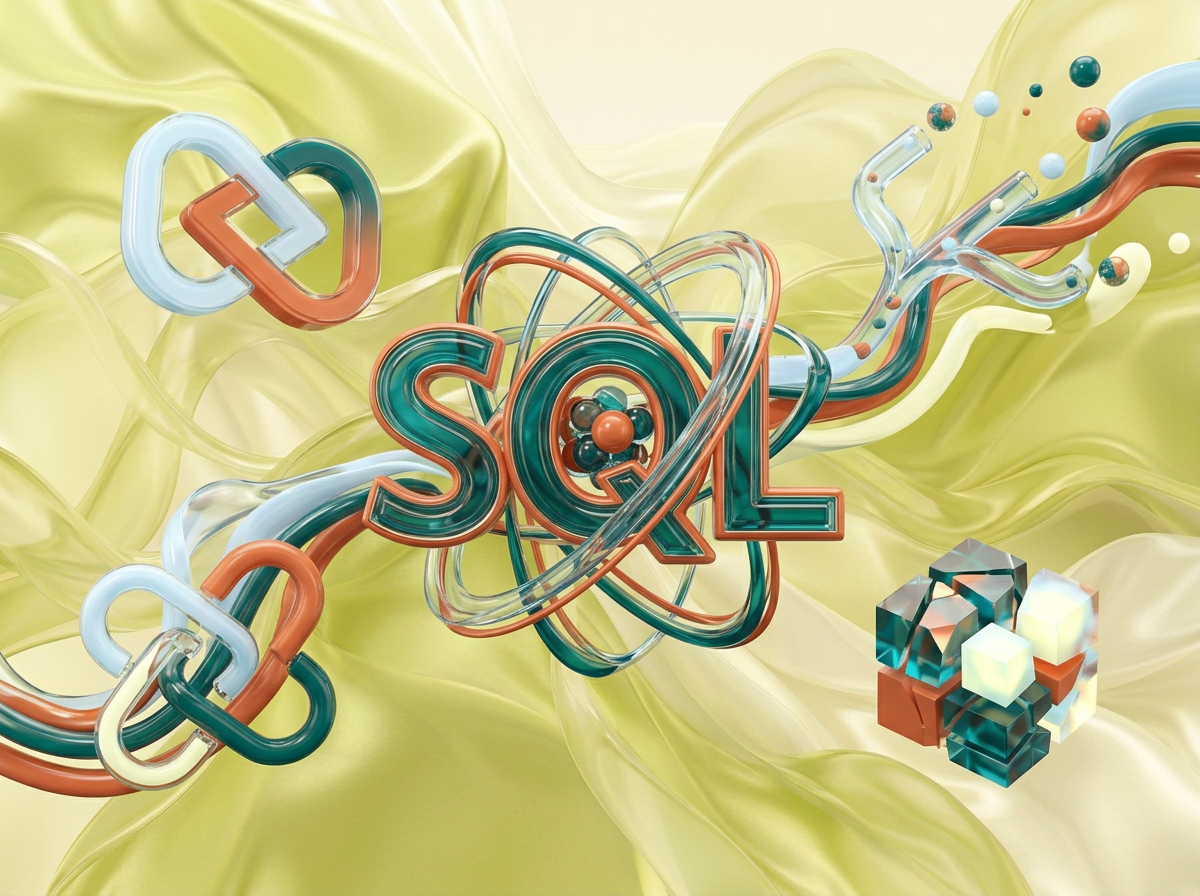
на этом фоне создай 3д фигурки на базы данных SQL Фон менять нельзя. Фигурки должны быть достаточно большими. Используй цвета EE6C4D 01524B D5F4FF FAFFDB сделай модельки динамичными. Не делай никаких надписей. Все фигурки в стиле 3д рендера ПО центру должна быть основная моделька. ПО бокам фигурки для придания динамики. по середие логотип SQL, по бокам иконки связанные с базой данных
by @Elephant_5574126

на этом фоне создай 3д фигурки на базы данных SQL Фон менять нельзя. Фигурки должны быть достаточно большими. Используй цвета EE6C4D 01524B D5F4FF FAFFDB сделай модельки динамичными. Не делай никаких надписей. Все фигурки в стиле 3д рендера ПО центру должна быть основная моделька. ПО бокам фигурки для придания динамики. по середие логотип SQL, по бокам иконки связанные с базой данных
by @Elephant_5574126
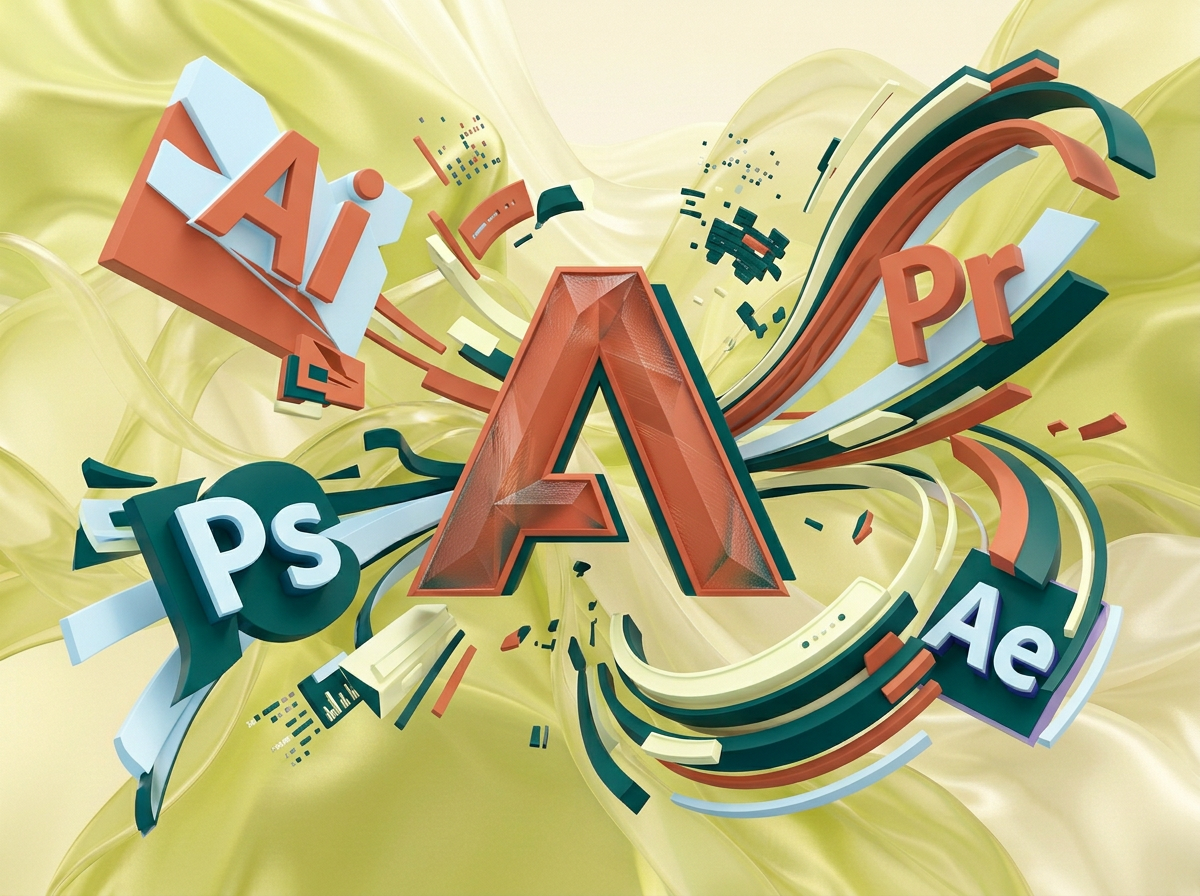
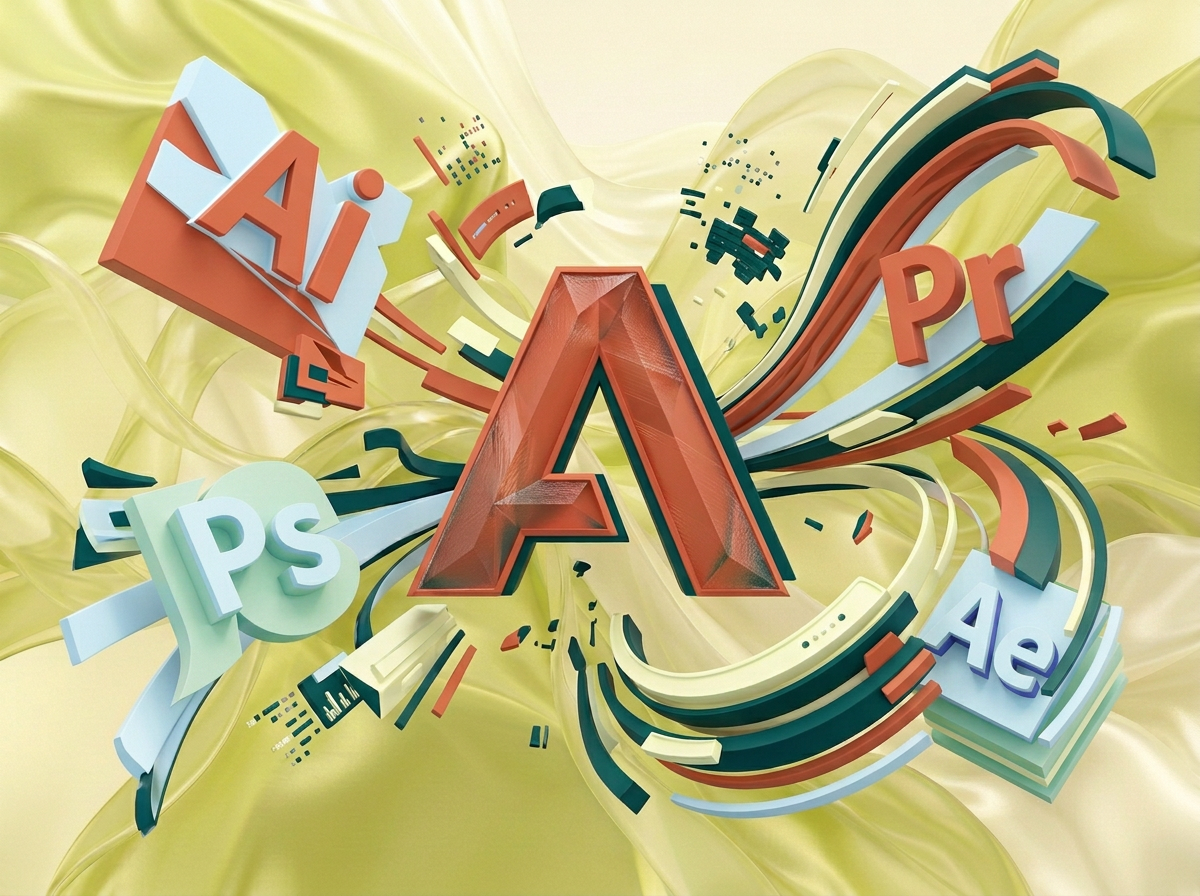
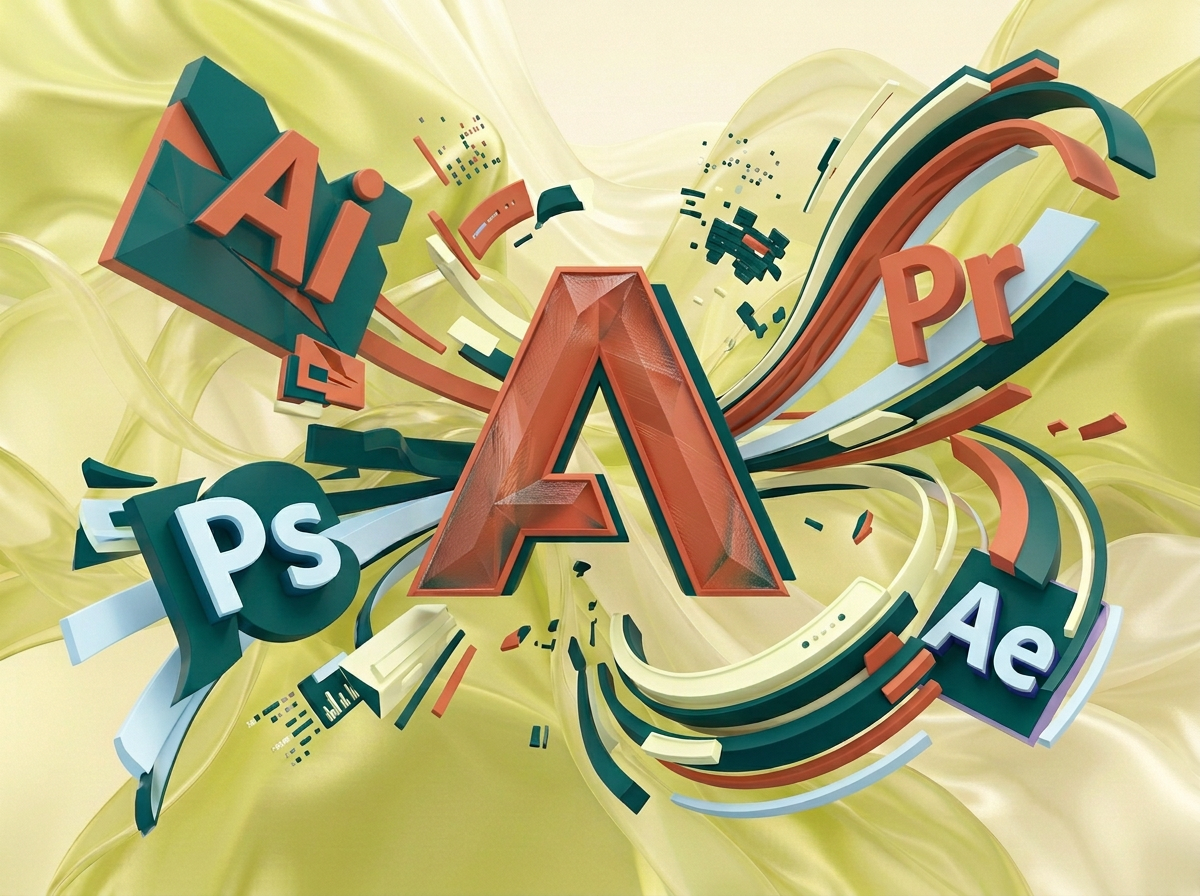
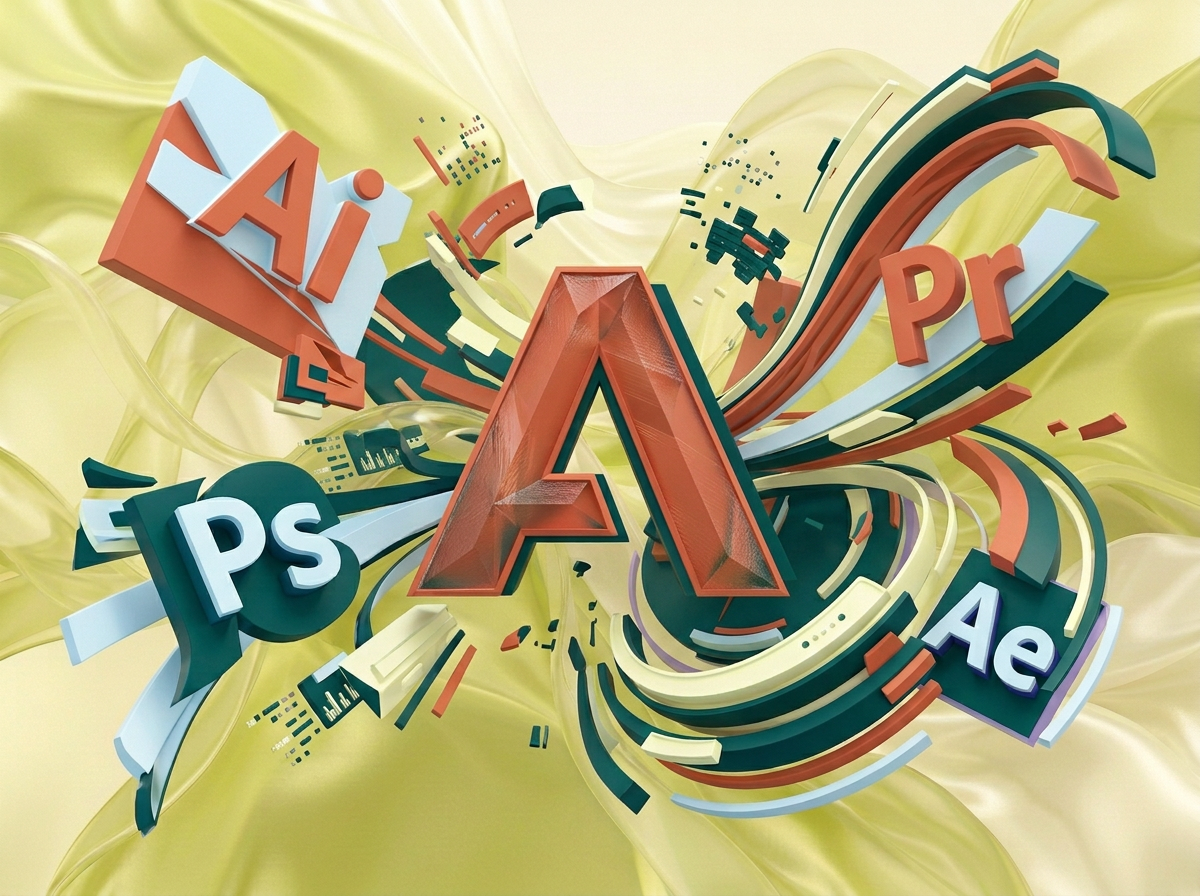
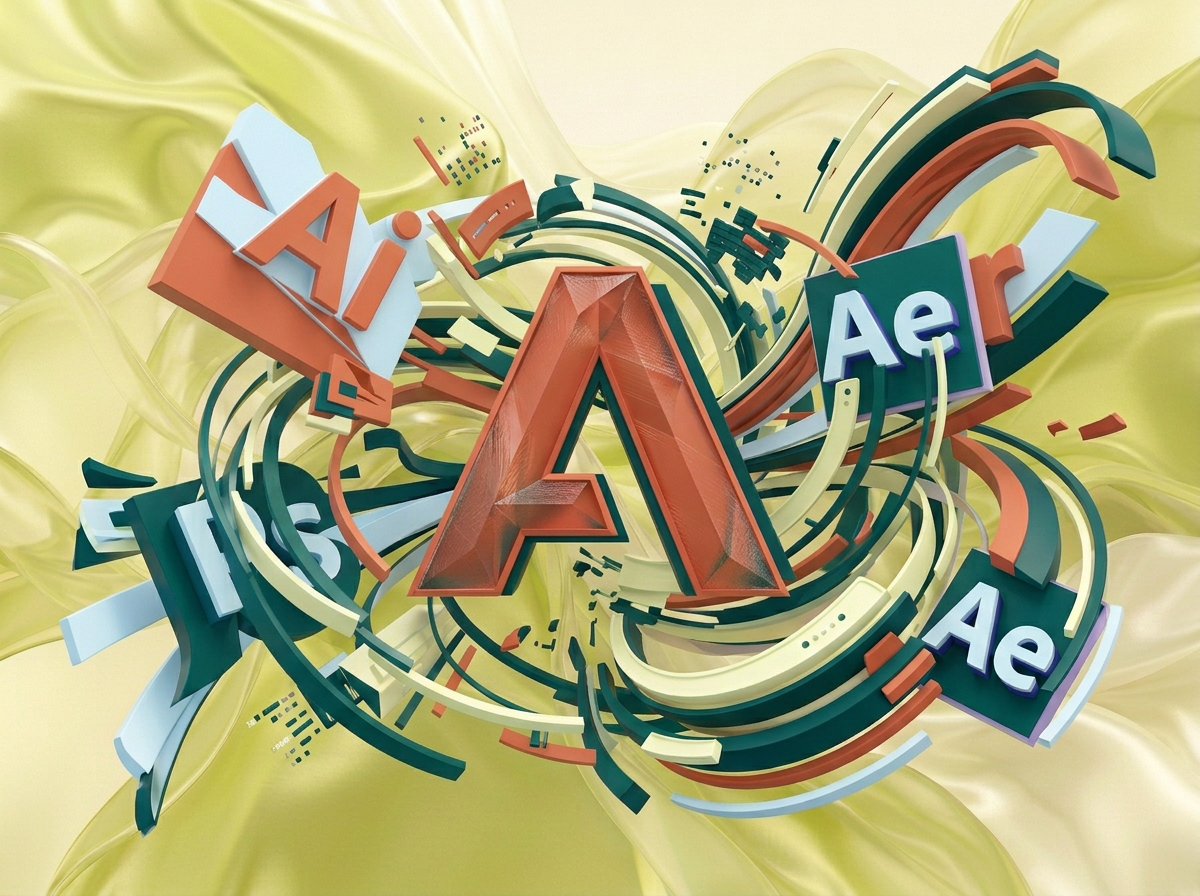
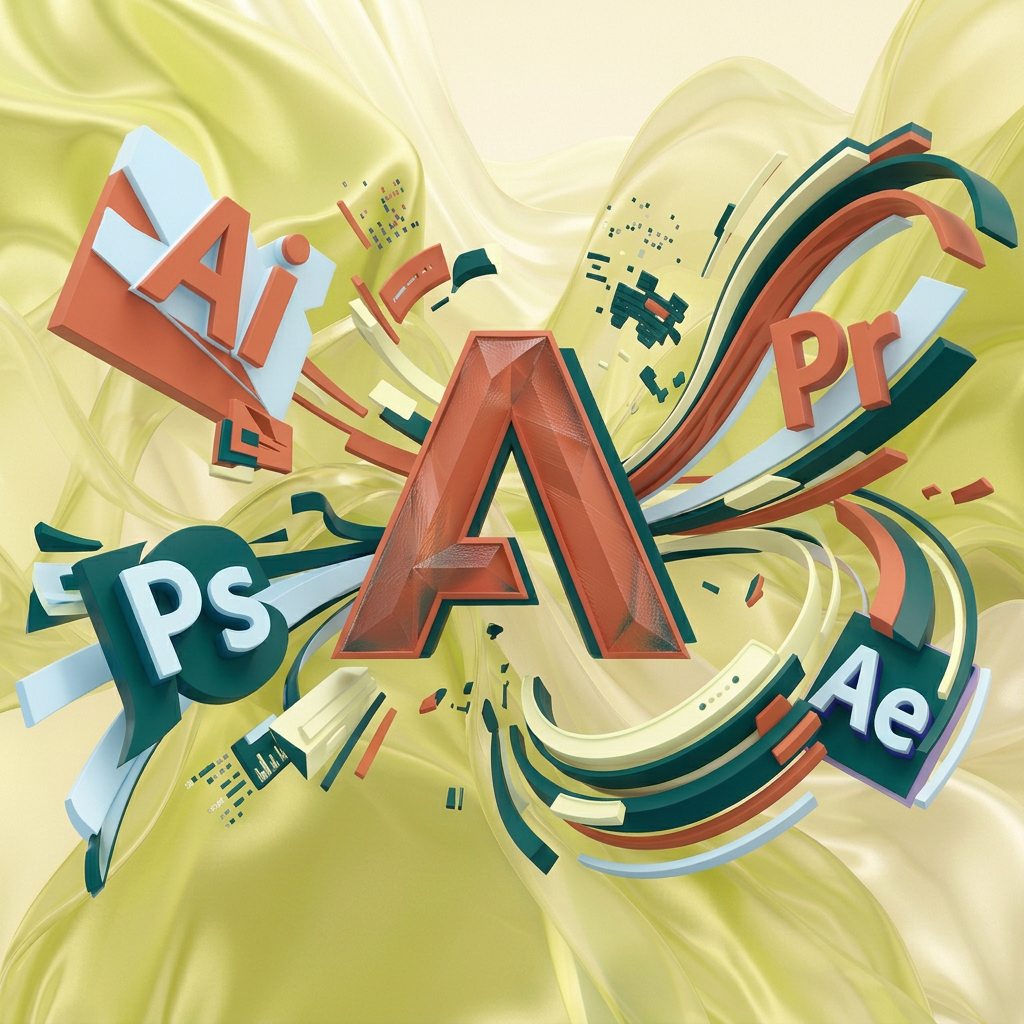
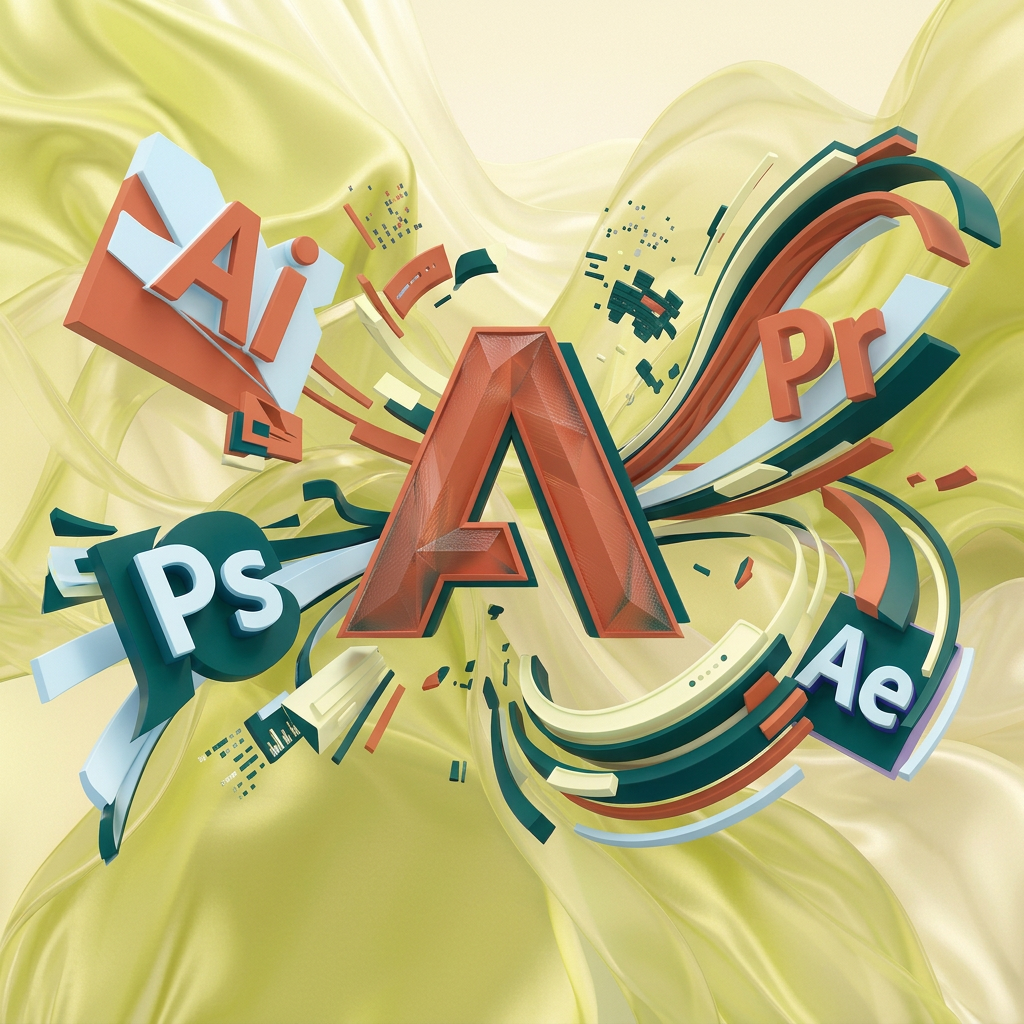
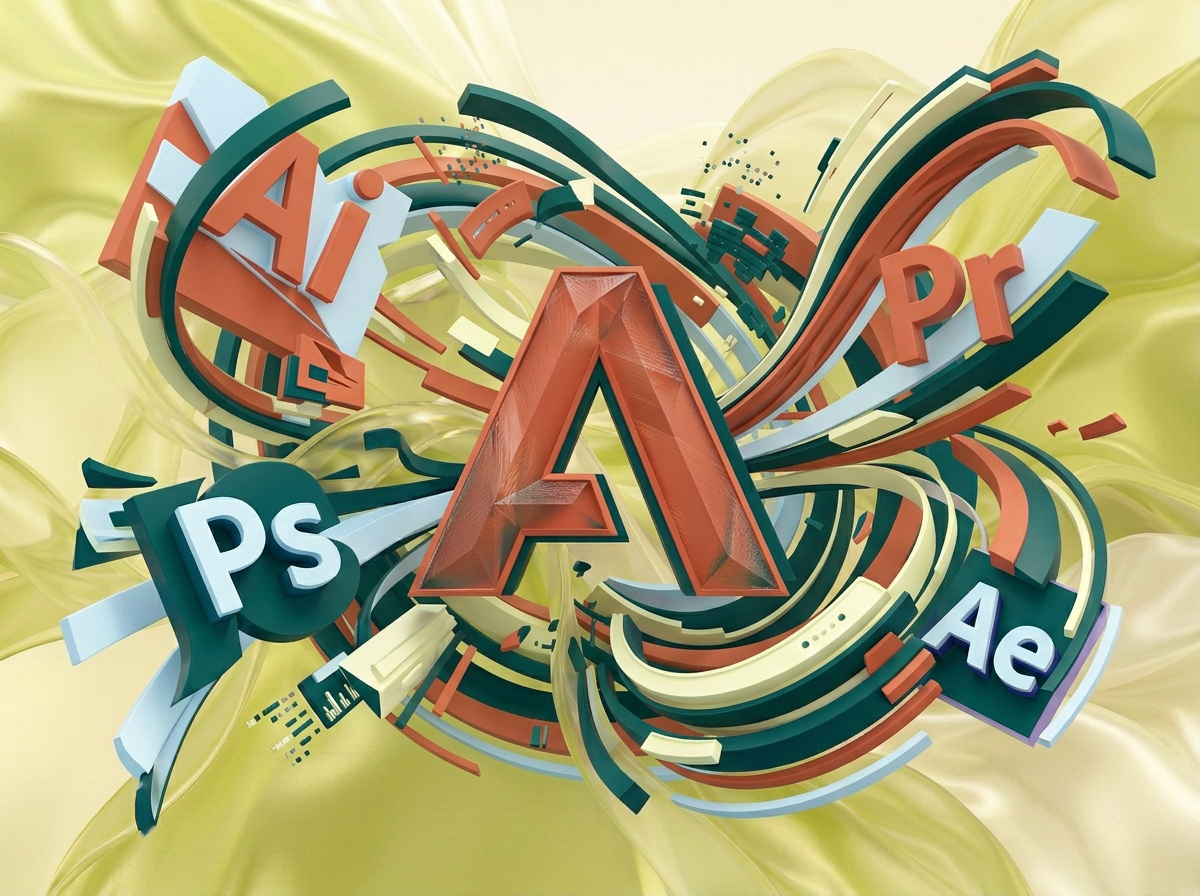
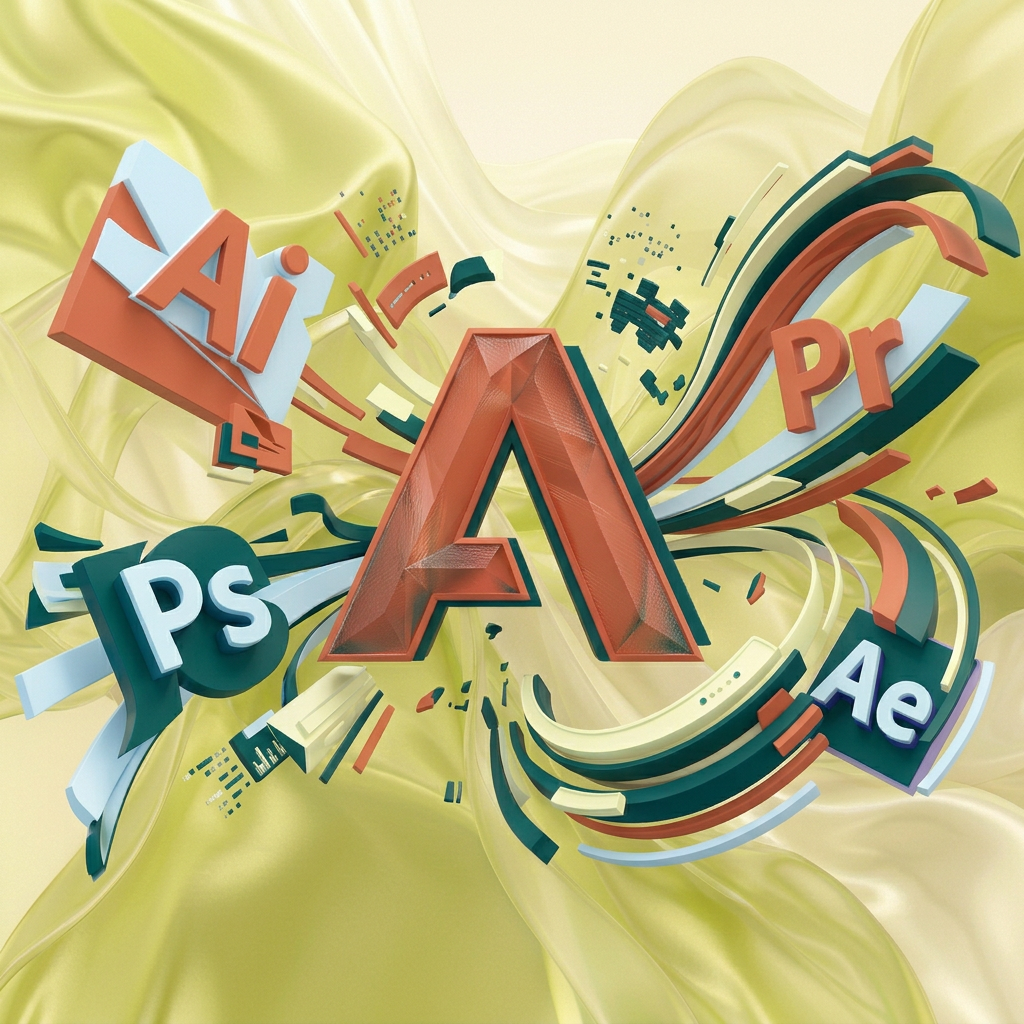
на этом фоне создай 3д фигурки на тему Цифровая вселенная Adobe. Фон менять нельзя. Фигурки должны быть достаточно большими. Используй цвета EE6C4D 01524B D5F4FF FAFFDB сделай модельки динамичными. Не делай никаких надписей. Все фигурки в стиле 3д рендера ПО центру должна быть основная моделька. ПО бокам фигурки для придания динамики. по середие логотип адоб, по бокам - значки приложений
by @Elephant_5574126
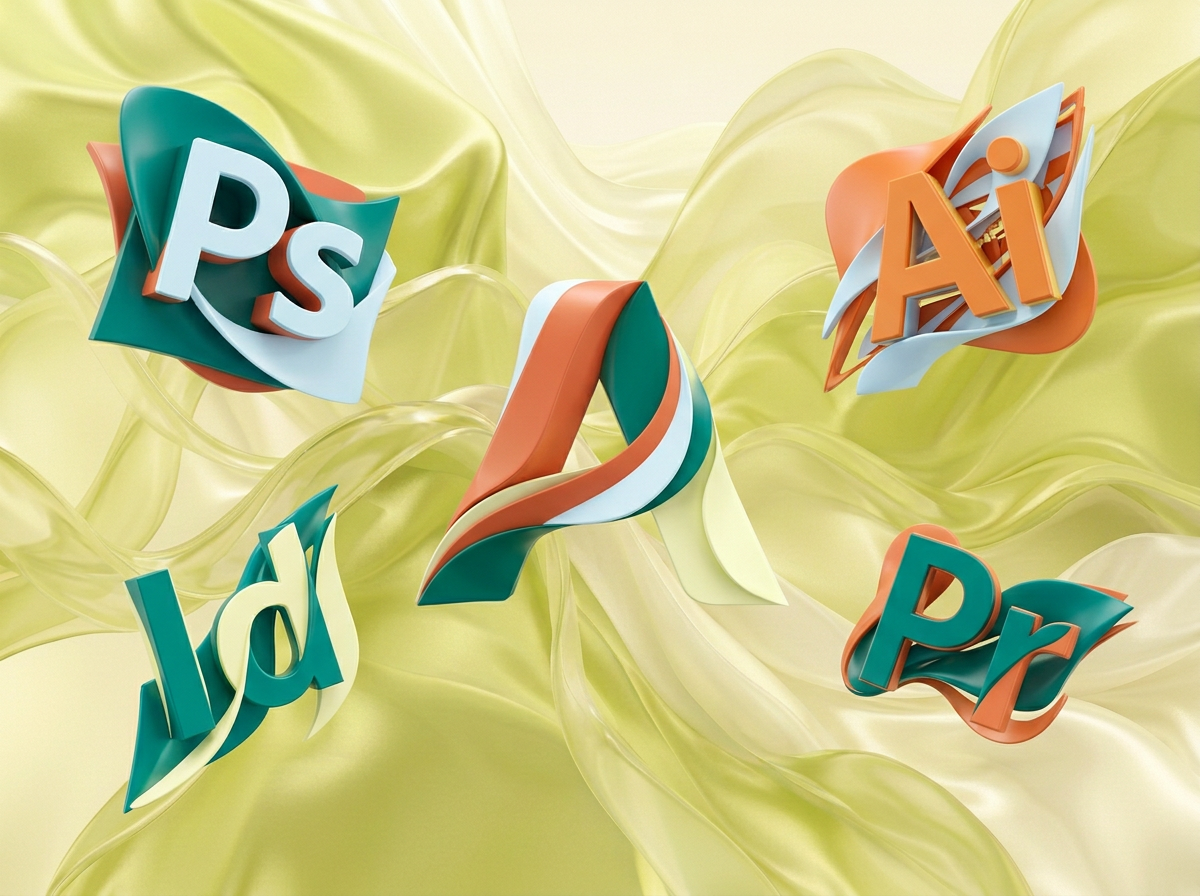
на этом фоне создай 3д фигурки на тему Цифровая вселенная Adobe. Фон менять нельзя. Фигурки должны быть достаточно большими. Используй цвета EE6C4D 01524B D5F4FF FAFFDB сделай модельки динамичными. Не делай никаких надписей. Все фигурки в стиле 3д рендера ПО центру должна быть основная моделька. ПО бокам фигурки для придания динамики. по середие логотип адоб, по бокам - значки приложений
by @Elephant_5574126
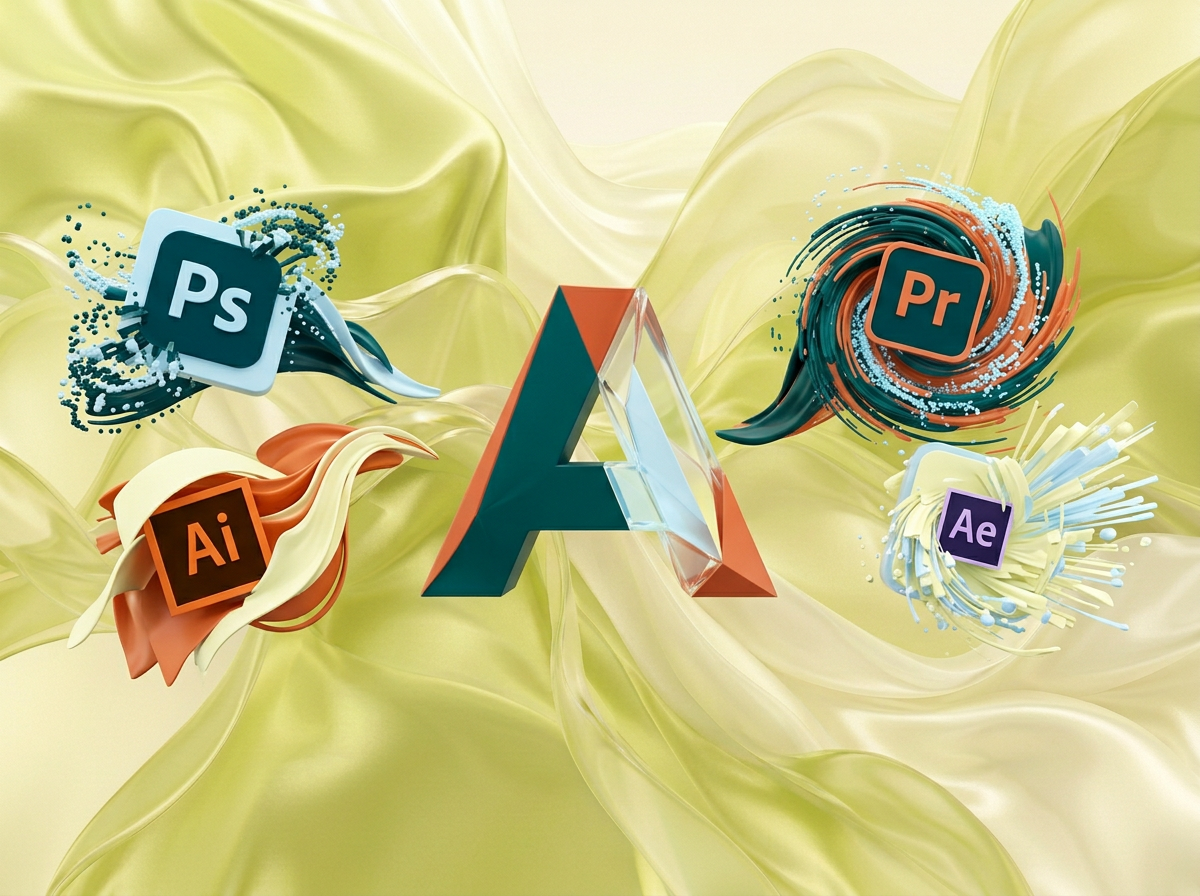
на этом фоне создай 3д фигурки на тему Цифровая вселенная Adobe. Фон менять нельзя. Фигурки должны быть достаточно большими. Используй цвета EE6C4D 01524B D5F4FF FAFFDB сделай модельки динамичными. Не делай никаких надписей. Все фигурки в стиле 3д рендера ПО центру должна быть основная моделька. ПО бокам фигурки для придания динамики. по середие логотип адоб, по бокам - значки приложений
by @Elephant_5574126
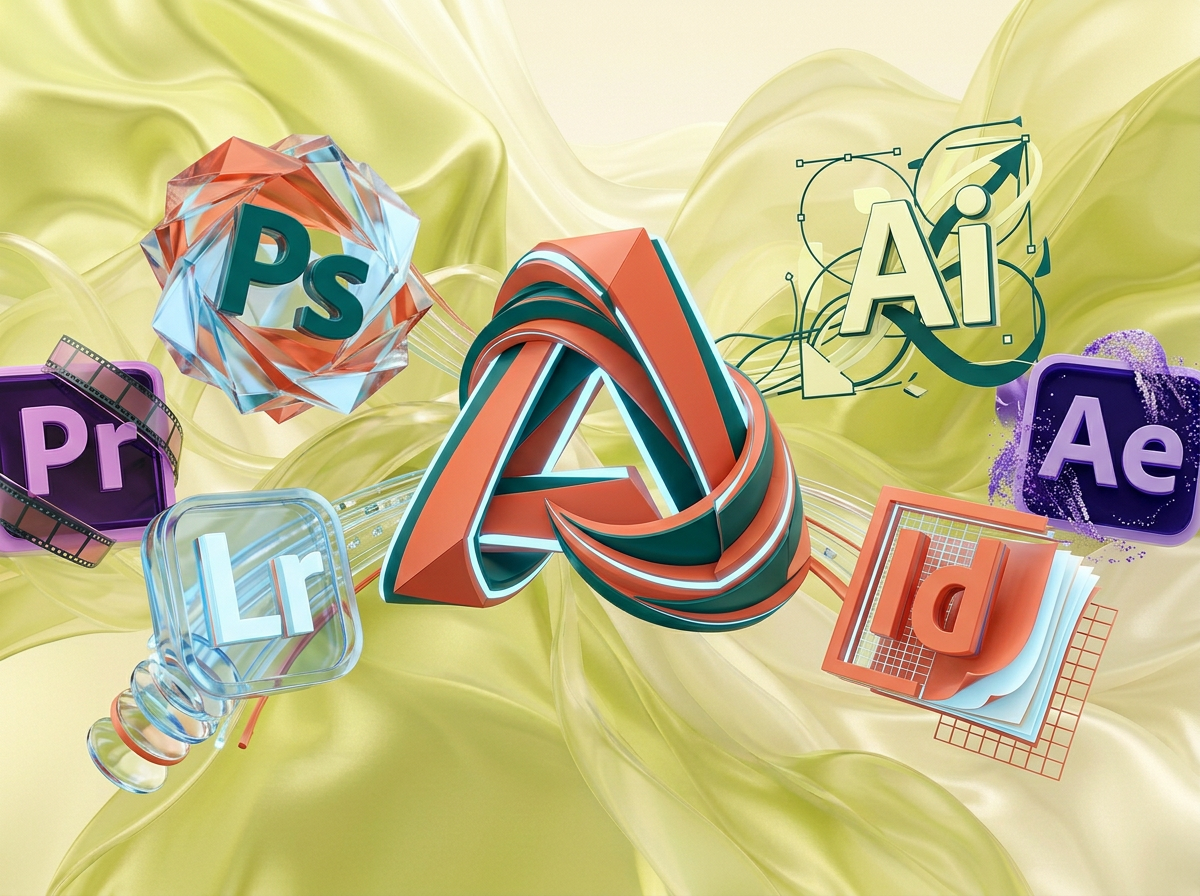
на этом фоне создай 3д фигурки на тему Цифровая вселенная Adobe. Фон менять нельзя. Фигурки должны быть достаточно большими. Используй цвета EE6C4D 01524B D5F4FF FAFFDB сделай модельки динамичными. Не делай никаких надписей. Все фигурки в стиле 3д рендера ПО центру должна быть основная моделька. ПО бокам фигурки для придания динамики. по середие логотип адоб, по бокам - значки приложений
by @Elephant_5574126
на этом фоне создай 3д фигурки на тему Цифровая вселенная Adobe. Фон менять нельзя. Фигурки должны быть достаточно большими. Используй цвета EE6C4D 01524B D5F4FF FAFFDB сделай модельки динамичными. Не делай никаких надписей. Все фигурки в стиле 3д рендера ПО центру должна быть основная моделька. ПО бокам фигурки для придания динамики.
by @Elephant_5574126
на этом фоне создай 3д фигурки на тему Цифровая вселенная Adobe. Фон менять нельзя. Фигурки должны быть достаточно большими. Используй цвета EE6C4D 01524B D5F4FF FAFFDB сделай модельки динамичными. Не делай никаких надписей. Все фигурки в стиле 3д рендера ПО центру должна быть основная моделька. ПО бокам фигурки для придания динамики.
by @Elephant_5574126

на этом фоне создай 3д фигурки на тему Python Web: создаём сайты на Flask. Фон менять нельзя. Фигурки должны быть достаточно большими. Используй цвета EE6C4D 01524B D5F4FF FAFFDB сделай модельки динамичными. Не делай никаких надписей. Все фигурки в стиле 3д рендера ПО центру должна быть основная моделька. ПО бокам фигурки для придания динамики. По середине логотип питона, вокруг иконки свзянанные с сайтами
by @Elephant_5574126

на этом фоне создай 3д фигурки на тему Python Web: создаём сайты на Flask. Фон менять нельзя. Фигурки должны быть достаточно большими. Используй цвета EE6C4D 01524B D5F4FF FAFFDB сделай модельки динамичными. Не делай никаких надписей. Все фигурки в стиле 3д рендера ПО центру должна быть основная моделька. ПО бокам фигурки для придания динамики. По середине логотип питона, вокруг иконки свзянанные с сайтами
by @Elephant_5574126
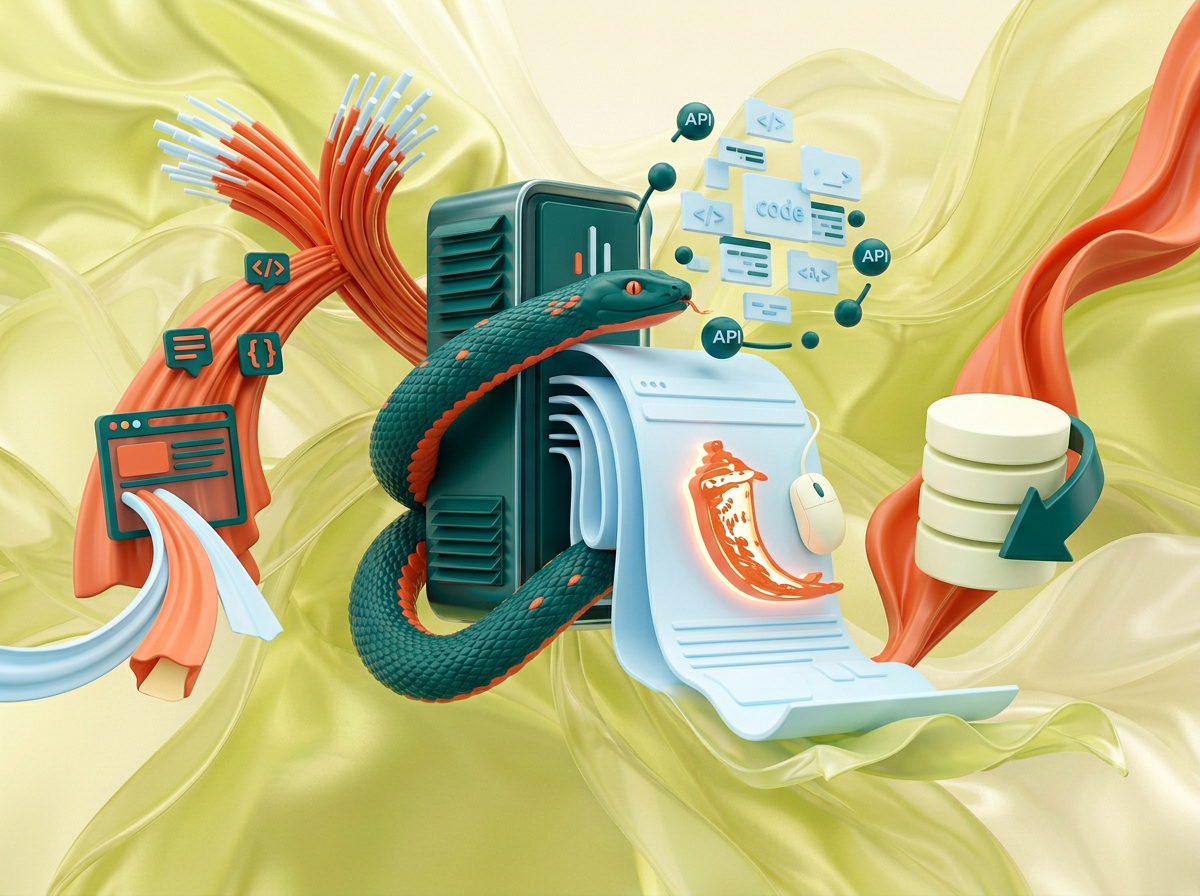
на этом фоне создай 3д фигурки на тему Python Web: создаём сайты на Flask. Фон менять нельзя. Фигурки должны быть достаточно большими. Используй цвета EE6C4D 01524B D5F4FF FAFFDB сделай модельки динамичными. Не делай никаких надписей. Все фигурки в стиле 3д рендера ПО центру должна быть основная моделька. ПО бокам фигурки для придания динамики.
by @Elephant_5574126
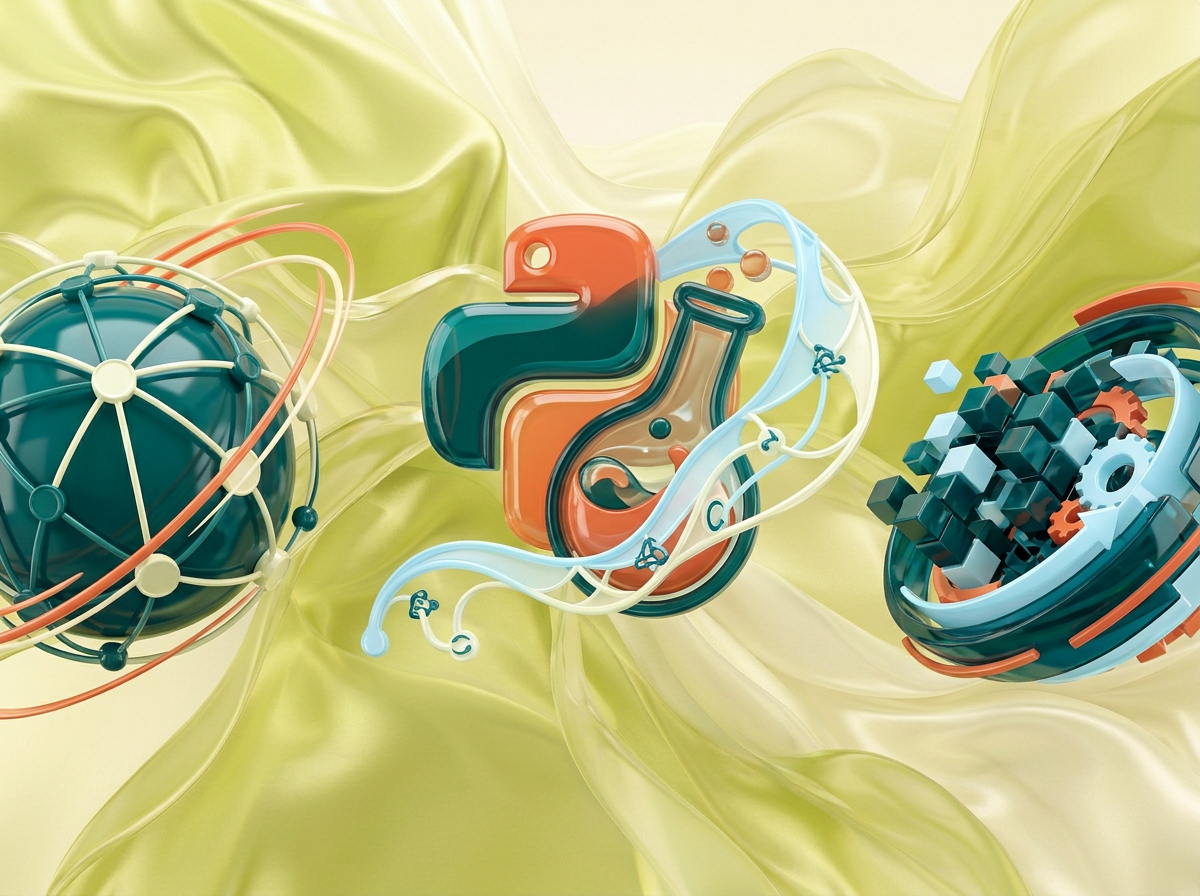
на этом фоне создай 3д фигурки на тему Python Web: создаём сайты на Flask. Фон менять нельзя. Фигурки должны быть достаточно большими. Используй цвета EE6C4D 01524B D5F4FF FAFFDB сделай модельки динамичными. Не делай никаких надписей. Все фигурки в стиле 3д рендера ПО центру должна быть основная моделька. ПО бокам фигурки для придания динамики.
by @Elephant_5574126
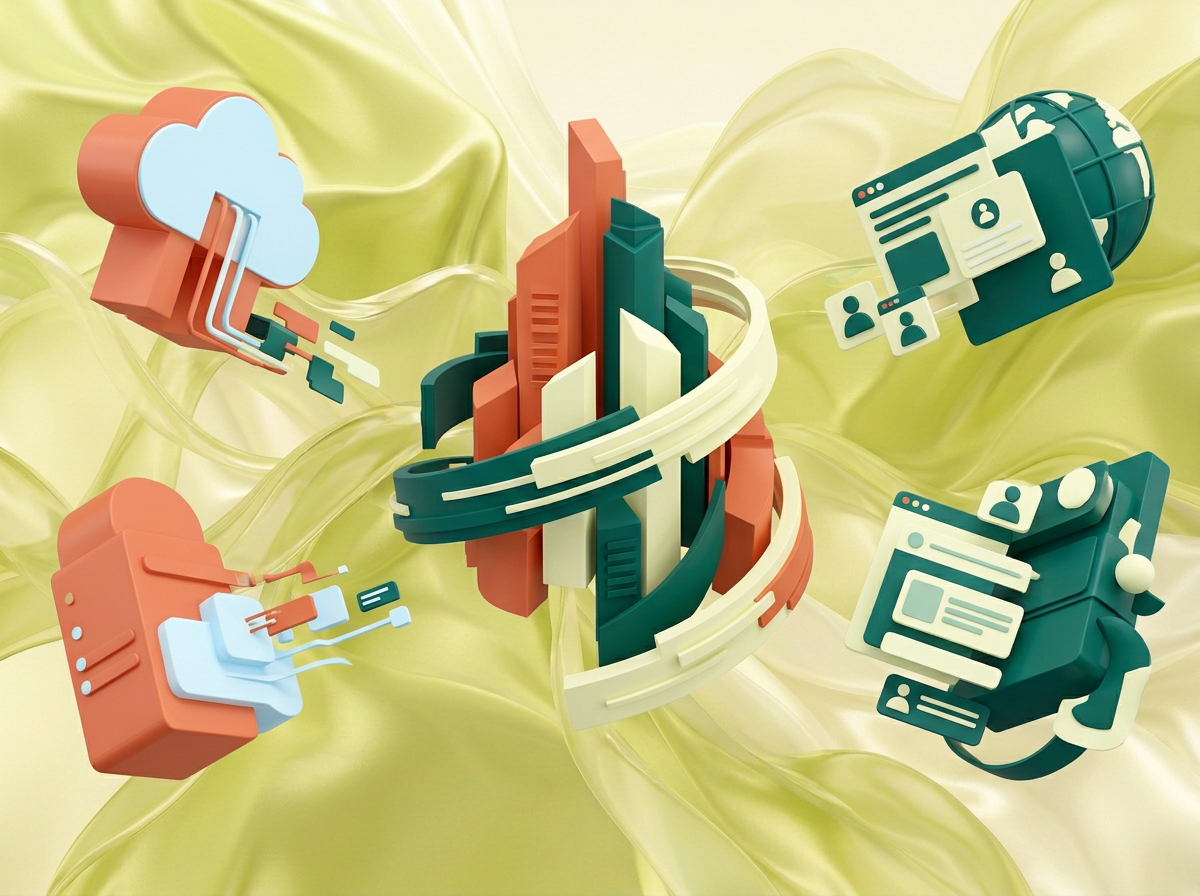
на этом фоне создай 3д фигурки на тему Python Web: создаём сайты на Flask. Фон менять нельзя. Фигурки должны быть достаточно большими. Используй цвета EE6C4D 01524B D5F4FF FAFFDB сделай модельки динамичными. Не делай никаких надписей. Все фигурки в стиле 3д рендера ПО центру должна быть основная моделька. ПО бокам фигурки для придания динамики.
by @Elephant_5574126

на этом фоне создай 3д фигурки на тему Python Web: создаём сайты на Flask. Фон менять нельзя. Фигурки должны быть достаточно большими. Используй цвета EE6C4D 01524B D5F4FF FAFFDB сделай модельки динамичными. Не делай никаких надписей. Все фигурки в стиле 3д рендера ПО центру должна быть основная моделька. ПО бокам фигурки для придания динамики.
by @Elephant_5574126
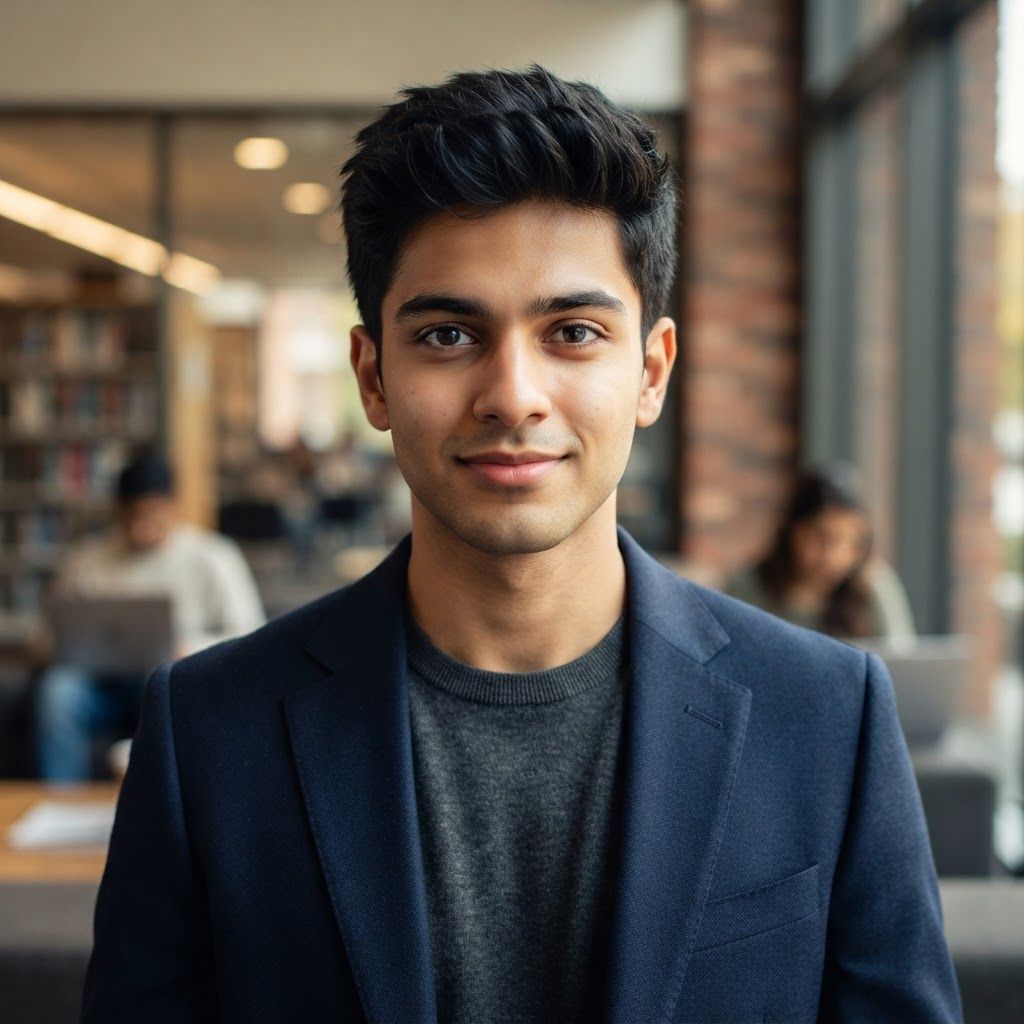
Create a premium cinematic close-up portrait of a young Indian male student transitioning into a business professional, age 20–24. He should have a youthful, fresh, well-groomed face, light-to-medium warm Indian skin tone, clear and healthy-looking complexion, sharp expressive eyes, neatly styled dark hair, and clean professional grooming. Keep the facial features soft and young, avoiding an older executive appearance. Frame him from the chest up with direct eye contact and a subtle confident smile. Dress him in a smart tailored blazer over a clean shirt or minimal crew-neck top, giving the impression of an ambitious commerce, finance, or management student preparing for a professional career. Use soft cinematic key lighting on the face, gentle fill light for a bright and even complexion, and subtle rim lighting around the hair and shoulders. Keep the background as a premium modern office, business school, or corporate-learning environment with shallow depth of field and soft warm bokeh. Shot on an 85mm portrait lens, eye-level angle, realistic facial proportions, natural skin texture, crisp eyes, realistic hair strands, clean jawline, polished grooming, premium commercial color grading, photorealistic corporate-education advertising photography, sophisticated, aspirational, ultra-detailed, 8K. Important: young Indian male, 20–24 years old, student-like face, fresh appearance, clean-shaven or very light stubble, naturally bright skin, no mature executive look, no heavy beard, no plastic skin, no over-retouching, no exaggerated smile. This is a square 1:1 image for posts. Fill the whole frame edge to edge and scale the subject large. Do not leave empty margin.
by @Elephant_6831697
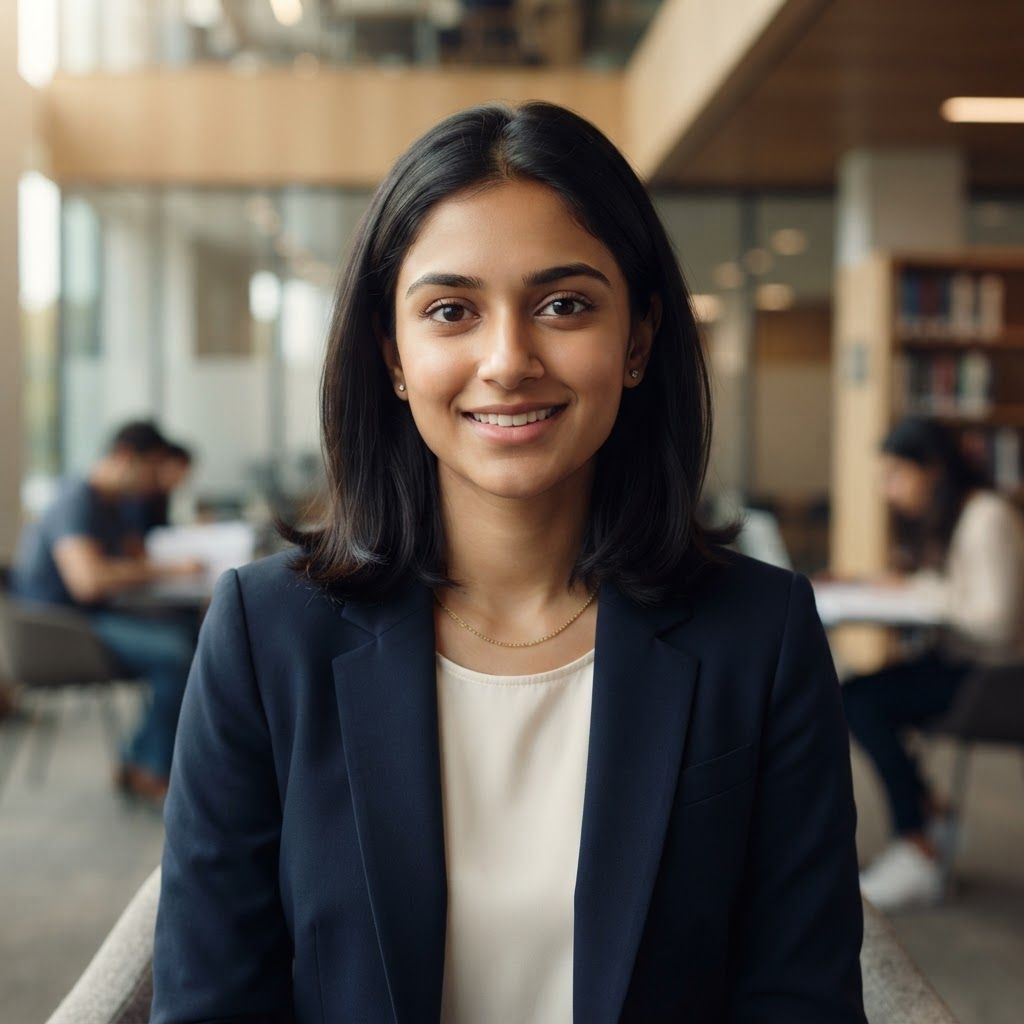
Create a premium cinematic close-up portrait of a young Indian student transitioning into a business professional, age 20–24. The subject should have a youthful, fresh, well-groomed face, smooth and healthy-looking light-to-medium warm Indian skin tone, natural brightness, subtle even complexion, soft facial features, clear skin, sharp expressive eyes, neatly shaped eyebrows, and well-styled dark hair. The face should look genuinely young and approachable rather than mature or corporate-heavy. Frame from the chest up with direct eye contact and a subtle, confident natural smile. Dress the subject in a smart modern blazer over a simple clean top, giving the appearance of an ambitious commerce or finance student preparing for a professional career. Keep accessories minimal and sophisticated. Use soft flattering cinematic key lighting across the face, gentle fill light to maintain a bright and clean complexion, and subtle rim lighting around the hair and shoulders. Avoid harsh shadows on the face. Use a premium modern college, corporate-learning space, or elegant office background with shallow depth of field and soft warm bokeh. Shot on an 85mm portrait lens, eye-level camera angle, realistic facial proportions, natural skin texture, polished grooming, crisp eyes, subtle professional makeup, realistic hair strands, premium commercial color grading, clean composition, photorealistic corporate-education advertising photography, ultra-detailed, sophisticated, aspirational, 8K. Important: youthful Indian student appearance, approximately 20–24 years old, fresh and energetic expression, well-groomed appearance, bright evenly lit face, soft natural complexion, no mature facial appearance, no heavy makeup, no excessive skin smoothing, no artificial plastic skin, no older corporate executive look. This is a square 1:1 image for posts. Fill the whole frame edge to edge and scale the subject large. Do not leave empty margin.
by @Elephant_6831697
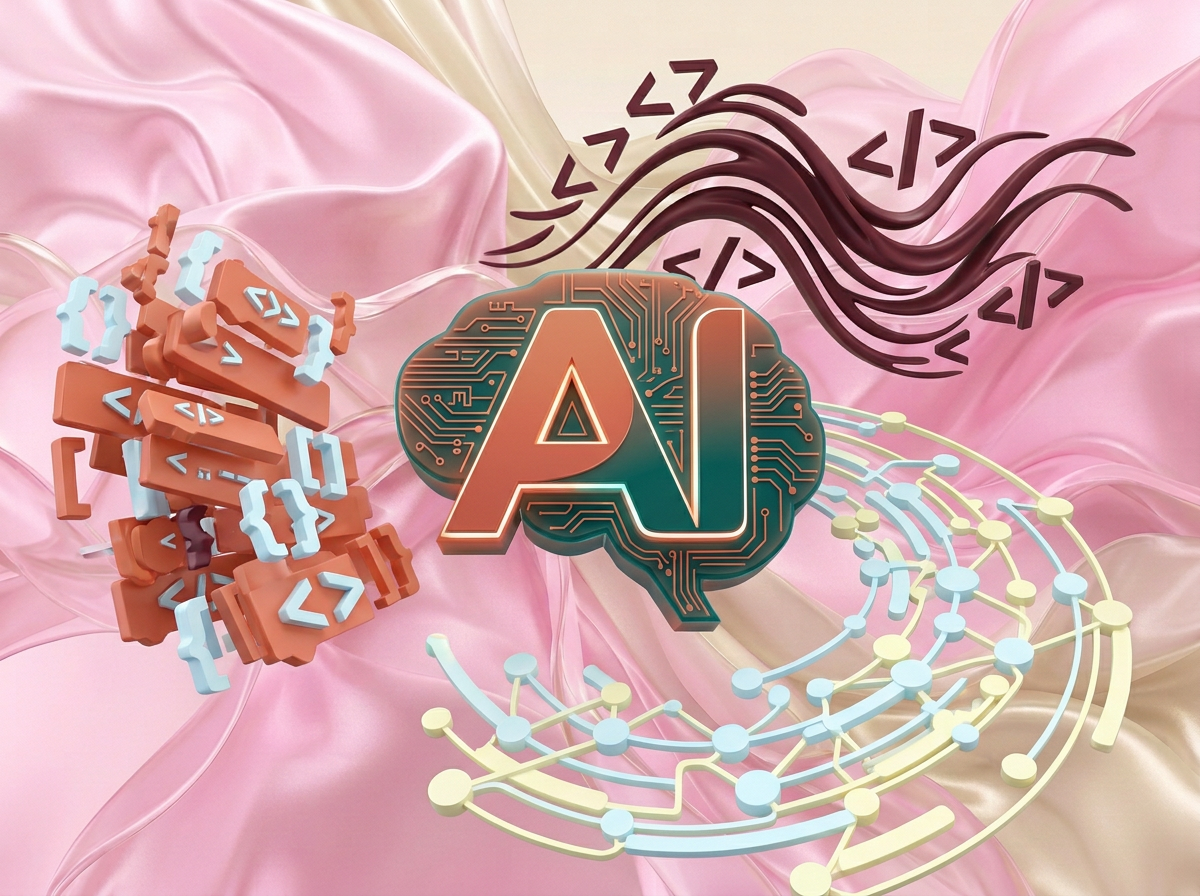
на этом фоне создай 3д фигурки на тему Vibe Coding: AI & Python. Фон менять нельзя. Фигурки должны быть достаточно большими. Используй цвета EE6C4D 01524B D5F4FF FAFFDB 5D2334 сделай модельки динамичными. Не делай никаких надписей. Все фигурки в стиле 3д рендера ПО центру должна быть основная моделька. ПО бокам фигурки для придания динамики. по центру поставь логотип AI
by @Elephant_5574126
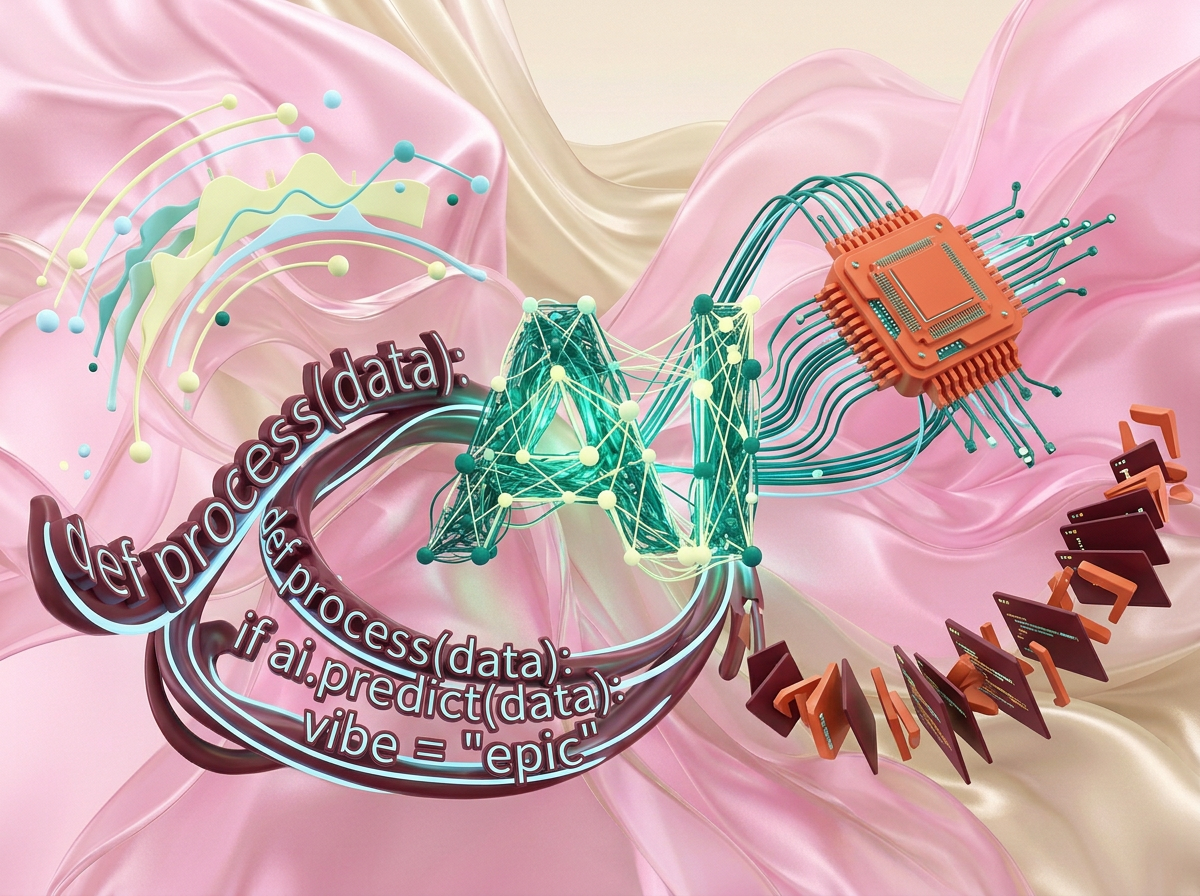
на этом фоне создай 3д фигурки на тему Vibe Coding: AI & Python. Фон менять нельзя. Фигурки должны быть достаточно большими. Используй цвета EE6C4D 01524B D5F4FF FAFFDB 5D2334 сделай модельки динамичными. Не делай никаких надписей. Все фигурки в стиле 3д рендера ПО центру должна быть основная моделька. ПО бокам фигурки для придания динамики. по центру поставь логотип AI
by @Elephant_5574126
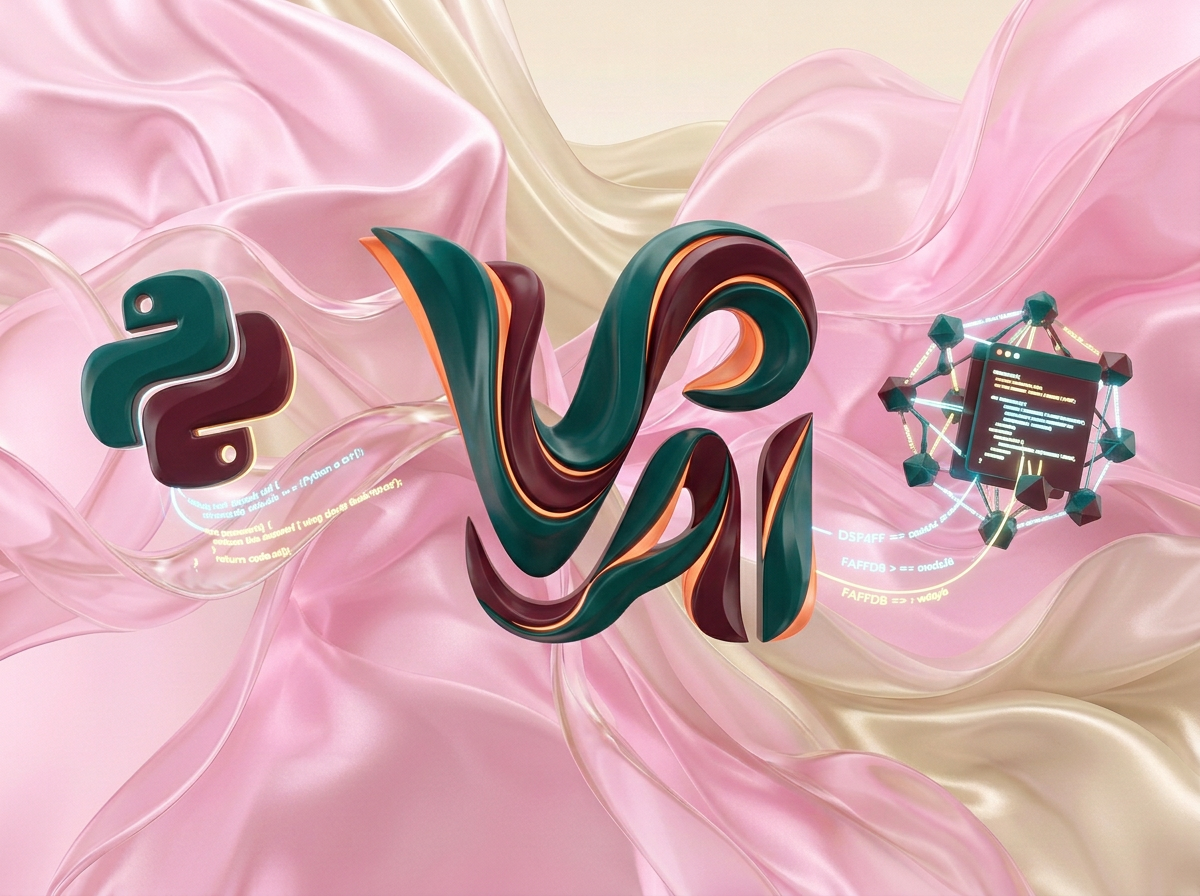
на этом фоне создай 3д фигурки на тему Vibe Coding: AI & Python. Фон менять нельзя. Фигурки должны быть достаточно большими. Используй цвета EE6C4D 01524B D5F4FF FAFFDB 5D2334 сделай модельки динамичными. Не делай никаких надписей. Все фигурки в стиле 3д рендера ПО центру должна быть основная моделька. ПО бокам фигурки для придания динамики. по центру поставь логотип AI
by @Elephant_5574126
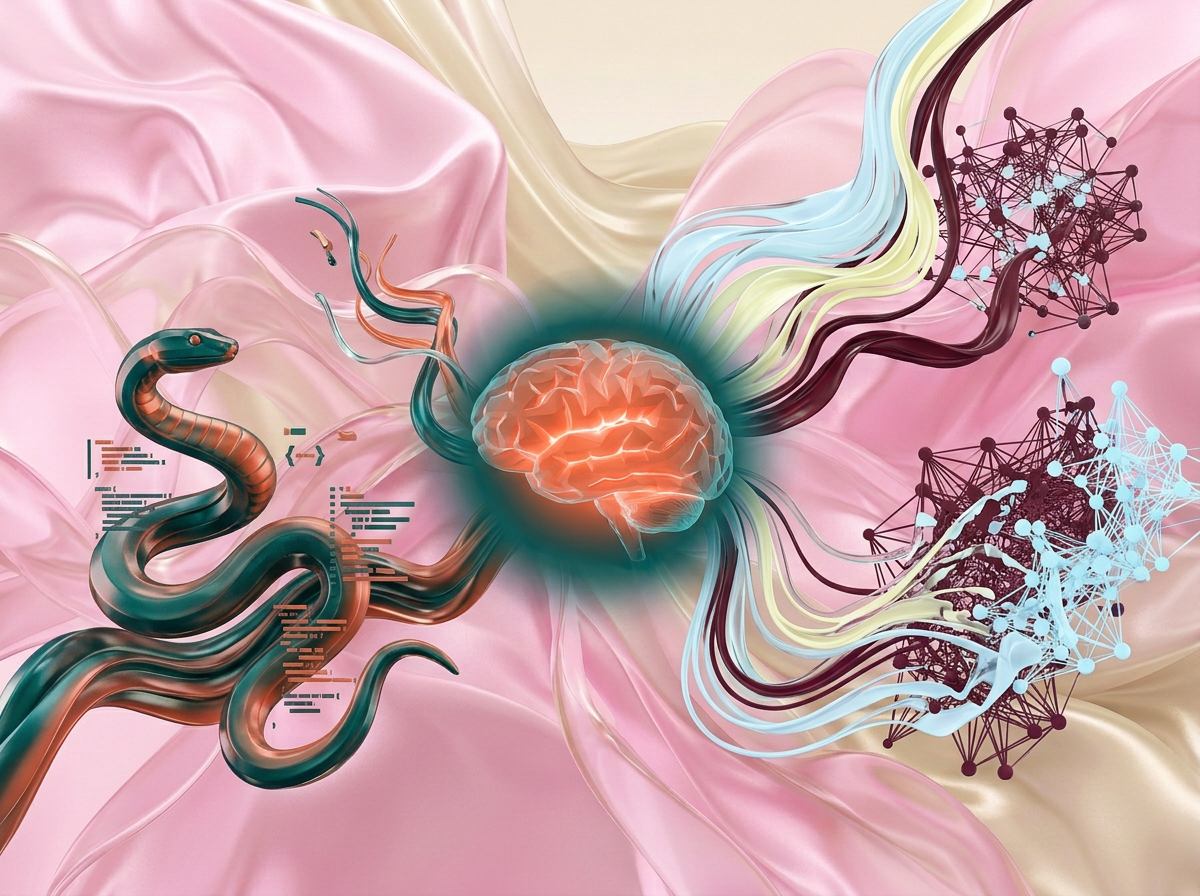
на этом фоне создай 3д фигурки на тему Vibe Coding: AI & Python. Фон менять нельзя. Фигурки должны быть достаточно большими. Используй цвета EE6C4D 01524B D5F4FF FAFFDB 5D2334 сделай модельки динамичными. Не делай никаких надписей. Все фигурки в стиле 3д рендера ПО центру должна быть основная моделька. ПО бокам фигурки для придания динамики. по центру поставь логотип AI, питон где-нибудь сбоку
by @Elephant_5574126
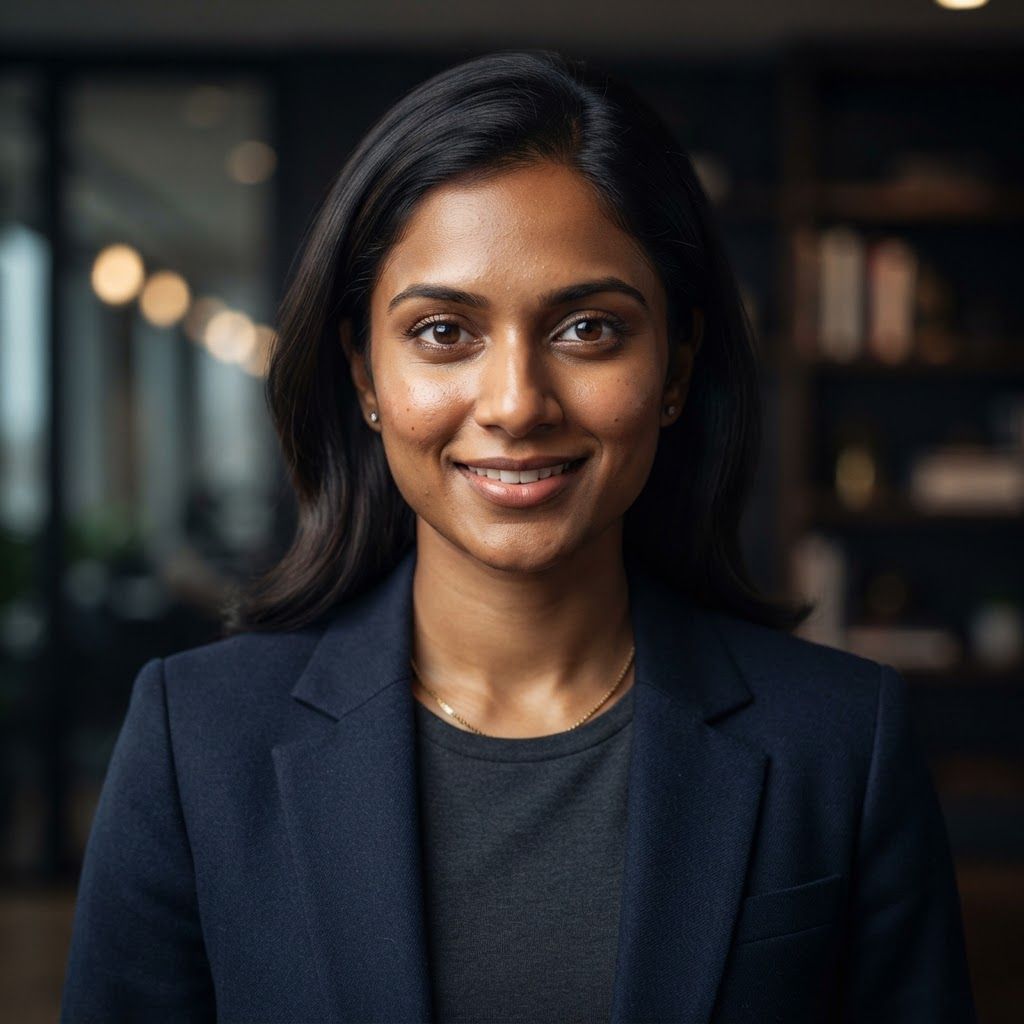
Create a premium cinematic close-up portrait of a young Indian business professional, age 24–30, looking confident, intelligent, and approachable. Frame from the chest up with strong eye contact toward the camera. Use realistic Indian facial features, natural brown skin tone, detailed skin texture, sharp eyes, neatly styled dark hair, and subtle professional grooming. Dress the subject in a modern business outfit such as a tailored blazer with a clean shirt, minimal accessories, and no visible branding. Use soft cinematic key lighting on the face with subtle rim light for separation, a dark elegant office or studio background with shallow depth of field and soft bokeh. Shot on an 85mm portrait lens, high-end corporate advertising photography, realistic proportions, premium color grading, crisp facial detail, natural expression, clean composition, sophisticated, photorealistic, ultra-detailed, 8K. This is a square 1:1 image for posts. Fill the whole frame edge to edge and scale the subject large. Do not leave empty margin.
by @Elephant_6831697
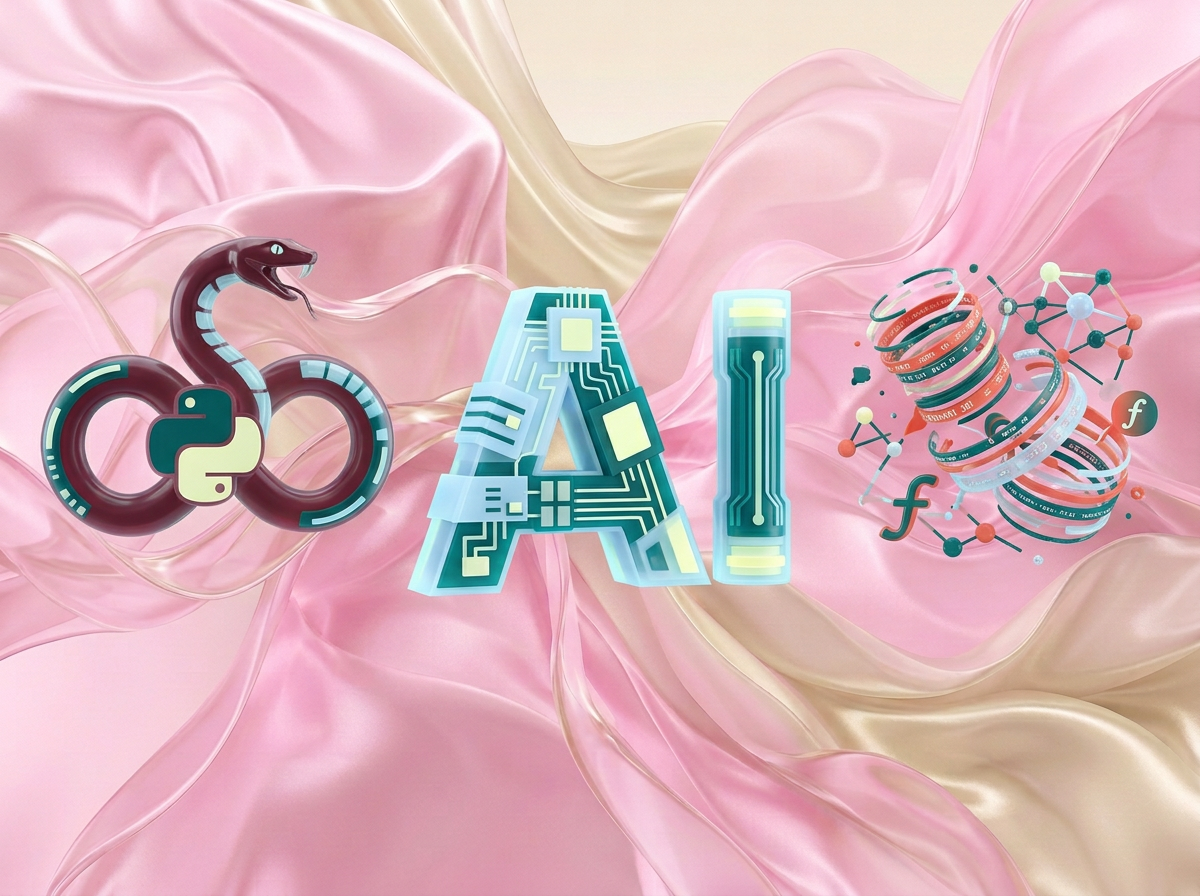
на этом фоне создай 3д фигурки на тему Vibe Coding: AI & Python. Фон менять нельзя. Фигурки должны быть достаточно большими. Используй цвета EE6C4D 01524B D5F4FF FAFFDB 5D2334 сделай модельки динамичными. Не делай никаких надписей. Все фигурки в стиле 3д рендера ПО центру должна быть основная моделька. ПО бокам фигурки для придания динамики. по центру поставь логотип AI, питон где-нибудь сбоку
by @Elephant_5574126
What's next?Explore more features



Go from browse to build




