Designs made by our community
Staff-picked ads, product scenes, and brand assets made in Hiding Elephant. See what production-ready creative looks like, then start your own.


Line art logo featuring a pregnant woman with slightly thicker, smooth, and continuous lines for a bold and clean look. The woman is shown gazing lovingly at her baby bump, with her face angled downward. A large heart symbol encircles or integrates with the design, emphasizing love and connection. Ensure the artwork maintains a modern, minimalistic style, with soft curves and a nurturing expression.
by @karthik

Line art logo featuring a pregnant woman with slightly thicker, smooth, and continuous lines for a bold and clean look. The woman is shown gazing lovingly at her baby bump, with her face angled downward. A large heart symbol encircles or integrates with the design, emphasizing love and connection. Ensure the artwork maintains a modern, minimalistic style, with soft curves and a nurturing expression.
by @karthik

Line art logo featuring a pregnant woman with slightly thicker, smooth, and continuous lines for a bold and clean look. The woman is shown gazing lovingly at her baby bump, with her face angled downward. A large heart symbol encircles or integrates with the design, emphasizing love and connection. Ensure the artwork maintains a modern, minimalistic style, with soft curves and a nurturing expression.
by @karthik


"Design a spiritual and elegant logo for a devotional identity mark named 'DIVINE OF LIGHT'. The logo should convey a sense of peace, divinity, and enlightenment. Incorporate glowing or radiant elements such as beams of light, halos, or an ethereal aura to symbolize the 'light' aspect. Use soft, harmonious colors like gold, white, and pastel tones to evoke sacredness and purity. The typography for 'DIVINE OF LIGHT' should be refined, graceful, and easy to read—preferably in a serif or script style. The overall design should feel balanced, timeless, and inspiring, with a subtle touch of spirituality. The logo must look appealing on both digital and print mediums."
by @gaurav

"Design a spiritual and elegant logo for a devotional identity mark named 'DIVINE OF LIGHT'. The logo should convey a sense of peace, divinity, and enlightenment. Incorporate glowing or radiant elements such as beams of light, halos, or an ethereal aura to symbolize the 'light' aspect. Use soft, harmonious colors like gold, white, and pastel tones to evoke sacredness and purity. The typography for 'DIVINE OF LIGHT' should be refined, graceful, and easy to read—preferably in a serif or script style. The overall design should feel balanced, timeless, and inspiring, with a subtle touch of spirituality. The logo must look appealing on both digital and print mediums."
by @gaurav

"Design a spiritual and elegant logo for a devotional identity mark named 'DIVINE OF LIGHT'. The logo should convey a sense of peace, divinity, and enlightenment. Incorporate glowing or radiant elements such as beams of light, halos, or an ethereal aura to symbolize the 'light' aspect. Use soft, harmonious colors like gold, white, and pastel tones to evoke sacredness and purity. The typography for 'DIVINE OF LIGHT' should be refined, graceful, and easy to read—preferably in a serif or script style. The overall design should feel balanced, timeless, and inspiring, with a subtle touch of spirituality. The logo must look appealing on both digital and print mediums."
by @gaurav



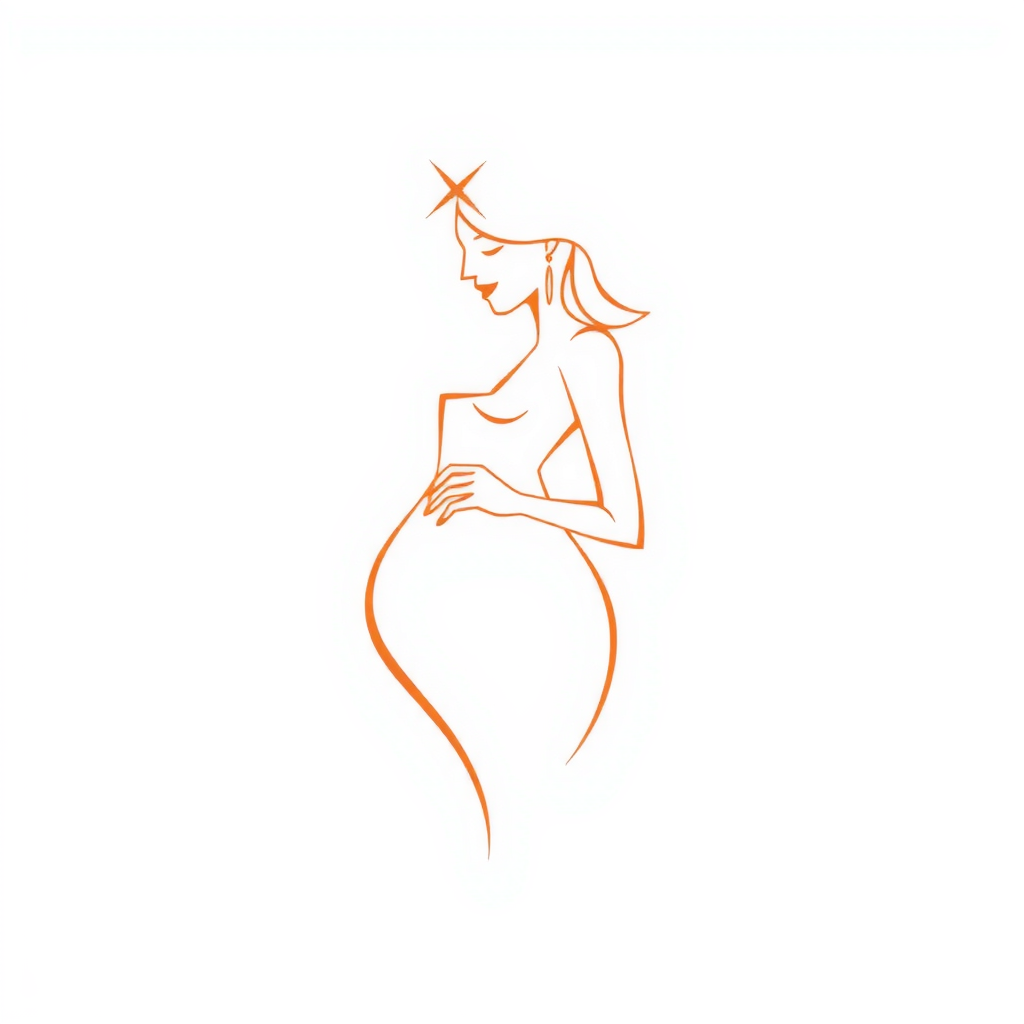


Minimalistic line art of a pregnant woman depicted with an elegant and loving expressionand love simbol. The figure should have soft curves to emphasize the pregnancy, with a flowing dress or outline suggesting warmth and nurturing. Incorporate subtle heart shapes or floral elements to symbolize love and care. Use clean, continuous lines with a balanced composition, ensuring the design looks modern and versatile for a logo.
by @karthik

Minimalistic line art of a pregnant woman depicted with an elegant and loving expressionand love simbol. The figure should have soft curves to emphasize the pregnancy, with a flowing dress or outline suggesting warmth and nurturing. Incorporate subtle heart shapes or floral elements to symbolize love and care. Use clean, continuous lines with a balanced composition, ensuring the design looks modern and versatile for a logo.
by @karthik

Minimalistic line art of a pregnant woman depicted with an elegant and loving expressionand love simbol. The figure should have soft curves to emphasize the pregnancy, with a flowing dress or outline suggesting warmth and nurturing. Incorporate subtle heart shapes or floral elements to symbolize love and care. Use clean, continuous lines with a balanced composition, ensuring the design looks modern and versatile for a logo.
by @karthik

Minimalistic line art of a pregnant woman depicted with an elegant and loving expression. The figure should have soft curves to emphasize the pregnancy, with a flowing dress or outline suggesting warmth and nurturing. Incorporate subtle heart shapes or floral elements to symbolize love and care. Use clean, continuous lines with a balanced composition, ensuring the design looks modern and versatile for a logo.
by @karthik

Minimalistic line art of a pregnant woman depicted with an elegant and loving expression. The figure should have soft curves to emphasize the pregnancy, with a flowing dress or outline suggesting warmth and nurturing. Incorporate subtle heart shapes or floral elements to symbolize love and care. Use clean, continuous lines with a balanced composition, ensuring the design looks modern and versatile for a logo.
by @karthik

Minimalistic line art of a pregnant woman depicted with an elegant and loving expression. The figure should have soft curves to emphasize the pregnancy, with a flowing dress or outline suggesting warmth and nurturing. Incorporate subtle heart shapes or floral elements to symbolize love and care. Use clean, continuous lines with a balanced composition, ensuring the design looks modern and versatile for a logo.
by @karthik













Creating a design that features "Pudugai Dhesam" with a fire effect on a black background can be a striking and visually appealing project. To achieve this, you can follow these steps if you're using graphic design software like Adobe Photoshop or Illustrator:Background: Start with a solid black background to ensure that the fire effects stand out vividly.Text Design: Choose a bold and impactful font for "Pudugai Dhesam" to ensure the text is prominent. Position the text centrally or according to your design preference.Fire Effect: Apply a fire effect to the text. This can be done by using a combination of gradient overlays, layers of orange, red, and yellow to mimic flames, and adding texture to create a realistic fire appearance. Utilize blending modes like "Overlay" or "Screen" to integrate the fire effect seamlessly with the text.Additional Effects: Consider adding a glow effect around the text to enhance the fiery appearance. This can be achieved by duplicating the text layer, applying a Gaussian blur, and adjusting the opacity.Final Touches: Review the overall composition, ensuring the text is legible and the fire effect is visually balanced. Make adjustments to the colors and effects as needed to achieve the desired impact.By following these steps, you can create an eye-catching design that effectively combines cultural significance with dynamic visual elements.
by @PUDUGAIDHESAM

Creating a design that features "Pudugai Dhesam" with a fire effect on a black background can be a striking and visually appealing project. To achieve this, you can follow these steps if you're using graphic design software like Adobe Photoshop or Illustrator:Background: Start with a solid black background to ensure that the fire effects stand out vividly.Text Design: Choose a bold and impactful font for "Pudugai Dhesam" to ensure the text is prominent. Position the text centrally or according to your design preference.Fire Effect: Apply a fire effect to the text. This can be done by using a combination of gradient overlays, layers of orange, red, and yellow to mimic flames, and adding texture to create a realistic fire appearance. Utilize blending modes like "Overlay" or "Screen" to integrate the fire effect seamlessly with the text.Additional Effects: Consider adding a glow effect around the text to enhance the fiery appearance. This can be achieved by duplicating the text layer, applying a Gaussian blur, and adjusting the opacity.Final Touches: Review the overall composition, ensuring the text is legible and the fire effect is visually balanced. Make adjustments to the colors and effects as needed to achieve the desired impact.By following these steps, you can create an eye-catching design that effectively combines cultural significance with dynamic visual elements.
by @PUDUGAIDHESAM

Creating a design that features "Pudugai Dhesam" with a fire effect on a black background can be a striking and visually appealing project. To achieve this, you can follow these steps if you're using graphic design software like Adobe Photoshop or Illustrator:Background: Start with a solid black background to ensure that the fire effects stand out vividly.Text Design: Choose a bold and impactful font for "Pudugai Dhesam" to ensure the text is prominent. Position the text centrally or according to your design preference.Fire Effect: Apply a fire effect to the text. This can be done by using a combination of gradient overlays, layers of orange, red, and yellow to mimic flames, and adding texture to create a realistic fire appearance. Utilize blending modes like "Overlay" or "Screen" to integrate the fire effect seamlessly with the text.Additional Effects: Consider adding a glow effect around the text to enhance the fiery appearance. This can be achieved by duplicating the text layer, applying a Gaussian blur, and adjusting the opacity.Final Touches: Review the overall composition, ensuring the text is legible and the fire effect is visually balanced. Make adjustments to the colors and effects as needed to achieve the desired impact.By following these steps, you can create an eye-catching design that effectively combines cultural significance with dynamic visual elements.
by @PUDUGAIDHESAM




What's next?Explore more features
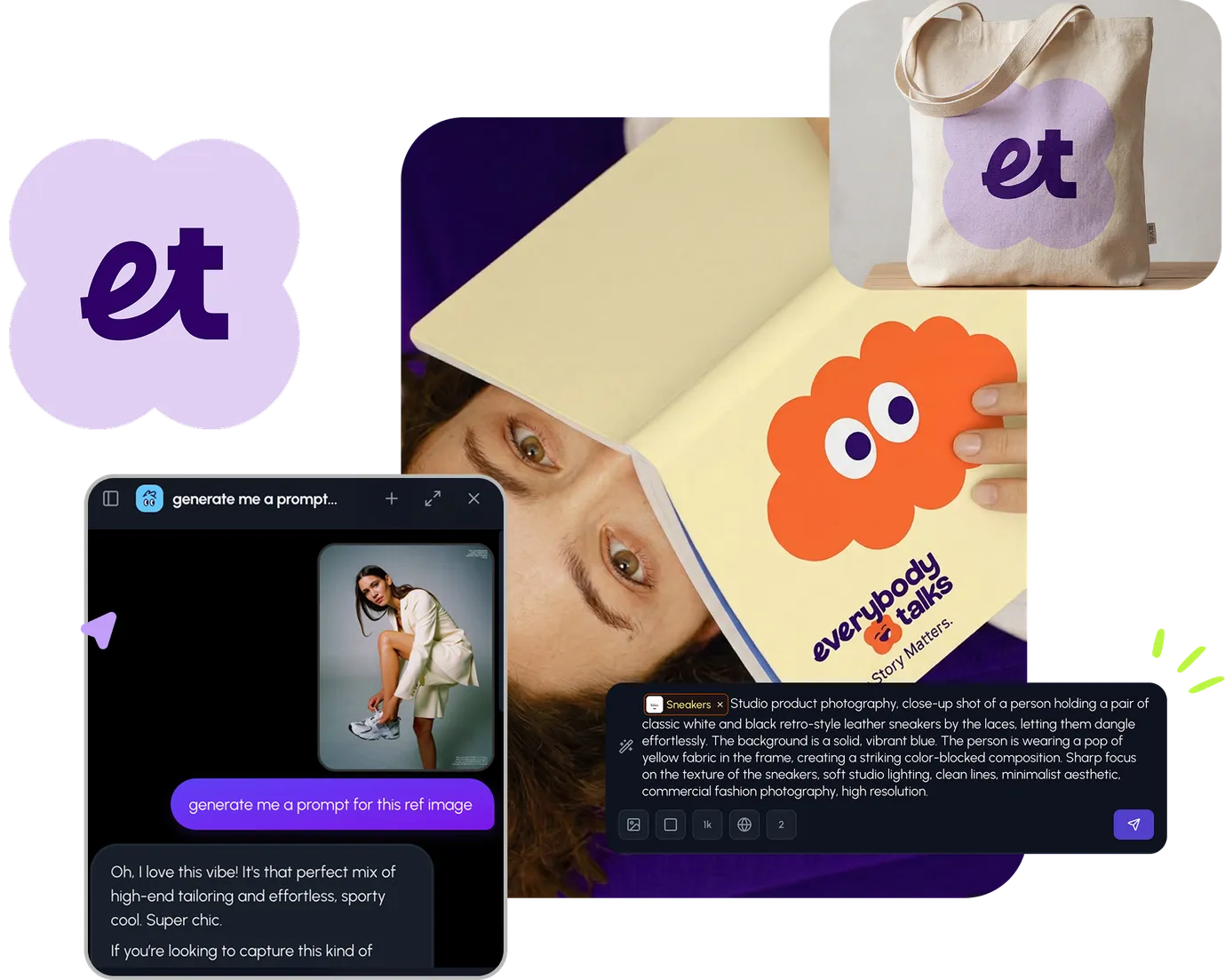

Go from browse to build