Product
Use Cases
How it Works
Pricing
Login
Community showcase

Designs made by our community

Explore unique graphic designs and images crafted by creators around the world using Hiding Elephant's AI design tools. Get inspired and start creating.
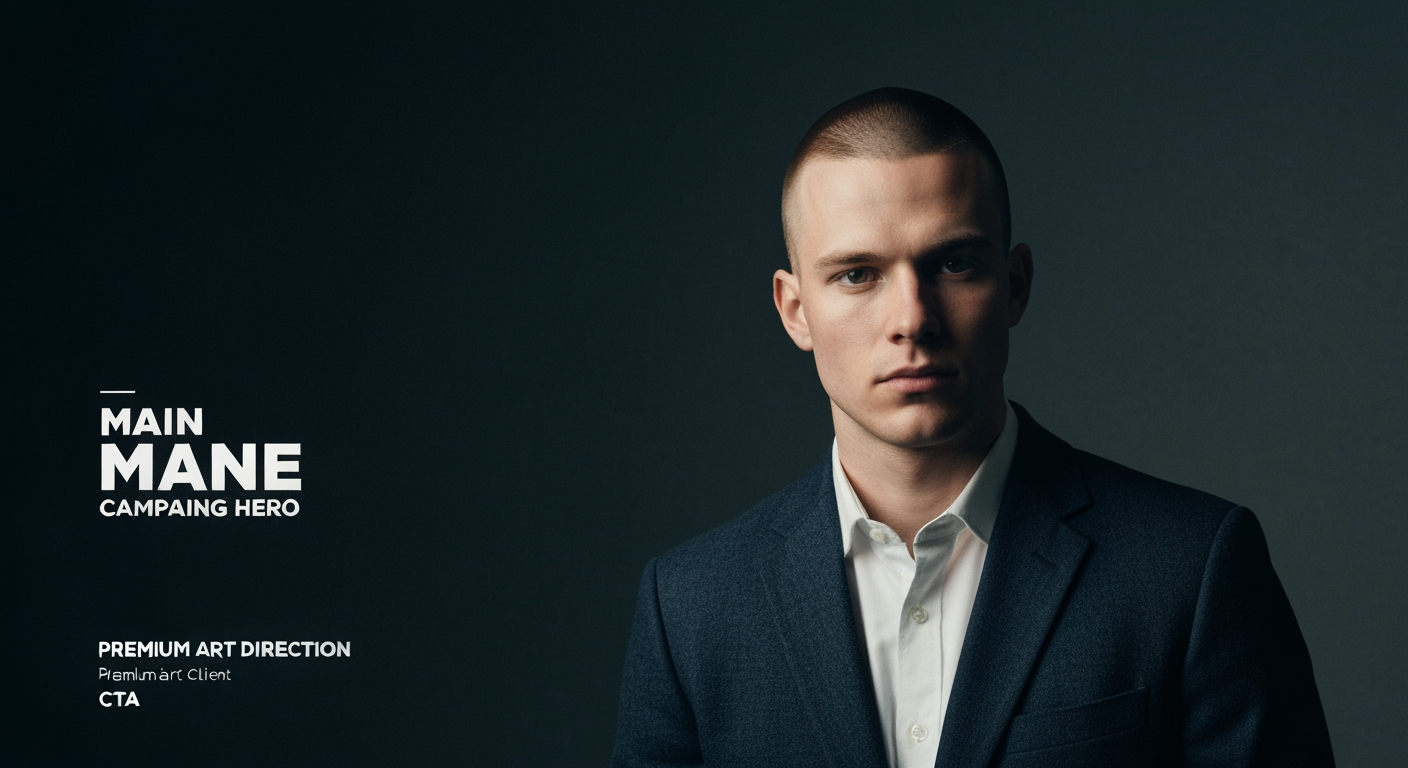
AI Design for Main campaign hero visual concept for Brand identity directions for a client. Cinematic advertising image with a clear subject, memorable visual idea, strong depth and lighting, premium art direction, clean negative space for headline and CTA to be added later, no generated text.

Main campaign hero visual concept for Brand identity directions for a client. Cinematic advertising image with a clear subject, memorable visual idea, strong depth and lighting, premium art direction, clean negative space for headline and CTA to be added later, no generated text.

by @Elephant_2736950
AI Design for Premium logo presentation mockup concept for Brand identity directions for a client. Logo or brand mark displayed on a clean neutral surface with subtle depth, refined shadow, precise alignment, elegant design-studio presentation, no extra readable text.

Premium logo presentation mockup concept for Brand identity directions for a client. Logo or brand mark displayed on a clean neutral surface with subtle depth, refined shadow, precise alignment, elegant design-studio presentation, no extra readable text.

by @Elephant_2736950

AI Design for Social campaign preview concept for Brand identity directions for a client. Portrait campaign visual that feels ready for client approval, clear focal image, cohesive art direction, clean space for copy to be added later, no generated text.

Social campaign preview concept for Brand identity directions for a client. Portrait campaign visual that feels ready for client approval, clear focal image, cohesive art direction, clean space for copy to be added later, no generated text.

by @Elephant_2736950
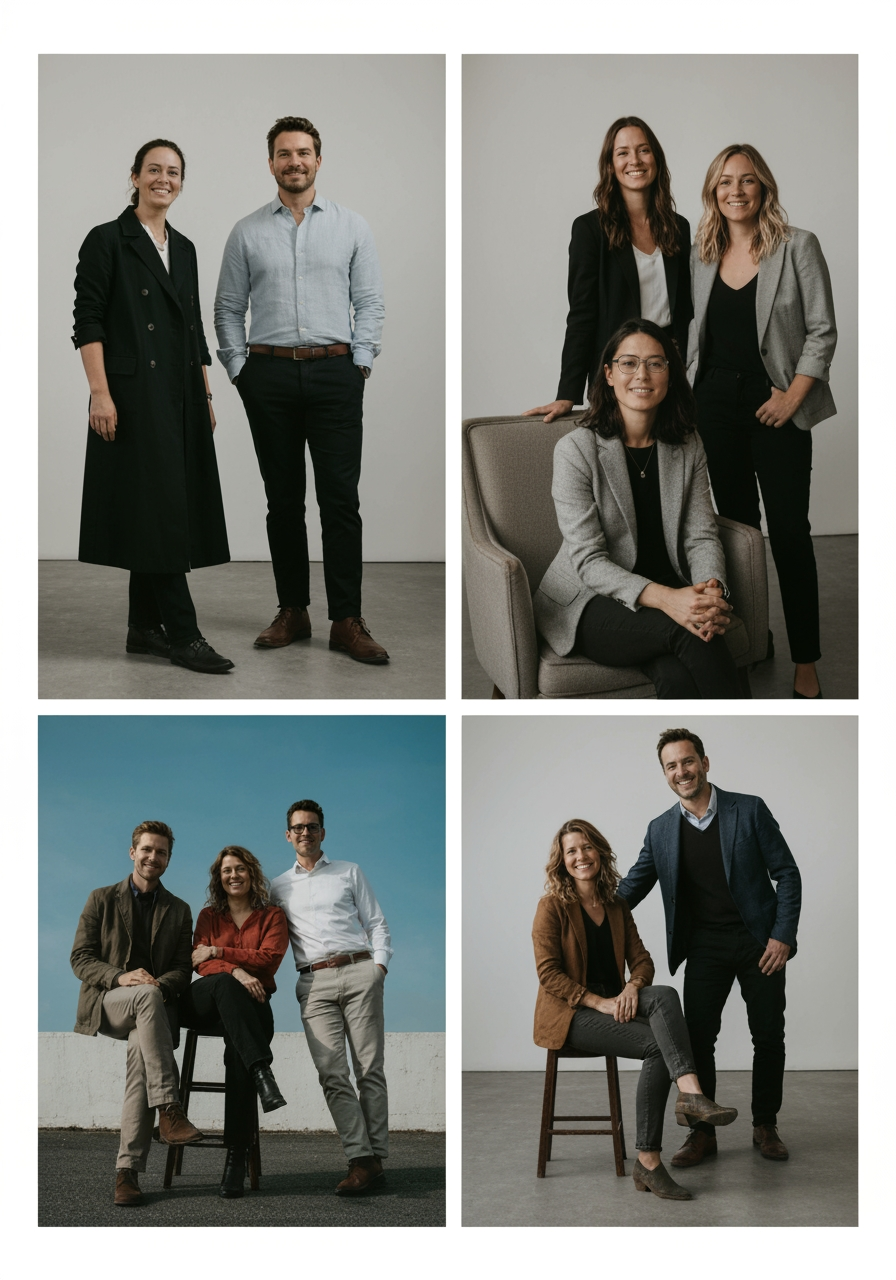
AI Design for Professional Logo Design Prompt — TEKELVO

Create a premium, professional, corporate logo for TEKELVO, a modern company focused primarily on e-commerce, with future expansion into technology, digital solutions, software, AI, and innovative online services.

Design a distinctive and sophisticated brand symbol that represents the intersection of Commerce + Technology + Innovation.

The symbol should subtly incorporate the letter “T” using clean geometric construction, negative space, digital elements, or an abstract commerce concept. Avoid using an obvious or generic shopping-cart icon. The symbol should be unique enough to become a recognizable standalone brand mark.

Brand Personality
Professional
Trustworthy
Innovative
Modern
Intelligent
Reliable
Technology-driven
Future-ready
Color Palette
Primary: Deep Navy Blue #0B1F3A
Secondary: Professional Blue #1769AA
Accent: Vibrant Orange #F97316
Background: White / very light neutral

Use the orange accent sparingly to create a premium visual highlight rather than making the logo look overly colorful.

Typography

Use a premium geometric sans-serif typeface with strong proportions and excellent readability.

The wordmark should display:

TEKELVO

Use clean, balanced letter spacing and a sophisticated corporate appearance.

Tagline

Smart Commerce. Smarter Technology.

Logo Variations

Create a complete professional logo system:

Primary icon + TEKELVO wordmark
Horizontal corporate logo
Standalone “T” brand symbol
Mobile app icon
Website favicon
Monochrome black version
White/reversed version for dark backgrounds

The logo must remain recognizable and visually strong at both small digital sizes and large print sizes.

Visual Style

Use minimal geometric forms, precise proportions, balanced negative space, subtle technological references, and clean vector-style construction.

The final design should look suitable for a serious technology/e-commerce company, not a small online shop.

Avoid:

Generic shopping-cart symbols
Excessive gradients
3D effects
Clip-art
Overly complex illustrations
Excessive colors
Cartoon styling
Unnecessary decorative elements

The final result should feel comparable to a modern global technology brand: simple, distinctive, scalable, memorable, and professional.

Professional Logo Design Prompt — TEKELVO Create a premium, professional, corporate logo for TEKELVO, a modern company focused primarily on e-commerce, with future expansion into technology, digital solutions, software, AI, and innovative online services. Design a distinctive and sophisticated brand symbol that represents the intersection of Commerce + Technology + Innovation. The symbol should subtly incorporate the letter “T” using clean geometric construction, negative space, digital elements, or an abstract commerce concept. Avoid using an obvious or generic shopping-cart icon. The symbol should be unique enough to become a recognizable standalone brand mark. Brand Personality Professional Trustworthy Innovative Modern Intelligent Reliable Technology-driven Future-ready Color Palette Primary: Deep Navy Blue #0B1F3A Secondary: Professional Blue #1769AA Accent: Vibrant Orange #F97316 Background: White / very light neutral Use the orange accent sparingly to create a premium visual highlight rather than making the logo look overly colorful. Typography Use a premium geometric sans-serif typeface with strong proportions and excellent readability. The wordmark should display: TEKELVO Use clean, balanced letter spacing and a sophisticated corporate appearance. Tagline Smart Commerce. Smarter Technology. Logo Variations Create a complete professional logo system: Primary icon + TEKELVO wordmark Horizontal corporate logo Standalone “T” brand symbol Mobile app icon Website favicon Monochrome black version White/reversed version for dark backgrounds The logo must remain recognizable and visually strong at both small digital sizes and large print sizes. Visual Style Use minimal geometric forms, precise proportions, balanced negative space, subtle technological references, and clean vector-style construction. The final design should look suitable for a serious technology/e-commerce company, not a small online shop. Avoid: Generic shopping-cart symbols Excessive gradients 3D effects Clip-art Overly complex illustrations Excessive colors Cartoon styling Unnecessary decorative elements The final result should feel comparable to a modern global technology brand: simple, distinctive, scalable, memorable, and professional.

by @Elephant_8207297
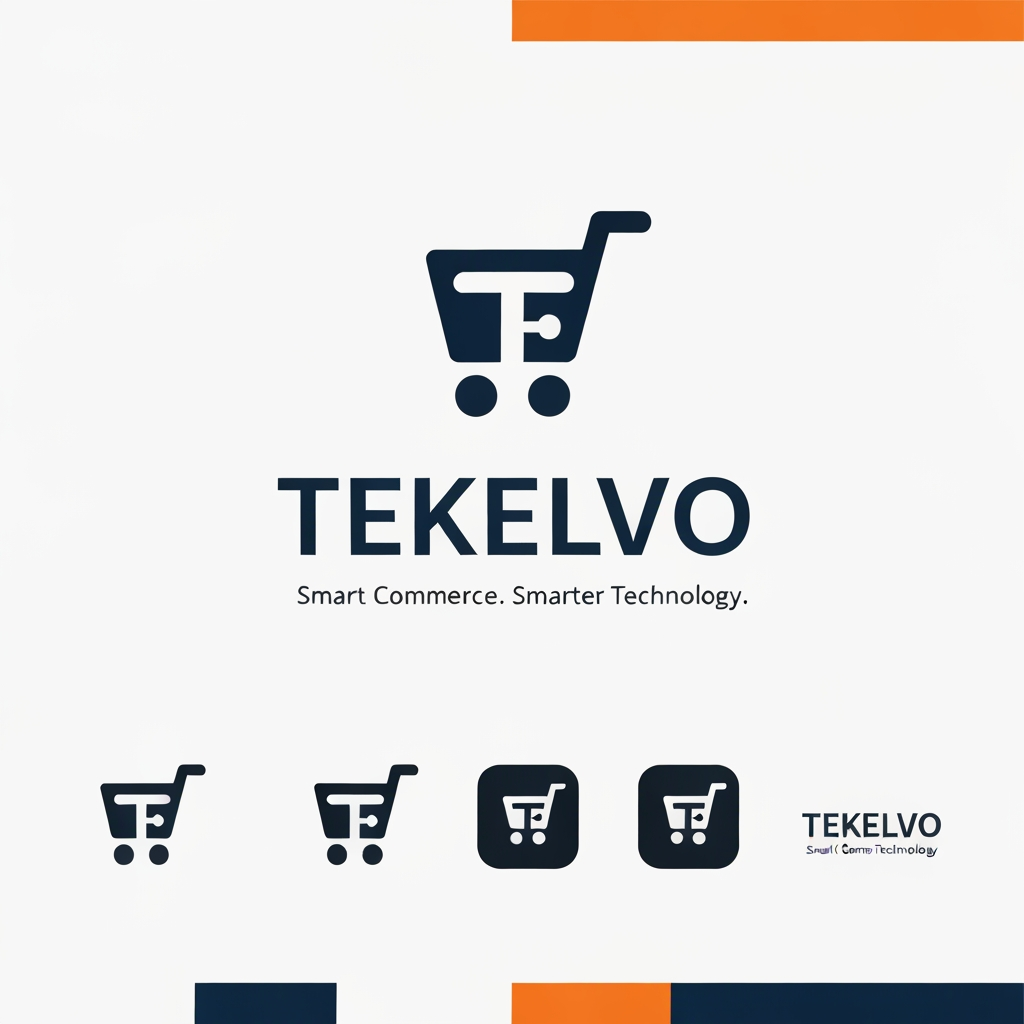
AI Design for Professional Logo Design Prompt — TEKELVO

Create a premium, professional, corporate logo for TEKELVO, a modern company focused primarily on e-commerce, with future expansion into technology, digital solutions, software, AI, and innovative online services.

Design a distinctive and sophisticated brand symbol that represents the intersection of Commerce + Technology + Innovation.

The symbol should subtly incorporate the letter “T” using clean geometric construction, negative space, digital elements, or an abstract commerce concept. Avoid using an obvious or generic shopping-cart icon. The symbol should be unique enough to become a recognizable standalone brand mark.

Brand Personality
Professional
Trustworthy
Innovative
Modern
Intelligent
Reliable
Technology-driven
Future-ready
Color Palette
Primary: Deep Navy Blue #0B1F3A
Secondary: Professional Blue #1769AA
Accent: Vibrant Orange #F97316
Background: White / very light neutral

Use the orange accent sparingly to create a premium visual highlight rather than making the logo look overly colorful.

Typography

Use a premium geometric sans-serif typeface with strong proportions and excellent readability.

The wordmark should display:

TEKELVO

Use clean, balanced letter spacing and a sophisticated corporate appearance.

Tagline

Smart Commerce. Smarter Technology.

Logo Variations

Create a complete professional logo system:

Primary icon + TEKELVO wordmark
Horizontal corporate logo
Standalone “T” brand symbol
Mobile app icon
Website favicon
Monochrome black version
White/reversed version for dark backgrounds

The logo must remain recognizable and visually strong at both small digital sizes and large print sizes.

Visual Style

Use minimal geometric forms, precise proportions, balanced negative space, subtle technological references, and clean vector-style construction.

The final design should look suitable for a serious technology/e-commerce company, not a small online shop.

Avoid:

Generic shopping-cart symbols
Excessive gradients
3D effects
Clip-art
Overly complex illustrations
Excessive colors
Cartoon styling
Unnecessary decorative elements

The final result should feel comparable to a modern global technology brand: simple, distinctive, scalable, memorable, and professional.

Professional Logo Design Prompt — TEKELVO Create a premium, professional, corporate logo for TEKELVO, a modern company focused primarily on e-commerce, with future expansion into technology, digital solutions, software, AI, and innovative online services. Design a distinctive and sophisticated brand symbol that represents the intersection of Commerce + Technology + Innovation. The symbol should subtly incorporate the letter “T” using clean geometric construction, negative space, digital elements, or an abstract commerce concept. Avoid using an obvious or generic shopping-cart icon. The symbol should be unique enough to become a recognizable standalone brand mark. Brand Personality Professional Trustworthy Innovative Modern Intelligent Reliable Technology-driven Future-ready Color Palette Primary: Deep Navy Blue #0B1F3A Secondary: Professional Blue #1769AA Accent: Vibrant Orange #F97316 Background: White / very light neutral Use the orange accent sparingly to create a premium visual highlight rather than making the logo look overly colorful. Typography Use a premium geometric sans-serif typeface with strong proportions and excellent readability. The wordmark should display: TEKELVO Use clean, balanced letter spacing and a sophisticated corporate appearance. Tagline Smart Commerce. Smarter Technology. Logo Variations Create a complete professional logo system: Primary icon + TEKELVO wordmark Horizontal corporate logo Standalone “T” brand symbol Mobile app icon Website favicon Monochrome black version White/reversed version for dark backgrounds The logo must remain recognizable and visually strong at both small digital sizes and large print sizes. Visual Style Use minimal geometric forms, precise proportions, balanced negative space, subtle technological references, and clean vector-style construction. The final design should look suitable for a serious technology/e-commerce company, not a small online shop. Avoid: Generic shopping-cart symbols Excessive gradients 3D effects Clip-art Overly complex illustrations Excessive colors Cartoon styling Unnecessary decorative elements The final result should feel comparable to a modern global technology brand: simple, distinctive, scalable, memorable, and professional.

by @Elephant_8207297
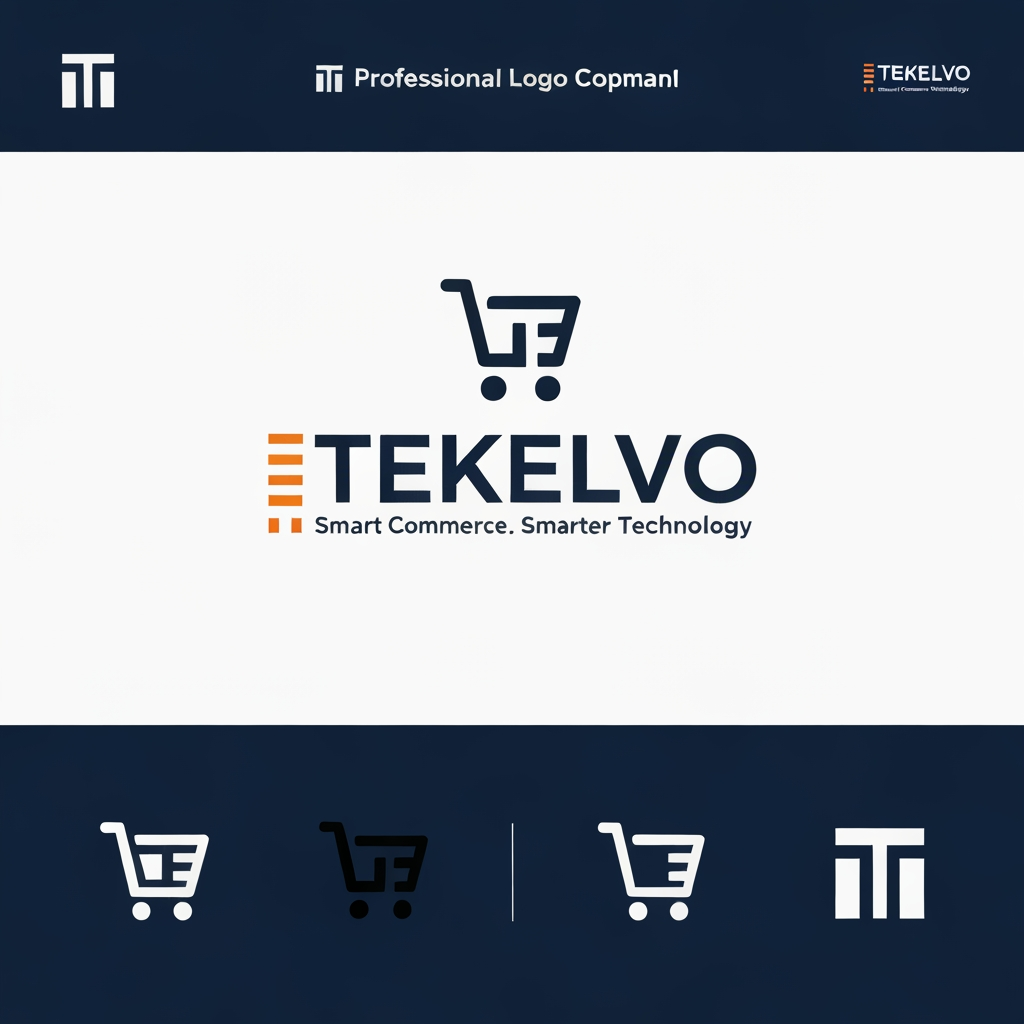
AI Design for Professional Logo Design Prompt — TEKELVO

Create a premium, professional, corporate logo for TEKELVO, a modern company focused primarily on e-commerce, with future expansion into technology, digital solutions, software, AI, and innovative online services.

Design a distinctive and sophisticated brand symbol that represents the intersection of Commerce + Technology + Innovation.

The symbol should subtly incorporate the letter “T” using clean geometric construction, negative space, digital elements, or an abstract commerce concept. Avoid using an obvious or generic shopping-cart icon. The symbol should be unique enough to become a recognizable standalone brand mark.

Brand Personality
Professional
Trustworthy
Innovative
Modern
Intelligent
Reliable
Technology-driven
Future-ready
Color Palette
Primary: Deep Navy Blue #0B1F3A
Secondary: Professional Blue #1769AA
Accent: Vibrant Orange #F97316
Background: White / very light neutral

Use the orange accent sparingly to create a premium visual highlight rather than making the logo look overly colorful.

Typography

Use a premium geometric sans-serif typeface with strong proportions and excellent readability.

The wordmark should display:

TEKELVO

Use clean, balanced letter spacing and a sophisticated corporate appearance.

Tagline

Smart Commerce. Smarter Technology.

Logo Variations

Create a complete professional logo system:

Primary icon + TEKELVO wordmark
Horizontal corporate logo
Standalone “T” brand symbol
Mobile app icon
Website favicon
Monochrome black version
White/reversed version for dark backgrounds

The logo must remain recognizable and visually strong at both small digital sizes and large print sizes.

Visual Style

Use minimal geometric forms, precise proportions, balanced negative space, subtle technological references, and clean vector-style construction.

The final design should look suitable for a serious technology/e-commerce company, not a small online shop.

Avoid:

Generic shopping-cart symbols
Excessive gradients
3D effects
Clip-art
Overly complex illustrations
Excessive colors
Cartoon styling
Unnecessary decorative elements

The final result should feel comparable to a modern global technology brand: simple, distinctive, scalable, memorable, and professional.

Professional Logo Design Prompt — TEKELVO Create a premium, professional, corporate logo for TEKELVO, a modern company focused primarily on e-commerce, with future expansion into technology, digital solutions, software, AI, and innovative online services. Design a distinctive and sophisticated brand symbol that represents the intersection of Commerce + Technology + Innovation. The symbol should subtly incorporate the letter “T” using clean geometric construction, negative space, digital elements, or an abstract commerce concept. Avoid using an obvious or generic shopping-cart icon. The symbol should be unique enough to become a recognizable standalone brand mark. Brand Personality Professional Trustworthy Innovative Modern Intelligent Reliable Technology-driven Future-ready Color Palette Primary: Deep Navy Blue #0B1F3A Secondary: Professional Blue #1769AA Accent: Vibrant Orange #F97316 Background: White / very light neutral Use the orange accent sparingly to create a premium visual highlight rather than making the logo look overly colorful. Typography Use a premium geometric sans-serif typeface with strong proportions and excellent readability. The wordmark should display: TEKELVO Use clean, balanced letter spacing and a sophisticated corporate appearance. Tagline Smart Commerce. Smarter Technology. Logo Variations Create a complete professional logo system: Primary icon + TEKELVO wordmark Horizontal corporate logo Standalone “T” brand symbol Mobile app icon Website favicon Monochrome black version White/reversed version for dark backgrounds The logo must remain recognizable and visually strong at both small digital sizes and large print sizes. Visual Style Use minimal geometric forms, precise proportions, balanced negative space, subtle technological references, and clean vector-style construction. The final design should look suitable for a serious technology/e-commerce company, not a small online shop. Avoid: Generic shopping-cart symbols Excessive gradients 3D effects Clip-art Overly complex illustrations Excessive colors Cartoon styling Unnecessary decorative elements The final result should feel comparable to a modern global technology brand: simple, distinctive, scalable, memorable, and professional.

by @Elephant_8207297
AI Design for i want this desgin

i want this desgin

by @Elephant_6719252

AI Design for i want this desgin in vector style

i want this desgin in vector style

by @Elephant_6719252

AI Design for Premium TEKELVO Logo Design Prompt

Create an ultra-premium, sophisticated, modern logo for TEKELVO, a next-generation e-commerce and technology company.

TEKELVO should look like a premium global digital brand, combining e-commerce, technology, innovation, and intelligent digital solutions.

Design a distinctive, elegant brand symbol based around a stylized “T”, subtly integrated with concepts of digital commerce, connectivity, technology, and forward movement. The symbol must be original, simple, iconic, and instantly recognizable without looking like a conventional shopping cart.

Visual Style
Luxury technology brand
Minimalist and sophisticated
Clean geometric construction
Strong visual balance
Elegant negative space
Premium corporate identity
Futuristic but timeless
Highly scalable and recognizable
Color Palette

Primary: Deep Midnight Navy #071A36
Accent: Premium Vibrant Orange #FF7A00
Optional: Champagne Gold #C9A227 used extremely subtly for premium applications
Background: White / Midnight Navy

Use color sparingly. The logo should remain powerful even in a single-color version.

Typography

Use a custom-looking premium geometric sans-serif wordmark.

Text:

TEKELVO

Make the typography bold, refined, spacious, and highly recognizable. Consider subtle customization of one letter, especially the T, K, or V, to create a unique brand signature.

Tagline

Smart Commerce. Smarter Technology.

Keep the tagline secondary and elegant.

Logo Variations

Create:

Premium primary logo — icon + TEKELVO
Luxury horizontal logo
Standalone “T” symbol
App icon / favicon
Monochrome black version
White version for dark backgrounds
Premium navy + orange version
Important

The logo must feel suitable for a company that starts with e-commerce but can eventually expand into AI, software, digital platforms, fintech, automation, and other technology solutions.

Avoid:

Generic shopping-cart symbols
Cheap-looking gradients
Excessive 3D effects
Complex illustrations
Clip-art
Overused tech icons
Excessive colors
Crowded typography

The final result should feel premium, intelligent, trustworthy, innovative, international, and future-ready—comparable in visual quality to a modern global technology brand.

Premium TEKELVO Logo Design Prompt Create an ultra-premium, sophisticated, modern logo for TEKELVO, a next-generation e-commerce and technology company. TEKELVO should look like a premium global digital brand, combining e-commerce, technology, innovation, and intelligent digital solutions. Design a distinctive, elegant brand symbol based around a stylized “T”, subtly integrated with concepts of digital commerce, connectivity, technology, and forward movement. The symbol must be original, simple, iconic, and instantly recognizable without looking like a conventional shopping cart. Visual Style Luxury technology brand Minimalist and sophisticated Clean geometric construction Strong visual balance Elegant negative space Premium corporate identity Futuristic but timeless Highly scalable and recognizable Color Palette Primary: Deep Midnight Navy #071A36 Accent: Premium Vibrant Orange #FF7A00 Optional: Champagne Gold #C9A227 used extremely subtly for premium applications Background: White / Midnight Navy Use color sparingly. The logo should remain powerful even in a single-color version. Typography Use a custom-looking premium geometric sans-serif wordmark. Text: TEKELVO Make the typography bold, refined, spacious, and highly recognizable. Consider subtle customization of one letter, especially the T, K, or V, to create a unique brand signature. Tagline Smart Commerce. Smarter Technology. Keep the tagline secondary and elegant. Logo Variations Create: Premium primary logo — icon + TEKELVO Luxury horizontal logo Standalone “T” symbol App icon / favicon Monochrome black version White version for dark backgrounds Premium navy + orange version Important The logo must feel suitable for a company that starts with e-commerce but can eventually expand into AI, software, digital platforms, fintech, automation, and other technology solutions. Avoid: Generic shopping-cart symbols Cheap-looking gradients Excessive 3D effects Complex illustrations Clip-art Overused tech icons Excessive colors Crowded typography The final result should feel premium, intelligent, trustworthy, innovative, international, and future-ready—comparable in visual quality to a modern global technology brand.

by @Elephant_8207297
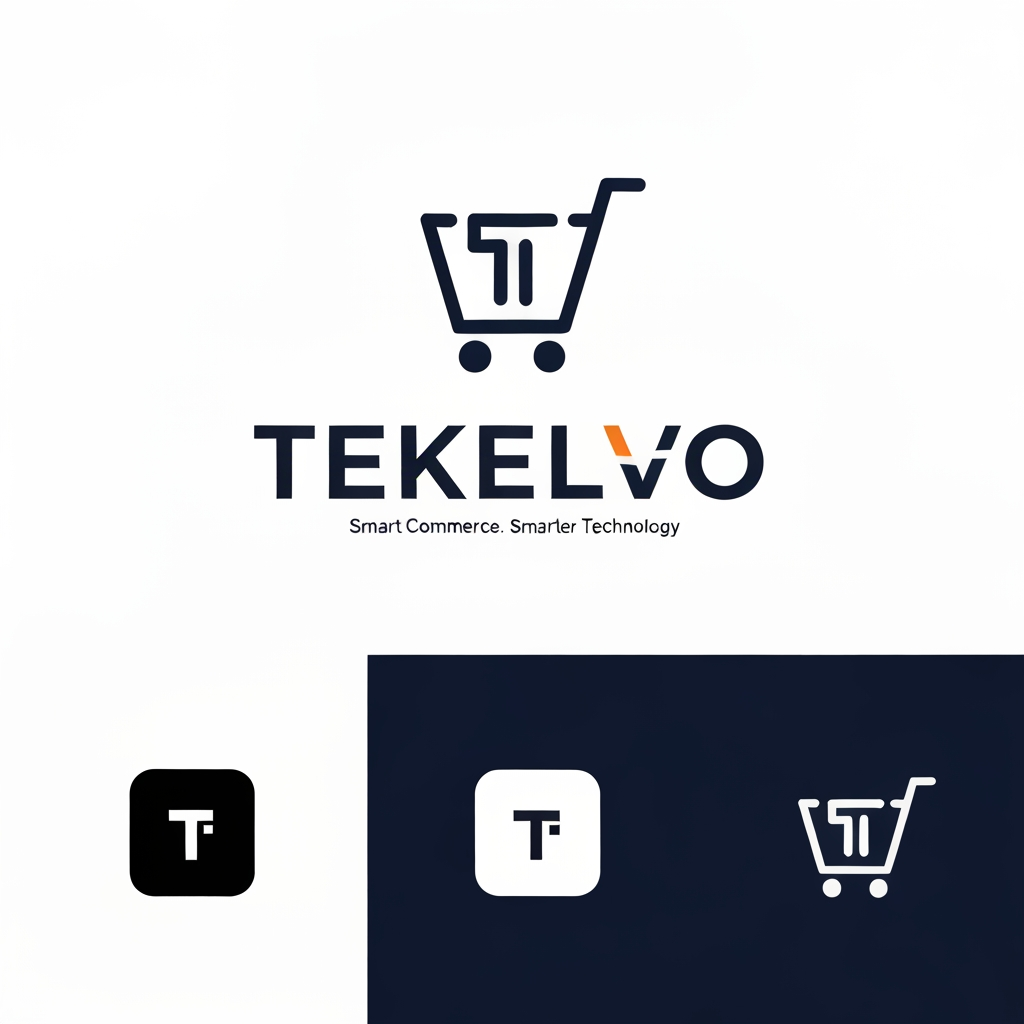
AI Design for Premium TEKELVO Logo Design Prompt

Create an ultra-premium, sophisticated, modern logo for TEKELVO, a next-generation e-commerce and technology company.

TEKELVO should look like a premium global digital brand, combining e-commerce, technology, innovation, and intelligent digital solutions.

Design a distinctive, elegant brand symbol based around a stylized “T”, subtly integrated with concepts of digital commerce, connectivity, technology, and forward movement. The symbol must be original, simple, iconic, and instantly recognizable without looking like a conventional shopping cart.

Visual Style
Luxury technology brand
Minimalist and sophisticated
Clean geometric construction
Strong visual balance
Elegant negative space
Premium corporate identity
Futuristic but timeless
Highly scalable and recognizable
Color Palette

Primary: Deep Midnight Navy #071A36
Accent: Premium Vibrant Orange #FF7A00
Optional: Champagne Gold #C9A227 used extremely subtly for premium applications
Background: White / Midnight Navy

Use color sparingly. The logo should remain powerful even in a single-color version.

Typography

Use a custom-looking premium geometric sans-serif wordmark.

Text:

TEKELVO

Make the typography bold, refined, spacious, and highly recognizable. Consider subtle customization of one letter, especially the T, K, or V, to create a unique brand signature.

Tagline

Smart Commerce. Smarter Technology.

Keep the tagline secondary and elegant.

Logo Variations

Create:

Premium primary logo — icon + TEKELVO
Luxury horizontal logo
Standalone “T” symbol
App icon / favicon
Monochrome black version
White version for dark backgrounds
Premium navy + orange version
Important

The logo must feel suitable for a company that starts with e-commerce but can eventually expand into AI, software, digital platforms, fintech, automation, and other technology solutions.

Avoid:

Generic shopping-cart symbols
Cheap-looking gradients
Excessive 3D effects
Complex illustrations
Clip-art
Overused tech icons
Excessive colors
Crowded typography

The final result should feel premium, intelligent, trustworthy, innovative, international, and future-ready—comparable in visual quality to a modern global technology brand.

Premium TEKELVO Logo Design Prompt Create an ultra-premium, sophisticated, modern logo for TEKELVO, a next-generation e-commerce and technology company. TEKELVO should look like a premium global digital brand, combining e-commerce, technology, innovation, and intelligent digital solutions. Design a distinctive, elegant brand symbol based around a stylized “T”, subtly integrated with concepts of digital commerce, connectivity, technology, and forward movement. The symbol must be original, simple, iconic, and instantly recognizable without looking like a conventional shopping cart. Visual Style Luxury technology brand Minimalist and sophisticated Clean geometric construction Strong visual balance Elegant negative space Premium corporate identity Futuristic but timeless Highly scalable and recognizable Color Palette Primary: Deep Midnight Navy #071A36 Accent: Premium Vibrant Orange #FF7A00 Optional: Champagne Gold #C9A227 used extremely subtly for premium applications Background: White / Midnight Navy Use color sparingly. The logo should remain powerful even in a single-color version. Typography Use a custom-looking premium geometric sans-serif wordmark. Text: TEKELVO Make the typography bold, refined, spacious, and highly recognizable. Consider subtle customization of one letter, especially the T, K, or V, to create a unique brand signature. Tagline Smart Commerce. Smarter Technology. Keep the tagline secondary and elegant. Logo Variations Create: Premium primary logo — icon + TEKELVO Luxury horizontal logo Standalone “T” symbol App icon / favicon Monochrome black version White version for dark backgrounds Premium navy + orange version Important The logo must feel suitable for a company that starts with e-commerce but can eventually expand into AI, software, digital platforms, fintech, automation, and other technology solutions. Avoid: Generic shopping-cart symbols Cheap-looking gradients Excessive 3D effects Complex illustrations Clip-art Overused tech icons Excessive colors Crowded typography The final result should feel premium, intelligent, trustworthy, innovative, international, and future-ready—comparable in visual quality to a modern global technology brand.

by @Elephant_8207297
AI Design for Premium TEKELVO Logo Design Prompt

Create an ultra-premium, sophisticated, modern logo for TEKELVO, a next-generation e-commerce and technology company.

TEKELVO should look like a premium global digital brand, combining e-commerce, technology, innovation, and intelligent digital solutions.

Design a distinctive, elegant brand symbol based around a stylized “T”, subtly integrated with concepts of digital commerce, connectivity, technology, and forward movement. The symbol must be original, simple, iconic, and instantly recognizable without looking like a conventional shopping cart.

Visual Style
Luxury technology brand
Minimalist and sophisticated
Clean geometric construction
Strong visual balance
Elegant negative space
Premium corporate identity
Futuristic but timeless
Highly scalable and recognizable
Color Palette

Primary: Deep Midnight Navy #071A36
Accent: Premium Vibrant Orange #FF7A00
Optional: Champagne Gold #C9A227 used extremely subtly for premium applications
Background: White / Midnight Navy

Use color sparingly. The logo should remain powerful even in a single-color version.

Typography

Use a custom-looking premium geometric sans-serif wordmark.

Text:

TEKELVO

Make the typography bold, refined, spacious, and highly recognizable. Consider subtle customization of one letter, especially the T, K, or V, to create a unique brand signature.

Tagline

Smart Commerce. Smarter Technology.

Keep the tagline secondary and elegant.

Logo Variations

Create:

Premium primary logo — icon + TEKELVO
Luxury horizontal logo
Standalone “T” symbol
App icon / favicon
Monochrome black version
White version for dark backgrounds
Premium navy + orange version
Important

The logo must feel suitable for a company that starts with e-commerce but can eventually expand into AI, software, digital platforms, fintech, automation, and other technology solutions.

Avoid:

Generic shopping-cart symbols
Cheap-looking gradients
Excessive 3D effects
Complex illustrations
Clip-art
Overused tech icons
Excessive colors
Crowded typography

The final result should feel premium, intelligent, trustworthy, innovative, international, and future-ready—comparable in visual quality to a modern global technology brand.

Premium TEKELVO Logo Design Prompt Create an ultra-premium, sophisticated, modern logo for TEKELVO, a next-generation e-commerce and technology company. TEKELVO should look like a premium global digital brand, combining e-commerce, technology, innovation, and intelligent digital solutions. Design a distinctive, elegant brand symbol based around a stylized “T”, subtly integrated with concepts of digital commerce, connectivity, technology, and forward movement. The symbol must be original, simple, iconic, and instantly recognizable without looking like a conventional shopping cart. Visual Style Luxury technology brand Minimalist and sophisticated Clean geometric construction Strong visual balance Elegant negative space Premium corporate identity Futuristic but timeless Highly scalable and recognizable Color Palette Primary: Deep Midnight Navy #071A36 Accent: Premium Vibrant Orange #FF7A00 Optional: Champagne Gold #C9A227 used extremely subtly for premium applications Background: White / Midnight Navy Use color sparingly. The logo should remain powerful even in a single-color version. Typography Use a custom-looking premium geometric sans-serif wordmark. Text: TEKELVO Make the typography bold, refined, spacious, and highly recognizable. Consider subtle customization of one letter, especially the T, K, or V, to create a unique brand signature. Tagline Smart Commerce. Smarter Technology. Keep the tagline secondary and elegant. Logo Variations Create: Premium primary logo — icon + TEKELVO Luxury horizontal logo Standalone “T” symbol App icon / favicon Monochrome black version White version for dark backgrounds Premium navy + orange version Important The logo must feel suitable for a company that starts with e-commerce but can eventually expand into AI, software, digital platforms, fintech, automation, and other technology solutions. Avoid: Generic shopping-cart symbols Cheap-looking gradients Excessive 3D effects Complex illustrations Clip-art Overused tech icons Excessive colors Crowded typography The final result should feel premium, intelligent, trustworthy, innovative, international, and future-ready—comparable in visual quality to a modern global technology brand.

by @Elephant_8207297
AI Design for Design a premium modern logo for “TEKELVO”, an e-commerce company. Create a memorable minimalist symbol combining the letter “T” with a subtle shopping cart or shopping-bag concept. Use clean geometric shapes, smooth curves, strong typography, and a professional tech-commerce aesthetic. Use deep navy blue as the primary color with a vibrant orange accent. The logo must look trustworthy, energetic, modern, scalable, and attractive to a broad audience. Include the wordmark “TEKELVO” with a clean bold sans-serif font and the tagline “Smart Shopping. Simple Living.” Provide a professional icon + wordmark version, horizontal version, and standalone icon. Avoid excessive details, generic cart icons, and complicated illustrations.

Design a premium modern logo for “TEKELVO”, an e-commerce company. Create a memorable minimalist symbol combining the letter “T” with a subtle shopping cart or shopping-bag concept. Use clean geometric shapes, smooth curves, strong typography, and a professional tech-commerce aesthetic. Use deep navy blue as the primary color with a vibrant orange accent. The logo must look trustworthy, energetic, modern, scalable, and attractive to a broad audience. Include the wordmark “TEKELVO” with a clean bold sans-serif font and the tagline “Smart Shopping. Simple Living.” Provide a professional icon + wordmark version, horizontal version, and standalone icon. Avoid excessive details, generic cart icons, and complicated illustrations.

by @Elephant_8207297
AI Design for Design a premium modern logo for “TEKELVO”, an e-commerce company. Create a memorable minimalist symbol combining the letter “T” with a subtle shopping cart or shopping-bag concept. Use clean geometric shapes, smooth curves, strong typography, and a professional tech-commerce aesthetic. Use deep navy blue as the primary color with a vibrant orange accent. The logo must look trustworthy, energetic, modern, scalable, and attractive to a broad audience. Include the wordmark “TEKELVO” with a clean bold sans-serif font and the tagline “Smart Shopping. Simple Living.” Provide a professional icon + wordmark version, horizontal version, and standalone icon. Avoid excessive details, generic cart icons, and complicated illustrations.

Design a premium modern logo for “TEKELVO”, an e-commerce company. Create a memorable minimalist symbol combining the letter “T” with a subtle shopping cart or shopping-bag concept. Use clean geometric shapes, smooth curves, strong typography, and a professional tech-commerce aesthetic. Use deep navy blue as the primary color with a vibrant orange accent. The logo must look trustworthy, energetic, modern, scalable, and attractive to a broad audience. Include the wordmark “TEKELVO” with a clean bold sans-serif font and the tagline “Smart Shopping. Simple Living.” Provide a professional icon + wordmark version, horizontal version, and standalone icon. Avoid excessive details, generic cart icons, and complicated illustrations.

by @Elephant_8207297
AI Design for Design a premium modern logo for “TEKELVO”, an e-commerce company. Create a memorable minimalist symbol combining the letter “T” with a subtle shopping cart or shopping-bag concept. Use clean geometric shapes, smooth curves, strong typography, and a professional tech-commerce aesthetic. Use deep navy blue as the primary color with a vibrant orange accent. The logo must look trustworthy, energetic, modern, scalable, and attractive to a broad audience. Include the wordmark “TEKELVO” with a clean bold sans-serif font and the tagline “Smart Shopping. Simple Living.” Provide a professional icon + wordmark version, horizontal version, and standalone icon. Avoid excessive details, generic cart icons, and complicated illustrations.

Design a premium modern logo for “TEKELVO”, an e-commerce company. Create a memorable minimalist symbol combining the letter “T” with a subtle shopping cart or shopping-bag concept. Use clean geometric shapes, smooth curves, strong typography, and a professional tech-commerce aesthetic. Use deep navy blue as the primary color with a vibrant orange accent. The logo must look trustworthy, energetic, modern, scalable, and attractive to a broad audience. Include the wordmark “TEKELVO” with a clean bold sans-serif font and the tagline “Smart Shopping. Simple Living.” Provide a professional icon + wordmark version, horizontal version, and standalone icon. Avoid excessive details, generic cart icons, and complicated illustrations.

by @Elephant_8207297

AI Design for E commerce i want logo

E commerce i want logo

by @Elephant_8207297

AI Design for E commerce i want logo

E commerce i want logo

by @Elephant_8207297

AI Design for E commerce i want logo

E commerce i want logo

by @Elephant_8207297

AI Design for E commerce

E commerce

by @Elephant_8207297

AI Design for E commerce

E commerce

by @Elephant_8207297

AI Design for E commerce

E commerce

by @Elephant_8207297

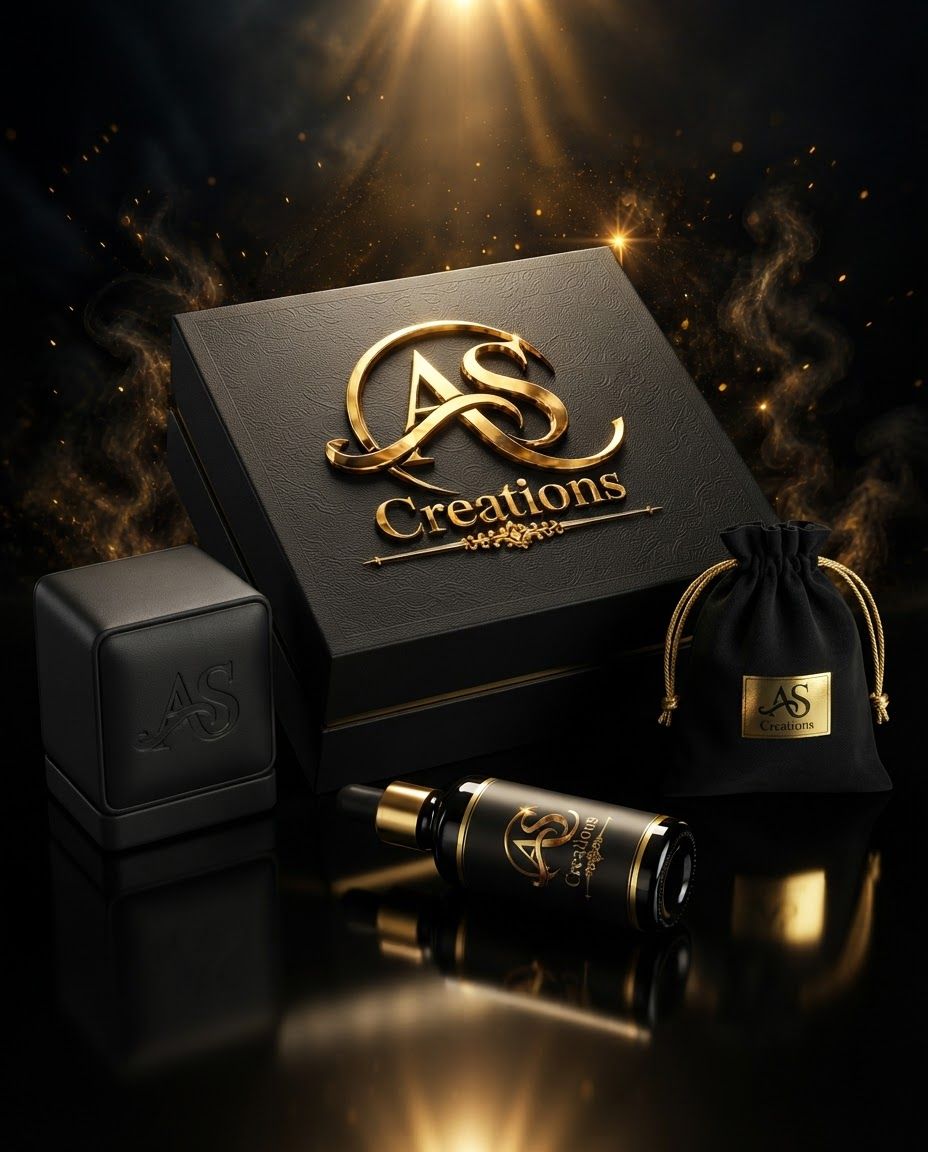
AI Design for Packaging design route for  brand. Client-presentation mockup with boxes, bags, labels, wraps, or product containers, realistic print finish, cohesive visual system, no fake readable text.

Incorporate the attached brand element reference image (Reference A: brand element "AS Creations") into the composition where natural — preserve the depicted brand element's appearance.

Packaging design route for brand. Client-presentation mockup with boxes, bags, labels, wraps, or product containers, realistic print finish, cohesive visual system, no fake readable text. Incorporate the attached brand element reference image (Reference A: brand element "AS Creations") into the composition where natural — preserve the depicted brand element's appearance.

by @Elephant_9768328
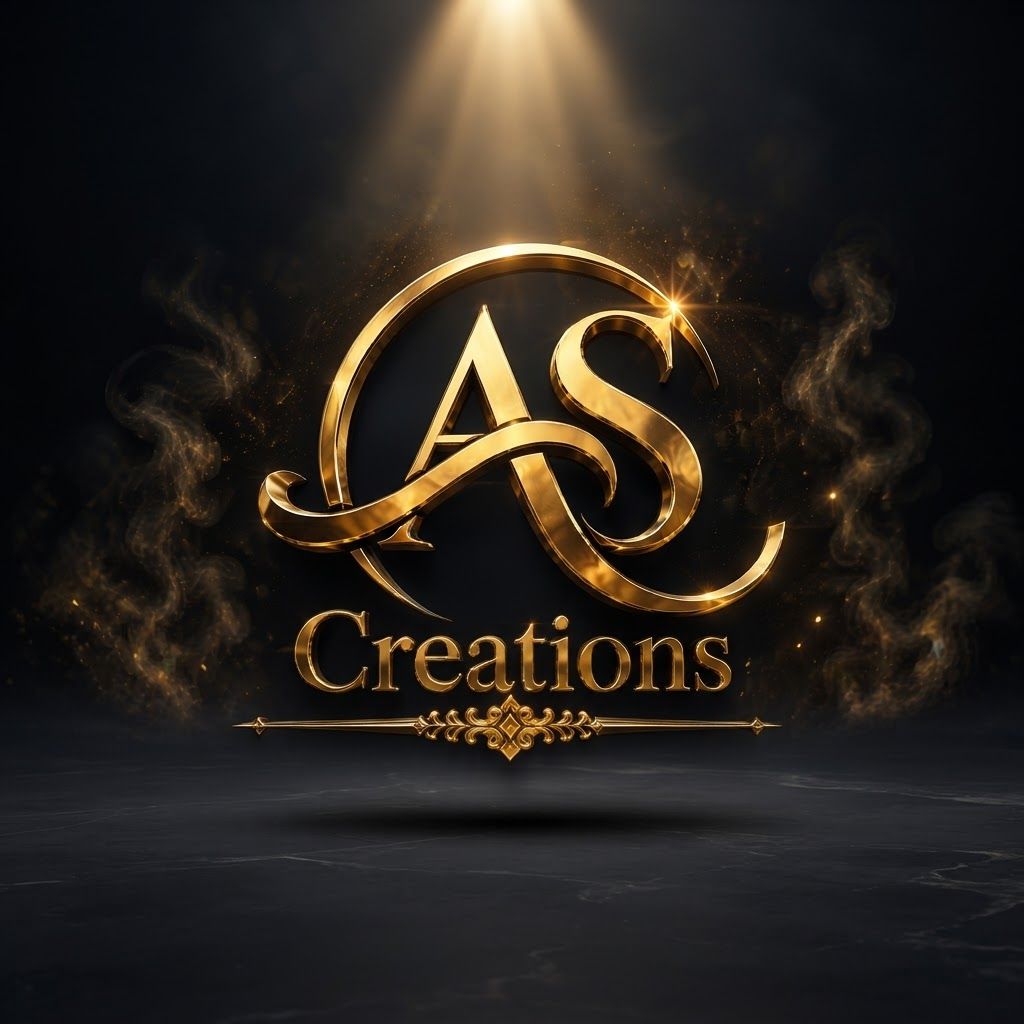
AI Design for Premium logo presentation mockup concept for Create a premium, high-impact brand reveal featuring the AS Creations logo with a polished gold metallic finish, set against a dark, atmospheric backdrop with cinematic smoke and ambient golden lighting.. Logo or brand mark displayed on a clean neutral surface with subtle depth, refined shadow, precise alignment, elegant design-studio presentation, no extra readable text.

Incorporate the attached brand element reference image (Reference A: brand element "AS Creations") into the composition where natural — preserve the depicted brand element's appearance.

Premium logo presentation mockup concept for Create a premium, high-impact brand reveal featuring the AS Creations logo with a polished gold metallic finish, set against a dark, atmospheric backdrop with cinematic smoke and ambient golden lighting.. Logo or brand mark displayed on a clean neutral surface with subtle depth, refined shadow, precise alignment, elegant design-studio presentation, no extra readable text. Incorporate the attached brand element reference image (Reference A: brand element "AS Creations") into the composition where natural — preserve the depicted brand element's appearance.

by @Elephant_9768328

AI Design for Client presentation mockup for  brand. Polished scene showing the design direction applied to a realistic surface, screen, poster, or object, premium agency presentation style, no readable placeholder text.

Incorporate the attached brand element reference image (Reference A: brand element "AS Creations") into the composition where natural — preserve the depicted brand element's appearance.

Client presentation mockup for brand. Polished scene showing the design direction applied to a realistic surface, screen, poster, or object, premium agency presentation style, no readable placeholder text. Incorporate the attached brand element reference image (Reference A: brand element "AS Creations") into the composition where natural — preserve the depicted brand element's appearance.

by @Elephant_9768328

AI Design for Wide campaign hero photograph for Plaid Button-Down Shirt. A medium shot of a young man with a beard and glasses wearing a blue and white plaid button-down shirt. The subject is posed with one hand near his chest, set against a solid black background. Premium advertising composition with the product as focal point, cinematic lighting, clean negative space on one side for copy to be added later, no rendered words or logos beyond the reference product.

Wide campaign hero photograph for Plaid Button-Down Shirt. A medium shot of a young man with a beard and glasses wearing a blue and white plaid button-down shirt. The subject is posed with one hand near his chest, set against a solid black background. Premium advertising composition with the product as focal point, cinematic lighting, clean negative space on one side for copy to be added later, no rendered words or logos beyond the reference product.

by @Elephant_7944325
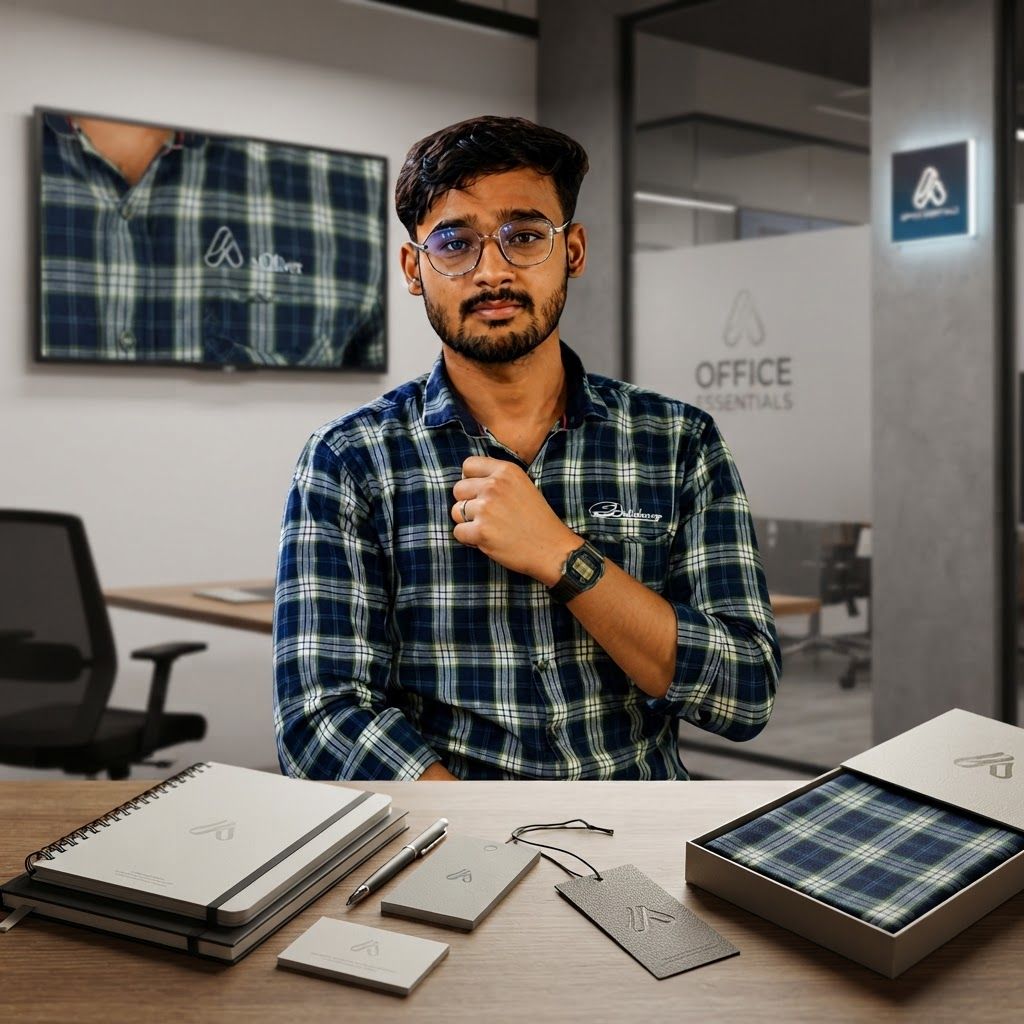
AI Design for Brand application mockup concept for A professional portrait of the subject in the plaid shirt within a modern office environment, positioning the apparel as stylish and accessible workwear.. Multiple branded touchpoints in one refined composition, such as stationery, packaging, digital screen, signage, or apparel, realistic materials, no invented readable copy.

Feature the product (Plaid Button-Down Shirt) from the attached product reference image as the central subject — preserve its shape, color, logos, and details with full fidelity. A medium shot of a young man with a beard and glasses wearing a blue and white plaid button-down shirt. The subject is posed with one hand near his chest, set against a solid black background.

Brand application mockup concept for A professional portrait of the subject in the plaid shirt within a modern office environment, positioning the apparel as stylish and accessible workwear.. Multiple branded touchpoints in one refined composition, such as stationery, packaging, digital screen, signage, or apparel, realistic materials, no invented readable copy. Feature the product (Plaid Button-Down Shirt) from the attached product reference image as the central subject — preserve its shape, color, logos, and details with full fidelity. A medium shot of a young man with a beard and glasses wearing a blue and white plaid button-down shirt. The subject is posed with one hand near his chest, set against a solid black background.

by @Elephant_7944325

AI Design for Premium apparel mockup concept for A professional portrait of the subject in the plaid shirt within a modern office environment, positioning the apparel as stylish and accessible workwear.. Logo or brand graphic applied to a high-quality t-shirt, tote, cap, or hoodie in a realistic lifestyle scene, natural fabric folds, accurate placement, no extra typography.

Feature the product (Plaid Button-Down Shirt) from the attached product reference image as the central subject — preserve its shape, color, logos, and details with full fidelity. A medium shot of a young man with a beard and glasses wearing a blue and white plaid button-down shirt. The subject is posed with one hand near his chest, set against a solid black background.

Premium apparel mockup concept for A professional portrait of the subject in the plaid shirt within a modern office environment, positioning the apparel as stylish and accessible workwear.. Logo or brand graphic applied to a high-quality t-shirt, tote, cap, or hoodie in a realistic lifestyle scene, natural fabric folds, accurate placement, no extra typography. Feature the product (Plaid Button-Down Shirt) from the attached product reference image as the central subject — preserve its shape, color, logos, and details with full fidelity. A medium shot of a young man with a beard and glasses wearing a blue and white plaid button-down shirt. The subject is posed with one hand near his chest, set against a solid black background.

by @Elephant_7944325
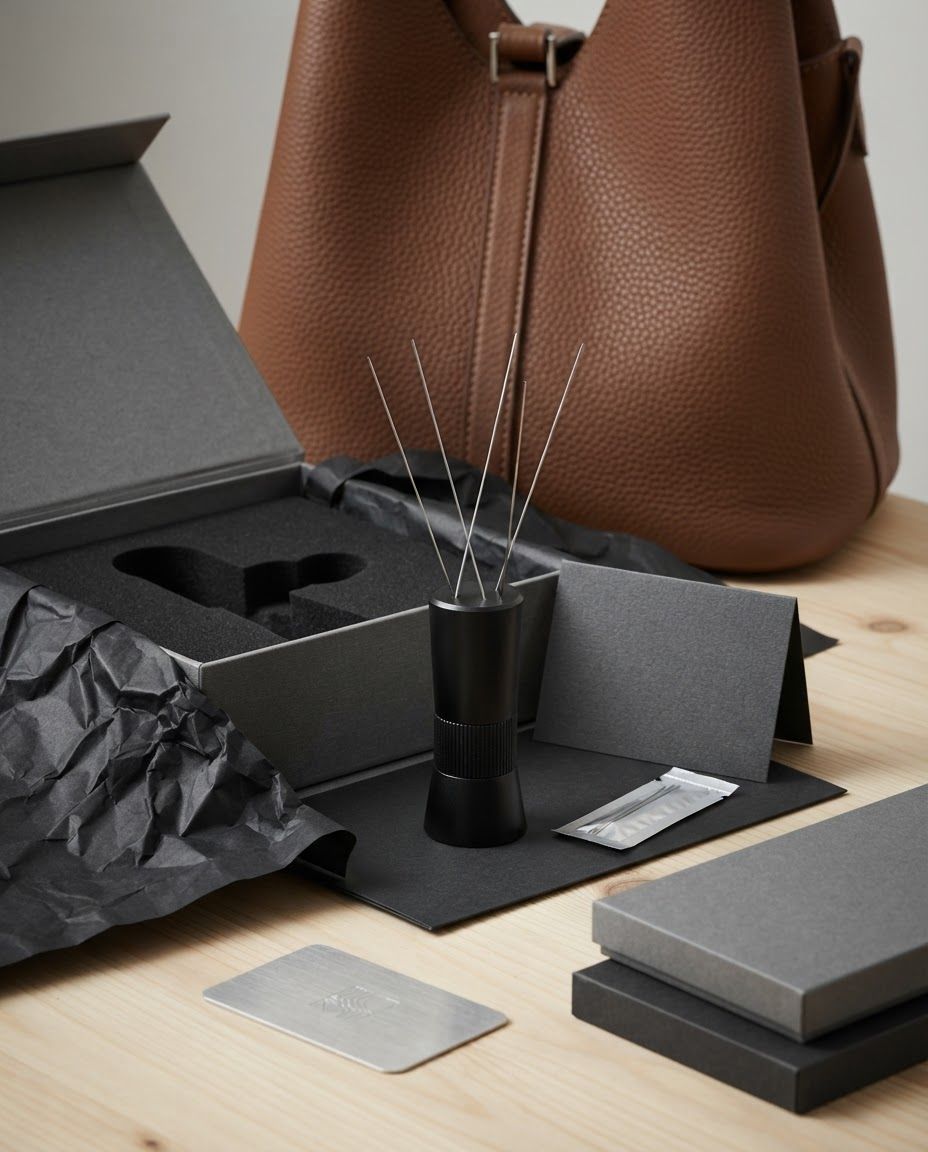
AI Design for Packaging and unboxing scene for Precision Coffee Distribution Tool. A black, cylindrical coffee distribution tool with several thin, protruding metal needles, standing upright on a light wooden surface in front of a textured brown leather bag. Product and packaging arranged in a polished tabletop composition, realistic folds, inserts, tissue, or box details where appropriate, premium ecommerce styling, no invented readable copy.

Packaging and unboxing scene for Precision Coffee Distribution Tool. A black, cylindrical coffee distribution tool with several thin, protruding metal needles, standing upright on a light wooden surface in front of a textured brown leather bag. Product and packaging arranged in a polished tabletop composition, realistic folds, inserts, tissue, or box details where appropriate, premium ecommerce styling, no invented readable copy.

by @Elephant_5823161

AI Design for Wide campaign hero photograph for Precision Coffee Distribution Tool. A black, cylindrical coffee distribution tool with several thin, protruding metal needles, standing upright on a light wooden surface in front of a textured brown leather bag. Premium advertising composition with the product as focal point, cinematic lighting, clean negative space on one side for copy to be added later, no rendered words or logos beyond the reference product.

Wide campaign hero photograph for Precision Coffee Distribution Tool. A black, cylindrical coffee distribution tool with several thin, protruding metal needles, standing upright on a light wooden surface in front of a textured brown leather bag. Premium advertising composition with the product as focal point, cinematic lighting, clean negative space on one side for copy to be added later, no rendered words or logos beyond the reference product.

by @Elephant_5823161
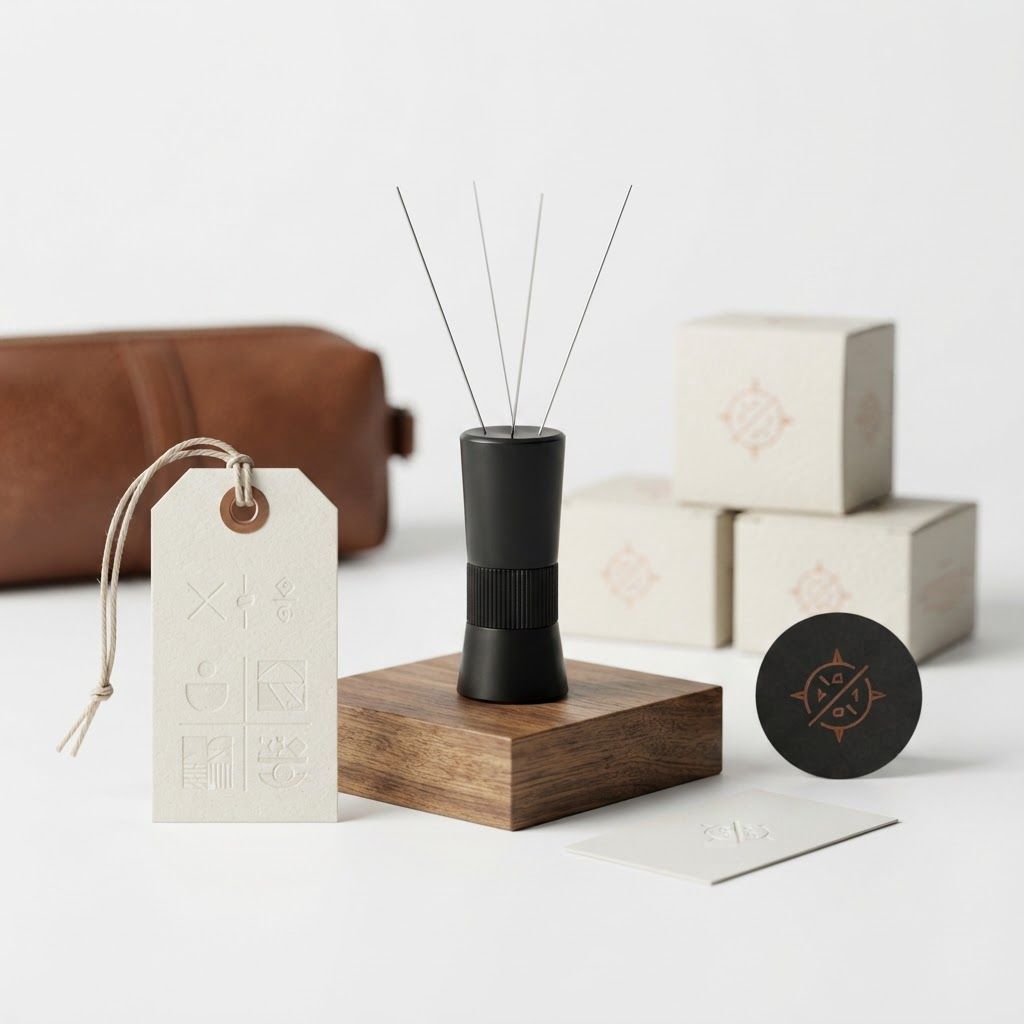
AI Design for Cohesive label system mockup concept for turn the background to color white. Product labels, stickers, seals, hang tags, or small packaging details arranged as a refined identity system, realistic print materials, no invented readable copy.

Feature the product (Precision Coffee Distribution Tool) from the attached product reference image as the central subject — preserve its shape, color, logos, and details with full fidelity. A black, cylindrical coffee distribution tool with several thin, protruding metal needles, standing upright on a light wooden surface in front of a textured brown leather bag.

Cohesive label system mockup concept for turn the background to color white. Product labels, stickers, seals, hang tags, or small packaging details arranged as a refined identity system, realistic print materials, no invented readable copy. Feature the product (Precision Coffee Distribution Tool) from the attached product reference image as the central subject — preserve its shape, color, logos, and details with full fidelity. A black, cylindrical coffee distribution tool with several thin, protruding metal needles, standing upright on a light wooden surface in front of a textured brown leather bag.

by @Elephant_5823161
AI Design for Main campaign hero visual for  brand. Cinematic advertising image with a clear subject, memorable visual idea, strong depth and lighting, premium art direction, clean negative space for headline and CTA to be added later, no generated text.

Incorporate the attached brand element reference image (Reference A: brand element "Keytag Icon") into the composition where natural — preserve the depicted brand element's appearance.

Main campaign hero visual for brand. Cinematic advertising image with a clear subject, memorable visual idea, strong depth and lighting, premium art direction, clean negative space for headline and CTA to be added later, no generated text. Incorporate the attached brand element reference image (Reference A: brand element "Keytag Icon") into the composition where natural — preserve the depicted brand element's appearance.

by @Elephant_7189833
AI Design for Premium logo presentation mockup concept for Design a series of high-motion background patterns and textures inspired by the logo's geometric structure and vibrant color transition for a bold campaign.. Logo or brand mark displayed on a clean neutral surface with subtle depth, refined shadow, precise alignment, elegant design-studio presentation, no extra readable text.

Incorporate the attached brand element reference image (Reference A: brand element "Keytag Icon") into the composition where natural — preserve the depicted brand element's appearance.

Premium logo presentation mockup concept for Design a series of high-motion background patterns and textures inspired by the logo's geometric structure and vibrant color transition for a bold campaign.. Logo or brand mark displayed on a clean neutral surface with subtle depth, refined shadow, precise alignment, elegant design-studio presentation, no extra readable text. Incorporate the attached brand element reference image (Reference A: brand element "Keytag Icon") into the composition where natural — preserve the depicted brand element's appearance.

by @Elephant_7189833
AI Design for Premium logo presentation mockup concept for I need to create an logo that the brand name is " Ungalil Oruvan Damo " it is a social service page. i need the logo more elegant, professional and more luxury. Logo or brand mark displayed on a clean neutral surface with subtle depth, refined shadow, precise alignment, elegant design-studio presentation, no extra readable text.

Premium logo presentation mockup concept for I need to create an logo that the brand name is " Ungalil Oruvan Damo " it is a social service page. i need the logo more elegant, professional and more luxury. Logo or brand mark displayed on a clean neutral surface with subtle depth, refined shadow, precise alignment, elegant design-studio presentation, no extra readable text.

by @Elephant_7969529
AI Design for Social campaign preview concept for I need to create an logo that the brand name is " Ungalil Oruvan Damo " it is a social service page. i need the logo more elegant, professional and more luxury. Portrait campaign visual that feels ready for client approval, clear focal image, cohesive art direction, clean space for copy to be added later, no generated text.

Social campaign preview concept for I need to create an logo that the brand name is " Ungalil Oruvan Damo " it is a social service page. i need the logo more elegant, professional and more luxury. Portrait campaign visual that feels ready for client approval, clear focal image, cohesive art direction, clean space for copy to be added later, no generated text.

by @Elephant_7969529

AI Design for Client presentation mockup concept for I need to create an logo that the brand name is " Ungalil Oruvan Damo " it is a social service page. i need the logo more elegant, professional and more luxury. Polished scene showing the design direction applied to a realistic surface, screen, poster, or object, premium agency presentation style, no readable placeholder text.

Client presentation mockup concept for I need to create an logo that the brand name is " Ungalil Oruvan Damo " it is a social service page. i need the logo more elegant, professional and more luxury. Polished scene showing the design direction applied to a realistic surface, screen, poster, or object, premium agency presentation style, no readable placeholder text.

by @Elephant_7969529
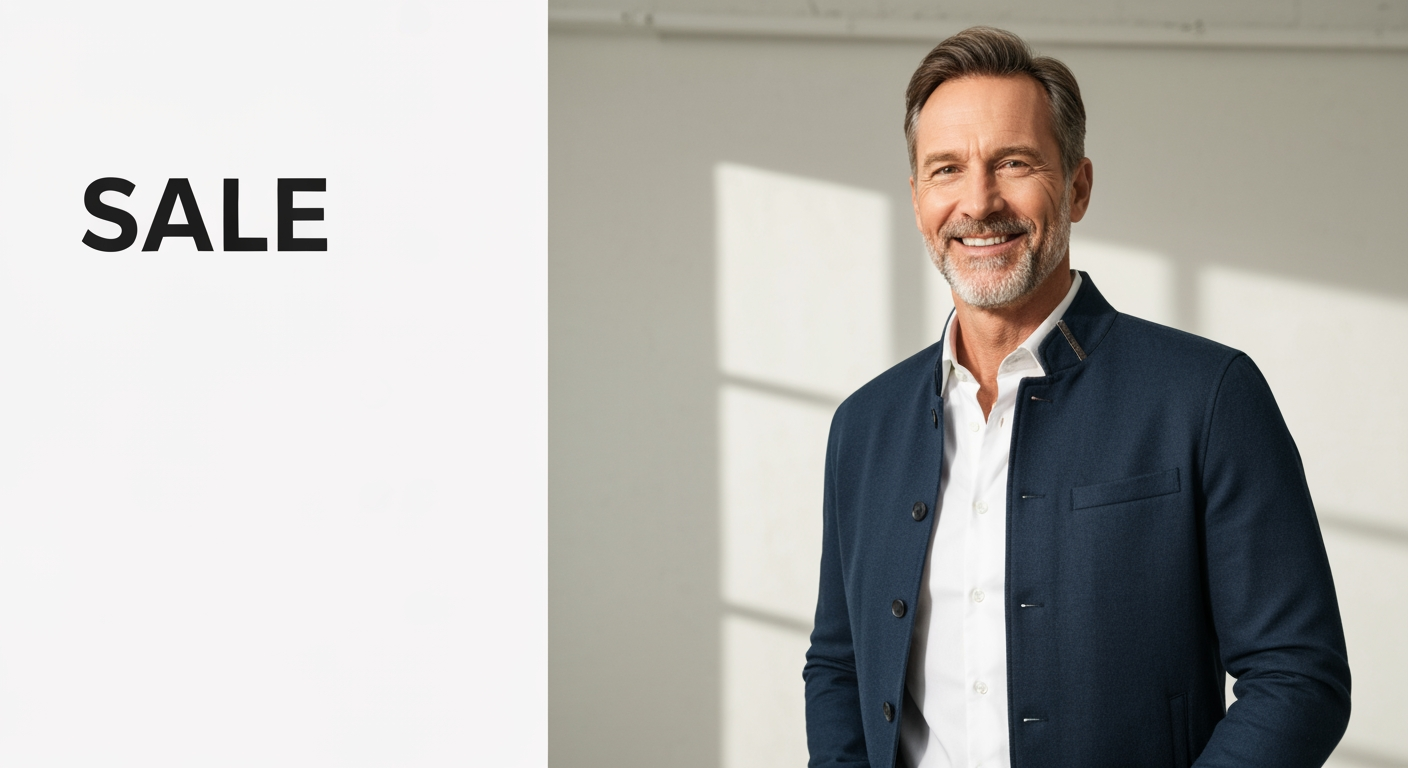
AI Design for Wide campaign hero photograph concept for Sale campaign visuals for my product line. Premium advertising composition with a clear focal product, cinematic lighting, clean negative space on one side for copy to be added later, no rendered words.

Wide campaign hero photograph concept for Sale campaign visuals for my product line. Premium advertising composition with a clear focal product, cinematic lighting, clean negative space on one side for copy to be added later, no rendered words.

by @Elephant_4130992

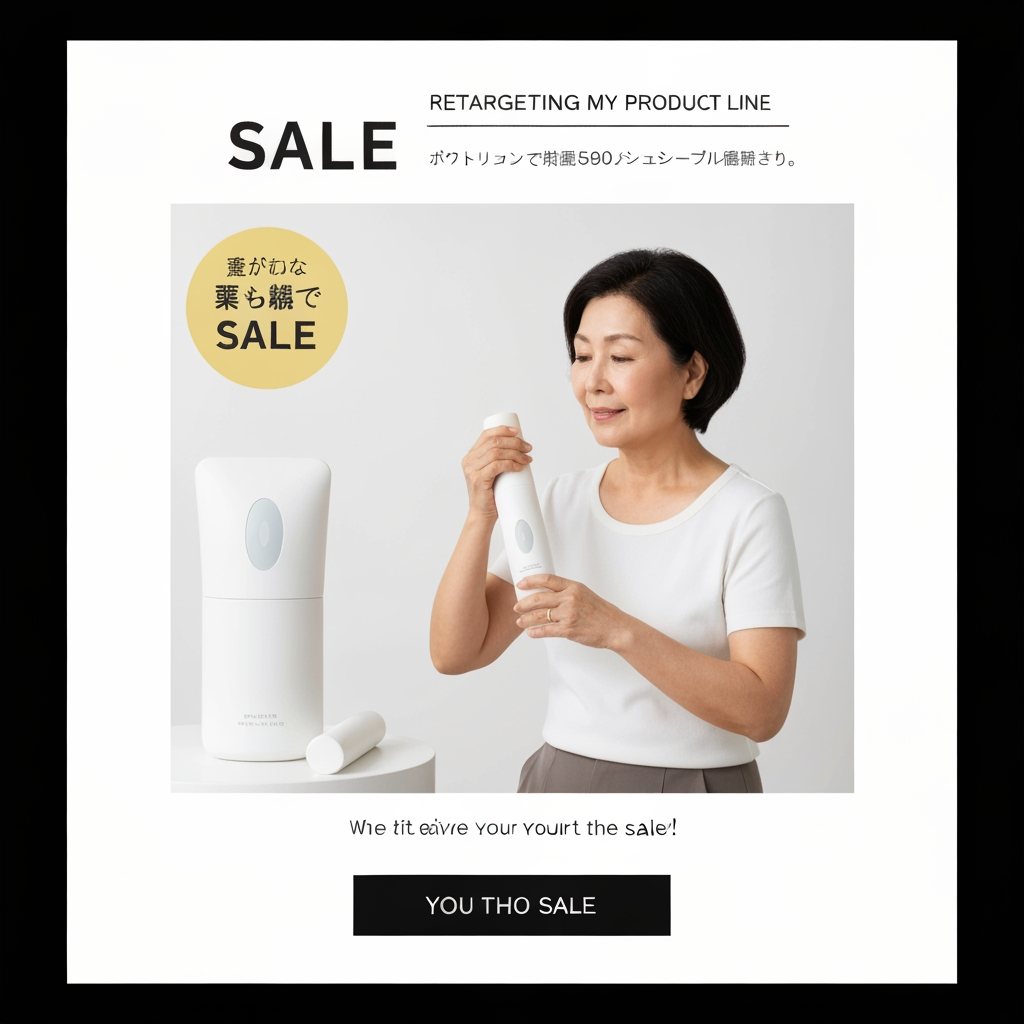
AI Design for Retargeting ad visual concept for Sale campaign visuals for my product line. Simple product or benefit-focused composition, clean background, recognizable subject, direct commercial feel, clear space for offer text to be added later, no generated words.

Retargeting ad visual concept for Sale campaign visuals for my product line. Simple product or benefit-focused composition, clean background, recognizable subject, direct commercial feel, clear space for offer text to be added later, no generated words.

by @Elephant_4130992

AI Design for Paid ad visual concept for Sale campaign visuals for my product line. Performance-focused portrait composition, clear product or benefit cue, bold contrast, uncluttered background, open area for offer copy to be added later, no readable text.

Paid ad visual concept for Sale campaign visuals for my product line. Performance-focused portrait composition, clear product or benefit cue, bold contrast, uncluttered background, open area for offer copy to be added later, no readable text.

by @Elephant_4130992

AI Design for repaint this image as a realistic digital landscape oil painting art. keep all details the same

repaint this image as a realistic digital landscape oil painting art. keep all details the same

by @Elephant_3756952

AI Design for paint this sketch in the first image as a realistic digital landscape oil painting art. use the second image for color reference

paint this sketch in the first image as a realistic digital landscape oil painting art. use the second image for color reference

by @Elephant_1649093

AI Design for Cinematic wide environment concept for Launch visuals for my online course. Expansive scene, atmospheric depth, clear visual story, strong lighting direction, polished concept-art quality.

Cinematic wide environment concept for Launch visuals for my online course. Expansive scene, atmospheric depth, clear visual story, strong lighting direction, polished concept-art quality.

by @Elephant_1649093

AI Design for Polished hero concept image for Launch visuals for my online course. Clear central subject, strong composition, distinctive mood, refined lighting, visually rich but not cluttered.

Polished hero concept image for Launch visuals for my online course. Clear central subject, strong composition, distinctive mood, refined lighting, visually rich but not cluttered.

by @Elephant_1649093

AI Design for Editorial portrait-format concept for Launch visuals for my online course. Tall composition, strong focal subject, cinematic light, rich atmosphere, designed to feel intentional and art-directed.

Editorial portrait-format concept for Launch visuals for my online course. Tall composition, strong focal subject, cinematic light, rich atmosphere, designed to feel intentional and art-directed.

by @Elephant_1649093

AI Design for Ironing logo

Ironing logo

by @Elephant_9080402

AI Design for Ironing logo

Ironing logo

by @Elephant_9080402

AI Design for Ironing logo

Ironing logo

by @Elephant_9080402

AI Design for Customer + Vendor Mobile App

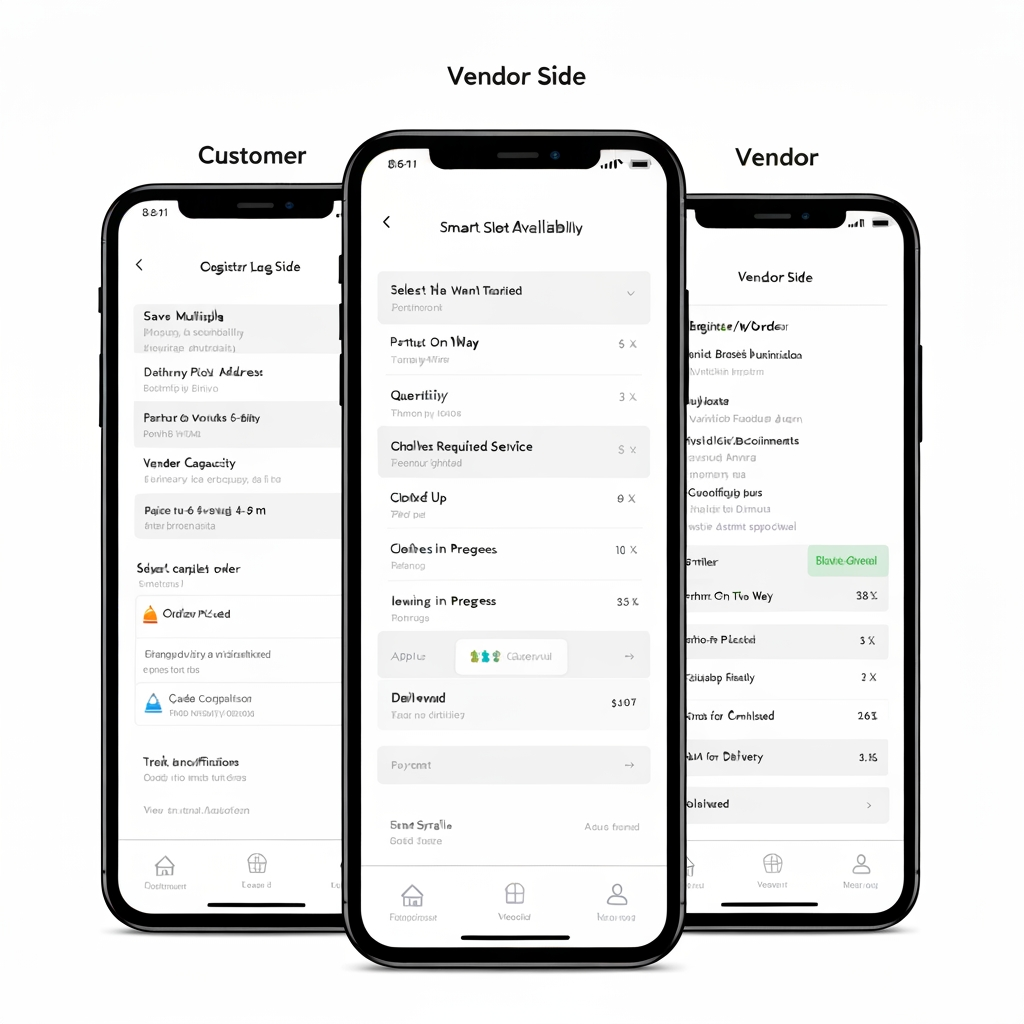
This is one mobile application with role-based access, where the user selects or is assigned a Customer or Vendor role. The Customer experience is focused on booking and tracking ironing services, while the Vendor experience is focused on receiving, processing, and completing ironing orders.

👤 Customer Side

Customers can register and log in, manage their profile, save multiple pickup addresses, select the clothes they want to iron, specify quantities, choose the required ironing service, and select a preferred pickup date and time. The app uses a smart slot availability system that checks delivery-partner availability, existing bookings, partner workload, travel time, vendor capacity, and service areas before displaying available slots. If the customer requests a 6–7 PM slot but there is no delivery capacity, the app automatically shows feasible alternatives such as 4–5 PM or 5–6 PM instead of allowing an unavailable booking.

After selecting a valid slot, the customer reviews the complete order, sees the pricing breakdown, applies a coupon if available, and completes the payment. Once payment is confirmed, the order is created and a delivery partner is assigned for pickup. The customer can track the order throughout the entire journey: Order Confirmed → Partner Assigned → Partner On The Way → Clothes Picked Up → Clothes Received by Vendor → Ironing in Progress → Ironing Completed → Out for Delivery → Delivered.

Customers also receive push notifications, can view order history, cancel eligible orders, raise complaints, contact support, rate the service, and manage their profile and saved addresses.

🏪 Vendor Side

Vendors use the same application with a separate Vendor dashboard. Vendors can register their business, provide business information, upload verification documents, configure their service area and working hours, and wait for admin approval.

Once approved, vendors receive new ironing orders through the app. They can view customer/order information, clothing quantities, pickup slot, expected processing requirements, and earnings before accepting or rejecting the order. Once the delivery partner brings the clothes, the vendor verifies the quantity and condition against the order.

The vendor then starts the ironing process and updates the order through stages such as Received → Processing → Quality Check → Completed/Ready. After ironing is completed, the vendor requests a drop pickup. Once a delivery partner is assigned, the vendor prepares and hands over the clothes, confirms the handover, and the order moves to delivery.

Vendors can also manage their order history, earnings, settlements, notifications, business profile, documents, and support requests. app logo

Customer + Vendor Mobile App This is one mobile application with role-based access, where the user selects or is assigned a Customer or Vendor role. The Customer experience is focused on booking and tracking ironing services, while the Vendor experience is focused on receiving, processing, and completing ironing orders. 👤 Customer Side Customers can register and log in, manage their profile, save multiple pickup addresses, select the clothes they want to iron, specify quantities, choose the required ironing service, and select a preferred pickup date and time. The app uses a smart slot availability system that checks delivery-partner availability, existing bookings, partner workload, travel time, vendor capacity, and service areas before displaying available slots. If the customer requests a 6–7 PM slot but there is no delivery capacity, the app automatically shows feasible alternatives such as 4–5 PM or 5–6 PM instead of allowing an unavailable booking. After selecting a valid slot, the customer reviews the complete order, sees the pricing breakdown, applies a coupon if available, and completes the payment. Once payment is confirmed, the order is created and a delivery partner is assigned for pickup. The customer can track the order throughout the entire journey: Order Confirmed → Partner Assigned → Partner On The Way → Clothes Picked Up → Clothes Received by Vendor → Ironing in Progress → Ironing Completed → Out for Delivery → Delivered. Customers also receive push notifications, can view order history, cancel eligible orders, raise complaints, contact support, rate the service, and manage their profile and saved addresses. 🏪 Vendor Side Vendors use the same application with a separate Vendor dashboard. Vendors can register their business, provide business information, upload verification documents, configure their service area and working hours, and wait for admin approval. Once approved, vendors receive new ironing orders through the app. They can view customer/order information, clothing quantities, pickup slot, expected processing requirements, and earnings before accepting or rejecting the order. Once the delivery partner brings the clothes, the vendor verifies the quantity and condition against the order. The vendor then starts the ironing process and updates the order through stages such as Received → Processing → Quality Check → Completed/Ready. After ironing is completed, the vendor requests a drop pickup. Once a delivery partner is assigned, the vendor prepares and hands over the clothes, confirms the handover, and the order moves to delivery. Vendors can also manage their order history, earnings, settlements, notifications, business profile, documents, and support requests. app logo

by @Elephant_9080402
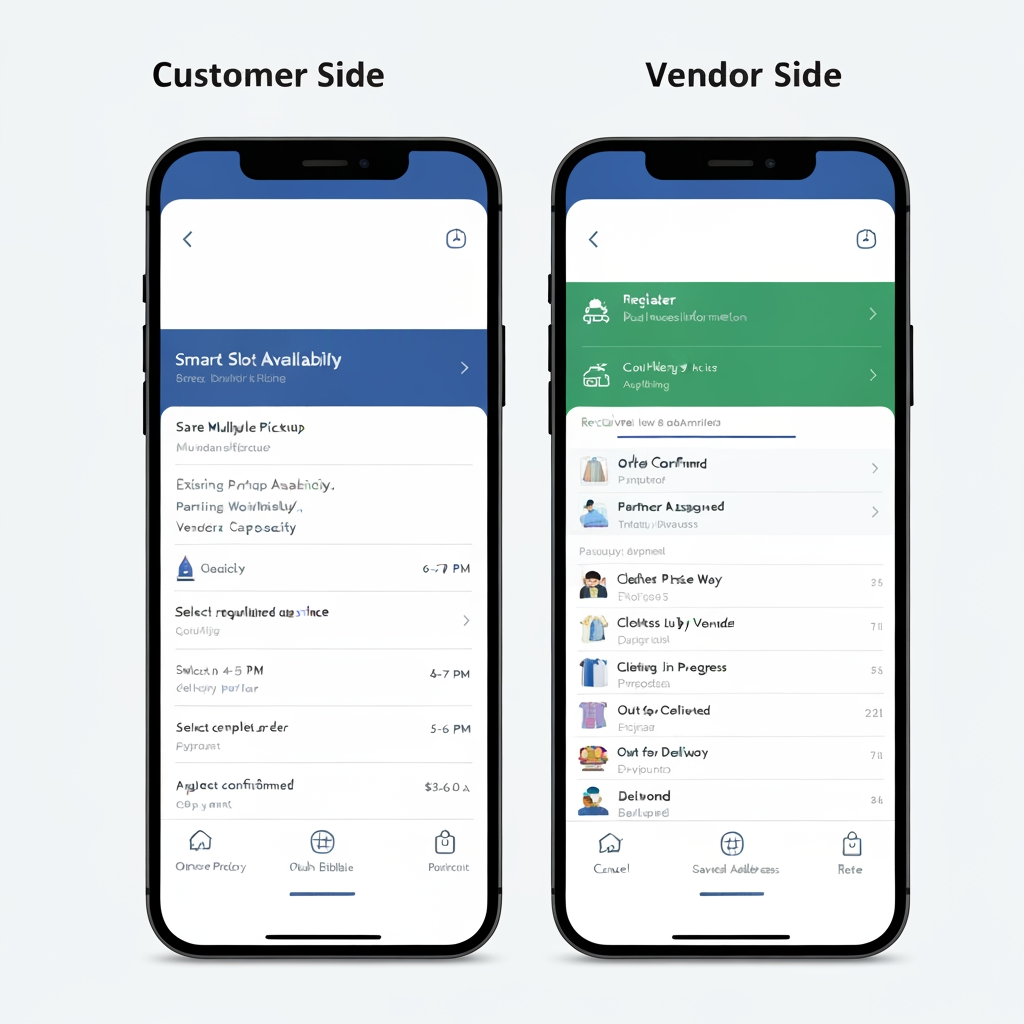
AI Design for Customer + Vendor Mobile App

This is one mobile application with role-based access, where the user selects or is assigned a Customer or Vendor role. The Customer experience is focused on booking and tracking ironing services, while the Vendor experience is focused on receiving, processing, and completing ironing orders.

👤 Customer Side

Customers can register and log in, manage their profile, save multiple pickup addresses, select the clothes they want to iron, specify quantities, choose the required ironing service, and select a preferred pickup date and time. The app uses a smart slot availability system that checks delivery-partner availability, existing bookings, partner workload, travel time, vendor capacity, and service areas before displaying available slots. If the customer requests a 6–7 PM slot but there is no delivery capacity, the app automatically shows feasible alternatives such as 4–5 PM or 5–6 PM instead of allowing an unavailable booking.

After selecting a valid slot, the customer reviews the complete order, sees the pricing breakdown, applies a coupon if available, and completes the payment. Once payment is confirmed, the order is created and a delivery partner is assigned for pickup. The customer can track the order throughout the entire journey: Order Confirmed → Partner Assigned → Partner On The Way → Clothes Picked Up → Clothes Received by Vendor → Ironing in Progress → Ironing Completed → Out for Delivery → Delivered.

Customers also receive push notifications, can view order history, cancel eligible orders, raise complaints, contact support, rate the service, and manage their profile and saved addresses.

🏪 Vendor Side

Vendors use the same application with a separate Vendor dashboard. Vendors can register their business, provide business information, upload verification documents, configure their service area and working hours, and wait for admin approval.

Once approved, vendors receive new ironing orders through the app. They can view customer/order information, clothing quantities, pickup slot, expected processing requirements, and earnings before accepting or rejecting the order. Once the delivery partner brings the clothes, the vendor verifies the quantity and condition against the order.

The vendor then starts the ironing process and updates the order through stages such as Received → Processing → Quality Check → Completed/Ready. After ironing is completed, the vendor requests a drop pickup. Once a delivery partner is assigned, the vendor prepares and hands over the clothes, confirms the handover, and the order moves to delivery.

Vendors can also manage their order history, earnings, settlements, notifications, business profile, documents, and support requests. app logo

Customer + Vendor Mobile App This is one mobile application with role-based access, where the user selects or is assigned a Customer or Vendor role. The Customer experience is focused on booking and tracking ironing services, while the Vendor experience is focused on receiving, processing, and completing ironing orders. 👤 Customer Side Customers can register and log in, manage their profile, save multiple pickup addresses, select the clothes they want to iron, specify quantities, choose the required ironing service, and select a preferred pickup date and time. The app uses a smart slot availability system that checks delivery-partner availability, existing bookings, partner workload, travel time, vendor capacity, and service areas before displaying available slots. If the customer requests a 6–7 PM slot but there is no delivery capacity, the app automatically shows feasible alternatives such as 4–5 PM or 5–6 PM instead of allowing an unavailable booking. After selecting a valid slot, the customer reviews the complete order, sees the pricing breakdown, applies a coupon if available, and completes the payment. Once payment is confirmed, the order is created and a delivery partner is assigned for pickup. The customer can track the order throughout the entire journey: Order Confirmed → Partner Assigned → Partner On The Way → Clothes Picked Up → Clothes Received by Vendor → Ironing in Progress → Ironing Completed → Out for Delivery → Delivered. Customers also receive push notifications, can view order history, cancel eligible orders, raise complaints, contact support, rate the service, and manage their profile and saved addresses. 🏪 Vendor Side Vendors use the same application with a separate Vendor dashboard. Vendors can register their business, provide business information, upload verification documents, configure their service area and working hours, and wait for admin approval. Once approved, vendors receive new ironing orders through the app. They can view customer/order information, clothing quantities, pickup slot, expected processing requirements, and earnings before accepting or rejecting the order. Once the delivery partner brings the clothes, the vendor verifies the quantity and condition against the order. The vendor then starts the ironing process and updates the order through stages such as Received → Processing → Quality Check → Completed/Ready. After ironing is completed, the vendor requests a drop pickup. Once a delivery partner is assigned, the vendor prepares and hands over the clothes, confirms the handover, and the order moves to delivery. Vendors can also manage their order history, earnings, settlements, notifications, business profile, documents, and support requests. app logo

by @Elephant_9080402
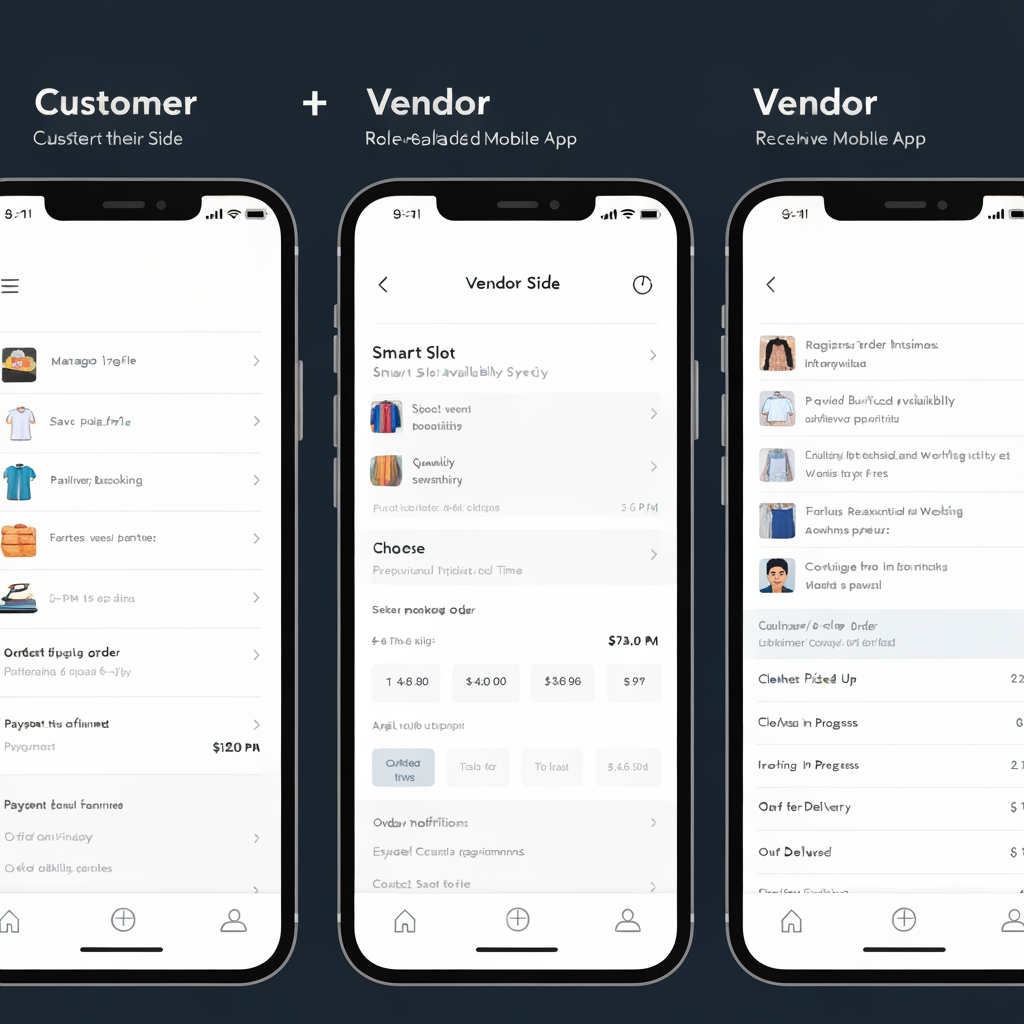
AI Design for Customer + Vendor Mobile App

This is one mobile application with role-based access, where the user selects or is assigned a Customer or Vendor role. The Customer experience is focused on booking and tracking ironing services, while the Vendor experience is focused on receiving, processing, and completing ironing orders.

👤 Customer Side

Customers can register and log in, manage their profile, save multiple pickup addresses, select the clothes they want to iron, specify quantities, choose the required ironing service, and select a preferred pickup date and time. The app uses a smart slot availability system that checks delivery-partner availability, existing bookings, partner workload, travel time, vendor capacity, and service areas before displaying available slots. If the customer requests a 6–7 PM slot but there is no delivery capacity, the app automatically shows feasible alternatives such as 4–5 PM or 5–6 PM instead of allowing an unavailable booking.

After selecting a valid slot, the customer reviews the complete order, sees the pricing breakdown, applies a coupon if available, and completes the payment. Once payment is confirmed, the order is created and a delivery partner is assigned for pickup. The customer can track the order throughout the entire journey: Order Confirmed → Partner Assigned → Partner On The Way → Clothes Picked Up → Clothes Received by Vendor → Ironing in Progress → Ironing Completed → Out for Delivery → Delivered.

Customers also receive push notifications, can view order history, cancel eligible orders, raise complaints, contact support, rate the service, and manage their profile and saved addresses.

🏪 Vendor Side

Vendors use the same application with a separate Vendor dashboard. Vendors can register their business, provide business information, upload verification documents, configure their service area and working hours, and wait for admin approval.

Once approved, vendors receive new ironing orders through the app. They can view customer/order information, clothing quantities, pickup slot, expected processing requirements, and earnings before accepting or rejecting the order. Once the delivery partner brings the clothes, the vendor verifies the quantity and condition against the order.

The vendor then starts the ironing process and updates the order through stages such as Received → Processing → Quality Check → Completed/Ready. After ironing is completed, the vendor requests a drop pickup. Once a delivery partner is assigned, the vendor prepares and hands over the clothes, confirms the handover, and the order moves to delivery.

Vendors can also manage their order history, earnings, settlements, notifications, business profile, documents, and support requests. app logo

Customer + Vendor Mobile App This is one mobile application with role-based access, where the user selects or is assigned a Customer or Vendor role. The Customer experience is focused on booking and tracking ironing services, while the Vendor experience is focused on receiving, processing, and completing ironing orders. 👤 Customer Side Customers can register and log in, manage their profile, save multiple pickup addresses, select the clothes they want to iron, specify quantities, choose the required ironing service, and select a preferred pickup date and time. The app uses a smart slot availability system that checks delivery-partner availability, existing bookings, partner workload, travel time, vendor capacity, and service areas before displaying available slots. If the customer requests a 6–7 PM slot but there is no delivery capacity, the app automatically shows feasible alternatives such as 4–5 PM or 5–6 PM instead of allowing an unavailable booking. After selecting a valid slot, the customer reviews the complete order, sees the pricing breakdown, applies a coupon if available, and completes the payment. Once payment is confirmed, the order is created and a delivery partner is assigned for pickup. The customer can track the order throughout the entire journey: Order Confirmed → Partner Assigned → Partner On The Way → Clothes Picked Up → Clothes Received by Vendor → Ironing in Progress → Ironing Completed → Out for Delivery → Delivered. Customers also receive push notifications, can view order history, cancel eligible orders, raise complaints, contact support, rate the service, and manage their profile and saved addresses. 🏪 Vendor Side Vendors use the same application with a separate Vendor dashboard. Vendors can register their business, provide business information, upload verification documents, configure their service area and working hours, and wait for admin approval. Once approved, vendors receive new ironing orders through the app. They can view customer/order information, clothing quantities, pickup slot, expected processing requirements, and earnings before accepting or rejecting the order. Once the delivery partner brings the clothes, the vendor verifies the quantity and condition against the order. The vendor then starts the ironing process and updates the order through stages such as Received → Processing → Quality Check → Completed/Ready. After ironing is completed, the vendor requests a drop pickup. Once a delivery partner is assigned, the vendor prepares and hands over the clothes, confirms the handover, and the order moves to delivery. Vendors can also manage their order history, earnings, settlements, notifications, business profile, documents, and support requests. app logo

by @Elephant_9080402
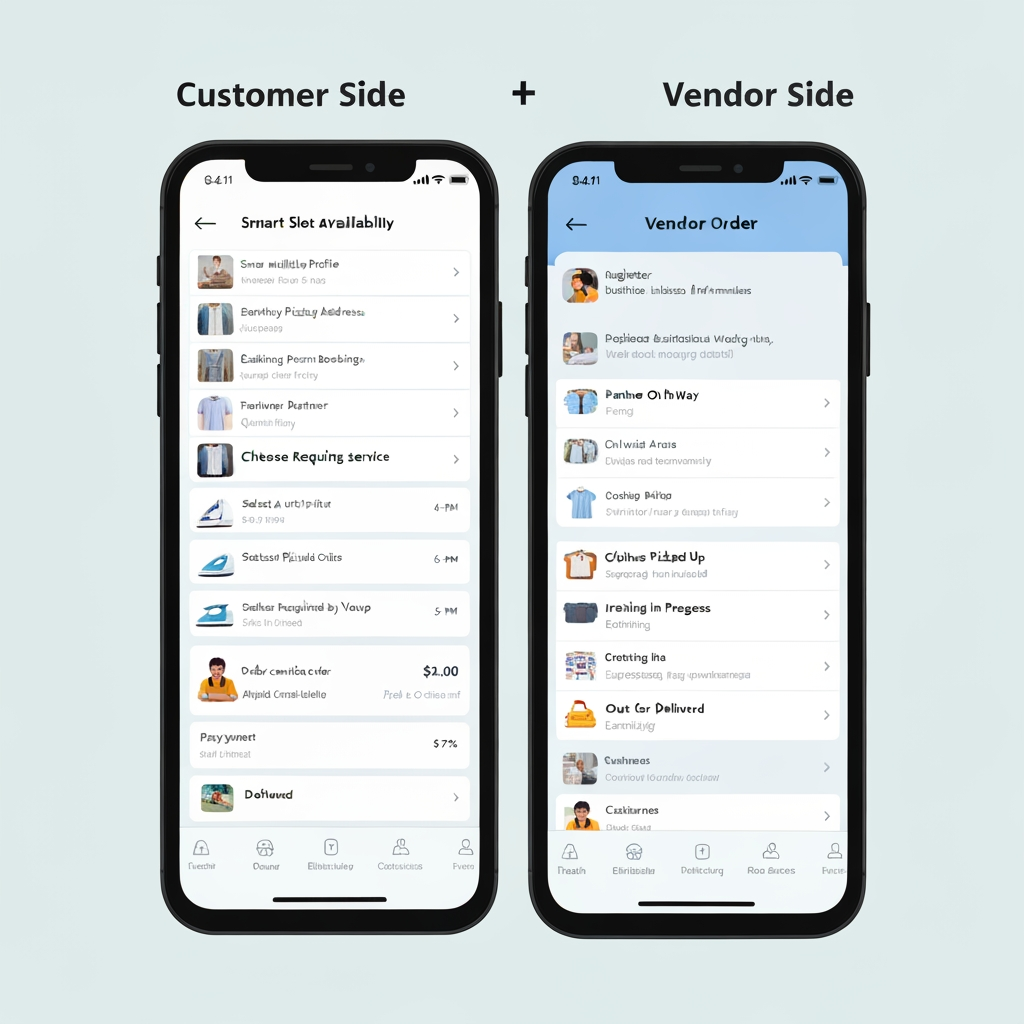
AI Design for Customer + Vendor Mobile App

This is one mobile application with role-based access, where the user selects or is assigned a Customer or Vendor role. The Customer experience is focused on booking and tracking ironing services, while the Vendor experience is focused on receiving, processing, and completing ironing orders.

👤 Customer Side

Customers can register and log in, manage their profile, save multiple pickup addresses, select the clothes they want to iron, specify quantities, choose the required ironing service, and select a preferred pickup date and time. The app uses a smart slot availability system that checks delivery-partner availability, existing bookings, partner workload, travel time, vendor capacity, and service areas before displaying available slots. If the customer requests a 6–7 PM slot but there is no delivery capacity, the app automatically shows feasible alternatives such as 4–5 PM or 5–6 PM instead of allowing an unavailable booking.

After selecting a valid slot, the customer reviews the complete order, sees the pricing breakdown, applies a coupon if available, and completes the payment. Once payment is confirmed, the order is created and a delivery partner is assigned for pickup. The customer can track the order throughout the entire journey: Order Confirmed → Partner Assigned → Partner On The Way → Clothes Picked Up → Clothes Received by Vendor → Ironing in Progress → Ironing Completed → Out for Delivery → Delivered.

Customers also receive push notifications, can view order history, cancel eligible orders, raise complaints, contact support, rate the service, and manage their profile and saved addresses.

🏪 Vendor Side

Vendors use the same application with a separate Vendor dashboard. Vendors can register their business, provide business information, upload verification documents, configure their service area and working hours, and wait for admin approval.

Once approved, vendors receive new ironing orders through the app. They can view customer/order information, clothing quantities, pickup slot, expected processing requirements, and earnings before accepting or rejecting the order. Once the delivery partner brings the clothes, the vendor verifies the quantity and condition against the order.

The vendor then starts the ironing process and updates the order through stages such as Received → Processing → Quality Check → Completed/Ready. After ironing is completed, the vendor requests a drop pickup. Once a delivery partner is assigned, the vendor prepares and hands over the clothes, confirms the handover, and the order moves to delivery.

Vendors can also manage their order history, earnings, settlements, notifications, business profile, documents, and support requests. app logo

Customer + Vendor Mobile App This is one mobile application with role-based access, where the user selects or is assigned a Customer or Vendor role. The Customer experience is focused on booking and tracking ironing services, while the Vendor experience is focused on receiving, processing, and completing ironing orders. 👤 Customer Side Customers can register and log in, manage their profile, save multiple pickup addresses, select the clothes they want to iron, specify quantities, choose the required ironing service, and select a preferred pickup date and time. The app uses a smart slot availability system that checks delivery-partner availability, existing bookings, partner workload, travel time, vendor capacity, and service areas before displaying available slots. If the customer requests a 6–7 PM slot but there is no delivery capacity, the app automatically shows feasible alternatives such as 4–5 PM or 5–6 PM instead of allowing an unavailable booking. After selecting a valid slot, the customer reviews the complete order, sees the pricing breakdown, applies a coupon if available, and completes the payment. Once payment is confirmed, the order is created and a delivery partner is assigned for pickup. The customer can track the order throughout the entire journey: Order Confirmed → Partner Assigned → Partner On The Way → Clothes Picked Up → Clothes Received by Vendor → Ironing in Progress → Ironing Completed → Out for Delivery → Delivered. Customers also receive push notifications, can view order history, cancel eligible orders, raise complaints, contact support, rate the service, and manage their profile and saved addresses. 🏪 Vendor Side Vendors use the same application with a separate Vendor dashboard. Vendors can register their business, provide business information, upload verification documents, configure their service area and working hours, and wait for admin approval. Once approved, vendors receive new ironing orders through the app. They can view customer/order information, clothing quantities, pickup slot, expected processing requirements, and earnings before accepting or rejecting the order. Once the delivery partner brings the clothes, the vendor verifies the quantity and condition against the order. The vendor then starts the ironing process and updates the order through stages such as Received → Processing → Quality Check → Completed/Ready. After ironing is completed, the vendor requests a drop pickup. Once a delivery partner is assigned, the vendor prepares and hands over the clothes, confirms the handover, and the order moves to delivery. Vendors can also manage their order history, earnings, settlements, notifications, business profile, documents, and support requests. app logo

by @Elephant_9080402
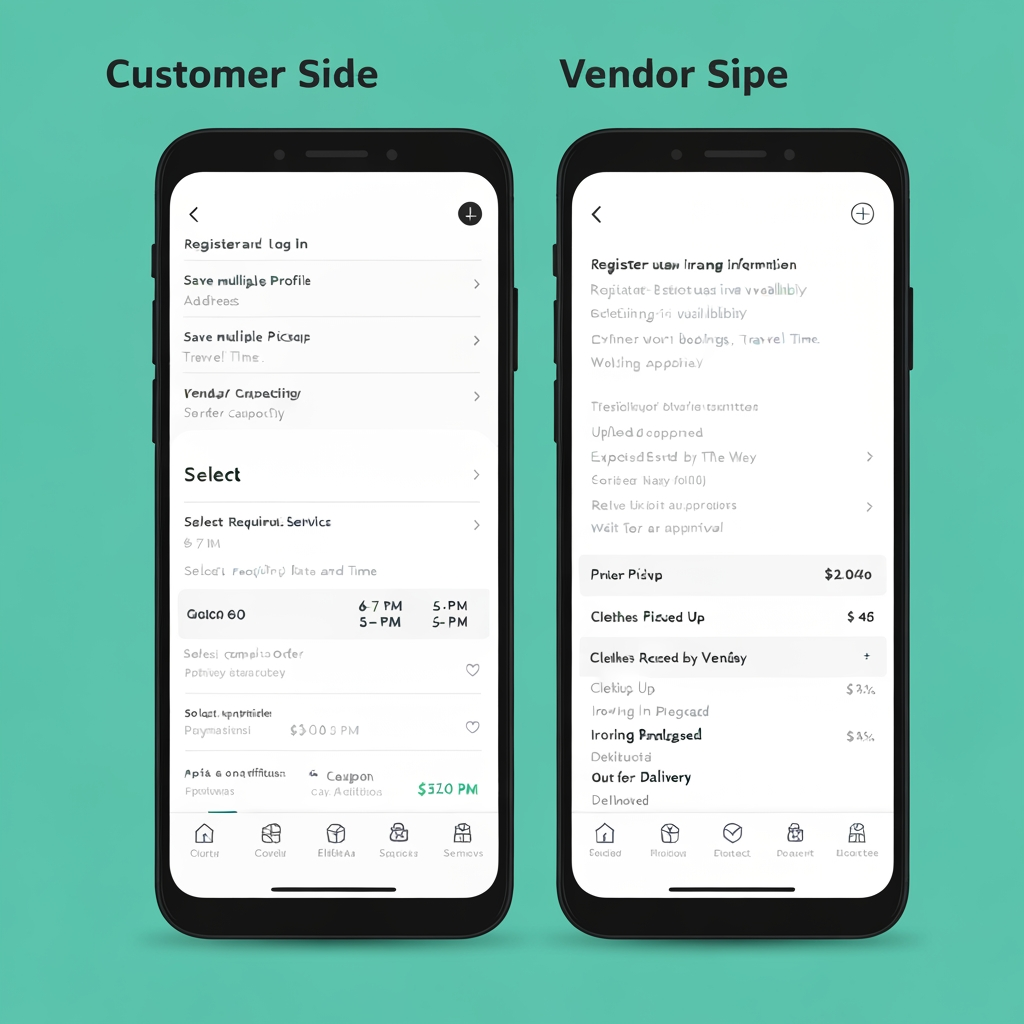
AI Design for Customer + Vendor Mobile App

This is one mobile application with role-based access, where the user selects or is assigned a Customer or Vendor role. The Customer experience is focused on booking and tracking ironing services, while the Vendor experience is focused on receiving, processing, and completing ironing orders.

👤 Customer Side

Customers can register and log in, manage their profile, save multiple pickup addresses, select the clothes they want to iron, specify quantities, choose the required ironing service, and select a preferred pickup date and time. The app uses a smart slot availability system that checks delivery-partner availability, existing bookings, partner workload, travel time, vendor capacity, and service areas before displaying available slots. If the customer requests a 6–7 PM slot but there is no delivery capacity, the app automatically shows feasible alternatives such as 4–5 PM or 5–6 PM instead of allowing an unavailable booking.

After selecting a valid slot, the customer reviews the complete order, sees the pricing breakdown, applies a coupon if available, and completes the payment. Once payment is confirmed, the order is created and a delivery partner is assigned for pickup. The customer can track the order throughout the entire journey: Order Confirmed → Partner Assigned → Partner On The Way → Clothes Picked Up → Clothes Received by Vendor → Ironing in Progress → Ironing Completed → Out for Delivery → Delivered.

Customers also receive push notifications, can view order history, cancel eligible orders, raise complaints, contact support, rate the service, and manage their profile and saved addresses.

🏪 Vendor Side

Vendors use the same application with a separate Vendor dashboard. Vendors can register their business, provide business information, upload verification documents, configure their service area and working hours, and wait for admin approval.

Once approved, vendors receive new ironing orders through the app. They can view customer/order information, clothing quantities, pickup slot, expected processing requirements, and earnings before accepting or rejecting the order. Once the delivery partner brings the clothes, the vendor verifies the quantity and condition against the order.

The vendor then starts the ironing process and updates the order through stages such as Received → Processing → Quality Check → Completed/Ready. After ironing is completed, the vendor requests a drop pickup. Once a delivery partner is assigned, the vendor prepares and hands over the clothes, confirms the handover, and the order moves to delivery.

Vendors can also manage their order history, earnings, settlements, notifications, business profile, documents, and support requests. app logo

Customer + Vendor Mobile App This is one mobile application with role-based access, where the user selects or is assigned a Customer or Vendor role. The Customer experience is focused on booking and tracking ironing services, while the Vendor experience is focused on receiving, processing, and completing ironing orders. 👤 Customer Side Customers can register and log in, manage their profile, save multiple pickup addresses, select the clothes they want to iron, specify quantities, choose the required ironing service, and select a preferred pickup date and time. The app uses a smart slot availability system that checks delivery-partner availability, existing bookings, partner workload, travel time, vendor capacity, and service areas before displaying available slots. If the customer requests a 6–7 PM slot but there is no delivery capacity, the app automatically shows feasible alternatives such as 4–5 PM or 5–6 PM instead of allowing an unavailable booking. After selecting a valid slot, the customer reviews the complete order, sees the pricing breakdown, applies a coupon if available, and completes the payment. Once payment is confirmed, the order is created and a delivery partner is assigned for pickup. The customer can track the order throughout the entire journey: Order Confirmed → Partner Assigned → Partner On The Way → Clothes Picked Up → Clothes Received by Vendor → Ironing in Progress → Ironing Completed → Out for Delivery → Delivered. Customers also receive push notifications, can view order history, cancel eligible orders, raise complaints, contact support, rate the service, and manage their profile and saved addresses. 🏪 Vendor Side Vendors use the same application with a separate Vendor dashboard. Vendors can register their business, provide business information, upload verification documents, configure their service area and working hours, and wait for admin approval. Once approved, vendors receive new ironing orders through the app. They can view customer/order information, clothing quantities, pickup slot, expected processing requirements, and earnings before accepting or rejecting the order. Once the delivery partner brings the clothes, the vendor verifies the quantity and condition against the order. The vendor then starts the ironing process and updates the order through stages such as Received → Processing → Quality Check → Completed/Ready. After ironing is completed, the vendor requests a drop pickup. Once a delivery partner is assigned, the vendor prepares and hands over the clothes, confirms the handover, and the order moves to delivery. Vendors can also manage their order history, earnings, settlements, notifications, business profile, documents, and support requests. app logo

by @Elephant_9080402
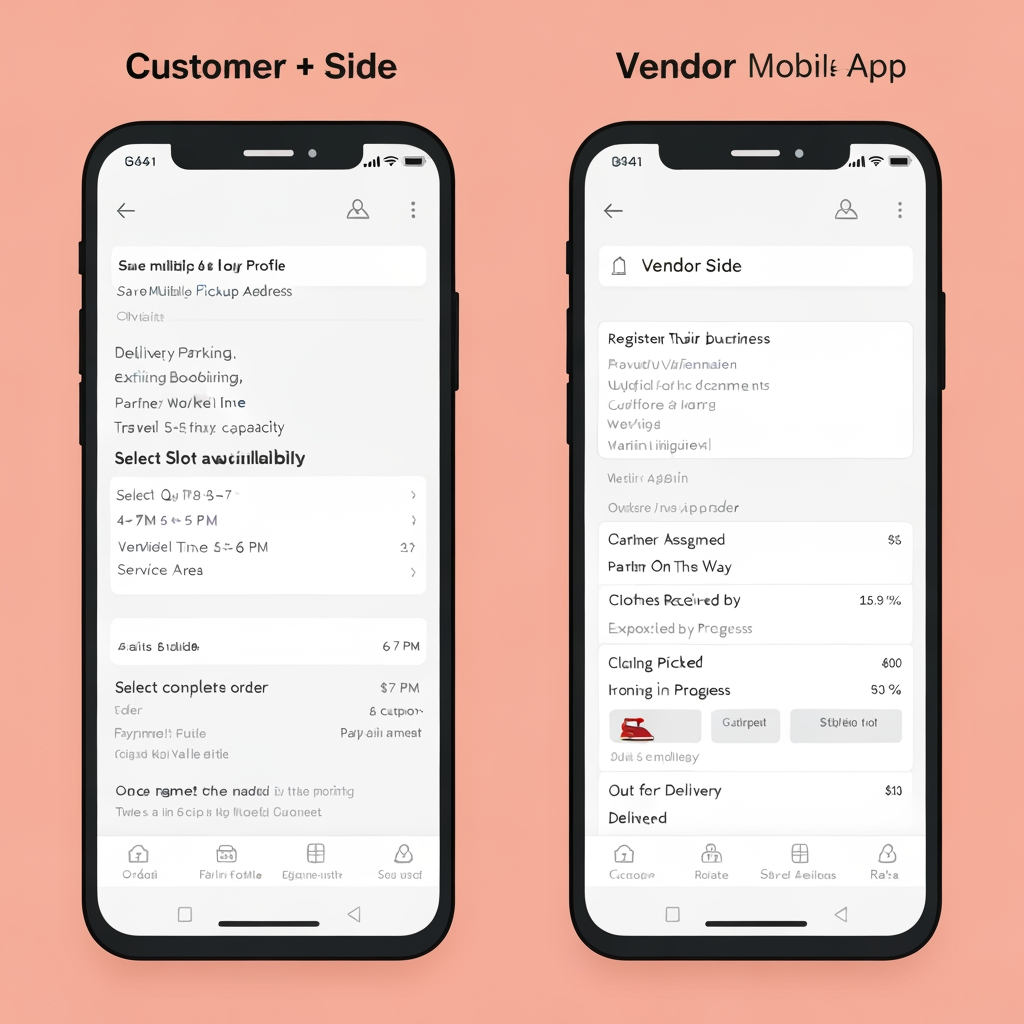
AI Design for Customer + Vendor Mobile App

This is one mobile application with role-based access, where the user selects or is assigned a Customer or Vendor role. The Customer experience is focused on booking and tracking ironing services, while the Vendor experience is focused on receiving, processing, and completing ironing orders.

👤 Customer Side

Customers can register and log in, manage their profile, save multiple pickup addresses, select the clothes they want to iron, specify quantities, choose the required ironing service, and select a preferred pickup date and time. The app uses a smart slot availability system that checks delivery-partner availability, existing bookings, partner workload, travel time, vendor capacity, and service areas before displaying available slots. If the customer requests a 6–7 PM slot but there is no delivery capacity, the app automatically shows feasible alternatives such as 4–5 PM or 5–6 PM instead of allowing an unavailable booking.

After selecting a valid slot, the customer reviews the complete order, sees the pricing breakdown, applies a coupon if available, and completes the payment. Once payment is confirmed, the order is created and a delivery partner is assigned for pickup. The customer can track the order throughout the entire journey: Order Confirmed → Partner Assigned → Partner On The Way → Clothes Picked Up → Clothes Received by Vendor → Ironing in Progress → Ironing Completed → Out for Delivery → Delivered.

Customers also receive push notifications, can view order history, cancel eligible orders, raise complaints, contact support, rate the service, and manage their profile and saved addresses.

🏪 Vendor Side

Vendors use the same application with a separate Vendor dashboard. Vendors can register their business, provide business information, upload verification documents, configure their service area and working hours, and wait for admin approval.

Once approved, vendors receive new ironing orders through the app. They can view customer/order information, clothing quantities, pickup slot, expected processing requirements, and earnings before accepting or rejecting the order. Once the delivery partner brings the clothes, the vendor verifies the quantity and condition against the order.

The vendor then starts the ironing process and updates the order through stages such as Received → Processing → Quality Check → Completed/Ready. After ironing is completed, the vendor requests a drop pickup. Once a delivery partner is assigned, the vendor prepares and hands over the clothes, confirms the handover, and the order moves to delivery.

Vendors can also manage their order history, earnings, settlements, notifications, business profile, documents, and support requests. app logo

Customer + Vendor Mobile App This is one mobile application with role-based access, where the user selects or is assigned a Customer or Vendor role. The Customer experience is focused on booking and tracking ironing services, while the Vendor experience is focused on receiving, processing, and completing ironing orders. 👤 Customer Side Customers can register and log in, manage their profile, save multiple pickup addresses, select the clothes they want to iron, specify quantities, choose the required ironing service, and select a preferred pickup date and time. The app uses a smart slot availability system that checks delivery-partner availability, existing bookings, partner workload, travel time, vendor capacity, and service areas before displaying available slots. If the customer requests a 6–7 PM slot but there is no delivery capacity, the app automatically shows feasible alternatives such as 4–5 PM or 5–6 PM instead of allowing an unavailable booking. After selecting a valid slot, the customer reviews the complete order, sees the pricing breakdown, applies a coupon if available, and completes the payment. Once payment is confirmed, the order is created and a delivery partner is assigned for pickup. The customer can track the order throughout the entire journey: Order Confirmed → Partner Assigned → Partner On The Way → Clothes Picked Up → Clothes Received by Vendor → Ironing in Progress → Ironing Completed → Out for Delivery → Delivered. Customers also receive push notifications, can view order history, cancel eligible orders, raise complaints, contact support, rate the service, and manage their profile and saved addresses. 🏪 Vendor Side Vendors use the same application with a separate Vendor dashboard. Vendors can register their business, provide business information, upload verification documents, configure their service area and working hours, and wait for admin approval. Once approved, vendors receive new ironing orders through the app. They can view customer/order information, clothing quantities, pickup slot, expected processing requirements, and earnings before accepting or rejecting the order. Once the delivery partner brings the clothes, the vendor verifies the quantity and condition against the order. The vendor then starts the ironing process and updates the order through stages such as Received → Processing → Quality Check → Completed/Ready. After ironing is completed, the vendor requests a drop pickup. Once a delivery partner is assigned, the vendor prepares and hands over the clothes, confirms the handover, and the order moves to delivery. Vendors can also manage their order history, earnings, settlements, notifications, business profile, documents, and support requests. app logo

by @Elephant_9080402

AI Design for create the all things  and add makhana in this image

create the all things and add makhana in this image

by @Elephant_2941560

AI Design for The area highlighted in semi-transparent red in this image shows where to remove or clean up content. add makhana type in it

The area highlighted in semi-transparent red in this image shows where to remove or clean up content. add makhana type in it

by @Elephant_2941560

AI Design for create the all things

create the all things

by @Elephant_2941560

Pick
AI Design for Portrait social feed visual for  brand. Scroll-stopping focal point, editorial crop, balanced foreground and background, designed for a 4:5 feed placement, no generated text or UI elements.

Incorporate the attached brand element reference image (Reference A: brand element "Oye Crunch") into the composition where natural — preserve the depicted brand element's appearance.

Portrait social feed visual for brand. Scroll-stopping focal point, editorial crop, balanced foreground and background, designed for a 4:5 feed placement, no generated text or UI elements. Incorporate the attached brand element reference image (Reference A: brand element "Oye Crunch") into the composition where natural — preserve the depicted brand element's appearance.

by @Elephant_2941560
AI Design for Landscape launch announcement visual for  brand. Energetic campaign image, strong focal object or scene, clean branded atmosphere, generous open space for announcement copy to be added later, no rendered typography.

Incorporate the attached brand element reference image (Reference A: brand element "Oye Crunch") into the composition where natural — preserve the depicted brand element's appearance.

Landscape launch announcement visual for brand. Energetic campaign image, strong focal object or scene, clean branded atmosphere, generous open space for announcement copy to be added later, no rendered typography. Incorporate the attached brand element reference image (Reference A: brand element "Oye Crunch") into the composition where natural — preserve the depicted brand element's appearance.

by @Elephant_2941560
AI Design for Square social feed visual for  brand. Strong central subject, clean composition, platform-ready crop, cohesive color and mood, clear empty area for caption or headline to be added later, no readable text generated.

Incorporate the attached brand element reference image (Reference A: brand element "Oye Crunch") into the composition where natural — preserve the depicted brand element's appearance.

Square social feed visual for brand. Strong central subject, clean composition, platform-ready crop, cohesive color and mood, clear empty area for caption or headline to be added later, no readable text generated. Incorporate the attached brand element reference image (Reference A: brand element "Oye Crunch") into the composition where natural — preserve the depicted brand element's appearance.

by @Elephant_2941560

AI Design for Paid ad visual concept for Carousel posts for a product launch. Performance-focused portrait composition, clear product or benefit cue, bold contrast, uncluttered background, open area for offer copy to be added later, no readable text.

Paid ad visual concept for Carousel posts for a product launch. Performance-focused portrait composition, clear product or benefit cue, bold contrast, uncluttered background, open area for offer copy to be added later, no readable text.

by @Elephant_3097191

AI Design for Out-of-home campaign mockup concept for Carousel posts for a product launch. Billboard, transit poster, or street display in a realistic environment, strong campaign imagery, believable scale and lighting, no readable fake ad copy.

Out-of-home campaign mockup concept for Carousel posts for a product launch. Billboard, transit poster, or street display in a realistic environment, strong campaign imagery, believable scale and lighting, no readable fake ad copy.

by @Elephant_3097191

AI Design for Square social feed visual concept for Carousel posts for a product launch. Strong central subject, clean composition, platform-ready crop, cohesive color and mood, clear empty area for caption or headline to be added later, no readable text generated.

Square social feed visual concept for Carousel posts for a product launch. Strong central subject, clean composition, platform-ready crop, cohesive color and mood, clear empty area for caption or headline to be added later, no readable text generated.

by @Elephant_3097191

Pick
  • 1
  • 2
  • 3
  • ...
  • 80
  • 81
  • 82
  • 83
  • 84
  • ...
  • 6701
  • 6702
  • 6703

What's next?Explore more features

Hiding Elephant product features overview

Explore features

AI generation, vector tools, workflows, catalogs, and collaboration in one workspace.

How Hiding Elephant works

How it works

See how the AI canvas, automation, and teamwork fit together end to end.

Get started with Hiding Elephant

Try it free

Sign in and turn inspiration into projects you can edit, export, and share.

Go from browse to build

Explore what else the Elephant can do.You'll love it

AI image generation

AI Generation

Image tools

Image Tools

Workflow builder

Workflows

Brand and style templates

Brand Management

Product catalog

Product Catalog

Collaboration

Collaboration

Batch image generation

Batch generation

Explore community

Community workflows

The AI designworkspace forfast-moving ideas.

Product

  • AI Generation
  • Vector Canvas
  • Image Tools
  • Workflows
  • Brand Management
  • Product Catalog
  • My Assets
  • Collaboration

Use Cases

  • E-commerce teams
  • Design agencies
  • Marketing teams
  • Content creators

Quick tools

  • All quick tools
  • Background Remover
  • Image Upscaler
  • Image Vectorizer
  • Image Optimizer
  • Image Reframer

Resources

  • About
  • Pricing
  • FAQ
  • Compare
  • Enterprise
  • Explore
  • Blog
  • Contact Us
  • Book a Demo
  • Affiliates

© 2026 Hiding Elephant. All rights reserved

Cookie PolicyPrivacy PolicyTerms of Service
Hiding Elephant