Designs made by our community
Explore unique graphic designs and images crafted by creators around the world using Hiding Elephant's AI design tools. Get inspired and start creating.
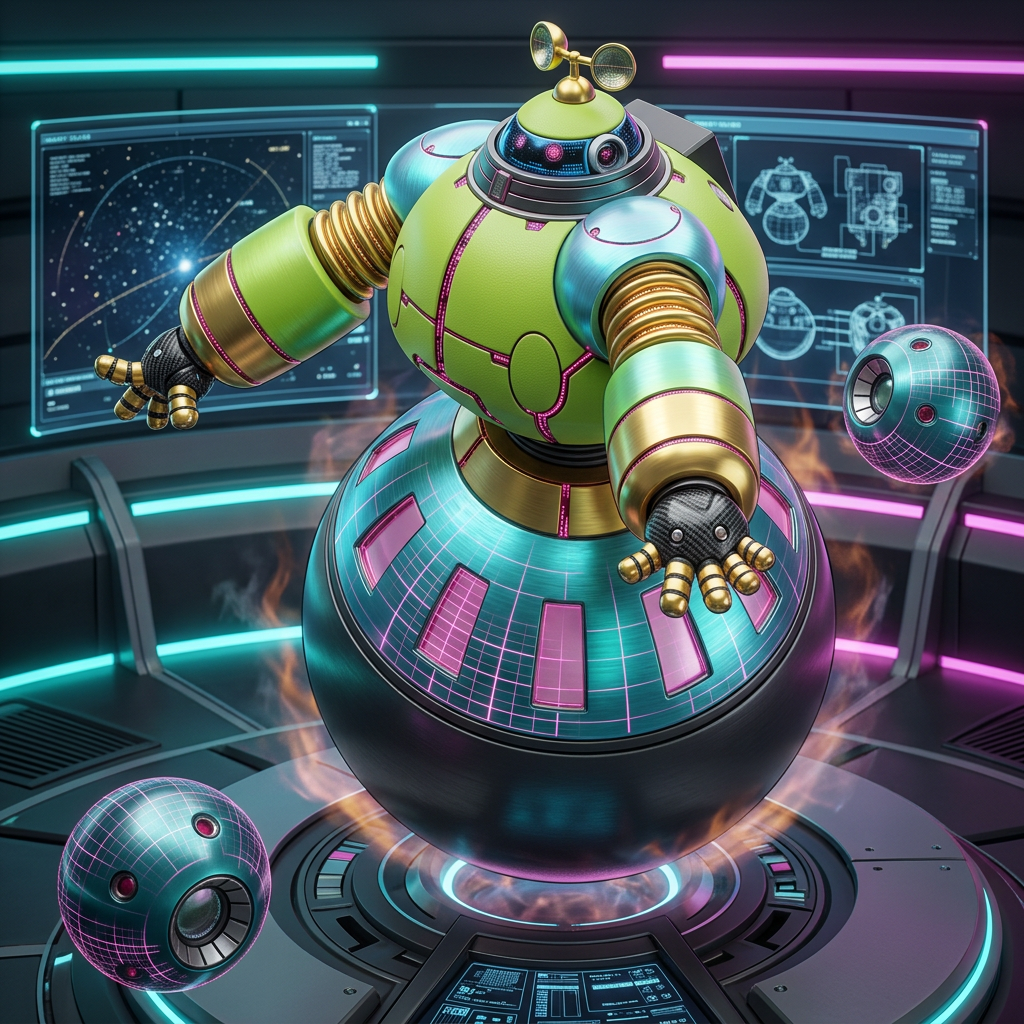
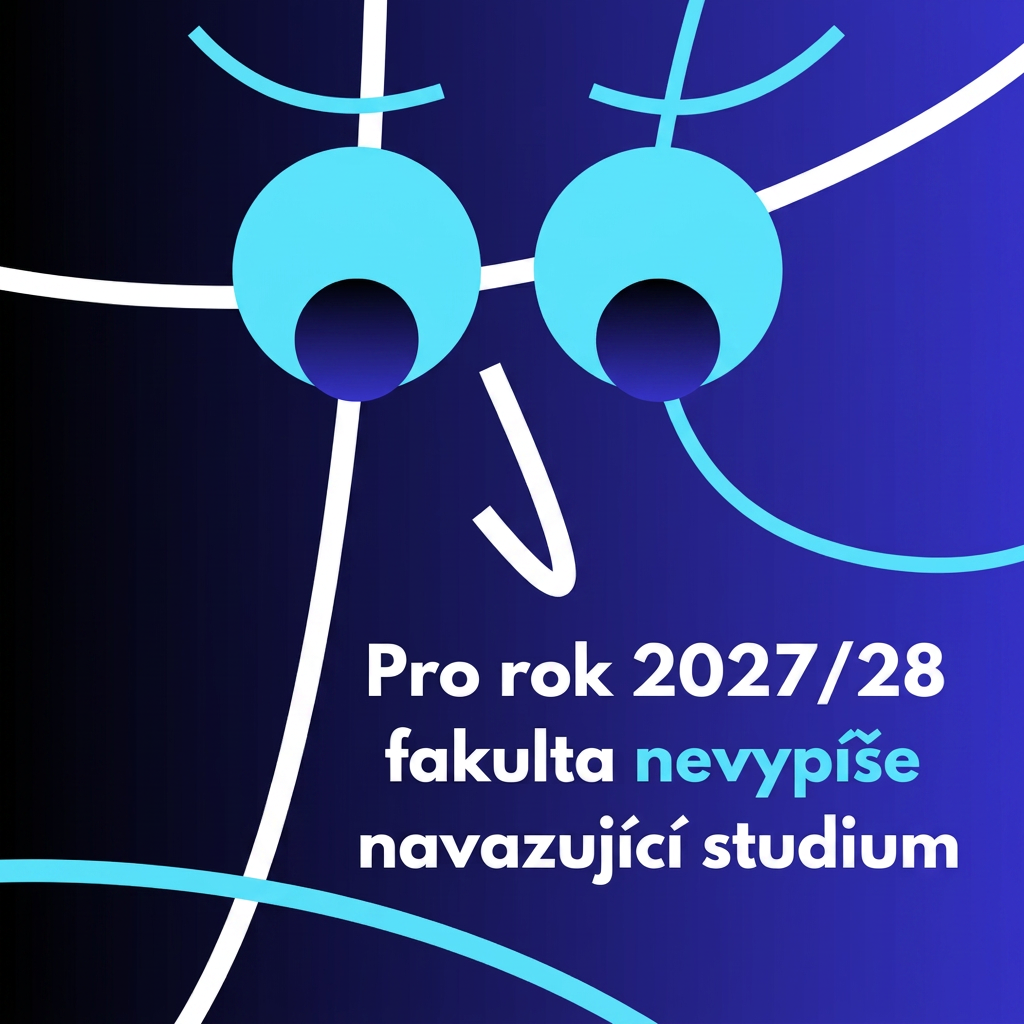
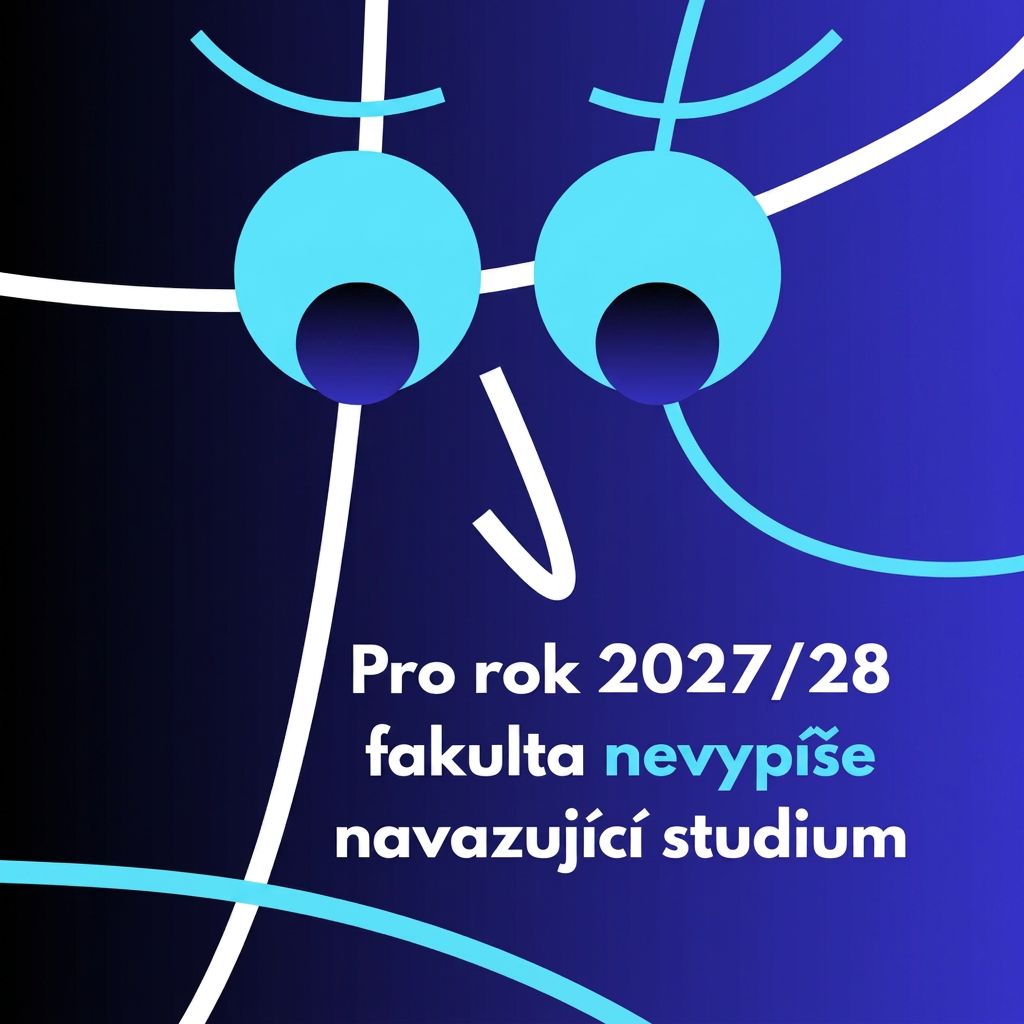
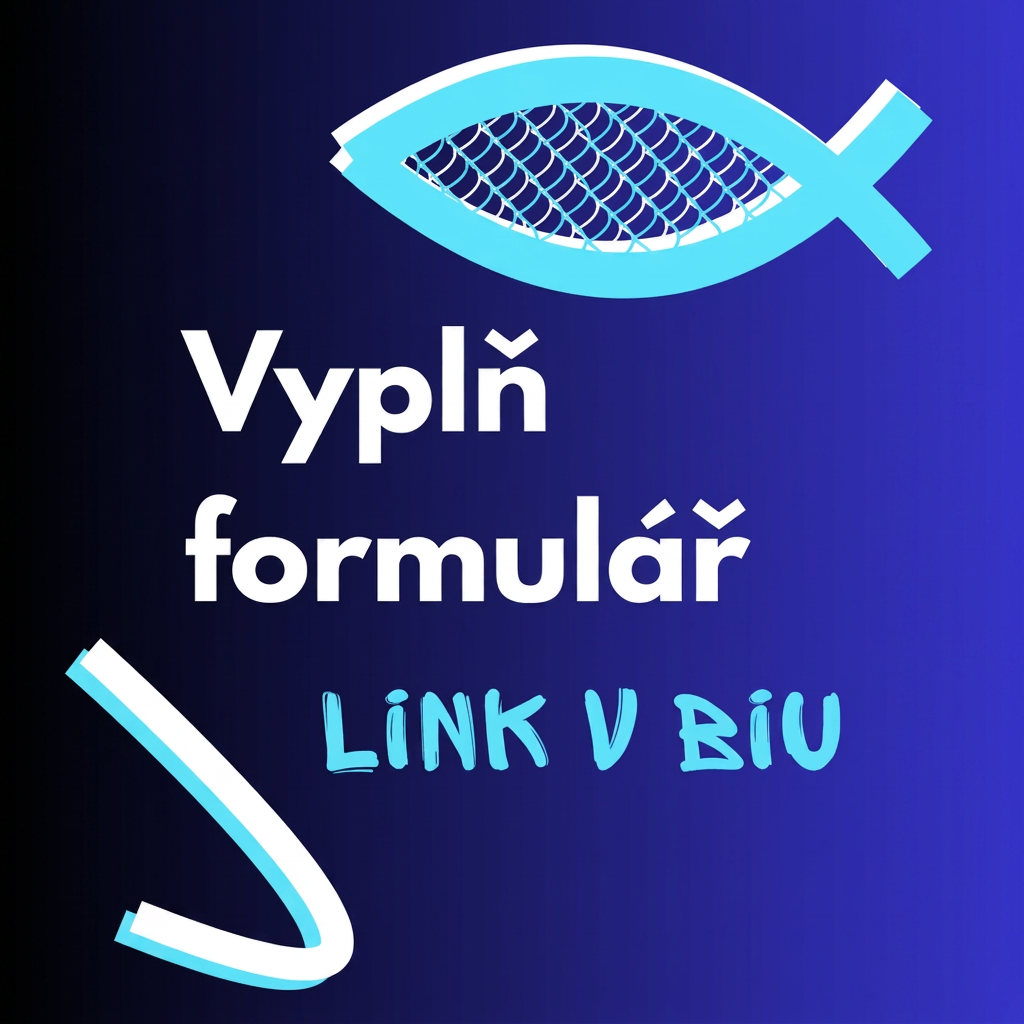
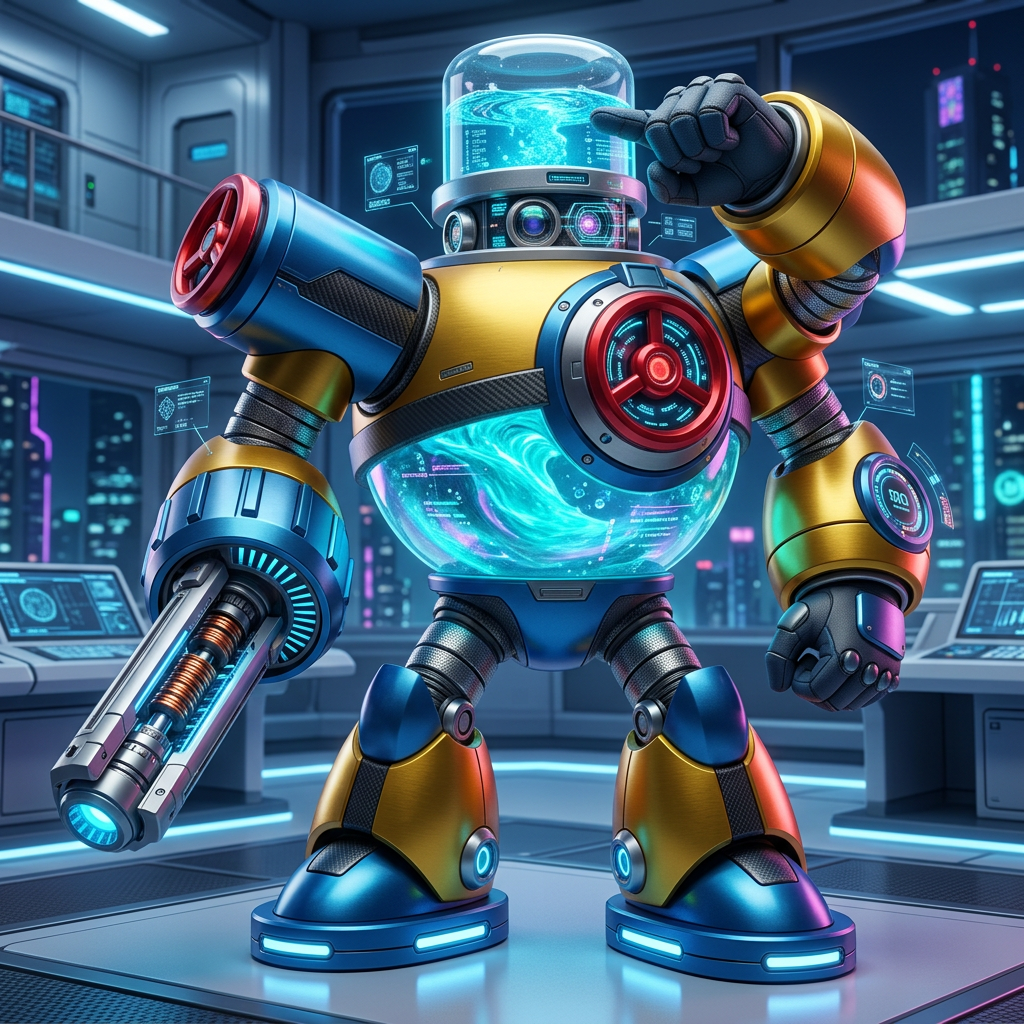
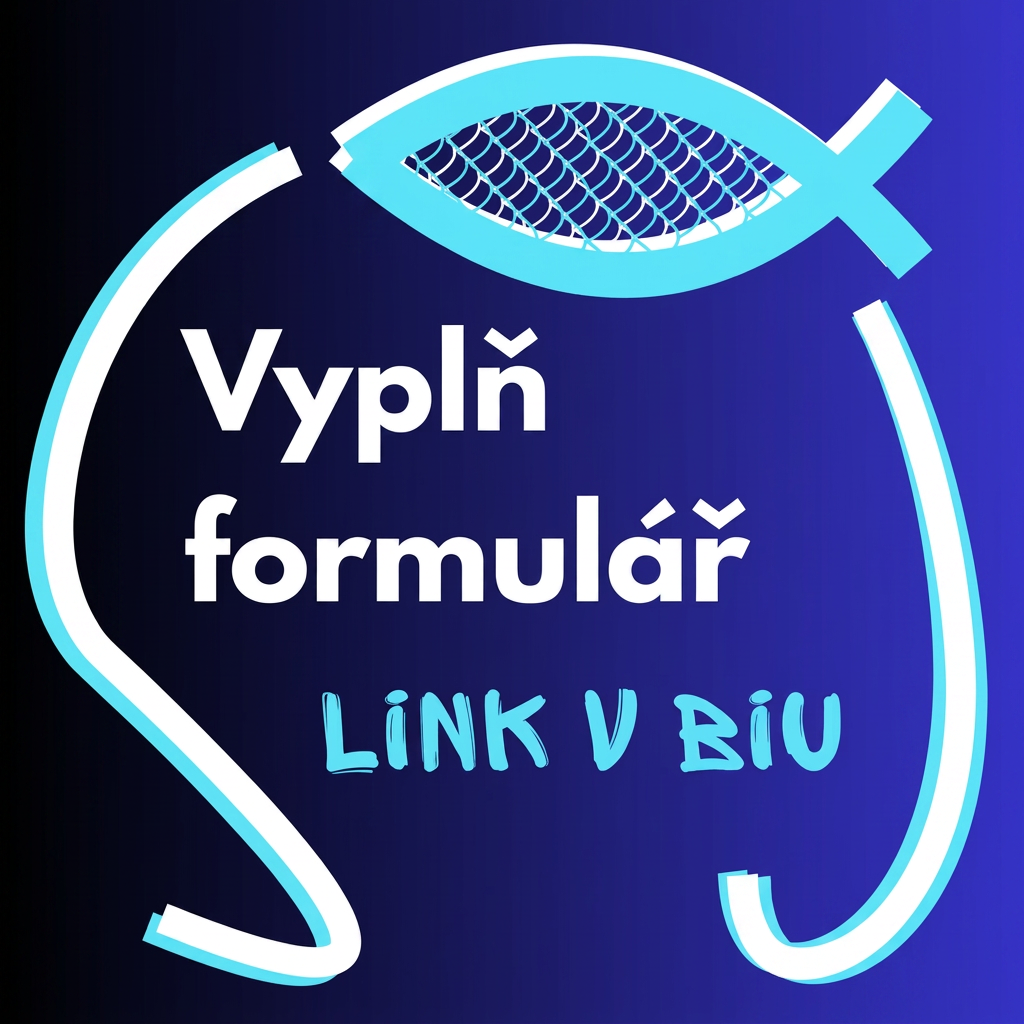
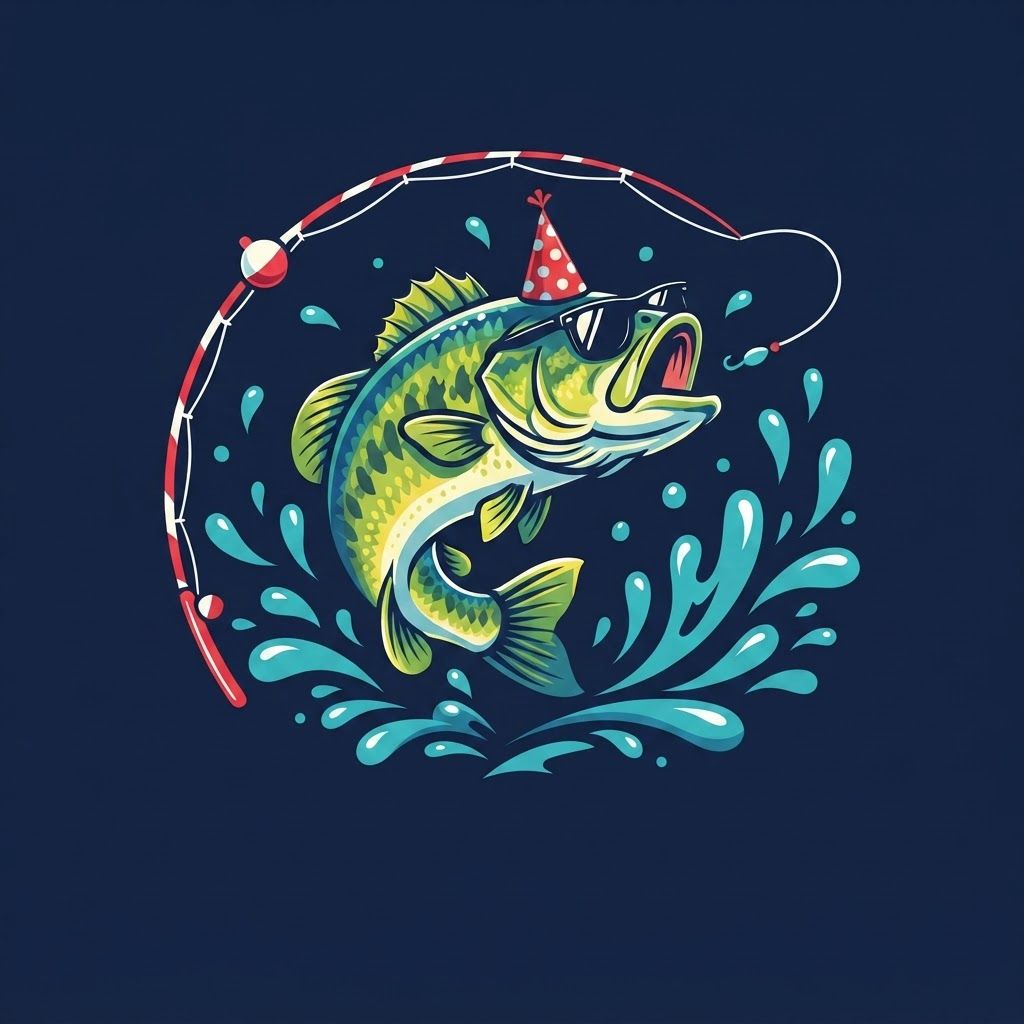
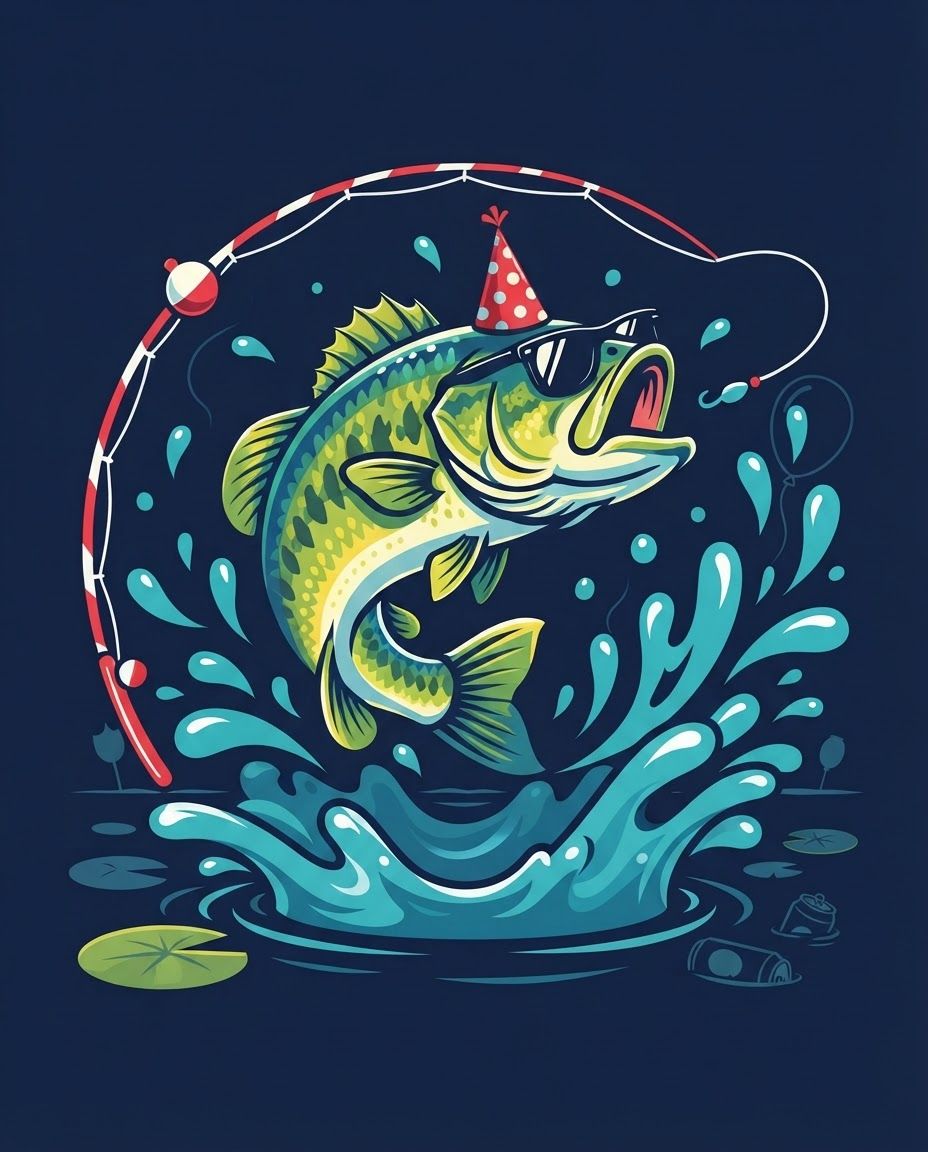
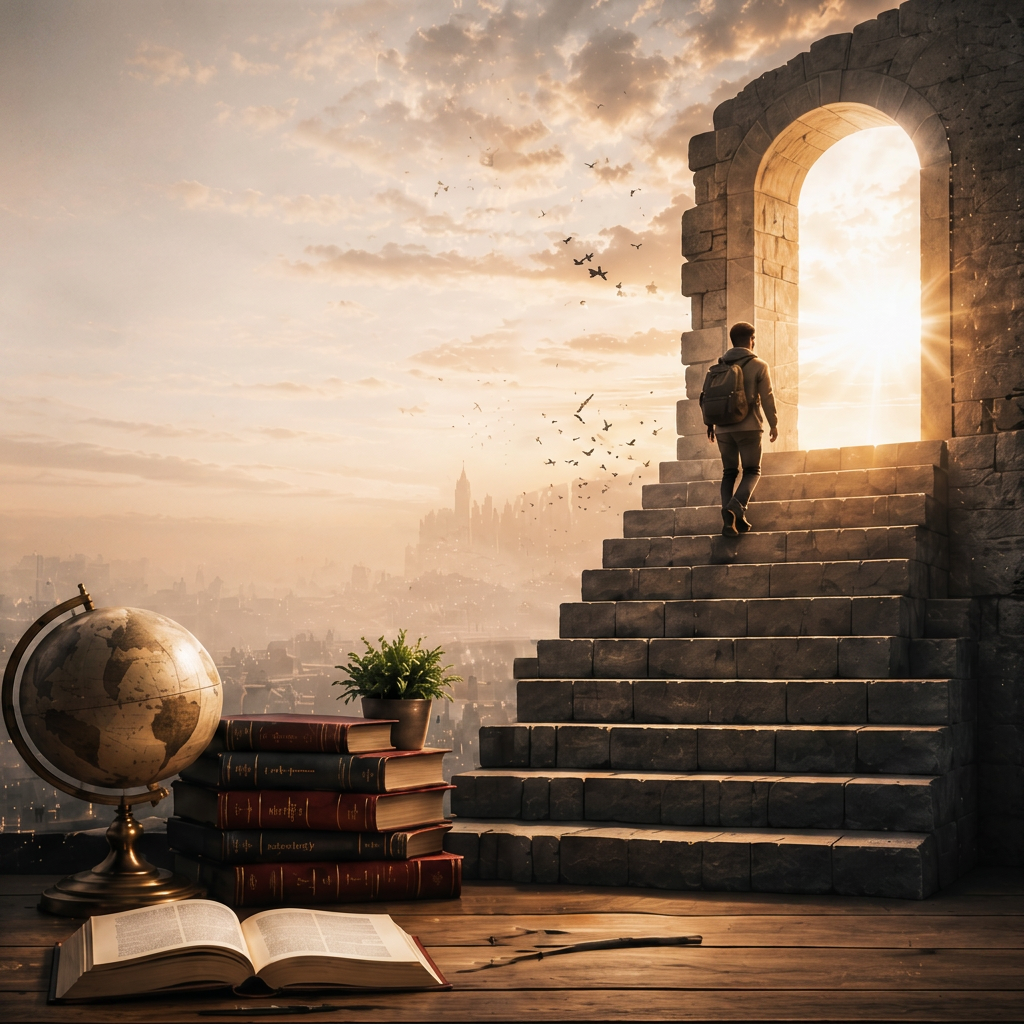
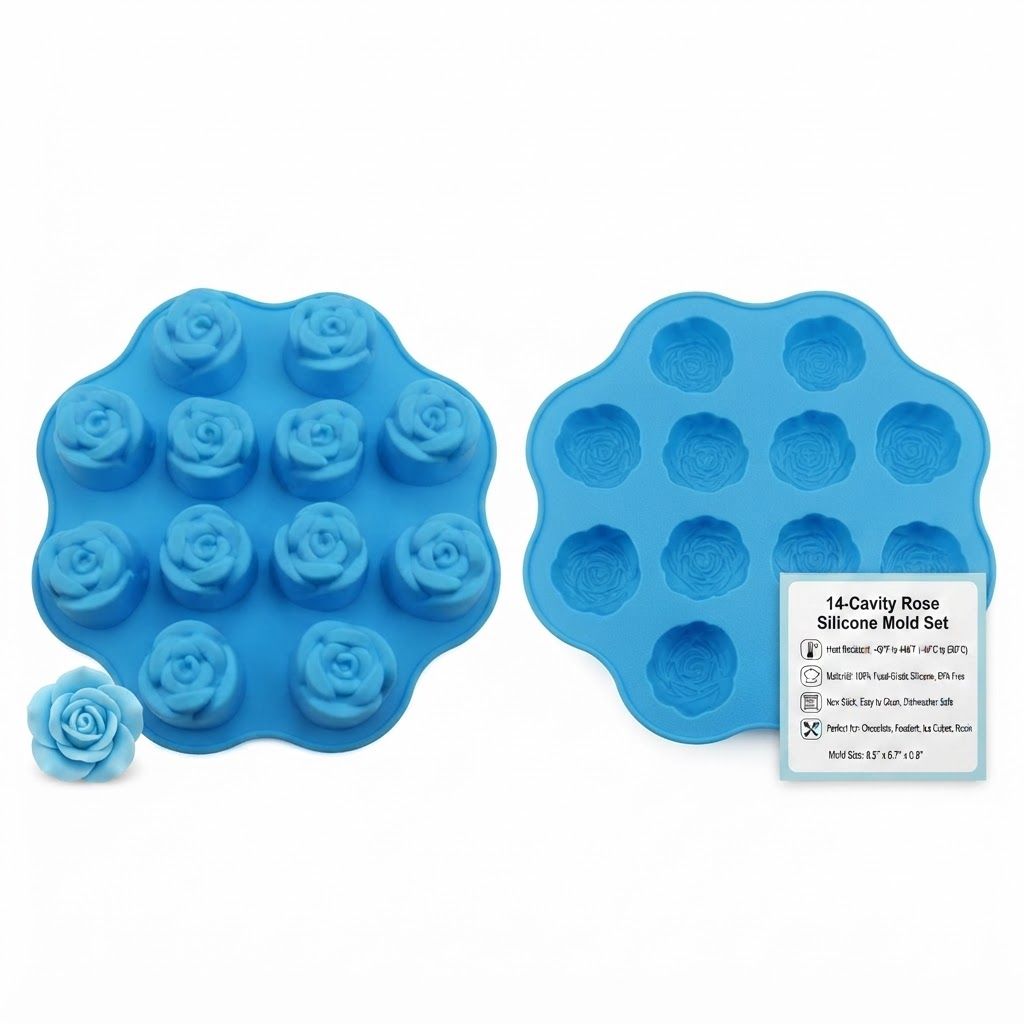
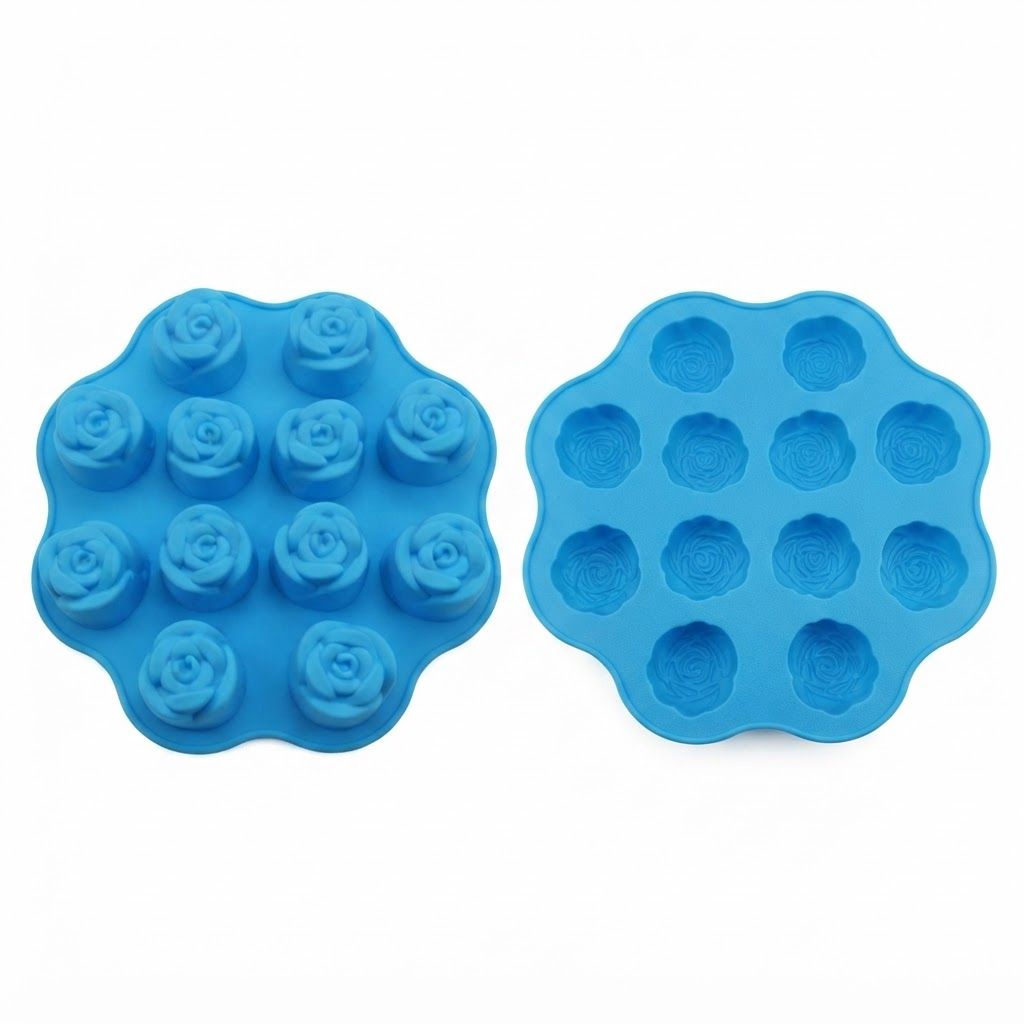
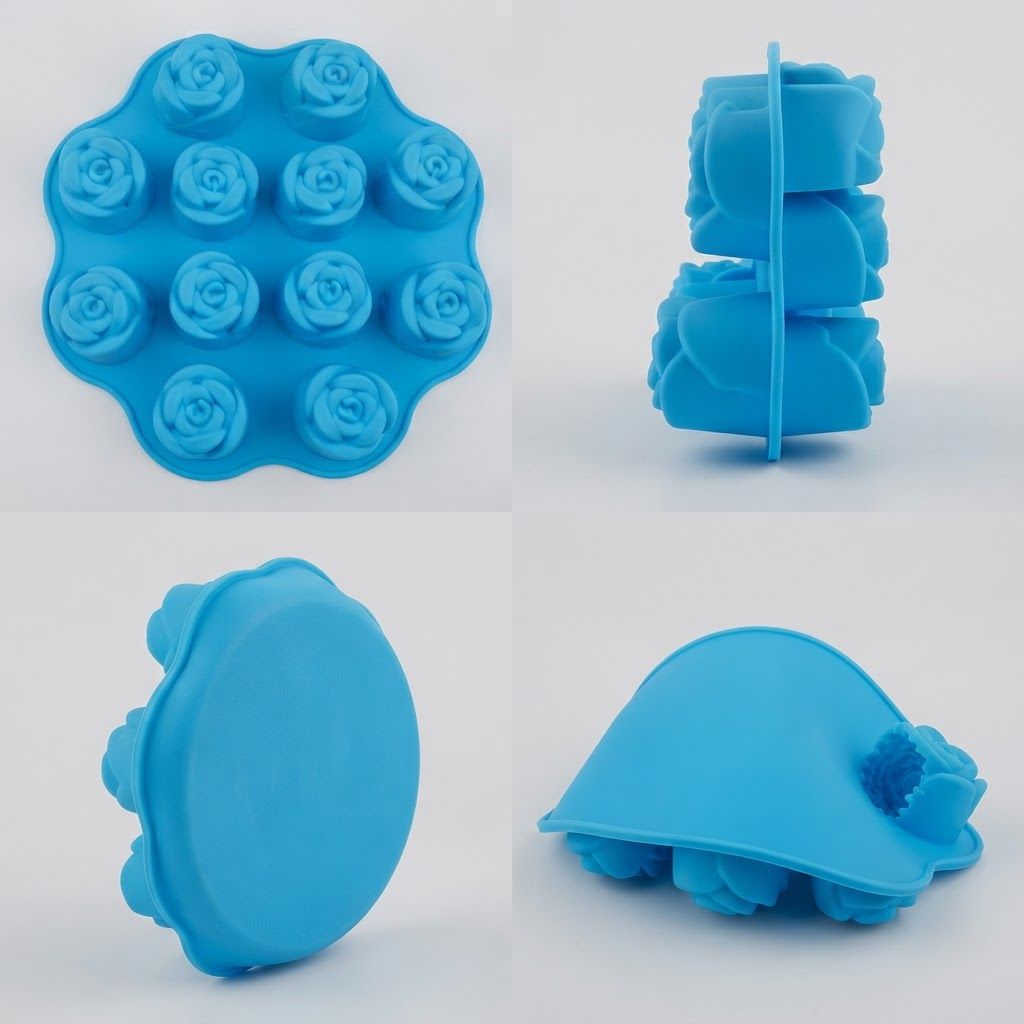
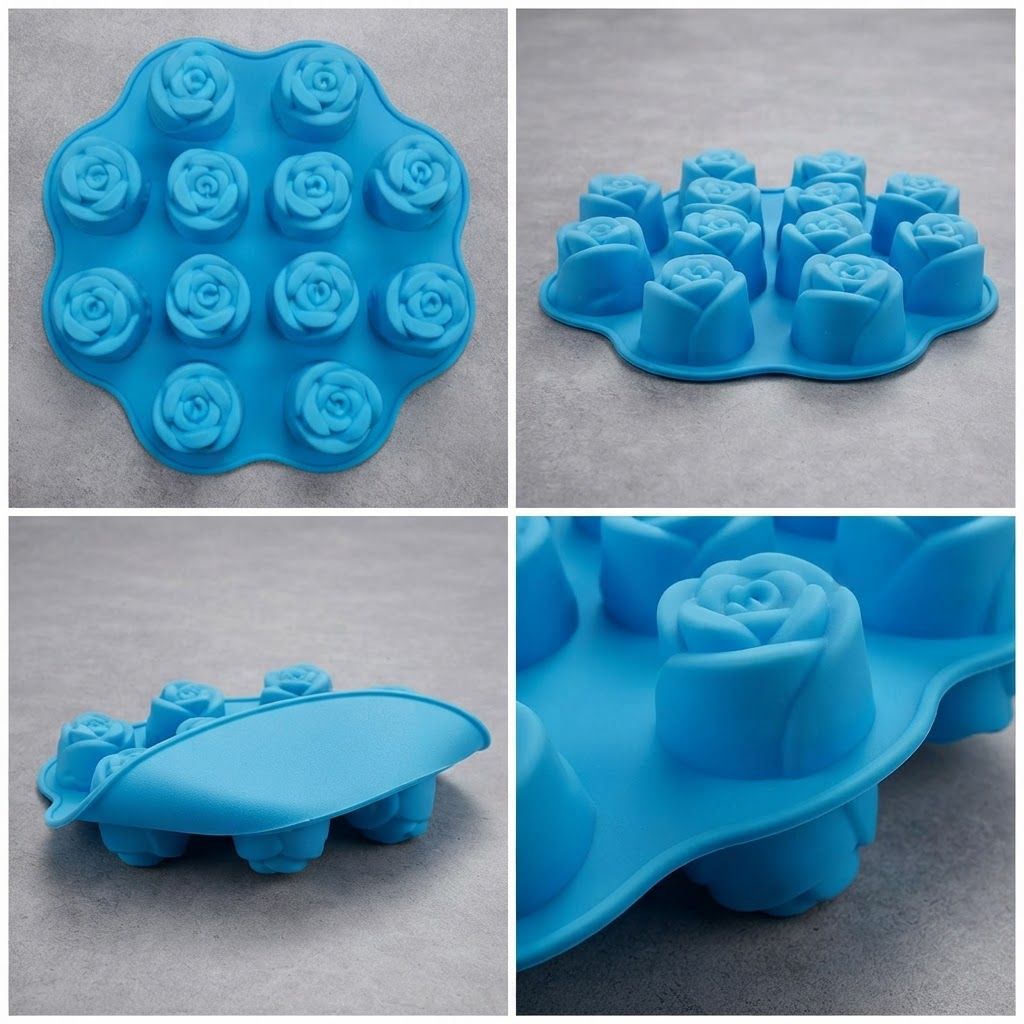
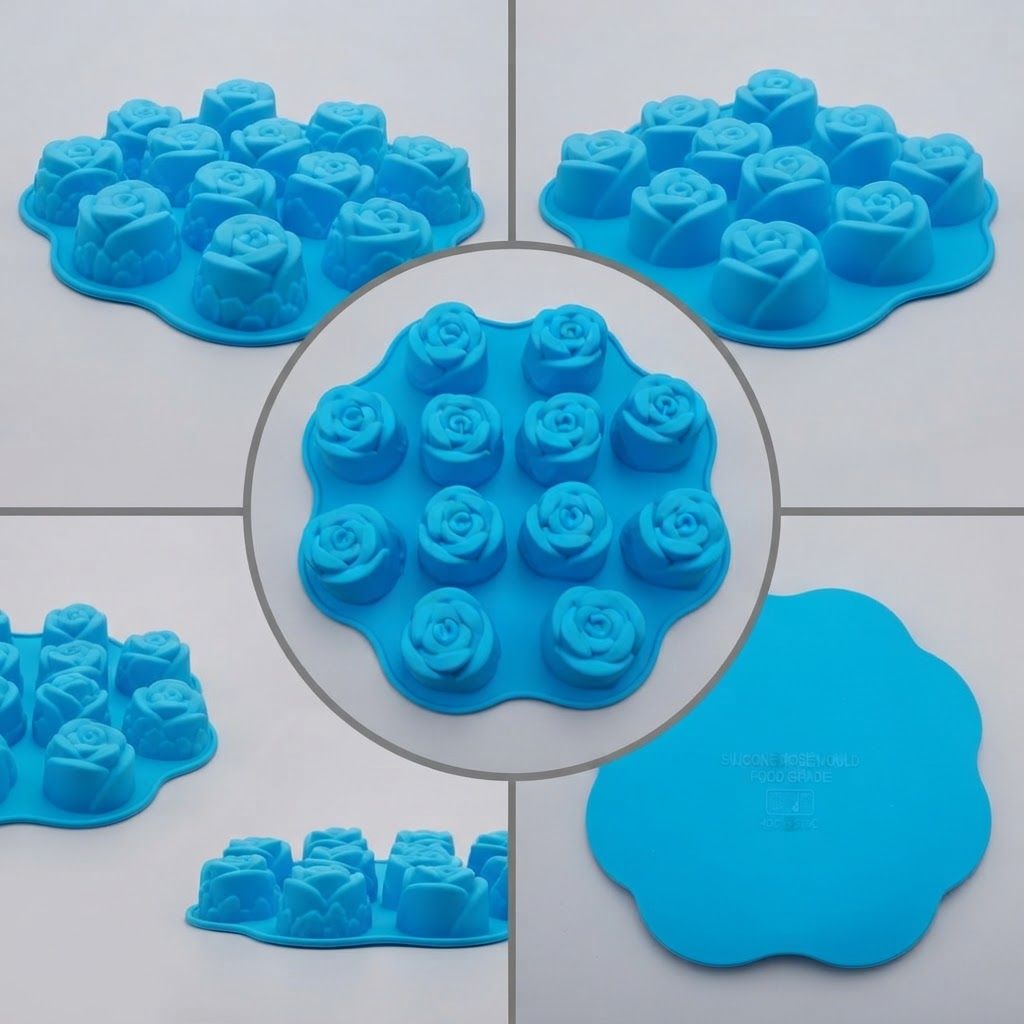
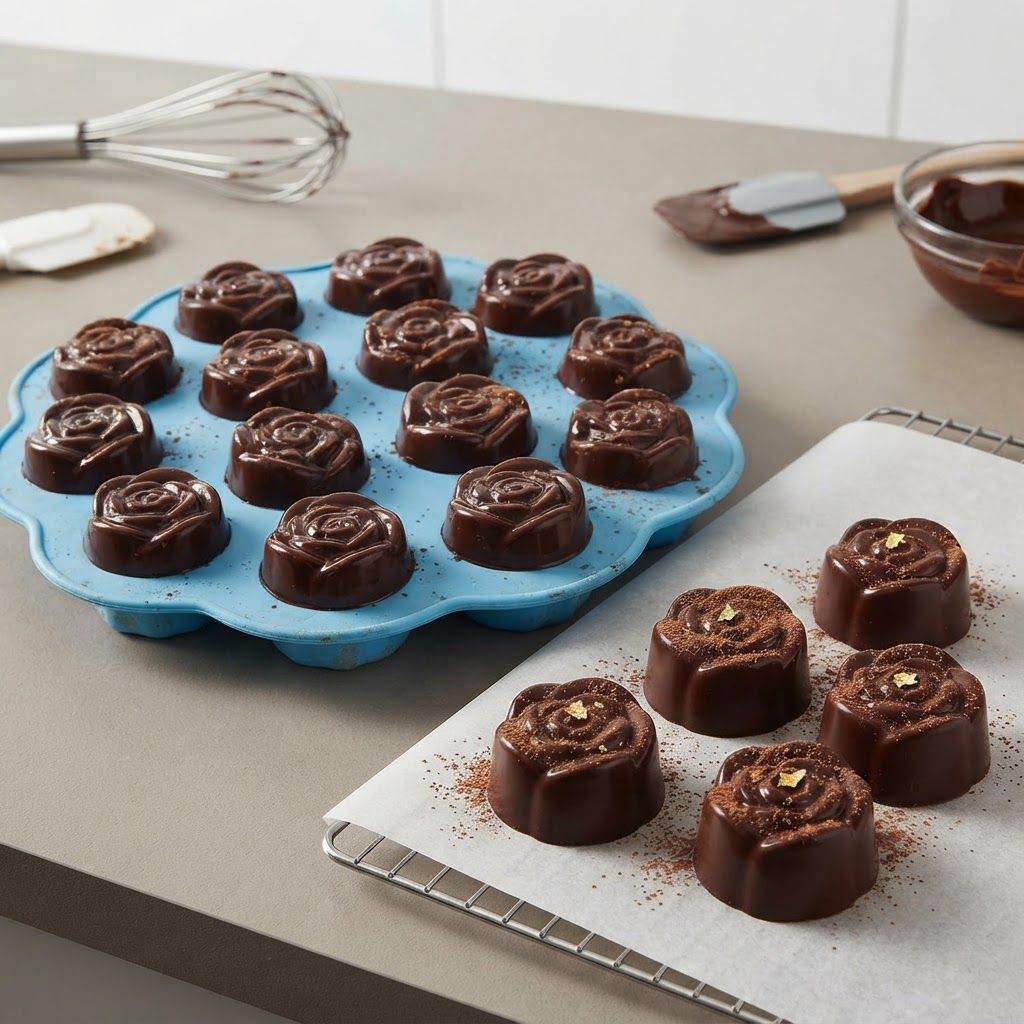
Change this image to 1:1 aspect ratio. Analyze what type of content this is and handle the transformation appropriately: - If it's a product photo: keep the product exactly the same, only extend or crop the background - If it has text, logos, or graphic elements: preserve all text and graphics exactly as they are - If it's a portrait or photo of people: keep the subject intact, extend or crop the surrounding environment - If it's a landscape or scenery: seamlessly extend or crop the natural environment - If it's artwork or illustration: maintain the artistic style consistently Apply the most appropriate transformation based on what you see in the image.
by @Elephant_6590639
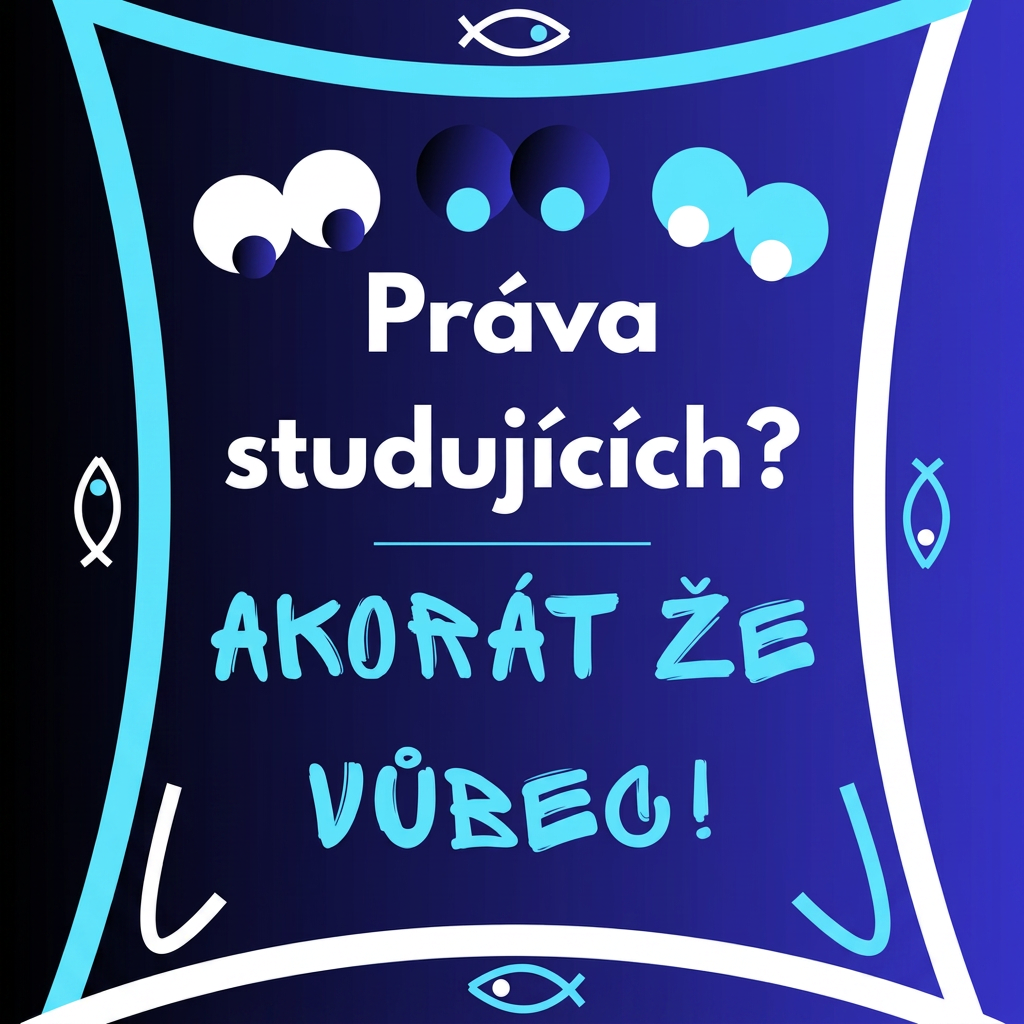
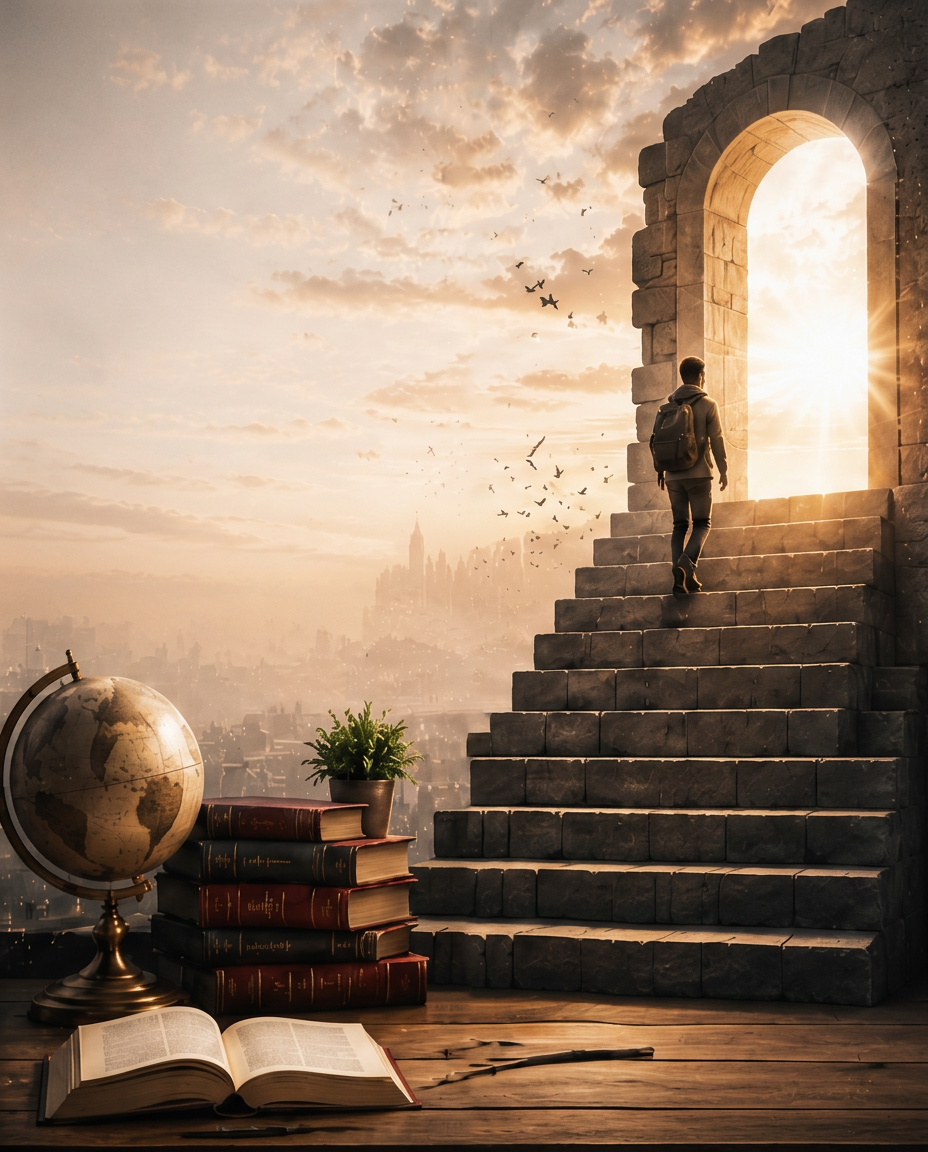
Change this image to 1:1 aspect ratio. Analyze what type of content this is and handle the transformation appropriately: - If it's a product photo: keep the product exactly the same, only extend or crop the background - If it has text, logos, or graphic elements: preserve all text and graphics exactly as they are - If it's a portrait or photo of people: keep the subject intact, extend or crop the surrounding environment - If it's a landscape or scenery: seamlessly extend or crop the natural environment - If it's artwork or illustration: maintain the artistic style consistently Apply the most appropriate transformation based on what you see in the image.
by @Elephant_6590639
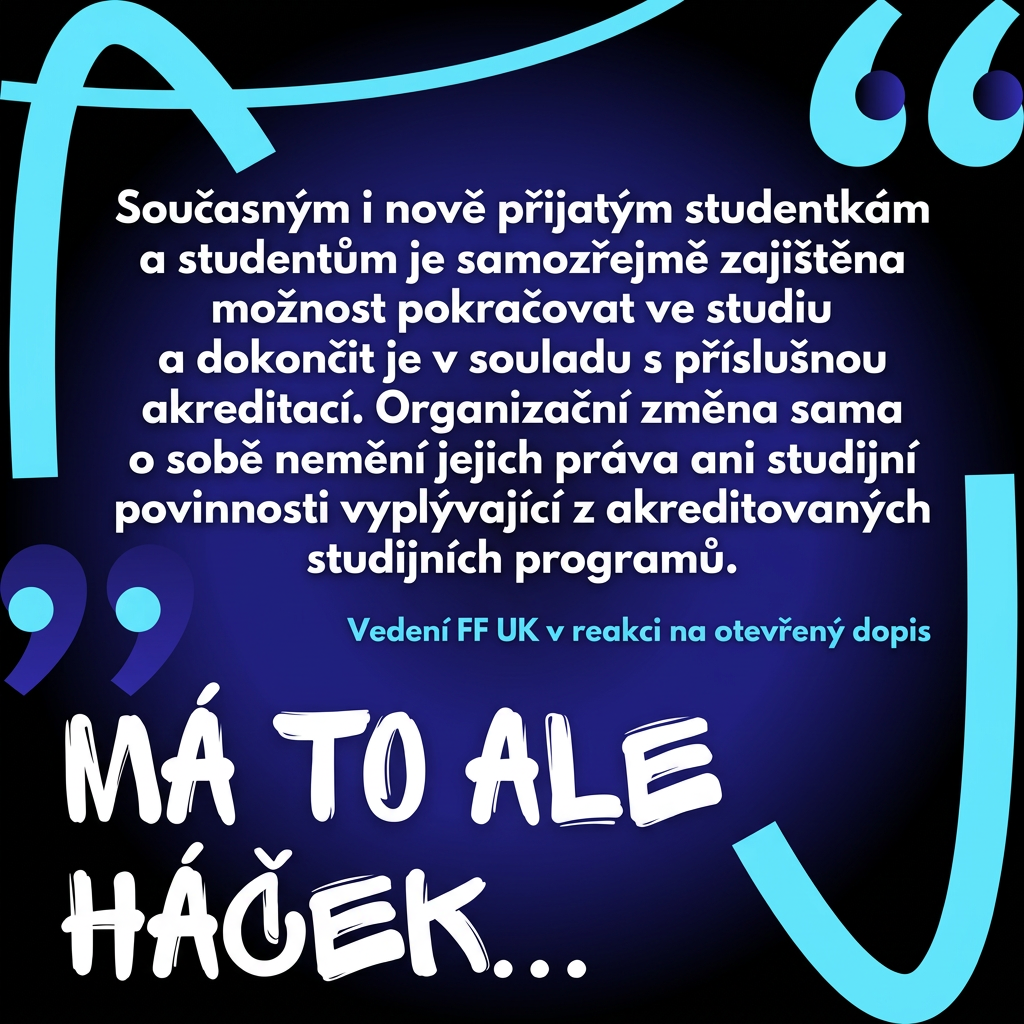
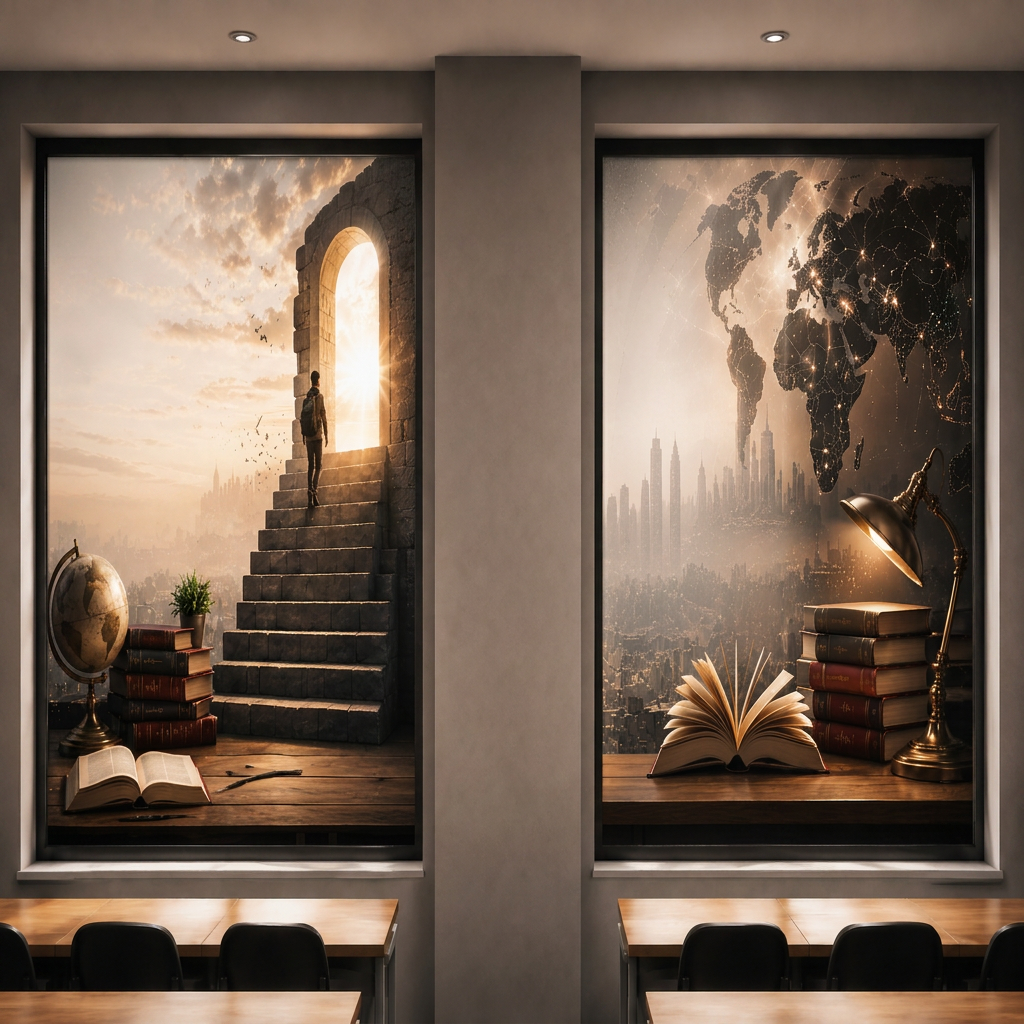
Change this image to 1:1 aspect ratio. Analyze what type of content this is and handle the transformation appropriately: - If it's a product photo: keep the product exactly the same, only extend or crop the background - If it has text, logos, or graphic elements: preserve all text and graphics exactly as they are - If it's a portrait or photo of people: keep the subject intact, extend or crop the surrounding environment - If it's a landscape or scenery: seamlessly extend or crop the natural environment - If it's artwork or illustration: maintain the artistic style consistently Apply the most appropriate transformation based on what you see in the image.
by @Elephant_6590639
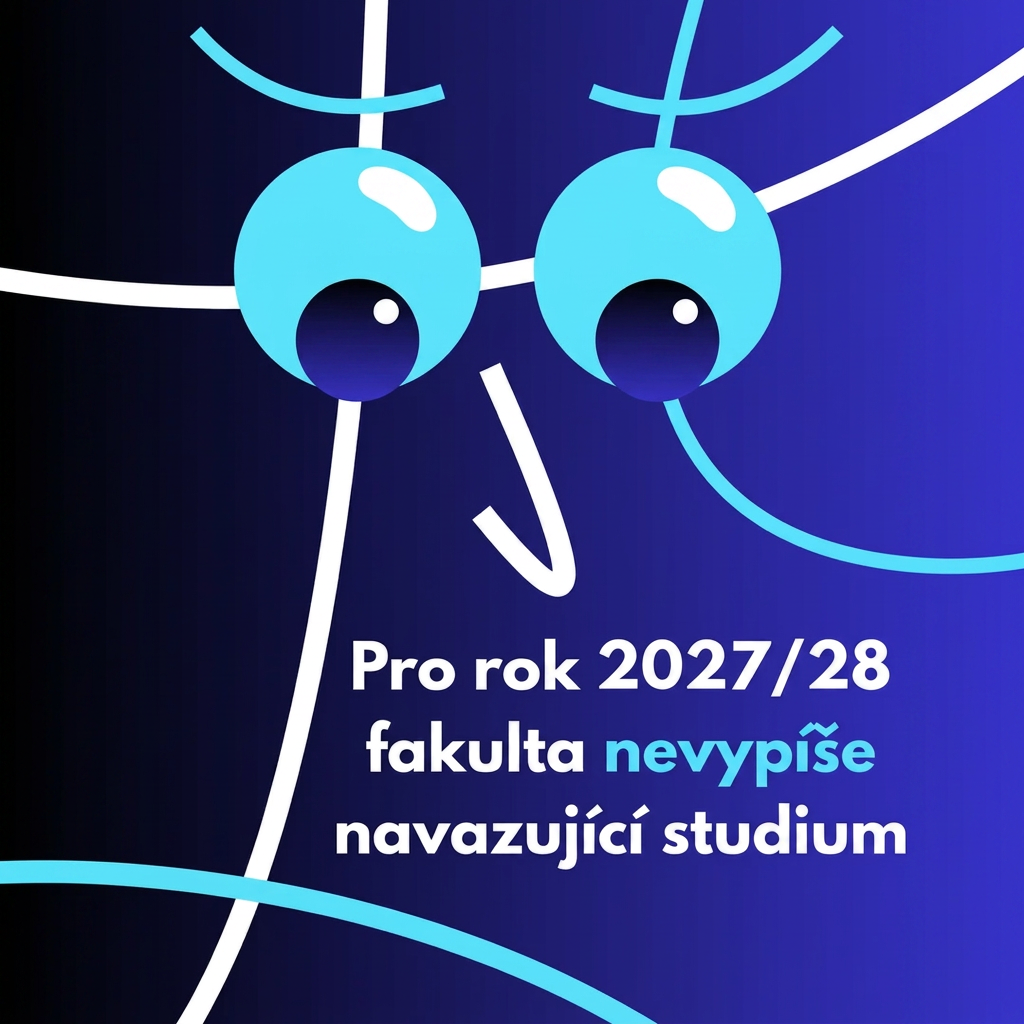
Change this image to 1:1 aspect ratio. Analyze what type of content this is and handle the transformation appropriately: - If it's a product photo: keep the product exactly the same, only extend or crop the background - If it has text, logos, or graphic elements: preserve all text and graphics exactly as they are - If it's a portrait or photo of people: keep the subject intact, extend or crop the surrounding environment - If it's a landscape or scenery: seamlessly extend or crop the natural environment - If it's artwork or illustration: maintain the artistic style consistently Apply the most appropriate transformation based on what you see in the image.
by @Elephant_6590639
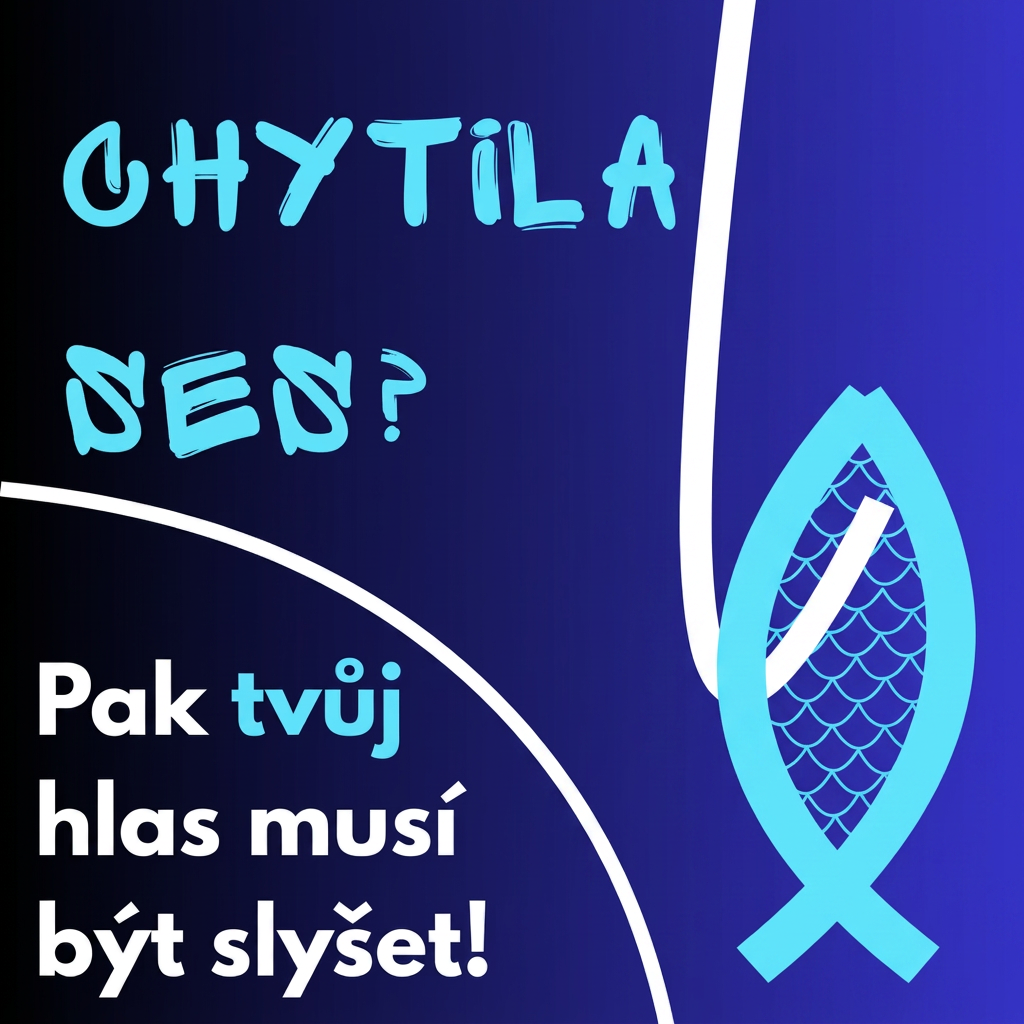
Change this image to 1:1 aspect ratio. Analyze what type of content this is and handle the transformation appropriately: - If it's a product photo: keep the product exactly the same, only extend or crop the background - If it has text, logos, or graphic elements: preserve all text and graphics exactly as they are - If it's a portrait or photo of people: keep the subject intact, extend or crop the surrounding environment - If it's a landscape or scenery: seamlessly extend or crop the natural environment - If it's artwork or illustration: maintain the artistic style consistently Apply the most appropriate transformation based on what you see in the image.
by @Elephant_6590639
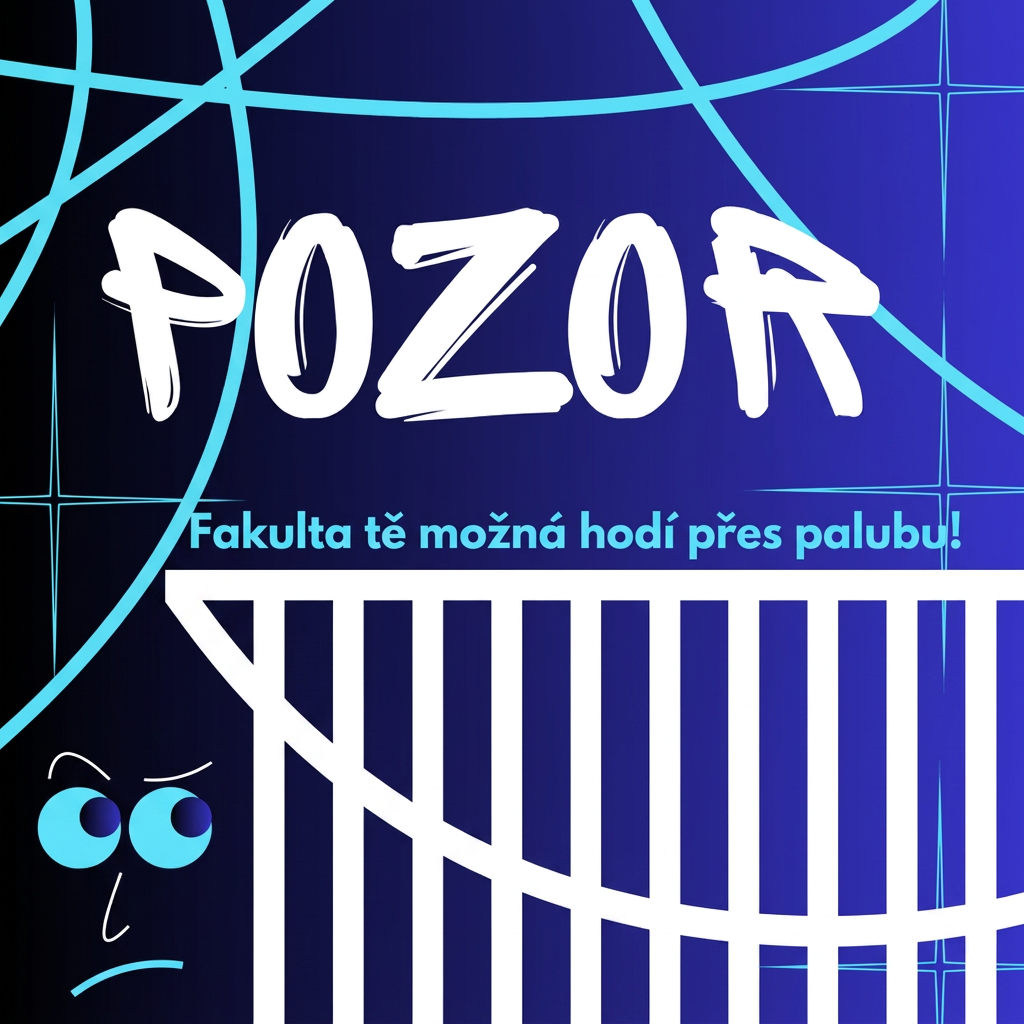
Change this image to 1:1 aspect ratio. Analyze what type of content this is and handle the transformation appropriately: - If it's a product photo: keep the product exactly the same, only extend or crop the background - If it has text, logos, or graphic elements: preserve all text and graphics exactly as they are - If it's a portrait or photo of people: keep the subject intact, extend or crop the surrounding environment - If it's a landscape or scenery: seamlessly extend or crop the natural environment - If it's artwork or illustration: maintain the artistic style consistently Apply the most appropriate transformation based on what you see in the image.
by @Elephant_6590639
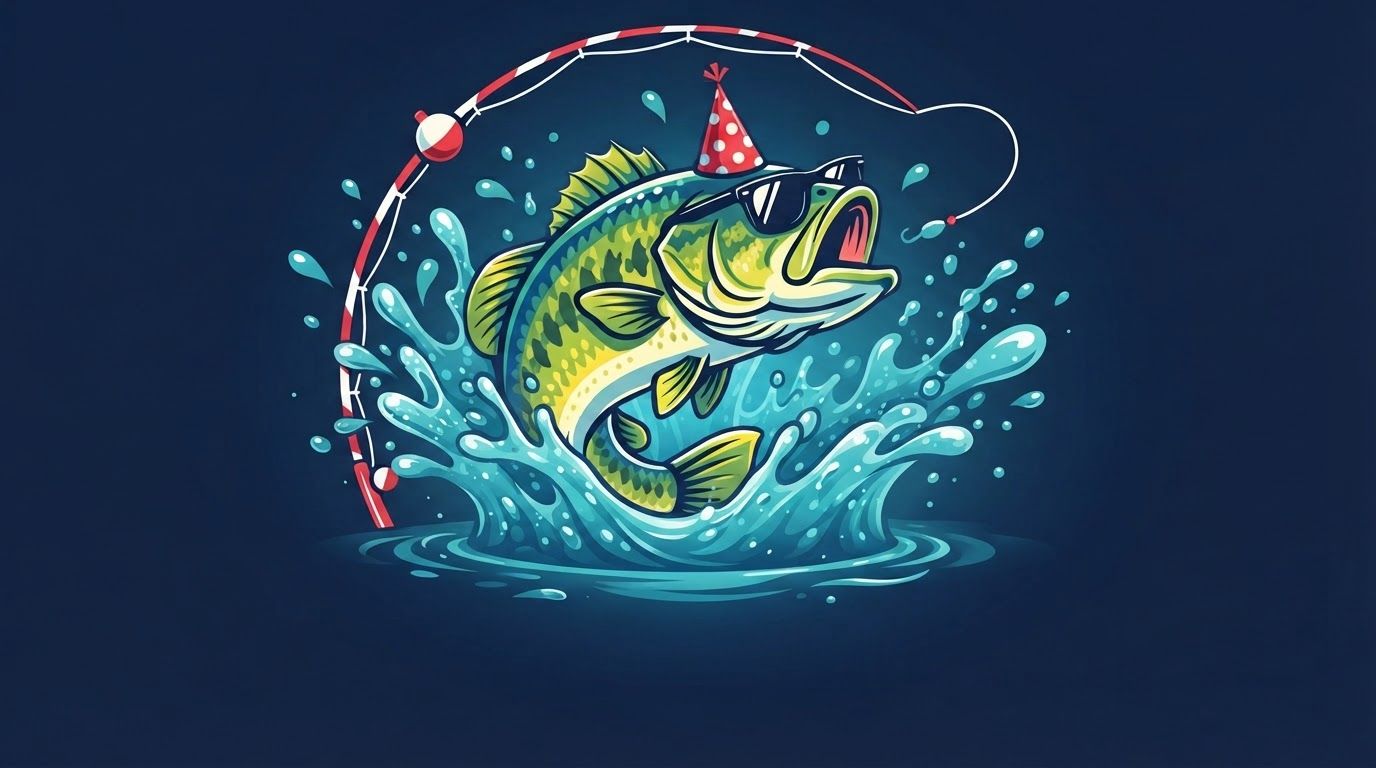
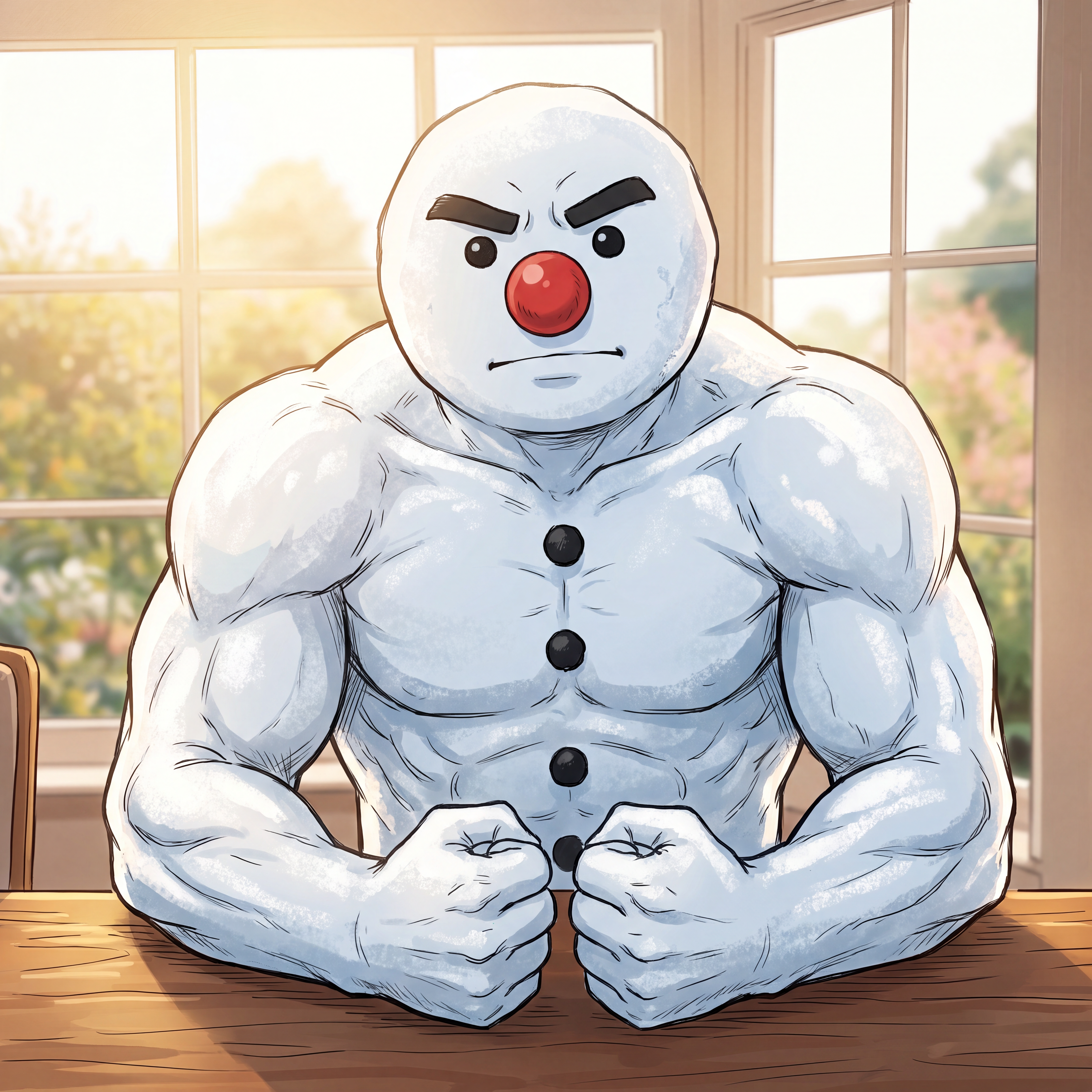
make a snowman with a mustache and red nose and stuff inspired by the skin from the image and make a cool profile icon for it that doesn't look too minecrafty but more hand drawn. make the nose a big red button instead of a red carrot, make the expression with the eyebrows match the image, make the thing look more like the image I gave you with snow arms that are buff and make it so he also strikes a cool pose to flex and stuff. make the expression more like the skin from my image eyebrows. make it so its more centered, make the way he is like the second image please. make it actually more anime like, have it identical to the skin with the black buttons and such, make him more closer to the POV I am talking about his arms. and make him less angry and more like the expression of the skin.
by @Elephant_6392940
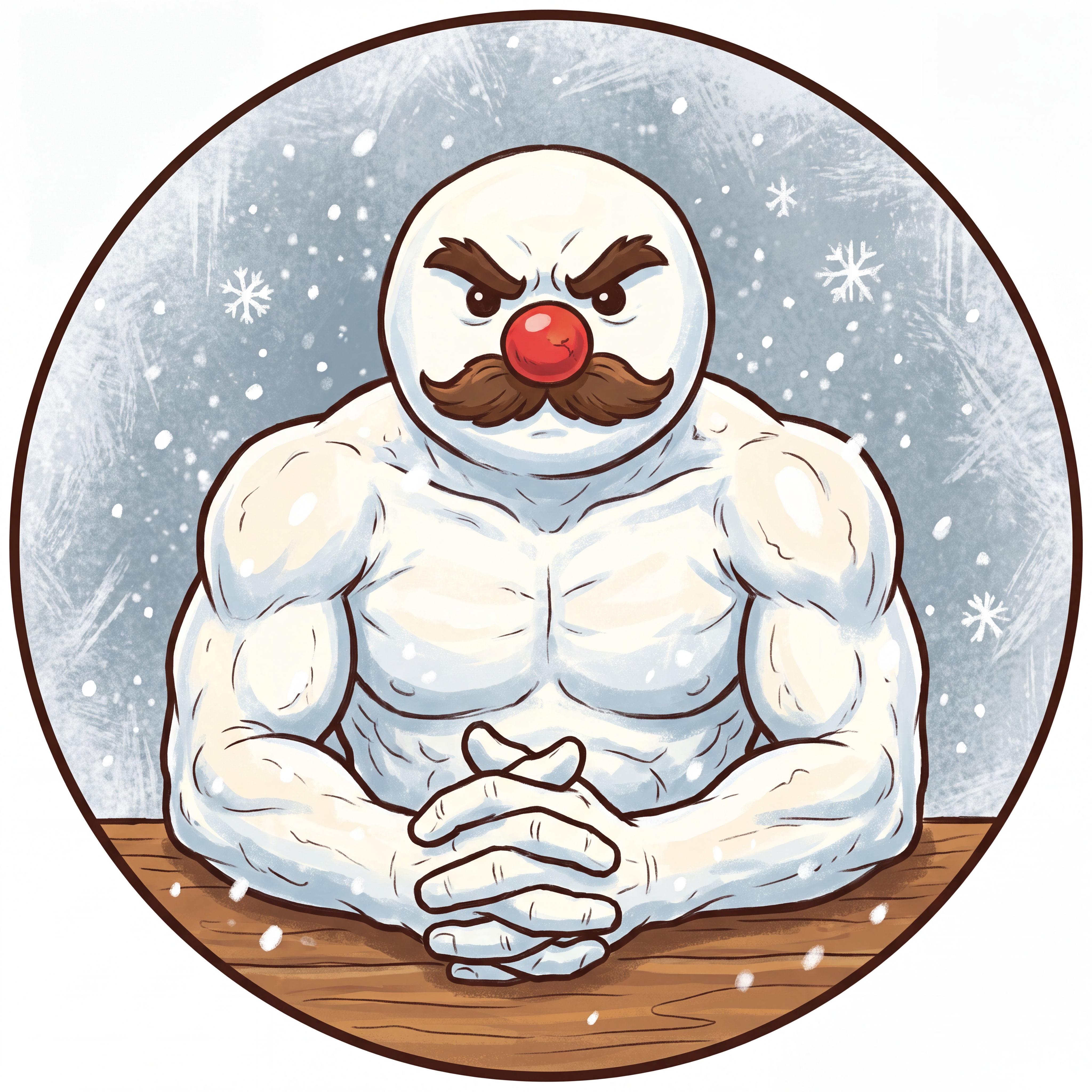
make a snowman with a mustache and red nose and stuff inspired by the skin from the image and make a cool profile icon for it that doesn't look too minecrafty but more hand drawn. make the nose a big red button instead of a red carrot, make the expression with the eyebrows match the image, make the thing look more like the image I gave you with snow arms that are buff and make it so he also strikes a cool pose to flex and stuff. make the expression more like the skin from my image eyebrows. make it so its more centered, make the way he is like the second image please.
by @Elephant_6392940
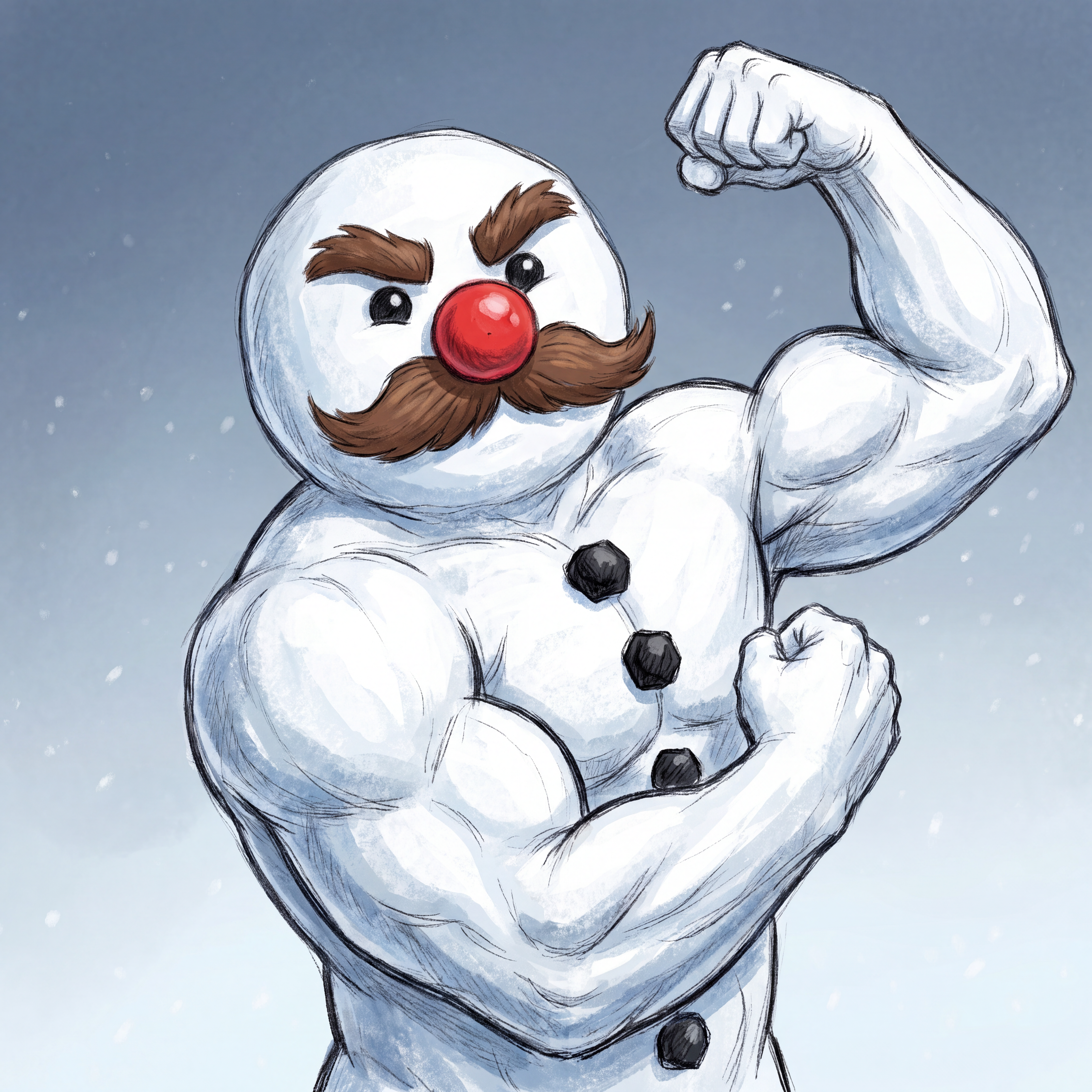
make a snowman with a mustache and red nose and stuff inspired by the skin from the image and make a cool profile icon for it that doesn't look too minecrafty but more hand drawn. make the nose a big red button instead of a red carrot, make the expression with the eyebrows match the image, make the thing look more like the image I gave you with snow arms that are buff and make it so he also strikes a cool pose to flex and stuff.
by @Elephant_6392940





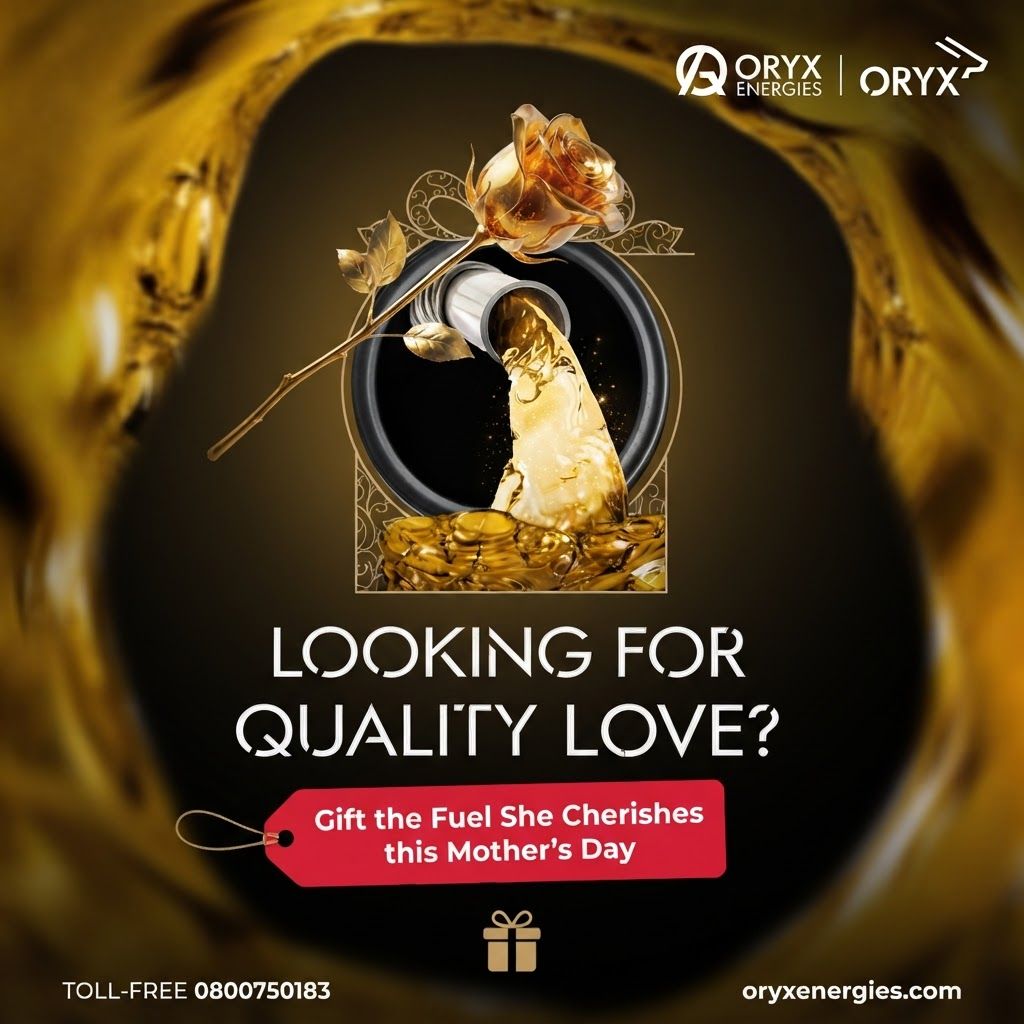
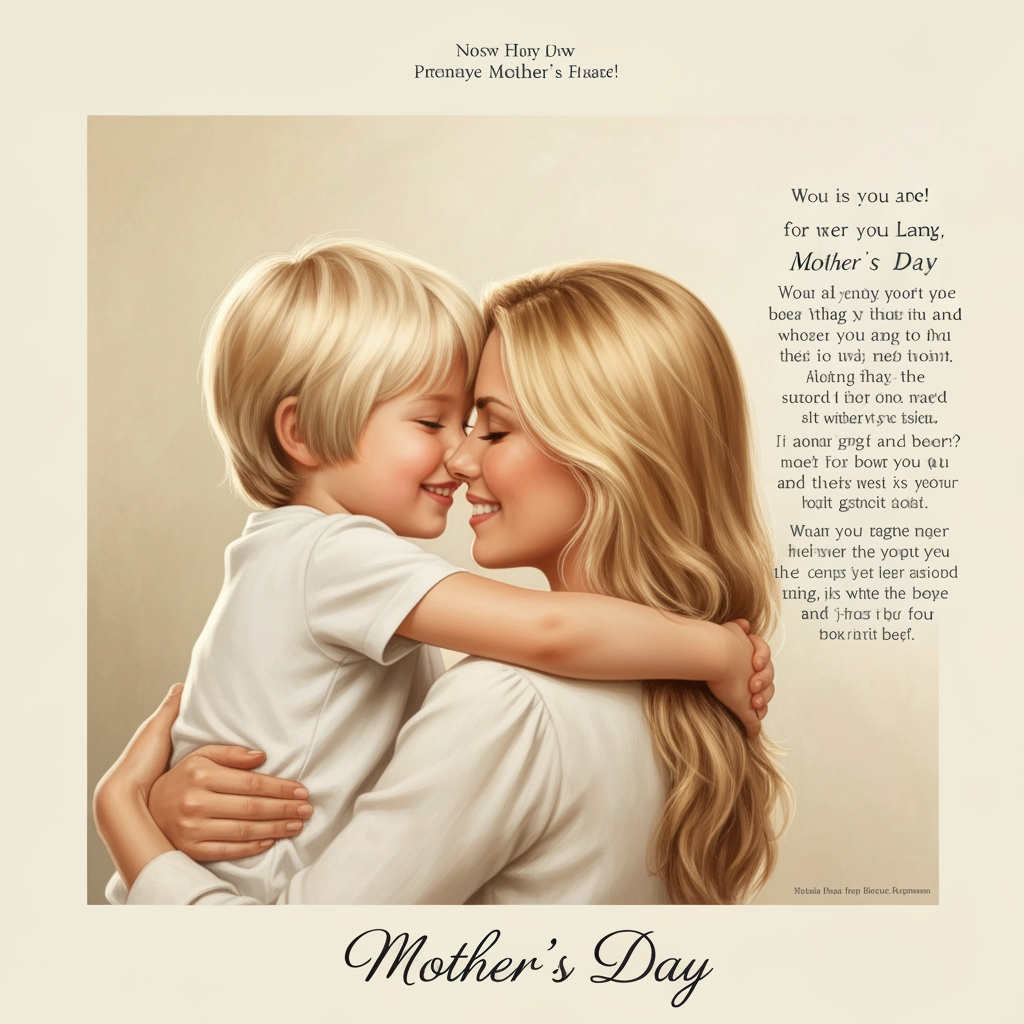
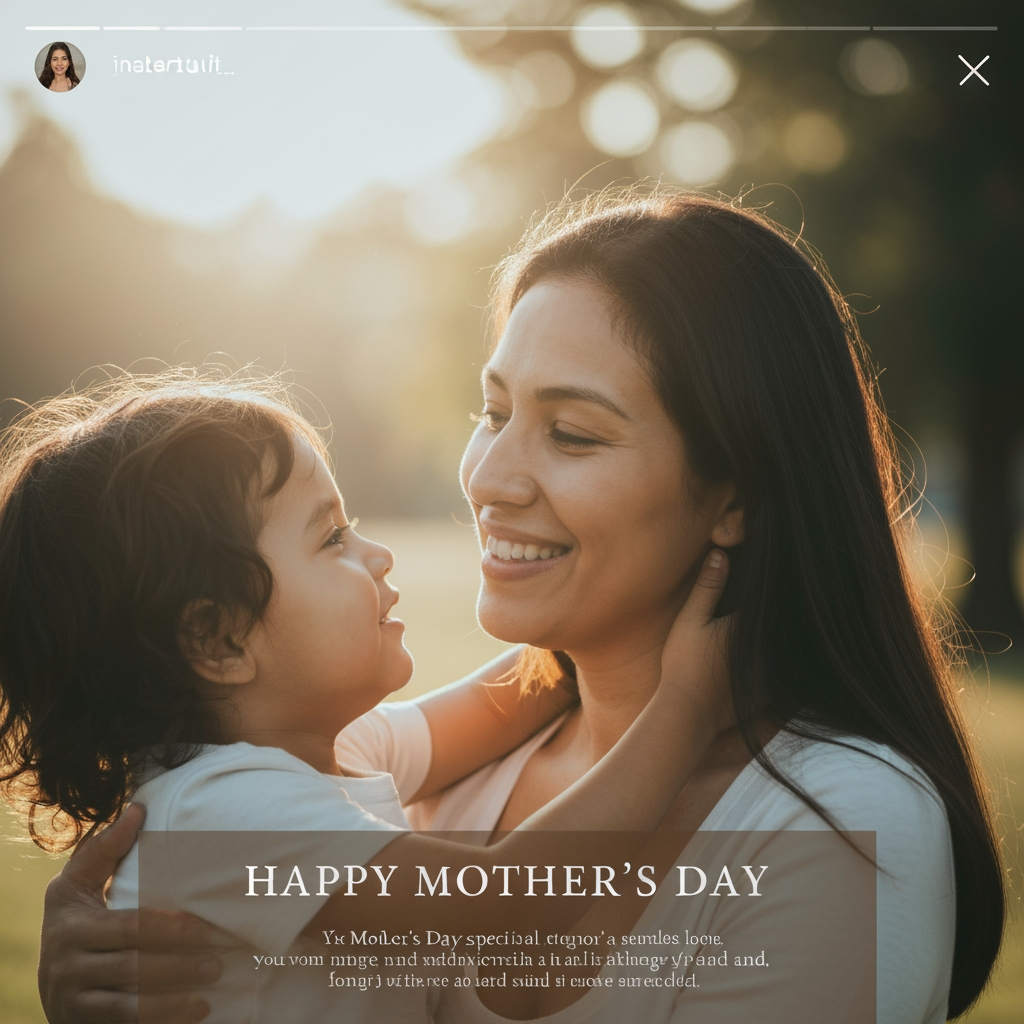
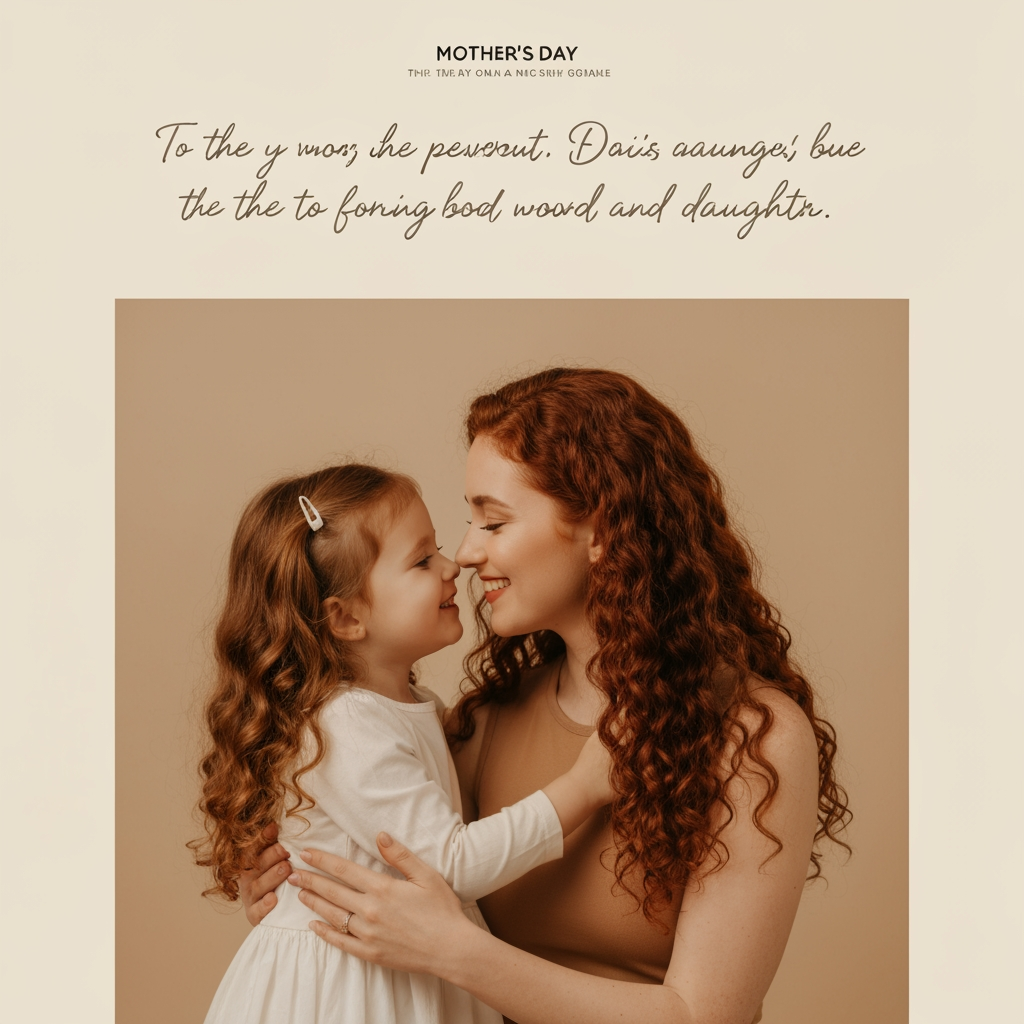
The following reference images are provided: - Reference A corresponds to the attached image for the brand element "Oryxoil" (The image features a close-up, perspective-distorted view of a red fuel nozzle pouring golden, amber-colored liquid into a dark circular tank opening. The foreground is blurred with the liquid, creating a tunnel-like effect focused on the point of entry.). Instructions: The image features a close-up, perspective-distorted view of a red fuel nozzle pouring golden, amber-colored liquid into a dark circular tank opening. The foreground is blurred with the liquid, creating a tunnel-like effect focused on the point of entry. User request: createa mothers day post using Oryxoil
by @Elephant_4457276
What's next?Explore more features



Go from browse to build




