Product
Use Cases
How it Works
Pricing
Developers
Login

AI image design: Professional logo design. Design a vibrant and playful logo for a kids’ educational YouTube channel called BrainyBops. T…
Back to community
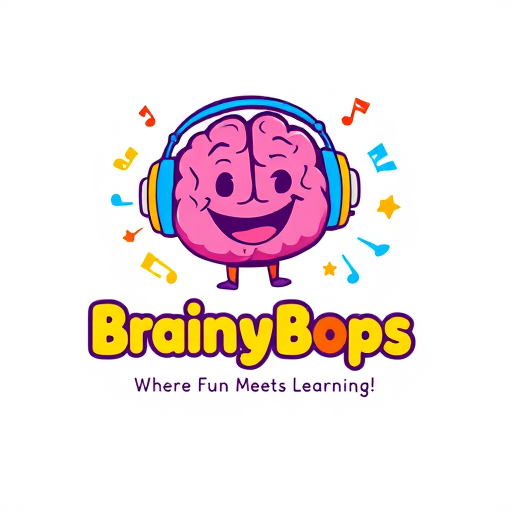
Professional logo design. Design a vibrant and playful logo for a kids’ educational YouTube channel called BrainyBops. The logo should feature a cheerful, animated brain character wearing colorful headphones, symbolizing learning through music and fun. Surround the brain character with whimsical elements like musical notes, stars, and books to convey a combination of fun and education. Use bright and appealing colors such as yellow, red, blue, green, and purple to grab attention. Include the channel name, BrainyBops, in a bold, bubbly font with rounded edges that’s easy for children to read. The tagline "Where Fun Meets Learning!" should be included beneath the logo in a smaller, complementary font. The overall design should feel friendly, energetic, and inviting for children and parents alike.

Community

Design detail

grudg_elephant

Creator

@grudg_elephant

Created December 21, 2024
Prompt

Professional logo design. Design a vibrant and playful logo for a kids’ educational YouTube channel called BrainyBops. The logo should feature a cheerful, animated brain character wearing colorful headphones, symbolizing learning through music and fun. Surround the brain character with whimsical elements like musical notes, stars, and books to convey a combination of fun and education. Use bright and appealing colors such as yellow, red, blue, green, and purple to grab attention. Include the channel name, BrainyBops, in a bold, bubbly font with rounded edges that’s easy for children to read. The tagline "Where Fun Meets Learning!" should be included beneath the logo in a smaller, complementary font. The overall design should feel friendly, energetic, and inviting for children and parents alike.

Remix this design

Start for free with full control over models, settings, and canvas tools.

  • ·Generate with full control over models and settings
  • ·Save projects and share back to the community
  • ·No design experience required
Start free — use this prompt
Browse more community designs →
Start free — remix this

What's next?Explore more features

Hiding Elephant product features overview

Explore features

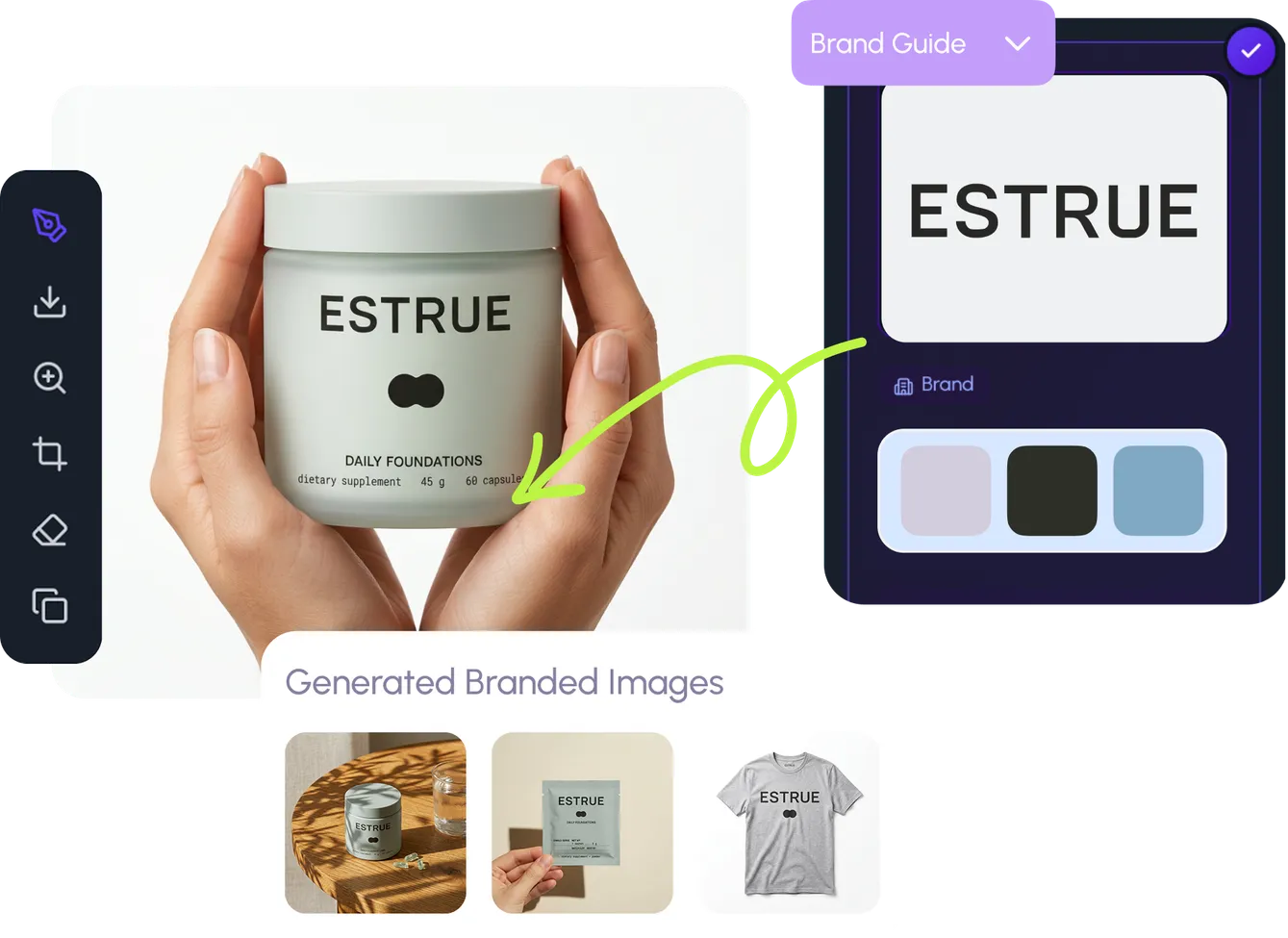
AI generation, vector tools, workflows, catalogs, and collaboration in one workspace.

How Hiding Elephant works

How it works

See how the AI canvas, automation, and teamwork fit together end to end.

Get started with Hiding Elephant

Try it free

Sign in and turn inspiration into projects you can edit, export, and share.

Go from browse to build

Explore what else the Elephant can do.You'll love it

AI image generation

AI Generation

Image tools

Image Tools

Workflow builder

Workflows

Brand and style templates

Brand Management

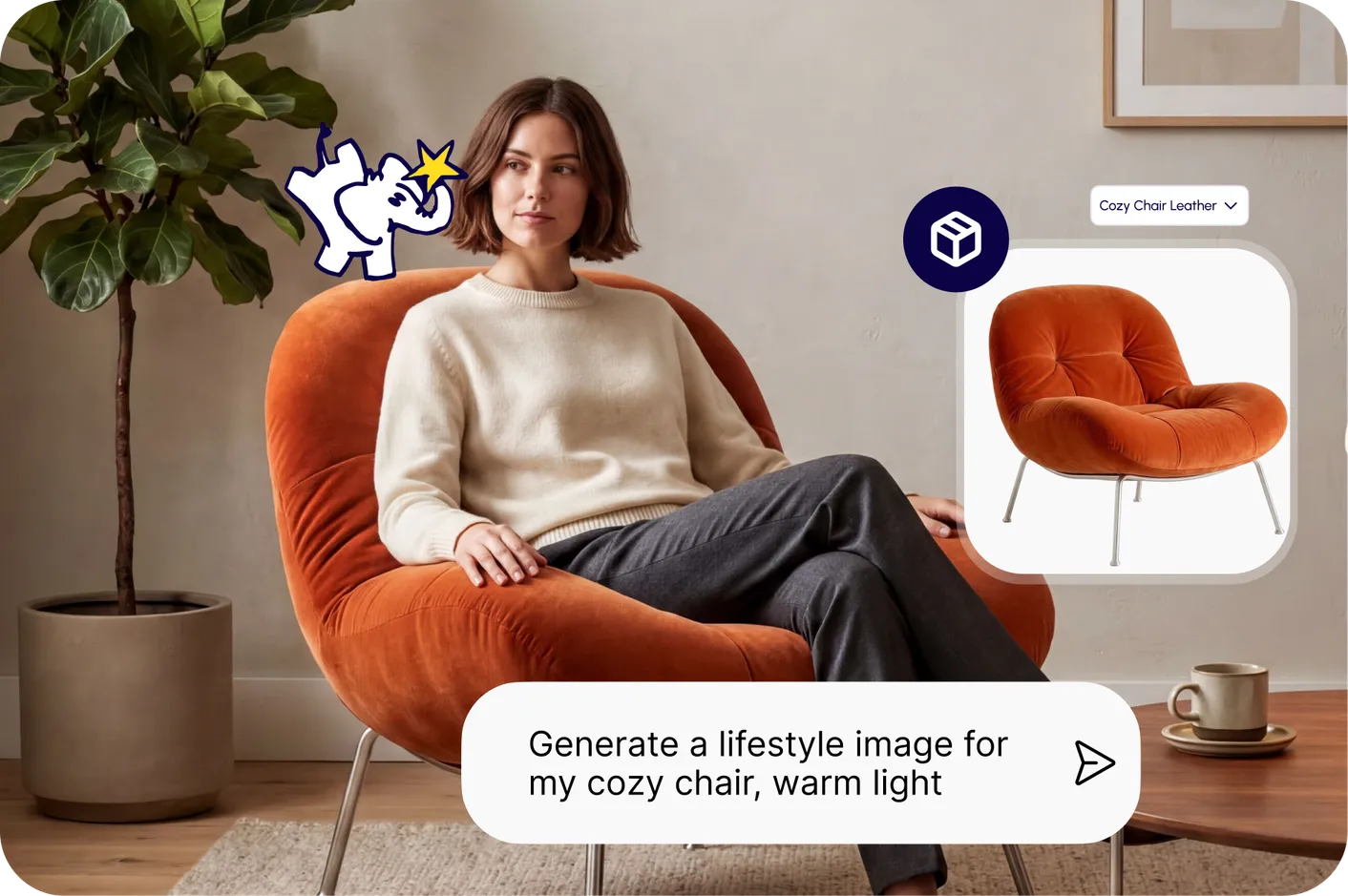
Product catalog

Product Catalog

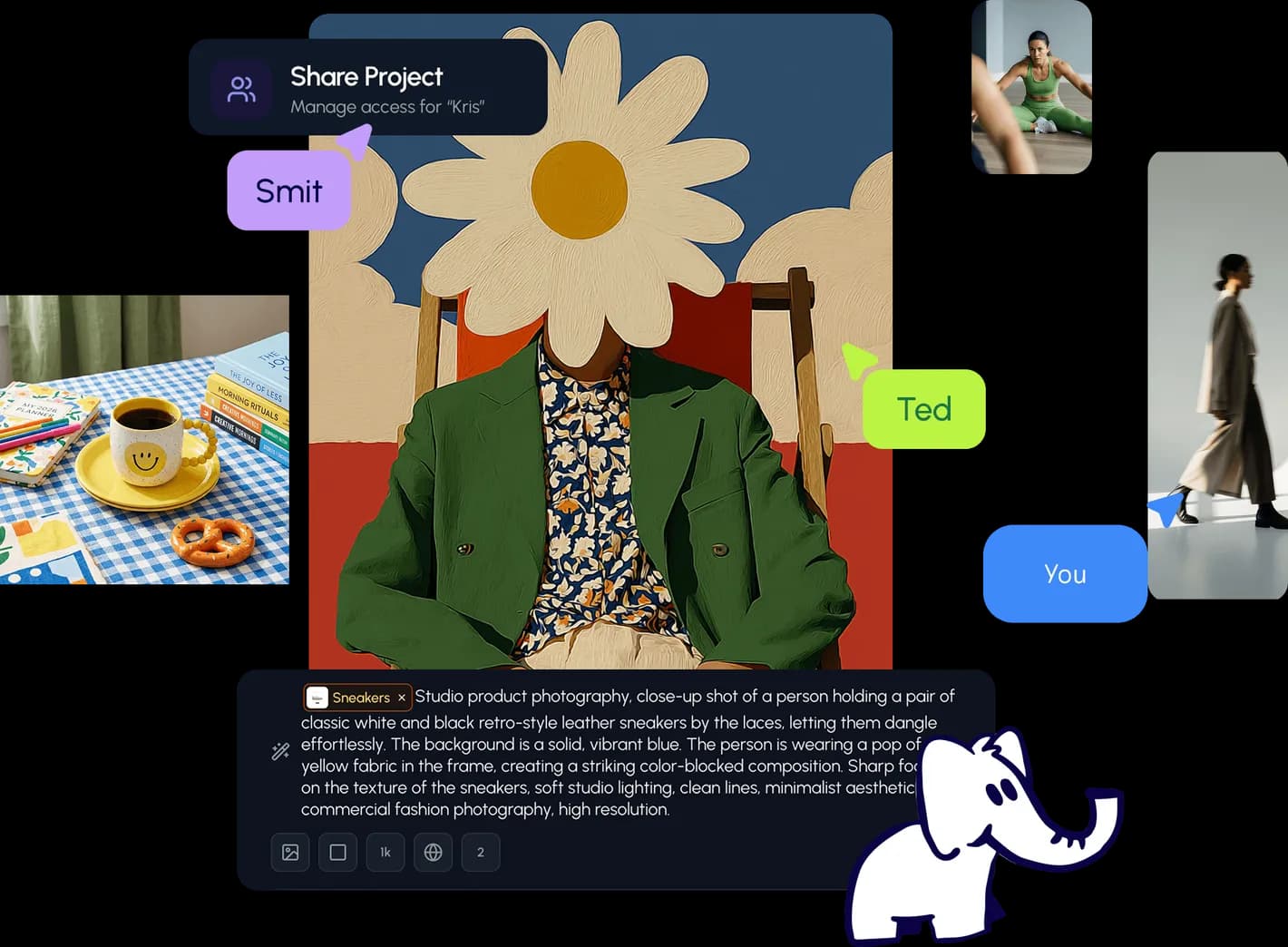
Collaboration

Collaboration

Batch image generation

Batch generation

Explore community

Community workflows

The AI designworkspace forfast-moving ideas.

Product

  • Ellie
  • Apps
  • AI Generation
  • Vector Canvas
  • Image Tools
  • Workflows
  • Brand Management
  • Product Catalog
  • My Assets
  • Collaboration

Use Cases

  • E-commerce teams
  • Design agencies
  • Marketing teams
  • Content creators

Quick tools

  • All quick tools
  • Background Remover
  • Image Upscaler
  • Image Vectorizer
  • Image Optimizer
  • Image Reframer

Resources

  • About
  • Pricing
  • FAQ
  • Compare
  • Enterprise
  • Integrations
  • Explore
  • Blog
  • Case studies
  • Contact Us
  • Book a Demo
  • Affiliates

© 2026 Hiding Elephant. All rights reserved

Cookie PolicyPrivacy PolicyTerms of Service
Hiding Elephant