Product
Use Cases
How it Works
Pricing
Login

AI image design: Create a premium, modern, minimalist vector logo for a project named CampusCare (CC). Design a unique interlocked "CC" …
Back to community
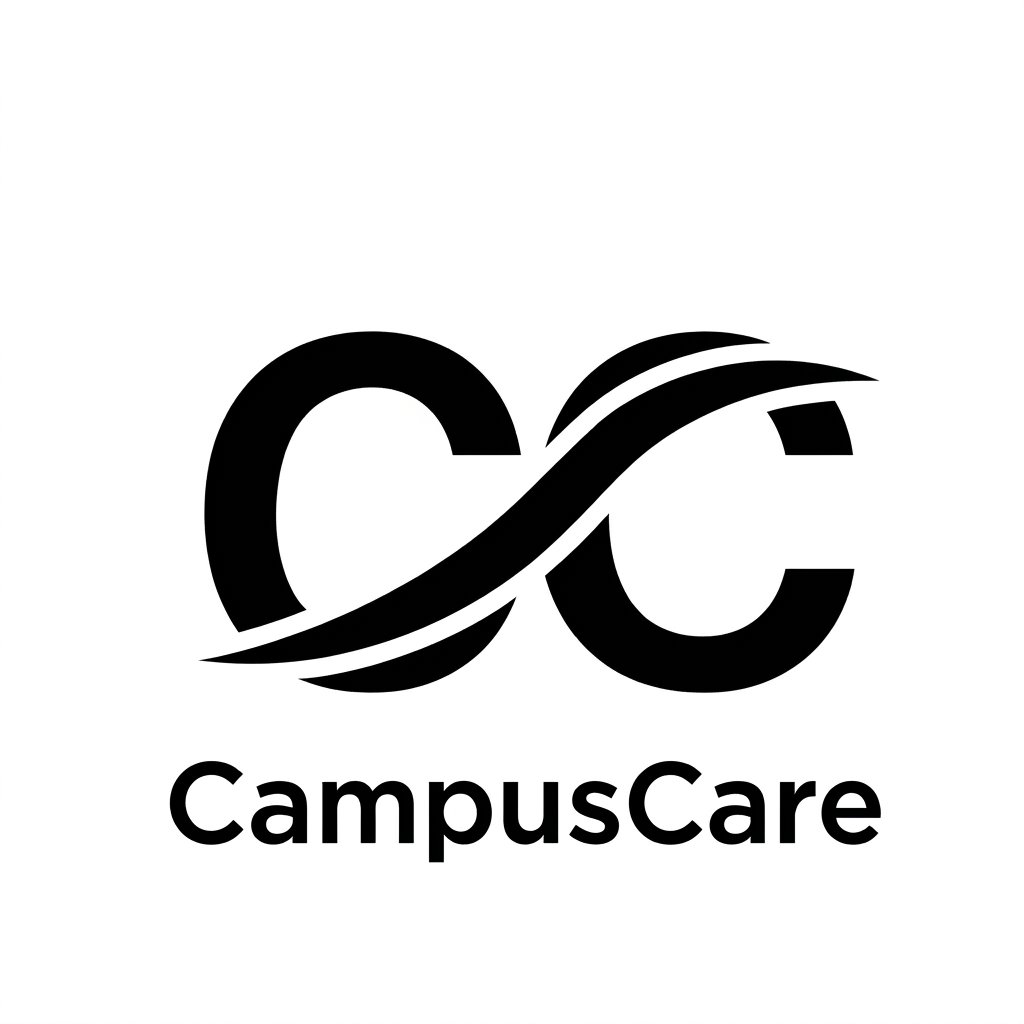
Create a premium, modern, minimalist vector logo for a project named CampusCare (CC).

Design a unique interlocked "CC" monogram using smooth flowing curves and a sleek infinity-inspired swoosh that symbolizes connection, support, trust, and continuous care.

Keep the logo perfectly symmetrical with clean geometric proportions, balanced negative space, and sharp vector edges. The monogram should look luxurious, memorable, and suitable for a professional software platform.

Place the brand name "CampusCare" directly below the icon in a very small size (about 10–15% of the logo height). Use a clean premium font such as Montserrat, Poppins, Gotham, or Avenir, with medium letter spacing. The text should never overpower the icon.

Use solid black on a pure white background. No gradients, shadows, textures, mockups, or background elements.

The final result should resemble the quality of logos created for Apple, Notion, Stripe, Airbnb, or Adobe—minimal, timeless, elegant, and instantly recognizable.

Style: Flat vector, SVG-ready, high contrast, centered composition, perfect alignment, scalable for web, mobile apps, business cards, and branding.

Negative Prompt: No script fonts, no decorative typography, no thick outlines, no clipart, no AI artifacts, no blurry edges, no watermark, no 3D effects, no gradients, no unnecessary curves, no extra symbols, no background patterns, no oversized tex

Community

Design detail

Elephant_4163199

Creator

@Elephant_4163199

Created July 16, 2026
Prompt

Create a premium, modern, minimalist vector logo for a project named CampusCare (CC). Design a unique interlocked "CC" monogram using smooth flowing curves and a sleek infinity-inspired swoosh that symbolizes connection, support, trust, and continuous care. Keep the logo perfectly symmetrical with clean geometric proportions, balanced negative space, and sharp vector edges. The monogram should look luxurious, memorable, and suitable for a professional software platform. Place the brand name "CampusCare" directly below the icon in a very small size (about 10–15% of the logo height). Use a clean premium font such as Montserrat, Poppins, Gotham, or Avenir, with medium letter spacing. The text should never overpower the icon. Use solid black on a pure white background. No gradients, shadows, textures, mockups, or background elements. The final result should resemble the quality of logos created for Apple, Notion, Stripe, Airbnb, or Adobe—minimal, timeless, elegant, and instantly recognizable. Style: Flat vector, SVG-ready, high contrast, centered composition, perfect alignment, scalable for web, mobile apps, business cards, and branding. Negative Prompt: No script fonts, no decorative typography, no thick outlines, no clipart, no AI artifacts, no blurry edges, no watermark, no 3D effects, no gradients, no unnecessary curves, no extra symbols, no background patterns, no oversized tex

Remix this design

Start for free with full control over models, settings, and canvas tools.

  • ·Generate with full control over models and settings
  • ·Save projects and share back to the community
  • ·No design experience required
Start free — use this prompt
Browse more community designs →
Start free — remix this

What's next?Explore more features

Hiding Elephant product features overview

Explore features

AI generation, vector tools, workflows, catalogs, and collaboration in one workspace.

How Hiding Elephant works

How it works

See how the AI canvas, automation, and teamwork fit together end to end.

Get started with Hiding Elephant

Try it free

Sign in and turn inspiration into projects you can edit, export, and share.

Go from browse to build

Explore what else the Elephant can do.You'll love it

AI image generation

AI Generation

Image tools

Image Tools

Workflow builder

Workflows

Brand and style templates

Brand Management

Product catalog

Product Catalog

Collaboration

Collaboration

Batch image generation

Batch generation

Explore community

Community workflows

The AI designworkspace forfast-moving ideas.

Product

  • AI Generation
  • Vector Canvas
  • Image Tools
  • Workflows
  • Brand Management
  • Product Catalog
  • My Assets
  • Collaboration

Use Cases

  • E-commerce teams
  • Design agencies
  • Marketing teams
  • Content creators

Quick tools

  • All quick tools
  • Background Remover
  • Image Upscaler
  • Image Vectorizer
  • Image Optimizer
  • Image Reframer

Resources

  • About
  • Pricing
  • FAQ
  • Compare
  • Enterprise
  • Explore
  • Blog
  • Contact Us
  • Book a Demo
  • Affiliates

© 2026 Hiding Elephant. All rights reserved

Cookie PolicyPrivacy PolicyTerms of Service
Hiding Elephant







