Product
Use Cases
How it Works
Pricing
Login

AI image design: Create a premium corporate logo for BIM ARCAVION based on the uploaded reference. Keep the exact same layout, proportion…
Back to community
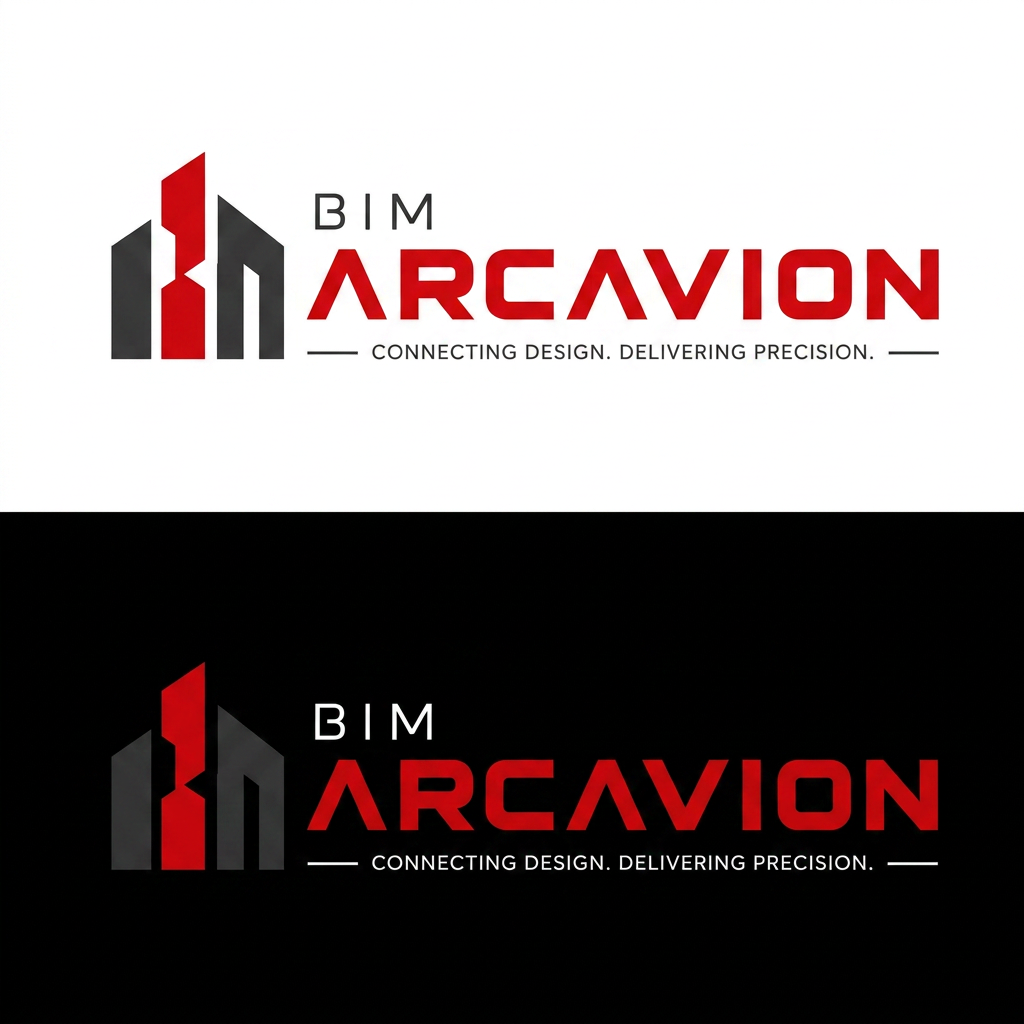
Create a premium corporate logo for BIM ARCAVION based on the uploaded reference. Keep the exact same layout, proportions, spacing, typography hierarchy, and composition.

Design Requirements:

Use the same geometric building icon on the left with three architectural buildings.
Apply a red and black color palette instead of the current blue and orange.
Left and right buildings: matte charcoal/dark gray (#2B2B2B to #4A4A4A).
Center building: bold premium red (#E10613).
"BIM" text: white on dark backgrounds and charcoal (#2B2B2B) on light backgrounds.
"ARCAVION" text: solid premium red (#E10613).
Tagline: "CONNECTING DESIGN. DELIVERING PRECISION." in dark gray/white depending on background.
Keep the thin horizontal accent lines in red.

Typography:

Do not change the font style.
Keep the same letter spacing, font weight, alignment, and text sizes.
"BIM" should remain smaller than "ARCAVION".

Layout:

Preserve the exact alignment and spacing from the reference.
Do not move or resize any element.
Do not redesign the building icon.
Only replace the colors with the new red and charcoal palette.

Style:

Modern, premium, architectural, BIM/construction technology branding.
Flat vector logo.
Clean edges with no gradients, bevels, shadows, glow, or 3D effects.
Professional corporate identity suitable for website, business cards, and signage.

Output:
Generate the logo in both:

White background
Black background

Maintain the exact visual identity of the reference while only changing the color palette.

Community

Design detail

Elephant_4399136

Creator

@Elephant_4399136

Created July 7, 2026
Prompt

Create a premium corporate logo for BIM ARCAVION based on the uploaded reference. Keep the exact same layout, proportions, spacing, typography hierarchy, and composition. Design Requirements: Use the same geometric building icon on the left with three architectural buildings. Apply a red and black color palette instead of the current blue and orange. Left and right buildings: matte charcoal/dark gray (#2B2B2B to #4A4A4A). Center building: bold premium red (#E10613). "BIM" text: white on dark backgrounds and charcoal (#2B2B2B) on light backgrounds. "ARCAVION" text: solid premium red (#E10613). Tagline: "CONNECTING DESIGN. DELIVERING PRECISION." in dark gray/white depending on background. Keep the thin horizontal accent lines in red. Typography: Do not change the font style. Keep the same letter spacing, font weight, alignment, and text sizes. "BIM" should remain smaller than "ARCAVION". Layout: Preserve the exact alignment and spacing from the reference. Do not move or resize any element. Do not redesign the building icon. Only replace the colors with the new red and charcoal palette. Style: Modern, premium, architectural, BIM/construction technology branding. Flat vector logo. Clean edges with no gradients, bevels, shadows, glow, or 3D effects. Professional corporate identity suitable for website, business cards, and signage. Output: Generate the logo in both: White background Black background Maintain the exact visual identity of the reference while only changing the color palette.

Remix this design

Start for free with full control over models, settings, and canvas tools.

  • ·Generate with full control over models and settings
  • ·Save projects and share back to the community
  • ·No design experience required
Start free — use this prompt
Browse more community designs →
Start free — remix this

What's next?Explore more features

Hiding Elephant product features overview

Explore features

AI generation, vector tools, workflows, catalogs, and collaboration in one workspace.

How Hiding Elephant works

How it works

See how the AI canvas, automation, and teamwork fit together end to end.

Get started with Hiding Elephant

Try it free

Sign in and turn inspiration into projects you can edit, export, and share.

Go from browse to build

Explore what else the Elephant can do.You'll love it

AI image generation

AI Generation

Image tools

Image Tools

Workflow builder

Workflows

Brand and style templates

Brand Management

Product catalog

Product Catalog

Collaboration

Collaboration

Batch image generation

Batch generation

Explore community

Community workflows

The AI designworkspace forfast-moving ideas.

Product

  • AI Generation
  • Vector Canvas
  • Image Tools
  • Workflows
  • Brand Management
  • Product Catalog
  • My Assets
  • Collaboration

Use Cases

  • E-commerce teams
  • Design agencies
  • Marketing teams
  • Content creators

Quick tools

  • All quick tools
  • Background Remover
  • Image Upscaler
  • Image Vectorizer
  • Image Optimizer
  • Image Reframer

Resources

  • About
  • Pricing
  • FAQ
  • Compare
  • Enterprise
  • Explore
  • Blog
  • Contact Us
  • Book a Demo
  • Affiliates

© 2026 Hiding Elephant. All rights reserved

Cookie PolicyPrivacy PolicyTerms of Service
Hiding Elephant







