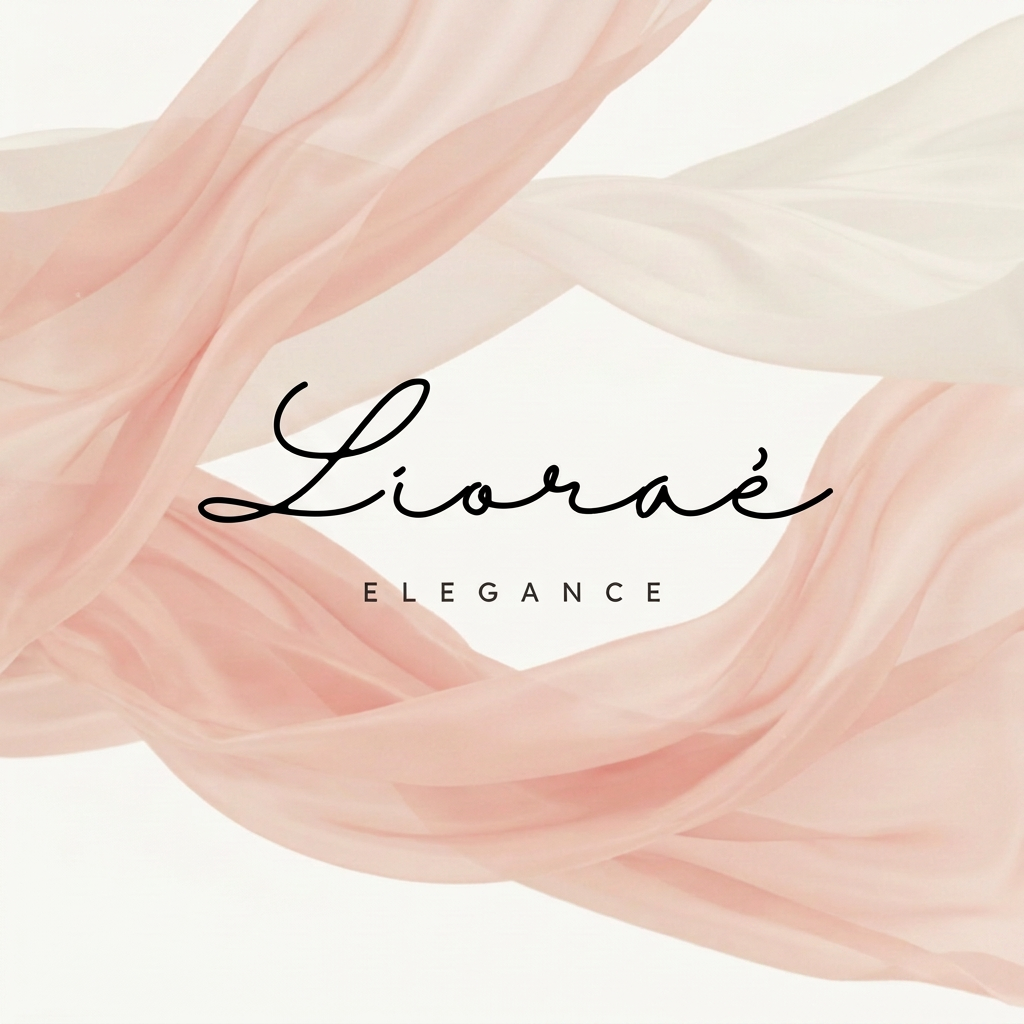
AI image design: Use the uploaded logo image as the primary reference and preserve it exactly as it is. Do not redesign, reinterpret, sim…
Community
Design detail

Creator
@Elephant_8606634
Use the uploaded logo image as the primary reference and preserve it exactly as it is. Do not redesign, reinterpret, simplify, or alter any element of the logo. Create a 9:16 vertical Instagram Reel animation using the exact same logo design from the reference image. The animation should begin with a soft ivory background. The blush pink fabric element from the original logo should come alive and flow elegantly across the portrait frame with realistic silk movement and delicate folds. The motion should feel luxurious and graceful, inspired by high-fashion couture campaigns. After 2–3 seconds of the flowing fabric animation, reveal the logo exactly as shown in the original image: Keep the handwritten "Lioraé" text identical. Keep the "ELEGANCE" typography identical. Maintain the exact spacing, proportions, placement, and color palette. Preserve the blush fabric shape from the original logo. Do not generate a new logo or modify the existing artwork. Adapt the composition naturally to fit the vertical 9:16 frame, ensuring the complete logo remains centered and fully visible with comfortable margins above and below. The blush fabric continues to move subtly behind and around the logo while the final composition remains elegant and refined. End with a 2-second hold on the completed logo. Technical Specifications Aspect Ratio: 9:16 (Instagram Reels) Resolution: 1080 × 1920 Duration: 6–7 seconds Frame Rate: 24 fps Camera: Static Lighting: Soft luxury studio lighting Style: High-fashion couture, quiet luxury, Dior-inspired elegance
Remix this design
Start for free with full control over models, settings, and canvas tools.
- Generate with full control over models and settings
- Save projects and share back to the community
- No design experience required
What's next?Explore more features



Go from browse to build




