Website wordmark (default)
Ink and blue — same as the main site header.
PNGDownload
Official logos and marketing illustrations you can use when you talk about Hiding Elephant. Download the files you need and keep marks clear of other logos and busy backgrounds.
.webp&w=3840&q=75)
Start here
Assets we use most often for partner collabs, and social.
Ink and blue — same as the main site header.

Brand-blue fills when you need a single-color lockup.

For dark backgrounds and video.

Compact wordmark without the mascot.

Default profile and badge mark.
Elephant mark only — favicons and small placements.
Campaign
Raster hero lines: the AI canvas for real design work.
Logos
Default picks: small website wordmark on light UI, single-line light wordmark on dark backgrounds.
Ink and blue — headers, light pages, and most marketing.
Same layout with brand-blue fills.
For dark backgrounds, video overlays, and slides.

Full-width single line in ink blue.

Lighter blue single-line variant.
Stacked lockup for dark surfaces.
Stacked lockup for print and light UI.
Stacked lockup in brand blue.
Two-tone stacked variant.
Logos
No mascot — use when space is tight or the character appears nearby.
Marks
App-style marks, profile images, and collapsed layouts.
Elephant mark for favicons and small UI.
Alternate icon mark (sidebar / collapsed chrome).
Second alternate icon treatment.
Default circular mascot — social avatars and badges.

Lighter blue circular avatar.

Square crop for platforms that prefer it.
Illustrations
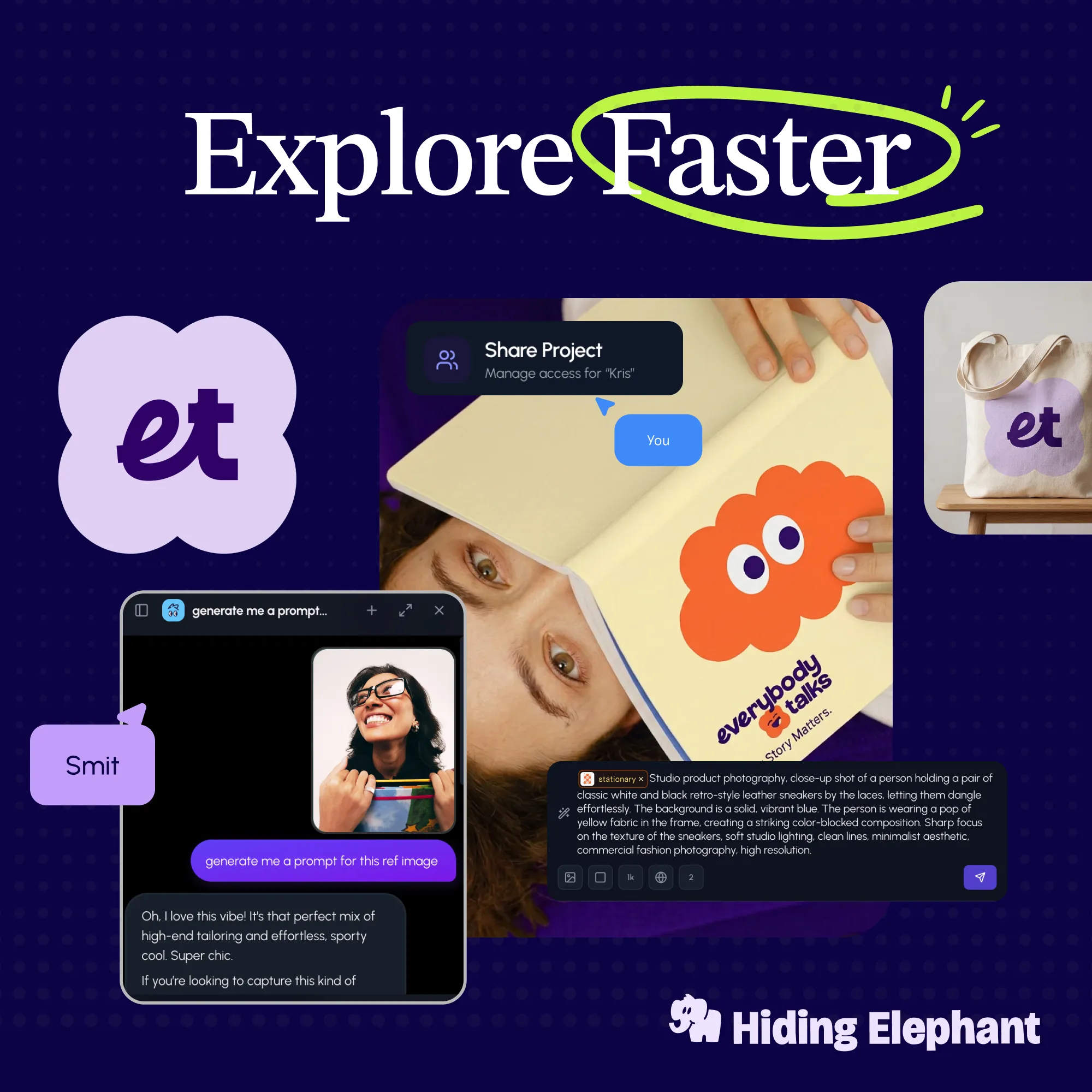
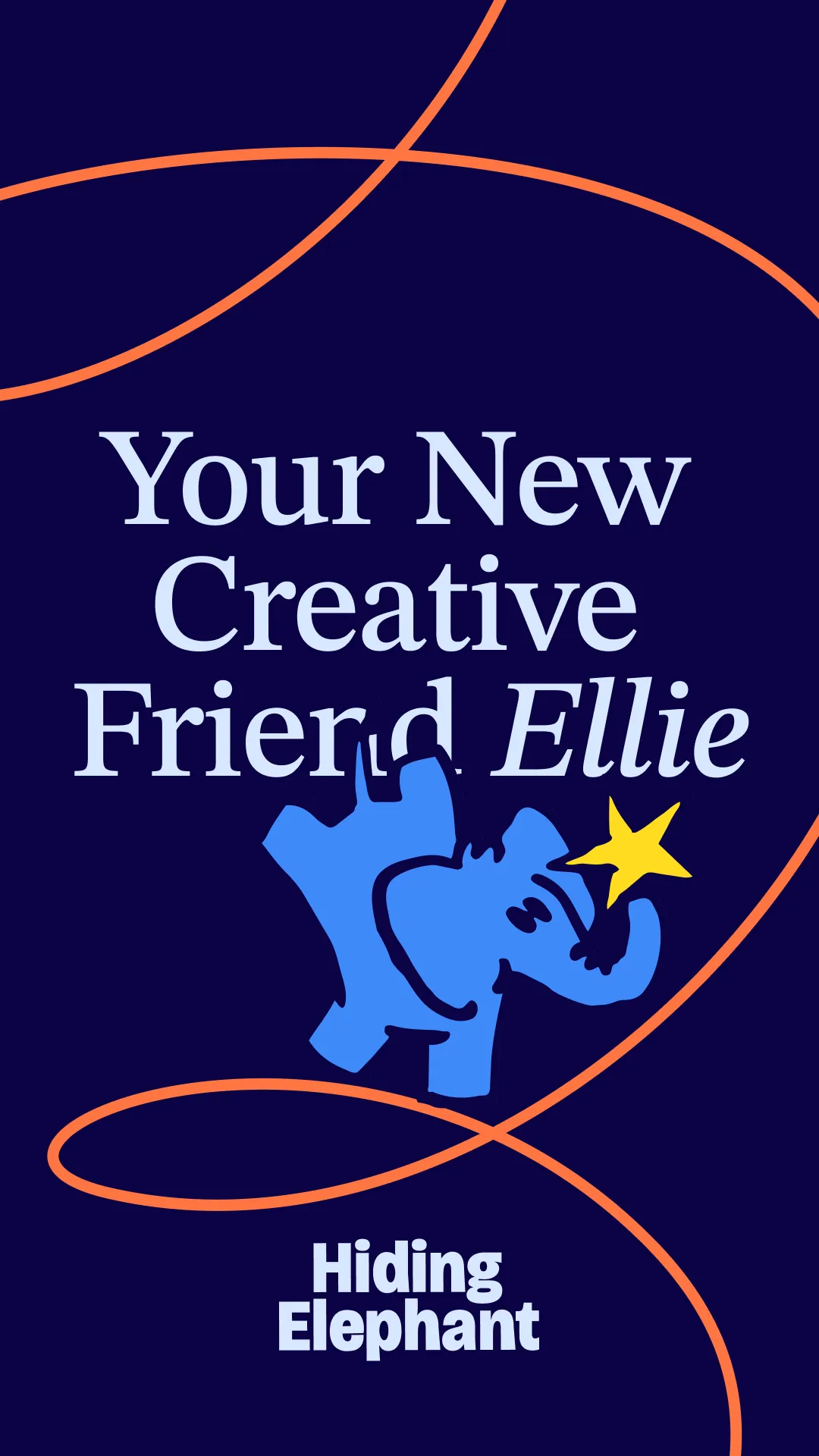
Marketing banners — workflows, ideation, brand guideline artwork, and character-led scenes.
Illustrations
Persona art for ecommerce, agencies, creators, and marketing teams.
.webp)
Commerce and catalog teams.
.webp)
Alternate ecommerce scene.
.webp)
Agency collaboration artwork.
.webp)
Second agency illustration.
.webp)
Creators and social workflows.
.webp)
Alternate creator scene.
%204-3.webp)
Campaign and marketing illustration.
%204-3.webp)
Second marketing-team artwork.
Promote
UI captures you can drop into reviews, tutorials, and social posts — matching the features we highlight to affiliates.
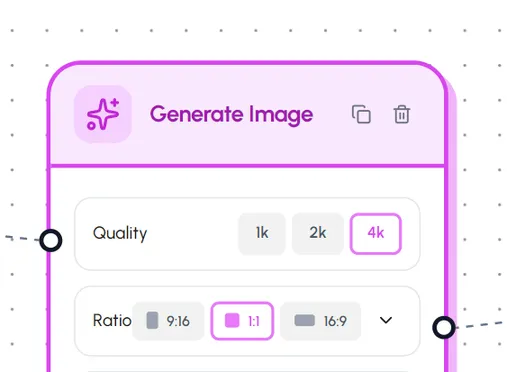
Generate Image panel — quality and model controls.
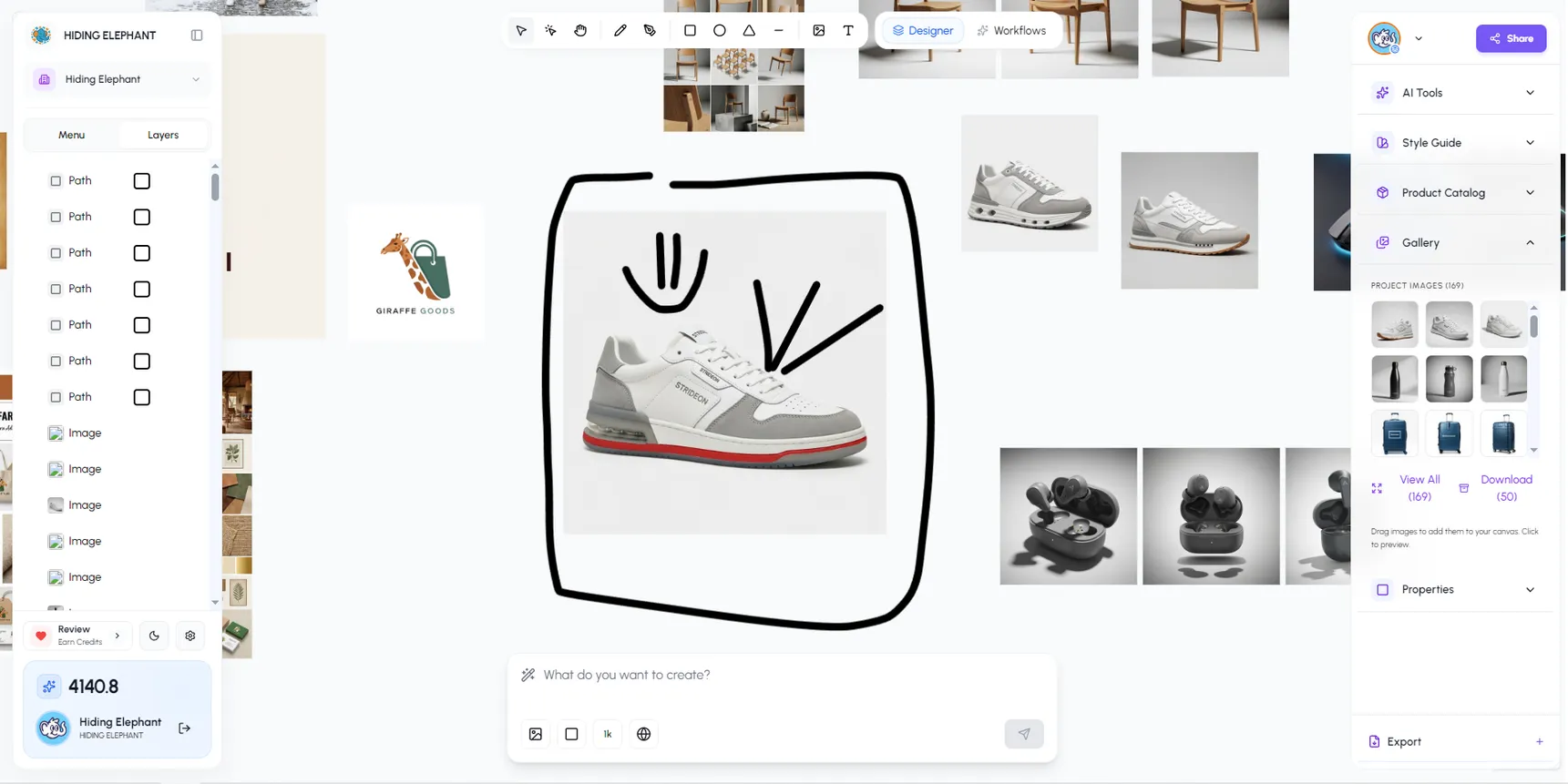
Canvas workspace with sketches and variations.
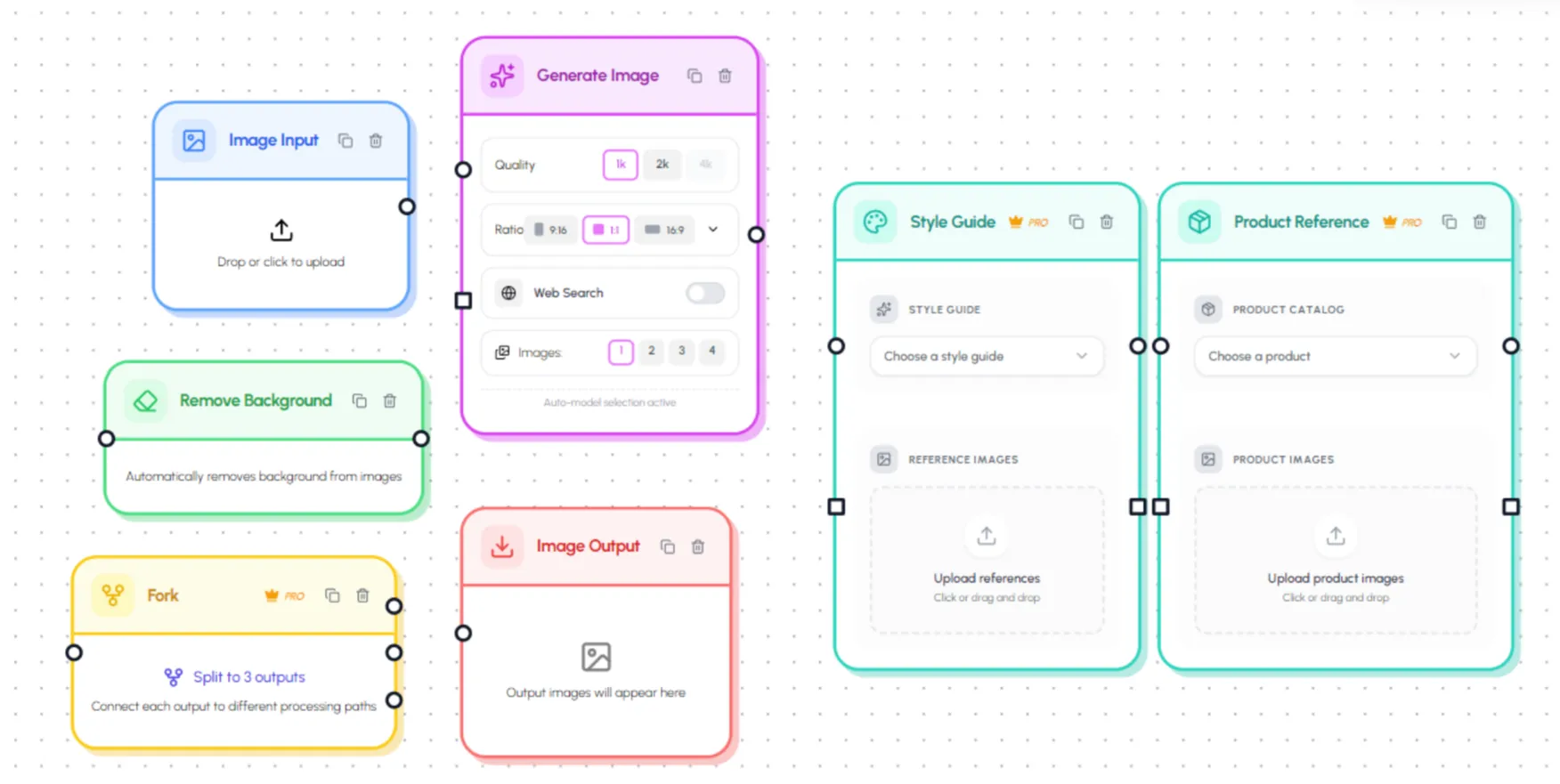
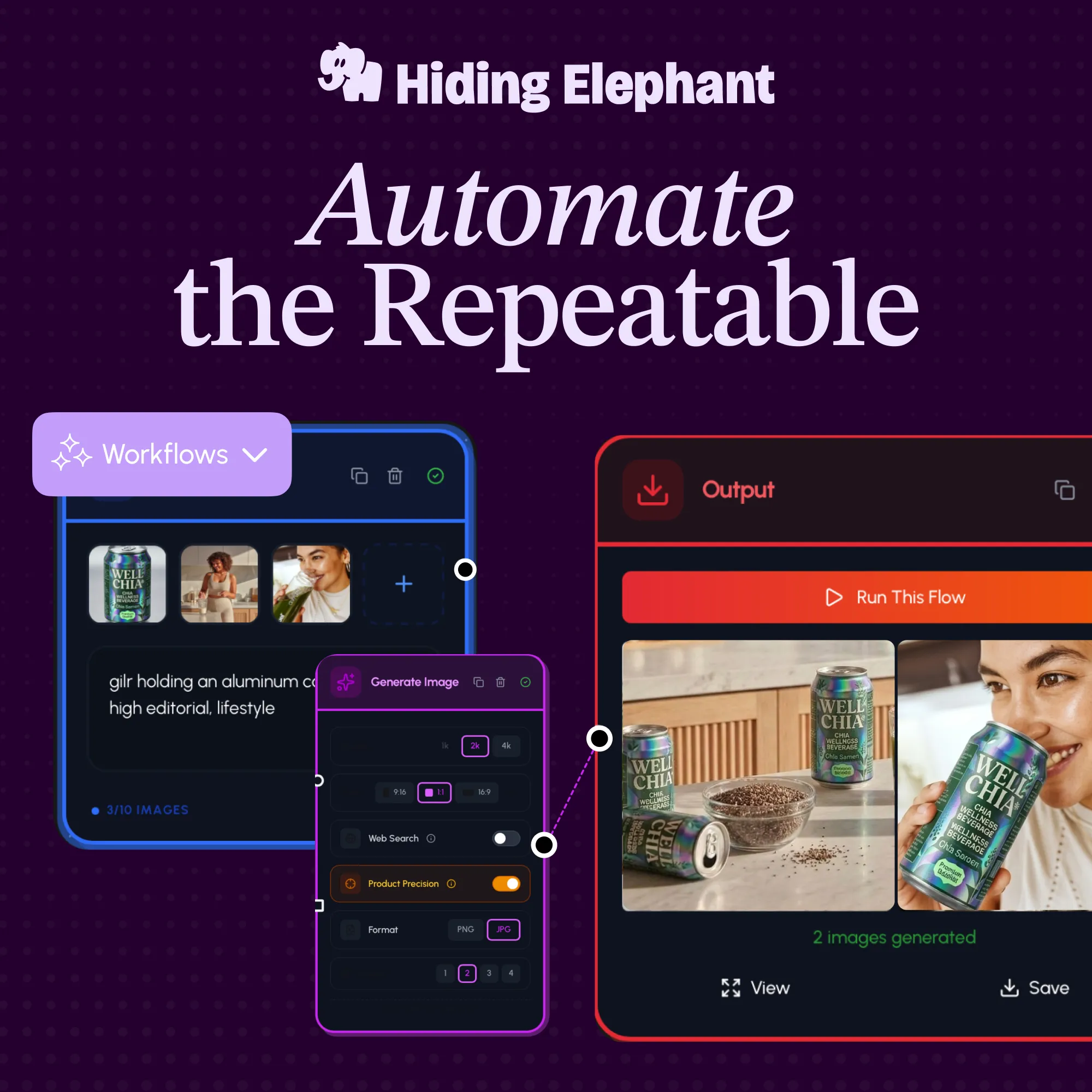
Node-based automation flows.
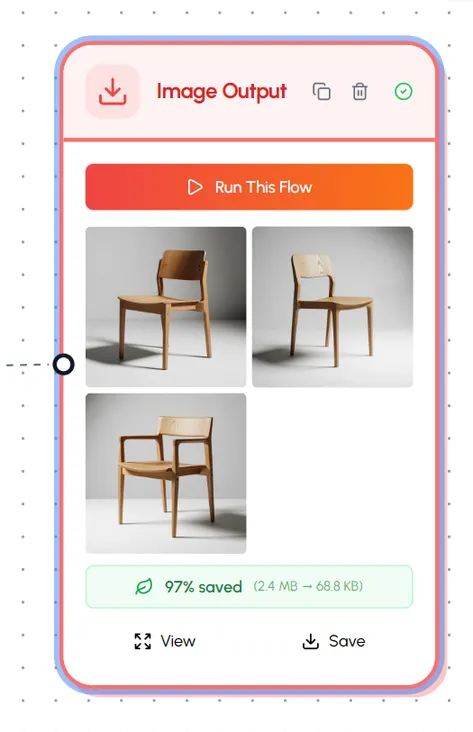
Image output and flow runs.
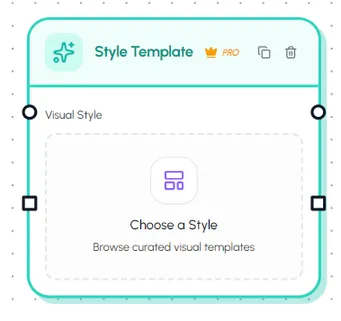
Style template library.
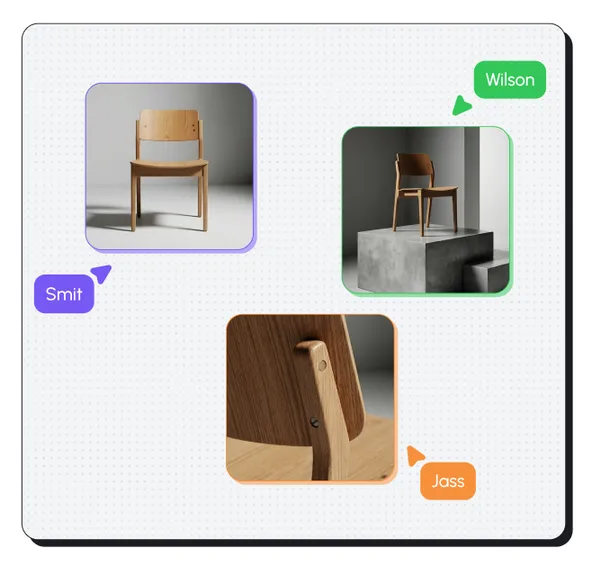
Multiplayer cursors on the canvas.

Catalog for research workflows.
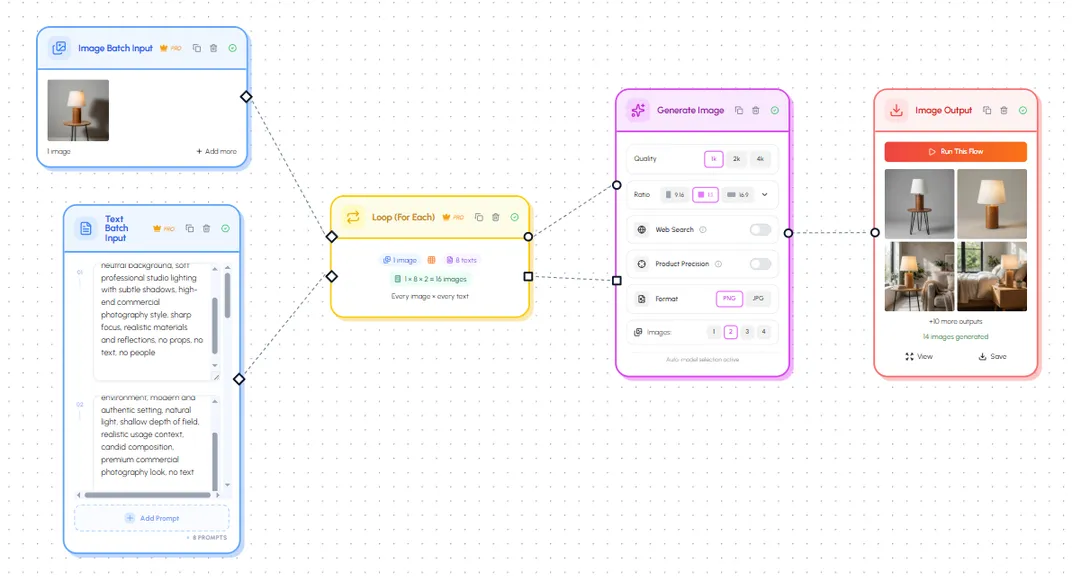
Bulk image generation flows.
.webp)
.webp)
.webp)